Mod

chatqalc
No reviews yet
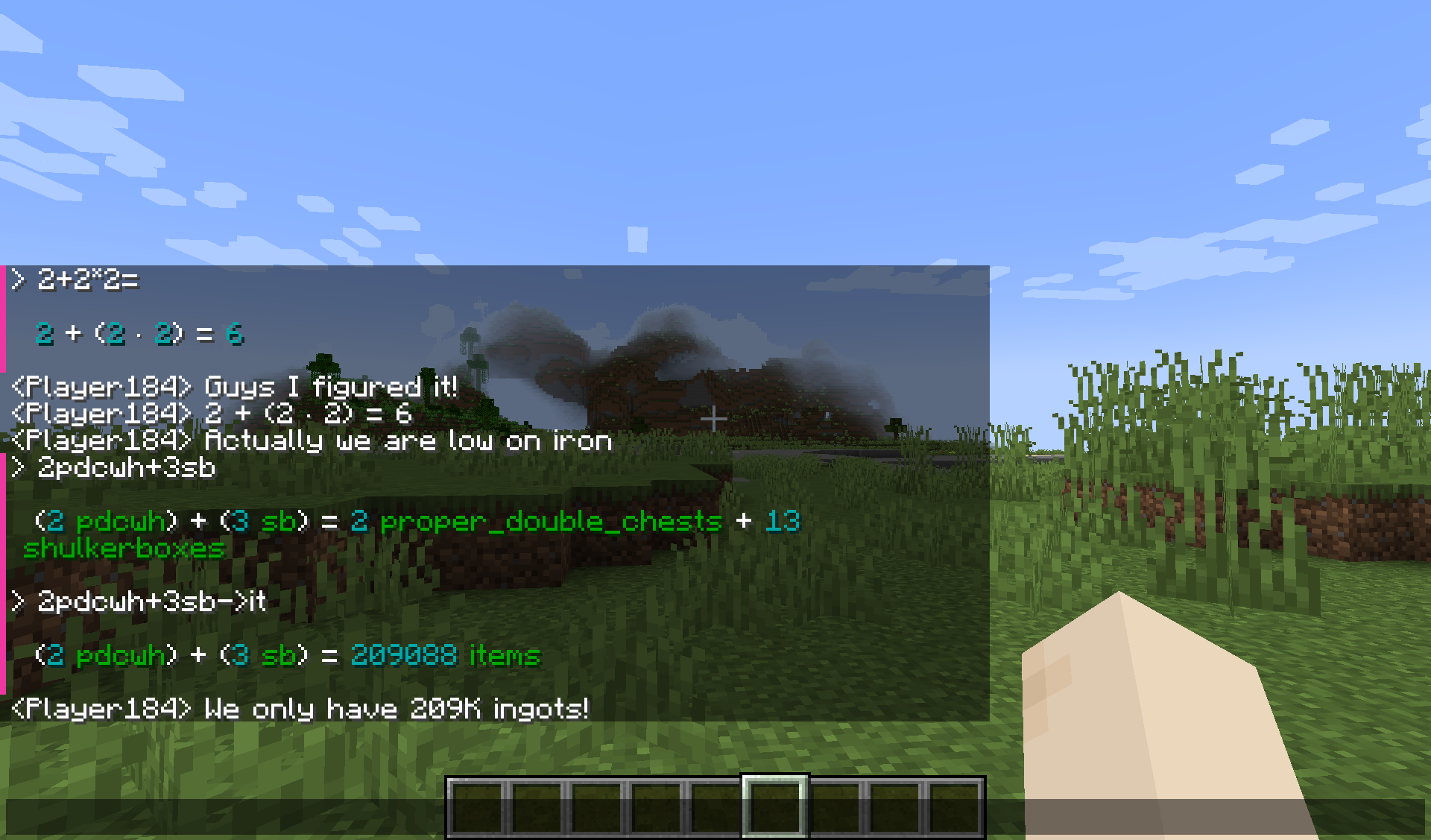
The best overfeatured cli calculator is now in chat. Ctrl+Enter to execute, Tab+Enter to substitute
Fabric is a mod loader for versions 1.14+ of Minecraft, particularly popular for client side and optimization mods.
Community voices
Reviews
Click once to include, again to exclude, again to clear
No reviews yet. Be the first to review this project!
Get it on
Available Platforms
 Modrinth
Compatibility
Supported Environments
About
Project Details
For authors
Embed Badge
If you're the author of this project, you can embed a live badge anywhere that supports HTML or Markdown. It updates automatically whenever ratings change.
Use HTML for any page that supports it, or Markdown for README files and Markdown-based descriptions.
Identifiers
Platform IDs
About
Description
ChatQalc
An interface to Qalculate! qalc - the best cli calculator. (Included for Windows/Linux)
Features
- Installs and runs portable interactive
qalccli calculator when you start Minecraft - Operates in chat screen (
Tor/) NumPadEnterorCtrl+Enter= Send message to qalc instead of chatCtrl+Tab= Convert last expression without spaces to calculated result (escape spaces with\)Shift+Enter= Send message to qalc and replace chat field with last line of the result (You can look at the result and decide to share it with everybody by pressingEnter)Ctrl+Shift+Enter= Same asCtrl+Enter, but result is broadcast from your name to the whole server. And without colors. (Use when you want to share multiple lines)Shift+Tab= Get completions- Chat history of your queries. Very helpful.
- Open config in ModMenu to get a graphical interface. All settings are there. (
Edittab) - Some Minecraft-related units and variables (
100it = 1 stack + 36 items)itstsbpdcpdcwhgtiphhs,ch|chunk|chunks
Qalculate! features
https://qalculate.github.io/features.html
Manual: https://qalculate.github.io/manual/qalc.html
Most notably:
/helpthenCtrl+Enter- Use
->for unit conversion (1km->m = 1000 m) - Fault-tolerant parsing of strings (almost natural language)
- Ability to disable functions, variables, units or unknown variables for less confusion: e.g. when you do not want (a+b)^2 to mean (are+barn)^2 but ("a"+"b")^2
- Verbose error messages, Arbitrary precision
- Symbolic calculation
- Functions, Units, Variables, Constants (persistent between restarts)
- Gnuplot (opens a new window with plot, you have to install GNUplot separately for it to work)
- Comments start with
#
You can get a 30KB noinstall version if you install or link Qalculate to ./minecraft/config/chatqalc/ manually or run the full version once.

Screenshots
Gallery
-
 Settings screen Actually it opens another window
 -
-
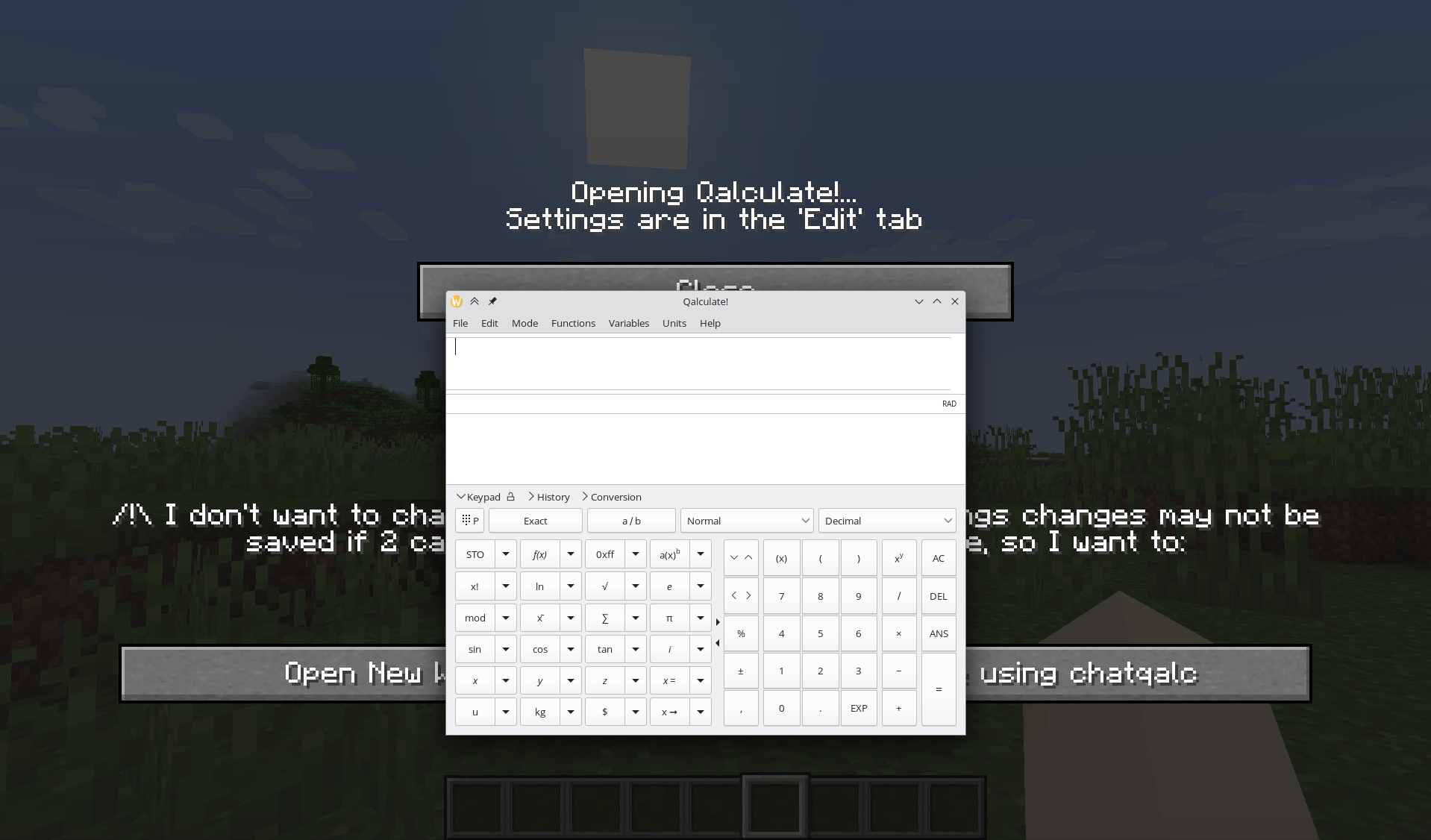 You can access the Qalculate!
Versions
Files
Relations
Project Relations
More like this
Similar Mods
Suggestions use data such as tags, dependencies, dependents, descriptions, titles, and more to rank how much they overlap with this mod.
On ModDex
Community snapshot
By the numbers
Statistics

Want to reach Minecraft players?
We're looking for a server hosting partner to feature here and other parts of the site. Interested? Send us a message!
Get in touchGet it on
Available Platforms
On ModDex
Community snapshot
By the numbers