Mod

Controlled Construction
No reviews yet
Building is difficult. Let's make it easier!
Enhances game performance and optimizes resource usage.
Community voices
Reviews
Click once to include, again to exclude, again to clear
No reviews yet. Be the first to review this project!
Get it on
Available Platforms
 Modrinth
Compatibility
Supported Environments
About
Project Details
For authors
Embed Badge
If you're the author of this project, you can embed a live badge anywhere that supports HTML or Markdown. It updates automatically whenever ratings change.
Use HTML for any page that supports it, or Markdown for README files and Markdown-based descriptions.
Identifiers
Platform IDs
Resources
External Links
About
Description
Make building easier through this 1.21.4 mod utilized as a building tool!
[⋘⋘⋘⋘⋘⋘⋘⋘⋘⋘⋘⋘⋘⋘⋘⋘ Controlled Construction™ ⋙⋙⋙⋙⋙⋙⋙⋙⋙⋙⋙⋙⋙⋙⋙⋙ ]
Current Additions to the Mod!:
Forced Block Rotation:
Spoiler
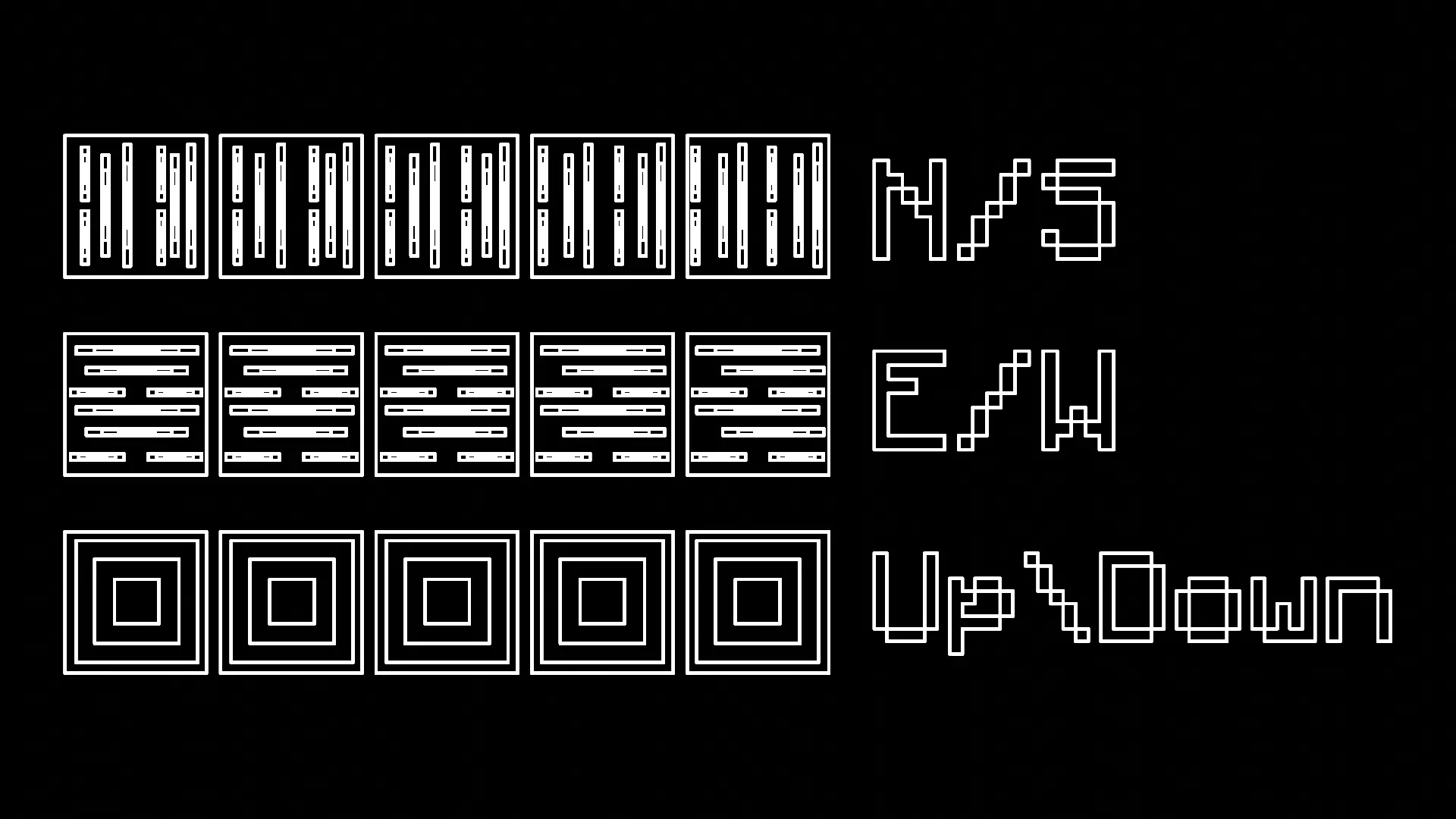
You have the ability to press R to forcibly rotate every block you place, making it much easier to work with directional blocks like logs.
- There are four modes: Force Direction Off, Up/Down, North/South, and East/West
Measuring Tool:
Spoiler
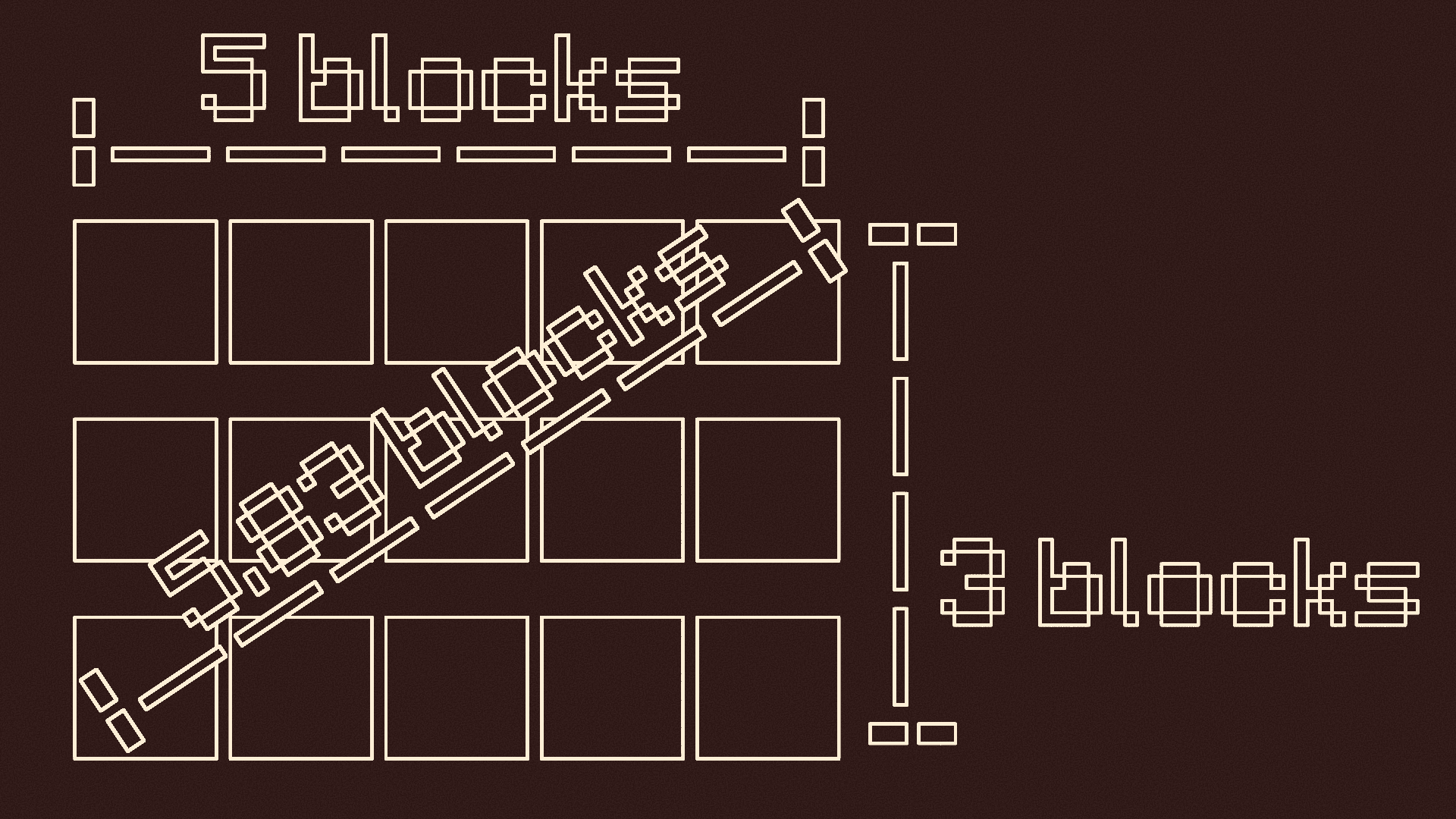
You can press and hold V to measure distances
- When you first press it, it records the location you are looking at -- It tells you the location, gives you a visual particle cue, and makes a cow bell sound
- Look at where you want to stop measuring and let go of V -- There should be another visual particle cue and cow bell sound
- It will tell you the height, length, width, vertical diagonal length, and horizontal diagonal length of the measurement
Pointer:
Spoiler
Press G to use the pointer
- Press G to turn it on if it is off
- This will put colored particles at any block you look at
- Press G again if it is on to turn it off

Y-Lock:
Spoiler
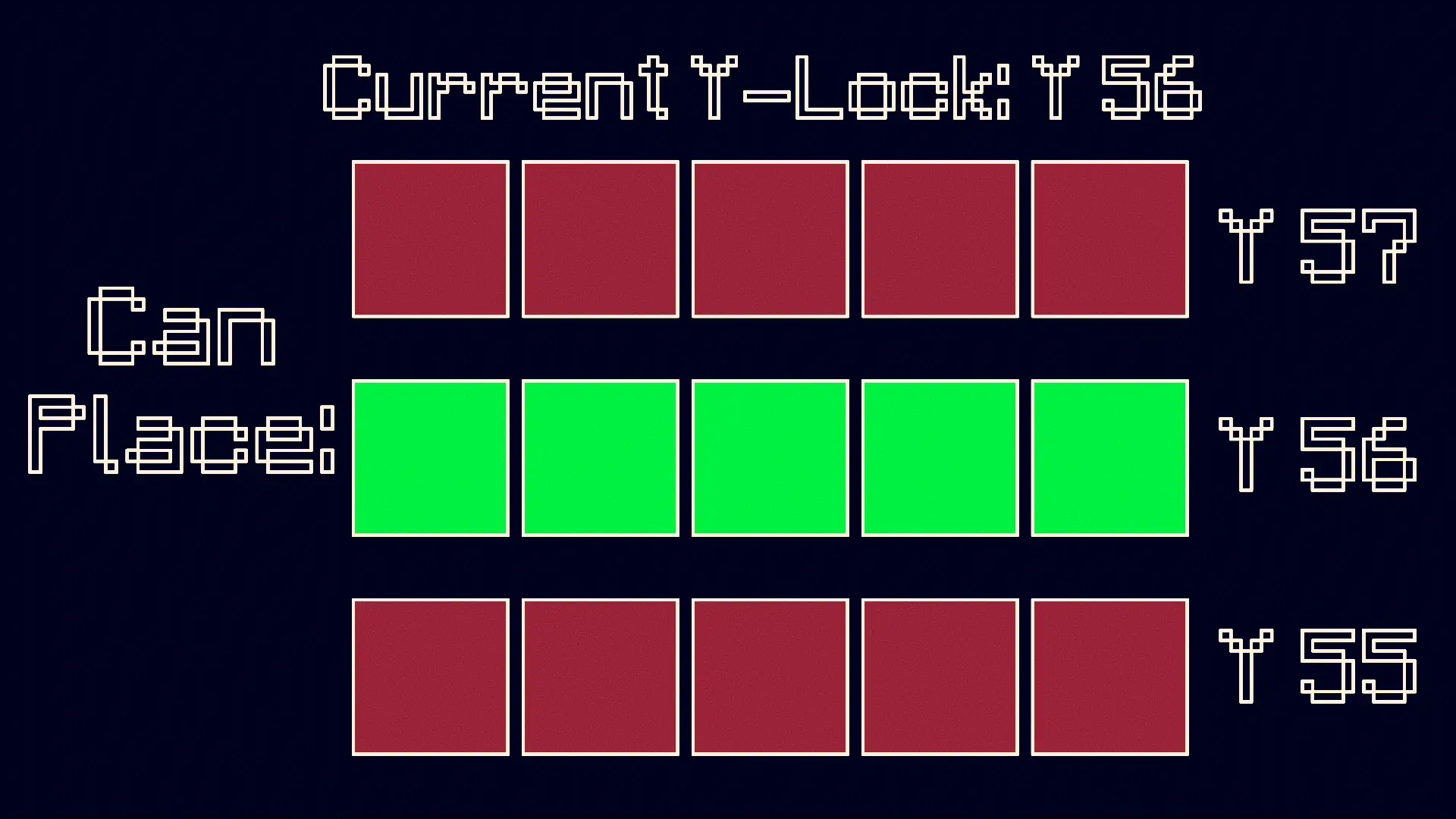
Press Y to turn on the Y-Lock. At the time of pressing it, the y location of the block below you is recorded. While the Y-Lock is on, you can only place blocks on that y level. Press Y again to turn it off.
KEEP IN MIND: This mod is made for BUILDERS, although it can be used for others purposes if need be.
Screenshots
Gallery
-
 Mod Wallpaper
 -
 Mod Logo
 -
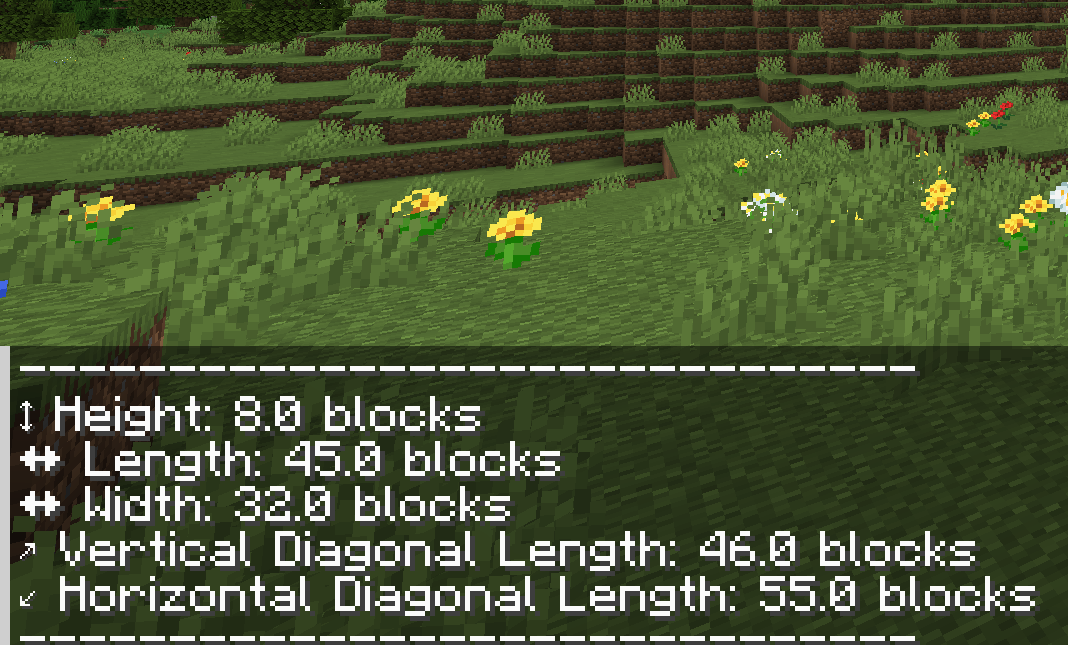 Measuring Tool
 -
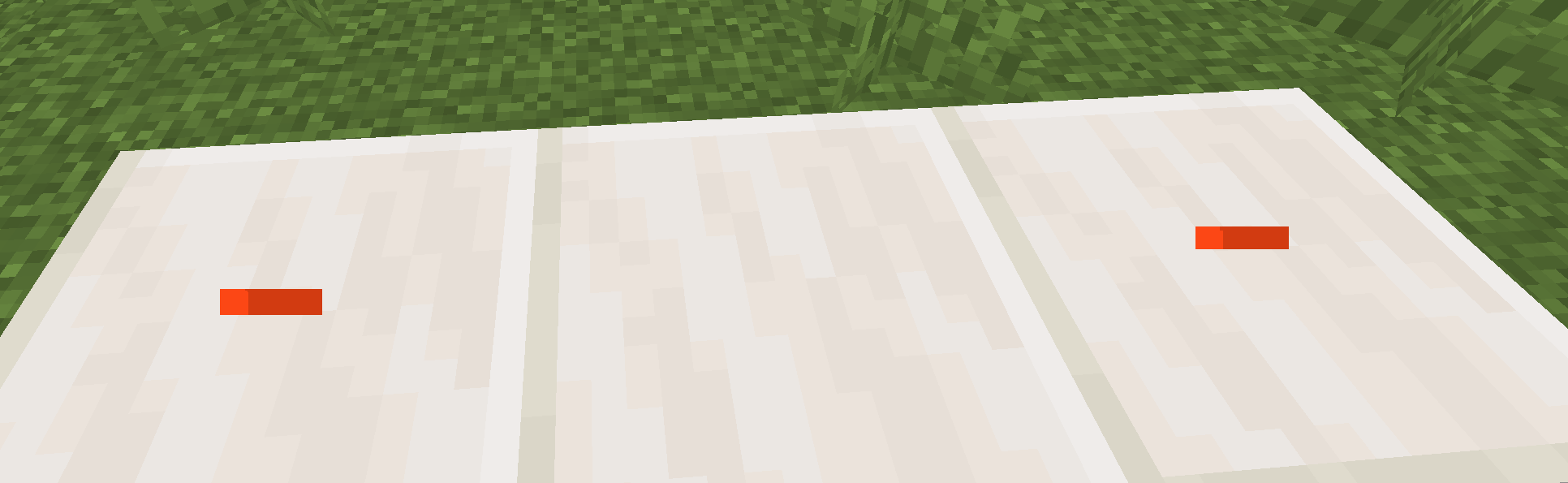 Visual Particle Cue
Versions
Files
Relations
Project Relations
More like this
Similar Mods
Suggestions use data such as tags, dependencies, dependents, descriptions, titles, and more to rank how much they overlap with this mod.
On ModDex
Community snapshot
By the numbers
Statistics

Want to reach Minecraft players?
We're looking for a server hosting partner to feature here and other parts of the site. Interested? Send us a message!
Get in touchGet it on
Available Platforms
On ModDex
Community snapshot
By the numbers
Statistics
Resources