Mod
Improved Map Colors
No reviews yet
Small project aimed at improving the customizability of Minecraft maps through datapacks, made for Gneiss Name's video
Neoforge is a fork of the Minecraft Forge available for versions 1.20.1+ of Minecraft. Many Forge mods are compatible with Neoforge and vice versa.
Fabric is a mod loader for versions 1.14+ of Minecraft, particularly popular for client side and optimization mods.
Quilt is a fork of the Fabric mod loader. Many Fabric mods are compatible with Quilt and vice versa.
Community voices
Reviews
Click once to include, again to exclude, again to clear
No reviews yet. Be the first to review this project!
Get it on
Available Platforms
 Modrinth
Compatibility
Supported Environments
About
Project Details
For authors
Embed Badge
If you're the author of this project, you can embed a live badge anywhere that supports HTML or Markdown. It updates automatically whenever ratings change.
Use HTML for any page that supports it, or Markdown for README files and Markdown-based descriptions.
Identifiers
Platform IDs
Resources
External Links
About
Description
Improved Map Colors
Improved Map Colors is a Minecraft mod made for Gneiss Name's video that improves Minecraft's default map colors, including making them configurable by the user or by datapacks on a server or singleplayer world. Because of that server functionality, this mod must be installed on both the dedicated server and the client distributions.
There are also several pre-configured options for Minecraft map colors, including sepia tones, grayscale, and inverted colors.
Gneiss Name's channel: https://www.youtube.com/@gneissname
Video this mod was made for
Usage
The mod allows you to configure both the color palette Minecraft uses as well as which blocks and blockstates show up as which colors. This is achieved through two main ways: Mod config files and datapacks.
Config
The config file provides two fields that can be used to directly modify the palette and state list: colorlist and state_list.
colorlist, as the name and description suggest, allows you to modify the color palette Minecraft uses. This is set to vanilla by default, to illustrate the format that the mod expects, which is a list containing up to 63 colors specified by their hexadecimal color code.
state_list allows you to modify the color ID that a BlockState or a Block shows up as on a map. The format the mod expects is also illustrated by the default entries, graciously provided by Gneiss: blockid[blockstate information]:colorID. The blockstate information is specified in the same way as vanilla blockstate data, [name=value,name1=value1]. The mod will do its best to guess what you intend with a specified state, but it can be a bit finicky.
Also included is something like a debug method of overriding everything in the form of a CSV file. This must be specified in the provided config fields, color_file and blockstate_file. The format for each is described and shown below.
CSV format
Color CSV should be in the format: |hex color|[optional id]|, like:"#000000","0"
"#00ff00","3"
"#ff00ff"
Block State CSV should be in the format:
|BlockID[statedata]|colorID| OR |BlockID|[statedata]|colorID|, like:
"minecraft:grass_block","1"
"minecraft:black_bed[part=foot]","3"
"minecraft:grass_block","[snowy=true]","2"
Datapacks
These allow per-world map settings and are how the included presets work. The format for them is provided in the presets, but in short the mod will scan the mapcolors/colors and mapcolors/states subdirectories in any datapack.
Colors: The format for the color list files is a "colorlist" JSON object for colors in the /colors directory, mapping from a numerical colorID string to a hex color code, like "id":"hex color", where id is in a range from 0 to 63 inclusive.
States: The format for the blockstate file is an array called "stateColorIDList", which contains JSON objects in the format below.
State Holder Format
{
  "state": {
    "Name": "<minecraft block id>",
    "Properties": {
      "name": "value",
      "name1": "value1",
      "name2": "value2"
    }
  },
  "colorID": <id>,
  [optional] "trackedProperties": [
    "name",
    "name1"
  ]
}
Big thanks to Gneiss for inspiring the project and Grassy for translating it into Russian!
Screenshots
Gallery
-
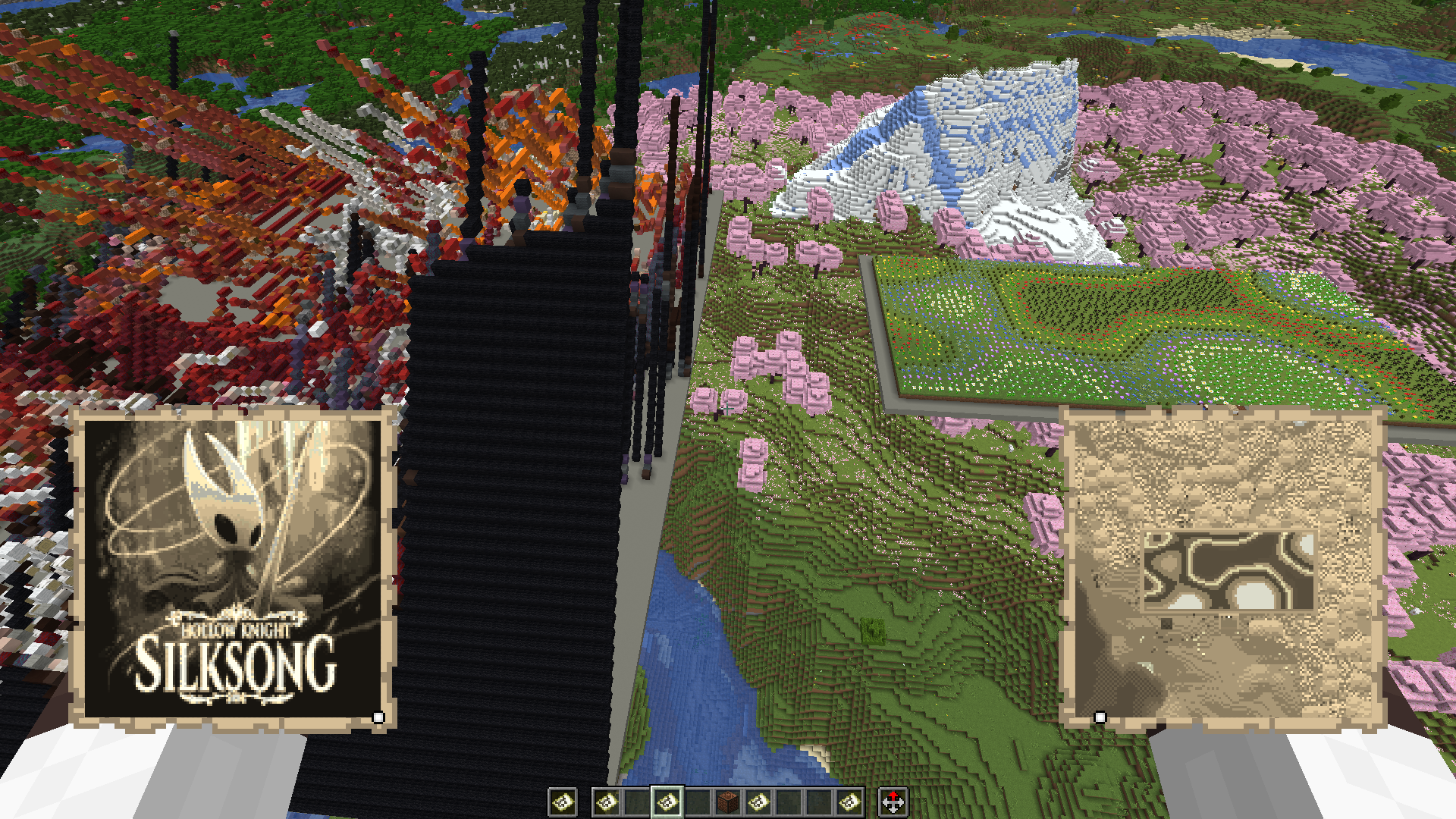 Sepia Preset
 -
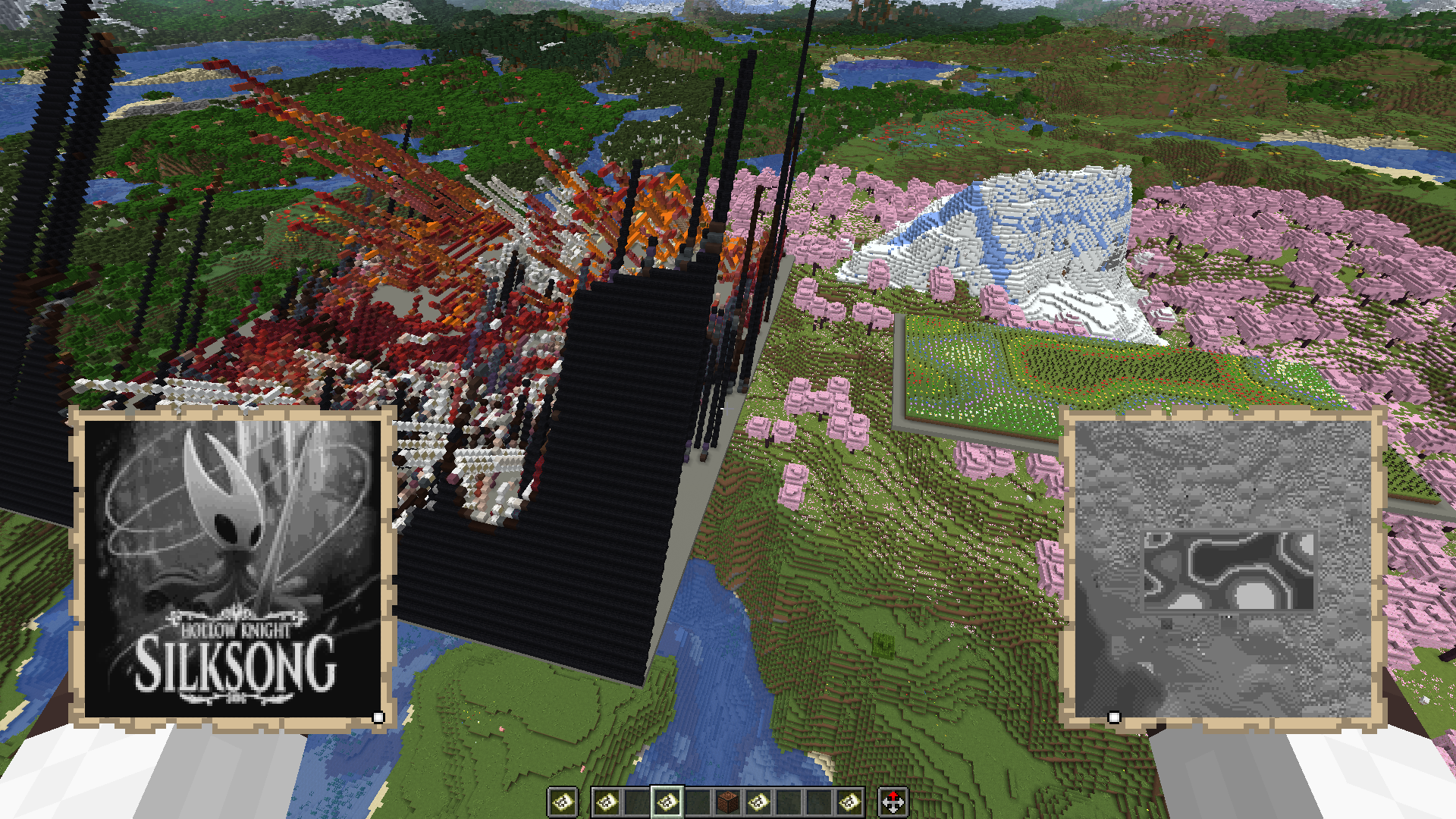 Grayscale Preset
 -
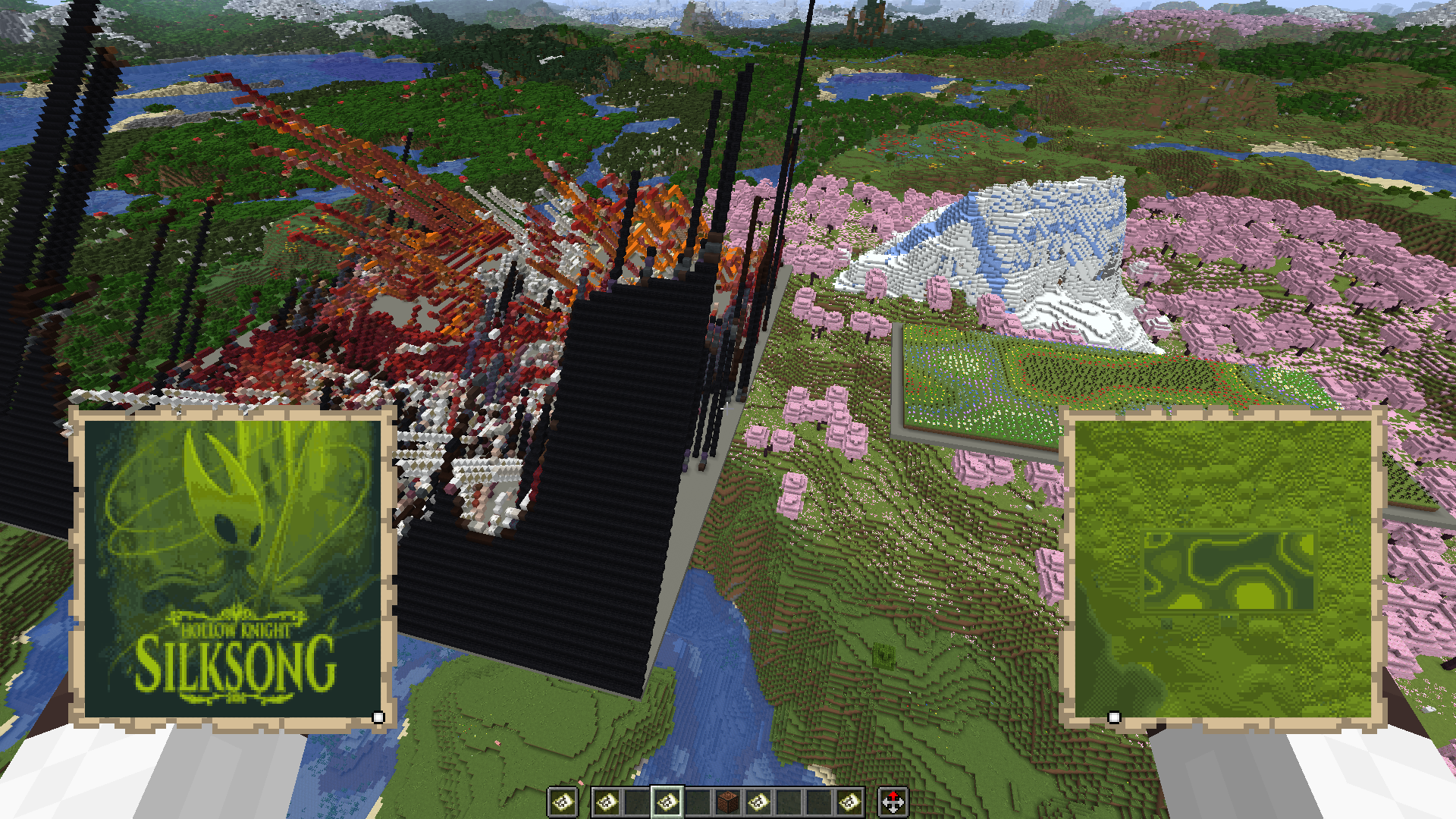 Gameboy Preset
 -
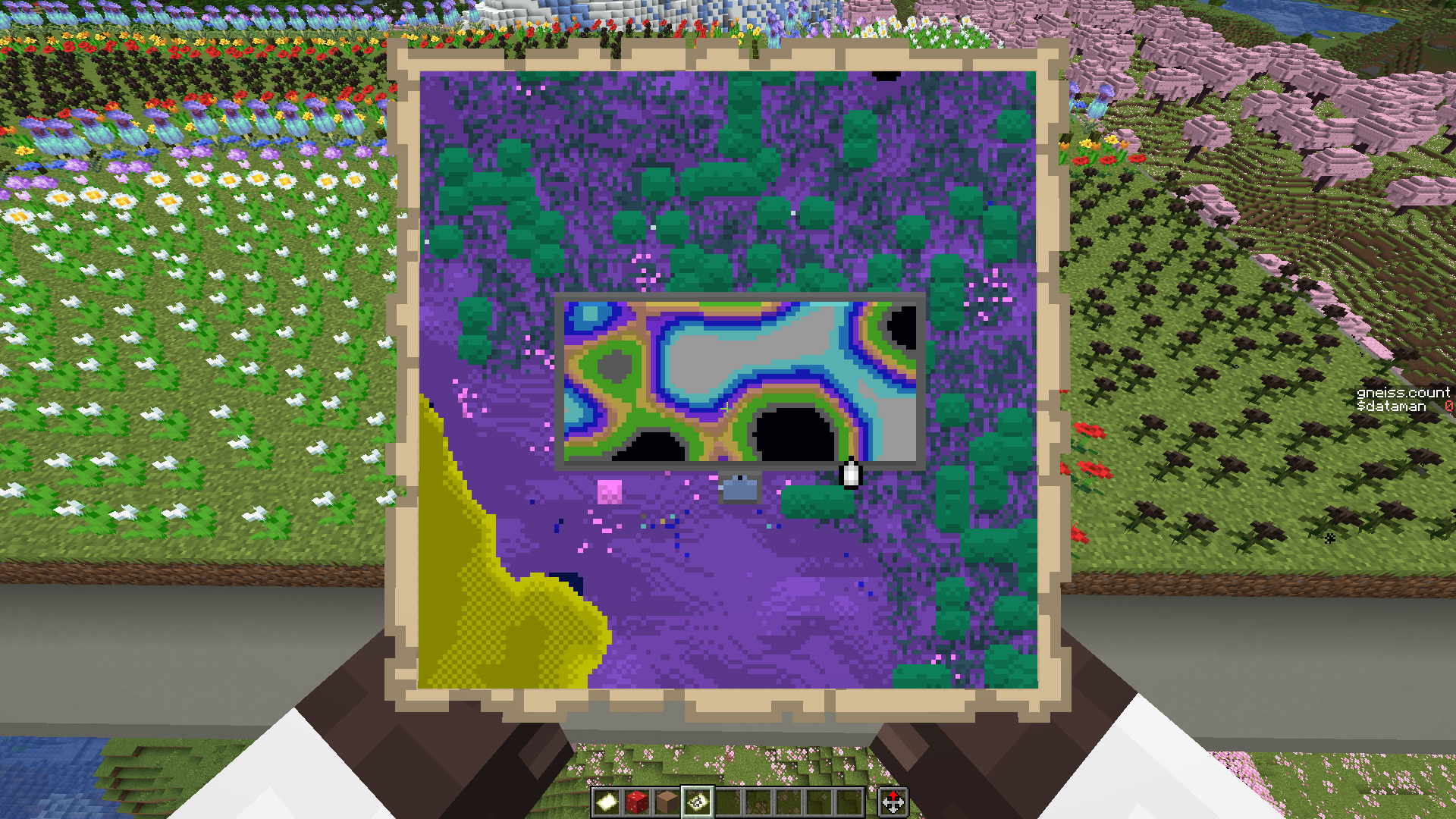 Inverted map Showcasing the inverted colors preset
 -
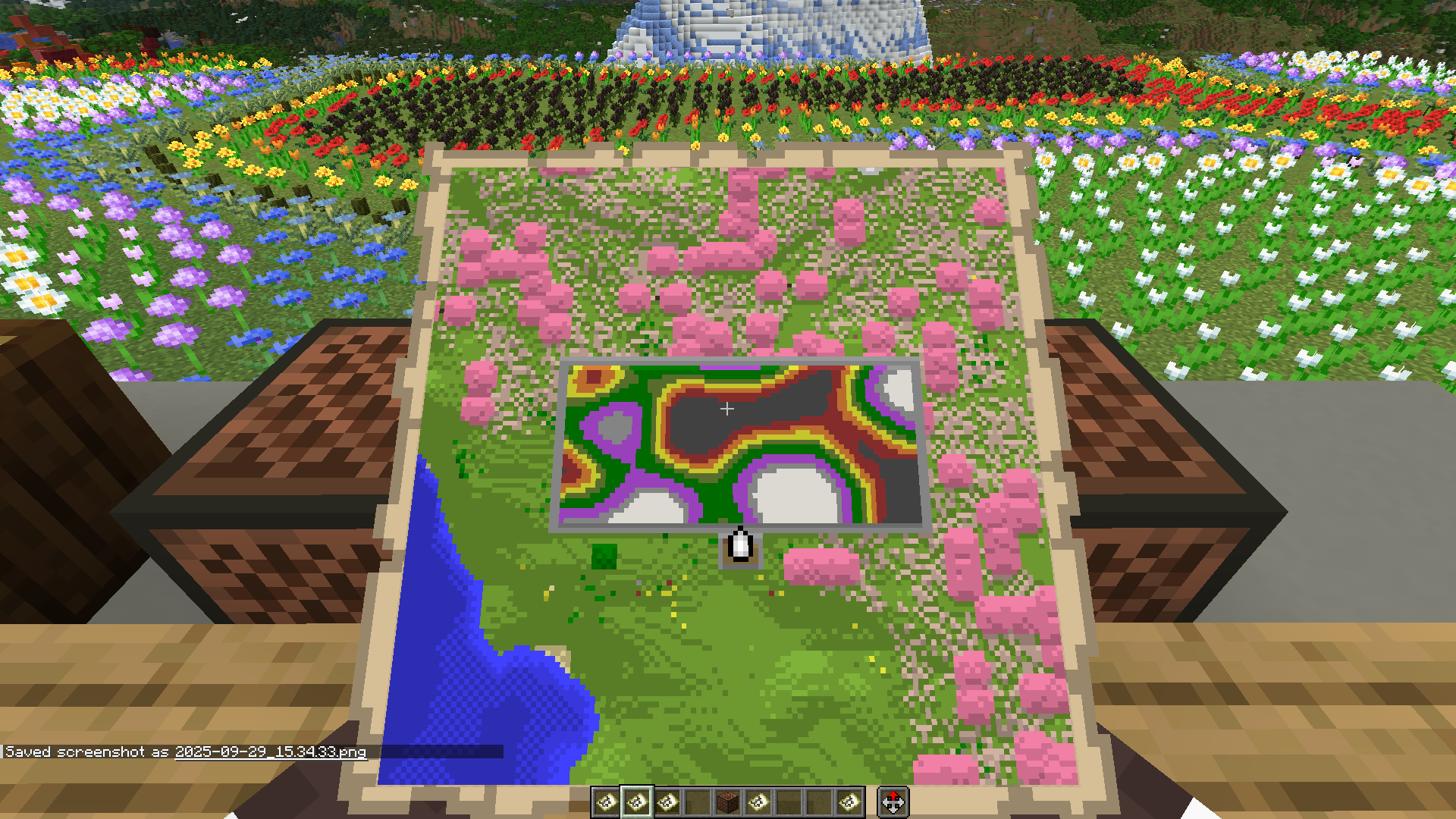 Mod Default Colors
 -
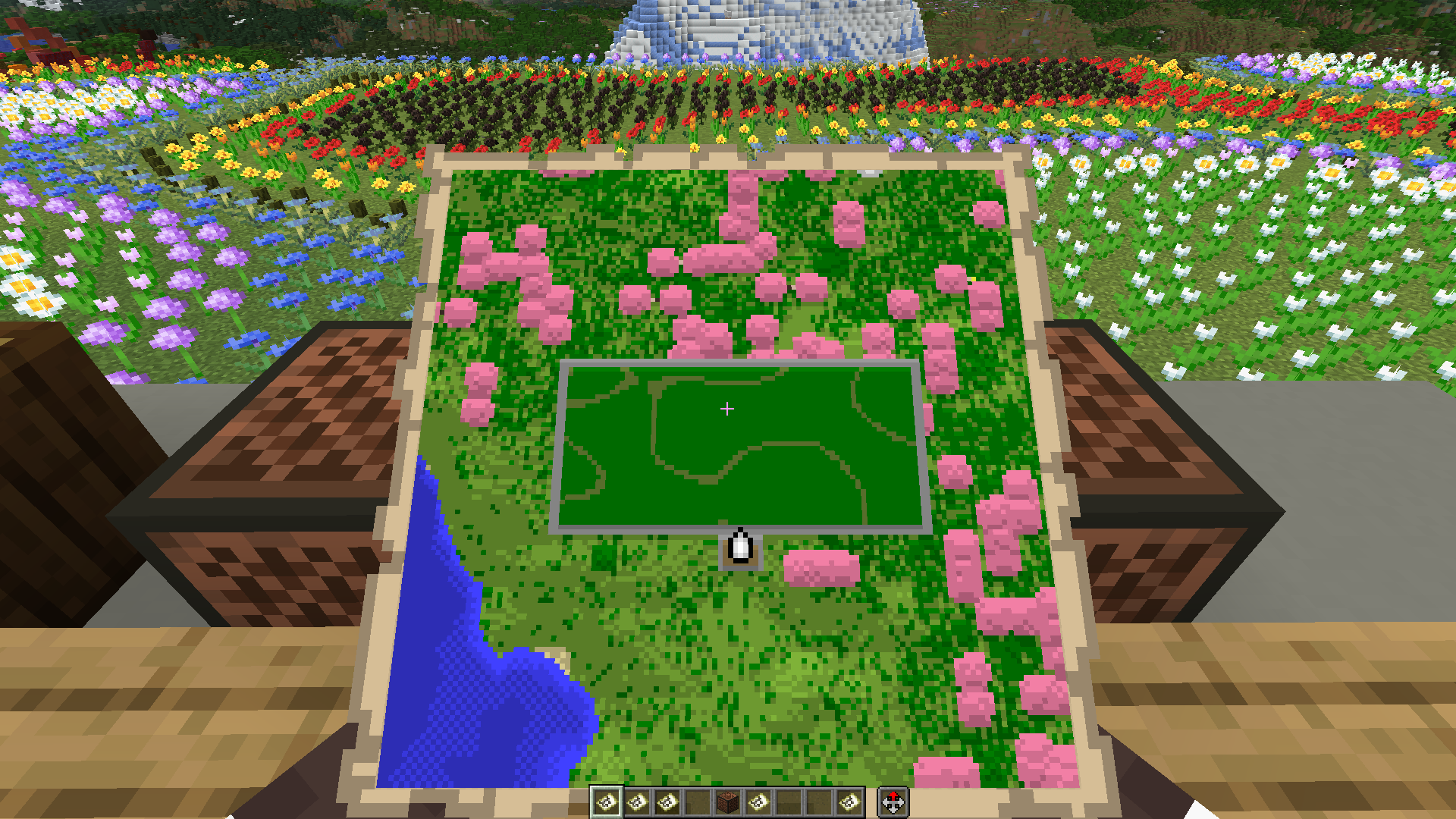 Vanilla Default Map Colors
 -
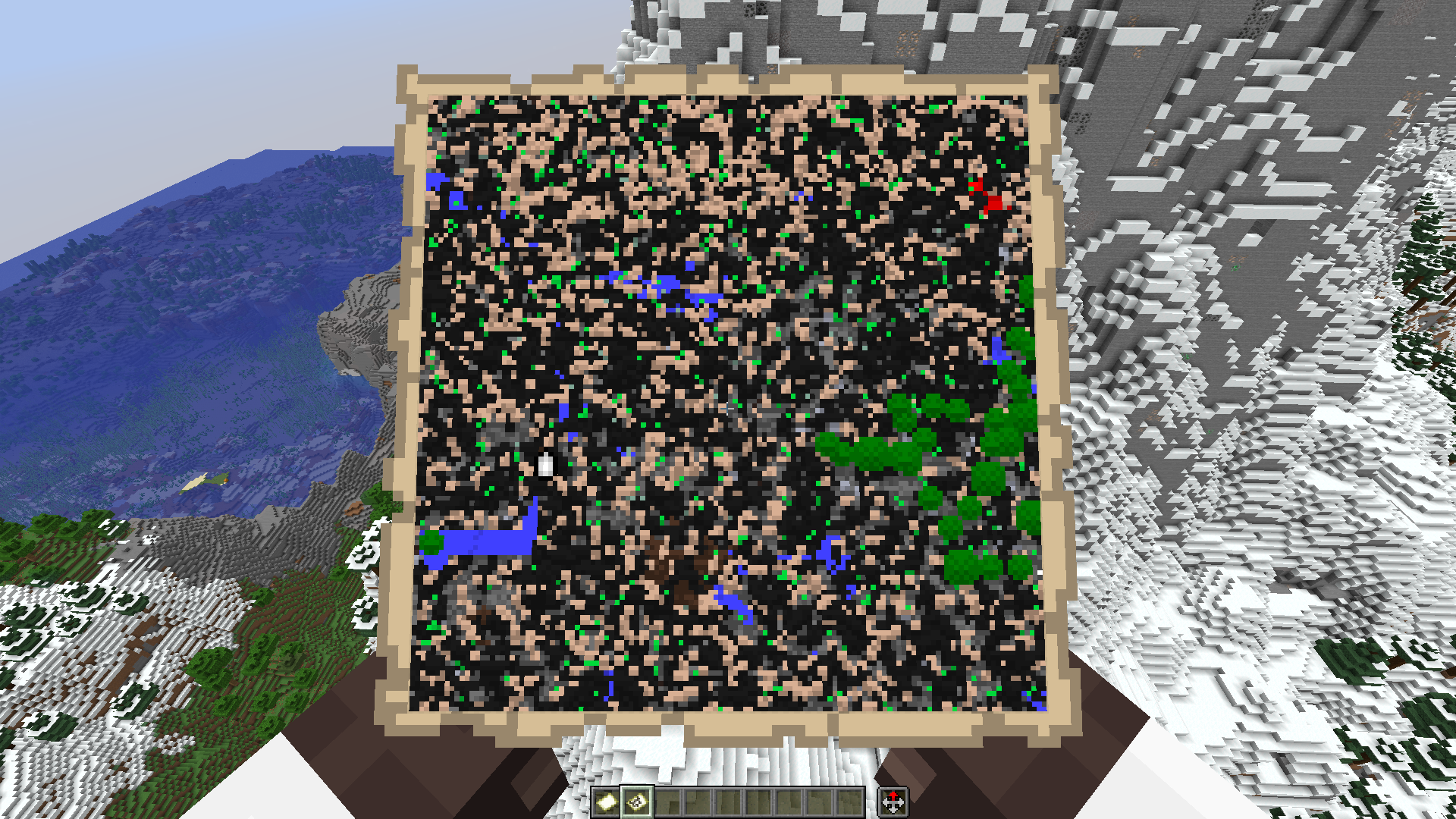 oops all xray
Versions
Files
Relations
Project Relations
More like this
Similar Mods
Suggestions use data such as tags, dependencies, dependents, descriptions, titles, and more to rank how much they overlap with this mod.
On ModDex
Community snapshot
By the numbers
Statistics

Want to reach Minecraft players?
We're looking for a server hosting partner to feature here and other parts of the site. Interested? Send us a message!
Get in touchGet it on
Available Platforms
On ModDex
Community snapshot
By the numbers
Statistics
Resources