Mod
Modpack Shipped Servers
No reviews yet
Allows Modpacks to ship default servers, that players can then choose to remove if they want to.
Fabric is a mod loader for versions 1.14+ of Minecraft, particularly popular for client side and optimization mods.
Community voices
Reviews
Click once to include, again to exclude, again to clear
No reviews yet. Be the first to review this project!
Get it on
Available Platforms
 Modrinth
Compatibility
Supported Environments
About
Project Details
For authors
Embed Badge
If you're the author of this project, you can embed a live badge anywhere that supports HTML or Markdown. It updates automatically whenever ratings change.
Use HTML for any page that supports it, or Markdown for README files and Markdown-based descriptions.
Identifiers
Platform IDs
About
Description
Modpack Shipped Servers


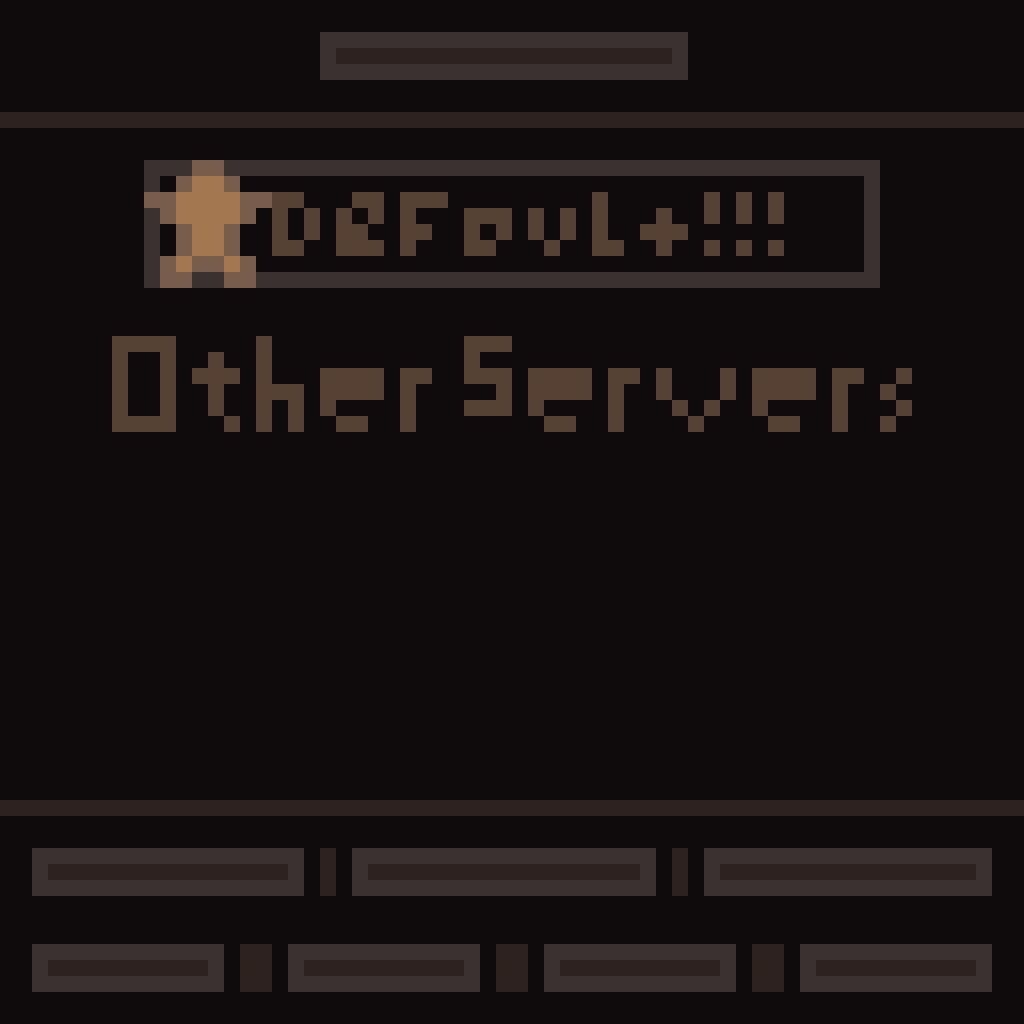
A simple mod that allows modpack developers to define a default set of servers that the player can then choose to do with as they please. This is useful for modpacks made for servers (or advertisement), so that they can easily provide a list of recommended servers for players to join. When the mod first runs, it will check if there is already server data present. If any are detected, it simply does nothing. If not, it adds your servers.
Configuration
The mod uses a simple JSON file to define the servers. The file is located at config/shipped-servers.json in the Minecraft directory.
Below is an example:
{
  "servers": [
    {
      "name": "Example",
      "address": "play.example.com",
      "resourcePackPolicy": "prompt"
    },
    {
      "name": "Another Example",
      "address": "eu.example.com",
      "resourcePackPolicy": "enabled"
    },
    {
      "name": "Yet Another Example",
      "address": "na.example.com",
      "resourcePackPolicy": "disabled"
    }
  ]
}
The servers array can contain any number of server objects, each with the following properties:
name: The name of the server as it will appear in the server list.address: The address of the server (IP or domain).resourcePackPolicy: The resource pack policy for the server. Can beenabled,disabled, orprompt. Case-insensitive.
Screenshots
Gallery
-
 Icon beautiful artists rendition
Versions
Files
Relations
Project Relations
More like this
Similar Mods
Suggestions use data such as tags, dependencies, dependents, descriptions, titles, and more to rank how much they overlap with this mod.
On ModDex
Community snapshot
By the numbers
Statistics

Want to reach Minecraft players?
We're looking for a server hosting partner to feature here and other parts of the site. Interested? Send us a message!
Get in touchGet it on
Available Platforms
On ModDex
Community snapshot
By the numbers