Mod

Simple Displays
No reviews yet
A datapack that makes Display Entity Placement and Simple Modifications Easier.
Data Packs were introduced to vanilla Minecraft in version 1.13 and allow the server to modify data about the game, or run commands. Data Packs are compatible with all mod loaders.
Forge is a popular mod loader for versions 1.1+ of Minecraft.
Neoforge is a fork of the Minecraft Forge available for versions 1.20.1+ of Minecraft. Many Forge mods are compatible with Neoforge and vice versa.
Fabric is a mod loader for versions 1.14+ of Minecraft, particularly popular for client side and optimization mods.
Quilt is a fork of the Fabric mod loader. Many Fabric mods are compatible with Quilt and vice versa.
Community voices
Reviews
Click once to include, again to exclude, again to clear
No reviews yet. Be the first to review this project!
Get it on
Available Platforms
 Modrinth
Compatibility
Supported Environments
About
Project Details
For authors
Embed Badge
If you're the author of this project, you can embed a live badge anywhere that supports HTML or Markdown. It updates automatically whenever ratings change.
Use HTML for any page that supports it, or Markdown for README files and Markdown-based descriptions.
Identifiers
Platform IDs
Resources
External Links
About
Description
Intended & Designed for Creative Use or by Server Operators Only.
Feedback & Bug Reports
To Provide Feedback or a Bug Report, please submit a form here.
Operator Status
Operator Only Mode is set to on by default. As an operator run /function sdsetting:oponly to toggle it off & on. While Op Only mode is on, commands can only be run by /function sdfunction:[command] by typing that and without the /trigger.
Regular Simple Displays
Simple Displays is a datapack that you can include in your world! It adds multiple /trigger commands, which are the main interactions with this datapack. The commands are the following:
| Item Display Entity | Text Display Entity | Block Display Entity |
|---|---|---|
| /trigger ToggleBrightness | /trigger ToggleBrightness | /trigger ToggleBrightness |
| /trigger CycleItemBillboard | /trigger CycleTextBillboard | /trigger CycleBlockBillboard |
| /trigger CycleItemRotation | /trigger CycleTextRotation | /trigger CycleBlockRotation |
| /trigger CycleItemScale | /trigger CycleTextScale | /trigger CycleBlockScale |
| /trigger KillItemDisplay | /trigger KillTextDisplay | /trigger KillBlockDisplay |
| /trigger PlaceItemDisplay | /trigger PlaceTextDisplay | /trigger PlaceBlockDisplay |
| /trigger PrecisePlaceItemDisplay | /trigger PrecisePlaceTextDisplay | /trigger PrecisePlaceBlockDisplay |
| /trigger ReplaceItemDisplay | /trigger ReplaceTextDisplay | /trigger ReplaceBlockDisplay |
| /trigger CycleItemStyle |
Operator Only Custom Commands:
These Commands are more complicated commands that allow for more dynamic selection of things for Display Entities. This is only available for 1.20.3 and Higher. Replace X with one of the listed or custom variables.
Operator Only Custom Command Descriptions
/function sdcustom:place_custom_block {block:X}(Any Block id. No need to add Minecraft:)/function sdcustom:place_custom_item {item:X}(Any Item id. No need to add Minecraft:)/function sdcustom:place_custom_text {text:X,color:X}(Text: What you want on the display, Color: Legacy Minecraft Colors)/function sdcustom:precise_custom_block {block:X}(Any Block id. No need to add Minecraft:)/function sdcustom:precise_custom_item {item:X}(Any Item id. No need to add Minecraft:)/function sdcustom:precise_custom_text {text:X,color:X}(Text: What you want on the display, Color: Legacy Minecraft Colors)/function sdcustom:replace_custom_text {text:X,color:X}(Text: What you want on the display, Color: Legacy Minecraft Colors)/function sdcustom:set_custom_billboard {type:X,billboard:X}(type: entity - Make sure to add _display -, billboard: fixed, vertical, horizontal, or center)/function sdcustom:set_custom_scale {type:X,scale:X}(type: entity - Make sure to add _display -, Scale of Entity)/function sdcustom:set_full_custom_scale {type:X,scale1:X,scale2:X,scale3:X}(type: entity Make sure to add _display , Scale: X, Y & Z of Entity)
Item Display Entity:
Item Displays are entities that display items in multiple ways. This datapack uses commands to add, modify, and change these item displays in a simplified way. You can place them and modify these entities in 5 ways, item it displays, size, style, rotation, and billboard!
Item Display Command Descriptions
- CycleItemBillboard:
Cycles the "Billboard" of Item Displays (From Fixed > Vertical > Horizontal > Center > Fixed). - CycleItemRotation:
Cycles the "Rotation" of Item Displays (From South > West > North > East > South) - CycleItemScale:
Cycles the "Scale" of Item Displays (From 1x > 2x > 8x > 16x > -1x > -2x > 1x). - KillItemDisplay:
Kills Item Display Directly next to you. - PlaceItemDisplay:
Places an Item Display at the center of the block of where you are (and uses your held item). - PrecisePlaceItemDisplay:
Places an Item DIsplay at where you are (and uses your held item). - ReplaceItemDisplay:
Replaces the Item of the nearest Item Display (uses your held item). - CycleItemStyle: `Cycles Rendering Style of Item Displays (From Fixed > Third Person > First Person > Head > GUI > Ground > Fixed)
Block Display Entity:
Block Displays are entities that display blocks in multiple ways. This datapack uses commands to add, modify, and change these block displays in a simplified way. You can simply place them and modify these entities in 4 ways, block it displays, size, rotation, and billboard! Note, Block Displays only display blocks with hitboxes, blocks such as redstone dust and rails won't be placed
Block Display Command Descriptions
- CycleBlockBillboard:
Cycles the "Billboard" of Block Displays (From Fixed > Vertical > Horizontal > Center > Fixed). - CycleBlockRotation:
Cycles the "Rotation" of Block Displays (From South > West > North > East > South) - CycleBlockScale:
Cycles the "Scale" of Block Displays (From 1x > 2x > 8x > 16x > -1x > -2x > 1x). - KillBlockDisplay:
Kills Block Display Directly next to you. - PlaceBlockDisplay:
Places a Block Display at the center of the block of where you are (and uses the item directly below you). - PrecisePlaceBlockDisplay:
Places a Block DIsplay at where you are (and uses the item directly below you). - ReplaceBlockDisplay:
Replaces the Block of the nearest Block Display (and uses the item directly below you).
Text Display Entity:
Text Displays are entities that display text in many ways. This datapack uses commands to add, modify, and change these text displays in a simplified way. You can simply place them and modify these entities in 4 ways, text it displays, size, rotation, and billboard!
Text Display Command Descriptions
- CycleTextBillboard:
Cycles the "Billboard" of Text Displays (From Fixed > Vertical > Horizontal > Center > Fixed). - CycleTextRotation:
Cycles the "Rotation" of Text Displays (From South > West > North > East > South) - CycleTextScale:
Cycles the "Scale" of Item Displays (From 1x > 2x > 8x > 16x > 1x). - KillTextDisplay:
Kills Text Display Directly next to you. - PlaceTextDisplay:
Places a Text DIsplay at the center of the block of where you are (and uses your held item's name). - PrecisePlaceTextDisplay:
Places a Text DIsplay at where you are (and uses your held item's name). - ReplaceTextDisplay:
Replaces the Text of the nearest Text Display (uses your held item's name).
Screenshots
Gallery
-
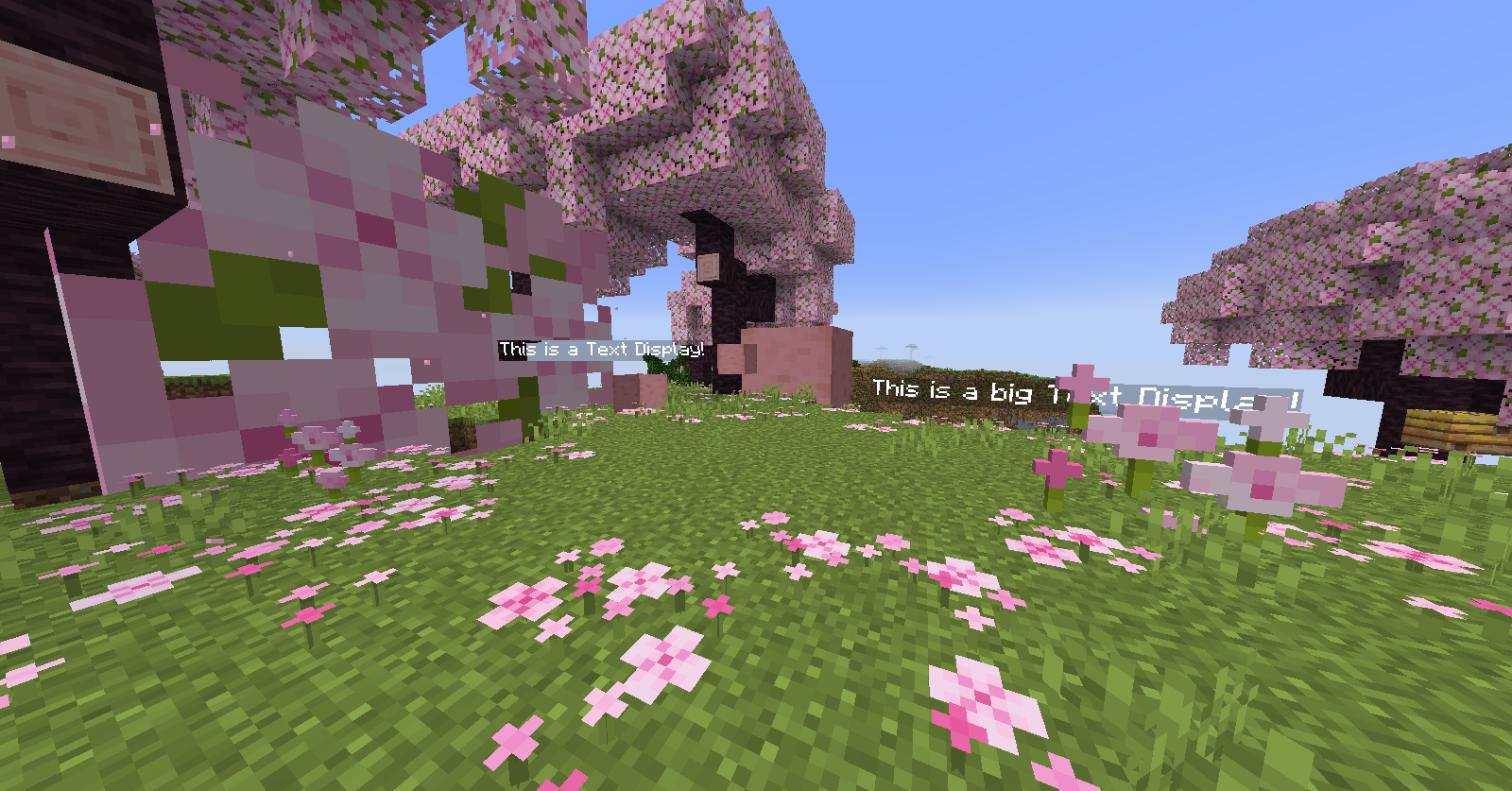 Display Overview A Display of multiple display entities
 -
 Item Scaling A Showcase of the range of Item Display scaling supported in Simple Displays
 -
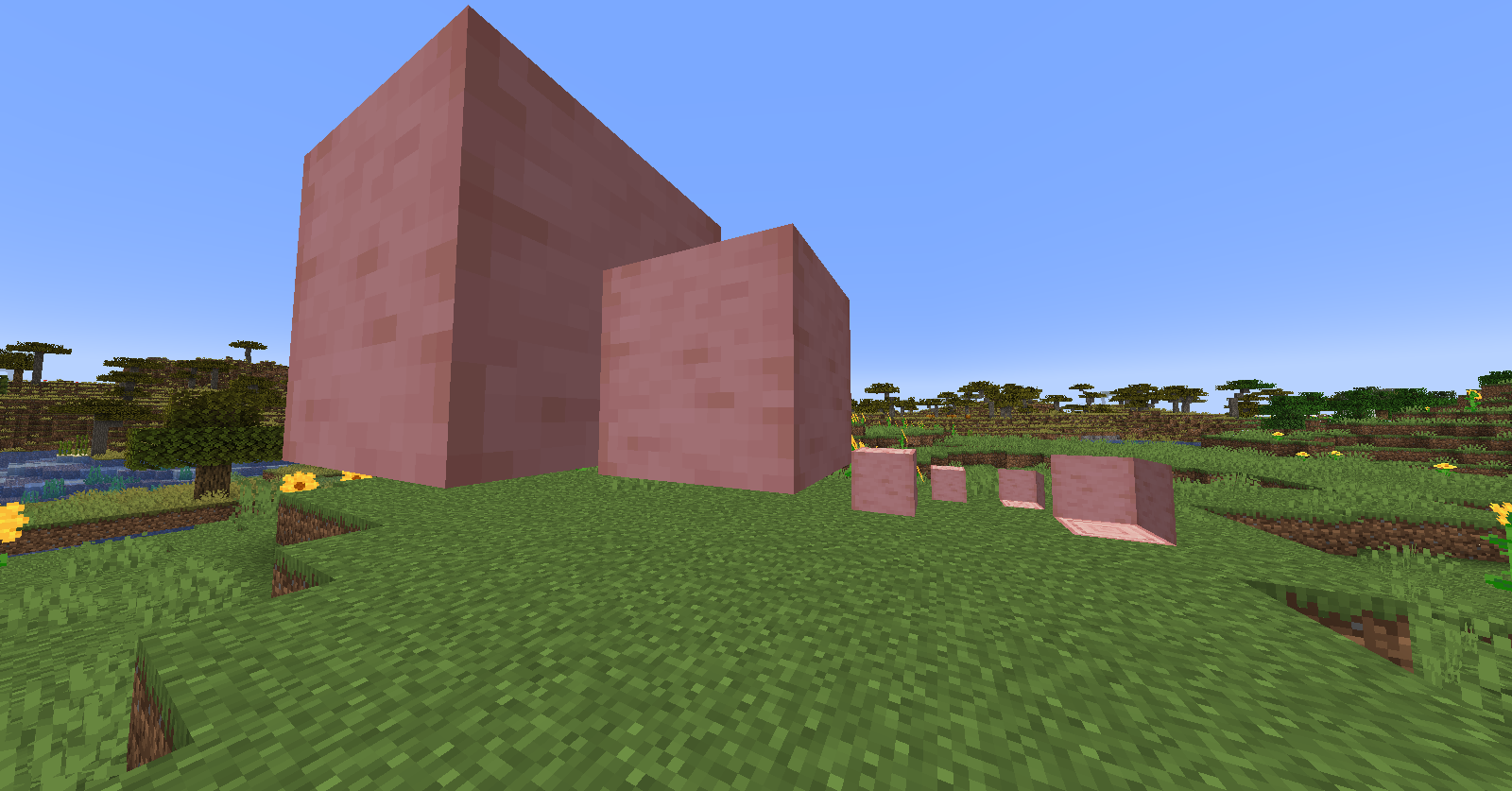 Block Scaling A Showcase of the range of Block Display scaling supported in Simple Displays
 -
 Text Scaling A Showcase of the range of Text Display scaling supported in Simple Displays
 -
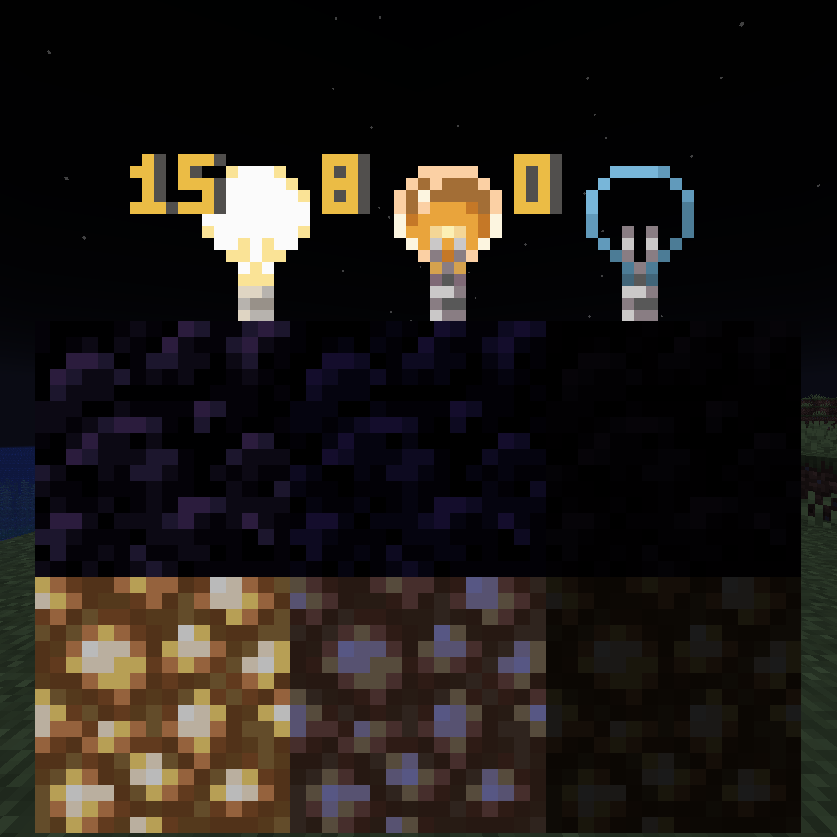 Display Brightness An example of the 3 values of brightness you can acheive with /trigger ToggleBrightness
 -
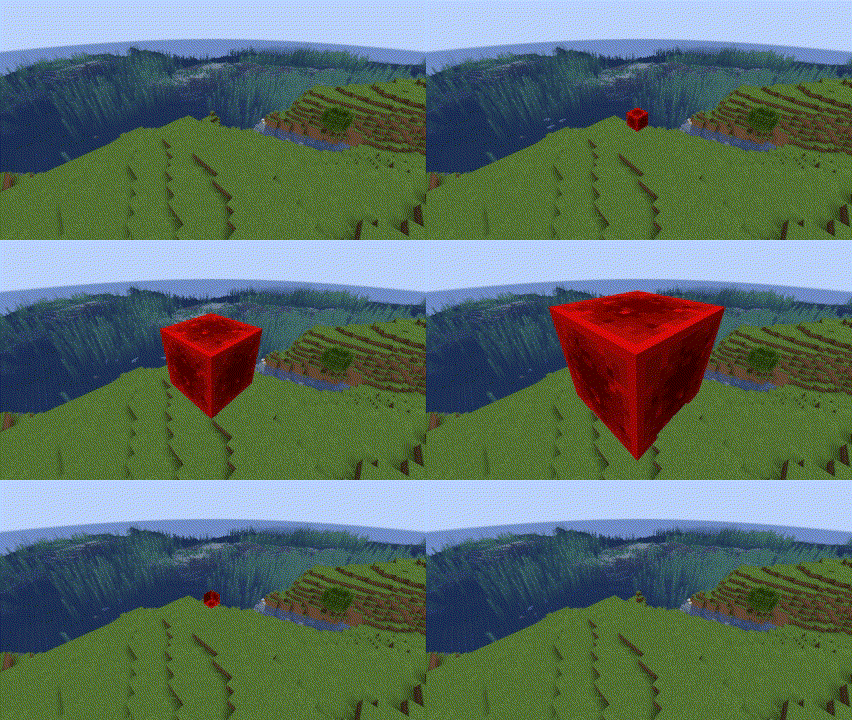 Rescaling Animation Shows the Animation of Cycle Scaling the Display Entities. *Note gif displays faster than real-time*
 -
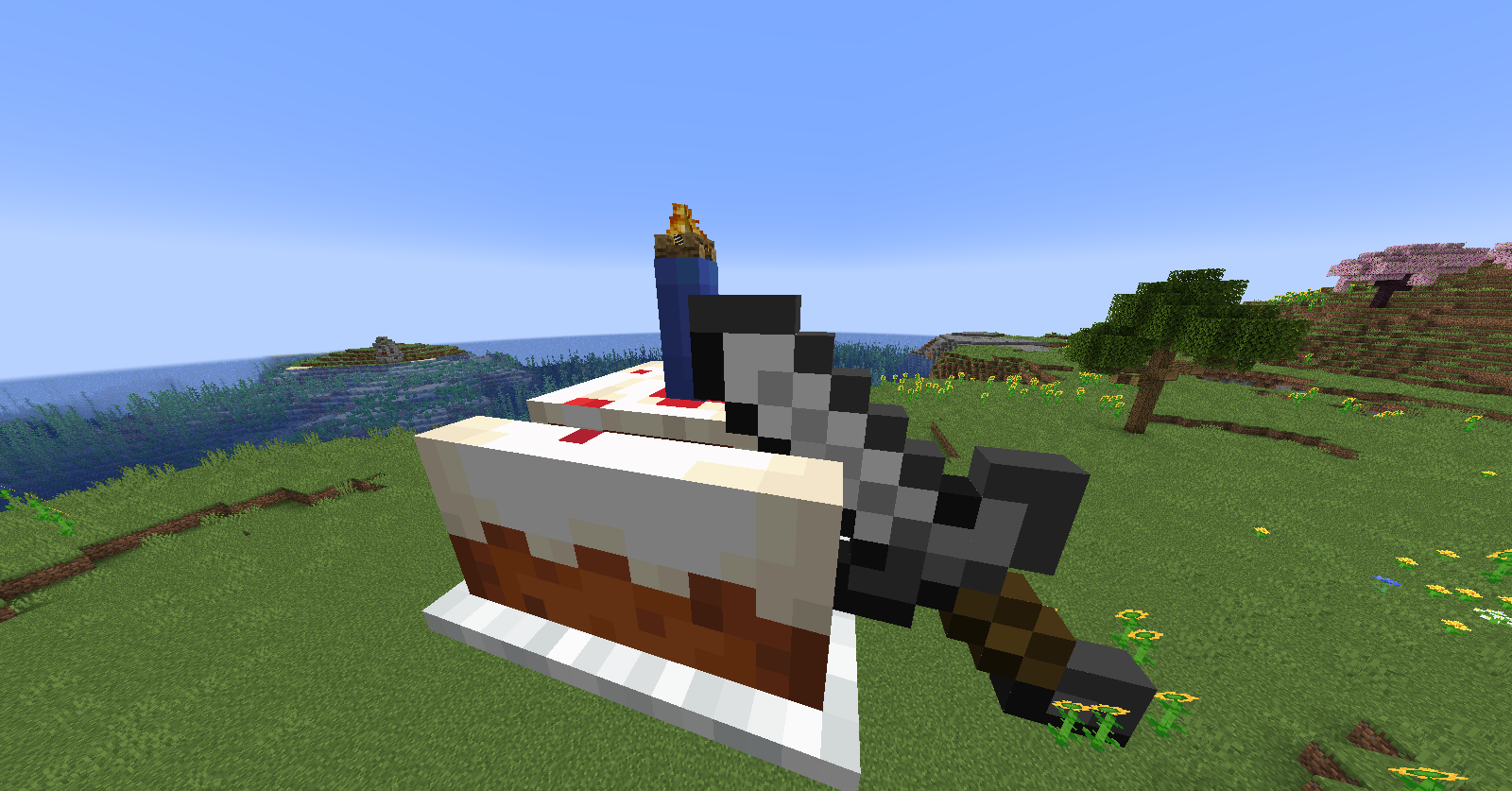 Birthday Cake One of the many things you can create with Simple Displays
 -
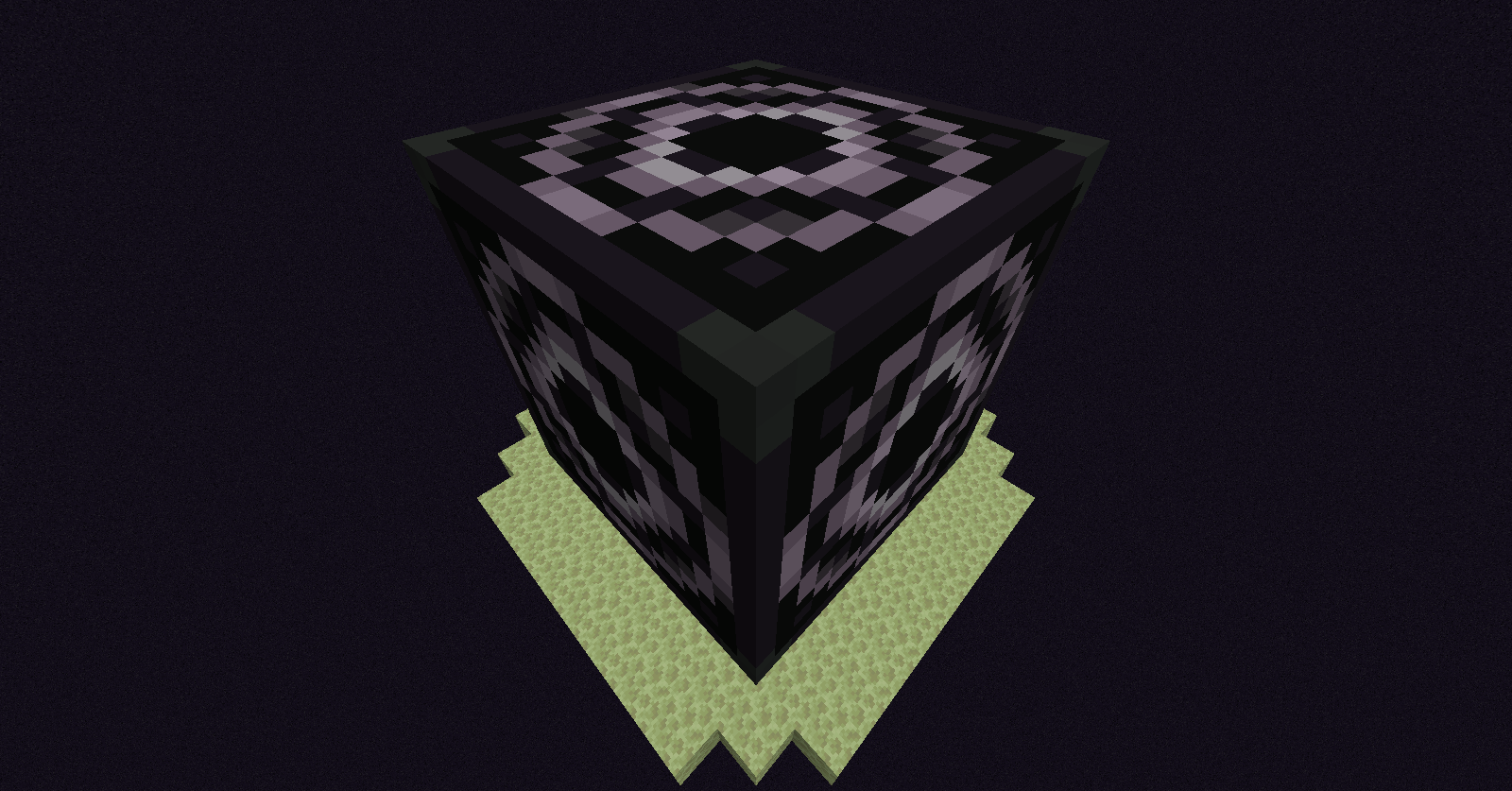 Giant Structure Block An Example of a scaled block.
 -
 Trippy Cactus Another example of an illusion made with Simple Displays
 -
 Trippy Cactus 2 Another example of an illusion made with Simple Displays
Versions
Files
Relations
Project Relations
More like this
Similar Mods
Suggestions use data such as tags, dependencies, dependents, descriptions, titles, and more to rank how much they overlap with this mod.
On ModDex
Community snapshot
By the numbers
Statistics

Want to reach Minecraft players?
We're looking for a server hosting partner to feature here and other parts of the site. Interested? Send us a message!
Get in touchGet it on
Available Platforms
On ModDex
Community snapshot
By the numbers
Statistics
Resources