Mod

TheDru Chameleon (Meccha)
No reviews yet
This is definitely NOT the same game as Mecha Chameleon ;)
Features small, self-contained games within Minecraft.
Fabric is a mod loader for versions 1.14+ of Minecraft, particularly popular for client side and optimization mods.
Community voices
Reviews
Click once to include, again to exclude, again to clear
No reviews yet. Be the first to review this project!
Get it on
Available Platforms
 Modrinth
Compatibility
Supported Environments
About
Project Details
For authors
Embed Badge
If you're the author of this project, you can embed a live badge anywhere that supports HTML or Markdown. It updates automatically whenever ratings change.
Use HTML for any page that supports it, or Markdown for README files and Markdown-based descriptions.
Identifiers
Platform IDs
Resources
External Links
About
Description
TheDru Chameleon (Meccha)
TheDru Chameleon Hide and Seek is a Fabric minigame mod for Minecraft that turns hide-and-seek into a fast, colorful disguise hunt. Hiders shrink down, paint themselves to blend into custom maps, collect power-ups, taunt the seekers, and survive until time runs out. Seekers are full-sized hunters with special tools, reveal pulses, and a blaster built to flush out clever hiding spots.
Server hosting note
If you want to host your own server, the required mod key is available for FREE now on my Patreon (Any support helps):
https://www.patreon.com/andrewstreit/posts/thedru-chameleon-162114358
Server Key Details
The server key is only required for hosting Chameleon rounds. Download the chameleon-server.key file from the Patreon post above and place it in one of these locations on the server:
<server root>/chameleon-server.key
<server root>/mods/chameleon-server.key
<server root>/server-mods/chameleon-server.key
<server root>/config/chameleon/chameleon-server.key
- Keep the filename exactly as
chameleon-server.key. - Do not open, edit, rename, or convert the key file. Any change to its contents will make it invalid.
- The key is validated locally by the server; it is not an account login or a key that must be typed into a command.
- Players joining a hosted server do not need to install the key on their clients.
- If the key is missing, unreadable, or invalid, the mod can still load, but Chameleon rounds remain locked and
/chameleon startwill show where the key should be installed. - After installing or moving the key, restart the Minecraft server before starting a round.
What Makes It Different?
This is not normal hide-and-seek where players just crouch behind a wall. The whole round is built around painting, shrinking, map knowledge, power-up timing, and seeker pressure.
| Feature | Description |
|---|---|
| Body painting | Hiders can freeze in place and paint themselves to match walls, floors, props, and map colors. |
| Tiny hiders | Hiders are scaled down during rounds, making camouflage and small hiding spots matter. |
| Power-up pickups | Hiders can collect up to 3 power-ups each round. |
| Seeker tools | Seekers use a blaster and Reveal Pulse to hunt disguised players. |
| Round automation | The mod handles intermission, hiding, seeking, scoring, and next-round flow. |
| Map setup GUI | Operators can set up maps from inside Minecraft with /chameleon setup. |
| Protected maps | Active rounds block map damage and disruptive interactions. |
| Auto taunts | Hiders automatically taunt by default every 15 seconds, keeping pressure on the hunt. |
Game Flow
| Phase | Default Time | What Happens |
|---|---|---|
| Intermission | 45s |
Players gather, the next map is selected, and seekers are chosen. |
| Hiding | 90s |
Hiders spawn into the map, can fly while preparing, paint themselves, and find hiding spots. Seekers wait in the lobby. |
| Seeking | 10m |
Seekers are released and try to eliminate every hider before time expires. |
| Round End | 30s when hiders survive |
Winners score, surviving hiders may be revealed, and the next round begins. |
Win Conditions
| Outcome | Who Scores? |
|---|---|
| Seekers find every hider | Active seekers score 1 point. |
| Time runs out with hiders alive | Surviving hiders score 1 point. |
Scores carry between rounds until the match is stopped or reset.
Hider Gameplay
Hiders are the disguise team. Your job is to become part of the map, make seekers second-guess every color patch, and use power-ups only when the timing is worth it.
Hiders Can
- Paint their body while frozen.
- Sample map colors from blocks.
- Hide as tiny players.
- Fly during the hiding phase.
- Collect up to 3 power-ups per round.
- Manually taunt with
Q. - Auto-taunt every 15 seconds by default.
- Win by surviving until the seeking timer ends.
Hider Controls
| Key | Action |
|---|---|
F |
Freeze or unfreeze body painting. |
G |
Open paint mode. |
R |
Hold pose wheel while frozen. |
Q |
Manual taunt. |
Middle Mouse |
Pick a color while painting. |
Z |
Undo the last paint change. |
H |
Export the painted skin. |
Tip: Good hiders do not just pick a color. They pick a spot, match the nearby surface, freeze into a believable pose, and only move when a seeker has already committed to looking somewhere else.
Seeker Gameplay
Seekers are the pressure team. Your job is to sweep the map, listen for taunts, watch suspicious colors, and use reveal tools carefully.
Seekers Can
- Use the Seeker Blaster to eliminate hiders.
- Use Reveal Pulse to briefly glow one random living hider.
- Move at normal size while hiders are tiny.
- Win by finding every hider before the timer ends.
Seeker Tools
| Tool | Effect |
|---|---|
| Seeker Blaster | Main seeker weapon used to eliminate hiders. |
| Reveal Pulse | Glows one random living hider for 1 second. |
Hider Power-Ups
Power-ups spawn around configured map regions. Hiders can collect up to 3 per round, so every pickup is a choice.
| Power-up | Color | Max Per Round Pool | Effect |
|---|---|---|---|
| Speed Burst | Green | 2 |
Gives a short burst of speed. |
| Dash Pearl | Magenta | 2 |
Teleports/dashes the hider forward. |
| Smoke Bomb | Dark gray | 1 |
Creates smoke and applies blindness/slowness to nearby seekers. |
| Invisible Escape | Pale violet | 1 |
Gives brief invisibility. |
| Time Stop | Blue | 1 |
Slows and weakens seeker actions for a short window. |
Power-up strategy
Speed Burst is best when you have already been spotted and need distance.
Dash Pearl is best for breaking line of sight or reaching a new hiding route.
Smoke Bomb is strongest in tight corridors, corners, and rooms with multiple exits.
Invisible Escape works best when you can stop moving after using it.
Time Stop is strongest when multiple seekers are closing in at once.
Map Setup
Maps are configured in-game by operators. You can keep all maps in the same Minecraft world and mark each map with spawn points and power-up regions.
Fast Setup
Run:
/chameleon setup
Then use the setup GUI to select a map and add:
- Lobby spawn points
- Hider spawn points
- Seeker spawn points
- Shared spawn points
- Power-up regions
Power-Up Region Setup
Power-up regions are cuboids. Set them by clicking two opposite corners:
- Stand at the first corner.
- Use the power-up region option in
/chameleon setup. - Stand at the opposite corner.
- Use the power-up region option again.
The mod will save that region and spawn hider power-ups inside it during rounds.
Manual map commands
/chameleon map create <id>
/chameleon map select <id>
/chameleon map list
/chameleon map reload

/chameleon map add lobby_spawn <id>
/chameleon map add hider_spawn <id>
/chameleon map add seeker_spawn <id>
/chameleon map add spawn <id>
/chameleon map add powerup_corner <id>

/chameleon setspawn <map> lobby
/chameleon setspawn <map> hider
/chameleon setspawn <map> seeker
/chameleon setspawn <map> powerup
Example map JSON
{
  "id": "backrooms",
  "displayName": "Backrooms",
  "world": "minecraft:overworld",
  "bounds": {
    "min": [0, 60, 0],
    "max": [128, 100, 128]
  },
  "lobbySpawns": [
    [-20, 65, 0],
    [-18, 65, 0]
  ],
  "playerSpawns": [
    [10, 65, 10],
    [18, 65, 12],
    [64, 65, 64]
  ],
  "hiderSpawns": [
    [10, 65, 10],
    [18, 65, 12]
  ],
  "seekerSpawns": [
    [64, 65, 64]
  ],
  "powerupRegions": [
    {
      "id": "main_halls",
      "min": [8, 65, 8],
      "max": [120, 68, 120],
      "spawnChance": 0.35
    }
  ]
}
Operator Commands
| Command | What It Does |
|---|---|
/chameleon start |
Starts the match flow. |
/chameleon stop |
Stops the match and resets players to lobby behavior. |
/chameleon status |
Shows current phase, round, and remaining time. |
/chameleon setup |
Opens the in-game map setup menu. |
/chameleon settings |
Opens the match settings menu. |
/chameleon score show |
Shows current match scores. |
/chameleon score reset |
Clears scores. |
/chameleon map list |
Lists configured maps and point counts. |
/chameleon map reload |
Reloads map configuration from disk. |
Player Commands
| Command | What It Does |
|---|---|
/chameleon freeze |
Toggles frozen paint pose. |
/chameleon unfreeze |
Releases frozen paint pose. |
/chameleon taunt |
Plays a hider taunt when available. |
/chameleon taunt auto on |
Enables auto taunt. |
/chameleon taunt auto off |
Disables auto taunt. |
/chameleon taunt auto delay <seconds> |
Changes personal auto-taunt delay. |
/chameleon paint white |
Resets body paint to white. |
/chameleon paint rgb <red> <green> <blue> |
Paints body to an exact RGB color. |
/chameleon paint sample |
Samples the block being looked at. |
/chameleon paint floor |
Samples the block under the player. |
/chameleon spectate next |
Spectators cycle to the next seeker. |
/chameleon spectate previous |
Spectators cycle to the previous seeker. |
Installation
Requirements
| Requirement | Version |
|---|---|
| Minecraft | 1.21.11 |
| Fabric Loader | 0.19.3 or newer |
| Fabric API | 0.141.4+1.21.11 or compatible |
| Java | 21+ |
Client And Server
- Install Fabric Loader.
- Install Fabric API.
- Put the Chameleon mod
.jarin themodsfolder. - Install the mod on both the server and every player client.
- Start the server.
- Configure maps with
/chameleon setup. - Start rounds with
/chameleon start.
Important: This is a multiplayer minigame mod. For the intended experience, use it on a server with operators setting up maps before public play.
Recommended Server Setup
| Setting | Recommendation |
|---|---|
| Player gamemode | Adventure Mode |
| Map building | Build maps first, then mark Chameleon points after |
| Operators | Keep setup/start/stop commands limited to trusted admins |
| Power-up regions | Use multiple regions per map for better spread |
| Lobby | Put lobby spawns somewhere seekers can wait without seeing hider setup |
| Map protection | Leave active round protection enabled |
Pre-Launch Checklist
- Fabric Loader and Fabric API are installed.
- Chameleon is installed on server and clients.
- The server has the required mod key.
- Every map has lobby spawns.
- Every playable map has hider spawns.
- Every playable map has seeker spawns.
- Every playable map has at least one power-up region.
- Operators know
/chameleon setup,/chameleon start, and/chameleon stop.
Example Round Timeline
00:00  Intermission starts
00:45  Hiders are released
02:15  Seekers are released
12:15  Round ends if any hiders survive
12:45  Next round selection begins
Notes For Modpack Pages
This mod is designed for custom minigame servers and creator-led events. A good Modrinth page can show:
- Screenshots of each configured map
- A short clip of hiders painting
- A clip of the seeker selection roll
- A screenshot of the setup GUI
- A screenshot of each power-up item color
- A short command snippet showing map setup
Suggested showcase order:
1. Show the lobby.
2. Show a hider painting into the map.
3. Show a seeker using Reveal Pulse.
4. Show power-up item colors.
5. Show the /chameleon setup menu.
Quick Summary
Hiders: paint, hide, taunt, escape, survive.
Seekers: listen, sweep, reveal, blast, find everyone.
Operators: set up maps, start rounds, manage scores, keep the game moving.
Screenshots
Gallery
-
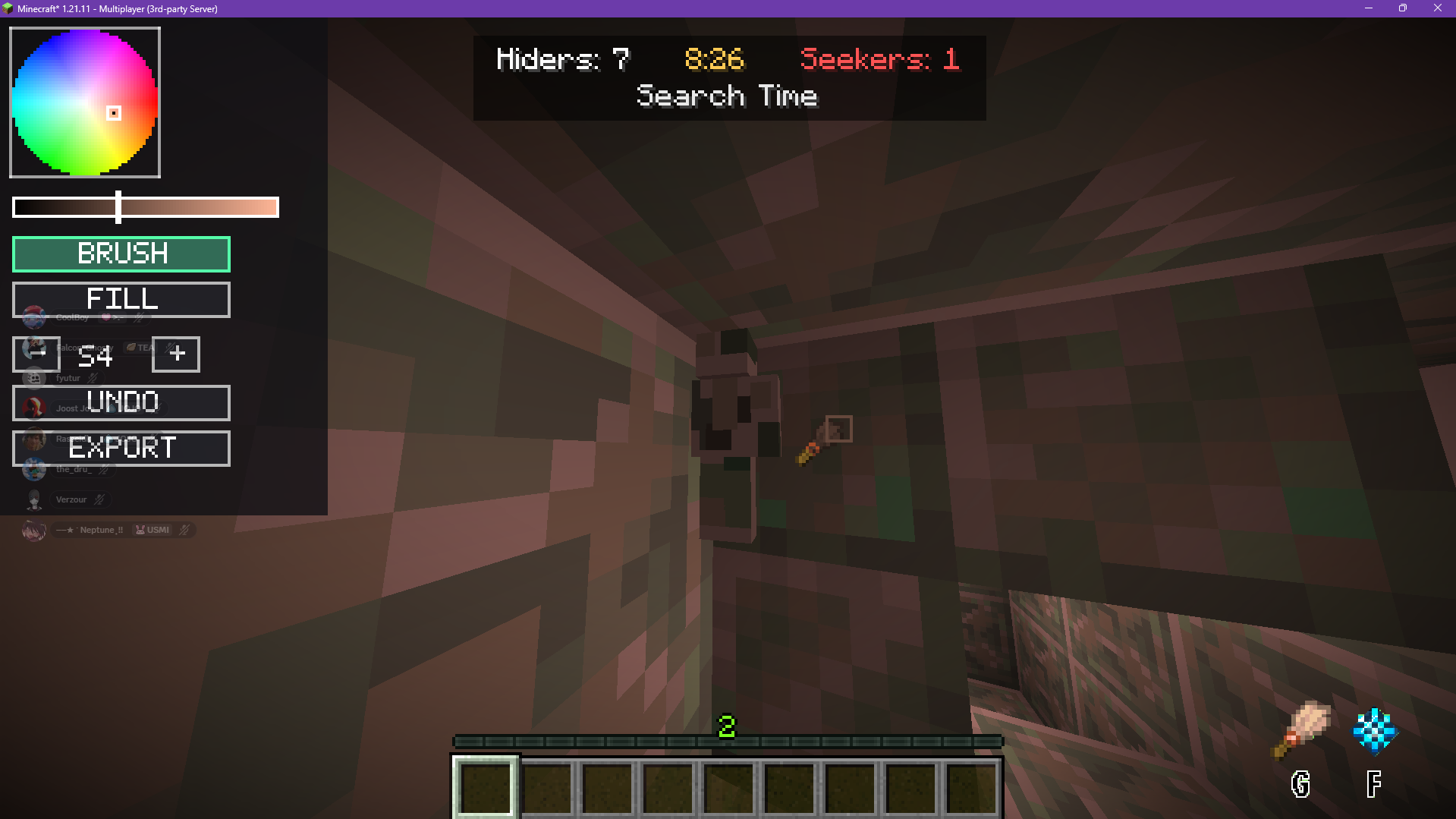 Painting in a live round
 -
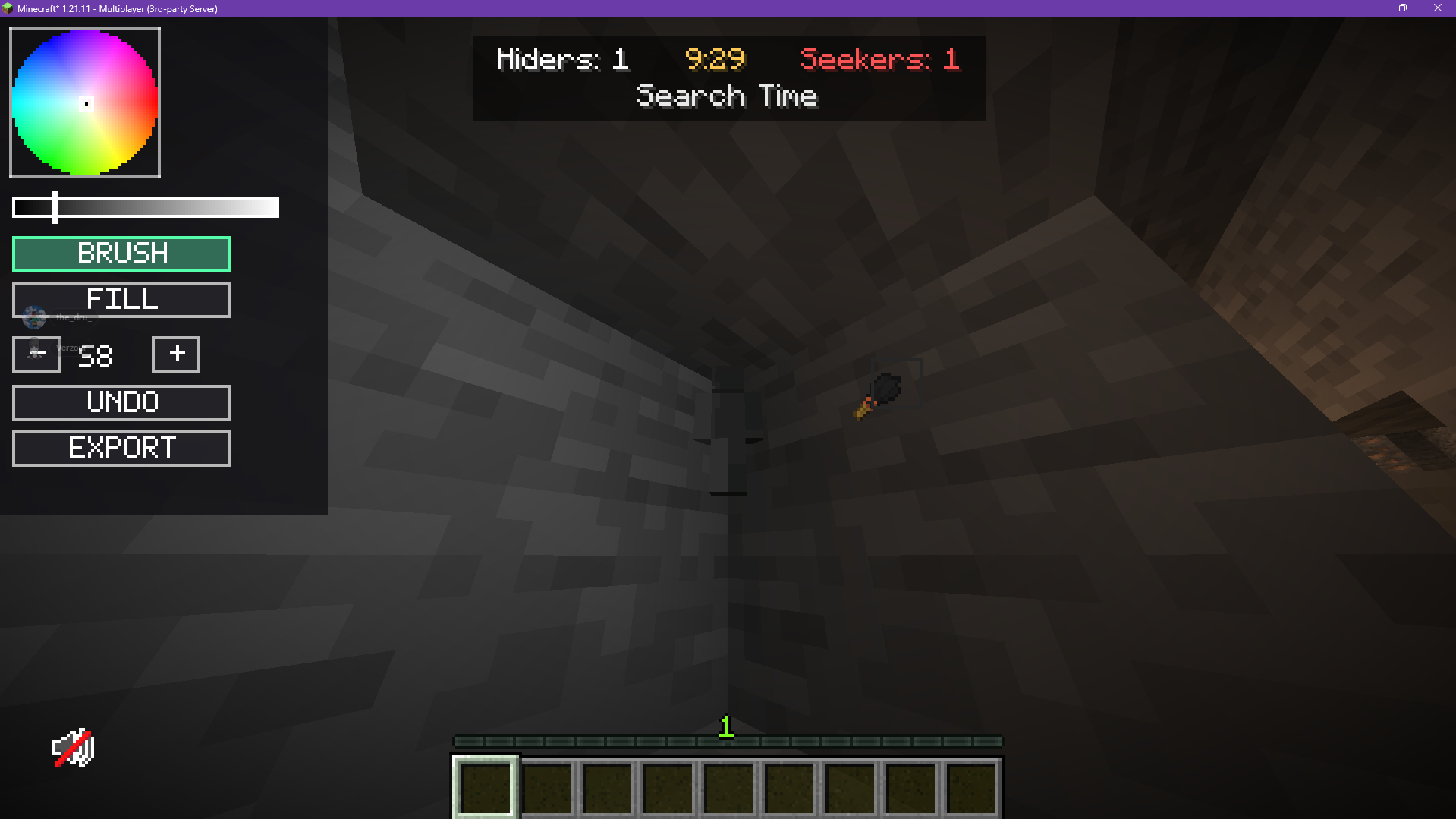 Nobody here
 -
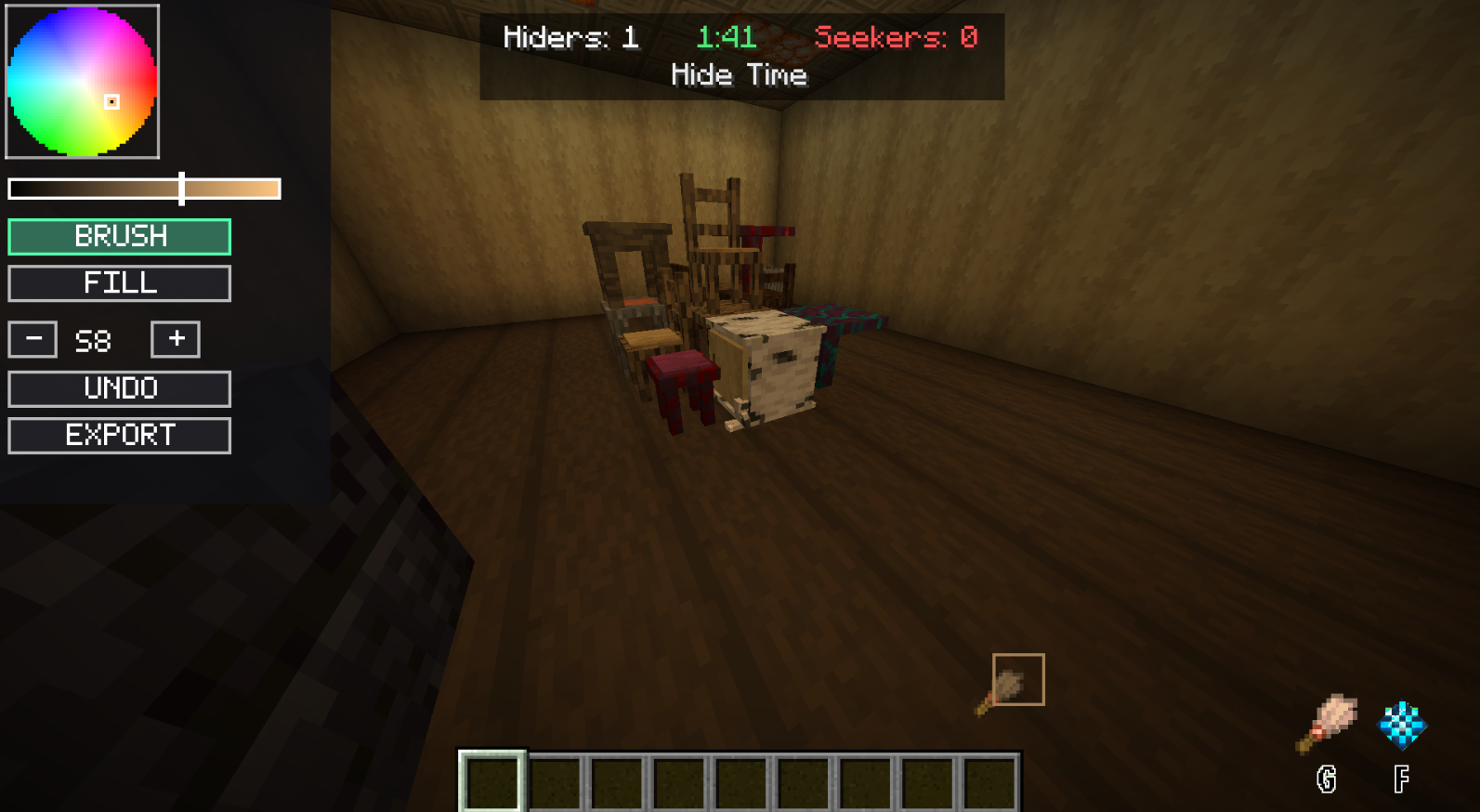 Hidding Paint Menu
 -
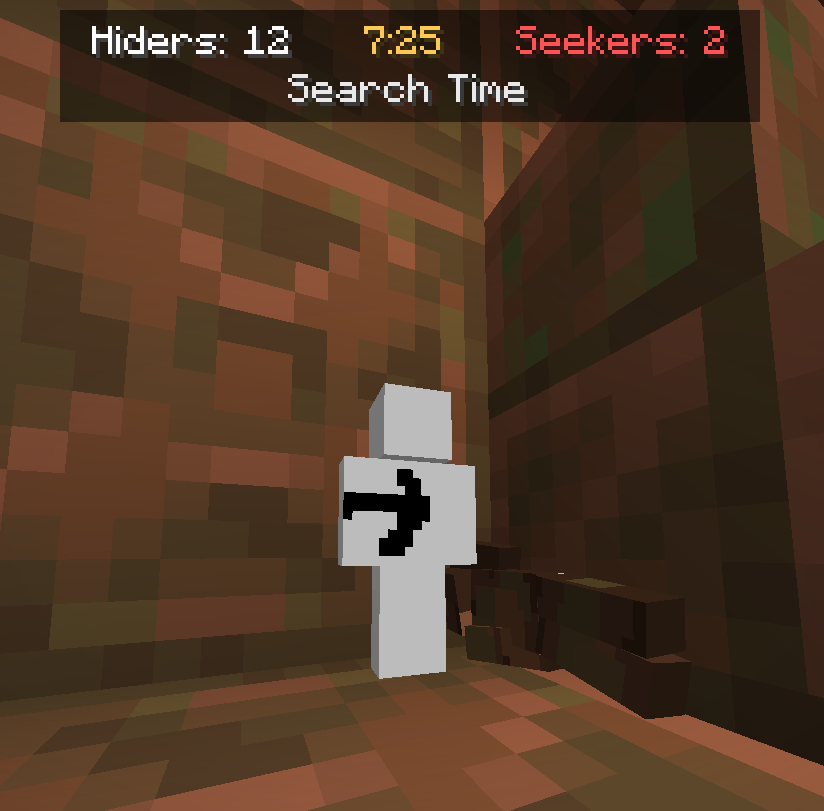 Who's This Guy?
 -
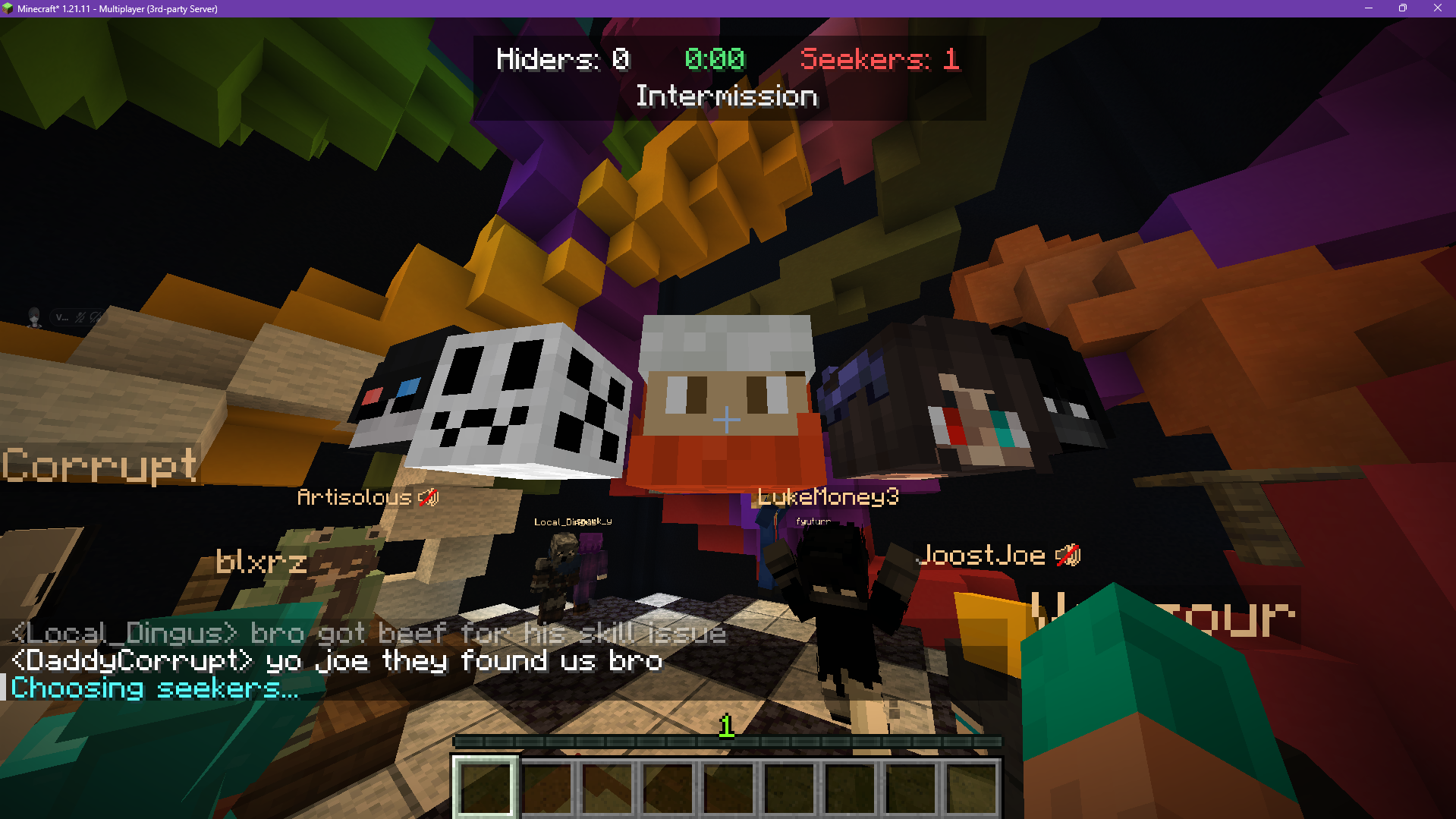 Random Seeker Wheel
 -
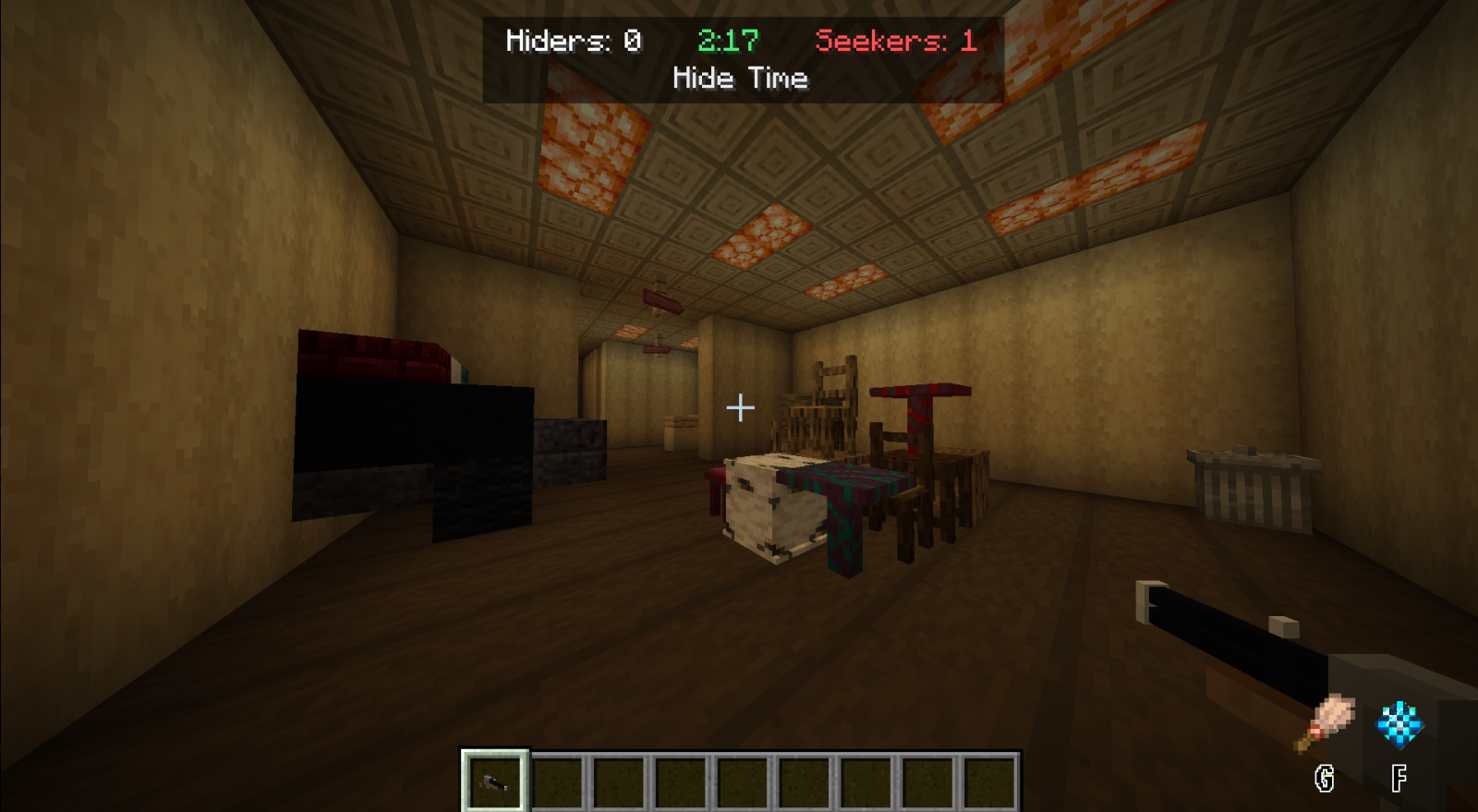 Seeking Pov
 -
 Running animation
 -
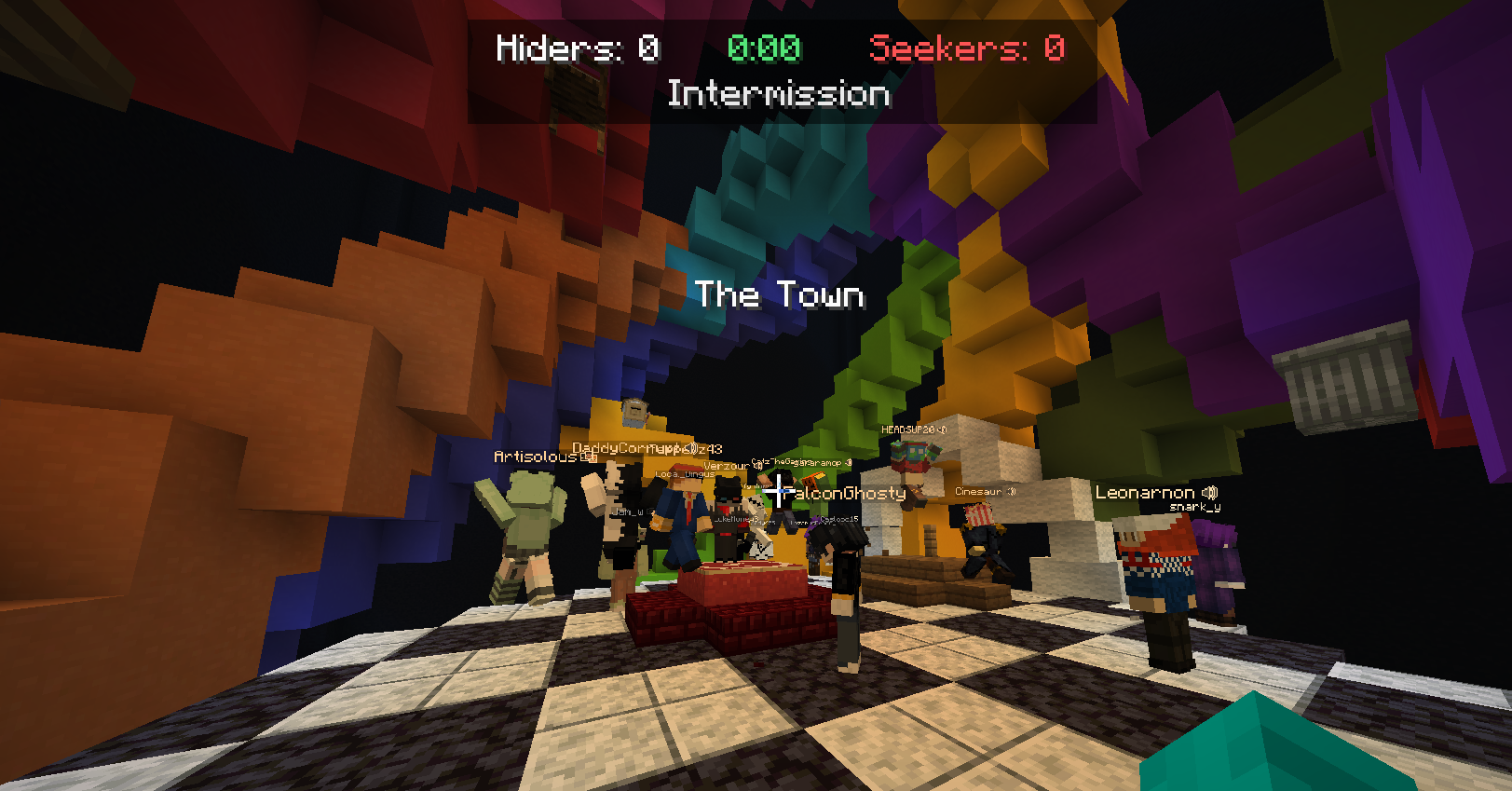 Lobby live round
 -
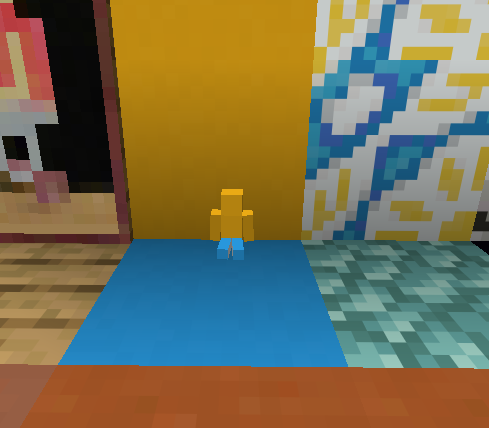 That aint me!
 -
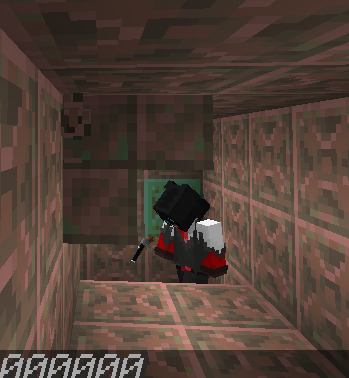 He'll never see me up here.
Versions
Files
Relations
Project Relations
More like this
Similar Mods
Suggestions use data such as tags, dependencies, dependents, descriptions, titles, and more to rank how much they overlap with this mod.
On ModDex
Community snapshot
By the numbers
Statistics

Want to reach Minecraft players?
We're looking for a server hosting partner to feature here and other parts of the site. Interested? Send us a message!
Get in touchGet it on
Available Platforms
On ModDex
Community snapshot
By the numbers
Statistics
Resources