Mod
Veil Light Utility
No reviews yet
A Tool To Save, Load, And Manage Lights Using The Veil Library
Fabric is a mod loader for versions 1.14+ of Minecraft, particularly popular for client side and optimization mods.
Community voices
Reviews
Click once to include, again to exclude, again to clear
No reviews yet. Be the first to review this project!
Get it on
Available Platforms
 Modrinth
Compatibility
Supported Environments
About
Project Details
For authors
Embed Badge
If you're the author of this project, you can embed a live badge anywhere that supports HTML or Markdown. It updates automatically whenever ratings change.
Use HTML for any page that supports it, or Markdown for README files and Markdown-based descriptions.
Identifiers
Platform IDs
About
Description
Veil Light Utility (VLU) enables saving and loading of lights from the Veil library, making the lights persistent after leaving the world and later rejoining. This allows for persistent ambient lighting in adventure maps or larger projects (which is exactly what this tool is made for!). There are also some basic light management features in the beta version of the mod, which will be expanded upon greatly in future updates.
Before And Afters:


Current Features:
- Save lights when you leave the world
- Load lights when you rejoin the world.
- Add lights with the Quick Hud menu
- Remove lights within 3, 10, or 15 blocks.
- Remove all directional lights.
- Remove all lights in the world.
Planned Features:
- A custom light editor (with the ability to add names to lights)
- Multiplayer compatiblity
- Light Profiles (save and load multiple sets of lights within a world via commands)
- Highlight a light's position
- Teleport to a light's position
Mod Usage:
- Lights must be added through the Quick Hud and not the Veil Editor for them to be saved (This makes it possible for other mods to use Veil lights and not have them be saved when exiting the world).
- The Quick Hud is accessible with the Left Alt key by default and dissapears when not held.
This mod also works well in combination with the True Darkness Refabricated mod (when configured to ignore moon phases). True Darkness Refabricated removes virtually all sky lighting at night, allowing you to essentially paint the world with completely custom light. See the gallery for images using this combination!
Screenshots
Gallery
-
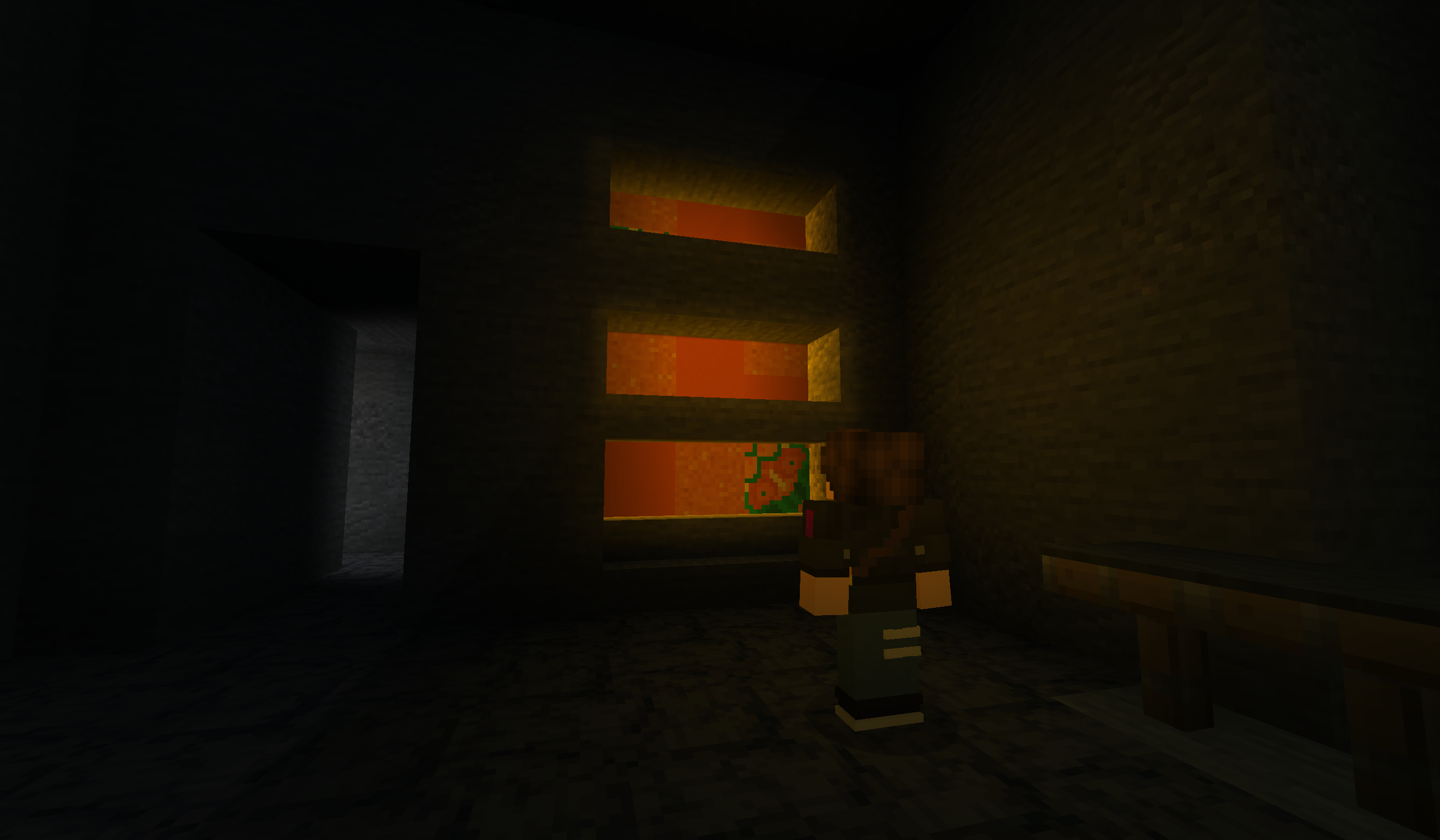 An Orange Thing It glows... (Made with 3 area lights and a point light)
 -
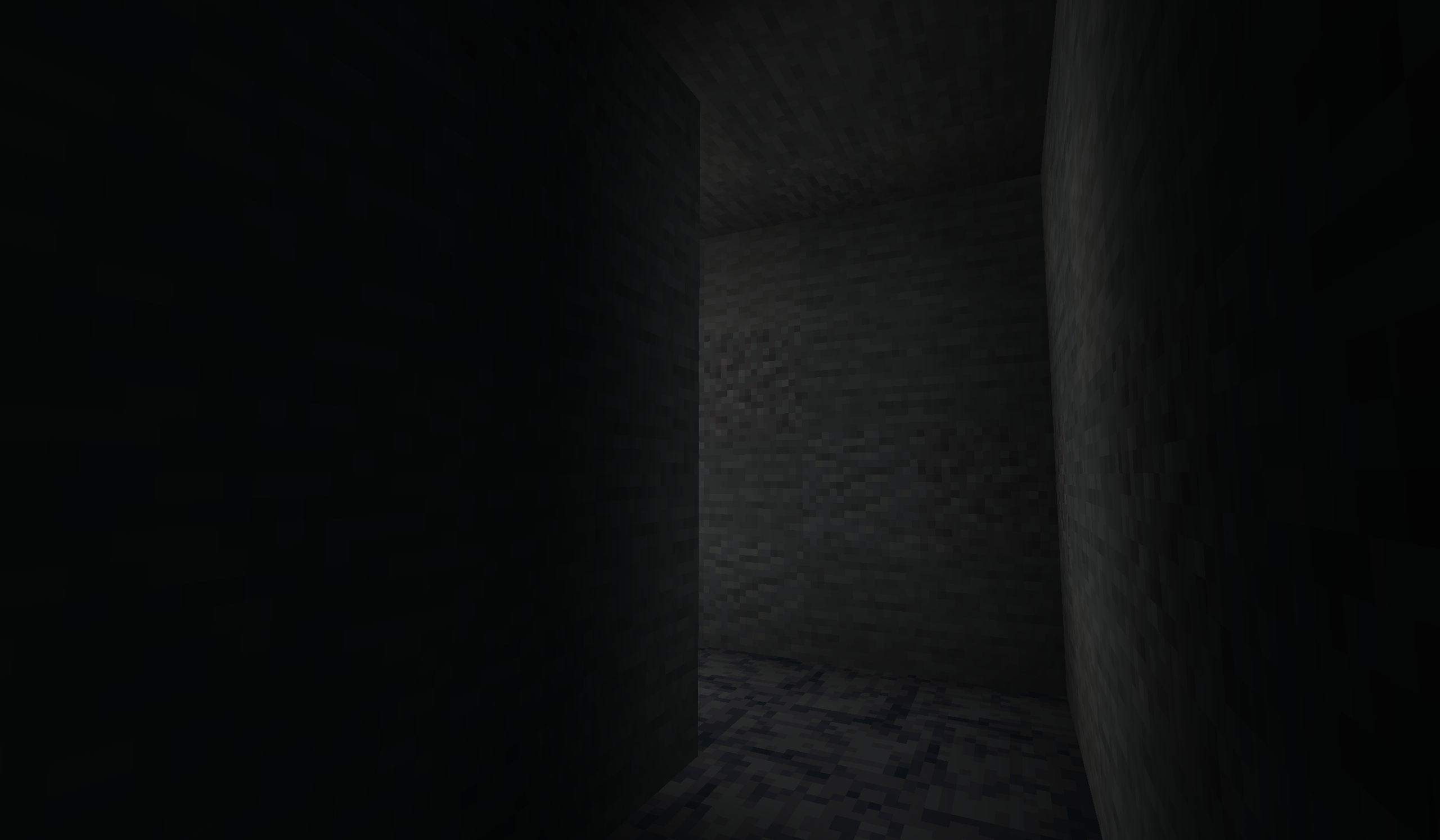 A Lit Up Hallway Made with an area light
 -
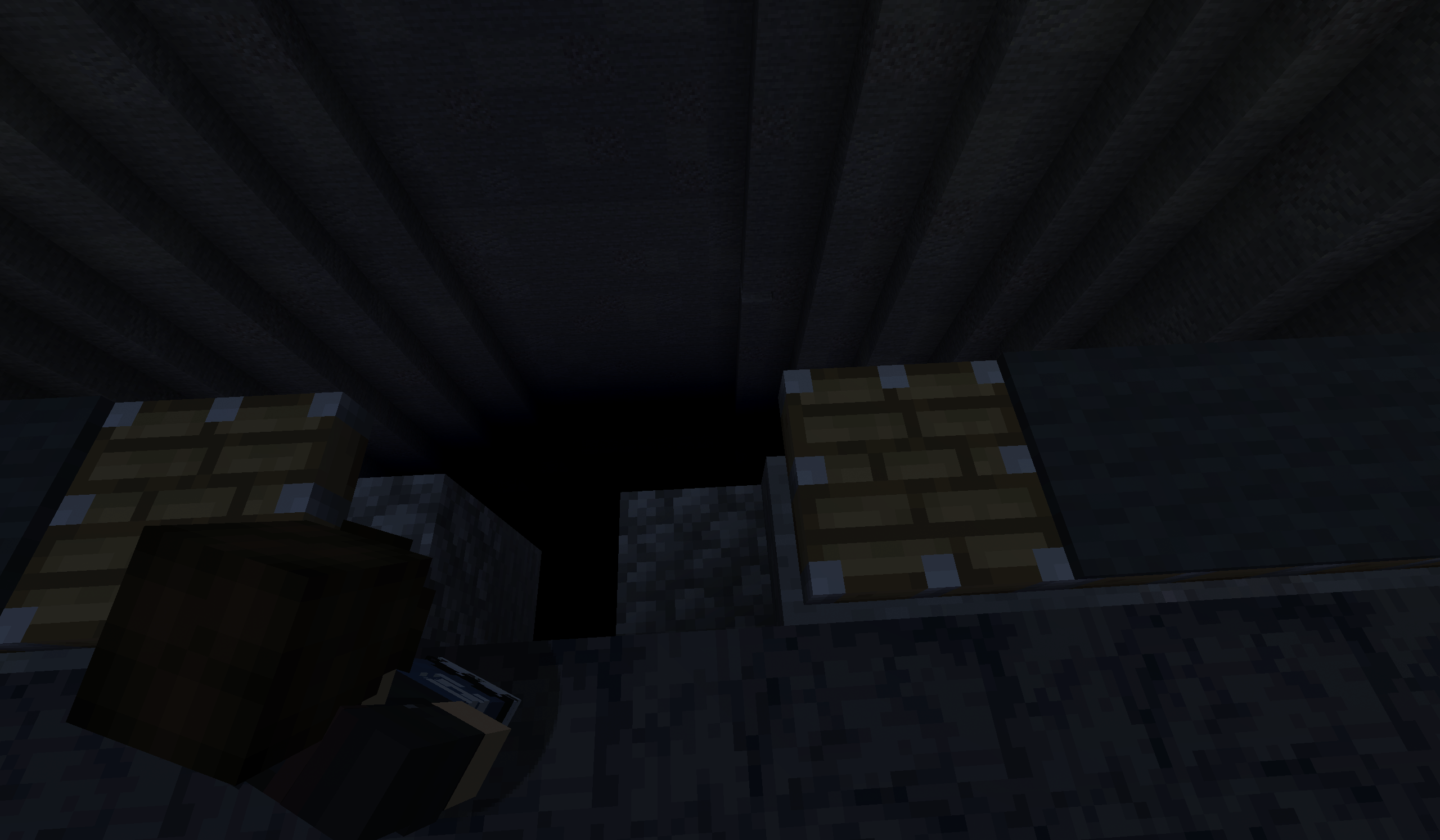 The Void Below Made with a light set to a negative brightness
 -
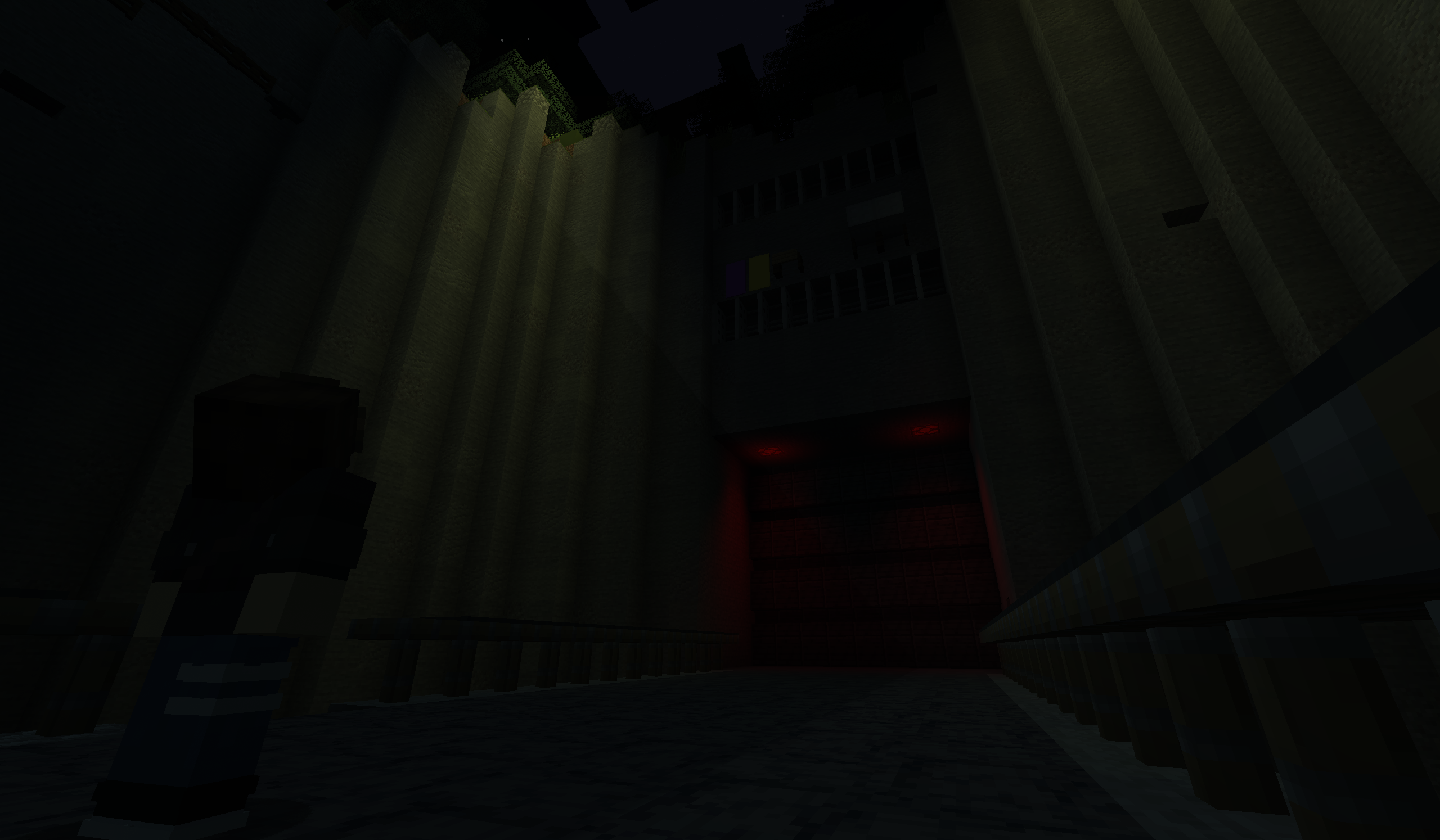 The Door... And Spotlights... And A Fake Shadow... Made with a mix of primarily area lights and a couple point lights.
 -
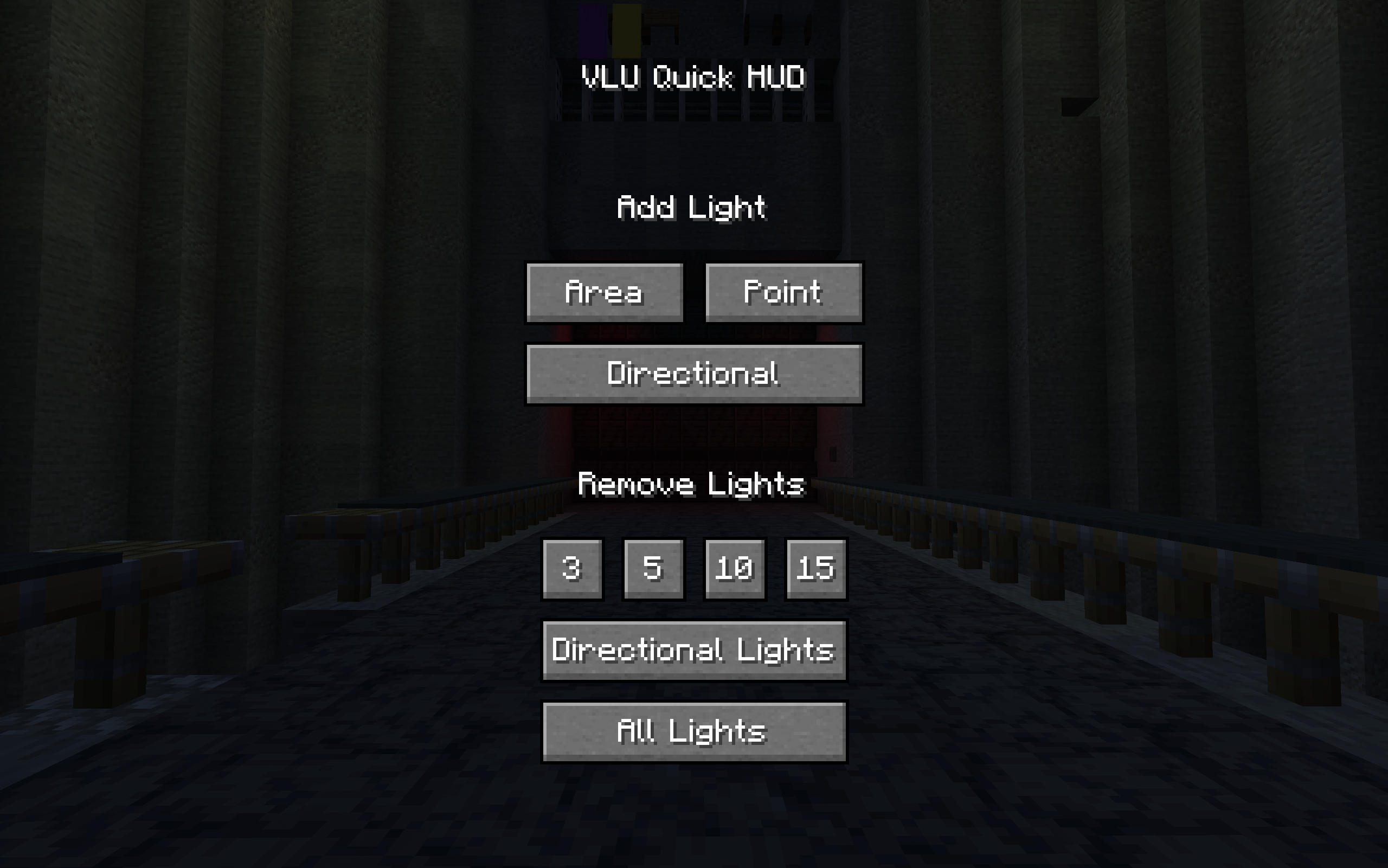 The Quick Hud Menu Openable by holding down Left Alt
Versions
Files
Relations
Project Relations
More like this
Similar Mods
Suggestions use data such as tags, dependencies, dependents, descriptions, titles, and more to rank how much they overlap with this mod.
On ModDex
Community snapshot
By the numbers
Statistics

Want to reach Minecraft players?
We're looking for a server hosting partner to feature here and other parts of the site. Interested? Send us a message!
Get in touchGet it on
Available Platforms
On ModDex
Community snapshot
By the numbers