Modpack
Horizons Alive
No reviews yet
Distant Horizons, boosted FPS, enhanced visuals, Immersive sound and animations — fully compatible with vanilla multiplayer/Realms
Does not follow a specific thematic focus apart from vanilla Minecraft.
Features content that solely expands on Vanilla mechanics and gameplay.
Adds features to make the game more accessible and comfortable to play.
Fabric is a mod loader for versions 1.14+ of Minecraft, particularly popular for client side and optimization mods.
Community voices
Reviews
Click once to include, again to exclude, again to clear
No reviews yet. Be the first to review this project!
Get it on
Available Platforms
 CurseForge
About
Project Details
For authors
Embed Badge
If you're the author of this project, you can embed a live badge anywhere that supports HTML or Markdown. It updates automatically whenever ratings change.
Use HTML for any page that supports it, or Markdown for README files and Markdown-based descriptions.
Identifiers
Platform IDs
Resources
External Links
About
Description
Client-Side & Multiplayer Friendly: This modpack is fully client-side and compatible with 🌀multiplayer servers as well as 🌀Realms, since it remains vanilla-friendly and works with the latest version of the game.
Distant Horizons Integration: The render distance is set to 126 chunks. You can adjust this for greater visual range or tune it for more stable chunk loading using the threads option. ⚠️Note: Distant Horizons is particularly CPU-dependent. Exceeding the vanilla 12-chunk render distance will change nothing, as it does not provide meaningful improvements.
Controller Support: Horizon Alive includes 🎮controller support. ⚠️Please be aware that on some servers, anticheat systems may trigger false positives with certain functions. You can enable and configure controller support in the options menu to suit your preferences.
🛠️Look for resources pack to download and install inside Minecraft, thanks to Resourcify!
Selecting & Configuring Shaders🔮
Head to Options → Video Settings.
Spot the Shader Packs button in the top-right corner.
Click it to open the pack list – pick your fave like Complementary.
Apply and tweak settings right there: Adjust quality (Low/Med/High/Ultra) for your PC's FPS.
Tip: Each 🌌 shader has unique options (e.g., water reflections, godrays, shadows). Experiment in a creative world
first!
I also recommend these settings in Sodium if you're experiencing slow chunk loading or visual bugs related to chunk rendering or similar:
Video Settings → Performance → Chunk Update Threads → set to Full.
Always Defer Chunk Updates → set to Immediately to avoid slow visual loading of chunks. ⚠️This setting has a significant impact on the CPU.
Tip: 🛠️You can Disable Minimap with M key, and Inventory HUD+ with I key.
🎮Play smarter with Wabbanode — Get a discount using referral code JUANCHOS!

Screenshots
Gallery
-
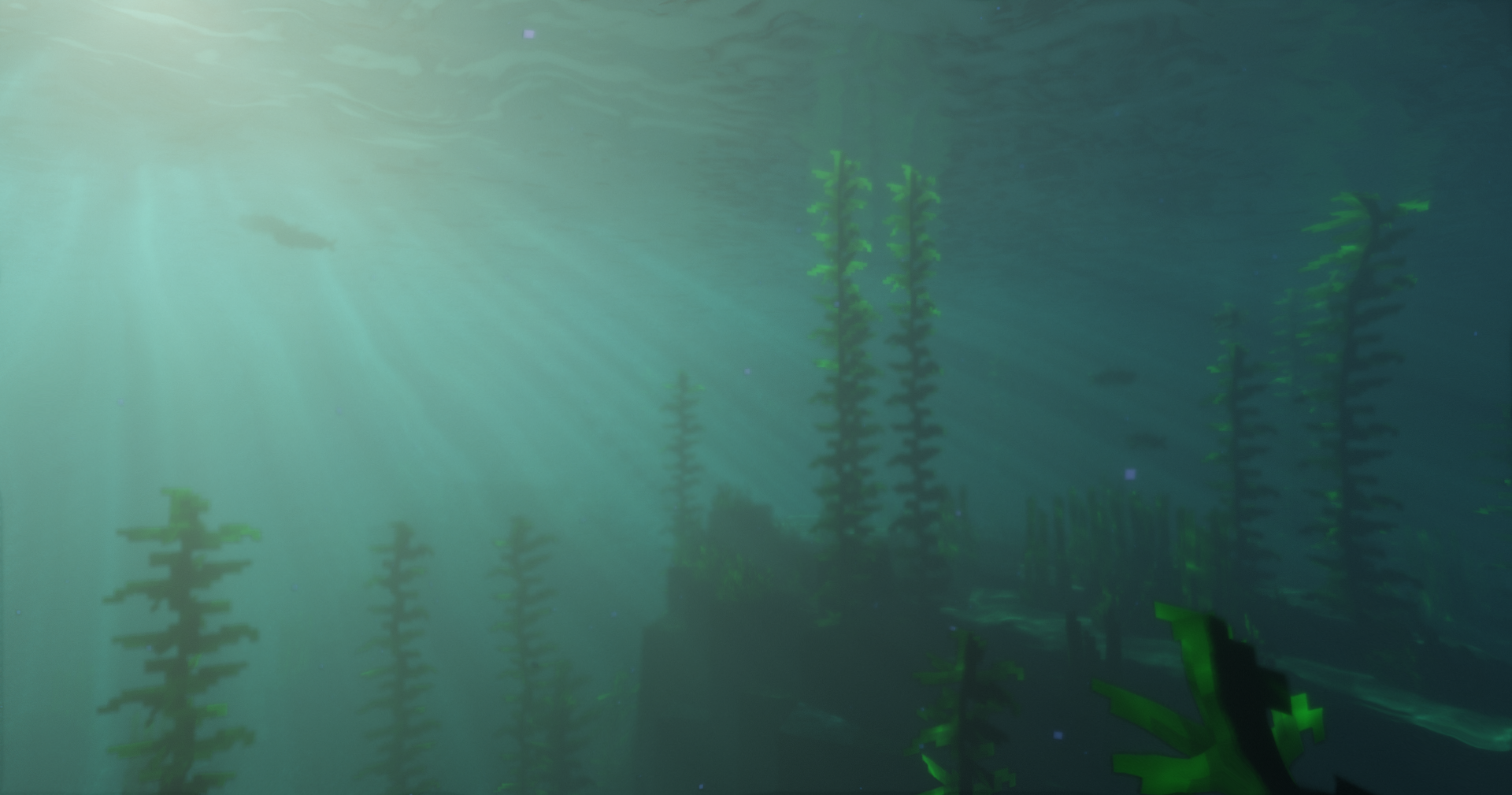 Ocean with Bliss Shaders
 -
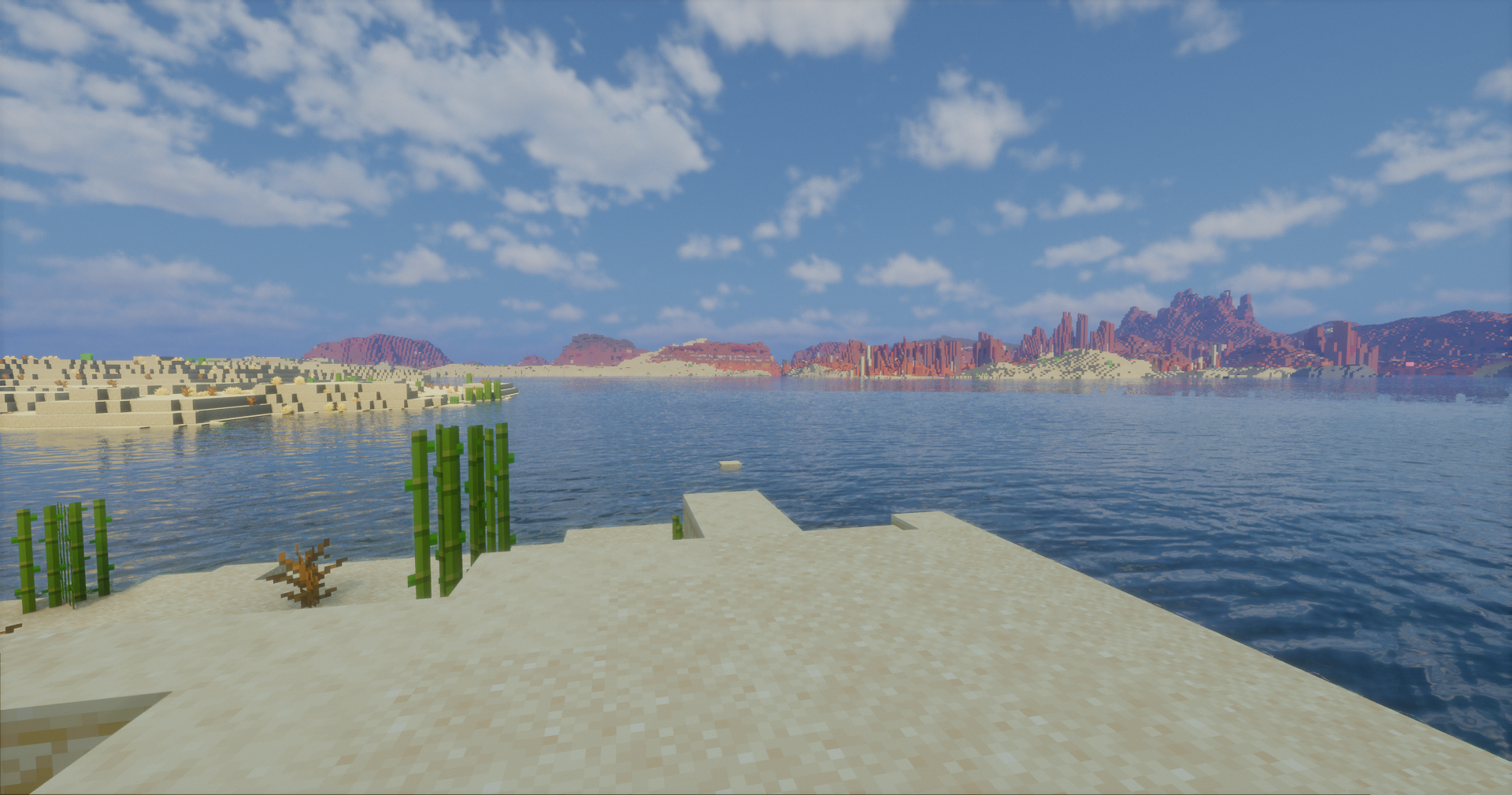 Distance
 -
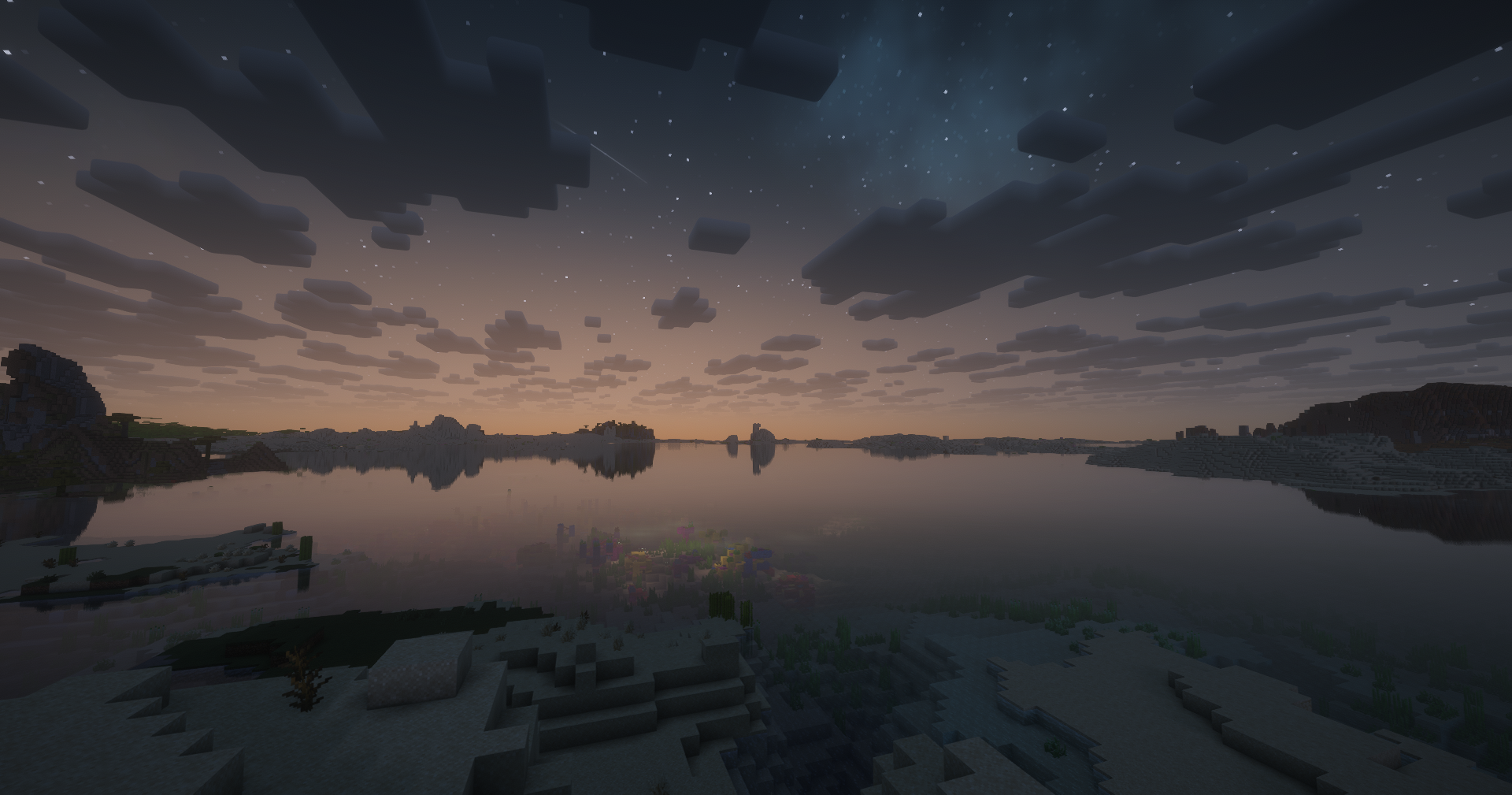 Night
Night -
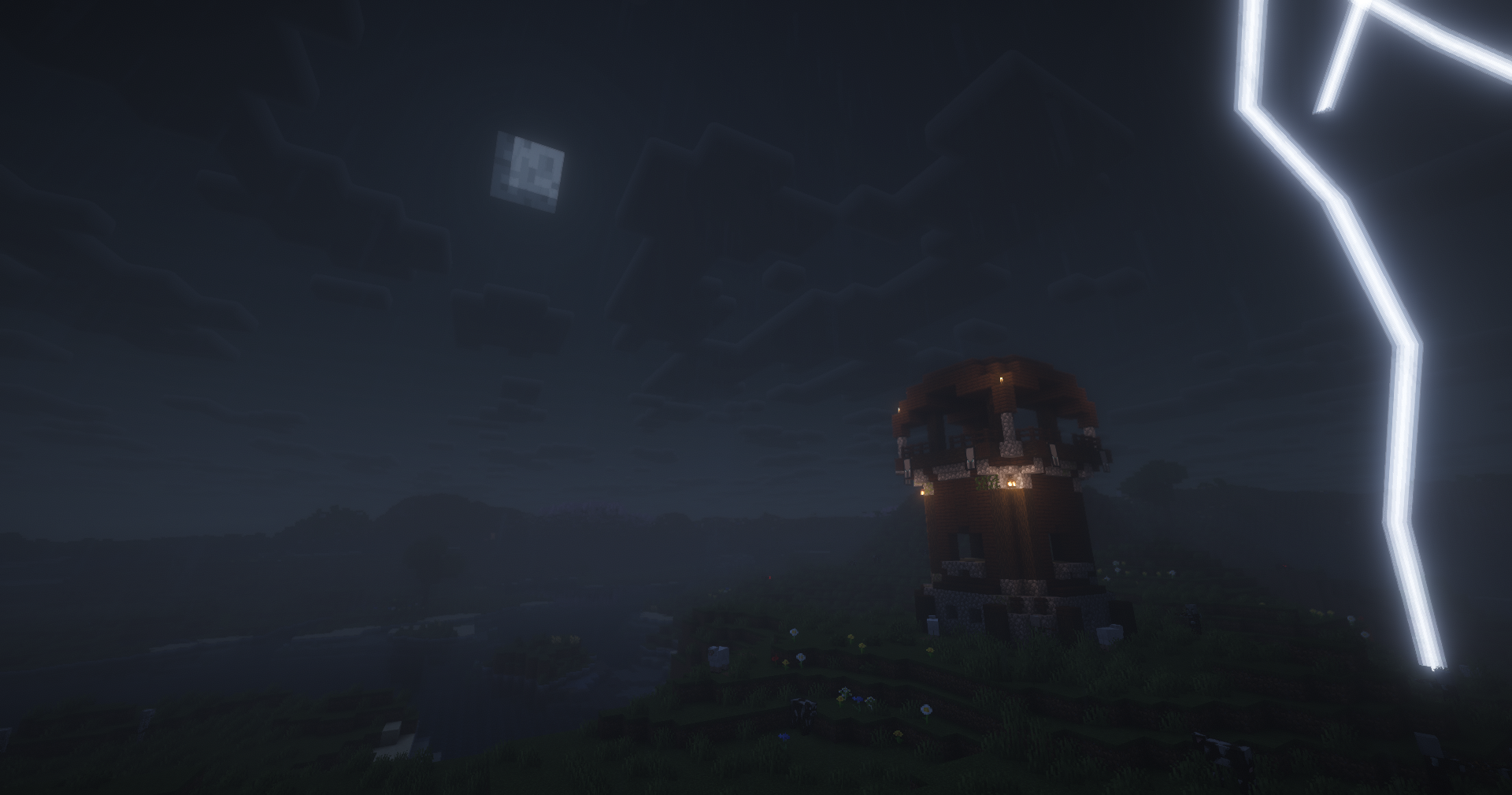 Pillager Post
 -
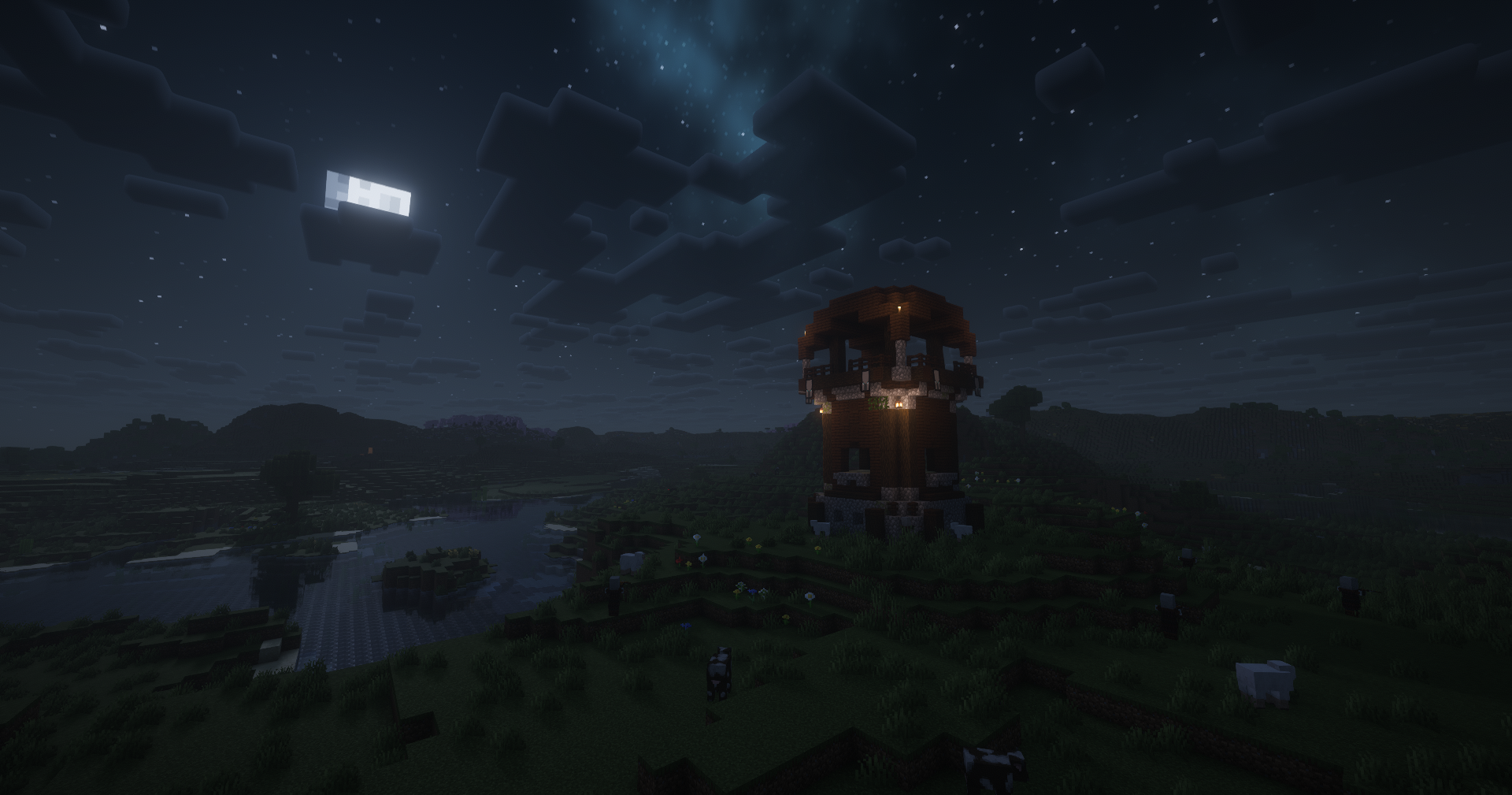 pillager Post
 -
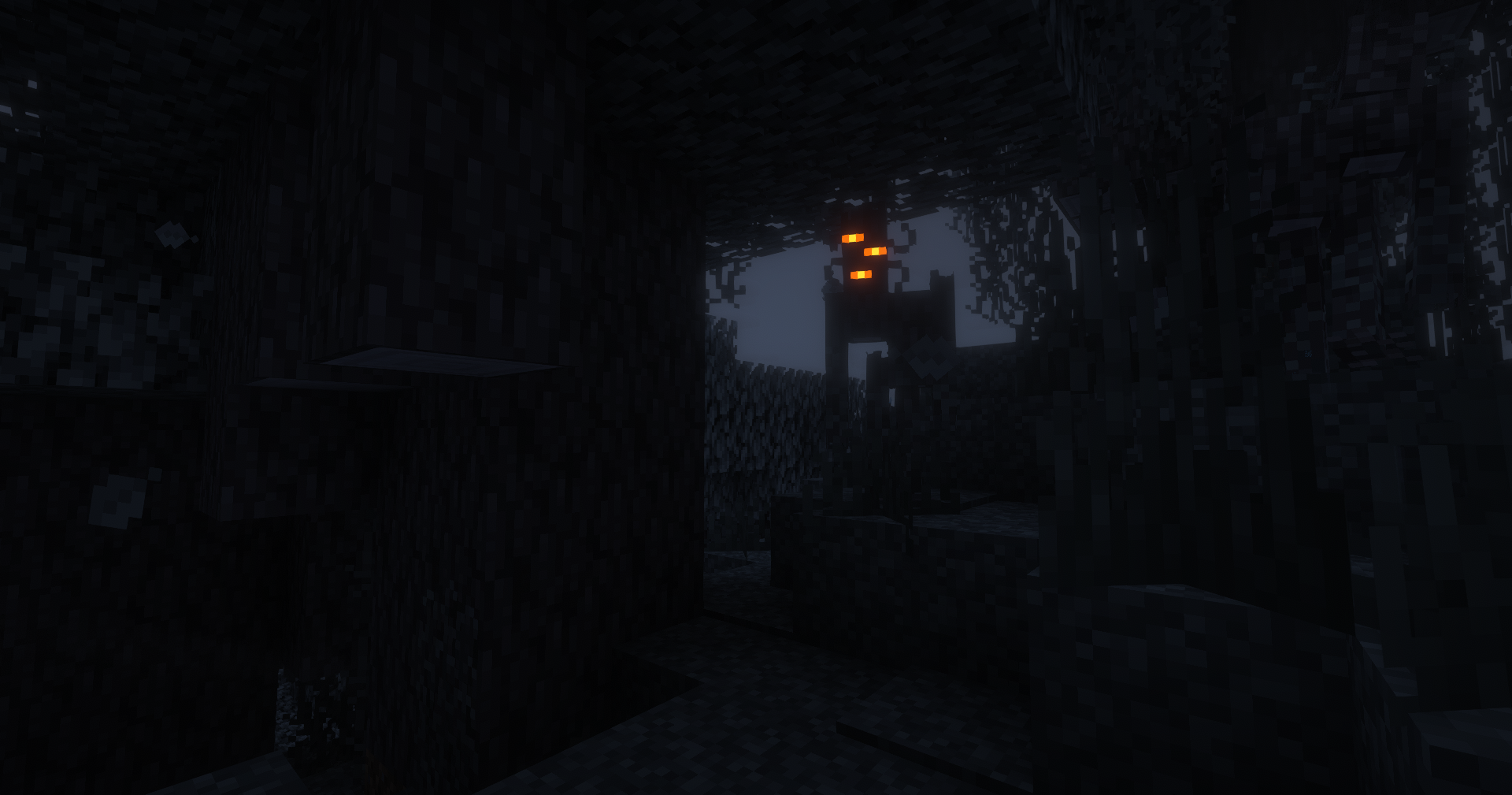 Creaking looking for someone
 -
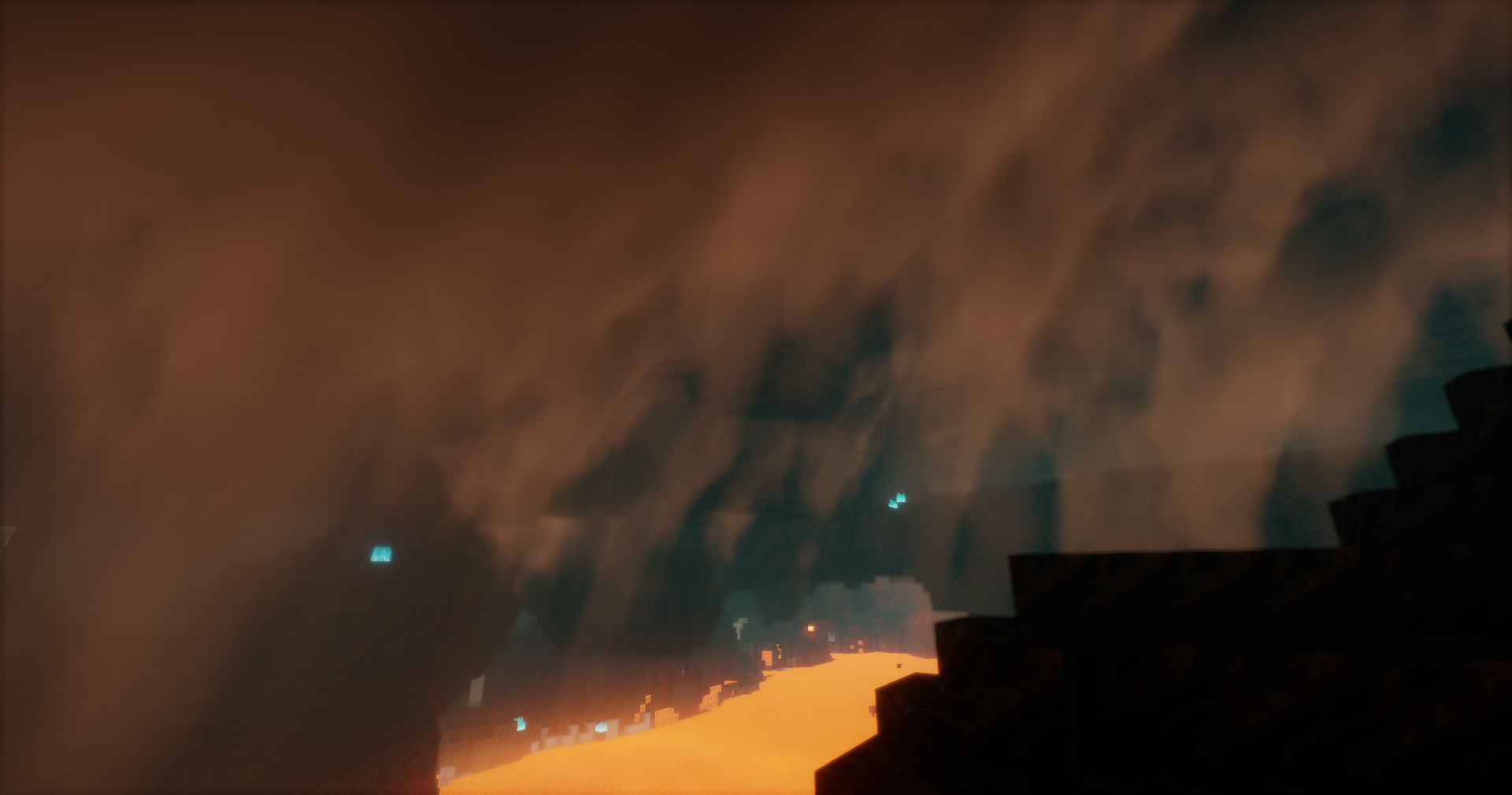 Nether vapors Bliss Shaders
Versions
Files
Relations
Project Relations
More like this
Similar Modpacks
Suggestions use data such as tags, dependencies, dependents, descriptions, titles, and more to rank how much they overlap with this modpack.
On ModDex
Community snapshot
By the numbers
Statistics
Want to reach Minecraft players?
We're looking for a server hosting partner to feature here and other parts of the site. Interested? Send us a message!
Get in touchGet it on
Available Platforms
On ModDex
Community snapshot
By the numbers
Statistics
Resources