Modpack

Pino 3
No reviews yet
It is a tech orientated modpack with mods such as Create, Mekanism and Applied Energistics 2.
Neoforge is a fork of the Minecraft Forge available for versions 1.20.1+ of Minecraft. Many Forge mods are compatible with Neoforge and vice versa.
Community voices
Reviews
Click once to include, again to exclude, again to clear
No reviews yet. Be the first to review this project!
Get it on
Available Platforms
 Modrinth
Compatibility
Supported Environments
About
Project Details
For authors
Embed Badge
If you're the author of this project, you can embed a live badge anywhere that supports HTML or Markdown. It updates automatically whenever ratings change.
Use HTML for any page that supports it, or Markdown for README files and Markdown-based descriptions.
Identifiers
Platform IDs
Resources
External Links
About
Description
The final verion of the modpack was uploaded! It won’t receive any further updates!
It is a modpack with over 230 mods.
It’s mainly about automating items and building farms with mods like Applied Energistics 2, Create, Mekanism and Immersive Engeneering.
With Applied Energistics 2 and Refined Storage you can build large storage systems, automate many items and more.
With Create and the addons for Create, you can build simple farms, e.g. a wheat farm.
But you can also build complicated factories with this mod, e.g. a strawberry ice cream factory.
With Mekanism you can, for example, build a simple smelting furnace or a complicated factory for increasing ore.
If you like building large factories to automate items, this is the perfect modpack for you.
Here is a tutorial on how to install Pino 3 as a server:
-> Download the installer for Neoforge 47.1.106.-> Open the installer, click on Install server, set the file path where the server should be installed and click on proceed.
-> Open user_jvm_args.txt and remove # from the 9th line and replace the 4 with 8.
-> Copy the following folders from your modpack profile to the folder in which you previously installed the server: mods, config, defaultconfig, kubejs.
-> Open the mods folder and delete the following mods. These are only required for the client:
- AdvancementPlaques-1.20.1-forge-1.6.7.jar
- appleskin-forge-mc1.20.1-2.5.1.jar
- BetterF3-7.0.2-Forge-1.20.1.jar
- Controlling-forge-1.20.1-12.0.2.jar
- create-train-perspective-1.0.0+mc1.20.1.jar
- create_tab_fix-1.0.0+forge-1.20.1. jar
- CullLessLeaves-Reforged-1.20.1-1.0.5.jar
- dynamic-fps-3.7.7+minecraft-1.20.0-forge.jar
- embeddium-0.3.31+mc1.20.1.jar
- EnchantmentDescriptions-Forge-1. 20.1-17.1.19.jar
- entity_model_features_forge_1.20.1-2.2.6.jar
- entity_texture_features_forge_1.20.1-6.2.9.jar
- entityculling-forge-1. 7.2-mc1.20.1.jar
- essential_1-3-5-3_forge_1-20-1.jar
- Fallingleaves-1.20.1-2.1.0.jar
- fancymenu_forge_3.3.2_MC_1.20.1.jar
- fusion-1. 1.1-forge-mc1.20.1.jar
- jeimultiblocks-1.20.1-1.0.2.jar
- journeymap-1.20.1-5.10.3-forge.jar
- JustEnoughMekanismMultiblocks-1.20.1-4.6. jar
- JustEnoughProfessions-forge-1.20.1-3.0.1.jar
- melody_forge_1.0.3_MC_1.20.1-1.20.4.jar
- modelfix-1.15.jar
- notenoughcrashes-4.4.7+1.20. 1-forge.jar
- oculus-mc1.20.1-1.7.0.jar
- searchables-forge-1.20.1-1.0.3.jar
- skinlayers3d-forge-1.7.4-mc1.20.1.jar
- starlight-1.1.2+forge.1cda73c.jar
-> Execute the start.bat
-> After a short time eula.txt is created. Open it and replace “false” with “true”
-> Execute the start.bat again
-> Done! The server should now work.
Screenshots
Gallery
-
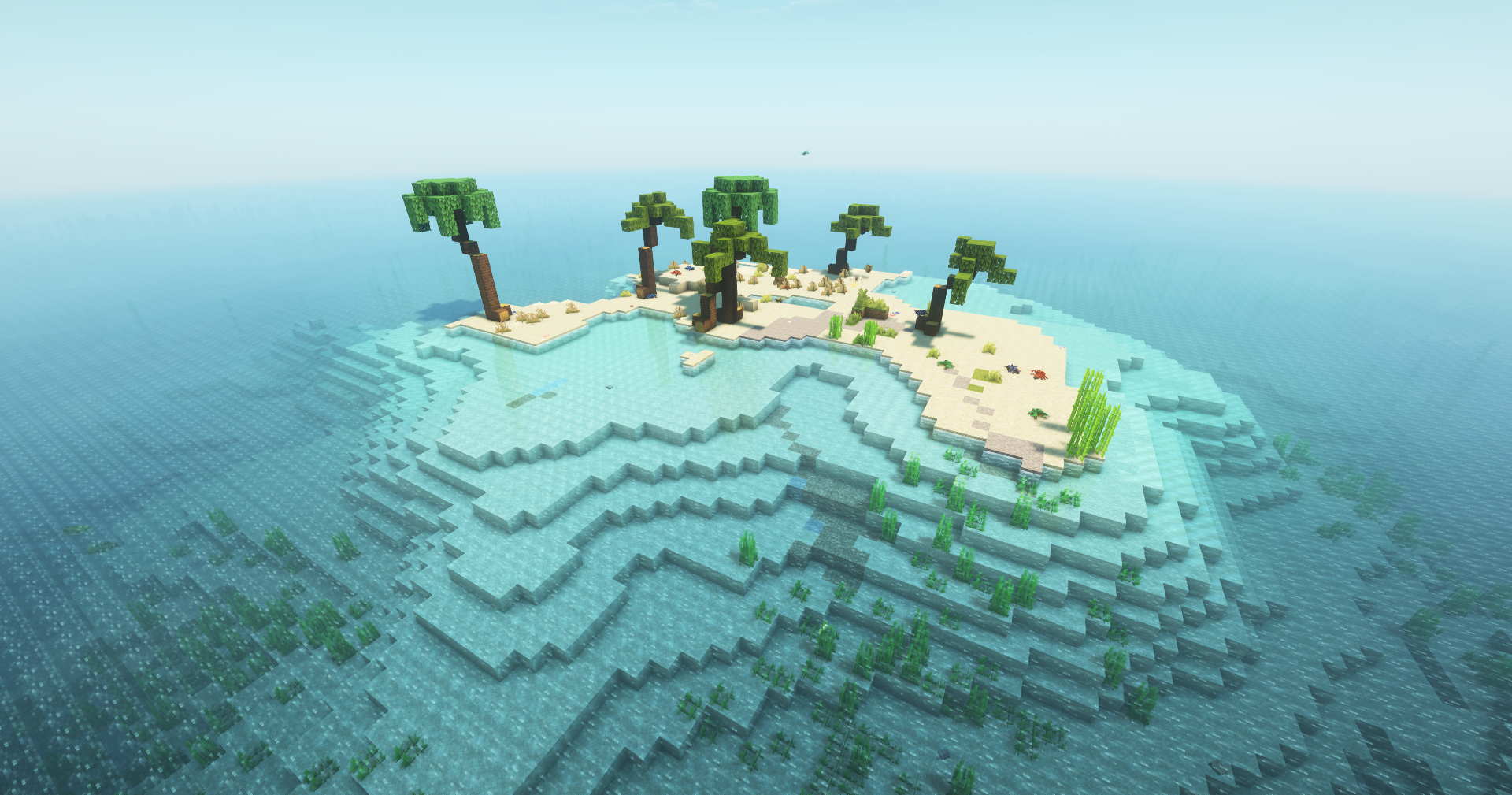 worldgen
 -
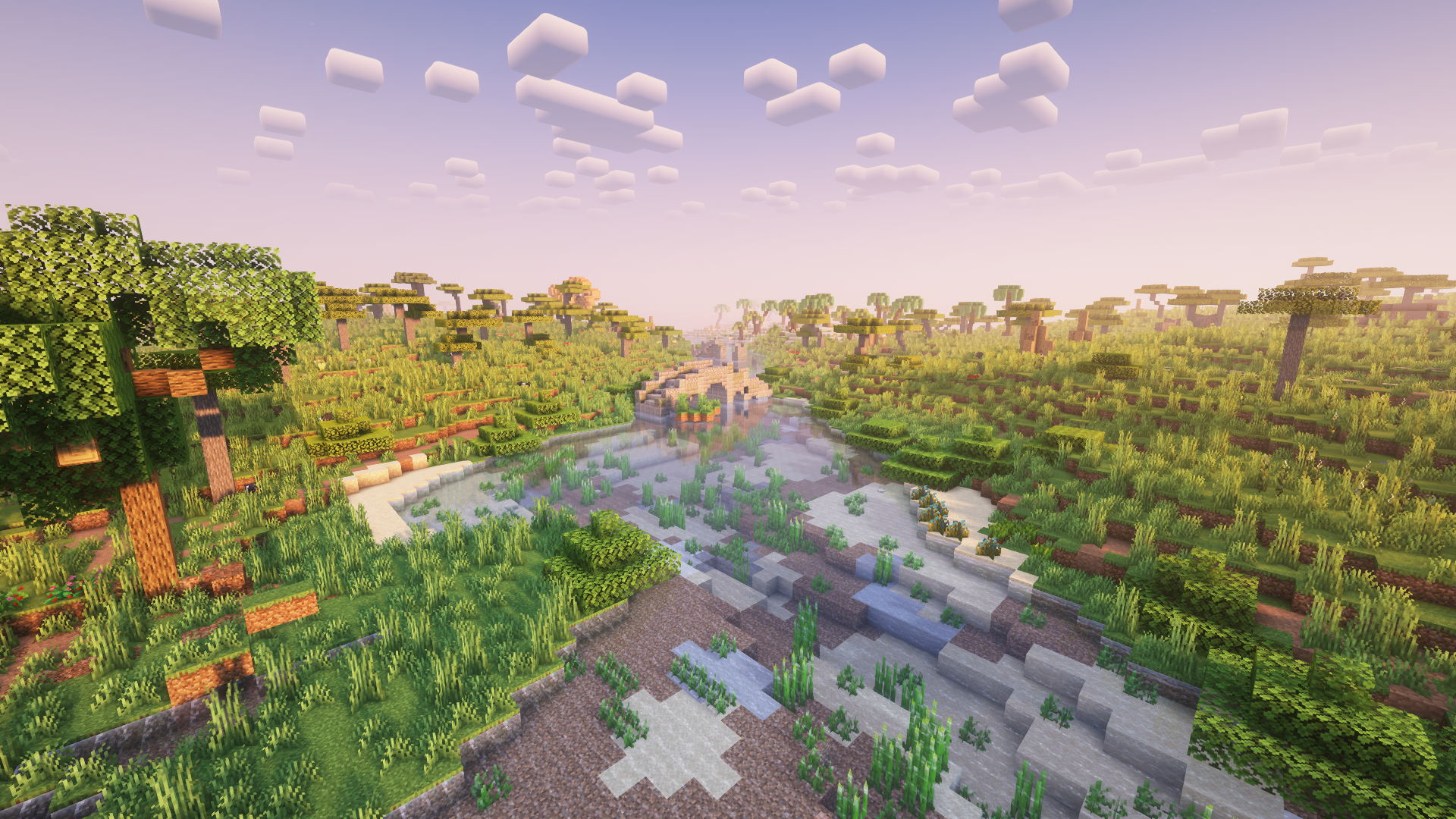 worldgen 1
 -
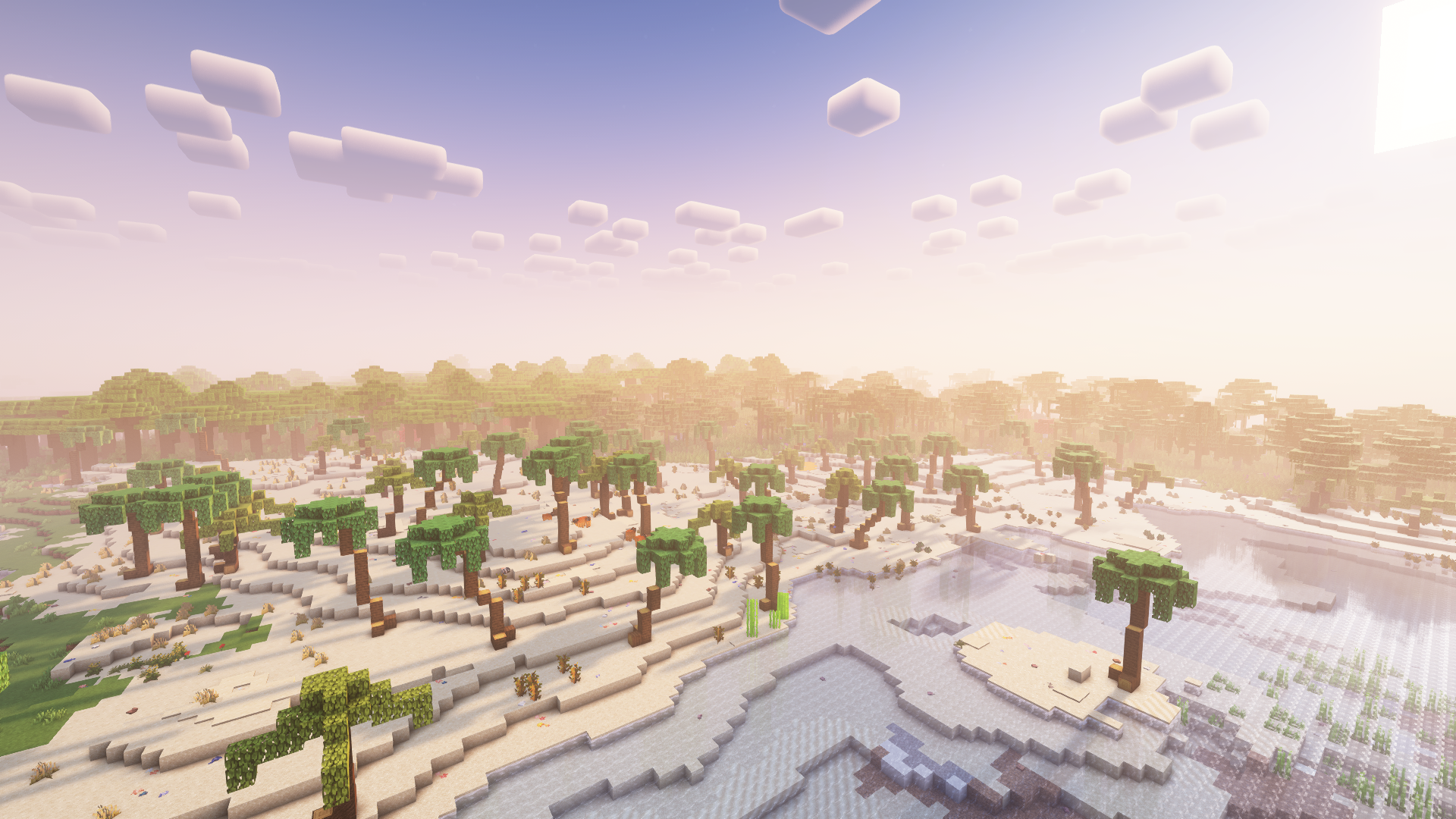 worldgen 2
 -
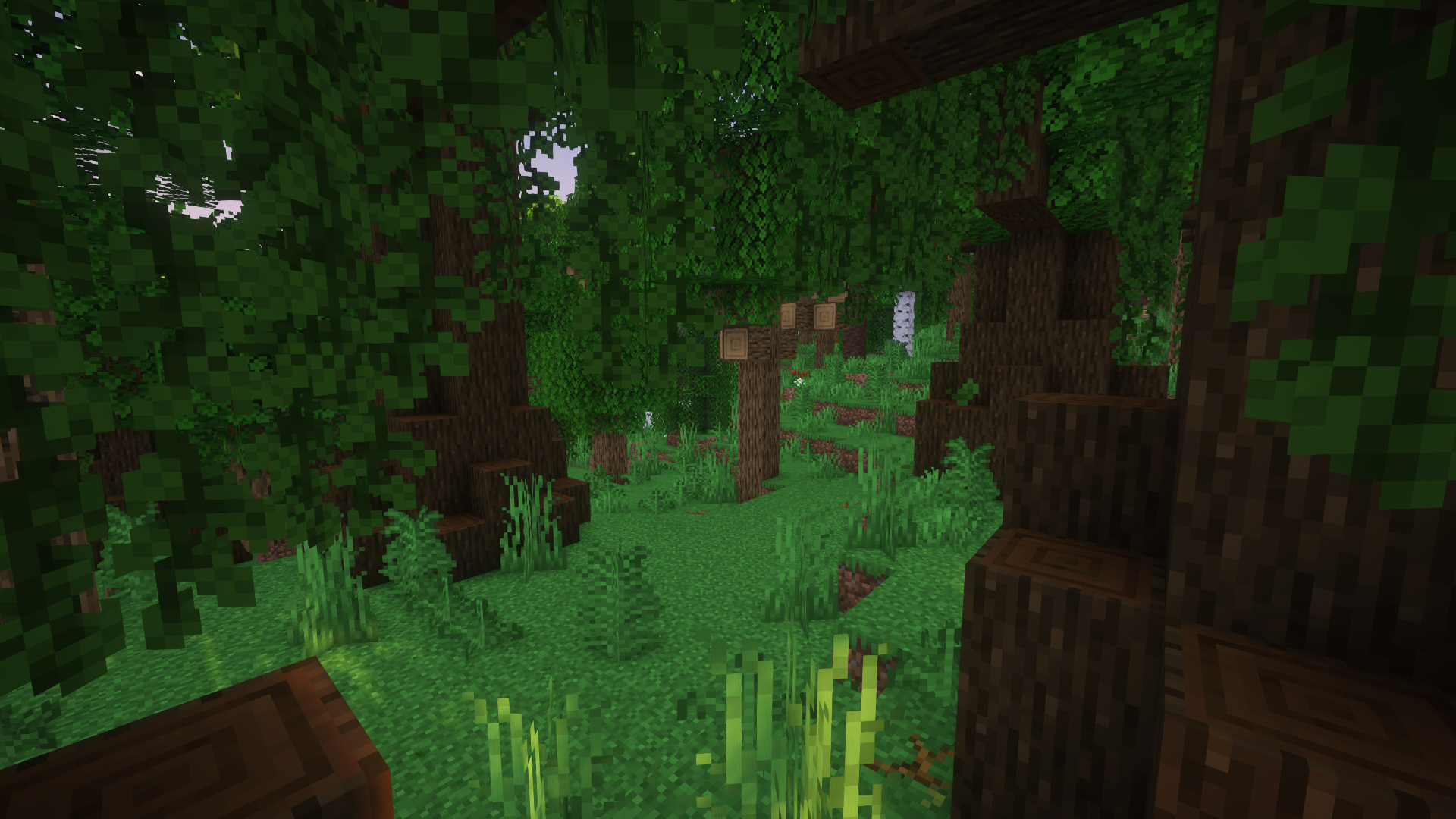 worldgen 3
 -
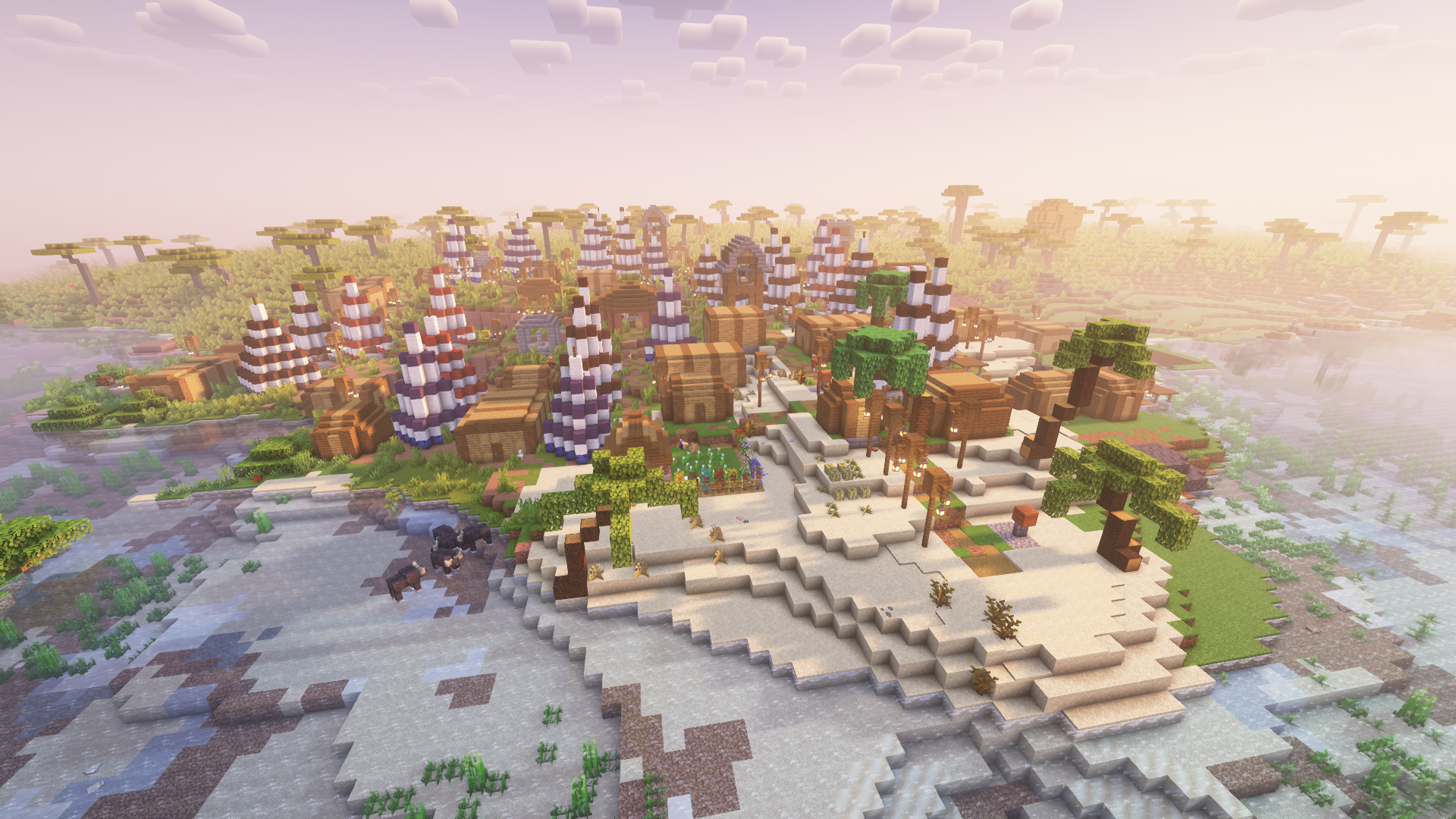 worldgen 4
 -
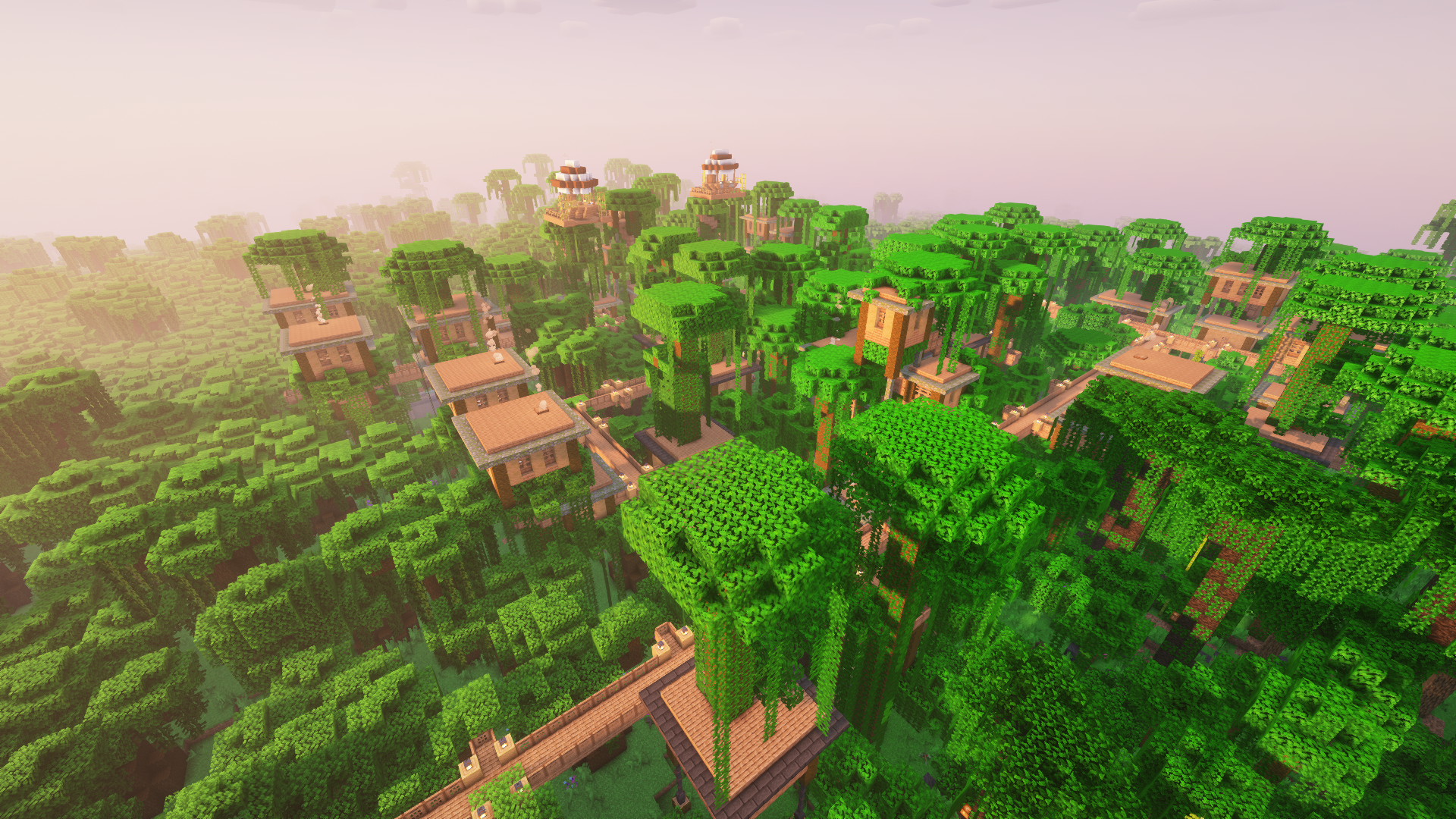 worldgen 5
 -
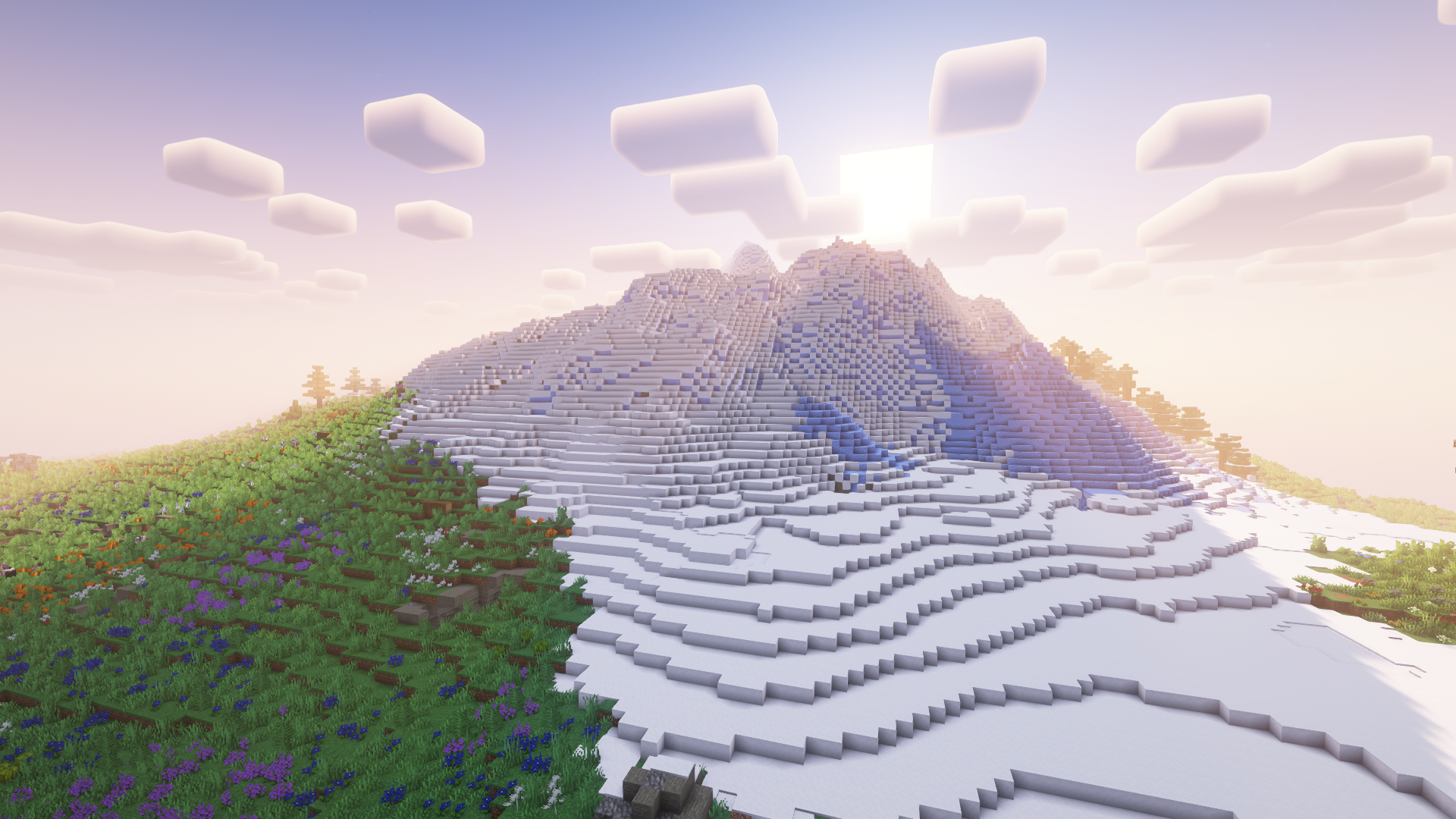 worldgen 6
 -
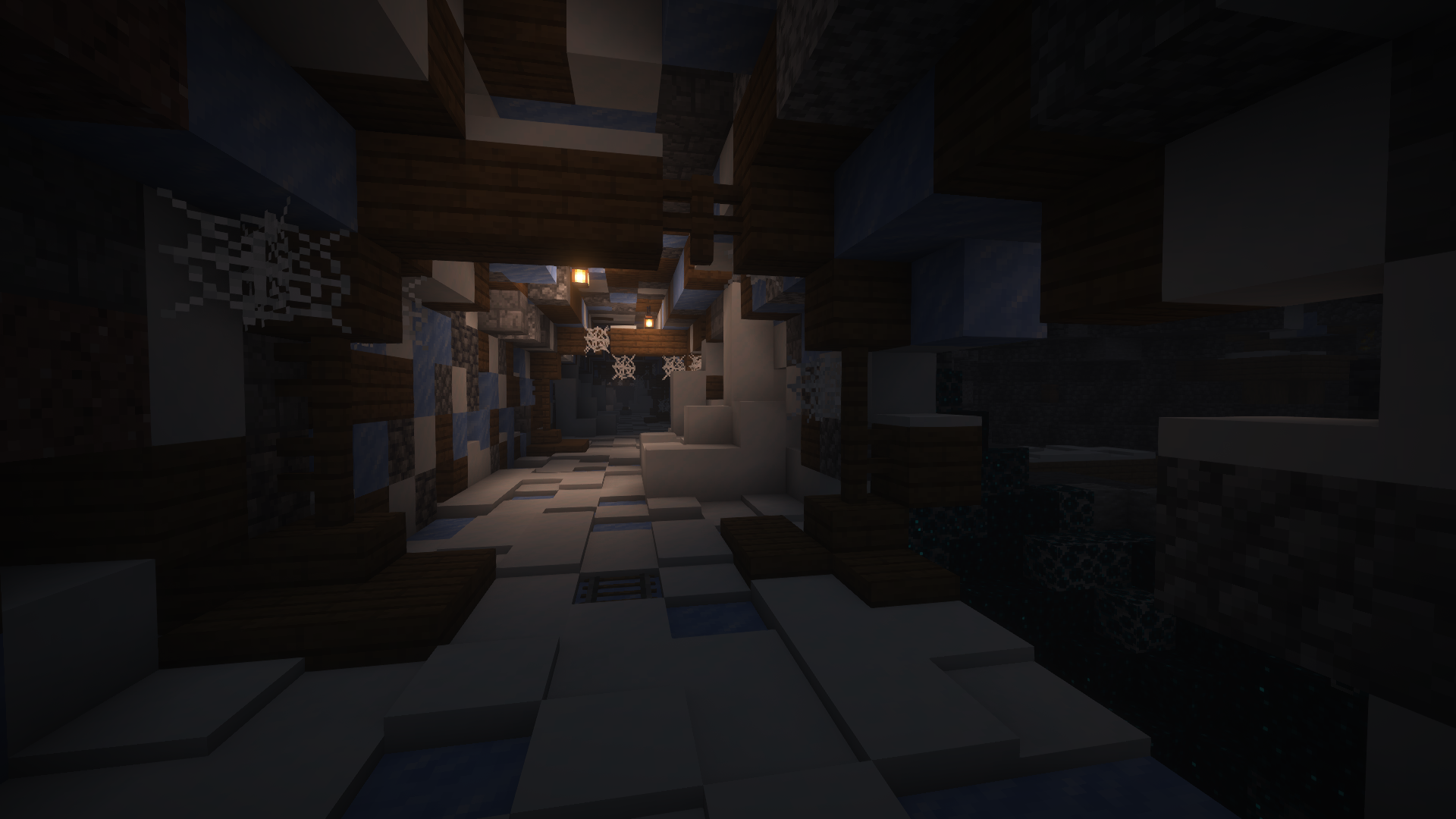 worldgen 7
 -
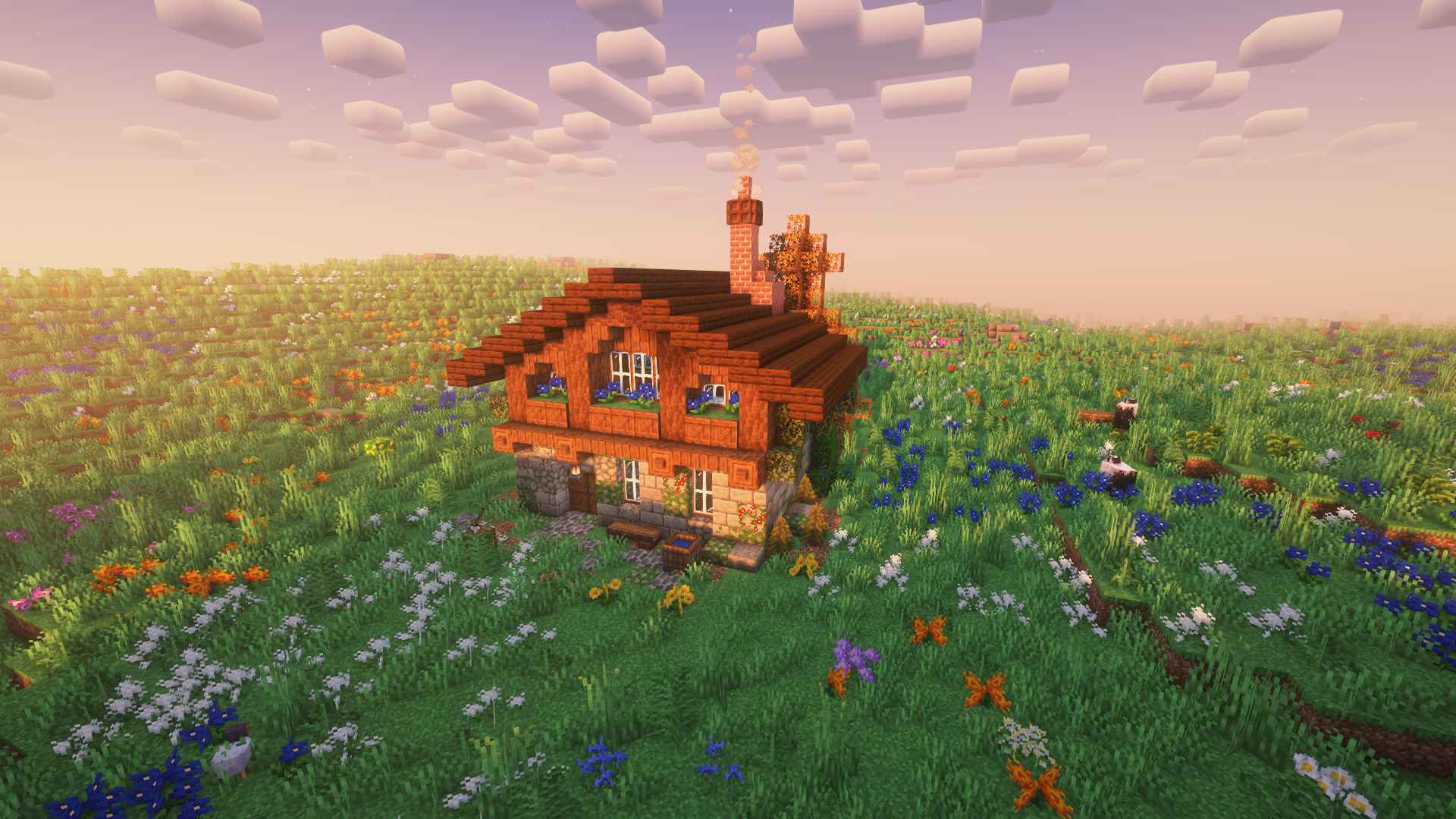 worldgen 8
 -
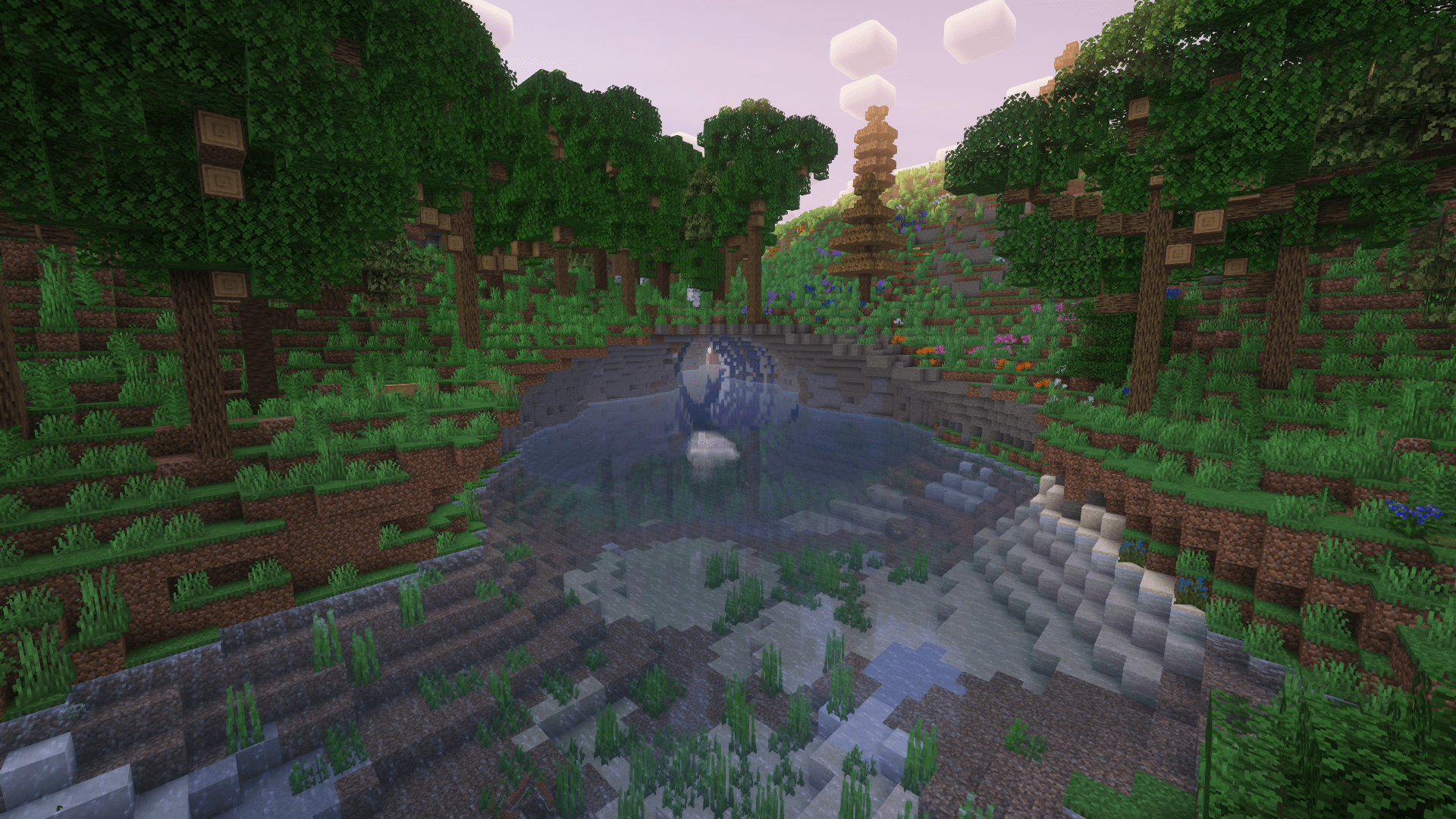 worldgen 9
Versions
Files
Relations
Project Relations
More like this
Similar Modpacks
Suggestions use data such as tags, dependencies, dependents, descriptions, titles, and more to rank how much they overlap with this modpack.
On ModDex
Community snapshot
By the numbers
Statistics

Want to reach Minecraft players?
We're looking for a server hosting partner to feature here and other parts of the site. Interested? Send us a message!
Get in touchGet it on
Available Platforms
On ModDex
Community snapshot
By the numbers
Statistics
Resources