Modpack

Rascal Modpack
No reviews yet
A carefully crafted modpack for those seeking a deeper, more lively Minecraft experience.
Includes a large focus on traversing worlds with enhanced world generation, structures, dungeons, and more for players to find unique loot.
Designed to be difficult and challenging for experienced players, often with many hours of gameplay.
Fabric is a mod loader for versions 1.14+ of Minecraft, particularly popular for client side and optimization mods.
Community voices
Reviews
Click once to include, again to exclude, again to clear
No reviews yet. Be the first to review this project!
Get it on
Available Platforms
 Modrinth
Compatibility
Supported Environments
About
Project Details
For authors
Embed Badge
If you're the author of this project, you can embed a live badge anywhere that supports HTML or Markdown. It updates automatically whenever ratings change.
Use HTML for any page that supports it, or Markdown for README files and Markdown-based descriptions.
Identifiers
Platform IDs
About
Description



Rascal modpack is a vanilla-plus pack aiming to enhance the Minecraft experience. It was designed with gameplay, balance, quality of life, and performance in mind. It was crafted with passion and I hope that you enjoy it.

Features
Here are some of the major features included in this modpack:
- A new immersive experience in a world that feels alive
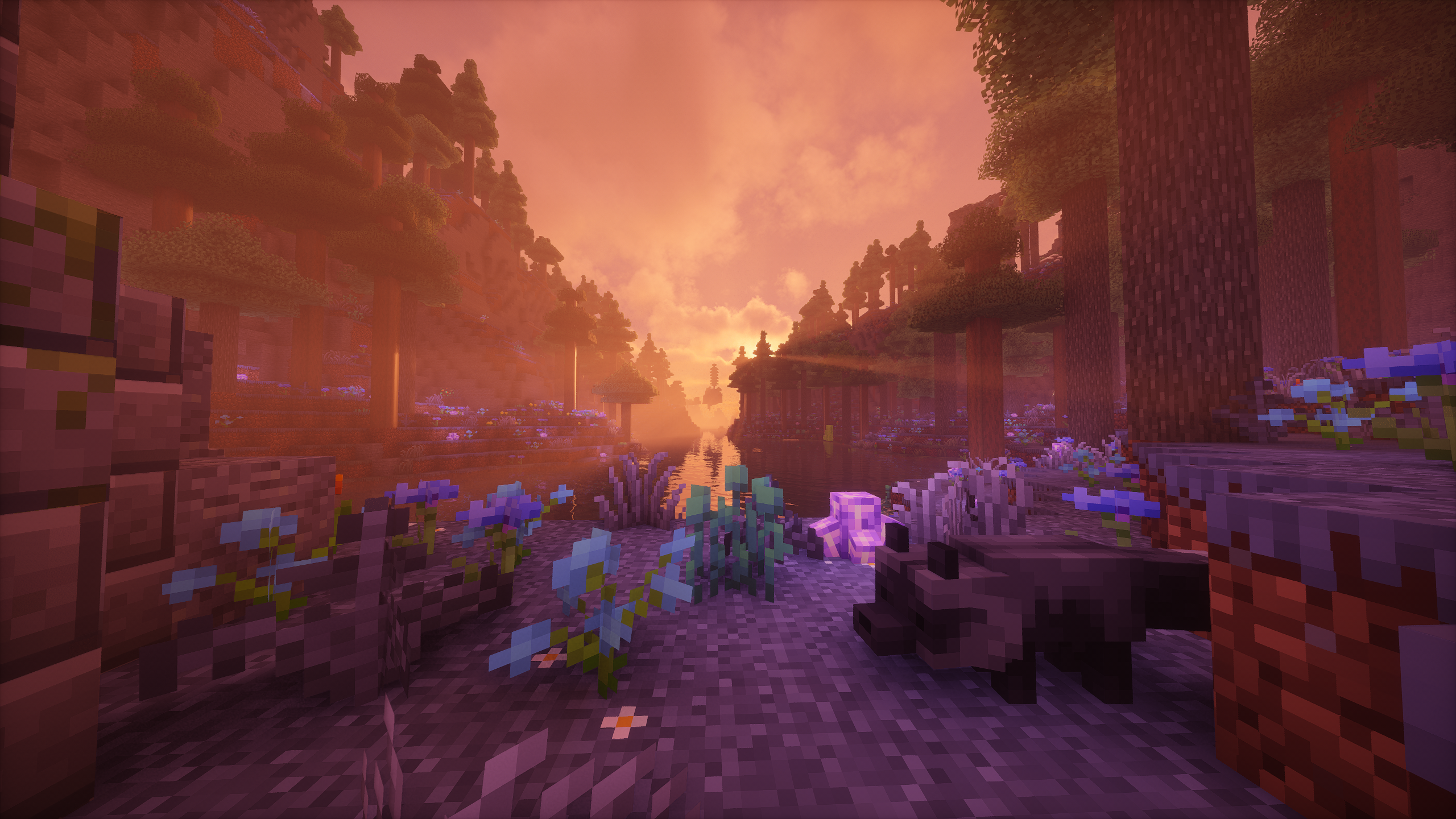
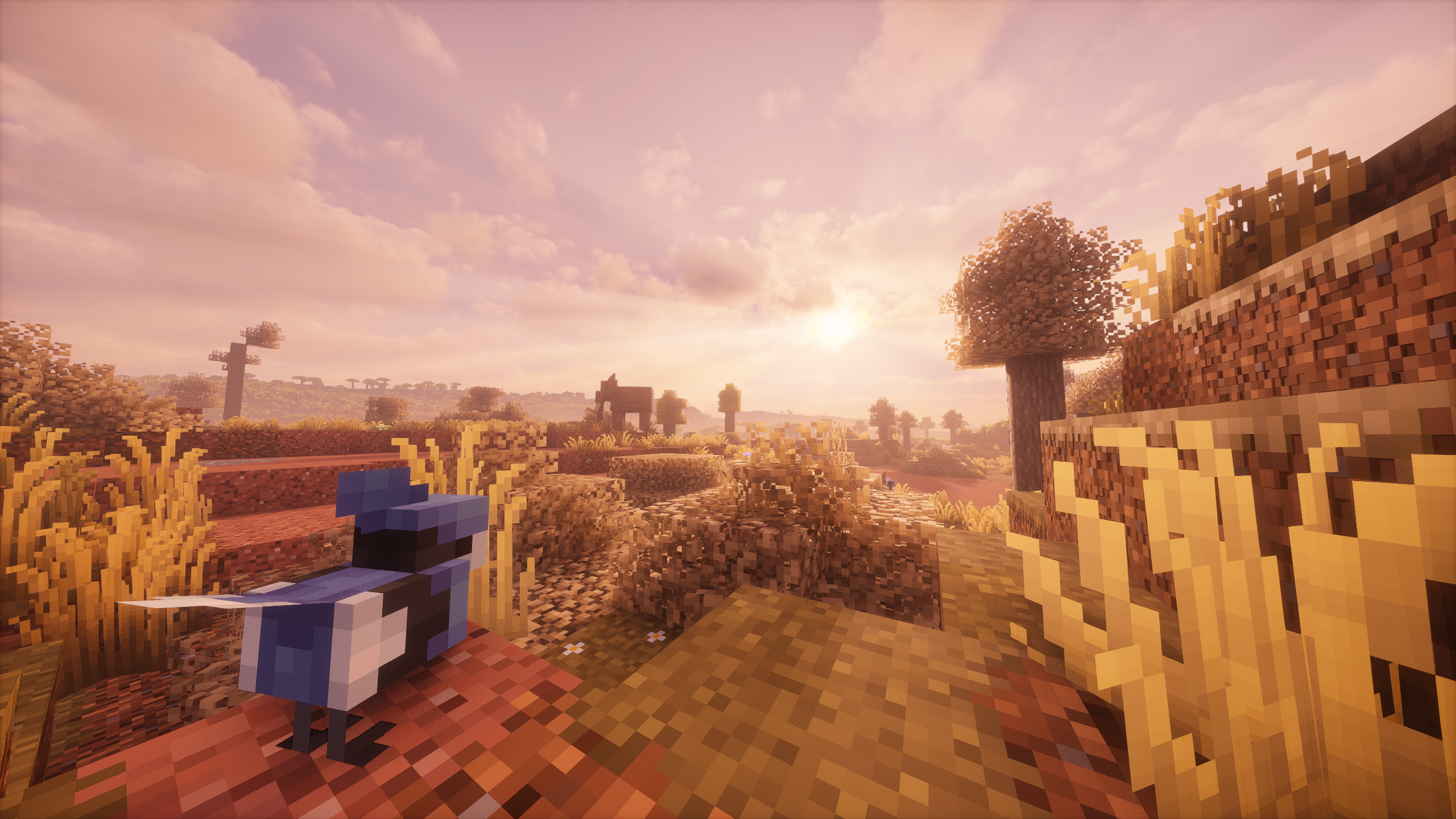
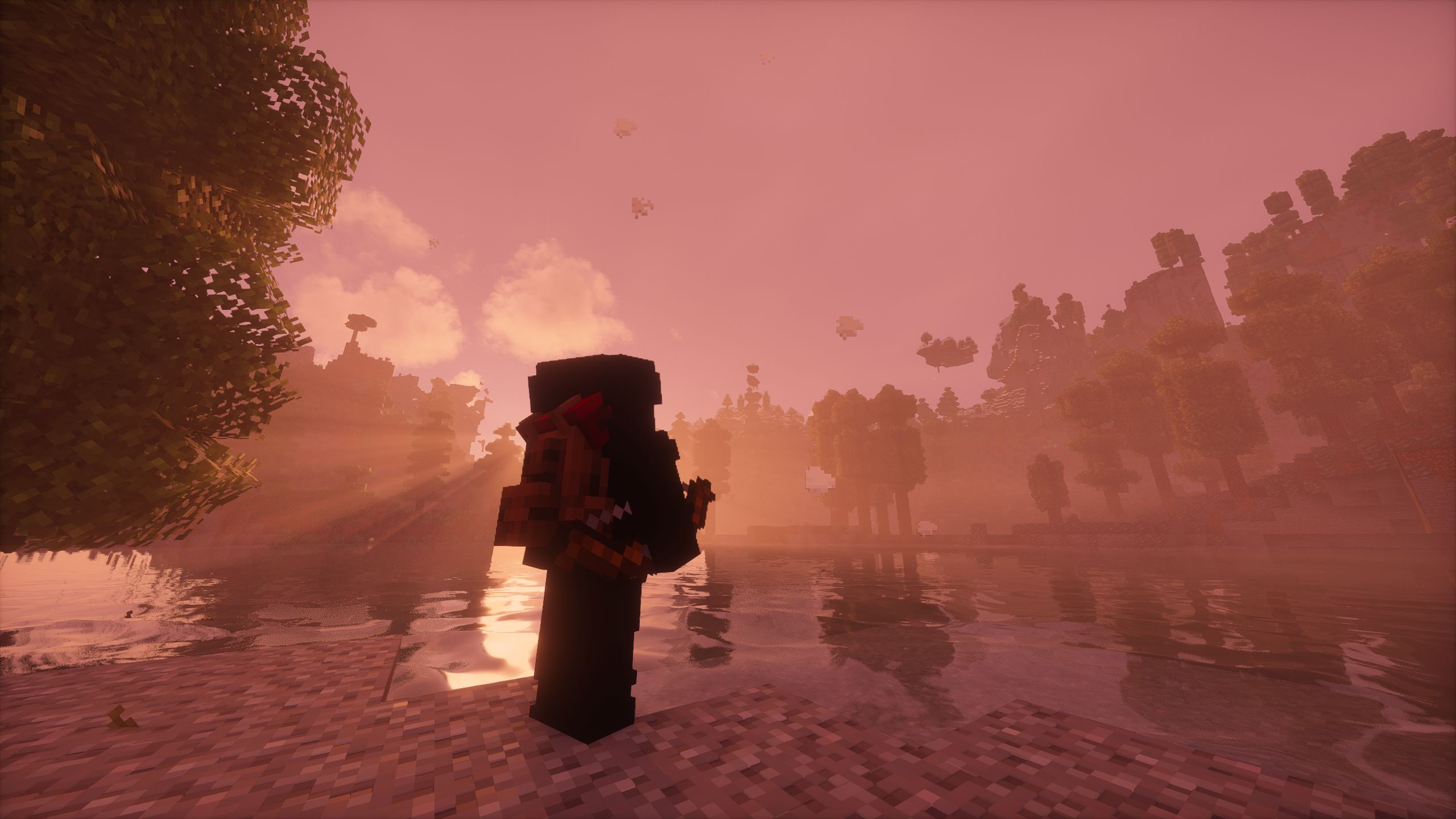
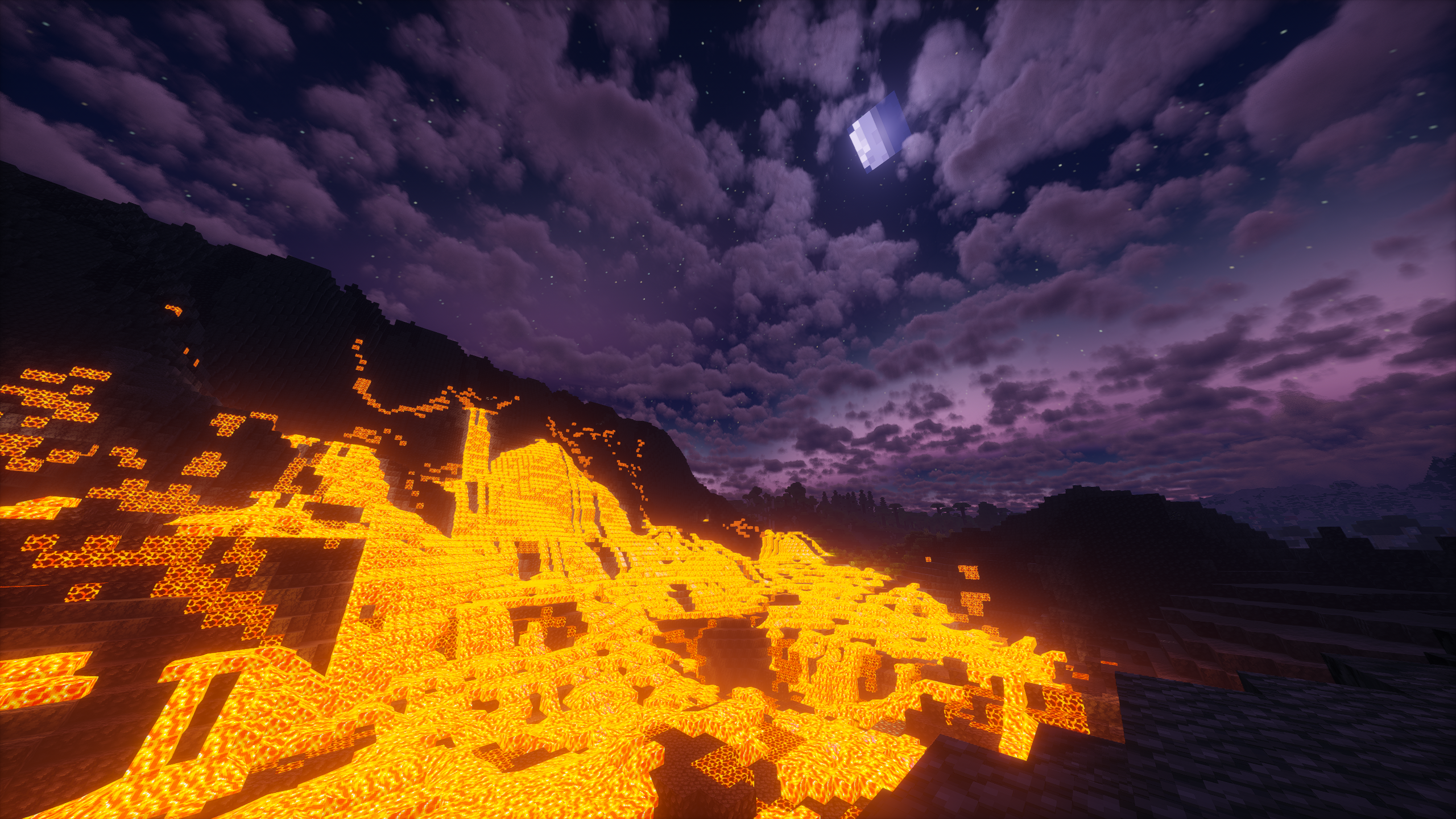
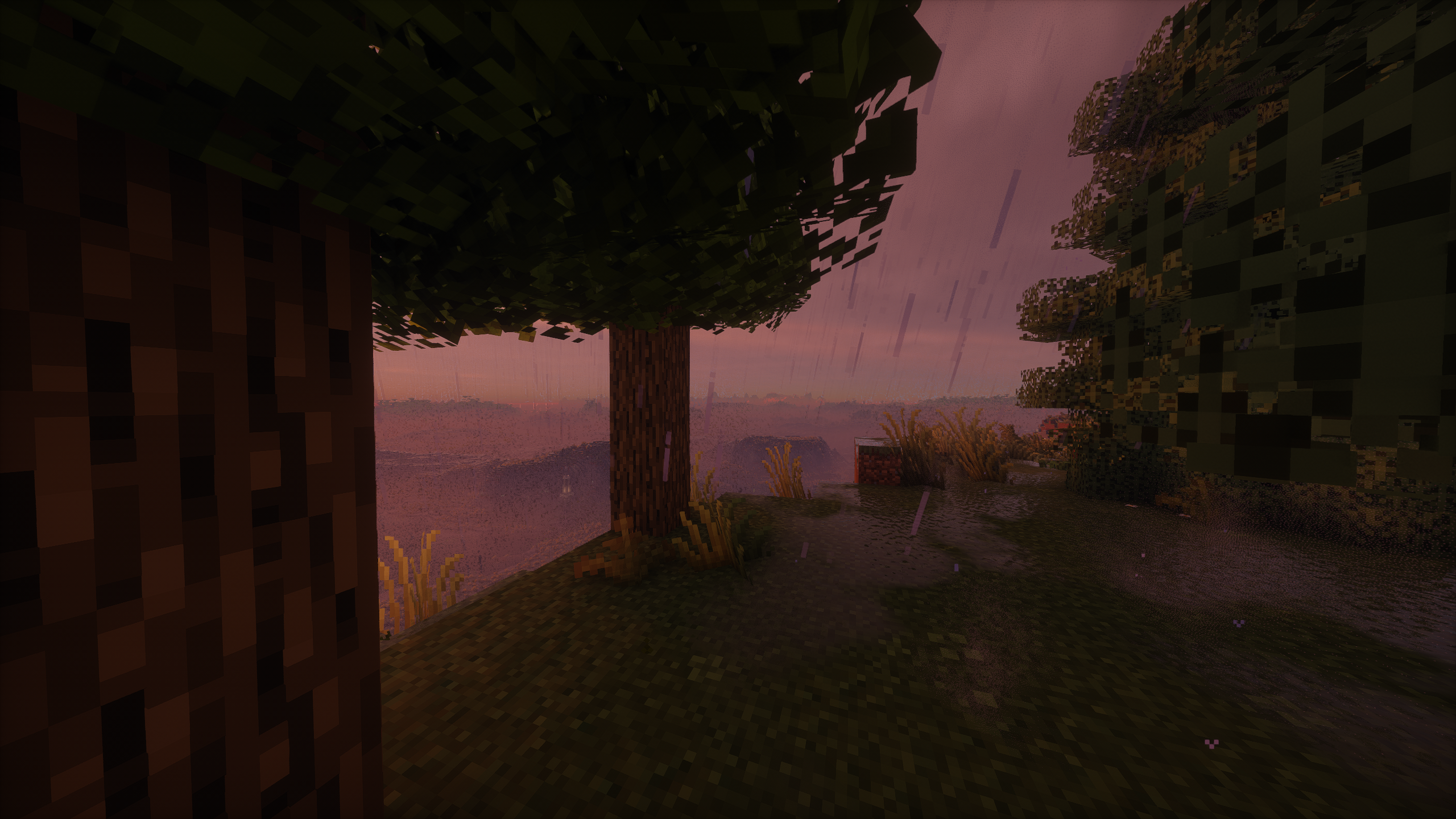
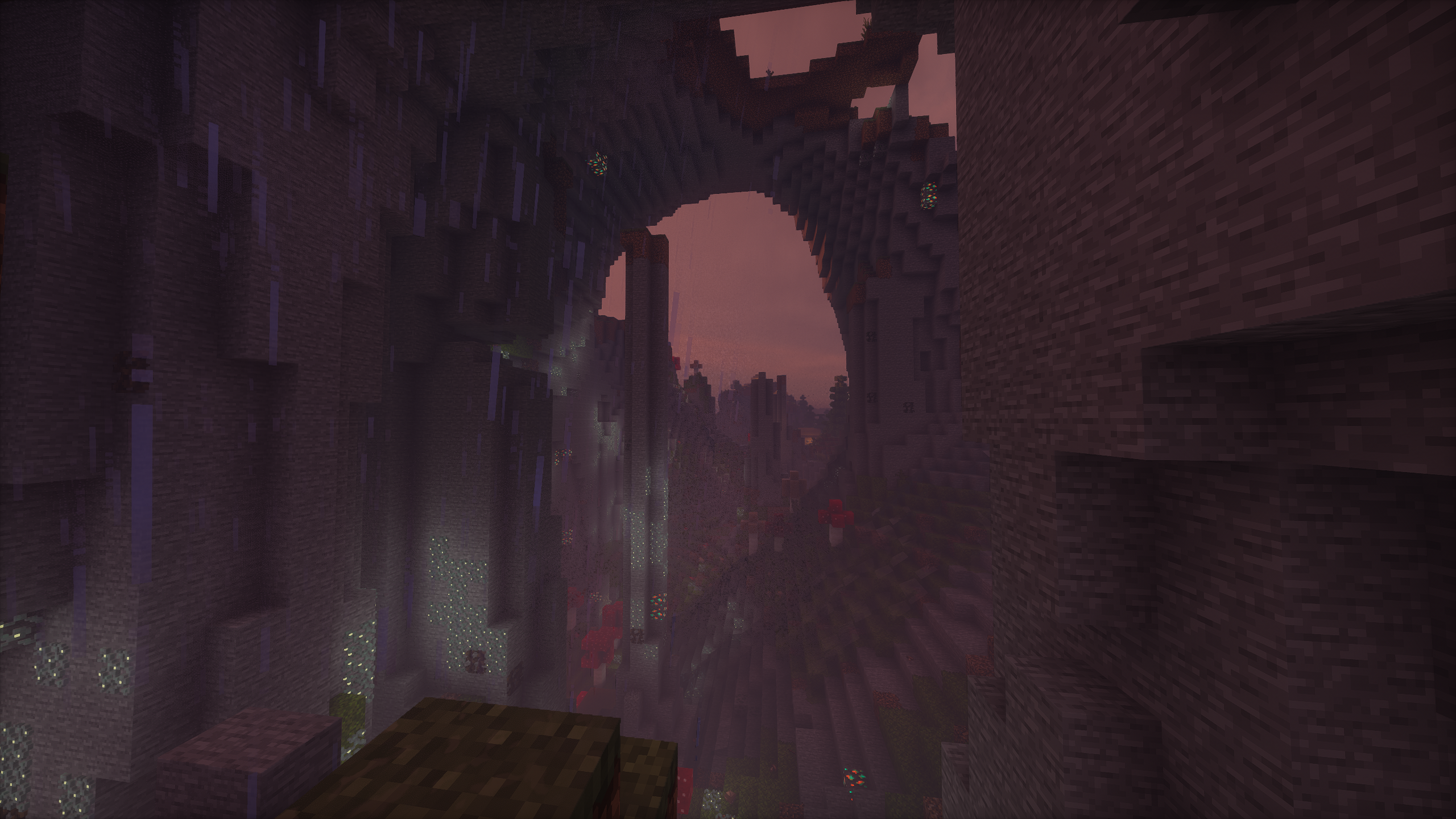
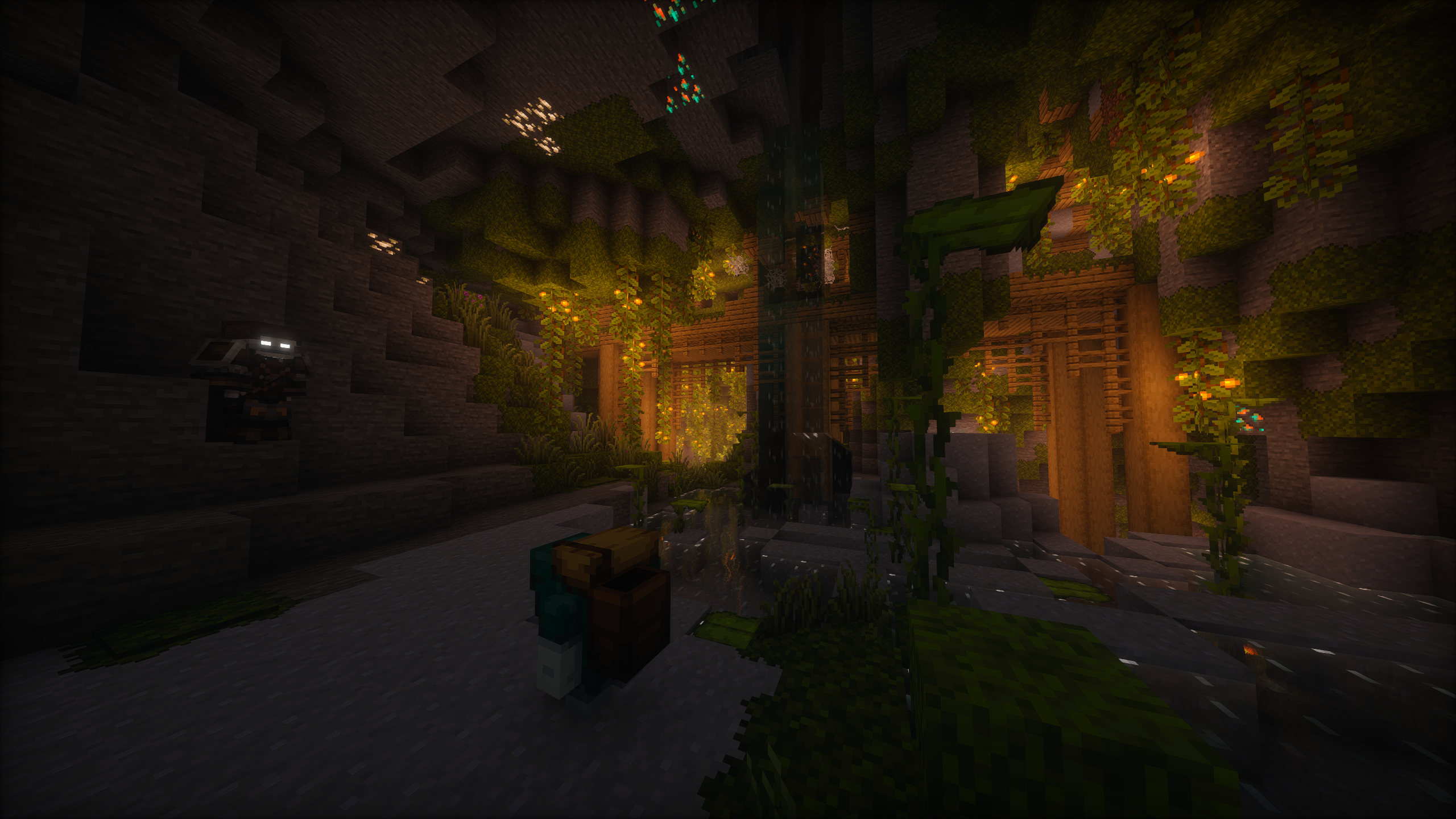
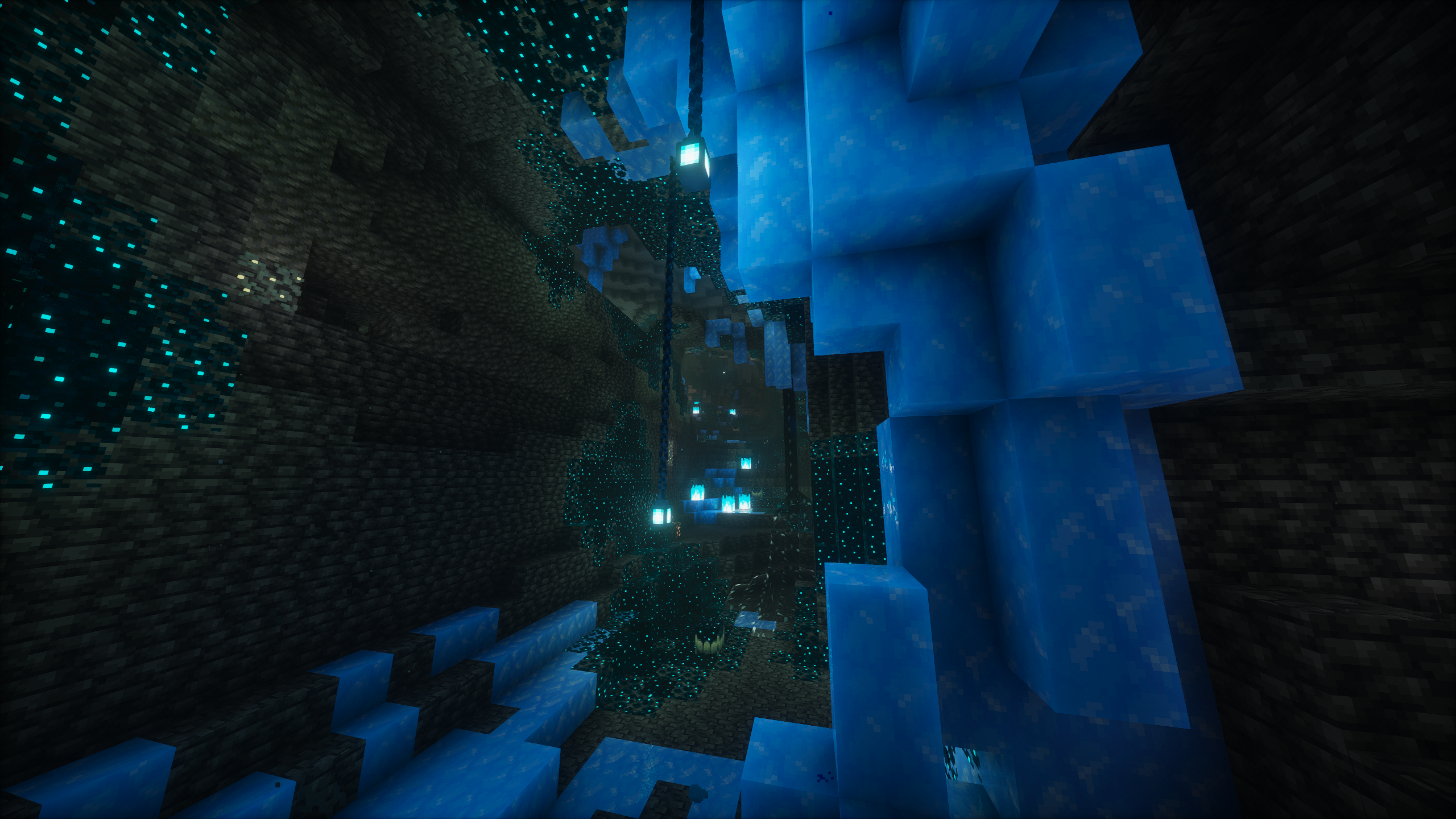
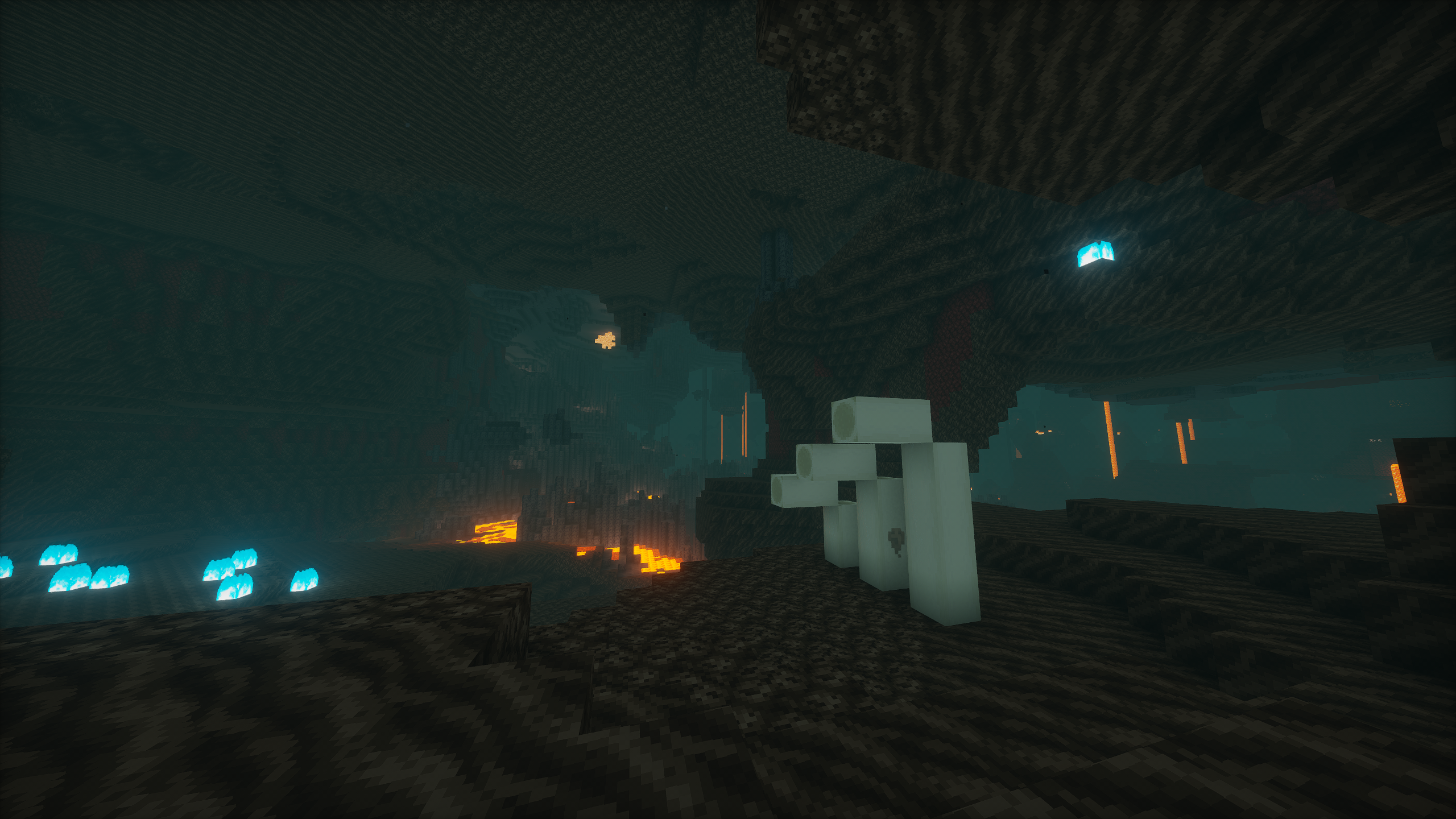
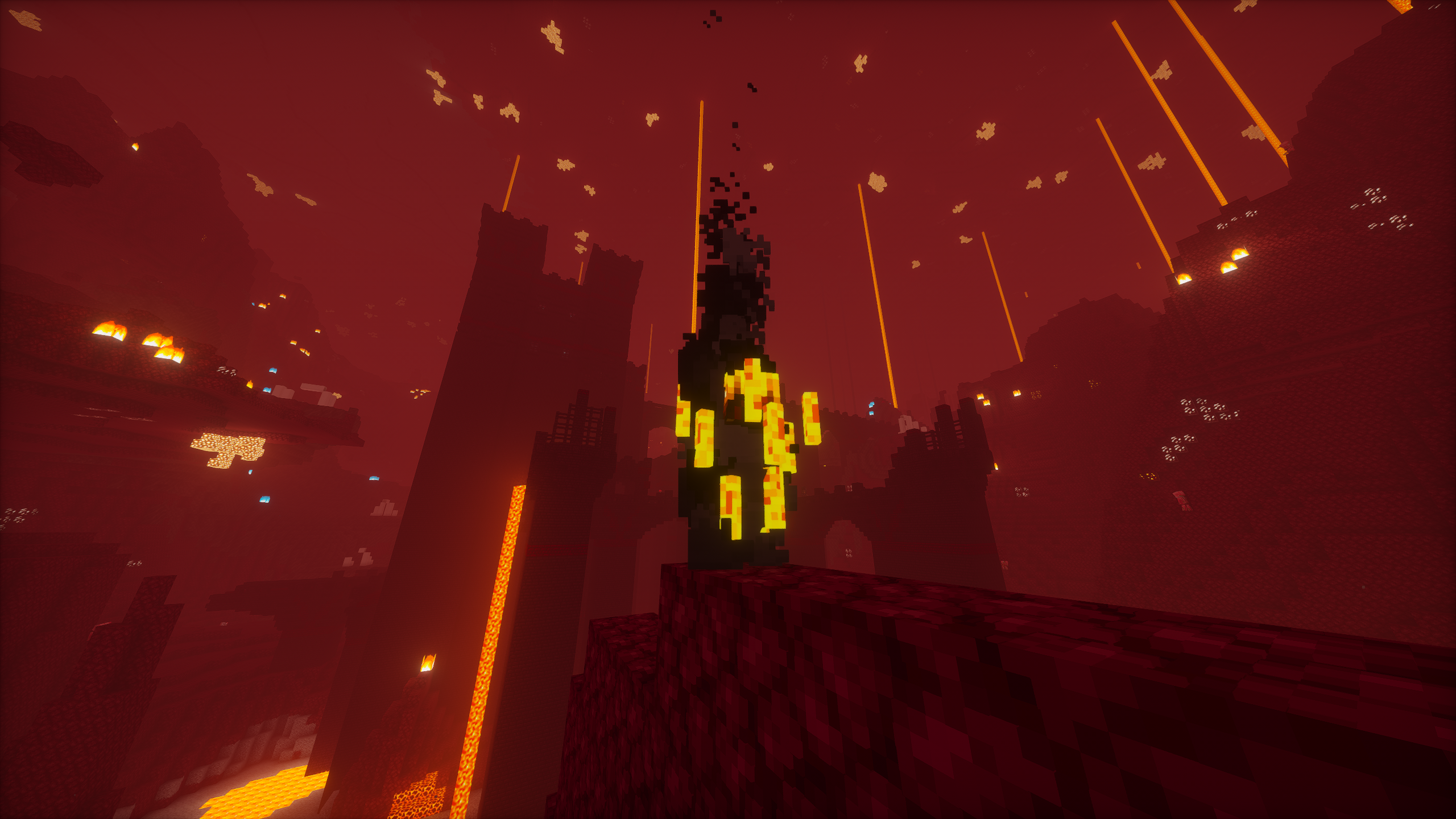
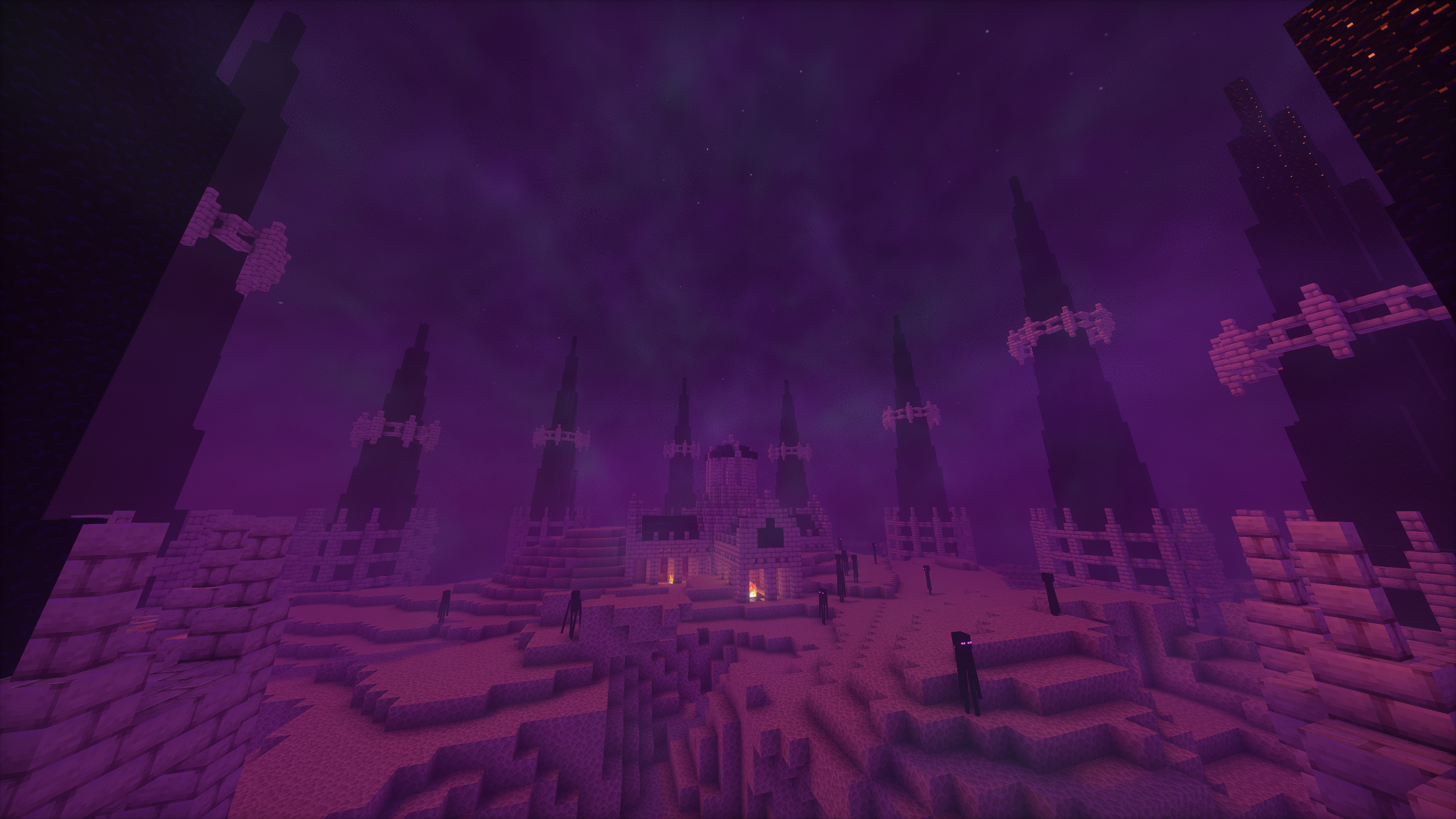
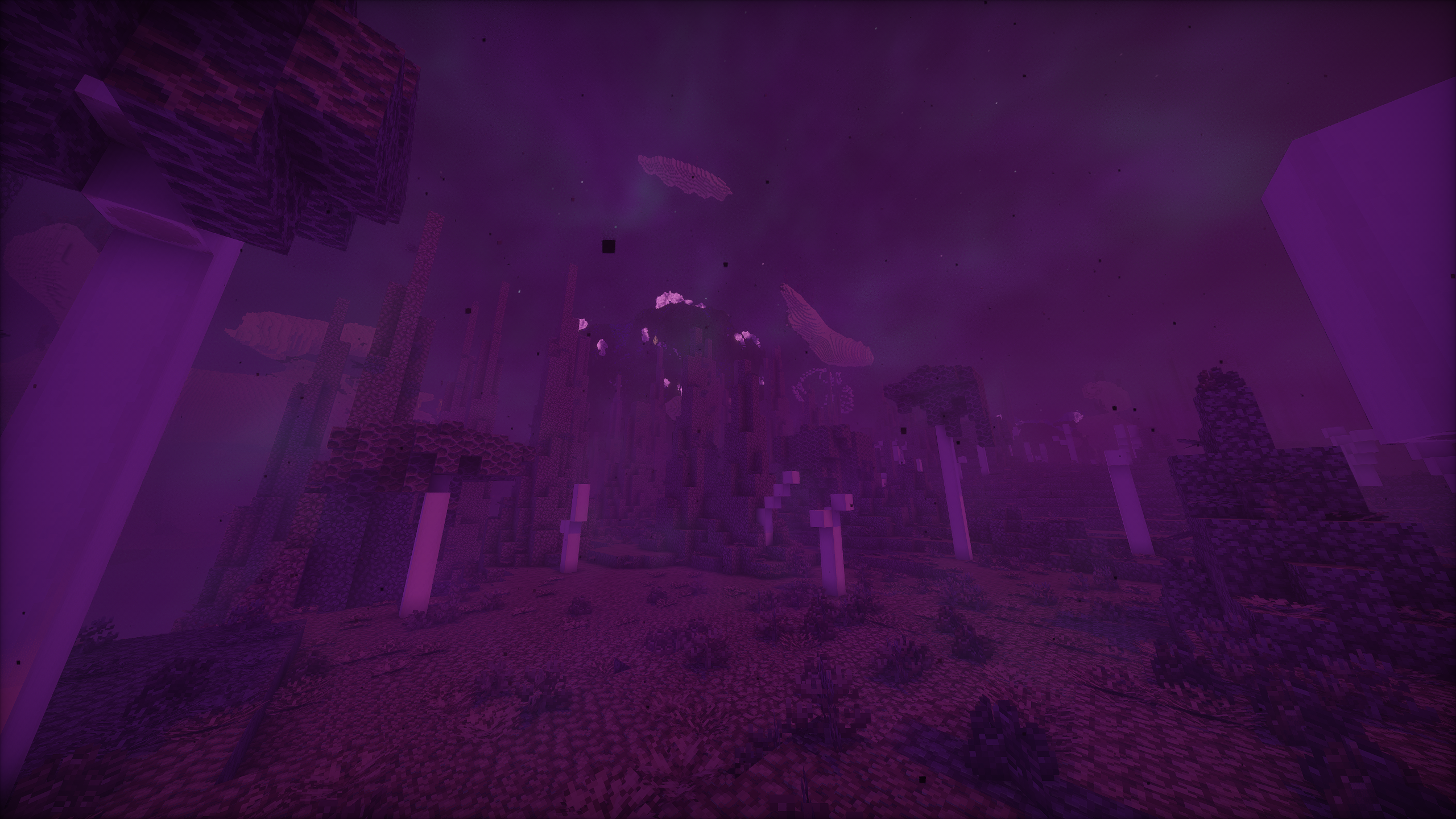
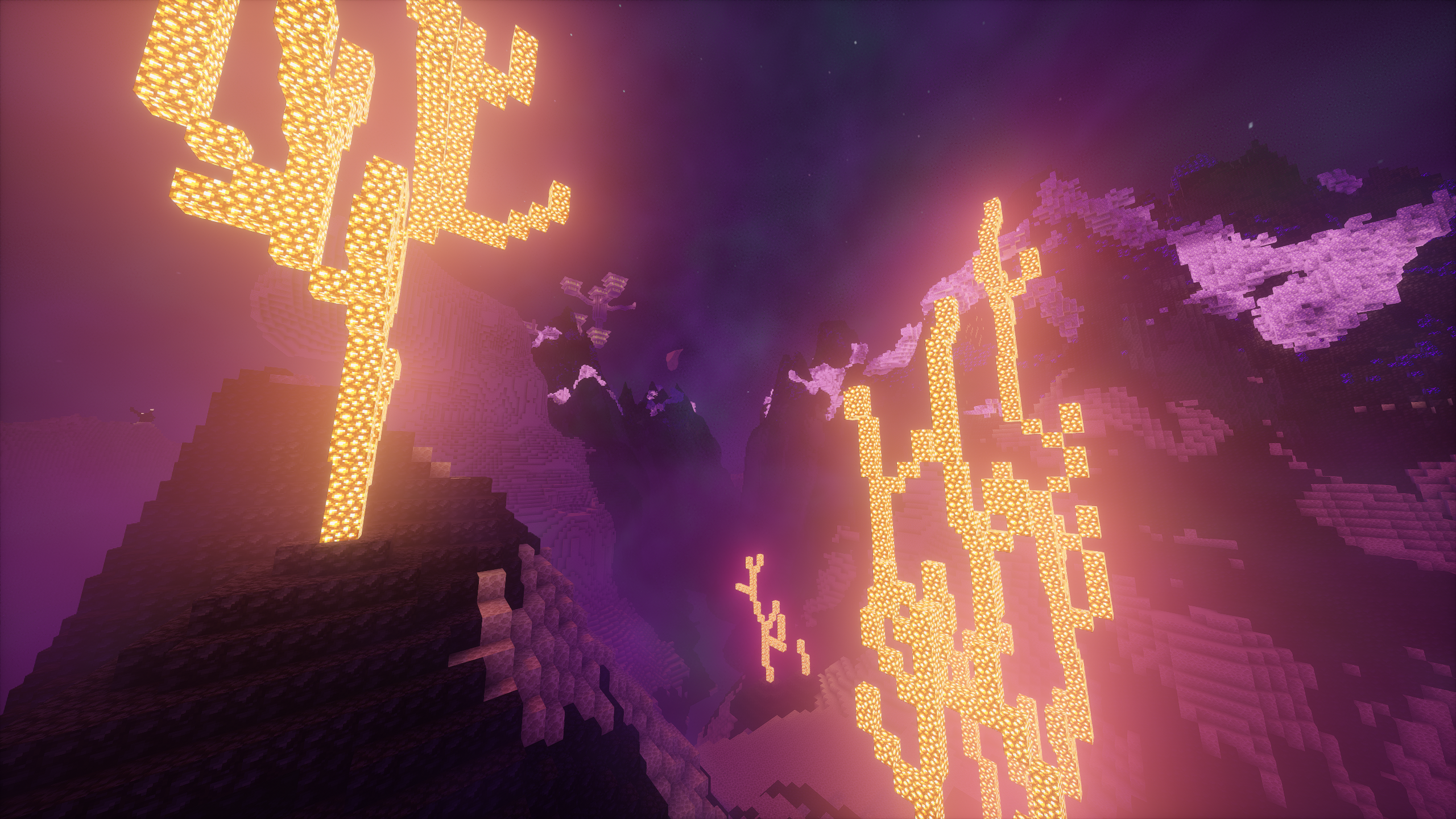
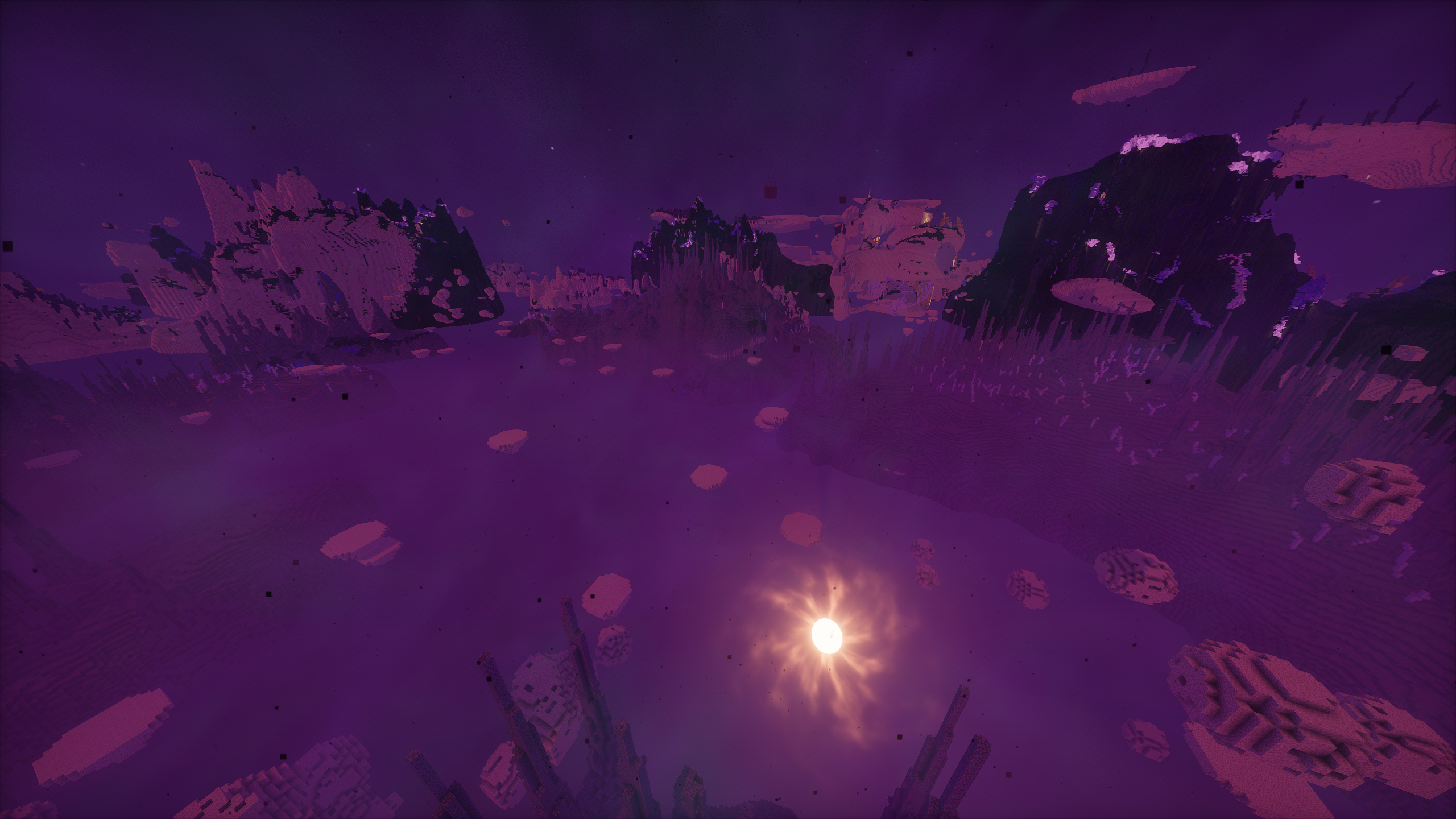
- Greatly enhanced visuals - even without the shaders
- Overhauled sound system
- Terralith world generation
- Overhauled existing structures
- Plenty of new structures, wildlife, and biomes
- Backpacks
- Waystones
- Vanity armor slots
- Vanilla-friendly minimaps
- Interactive item physics
- Expanded farming and cooking
- Wide selection of new furniture and building blocks
- Experience storage (at a cost)
- Numerous quality of life features
A full list of mods are credited here and here for resource packs.
Guide
A written guide is available to help players orient themselves with basic gameplay mechanics and explore the best features in this modpack. It is highly recommended to utilize the guide.
Installation
Modrinth App
If you don't know what you're doing, use this method.
- Install the latest version of the Modrinth App.
- Navigate to "Discover content" on the left-hand bar and search for "Rascal Modpack" and install it.
- In your instance settings, manually set your memory allocation to at least 8 GiB. You can also set a default for all instances in your general Modrinth settings, if you don't want to do this every time.
- Launch the game. Shaders will be disabled by default but can be accessed with
CTRL+Owhile in a world.
Other launchers
- Using another launcher that supports Modrinth packfiles (
.mrpack). If you're using a launcher doesn't support.mrpackfiles, you must manually build the packfiles. - Download the latest release of the packfiles from Modrinth. Then, create a new Minecraft instance in your launcher by importing the packfiles.
- In your instance settings, manually set your memory allocation to at least 8 GiB.
- Launch the game. Shaders will be disabled by default but can be accessed with
CTRL+Owhile in a world.
Build guide
A platform independent build guide for those looking to run a server instance.
- Clone Rascal Modpack on your system and swap to the desired branch:
git checkout [branch]. - Install packwiz following their installation guide.
- Run
packwiz mr exportto generate Modrinth packfiles (.mrpack). - Alternatively, run
packwiz cf exportto generate packfiles with.jarfiles. - Drop the contents of the
overridesfolder into your instance.
Support
Please refer to the FAQ for help. For suggestions and bug reports, please submit an issue.
Screenshots
Gallery
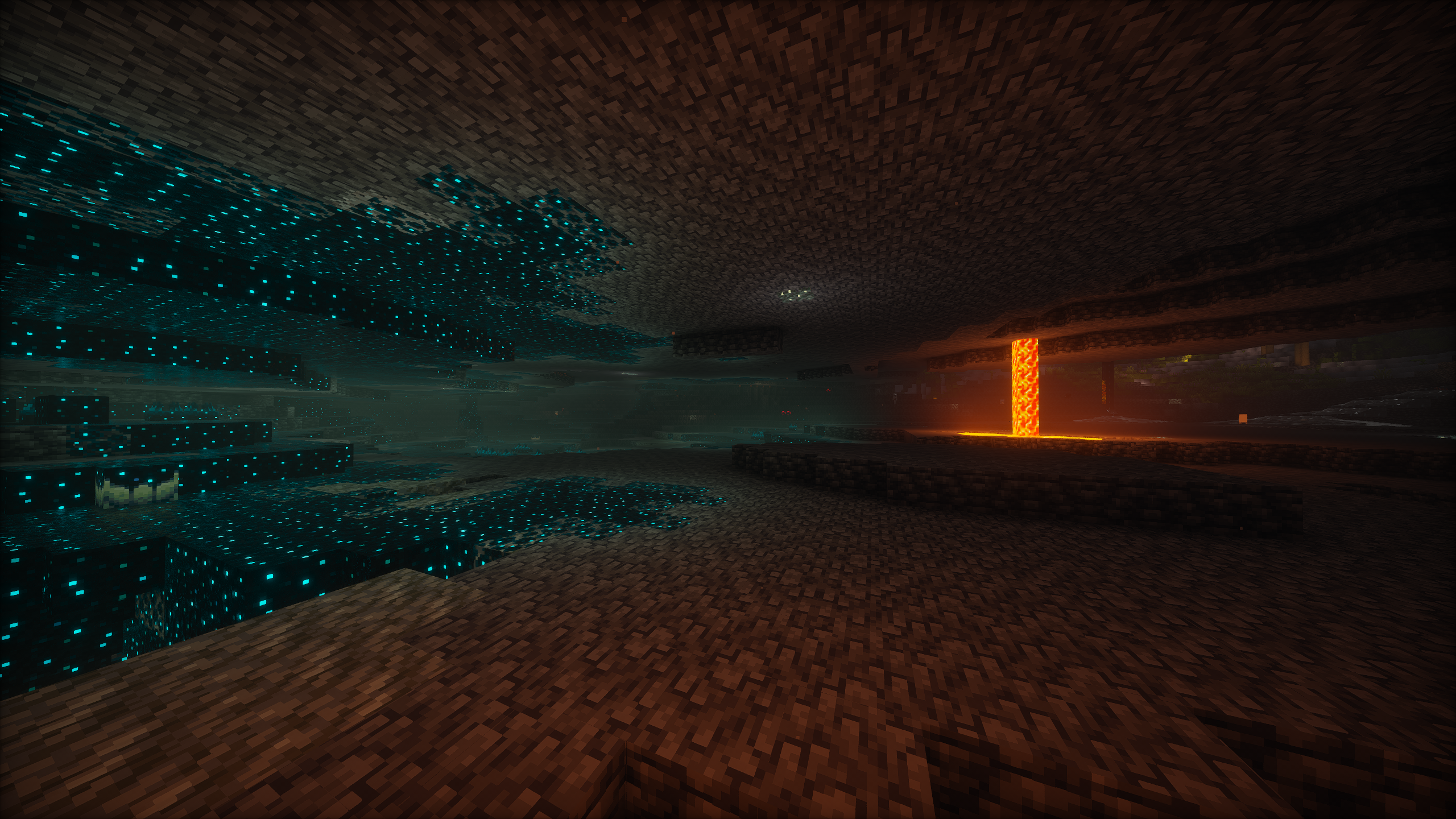
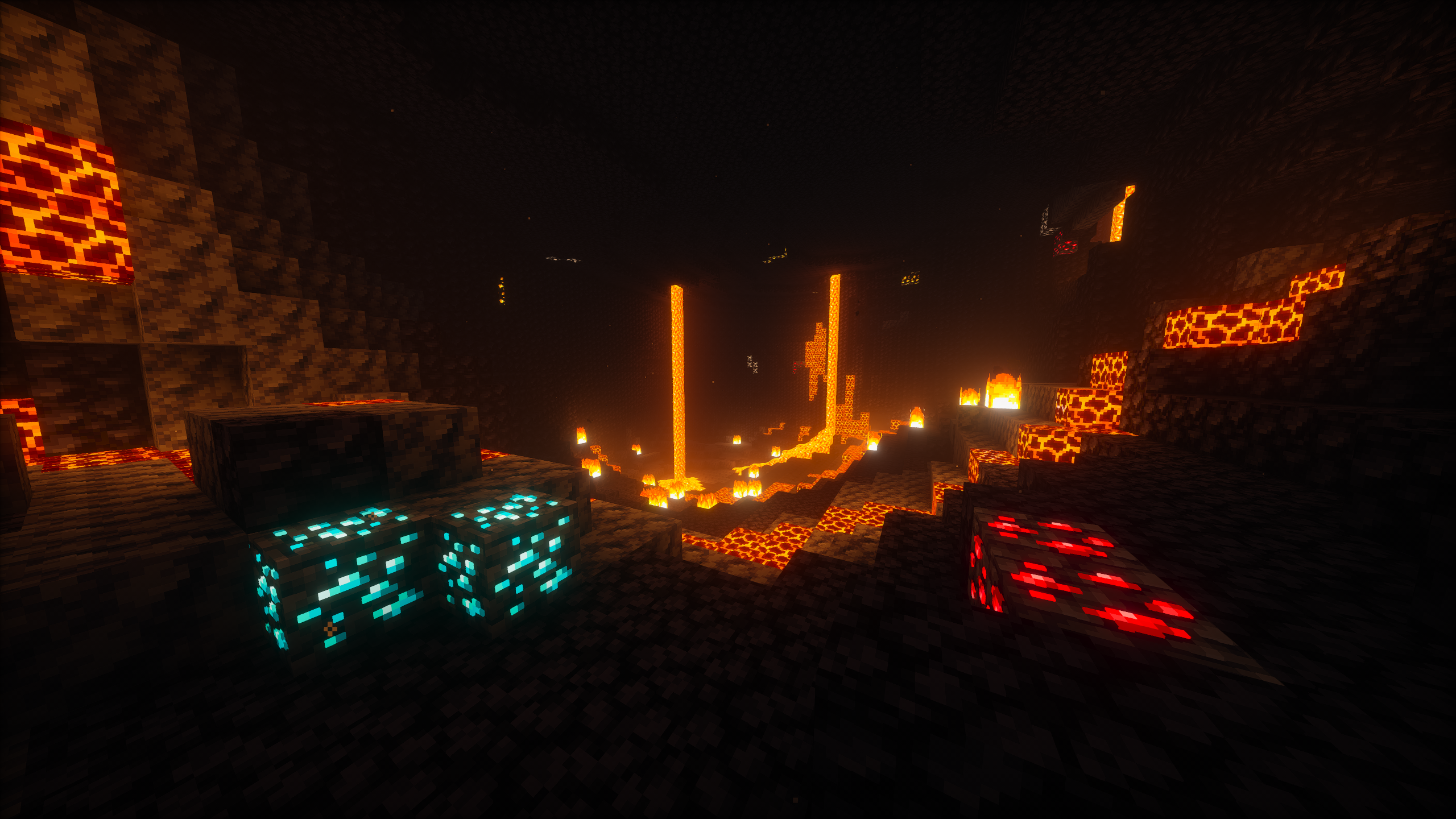
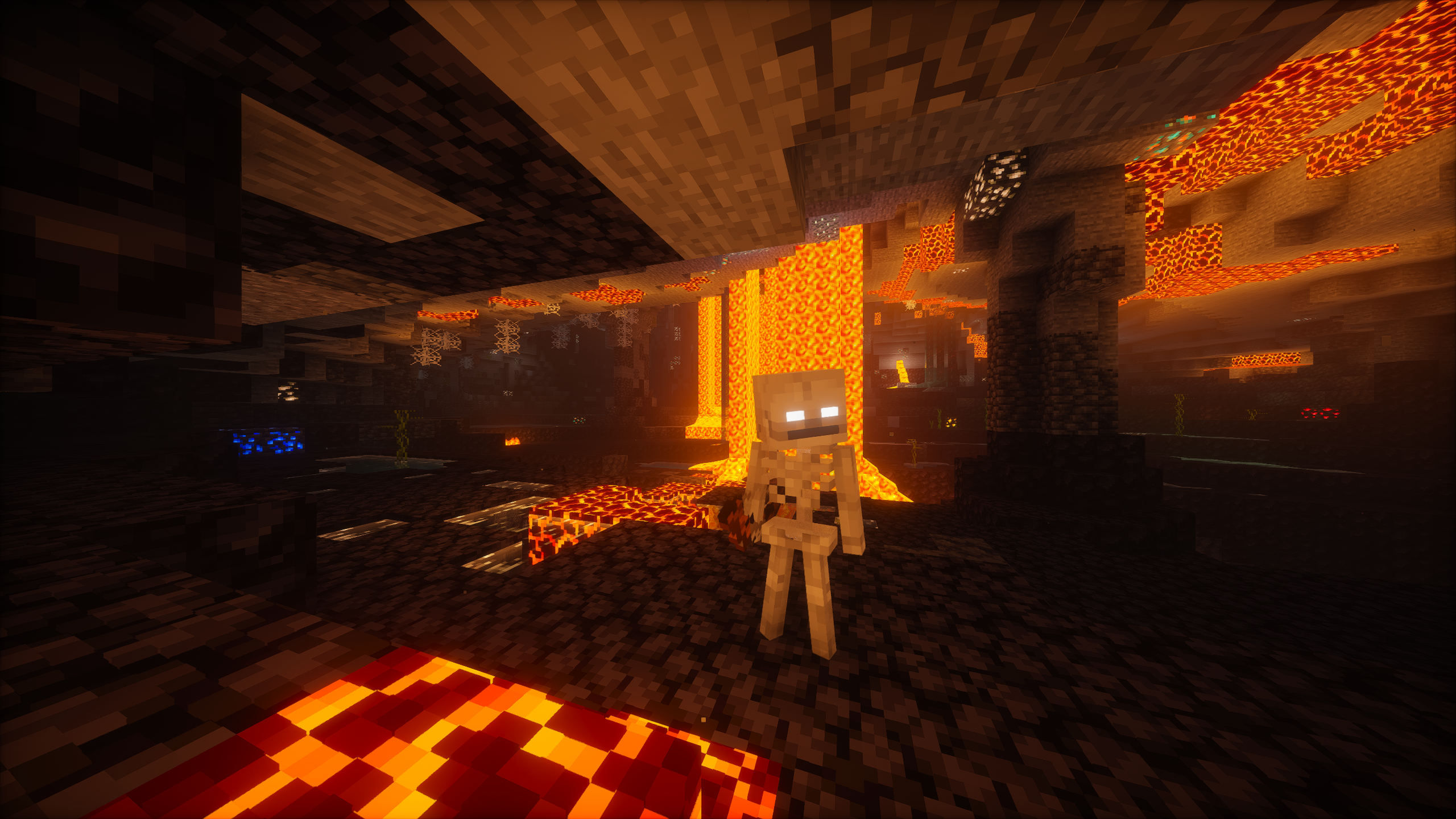
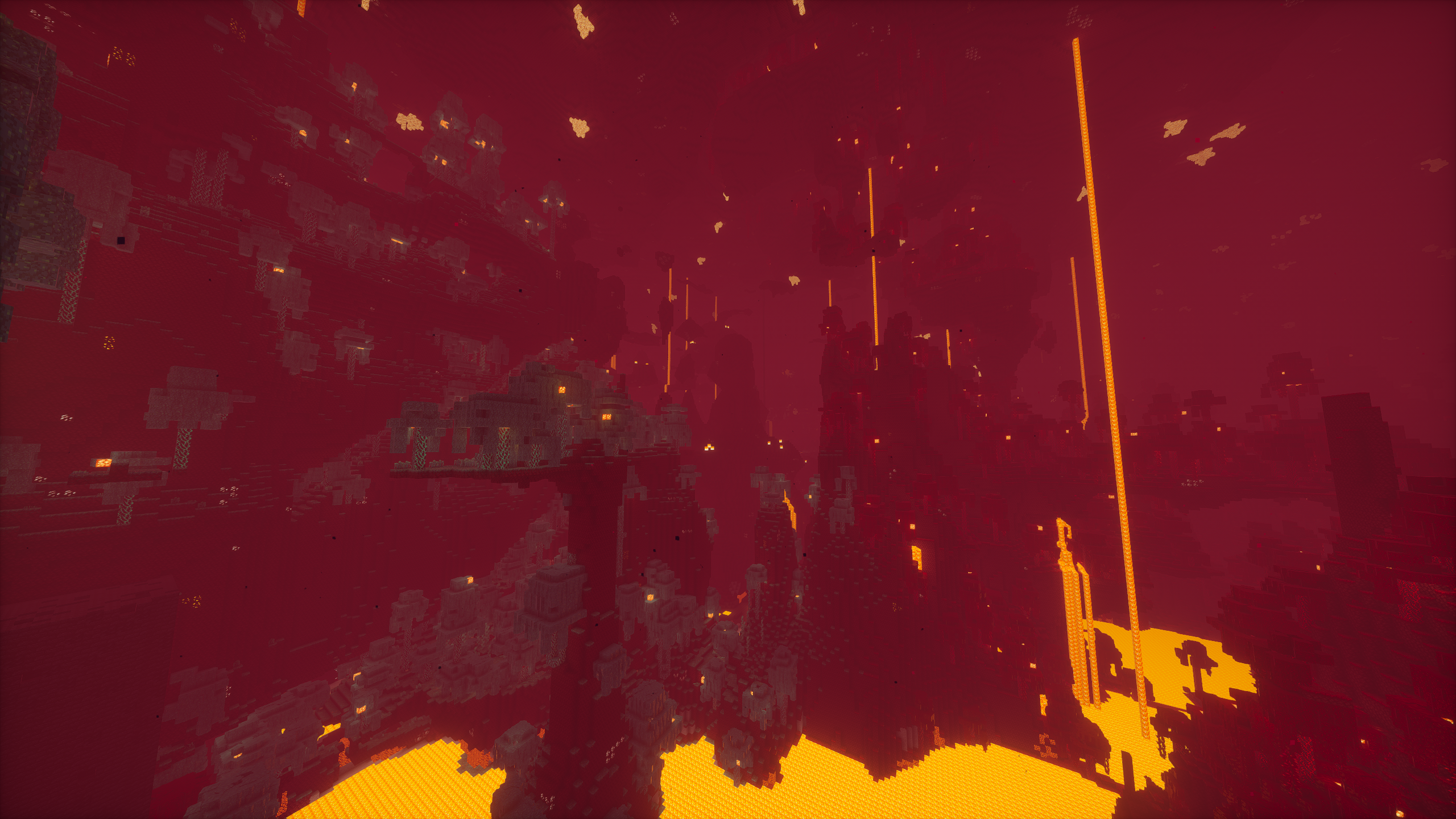
Versions
Files
Relations
Project Relations
More like this
Similar Modpacks
Suggestions use data such as tags, dependencies, dependents, descriptions, titles, and more to rank how much they overlap with this modpack.
On ModDex
Community snapshot
By the numbers
Statistics

Want to reach Minecraft players?
We're looking for a server hosting partner to feature here and other parts of the site. Interested? Send us a message!
Get in touchGet it on
Available Platforms
On ModDex
Community snapshot
By the numbers