Modpack

Stilled TFC
No reviews yet
A calming and beautiful TerraFirmaCraft experience on 1.21.1 with QOL additions, ambiance, and a steady framerate!
Includes a large focus on traversing worlds with enhanced world generation, structures, dungeons, and more for players to find unique loot.
Neoforge is a fork of the Minecraft Forge available for versions 1.20.1+ of Minecraft. Many Forge mods are compatible with Neoforge and vice versa.
Community voices
Reviews
Click once to include, again to exclude, again to clear
No reviews yet. Be the first to review this project!
Get it on
Available Platforms
 Modrinth
Compatibility
Supported Environments
About
Project Details
For authors
Embed Badge
If you're the author of this project, you can embed a live badge anywhere that supports HTML or Markdown. It updates automatically whenever ratings change.
Use HTML for any page that supports it, or Markdown for README files and Markdown-based descriptions.
Identifiers
Platform IDs
Resources
External Links
About
Description
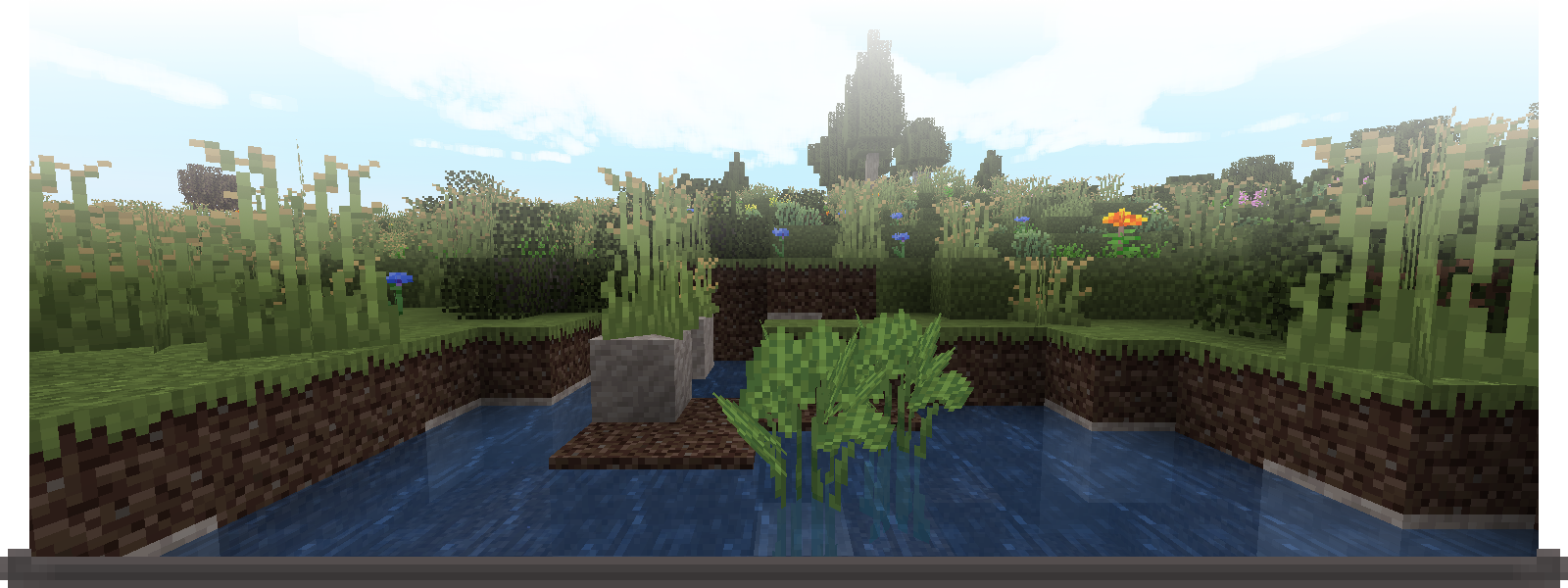
Stilled TFC is a modpack built around TerraFirmaCraft that makes the world more beautiful. You'll see waves upon the beaches, hear winds in the grasses, and see land as far as the horizon of the Earth. It does all this while maintaining a high FPS. I've worked hard to make this modpack as cohesive as possible while being as performant as possible.
For the best experience, I'd recommend allocating between 4gb and 6gb of ram and using Eclipse Temurin 25 with -XX:+UseZGC -XX:+UseCompactObjectHeaders JVM arguments. See here for more detailed information on which JVM arguments to use and what they do!
Low Frame Rate?
You could try disabling either Distant Horizons, Better Clouds, or both.
-
To disable Distant Horizons, from the Main Menu or Pause Menu go to
Options...
WithinOptions...click on the Distant Horizons button to the top left. Set bothEnable RenderingandEnable Distant Generationto False.- To re-enable vanilla fog, proceed down
Advanced optionsthen toGraphics. Here setEnable Distant Horizons Fogto False andEnable Vanilla Fogto True.
-
To disable Better Clouds, from the Main Menu or Pause Menu go to
Mods
Search or scroll to the Better Clouds mod, then click onConfig. Click on theEnabledbutton at the top of the config screen to changeBetter CloudstoVanilla.
- To re-enable vanilla fog, proceed down

The main additions of Stilled TFC are:
- QOL in the form of
- Inventory management
- Crafting tweaks
- Dedicated and more precise prospecting tools
- and more!...
- Improved Visuals with
- Dynamic lights
- Rain splashes on water
- Better clouds
- Low cost LOD terrain with Distant Horizons
- Improved Sounds with
- Walking sounds
- Occlusion and reverb
- A custom ambient sounds pack that adds more life to the world in the form of wind, water, and foliage!
- High performance with configs specifically tweaked to reduce stutters and increase FPS
- Expanded Temperature mechanics with the addition of Cold Sweat TFC
- and too much polish to even list...

Pssst, don't have Prism Launcher or the Modrinth App but still like the look of this? You can click the link below to convert the most recent version of this modpack to a .zip containing all the modpack's resources. This conversion is done locally, so be patient.
With these resources you're able to import Stilled TFC into any launcher! I've made guides for the CurseForge app and the Minecraft Launcher below.
Modpack Converter: .mrpack to .zip
Importing into the CurseForge app
Begin by opening the CurseForge app, once opened click on the + Create button to start a new modpack.
-
Fill out the data like so:
Modpack Name:Stilled TFC
Minecraft Version:1.21.1
Game Type:NeoForge
Modloader Version:[Select the most recent version] -
Once the modpack has finished setting up, navigate to the modpack folder:
From within the modpack click on the three dots next toPlaythen head toOpen Folder ↗
If instead on the main page, first right click on the modpack then head toOpen Folder ↗ -
Bring over the .zip containing all of Stilled TFC now. To finish off the modpack import you will need to extract the .zip in the modpack directory. Make certain the contents are extracted directly into the modpack directory! If you get a folder containing all the files, move those files into the modpack directory.
You're fine to delete the zip after completing these steps. To update the modpack in the future, delete the mods, resourcepacks, datapacks, and config folder before repeating step 3.
Importing into the Minecraft Launcher
-
Download the NeoForged Installer, select
1.21.1as the Minecraft Version and use the latest NeoForged Version. I'd suggest following the entire installation section of the NeoForged docs. -
Now that you have NeoForged installed on the Minecraft Launcher and have decided on whether to make a separate profile or not, navigate to that profile directory.
(What the NeoForged docs and I refer to asprofilesare labeledInstallationswithin the Minecraft Launcher. Me referring to them asInstallationswould lead to confusion however) -
Bring over the .zip containing all of Stilled TFC. To finish off the modpack import you will need to extract the .zip in the modpack directory. Make certain the contents are extracted directly into the modpack directory! If you get a folder containing all the files, move those files into the modpack directory.
You're fine to delete the zip after completing these steps. To update the modpack in the future, delete the mods, resourcepacks, datapacks, and config folder before repeating step 3.
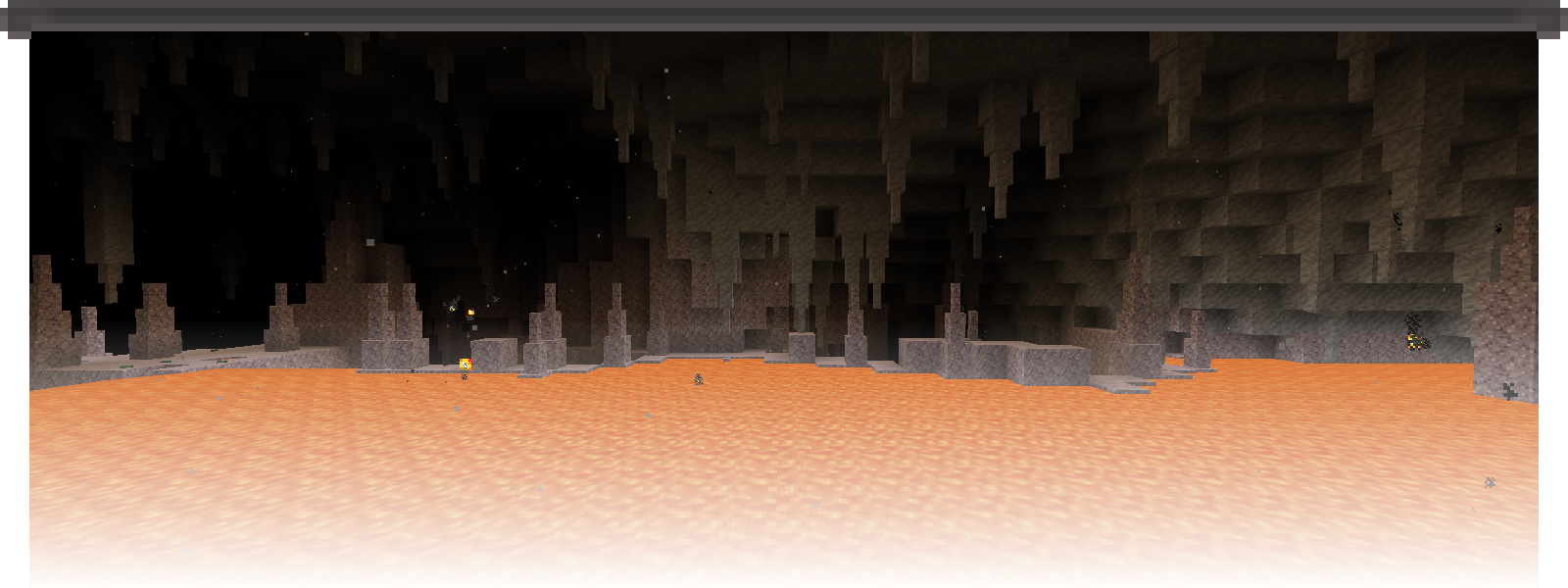
Screenshots
Gallery
-
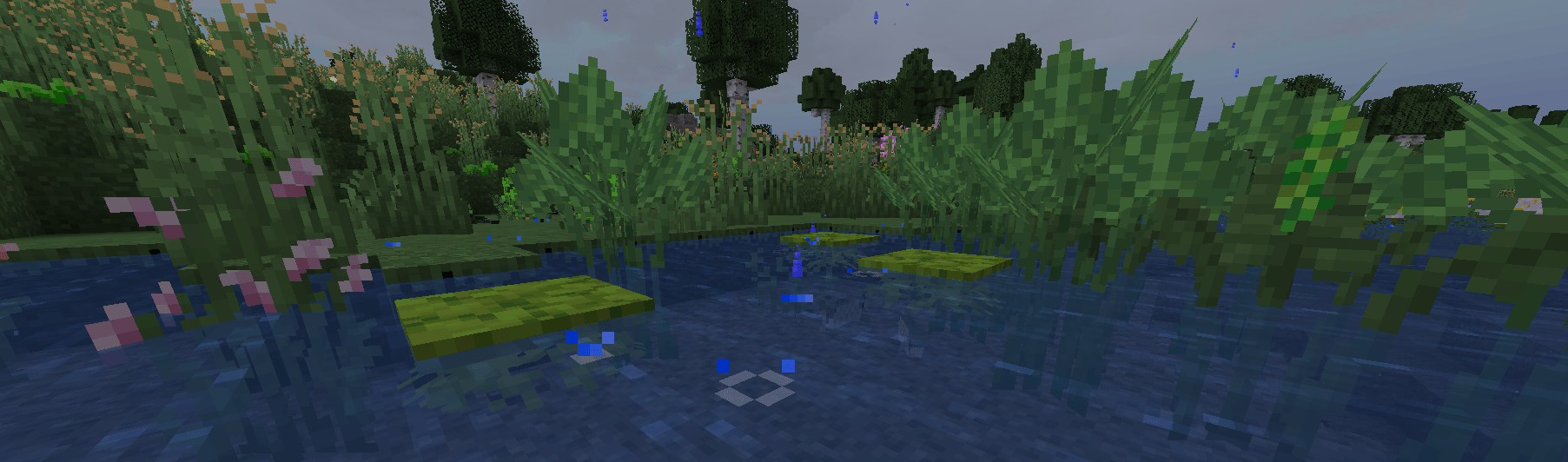 Rainfall Rain splashes upon a small pond.
 -
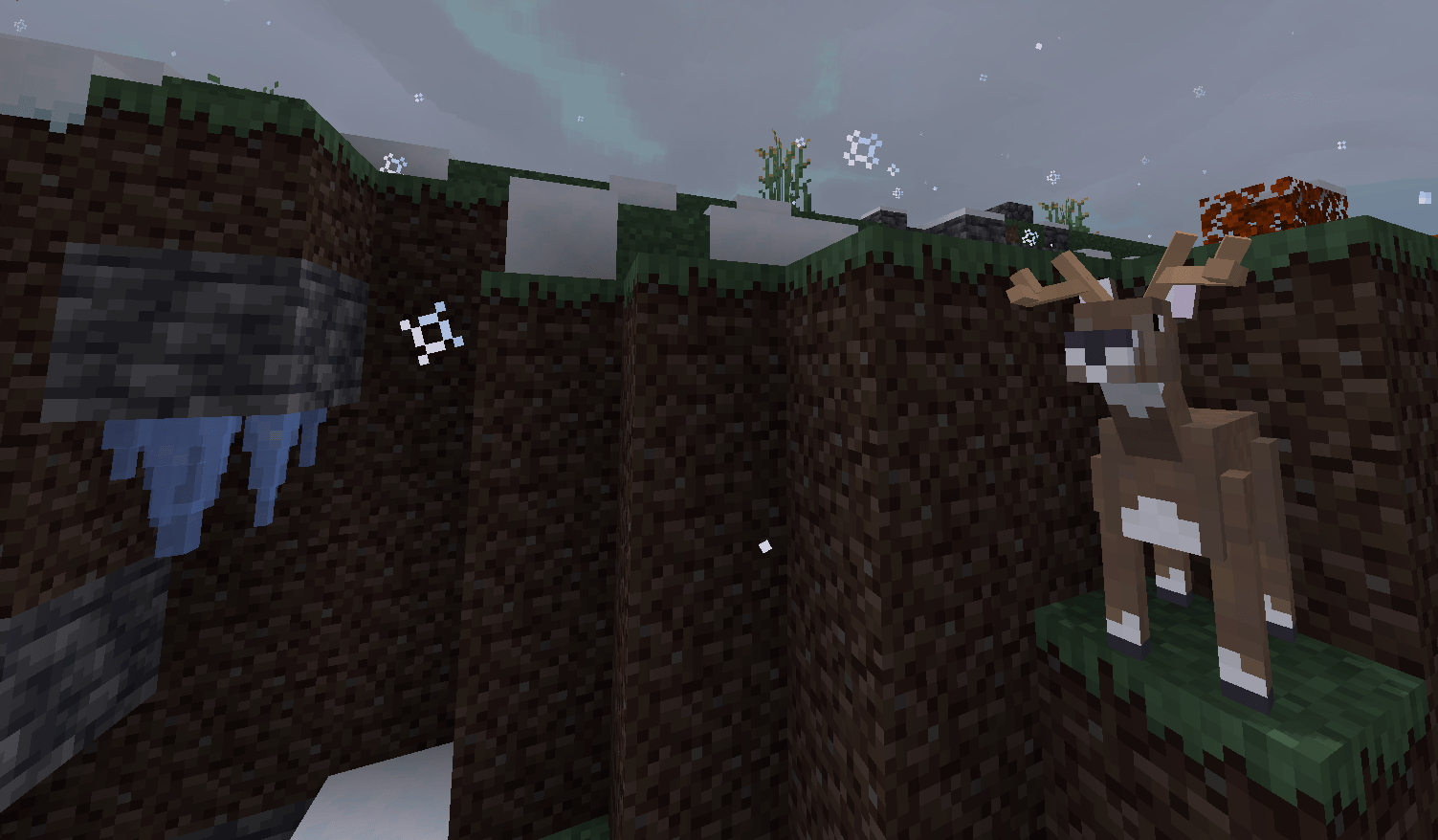 Snowfall *Looks at icicles, distressed deer noises*
 -
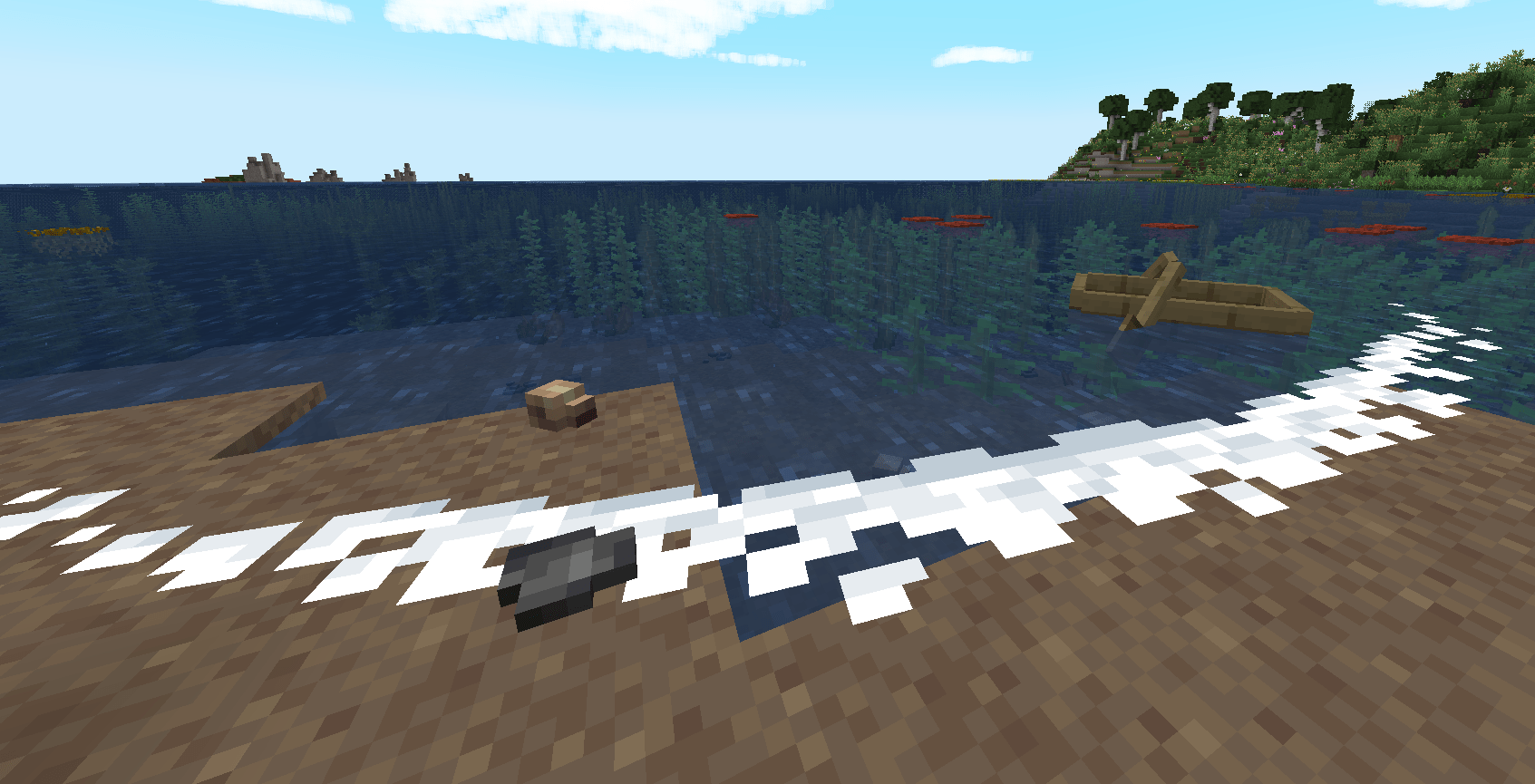 Waves A wave rocks a boat before breaking on the sands.
 -
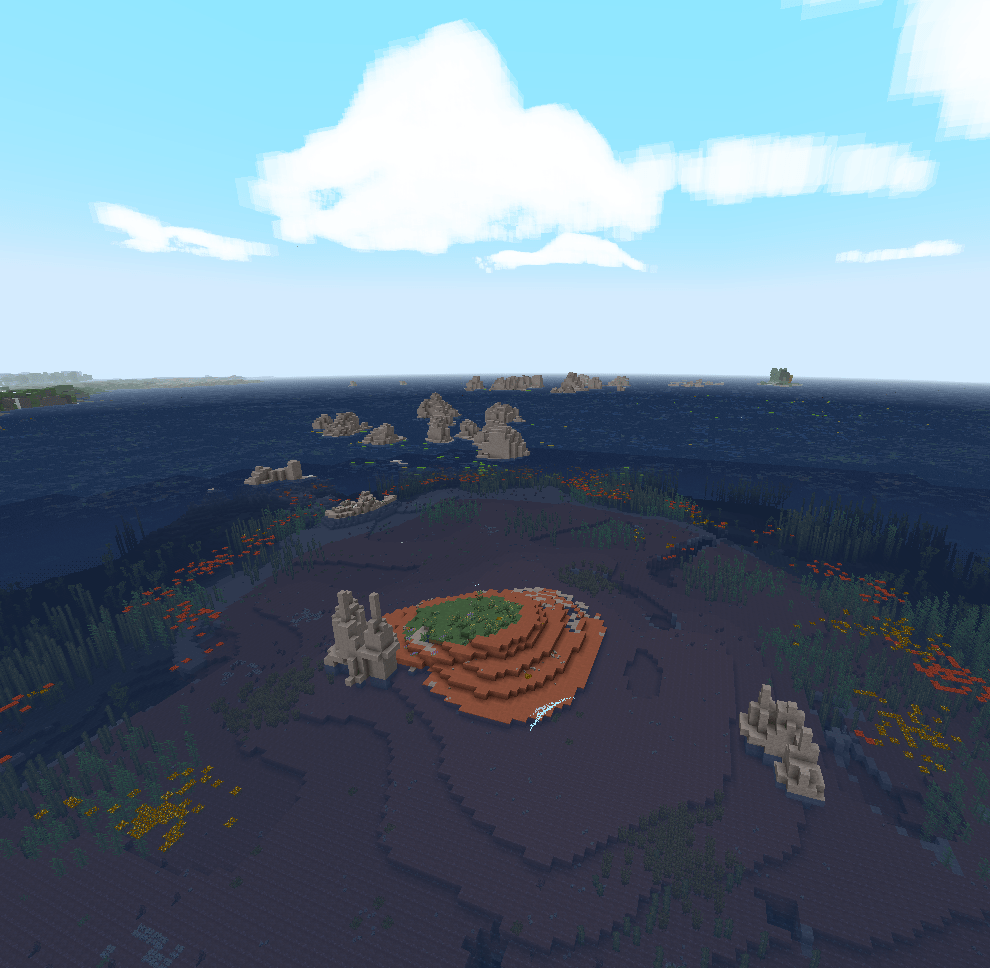 Vast Ocean View Showing off how far you can see with the default settings.
 -
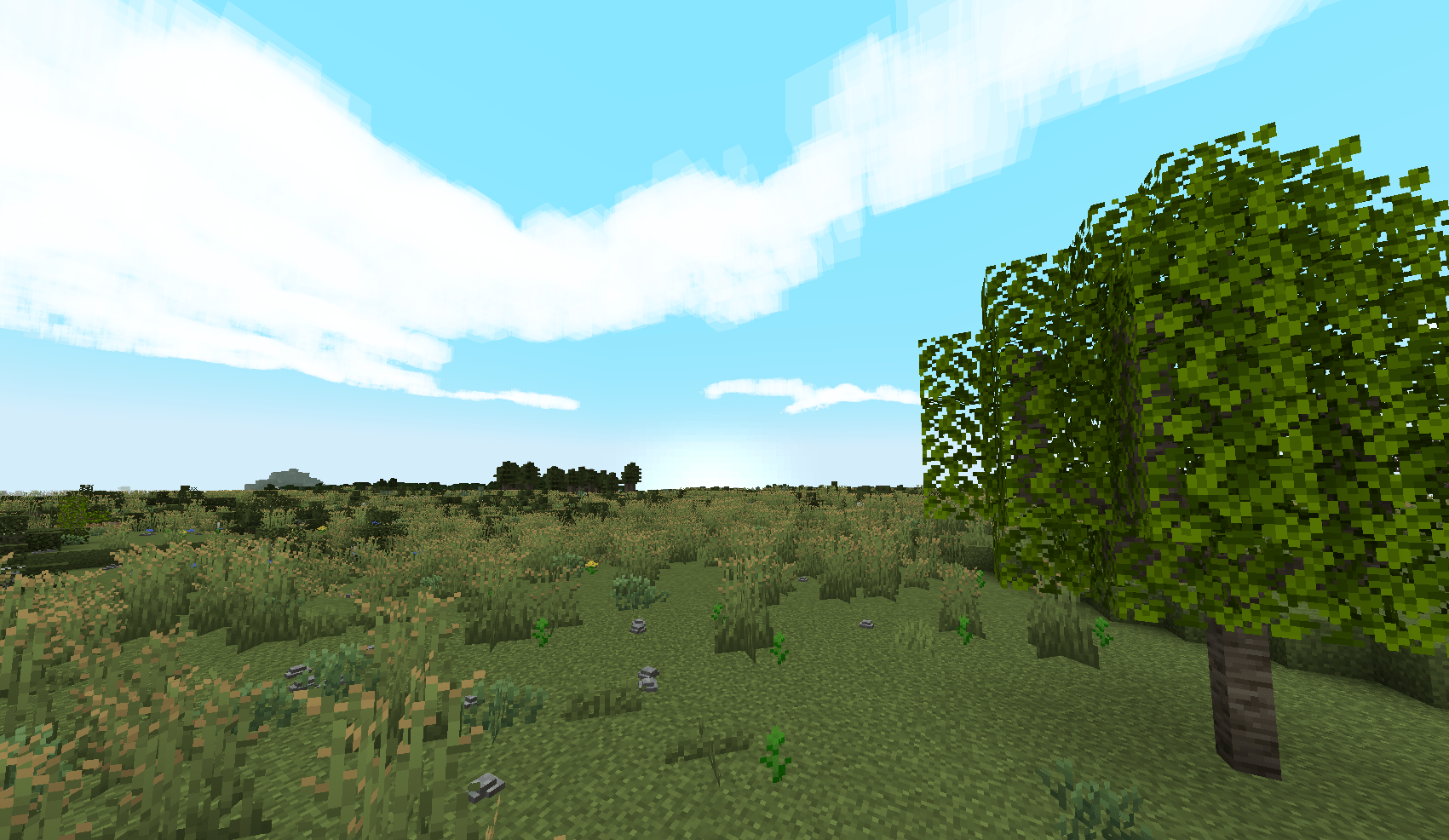 Sunlit Horizon Taken just about where the icon was!
 -
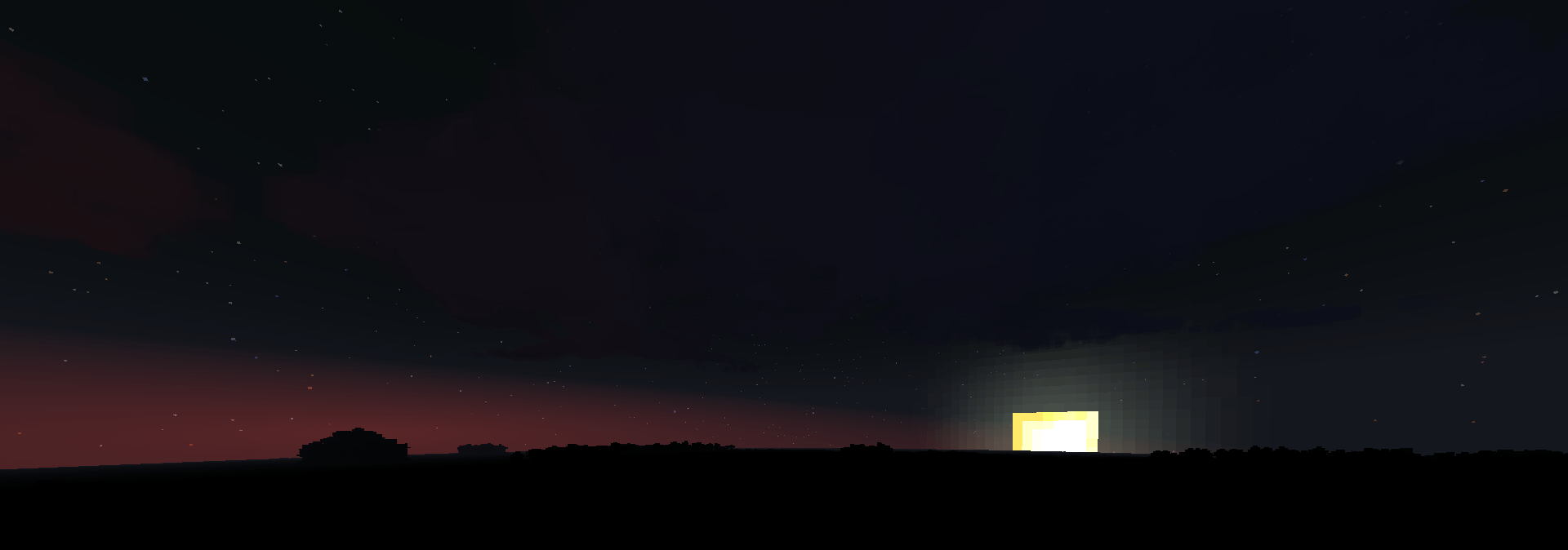 Sunset The sun illuminates the clouds before slipping beyond the horizon.
 -
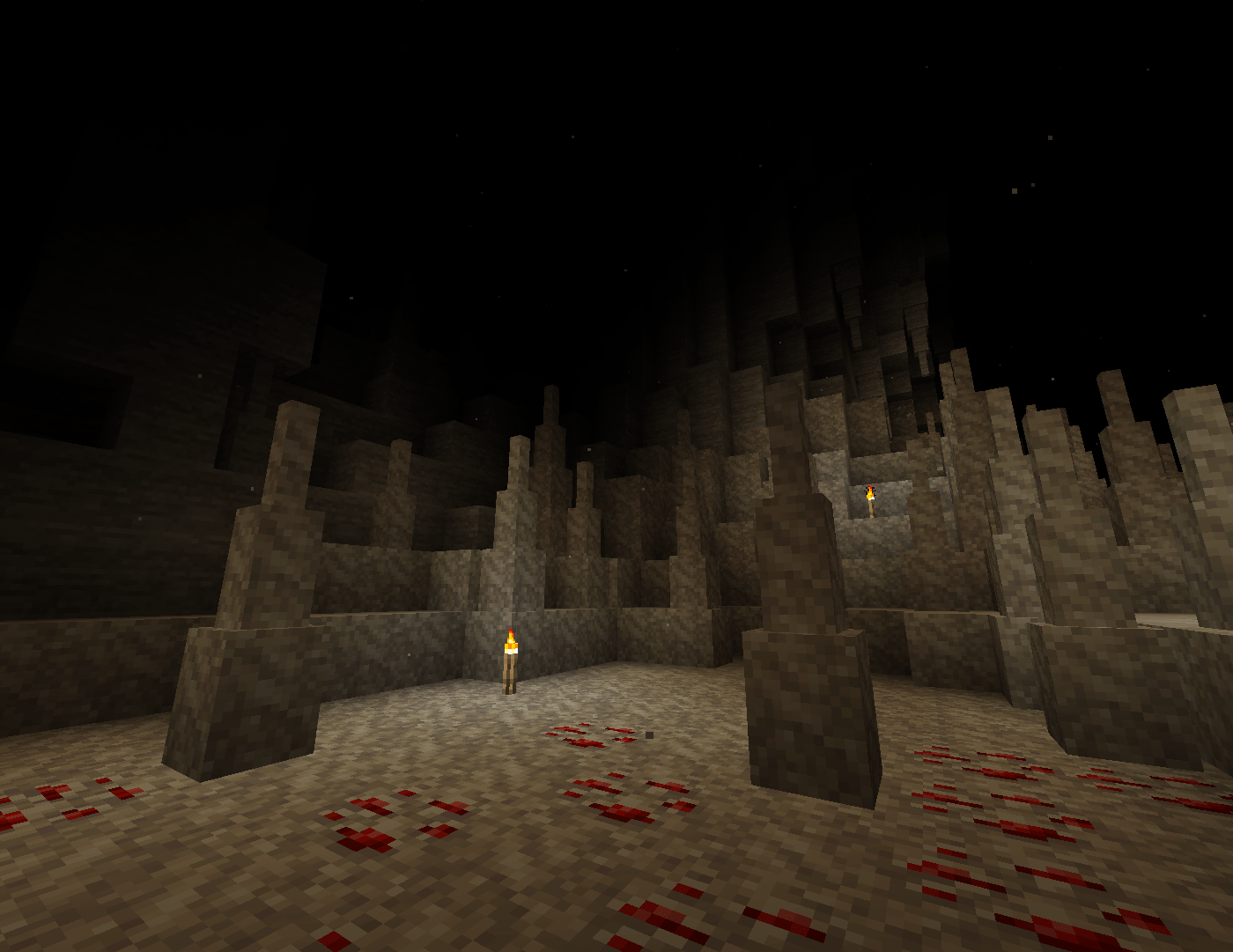 Cave Dust Motes drift from the cavern above.
 -
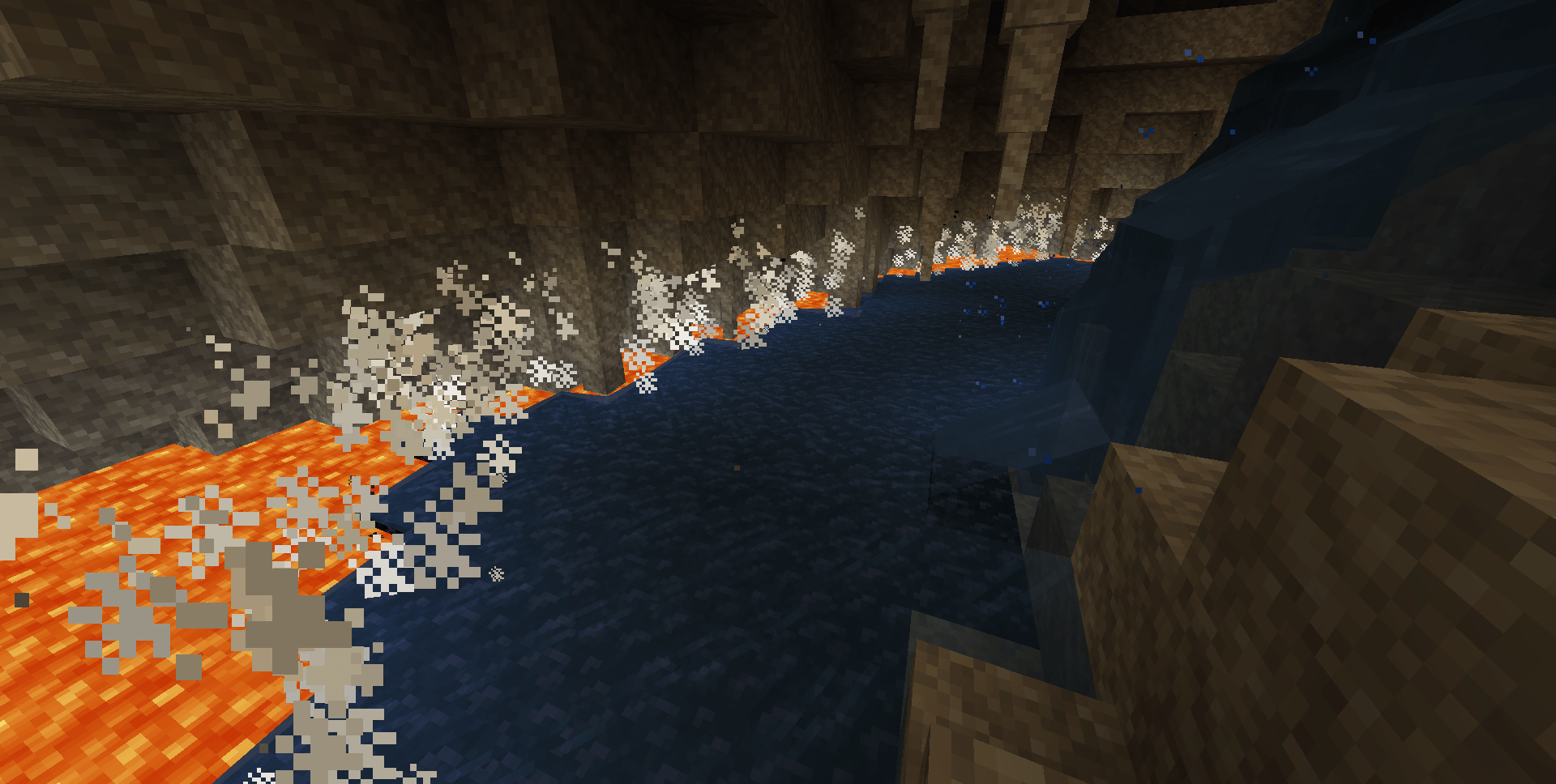 Igneous Action Water sprays off the waterfall and steam hisses as the water touches the lava.
Versions
Files
Relations
Project Relations
More like this
Similar Modpacks
Suggestions use data such as tags, dependencies, dependents, descriptions, titles, and more to rank how much they overlap with this modpack.
On ModDex
Community snapshot
By the numbers
Statistics

Want to reach Minecraft players?
We're looking for a server hosting partner to feature here and other parts of the site. Interested? Send us a message!
Get in touchGet it on
Available Platforms
On ModDex
Community snapshot
By the numbers
Statistics
Resources