Community listing page, reviews here may not be monitored by the author.

Community voices
Reviews
No reviews yet. Be the first to review this project!
Get it on
Available Platforms
About
Project Details
For authors
Embed Badge
If you're the author of this project, you can embed a live badge anywhere that supports HTML or Markdown. It updates automatically whenever ratings change.
Use HTML for any page that supports it, or Markdown for README files and Markdown-based descriptions.
Identifiers
Platform IDs
Resources
External Links
About
Description
Acidglow's Damage Indicators
See the damage you deal — right where it happens.
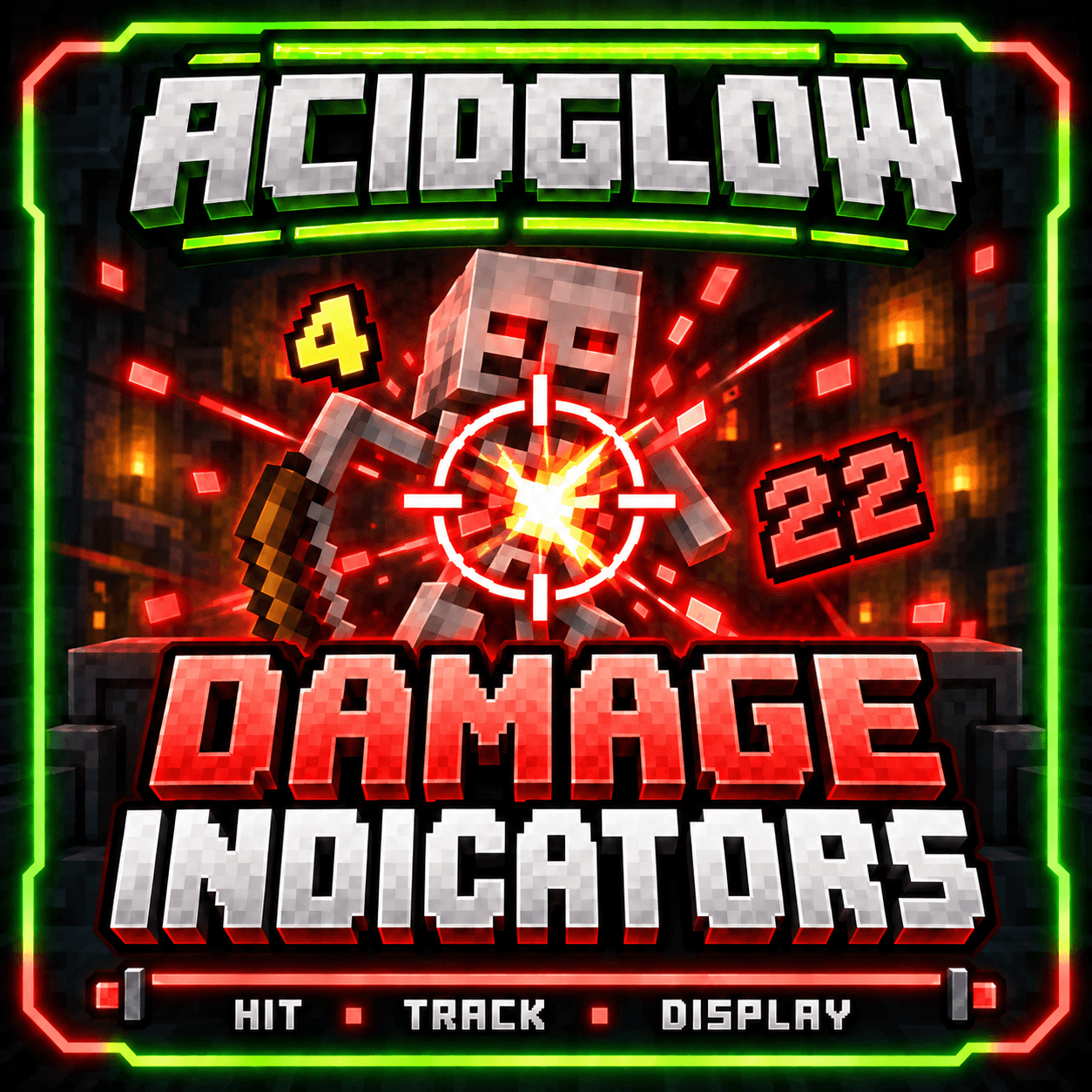
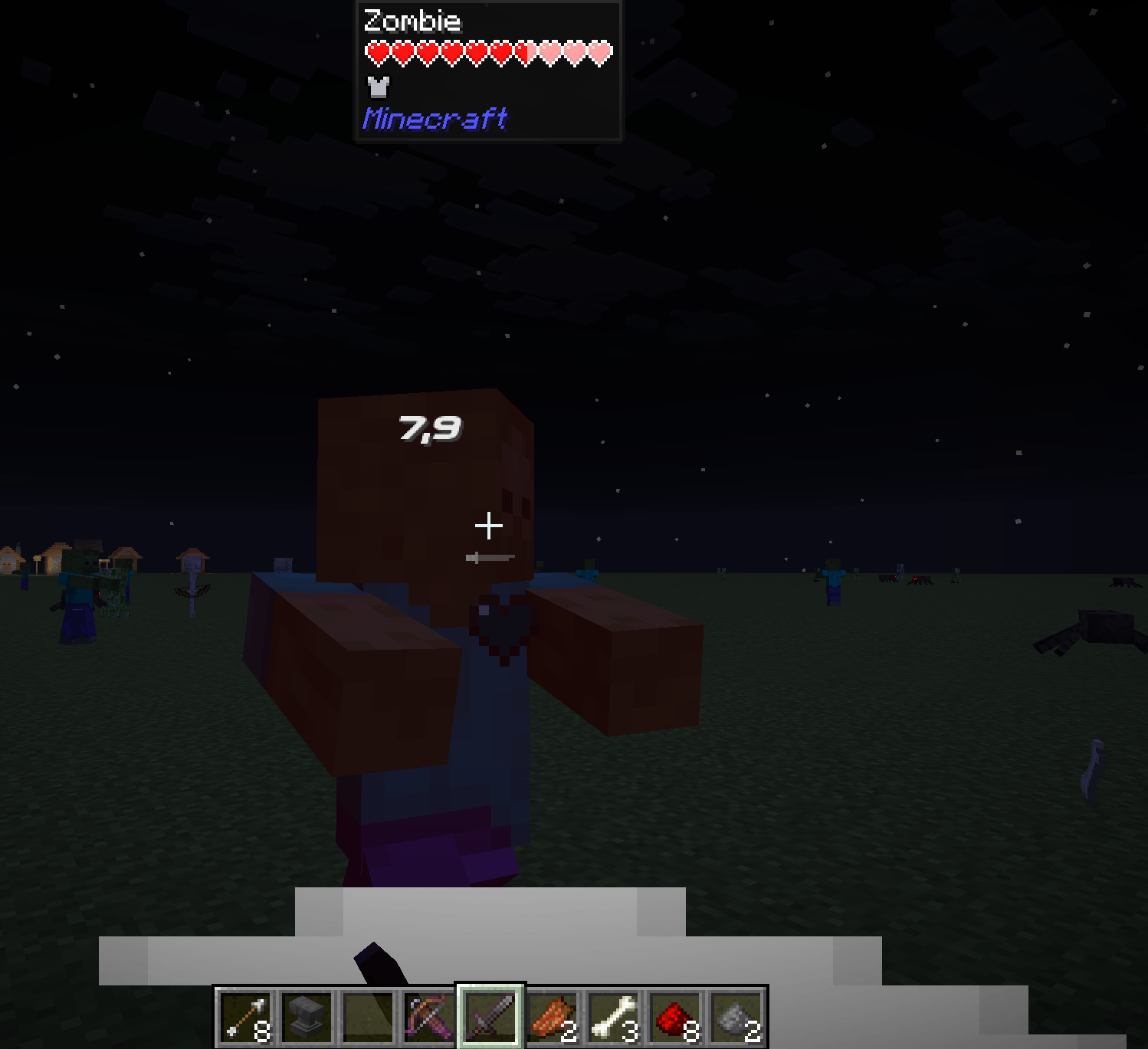
Acidglow's Damage Indicators adds clear, floating damage numbers above living entities whenever they take damage.
Whether you're testing a weapon, fighting mobs, or simply want better combat feedback, Damage Indicators gives you an immediate visual readout without cluttering your HUD.
✨ Features
- Floating damage numbers — See damage directly above the affected entity
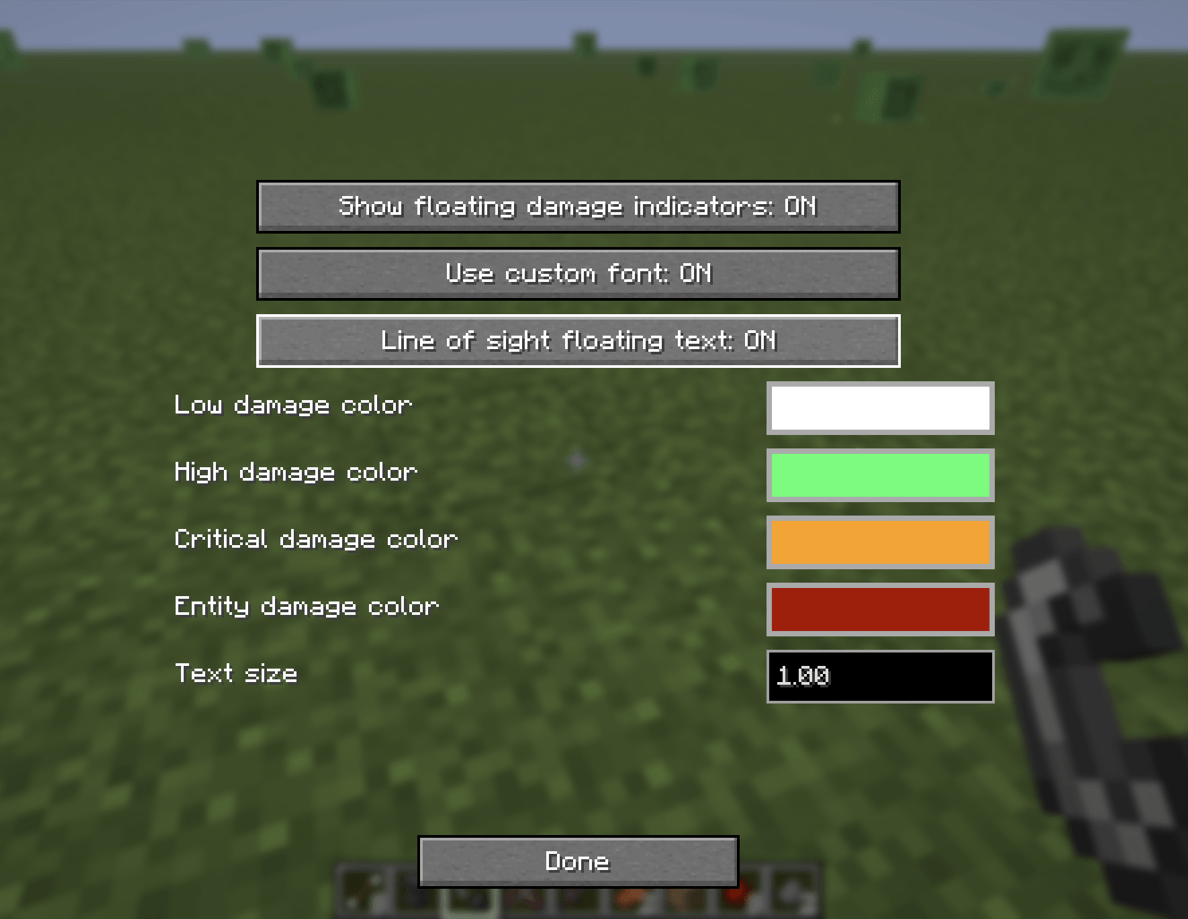
- Damage categories — Differentiate between Low, High, Critical, and Entity/Environment damage
- Custom colors — Choose how each damage category is displayed
- Adjustable text size — Make indicators smaller or larger to suit your preference
- Quick toggle — Enable or disable damage indicators whenever you want
- In-game configuration — Change settings without manually editing config files
- Simple and lightweight — Focused entirely on clear combat feedback
⚔️ Damage Feedback
Whenever a living entity takes damage, a floating number appears near the entity showing the amount of damage dealt.
Damage is categorized to make different hits easier to recognize at a glance:
- Low Damage
- High Damage
- Critical Damage
- Entity / Environment Damage
Each category can be customized with its own color.
This makes it easier to see the difference between ordinary hits, stronger attacks, critical damage, and damage caused by other sources.
🎨 Customization
Damage Indicators can be adjusted directly from the in-game configuration screen.
You can customize:
- Indicator visibility
- Text size
- Damage category colors
Open the configuration screen using:
P — Default Config Key
The keybind can be changed through Minecraft's normal controls menu.
🎯 Built for Clear Combat Feedback
Acidglow's Damage Indicators keeps things simple.
There are no large health overlays or complicated combat interfaces — just useful damage information displayed where you're already looking.
Hit it. See it. Know the damage.
📦 Modpack Friendly
Feel free to include Acidglow's Damage Indicators in both public and private modpacks.
No additional permission is required.
📜 License
This mod is released under the MIT License.
You are free to use, modify, and redistribute the mod in accordance with the terms of the license.
Screenshots
Gallery
-
 DI.png DI.png
 -
 ingamesetup.png ingamesetup.png
 -
 keybinds.png keybinds.png
 -
 2026-07-01_08.57.53.png 2026-07-01_08.57.53.png
 -
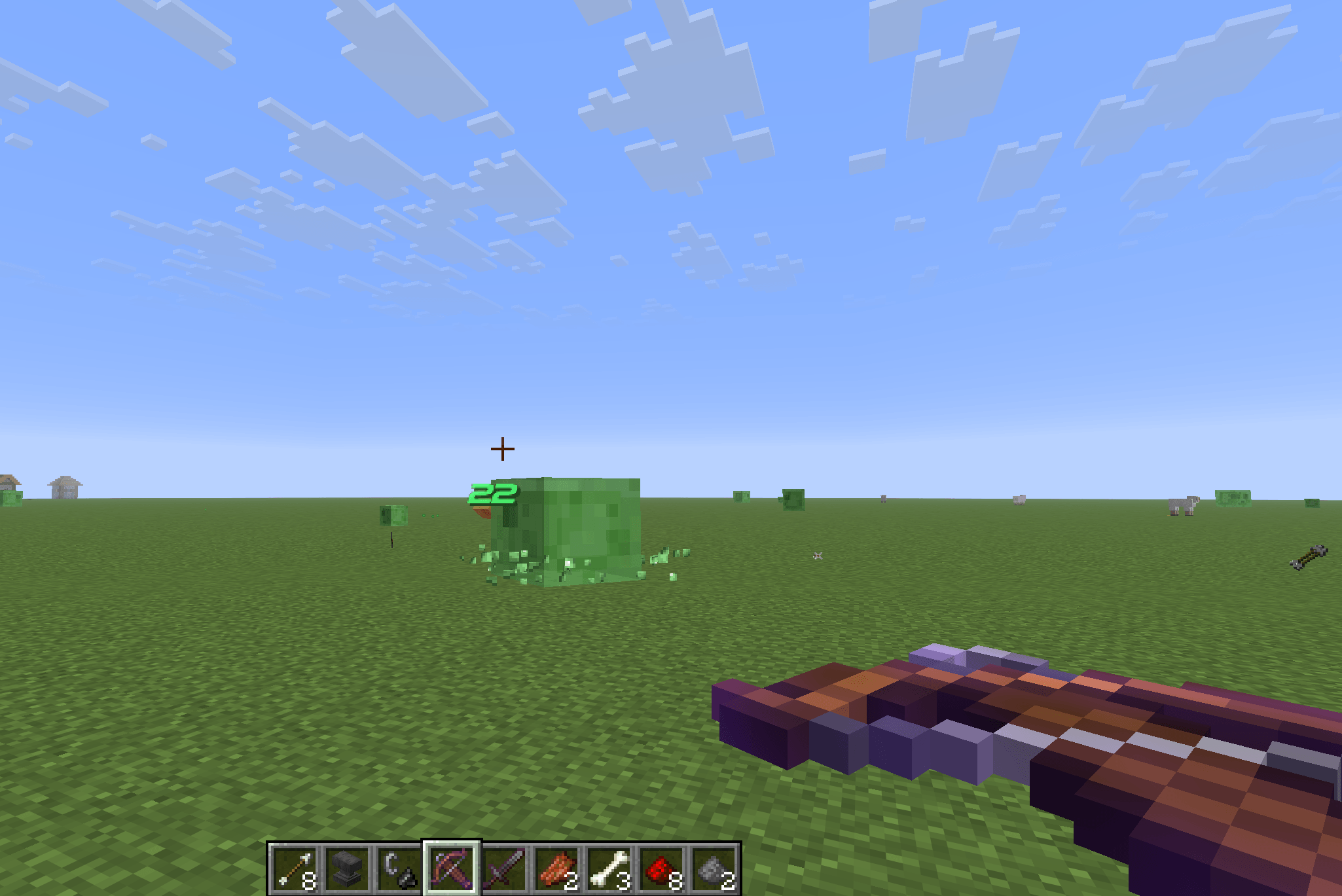 2026-07-01_09.11.46.png 2026-07-01_09.11.46.png
 -
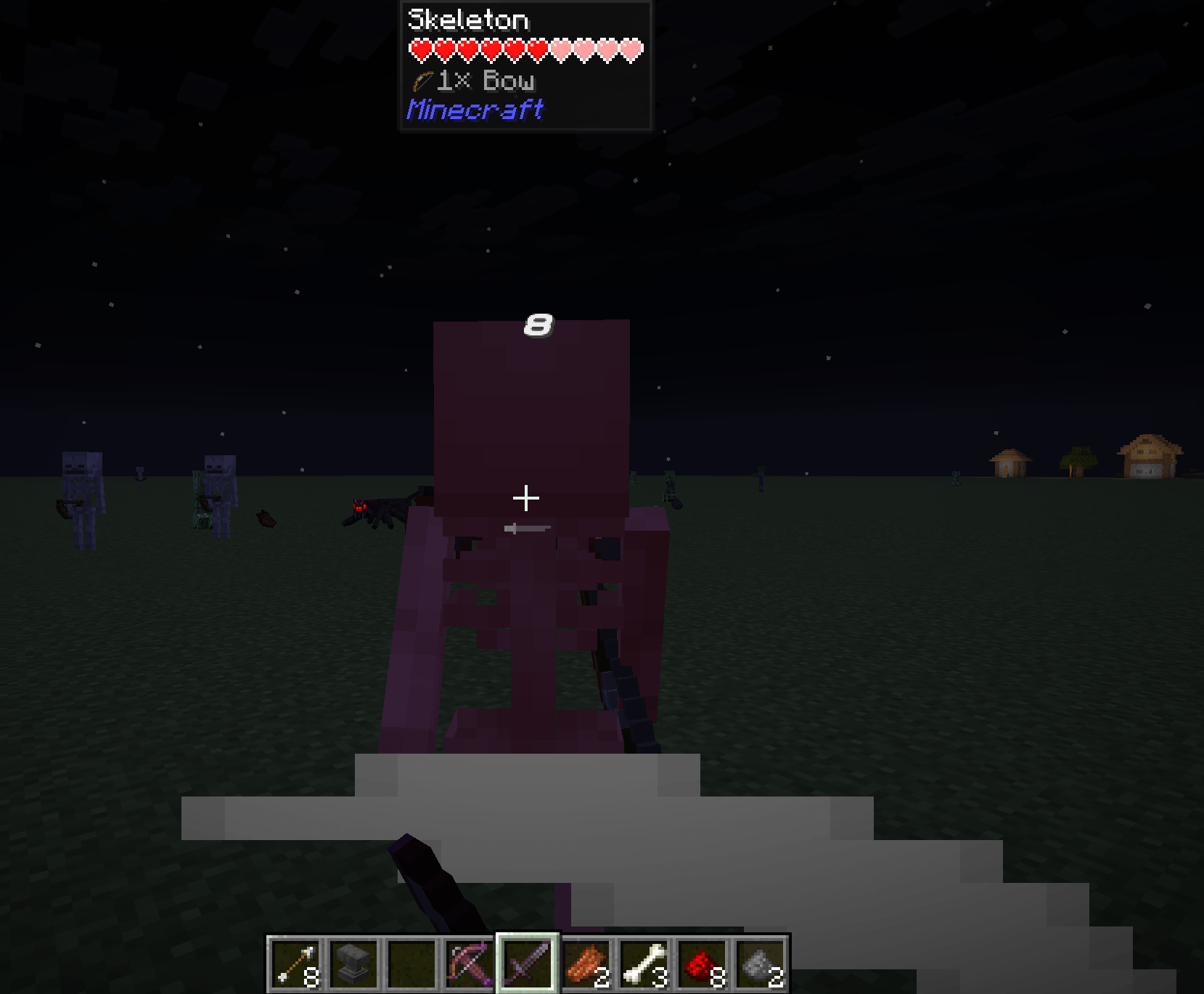 2026-07-01_08.58.10.png 2026-07-01_08.58.10.png
Versions
Files
Relations
Project Relations
More like this
Similar Mods
Suggestions use data such as tags, dependencies, dependents, descriptions, titles, and more to rank how much they overlap with this mod.
On ModDex
Community snapshot
By the numbers
Statistics
Want to reach Minecraft players?
We're looking for a server hosting partner to feature here and other parts of the site. Interested? Send us a message!
Get in touchGet it on
Available Platforms
On ModDex
Community snapshot
By the numbers
Statistics
Resources