
ActionKey
No reviews yet
Automatically holds keys and clicks
Fabric is a mod loader for versions 1.14+ of Minecraft, particularly popular for client side and optimization mods.
Community voices
Reviews
Click once to include, again to exclude, again to clear
No reviews yet. Be the first to review this project!
Get it on
Available Platforms
 Modrinth
Compatibility
Supported Environments
About
Project Details
For authors
Embed Badge
If you're the author of this project, you can embed a live badge anywhere that supports HTML or Markdown. It updates automatically whenever ratings change.
Use HTML for any page that supports it, or Markdown for README files and Markdown-based descriptions.
Identifiers
Platform IDs
Resources
External Links
About
Description
ActionKey is a lightweight and flexible automation mod that lets you create custom key actions in Minecraft.
You can define multiple actions, choose whether they should be held or clicked, set delays, and toggle everything with a single keybind.
This mod is designed for players who want simple, reliable input automation without scripts or complex setup.
Features
- Create unlimited key actions
- Each action can be individually enabled or disabled
- Choose between Hold Mode (keeps a key pressed) or Click Mode (presses and releases)
- Adjustable click delay for each action
- Global toggle key to enable or disable all actions instantly
- Clean configuration menu with separate tabs for each action
- Add or remove actions without restarting the game
- Actionbar feedback when toggling the mod
- Fully client‑side
How It Works
- Open the mod’s settings through Mod Menu
- Add a new key action
- Choose the key, mode, and delay
- Press the toggle key (default: U) to activate or deactivate all actions
- Enjoy smooth, consistent automation
Use Cases
- Repeating actions
- Holding movement keys
- Automating simple tasks
- Accessibility support
- Custom key workflows
Compatibility
- Fabric / Quilt
- Minecraft 1.21+
- Works with any client‑side mod
- Does not affect servers or gameplay balance, but can be detected by an AntiCheat
Screenshots
Gallery
-
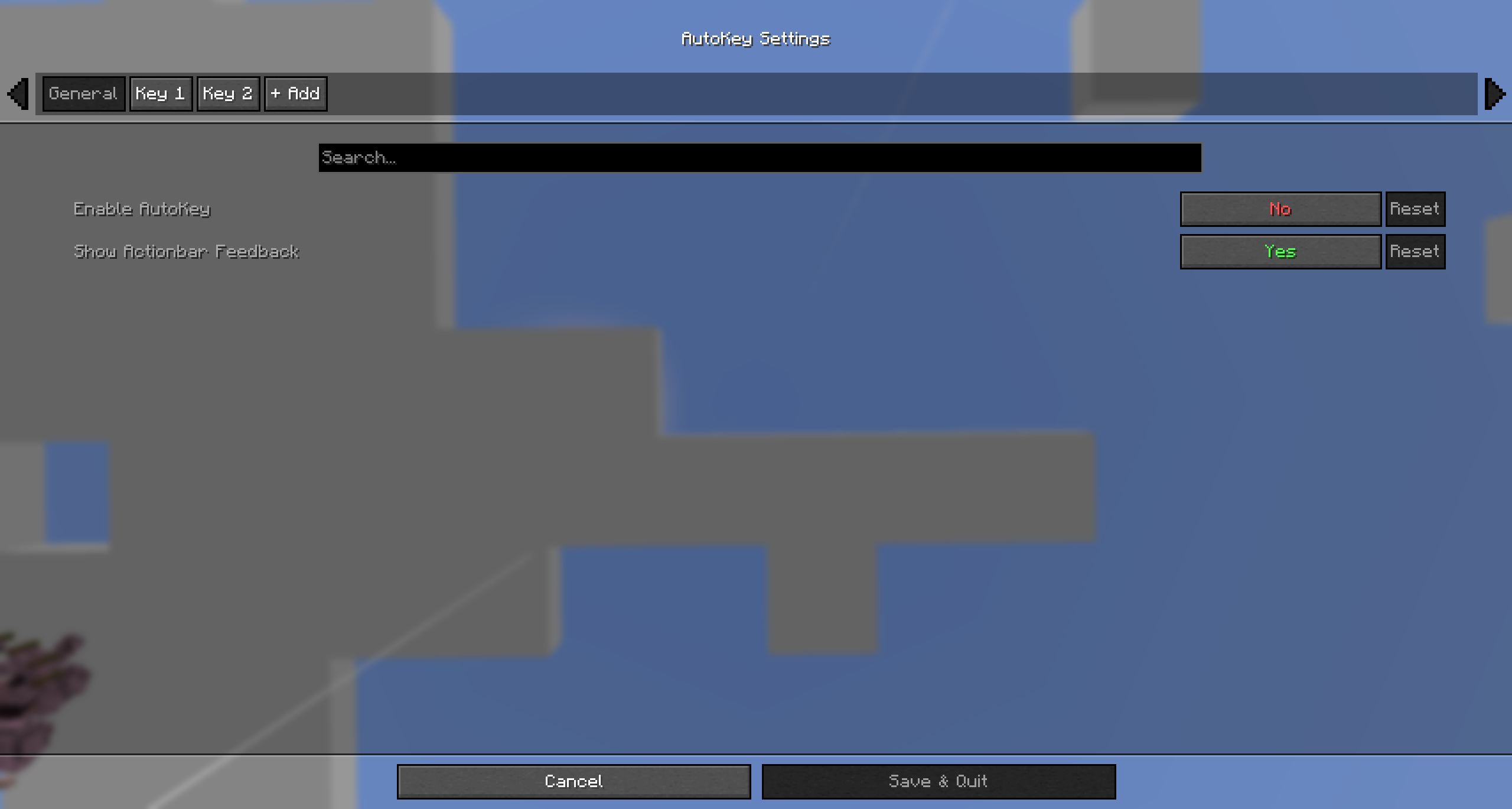 Config Menu
 -
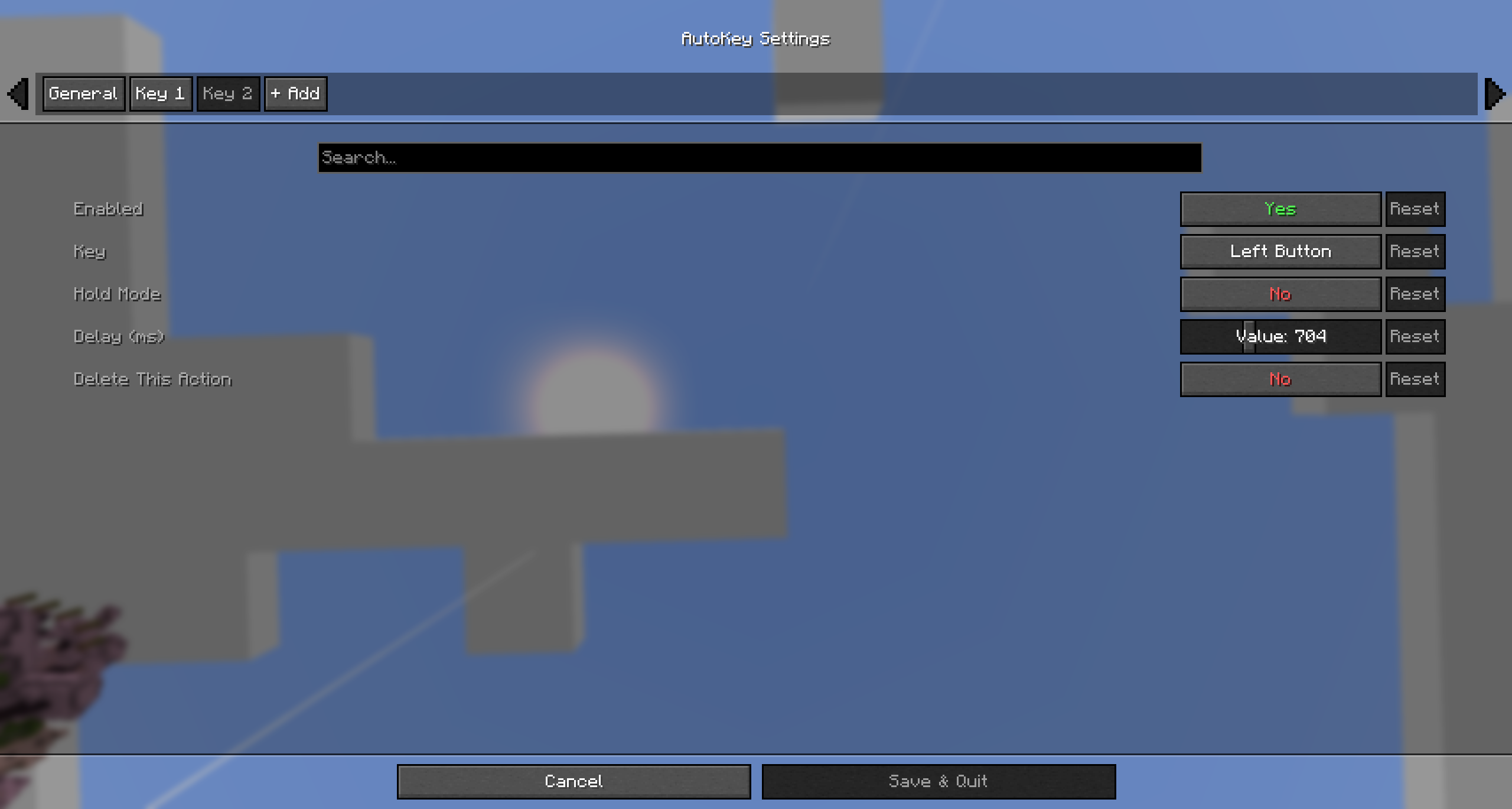 Click Key
 -
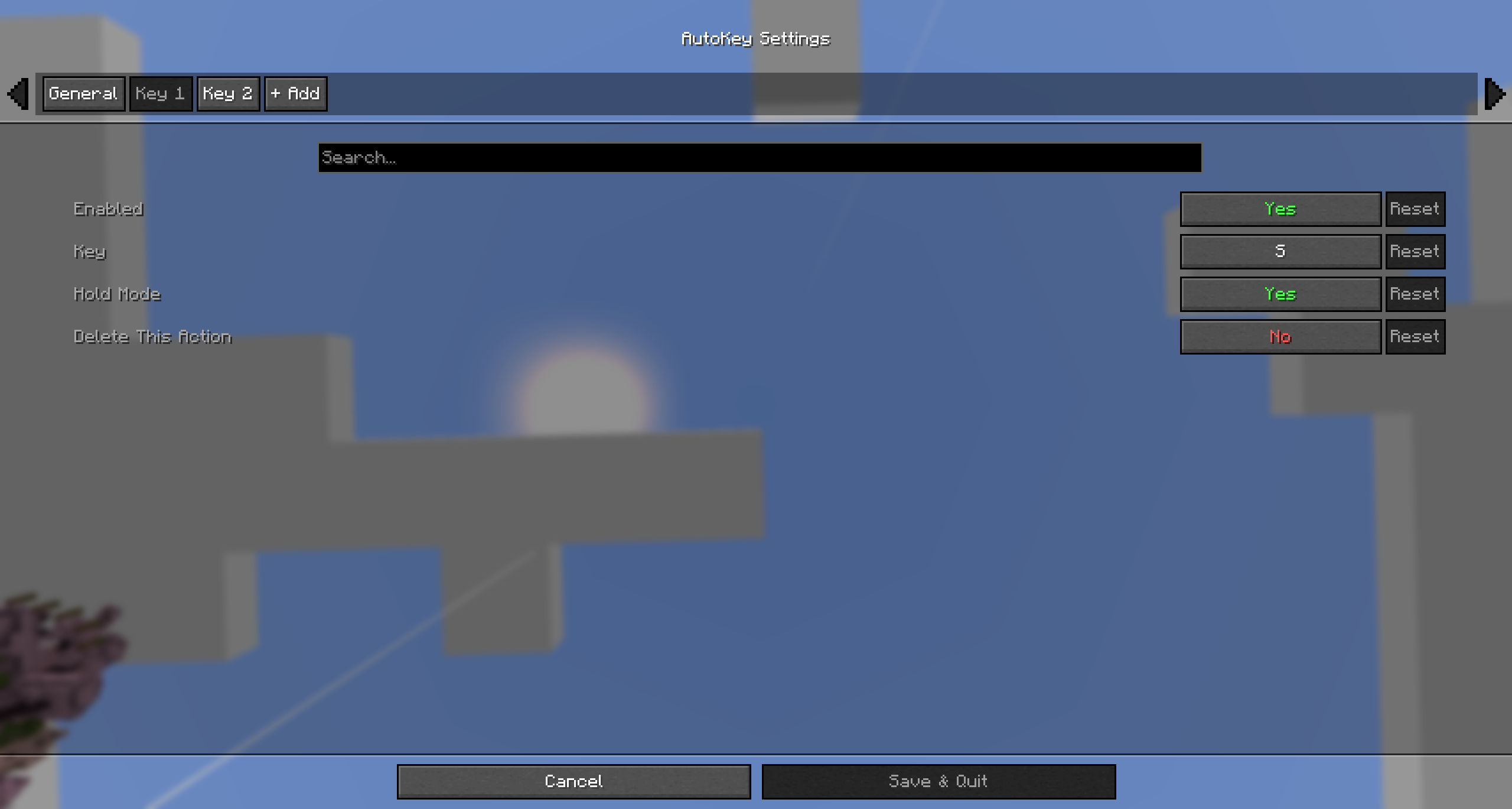 Hold Key
Versions
Files
Relations
Project Relations
More like this
Similar Mods
Suggestions use data such as tags, dependencies, dependents, descriptions, titles, and more to rank how much they overlap with this mod.
On ModDex
Community snapshot
By the numbers
Statistics

Want to reach Minecraft players?
We're looking for a server hosting partner to feature here and other parts of the site. Interested? Send us a message!
Get in touchGet it on
Available Platforms
On ModDex
Community snapshot
By the numbers
Statistics
Resources