
Community listing page, reviews here may not be monitored by the author.
Advanced Debug


No reviews yet
Is your default F3 menu not enough? We got you!
Community voices
Reviews
No reviews yet. Be the first to review this project!
Get it on
Available Platforms
Compatibility
Supported Environments
Runs entirely on the client. Works on vanilla servers.
About
Project Details
For authors
Embed Badge
If you're the author of this project, you can embed a live badge anywhere that supports HTML or Markdown. It updates automatically whenever ratings change.
Use HTML for any page that supports it, or Markdown for README files and Markdown-based descriptions.
Identifiers
Platform IDs
About
Description
Note that the beta versions can crash Minecraft.
See the Bugs / Issues / Crashes section for more info on how to send feedback.

Advanced Debug
Is your default F3 screen not enough? We got you!
Features
Multiple pages for the debug menu, and is changeable using F4 for keybind by default. (Also holding shift will go to the previous one instead of the next one)
Modding API available, with the ability to create pages and formatters for the objects (such as integers, strings specific enums etc.).
Keybinding is separate for the default one without interfering the default debug menu.
Hopefully, there will be more features coming soon.
There's actually an easter egg hidden in one of the pages, can you find it?
Note that the lines in the debug menu can interfere with each other if the space in the window is too small,
it's recommended have a lower scale than the maximum you normally can get.
Like having GUI scaled 2x with Minecraft maximized on a 1920x1080 screen. (1360x768 would work too)
Source code
It's on GitHub: Ultreon/advanced-debug (github.com)
Links





Bugs / Issues / Crashes
In Alpha / Beta releases stuff might change or break, it's recommended to use them for testing purposes only.
If there's a problem with the mod: don't post the crash report in the comments, but post it on the issue tracker here: Advanced Debug Issues at GitHub.
If there's no crash report but it still crashes, post the debug.log file in your .minecraft/logs folder to the issue tracker.
If there's no crash report and there's no crash in the debug.log, then there's probably a problem with the Java installation or a windows driver (what I have sometimes).
Feature requests
If you want to request a feature you can do it on GitHub.

Note that the beta versions can crash Minecraft
Advanced Debug
Is your default F3 screen not enough? We got you!
Features
- Multiple pages for the debug menu, and is changeable using F4 for keybind by default. (Also holding shift will go to the previous one instead of the next one)
- ImGui based debugging menu.
WIPSince 2.3.0 - Modding API available, with the ability to create pages and formatters for the objects (such as integers, strings specific enums etc.).
- Keybinding is separate for the default one without interfering the default debug menu.
- Hopefully, there will be more features coming soon.
Screenshots
Gallery
-
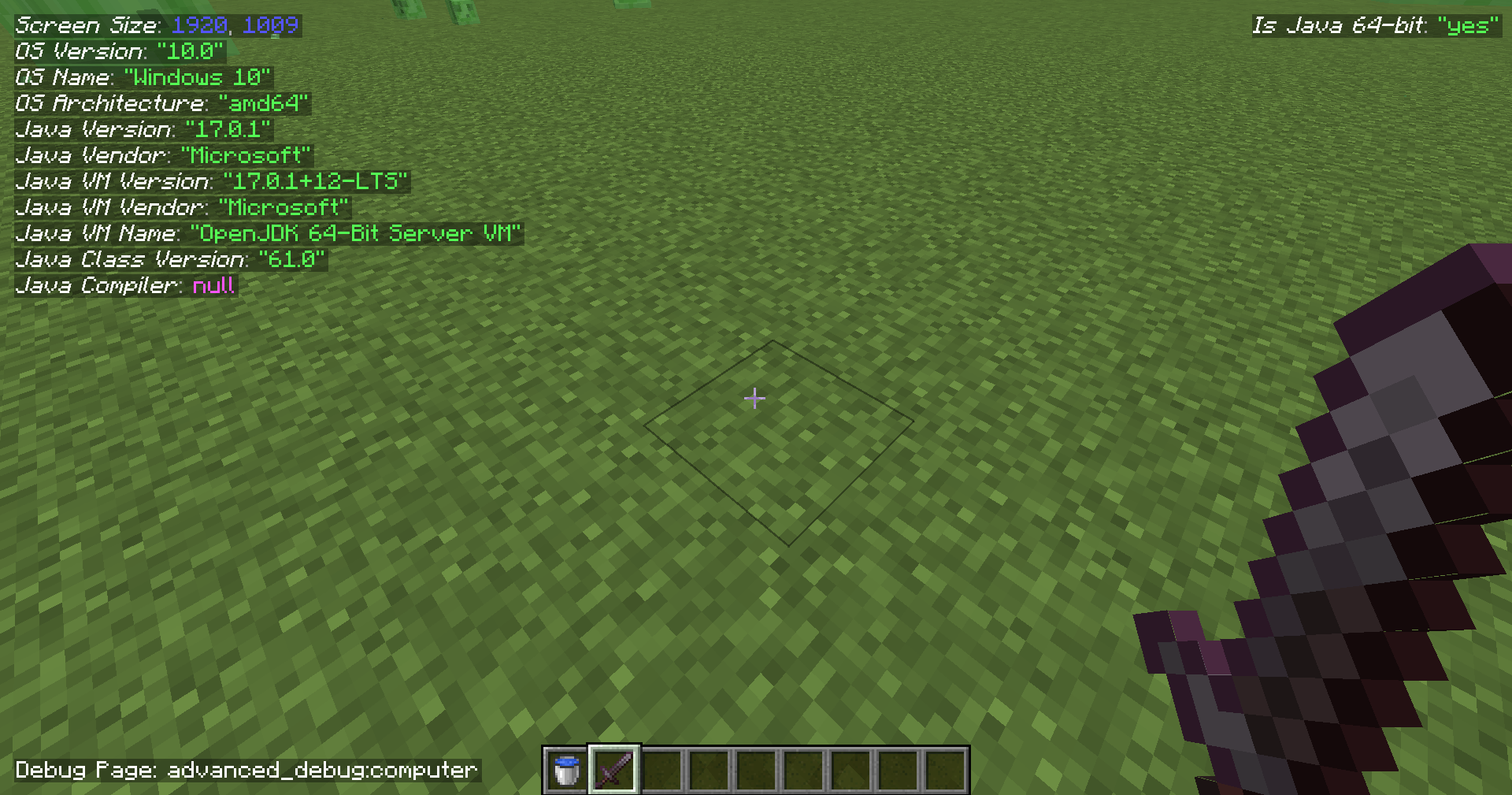 PC Info Page
 -
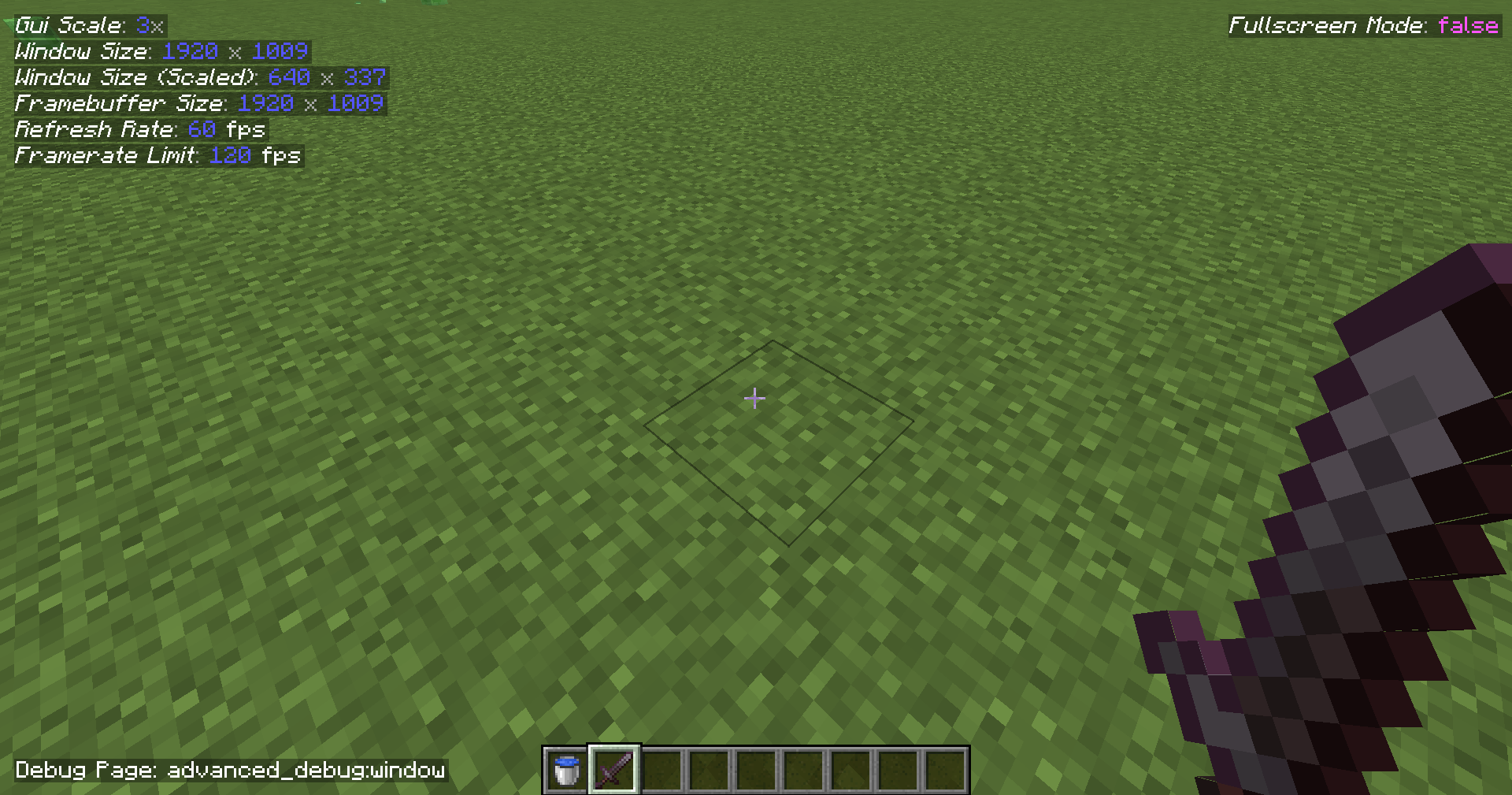 Game Window Page
 -
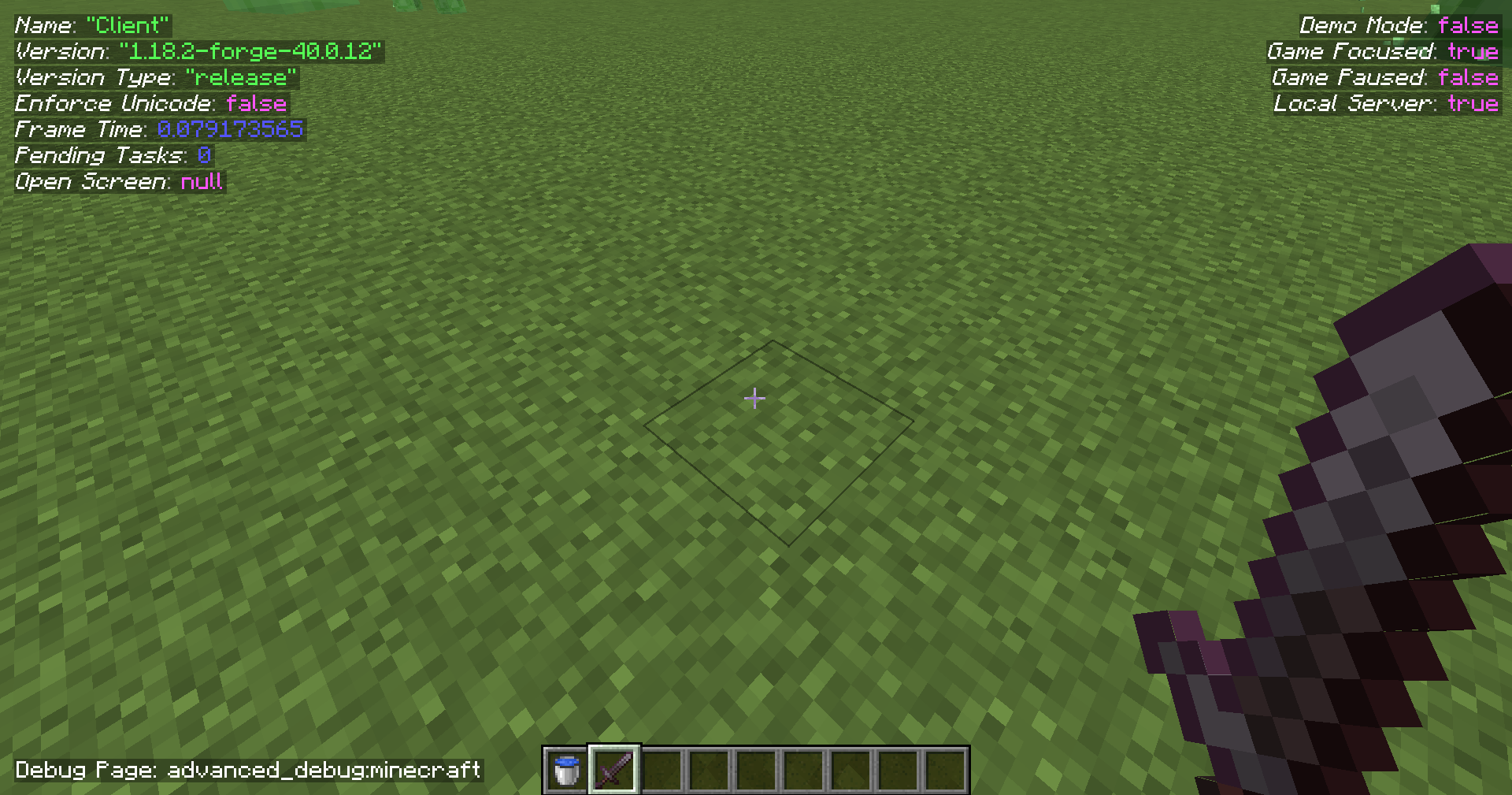 Minecraft Info Page
 -
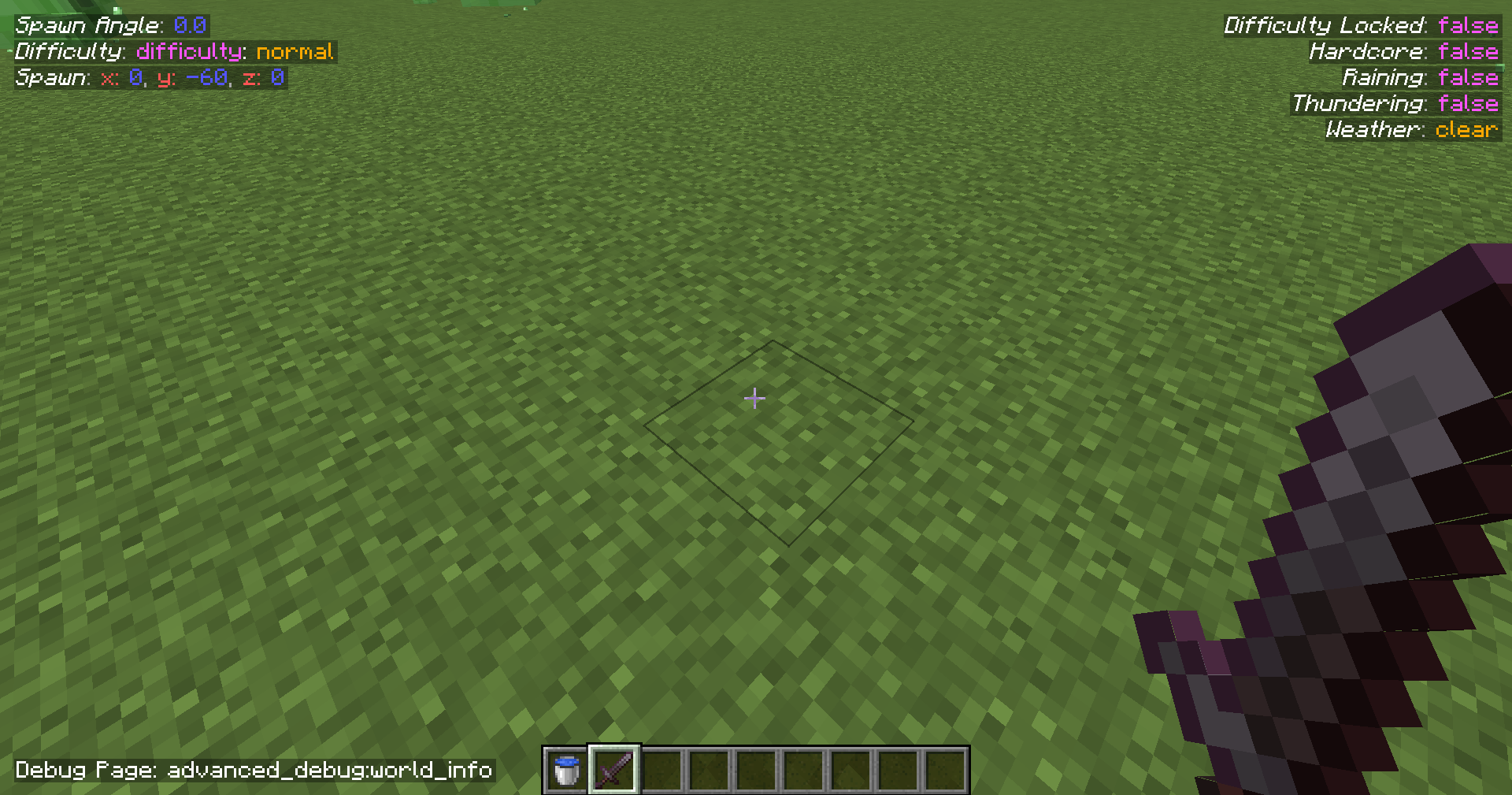 World Info Page This one didn't work for the first 2 releases on 1.18.2 lol.
 -
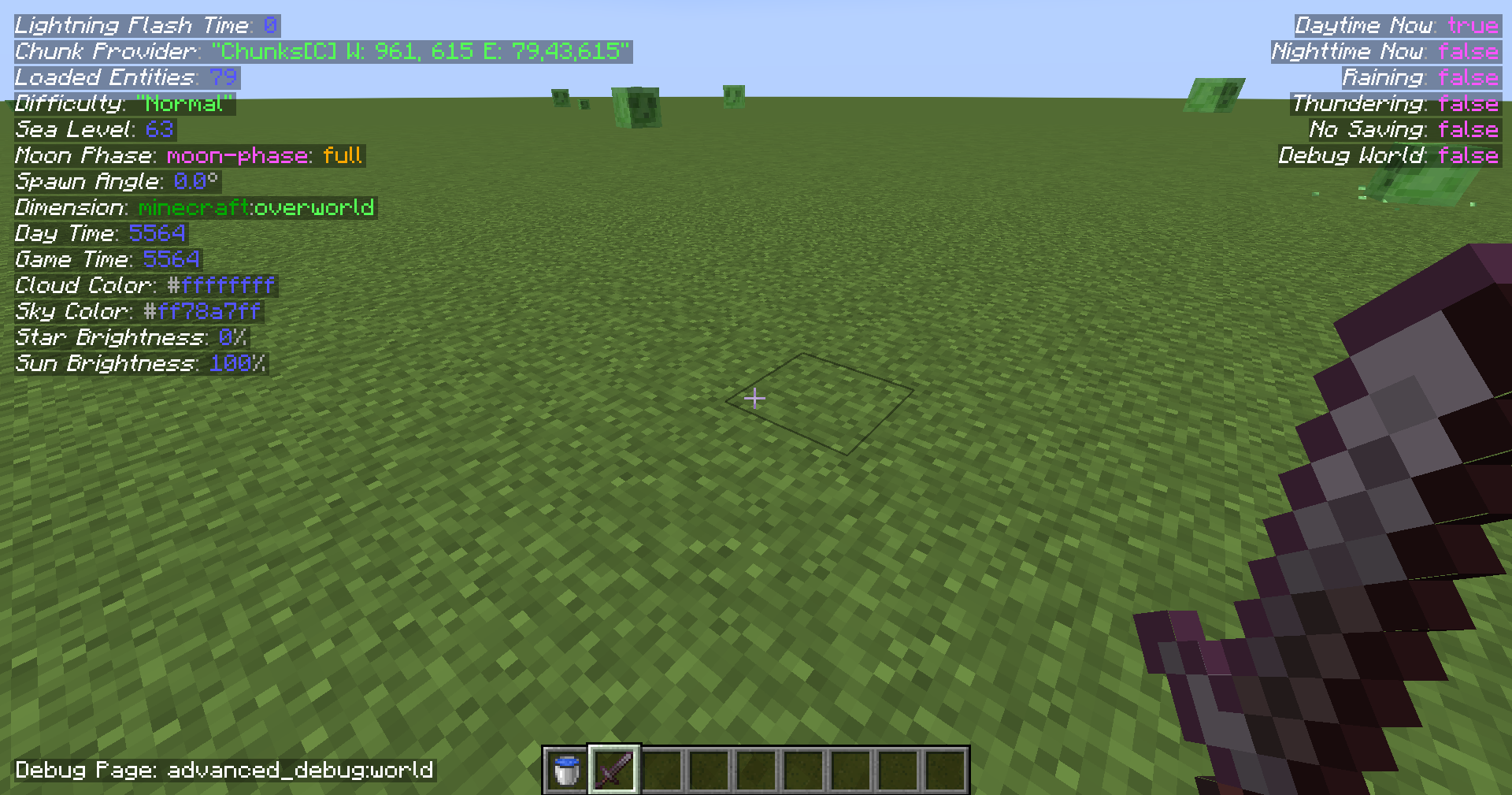 World Page
 -
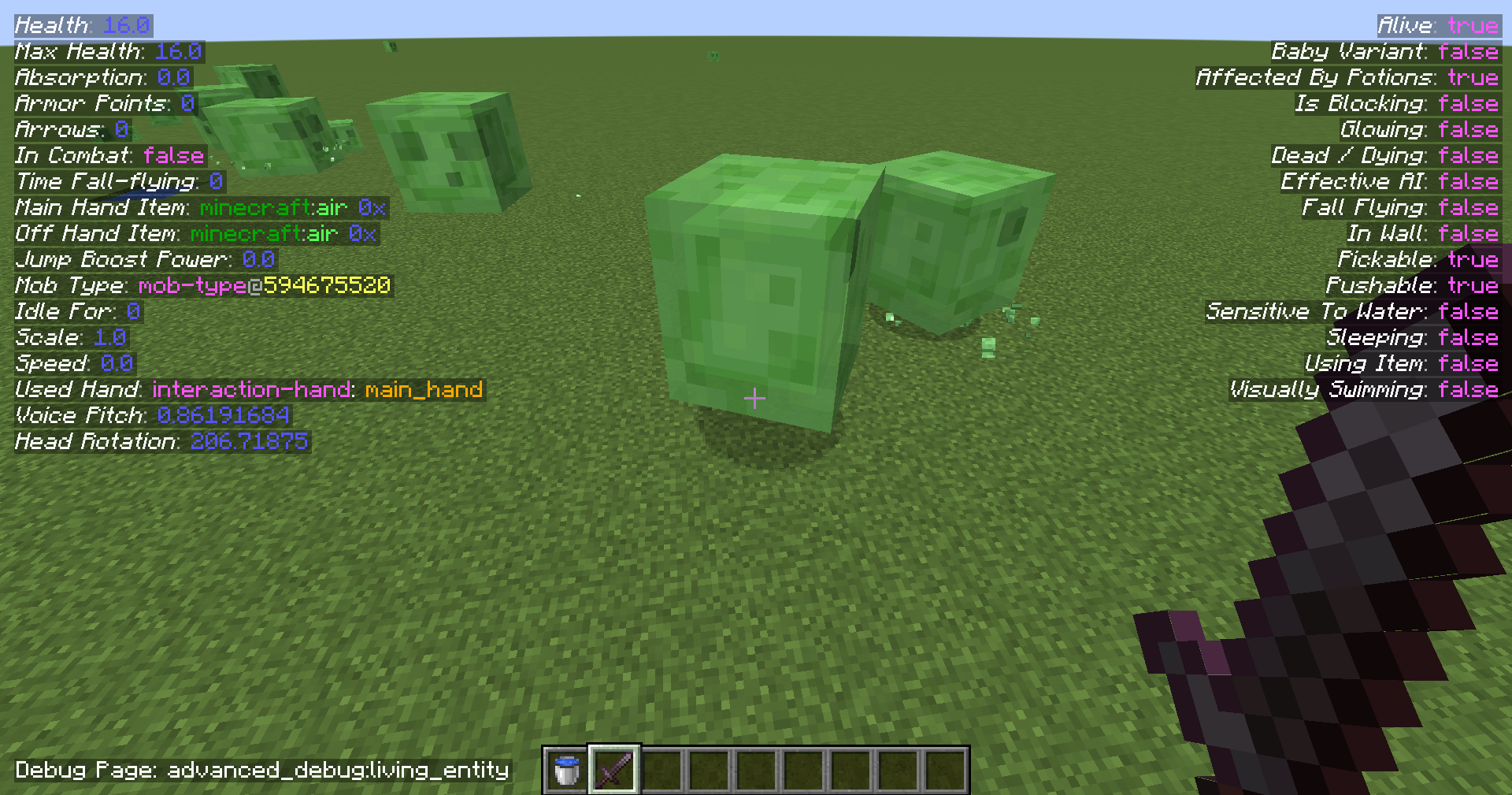 Living Entity Page Requires the player to look at a living entity, slime cubes in this case.
 -
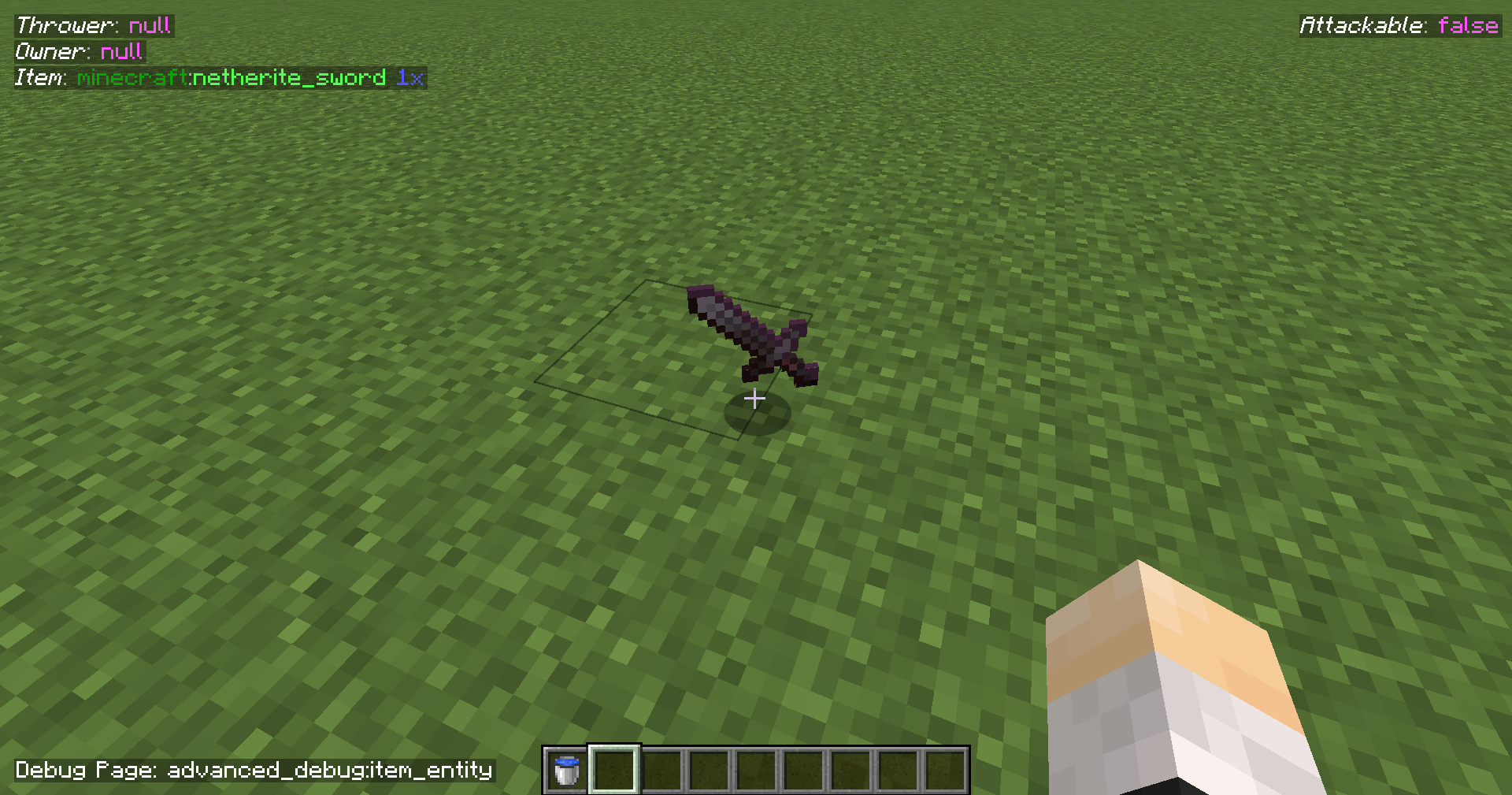 Item Entity Page Requires the player to look at a dropped item.
 -
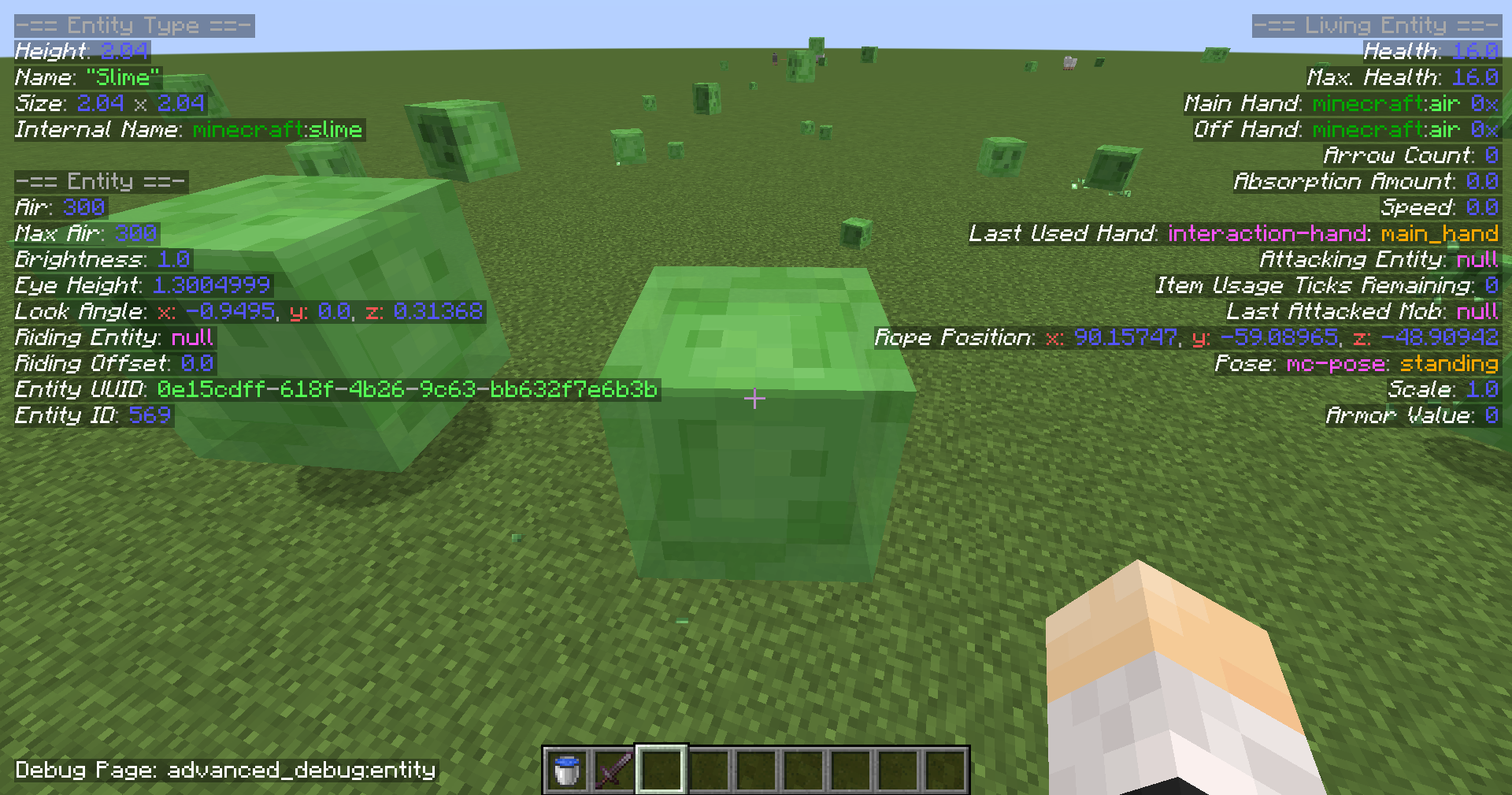 Entity Page Requires the player to look at any entity.
 -
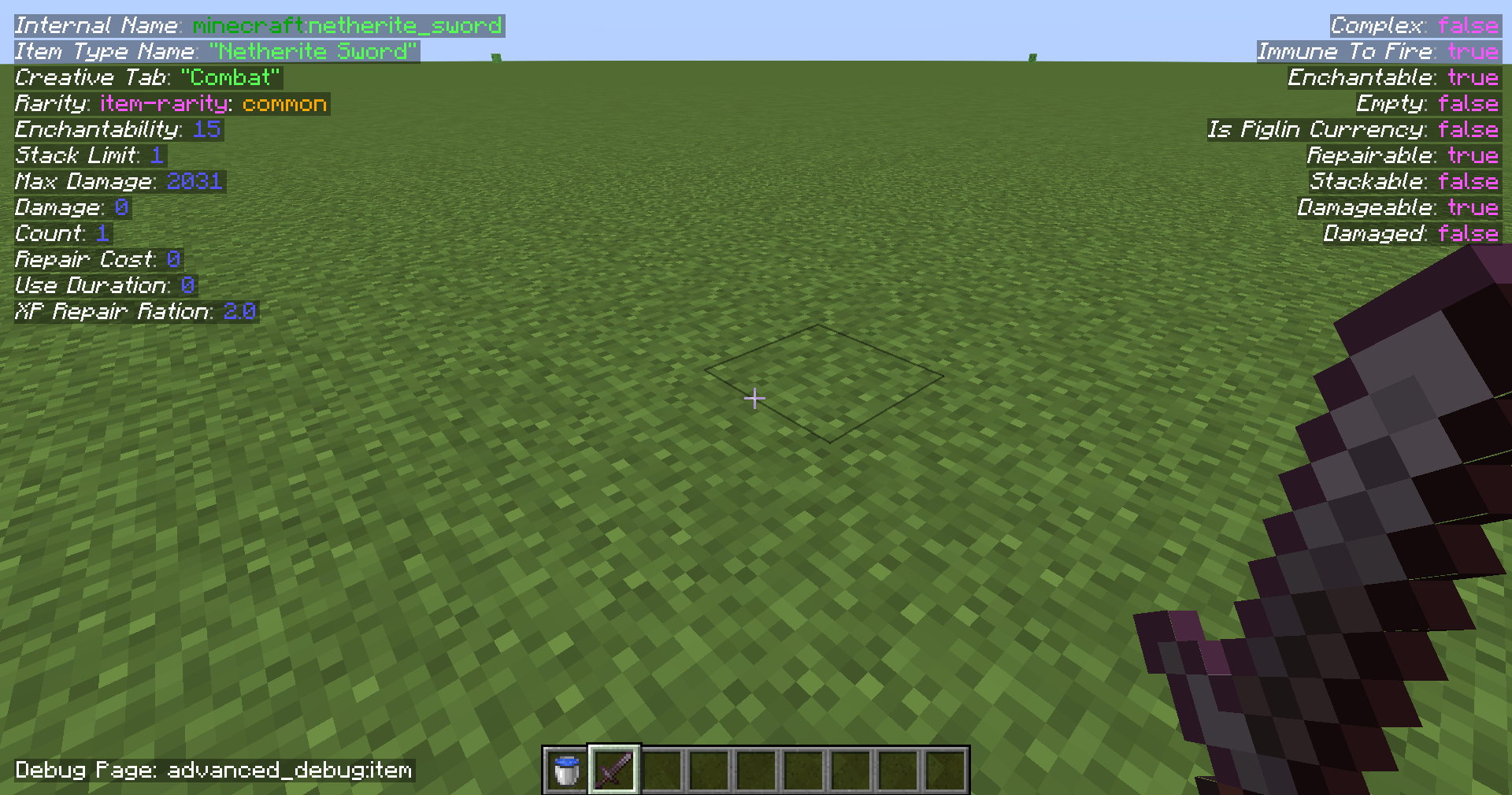 Item Page Shows information about the item in the main hand.
 -
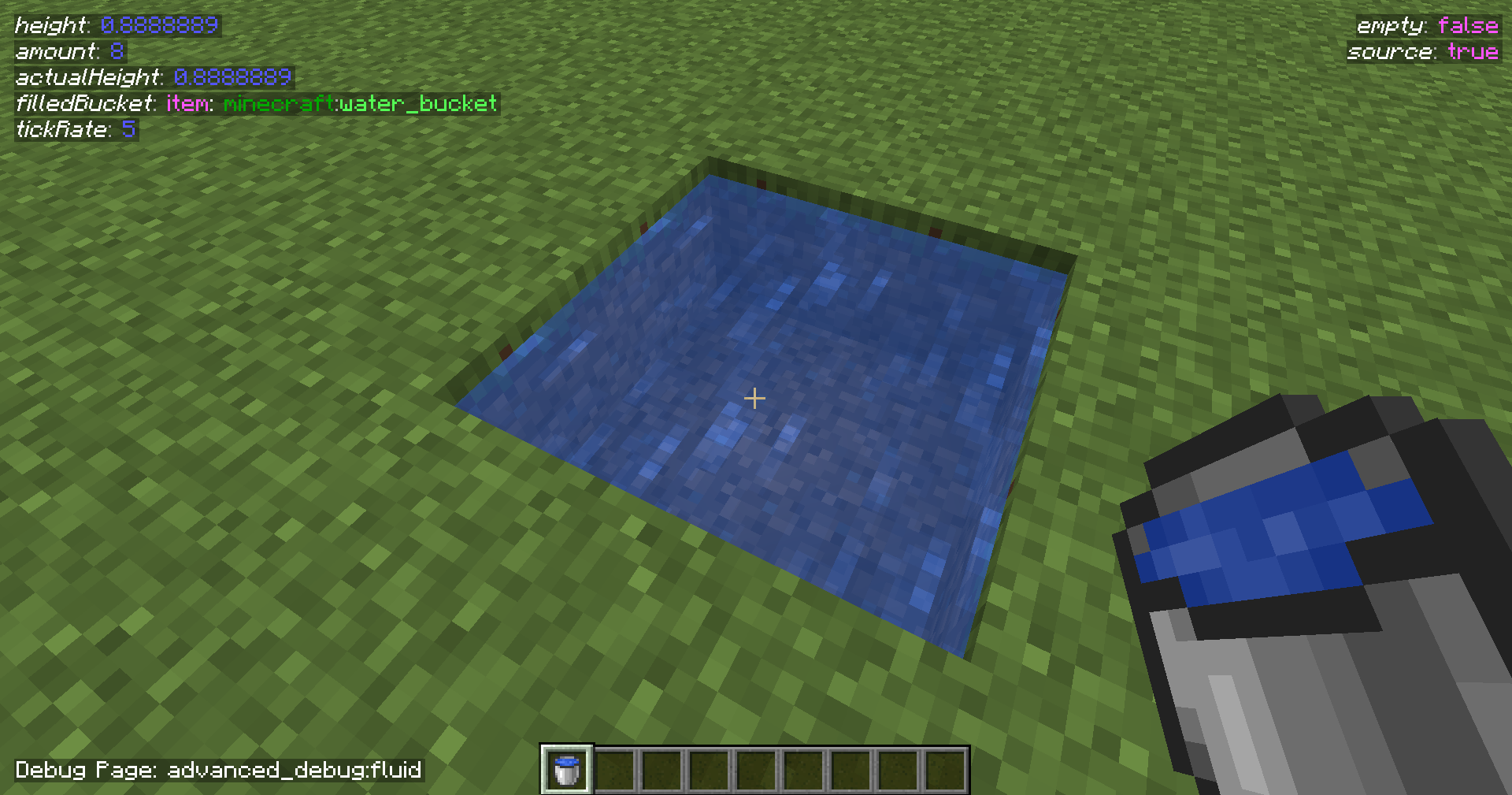 Fluid Page Requires the player to look at a fluid.
 -
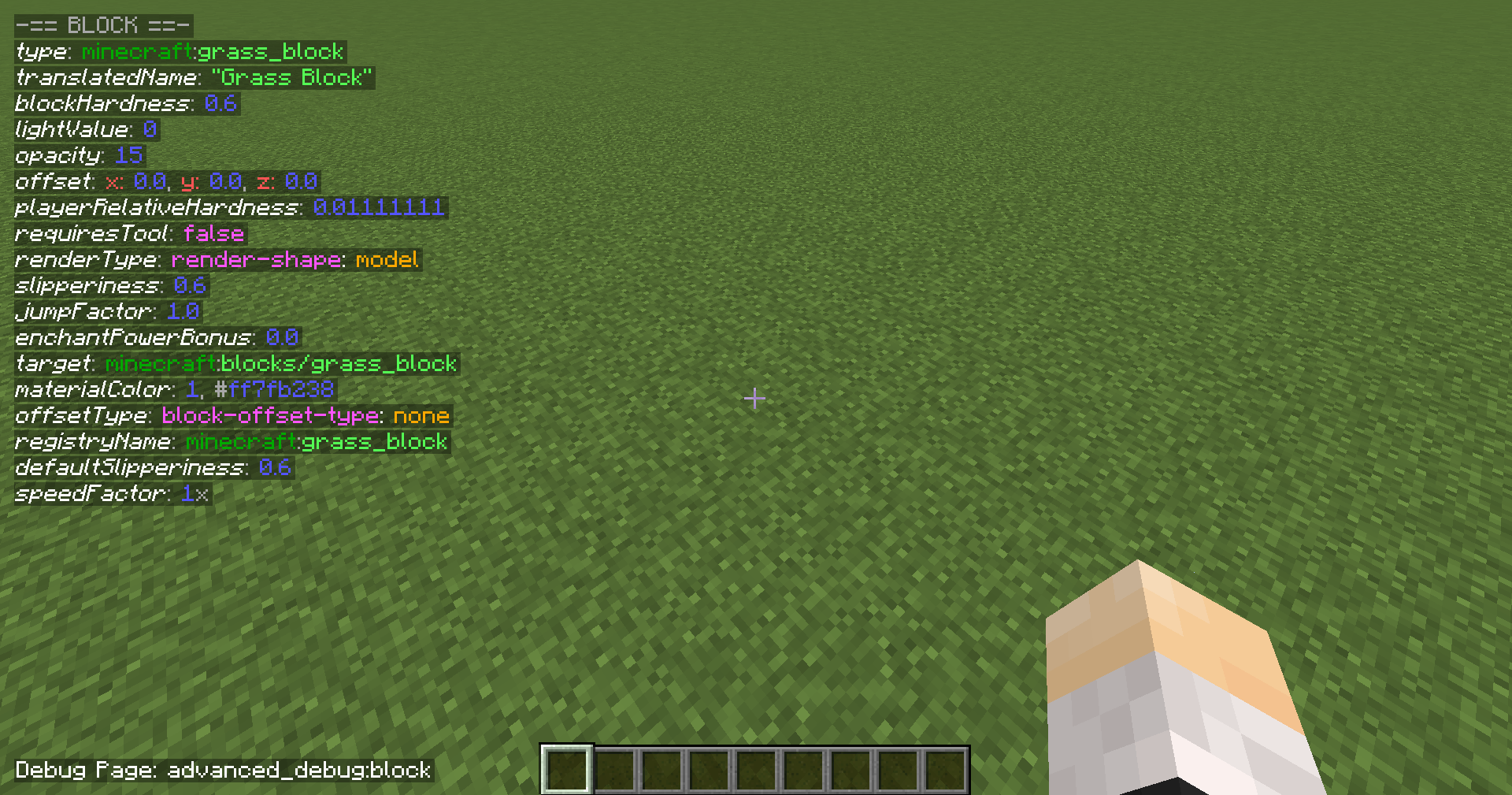 Block Page
 -
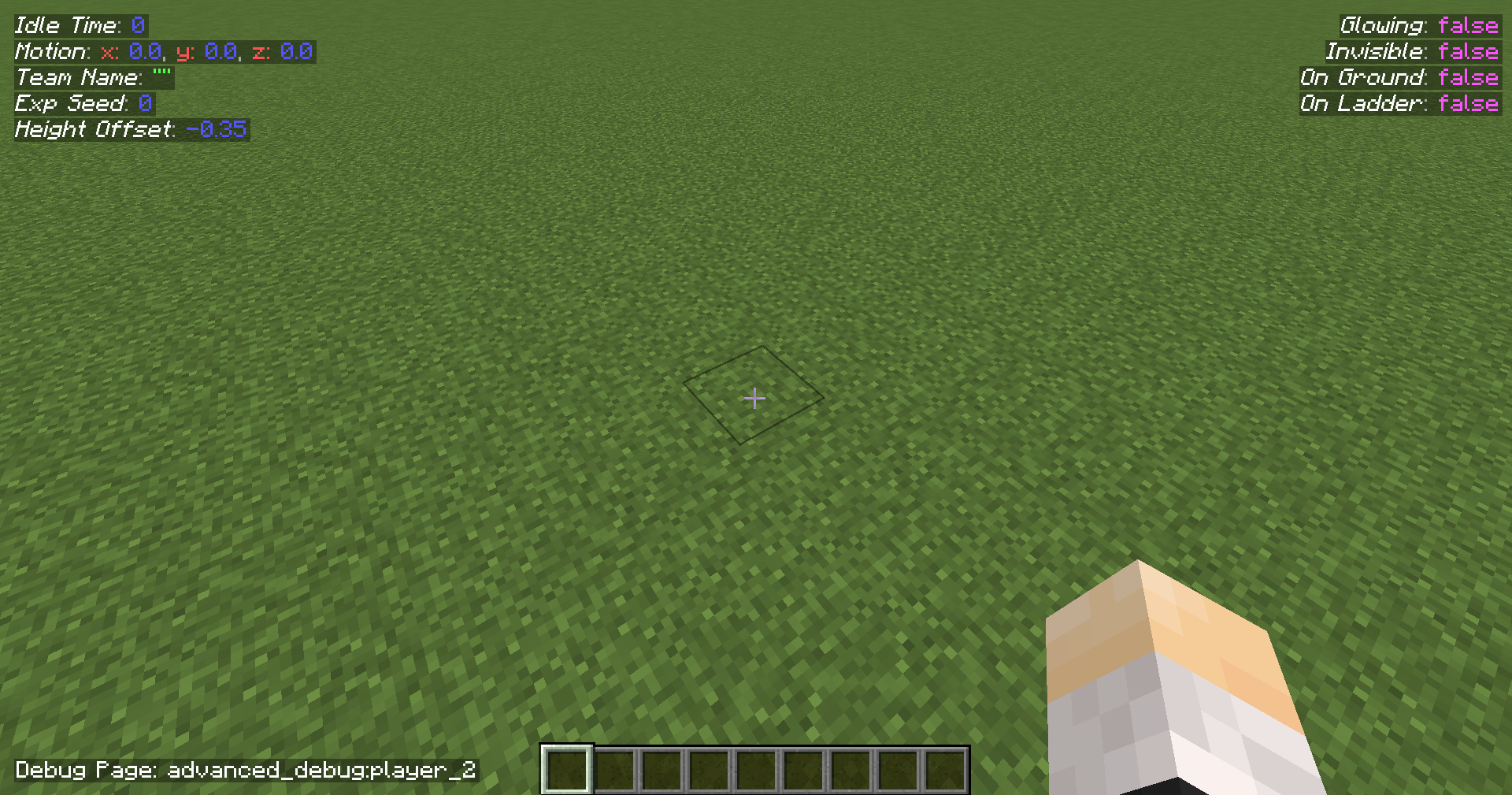 Page 2 for Player
 -
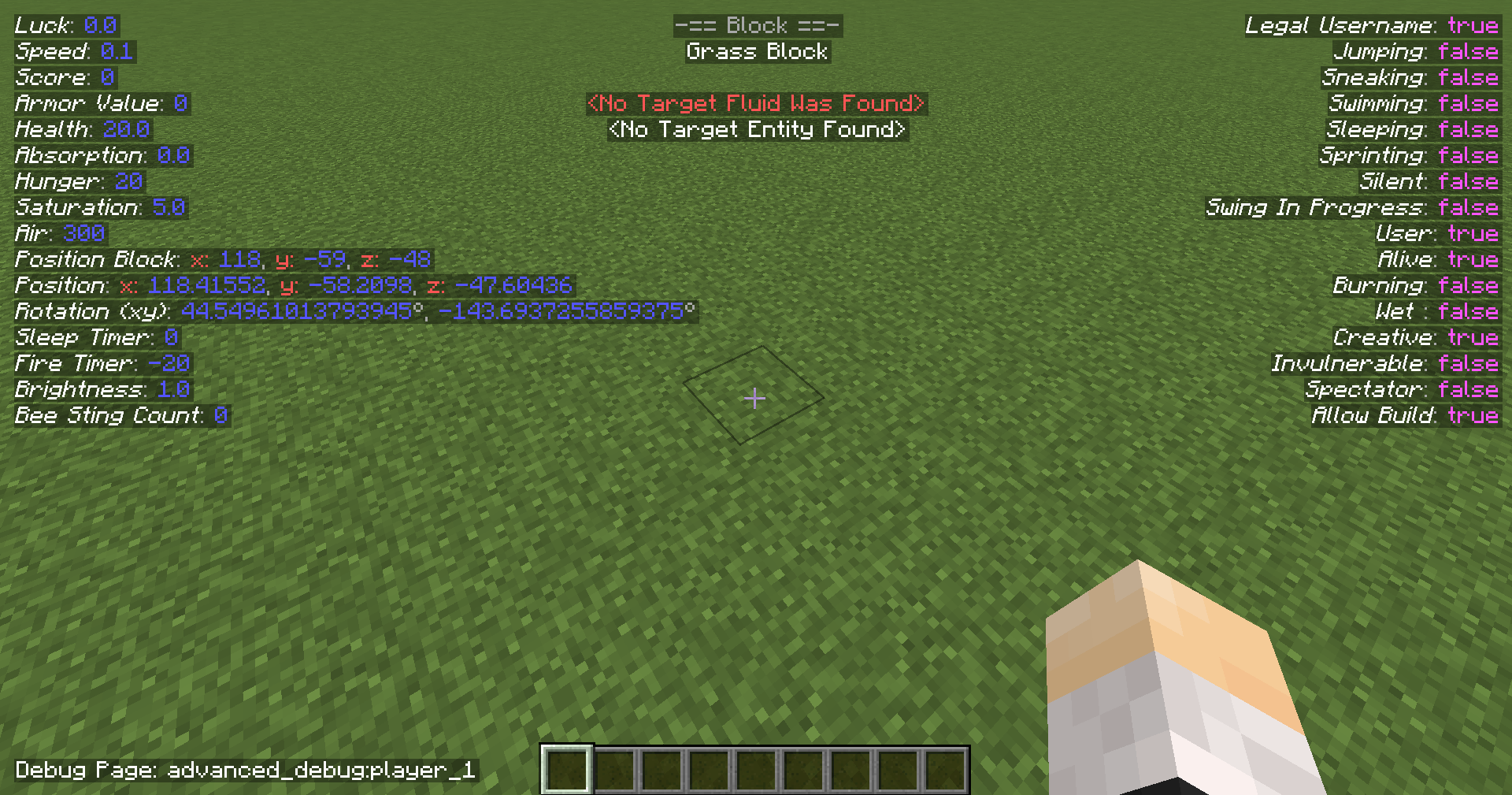 Page 1 for Player.
 -
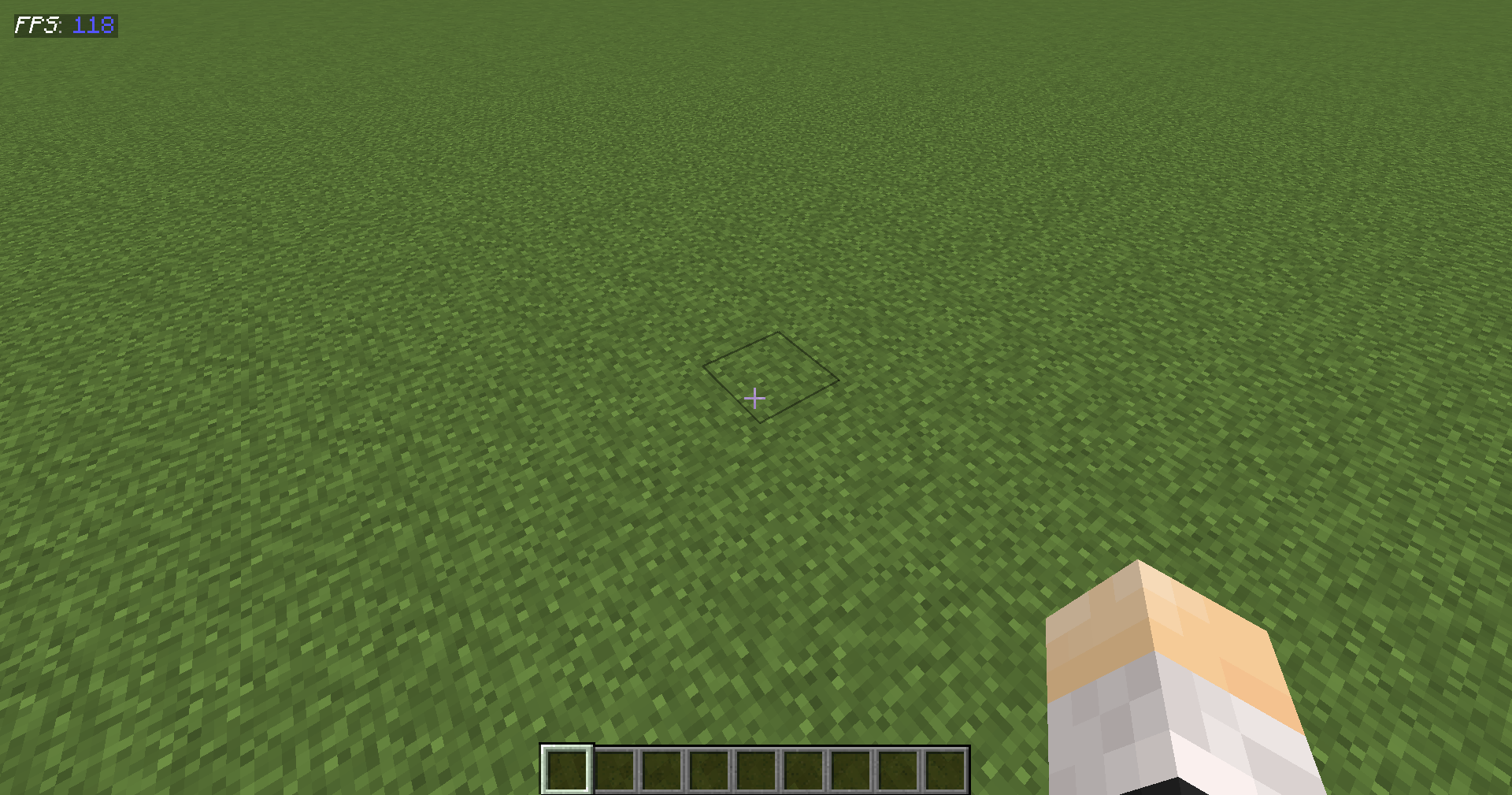 Default Page
-
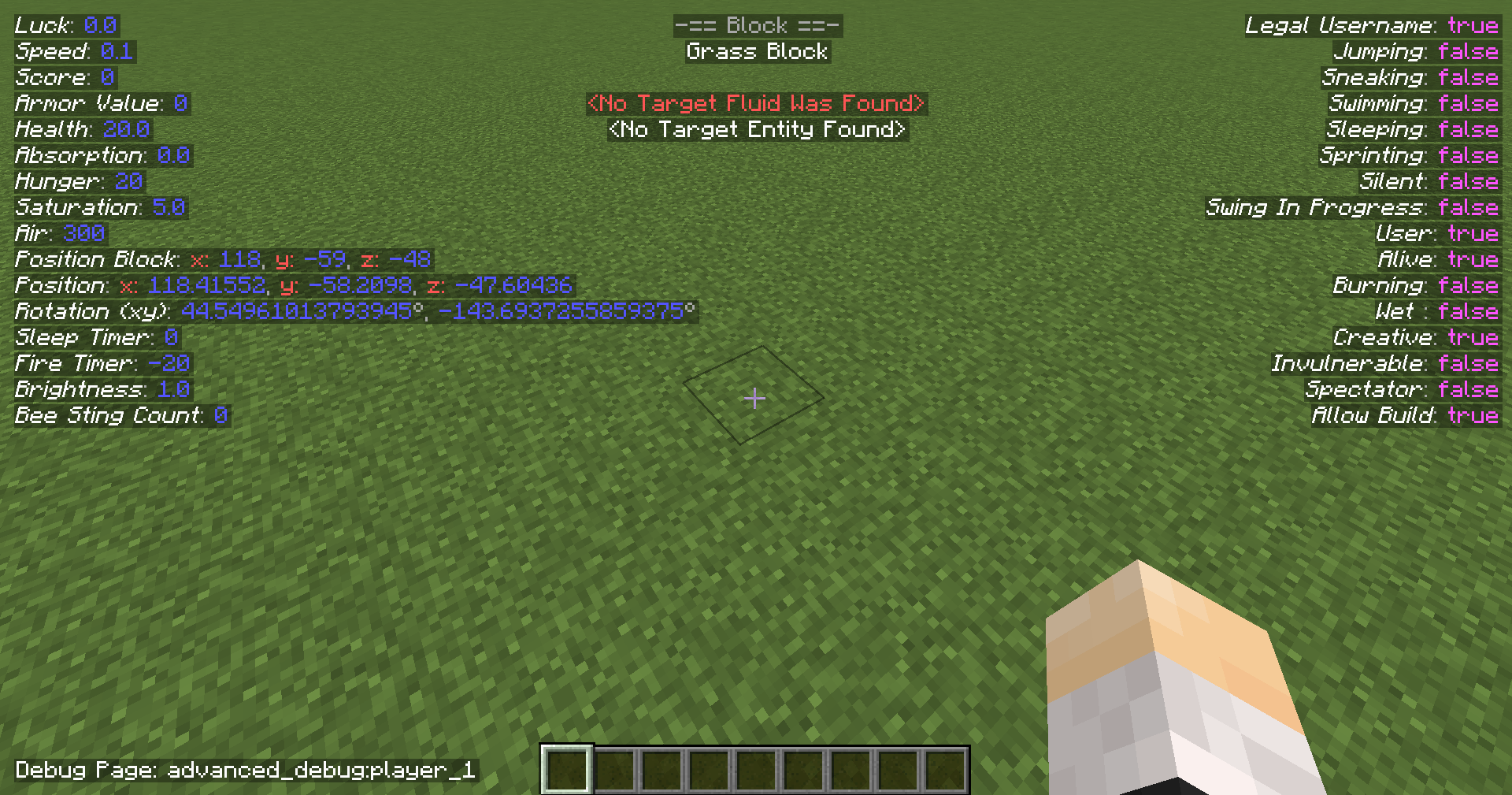 Player Page 1
 -
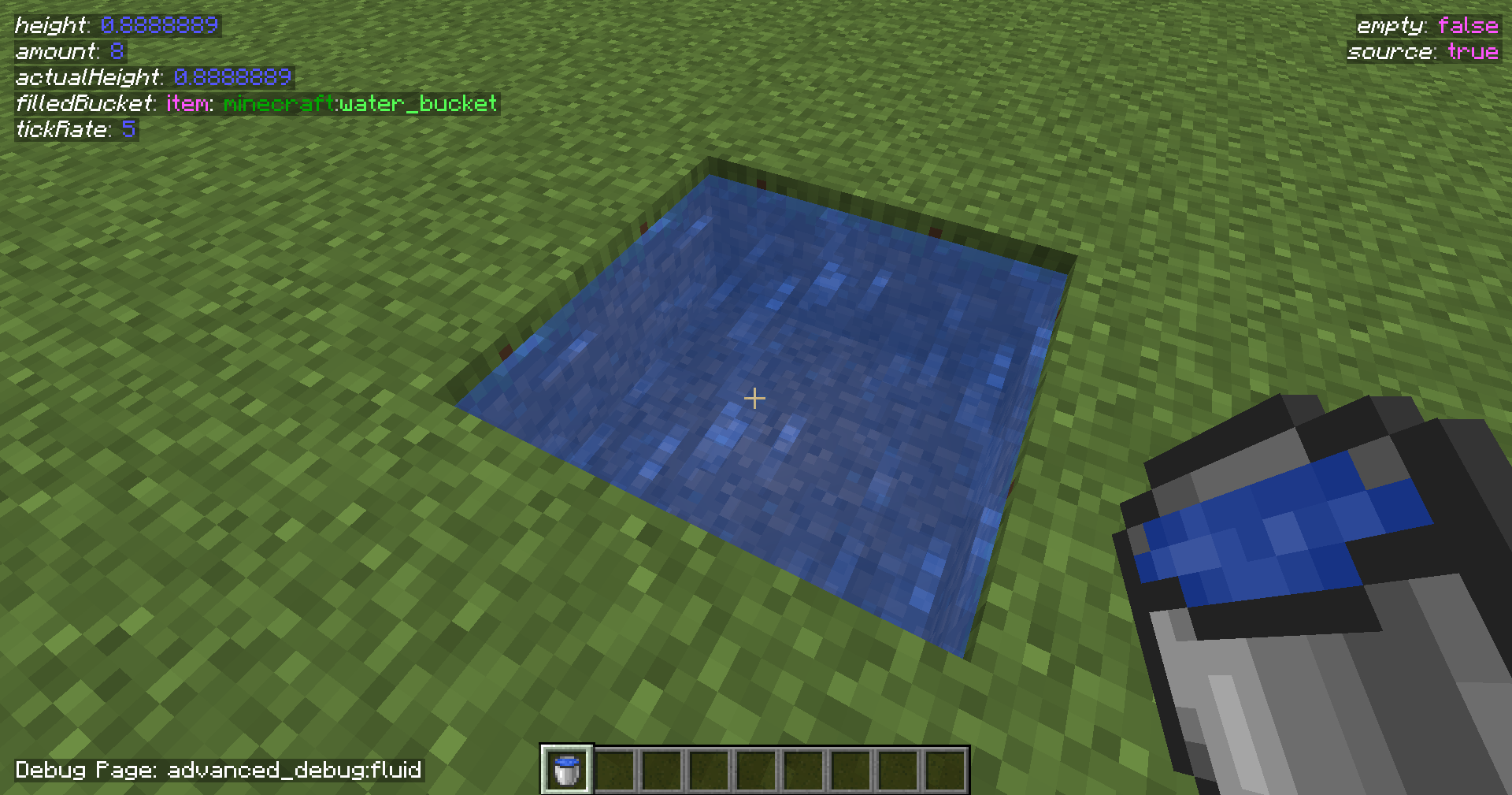 Fluid Page Requires the player to look at a fluid.
 -
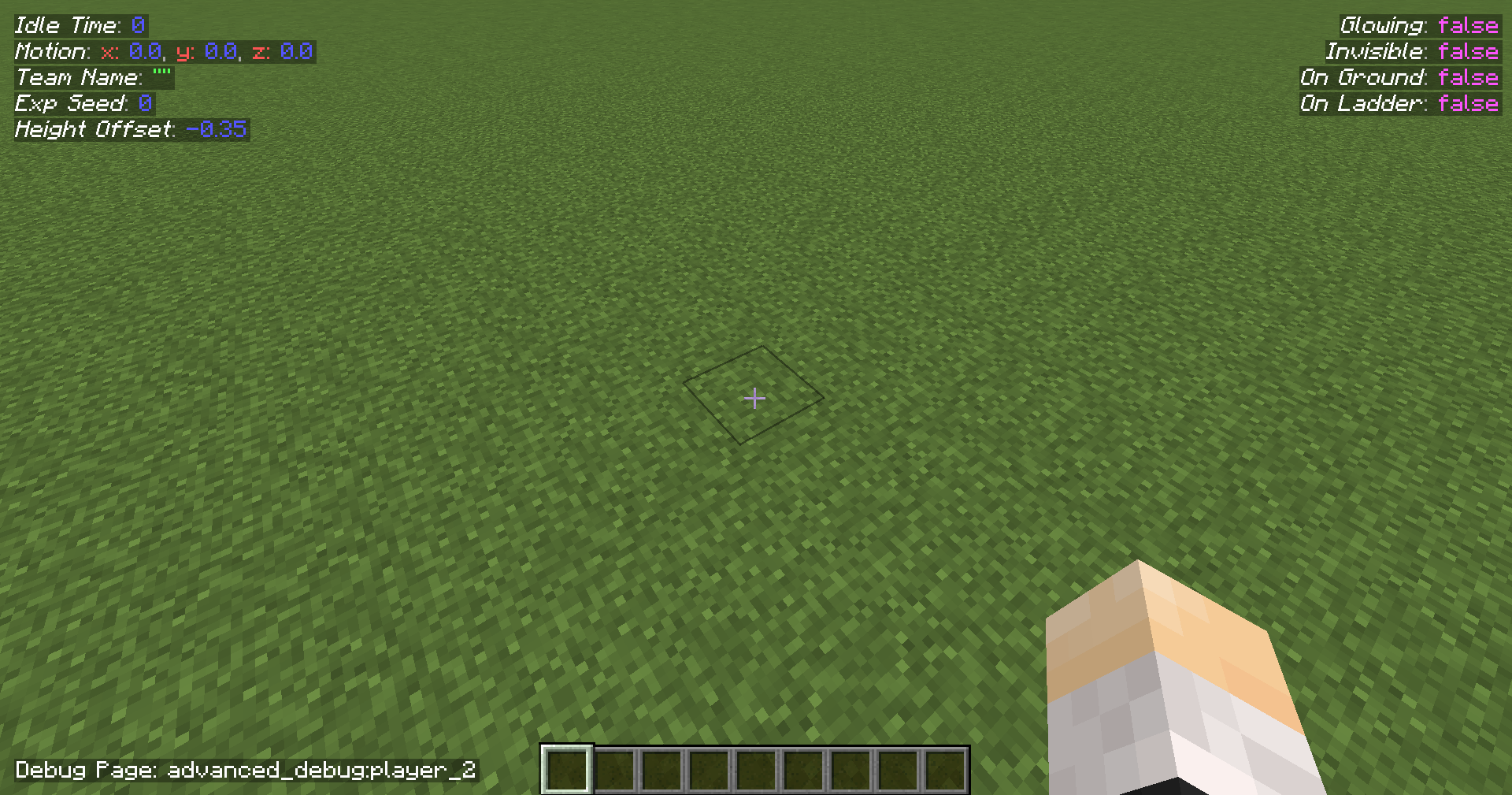 Player Page 2
 -
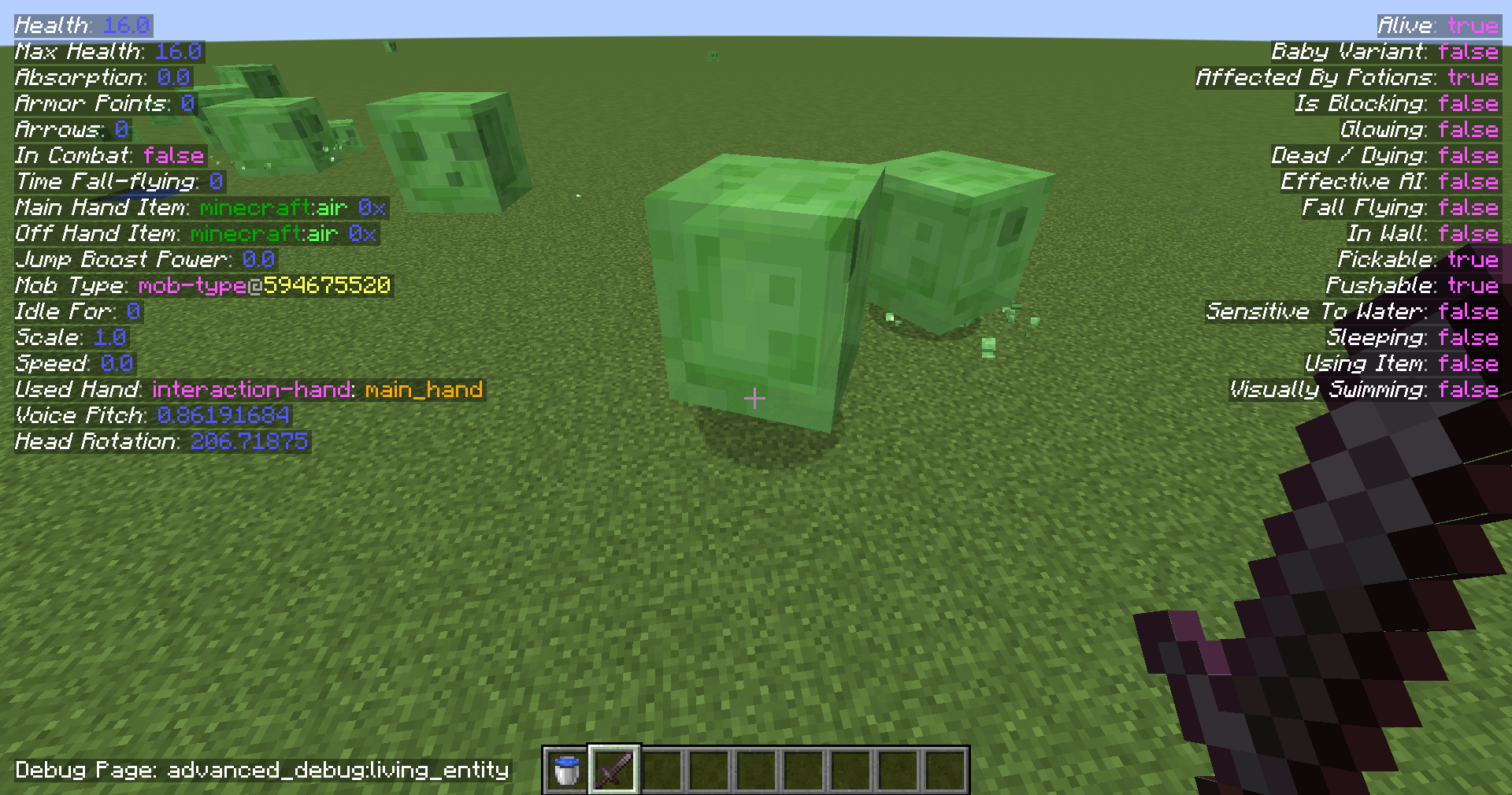 Living Entity Page Requires to look at any living entity.
 -
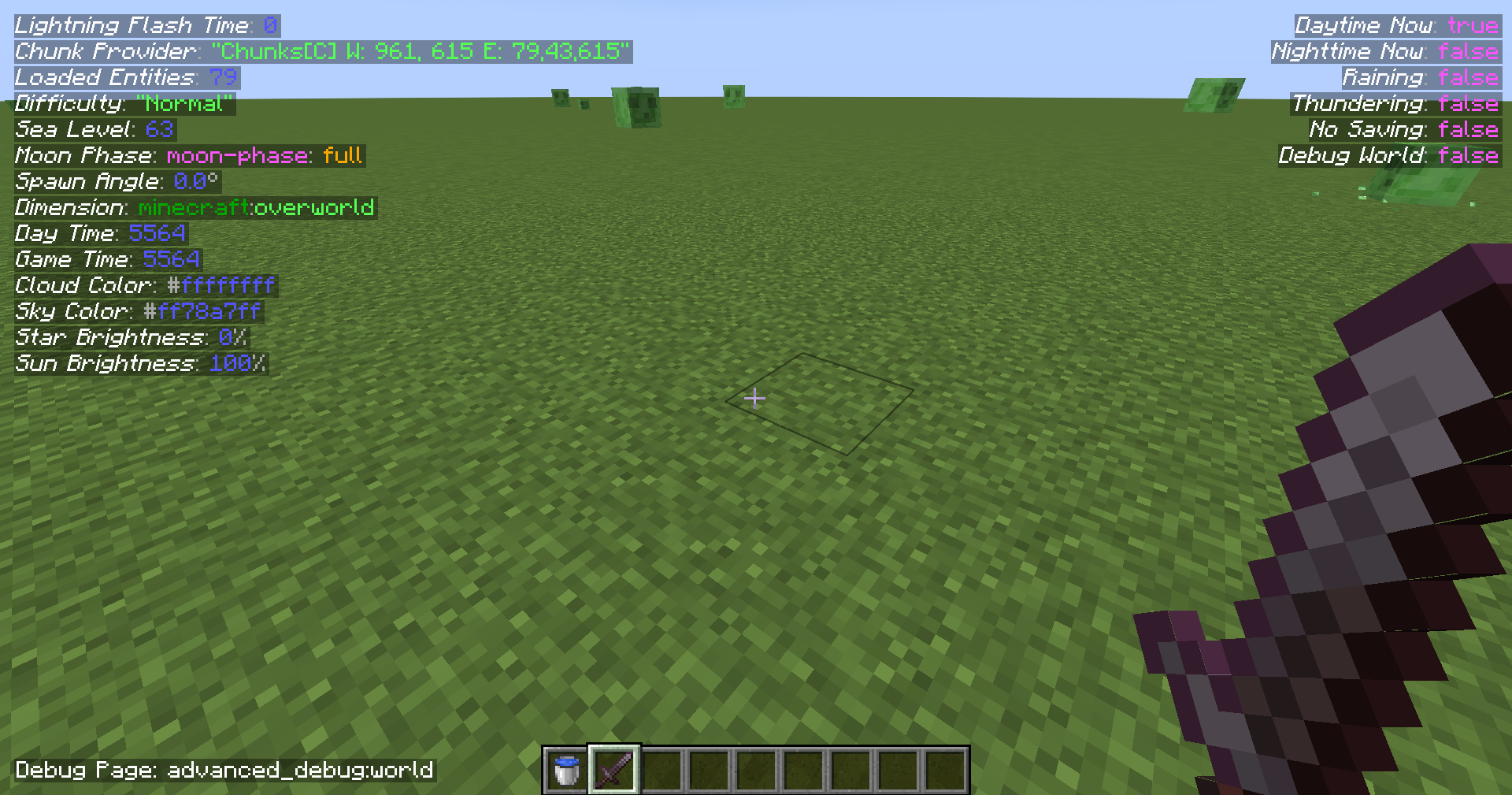 World Page
 -
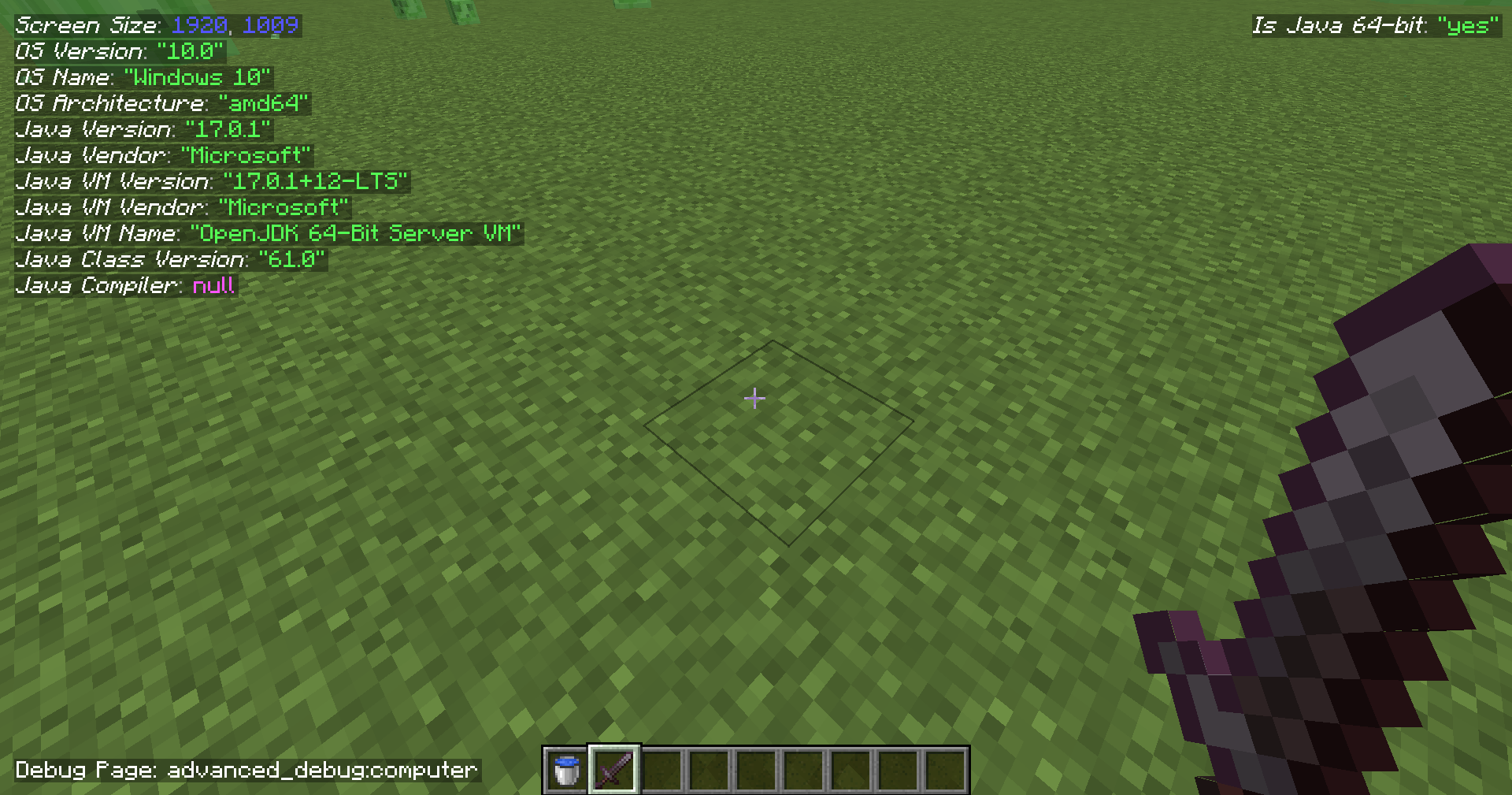 PC Info Page
 -
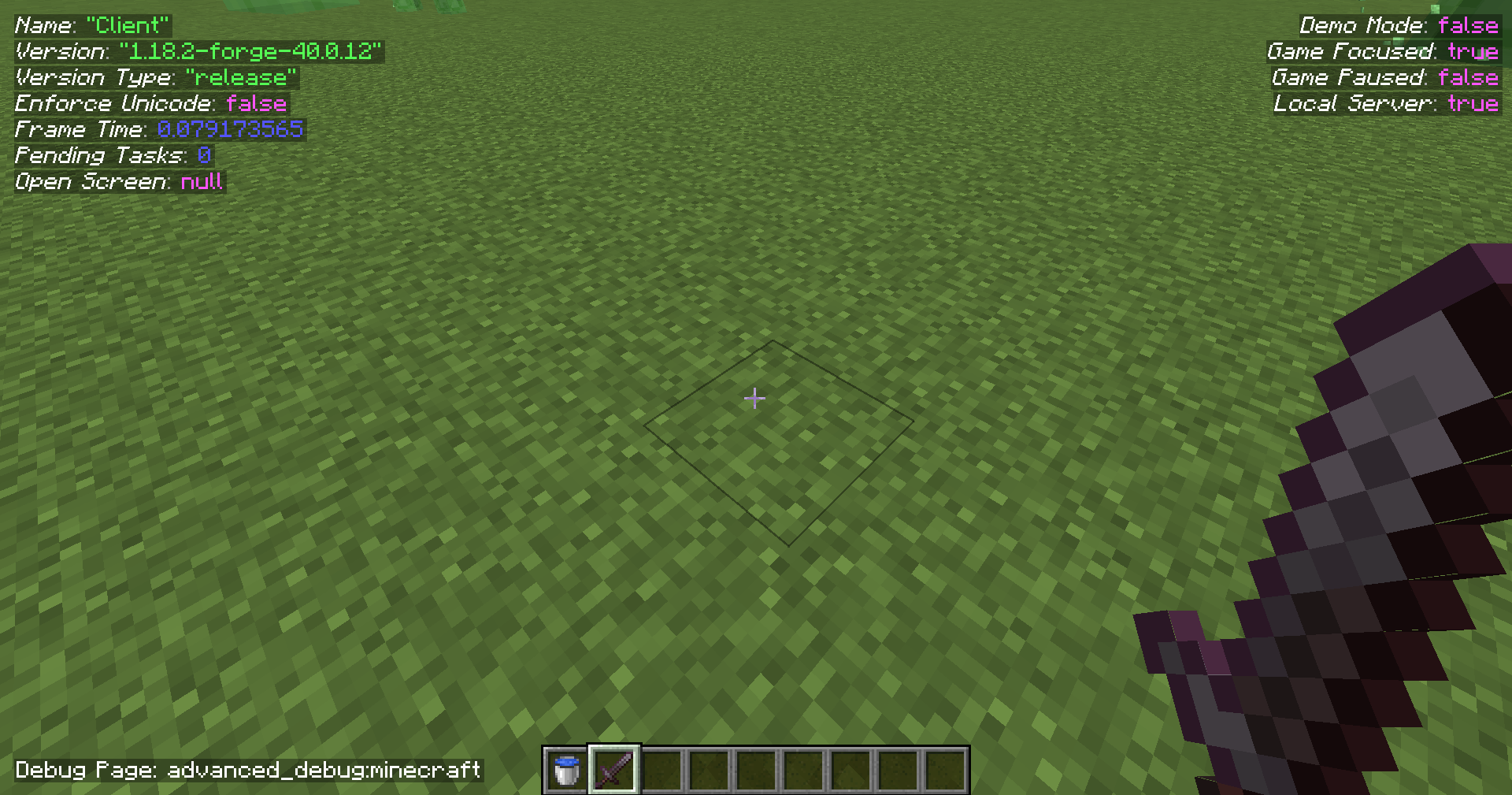 Minecraft Page
 -
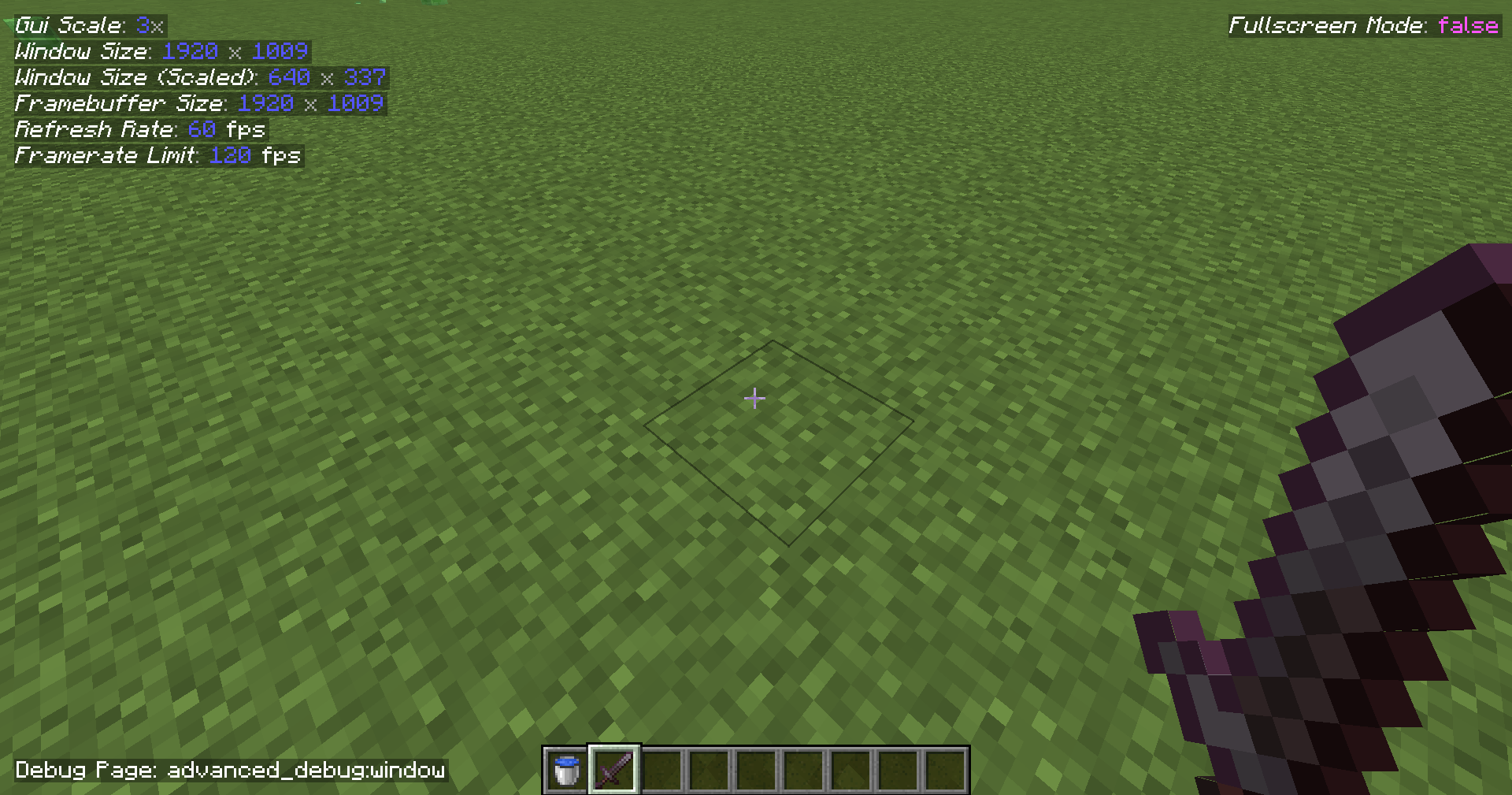 Game Window Page
 -
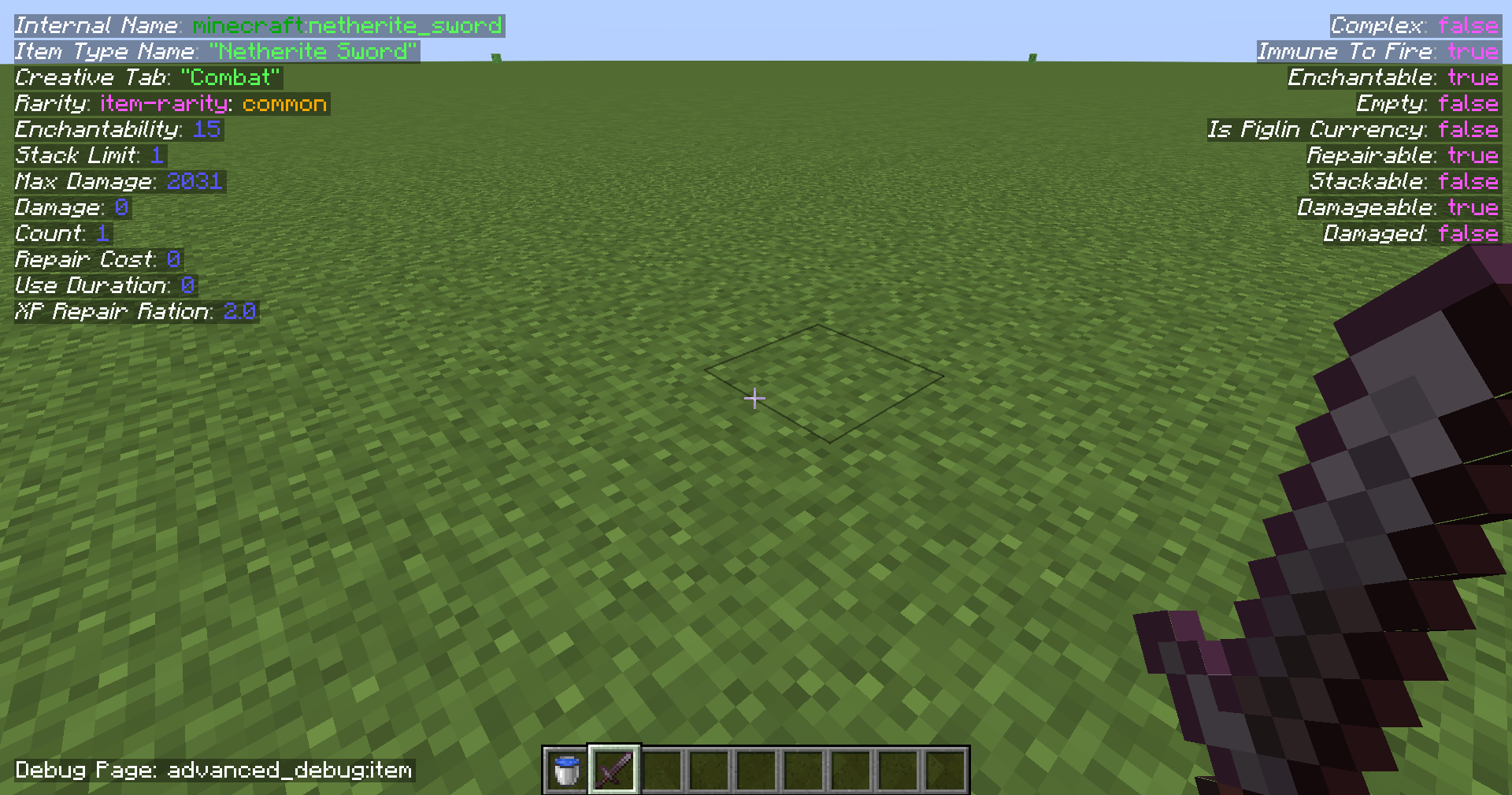 Item Page Information about held item.
 -
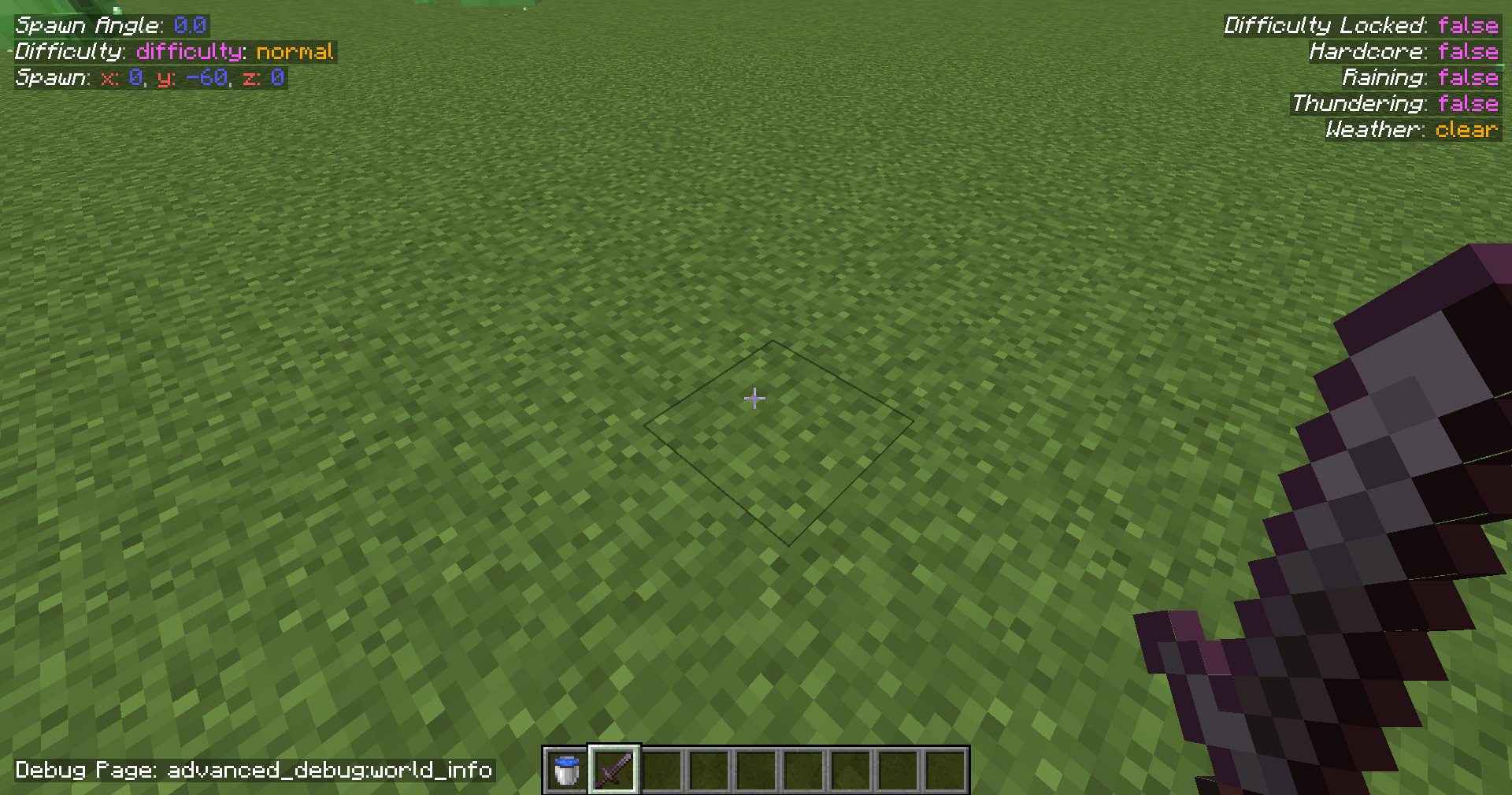 World Info Page
 -
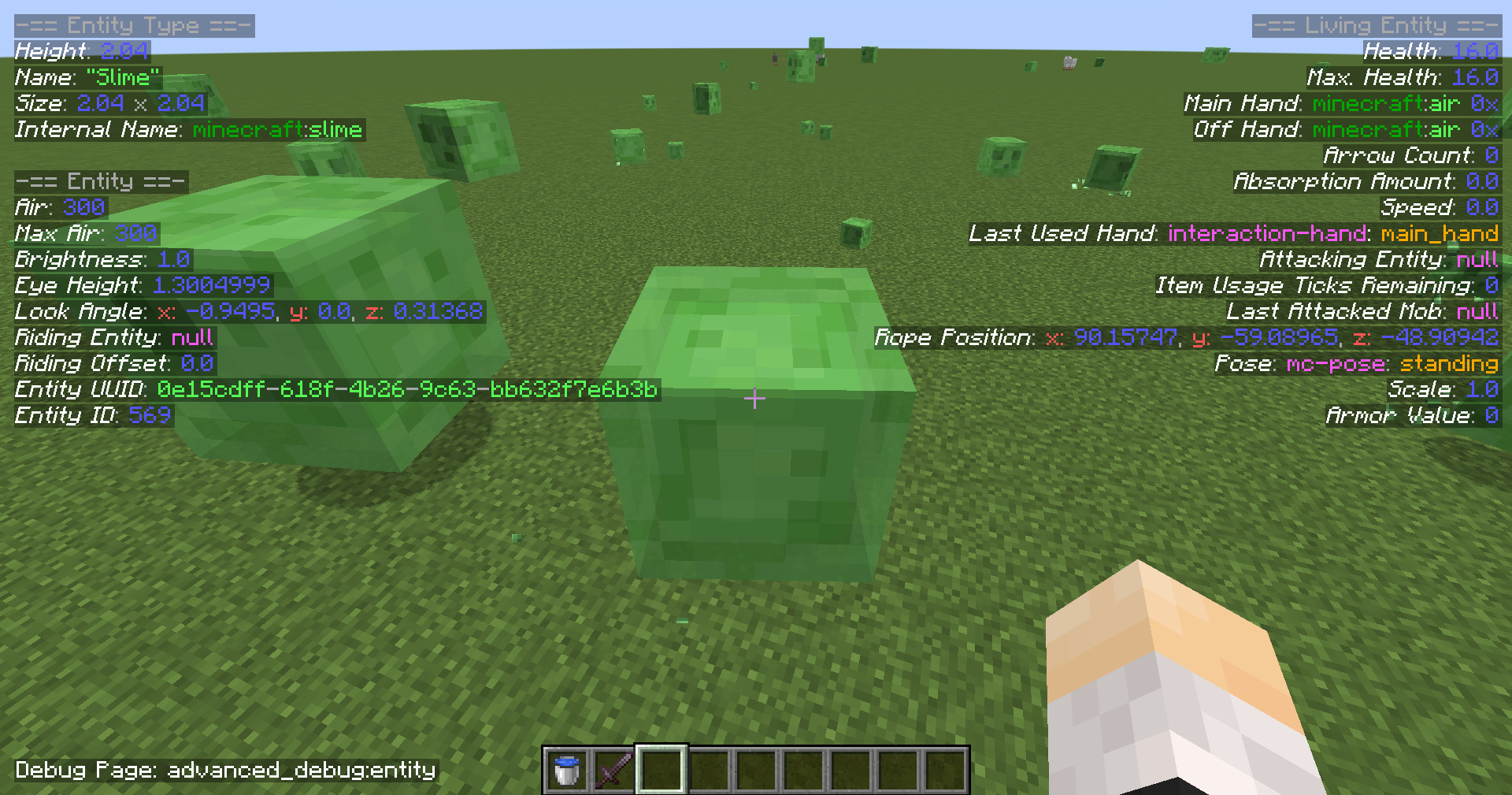 Entity Page Requires the player to look at any entity.
 -
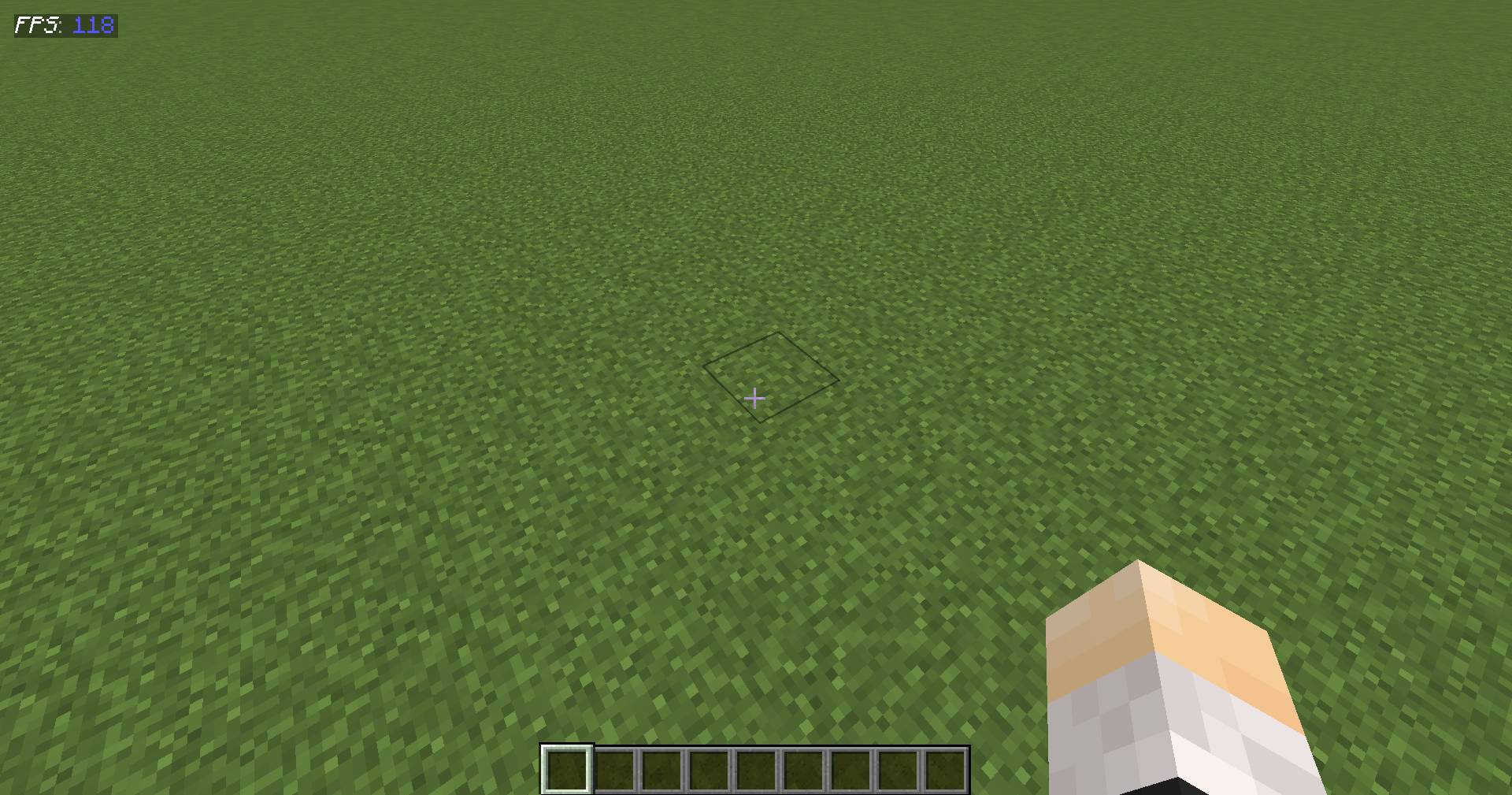 Default Page
 -
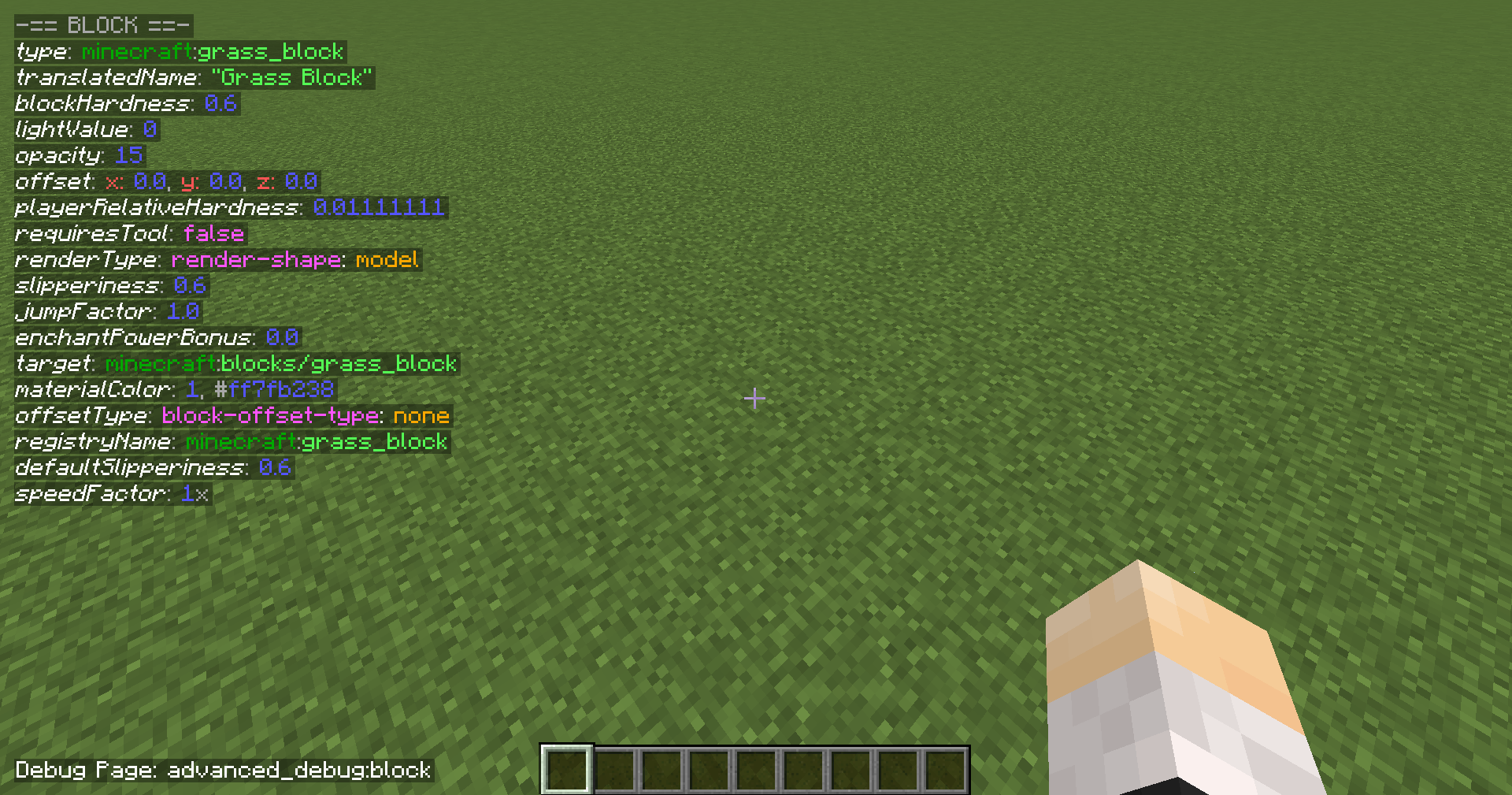 Block Page Requires the player to look at a block.
 -
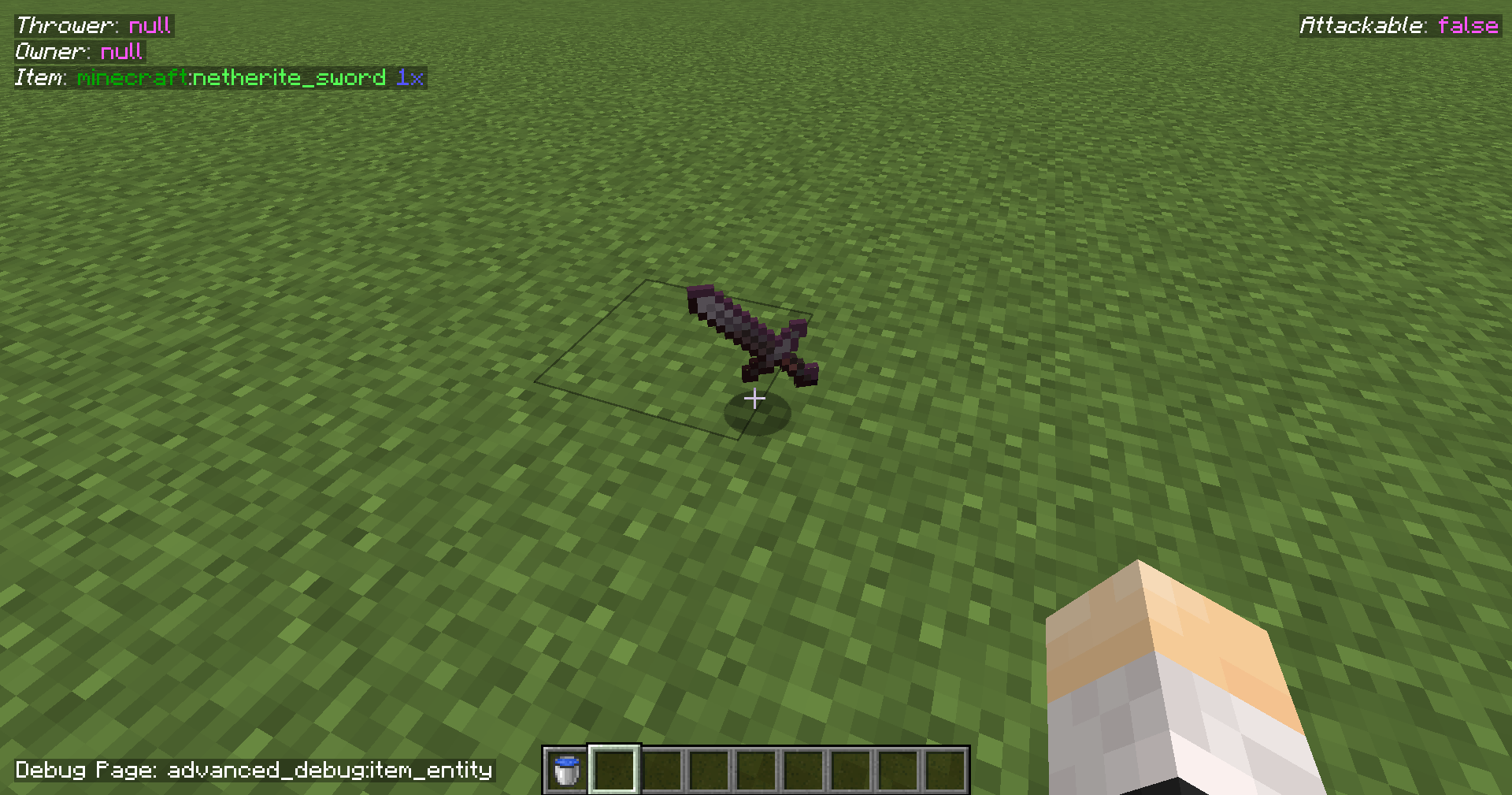 Item Entity Page Requires the player to look at a dropped item.
Versions
Files
Relations
Project Relations
More like this
Similar Mods
Suggestions use data such as tags, dependencies, dependents, descriptions, titles, and more to rank how much they overlap with this mod.
On ModDex
Community snapshot
By the numbers
Statistics
Want to reach Minecraft players?
We're looking for a server hosting partner to feature here and other parts of the site. Interested? Send us a message!
Get in touchGet it on
Available Platforms
On ModDex
Community snapshot
By the numbers