Community listing page, reviews may not be monitored by the author.
AE2 GUI Themes

No reviews yet
A client-side Applied Energistics 2 addon that recolors every AE2 screen — without modifying AE2 itself.

Community voices
Reviews
No reviews yet. Be the first to review this project!
Get it on
Available Platforms
About
Project Details
For authors
Embed Badge
If you're the author of this project, you can embed a live badge anywhere that supports HTML or Markdown. It updates automatically whenever ratings change.
Use HTML for any page that supports it, or Markdown for README files and Markdown-based descriptions.
Identifiers
Platform IDs
Resources
External Links
About
Description
AE2 GUI Themes
A client-side Applied Energistics 2 addon that recolors every AE2 screen — without modifying AE2 itself.
Think of it as a resource pack for AE2's GUI: pick a theme, adjust colors live, done. No server-side installation required, no packets, no gameplay impact — purely visual and per-player.
Features
15 built-in themes
Classic AE2, Dark, Light, Cyan, Blue, Purple, Red, Green, Orange, Pink, Monochrome, Nether, End, Matrix and Cyberpunk. Switch between them instantly, from any AE2 screen.
Full custom theme editor
Every theme is built from 12 color roles (primary, secondary, background, panel, border, text, text secondary, highlight, slot, button, button hover, button pressed) plus 2 opacity sliders (background alpha, overlay strength). Edit any role as a HEX value with instant live preview — invalid HEX is rejected with an error message.
In-GUI controls
Every AE2(-ecosystem) screen gets miniature [<] [T] [>] buttons near its edge:
- [<] / [>] — cycle to the previous / next theme
- [T] — open the full settings screen with a live preview
Leaving a container screen through these buttons does not close it server-side (verified against 1.21.1 bytecode), so returning from the settings screen is exactly as safe as a window resize.
Everything is themed
Background and side panels (upgrade panels, toolbox, sidebar button bar), slots (empty and filled), buttons and toggle buttons (hover-aware), borders, window frames, hovered-slot highlight — and label text, mapped from AE2's real style palette. Semantic colors (error reds, item rarities) are never touched.
How it works
AE2 has no theming API: backgrounds are baked PNGs and label colors are hardcoded. This addon layers on top without replacing a single AE2 class.
Addon screens are covered too
Detection understands screens from the whole AE2 ecosystem out of the box: ExtendedAE, AdvancedAE, MegaCells, AE2WTLib, plus anything extending AE2's base screen/menu classes. Unknown addons can be added via extraScreenPackages in the config.
Requirements
| Minecraft | 1.21.1 |
| NeoForge | 21.1.x |
| Applied Energistics 2 | 19.2+ |
Client-side only — install on the client, nothing needed on servers.
Credits
By night_sculptor. Built on the public Applied Energistics 2 API.
Screenshots
Gallery
-
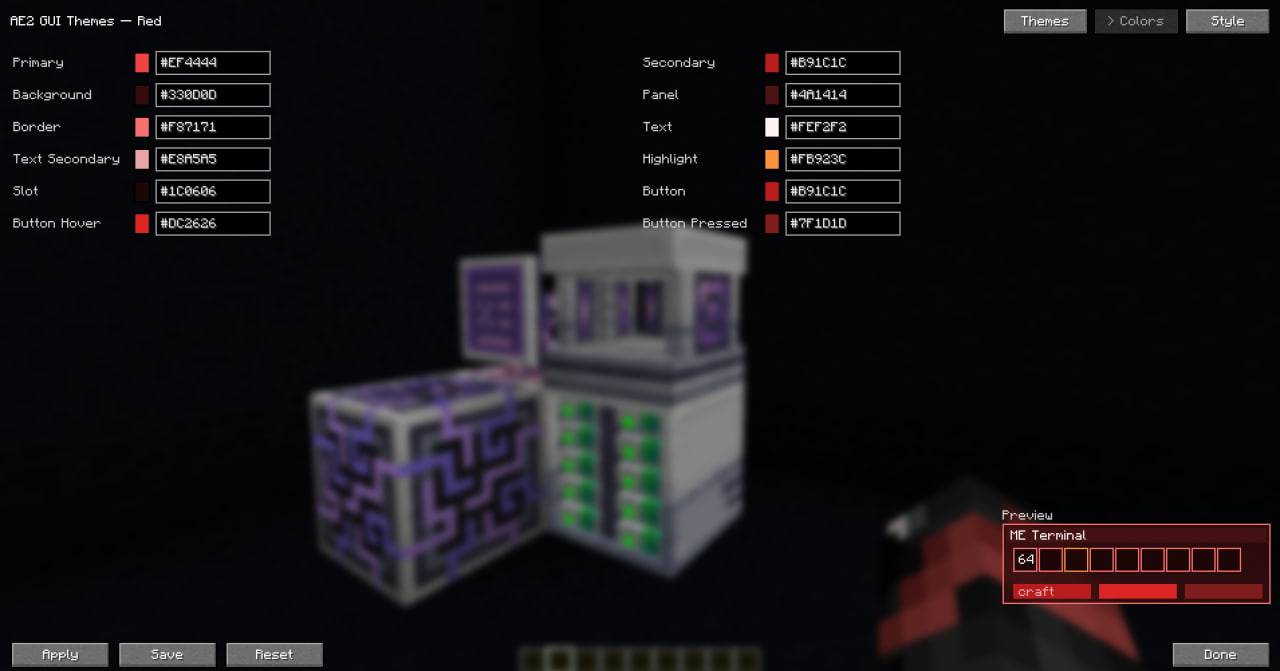 Custom theme.jpg
 -
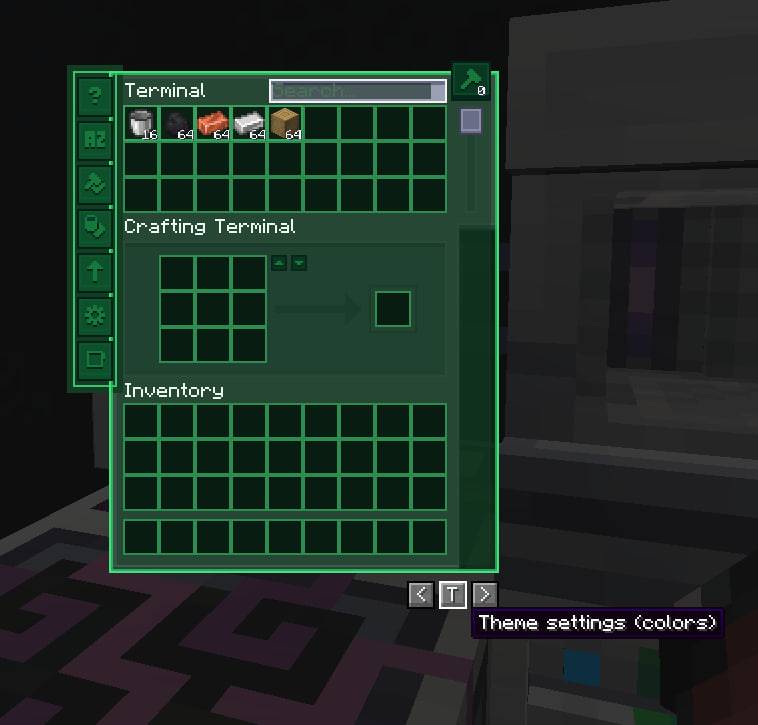 Theme settings button.jpg
 -
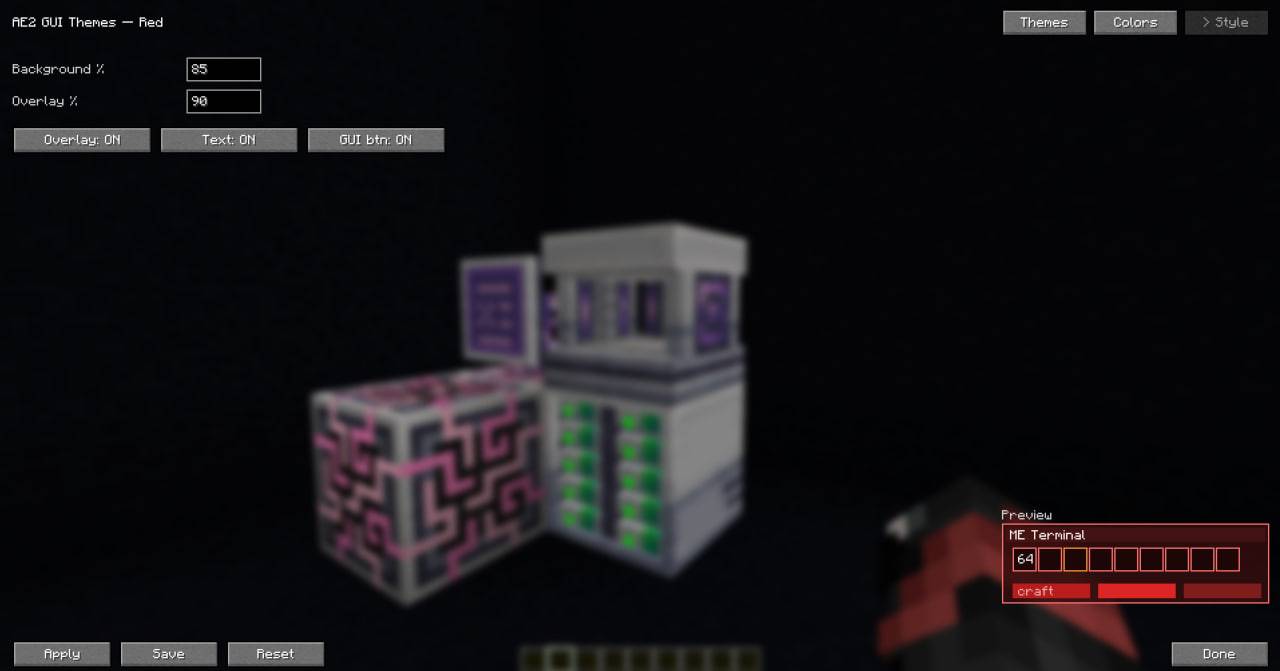 config.jpg
 -
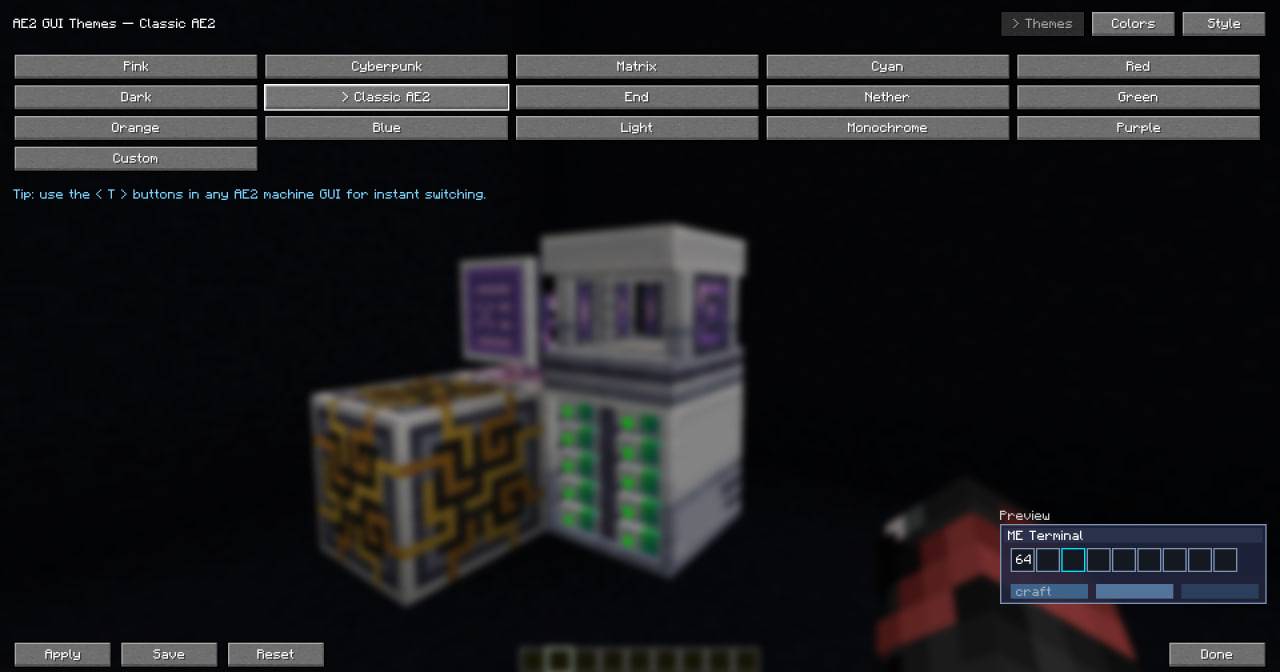 All themes and preview.jpg
 -
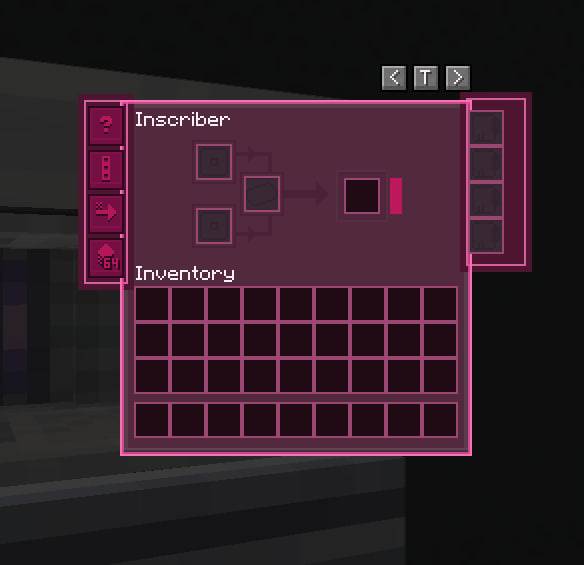 Works in all GUI's.jpg
Versions
Files
Relations
Project Relations
More like this
Similar Mods
Suggestions use data such as tags, dependencies, dependents, descriptions, titles, and more to rank how much they overlap with this mod.
On ModDex
Community snapshot
By the numbers
Statistics

Get it on
Available Platforms
On ModDex
Community snapshot
By the numbers
Statistics
Resources