Community listing page, reviews may not be monitored by the author.
滚木学(aero wheel extra)

No reviews yet
Adds realistic physics and terrain interaction for wheeled vehicles, including tire tracks, speed-dependent steering, and floating / cross-physics block placement.

Community voices
Reviews
No reviews yet. Be the first to review this project!
Get it on
Available Platforms
About
Project Details
For authors
Embed Badge
If you're the author of this project, you can embed a live badge anywhere that supports HTML or Markdown. It updates automatically whenever ratings change.
Use HTML for any page that supports it, or Markdown for README files and Markdown-based descriptions.
Identifiers
Platform IDs
Resources
External Links
About
Description
Aeronautics: Wheelworks (Vehicle Expansion)
A mod for NeoForge that enhances vehicle building and terrain interaction in Minecraft, adding realistic physical mechanics and structural flexibility for wheeled vehicles.
Features
Tire Tracks & Terrain Interaction
- Dynamic Tracks: Each wheel has its own load threshold. When exceeded, it leaves tracks on the ground.
- New Track Block: A special track block (variant of coarse dirt, 1 pixel shorter) is generated. It cannot be picked up directly (yields coarse dirt) or obtained via commands.
- Rain Effects: Track generation probability triples during rain.
- Configuration: Tracks are now disabled by default. You can enable them via the in-game config menu.
Speed-Dependent Steering Limit
The faster your vehicle moves, the smaller the maximum steering angle becomes, mimicking real-world physics. This can be bypassed with a redstone signal on the suspension.
Double Wheels & Extended Support
- All off-road wheels have double-row variants.
- Supports mounting wood, logs, gears, valves, and handwheels on suspensions with proper collision boxes.
- Log rollers are supported.
Floating Placement & Cross-Physics
- Allows floating placement of many vanilla components.
- Introduces "Cross-Physics Placement" to ignore occupancy limits, facilitating complex builds.
Changelog 3.2.1
- Changed: Tire tracks are now disabled by default.
- Config Update: Added options to toggle tracks, adjust track rules, rain slip factor, and refresh rate. The main switch is now enabled by default.
⚙️ How to Modify Configuration (In-Game Guide)
You can easily change settings (like enabling tire tracks) without restarting the game. Follow this step-by-step guide:
-
Open Mod Configs
- From the Main Menu, go to Mods.
- Find a mod that uses the same config library (e.g., Create) or directly look for the settings icon. Click "Access Configs of other Mods".
-
Find the Mod
- In the list, scroll to find Aeronautics: Wheelworks (or search for
aeronautics_wheelworks). - Click the >> arrow button next to it.
- In the list, scroll to find Aeronautics: Wheelworks (or search for
-
Adjust Settings
- You will see categories like
Client,Common, andServer. - Navigate to Server -> Rolling Effect.
- Here you can:
- Toggle All Enabled (Main Switch).
- Adjust Dirt Path Chance (Probability of leaving tracks).
- Adjust Dirt Path Chance Rain (Probability during rain).
- Click the save icon on the left to apply changes immediately.
- You will see categories like
Screenshots
Gallery
-
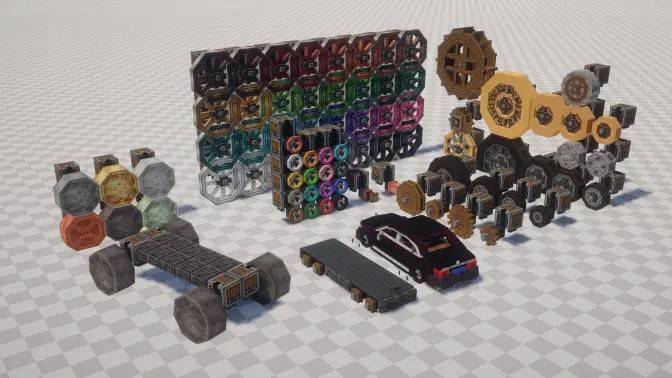 V1.0.0 view V1.0.0 view
 -
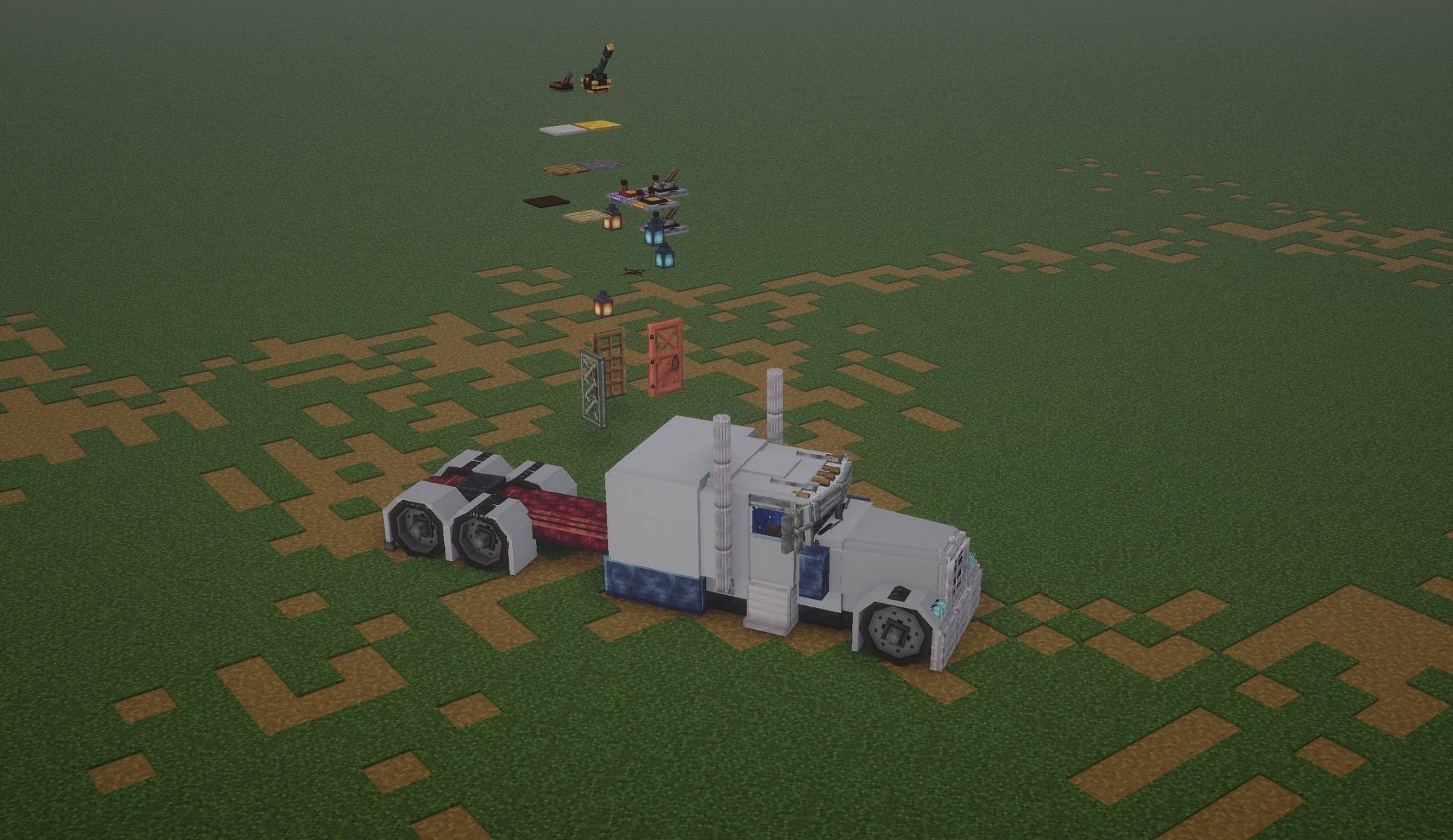 V3.0.0 view V3.0.0 view
 -
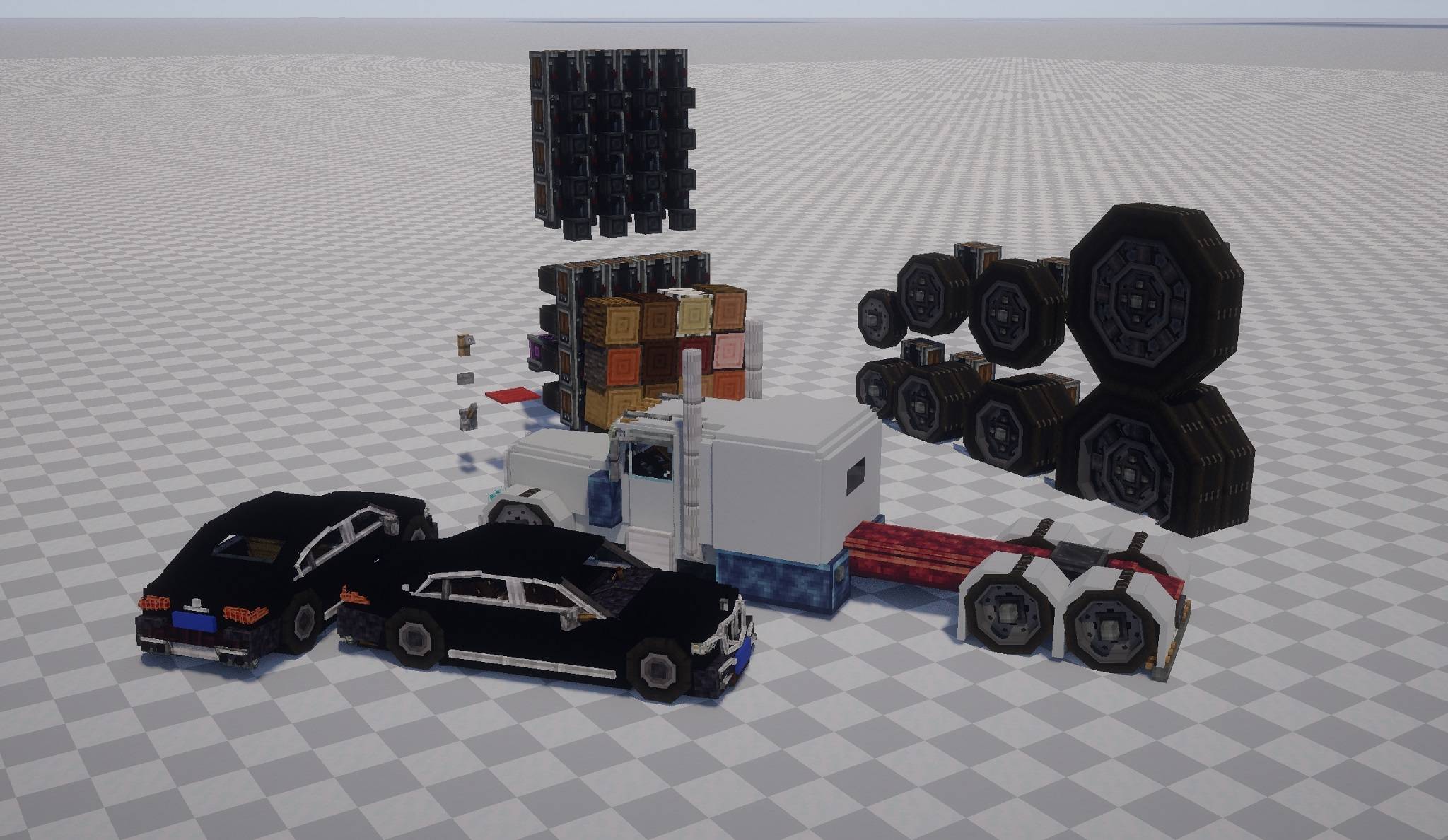 V2.0.0 view V2.0.0 view
Versions
Files
Relations
Project Relations
More like this
Similar Mods
Suggestions use data such as tags, dependencies, dependents, descriptions, titles, and more to rank how much they overlap with this mod.
On ModDex
Community snapshot
By the numbers
Statistics

Get it on
Available Platforms
On ModDex
Community snapshot
By the numbers
Statistics
Resources