
Community listing page, reviews may not be monitored by the author.
Aetherium - Vulkan Shader

No reviews yet
Runs shader packs natively on Minecraft's Vulkan renderer, with Sodium and Distant Horizons support.

Community voices
Reviews
No reviews yet. Be the first to review this project!
Get it on
Available Platforms
About
Project Details
For authors
Embed Badge
If you're the author of this project, you can embed a live badge anywhere that supports HTML or Markdown. It updates automatically whenever ratings change.
Use HTML for any page that supports it, or Markdown for README files and Markdown-based descriptions.
Identifiers
Platform IDs
Resources
External Links
About
Description



Shader packs on Minecraft's Vulkan renderer. Aetherium runs standard shader packs natively on Vulkan, with its own shader-engine optimisations, a searchable settings screen and a few quality-of-life extras. Available for Fabric and NeoForge.
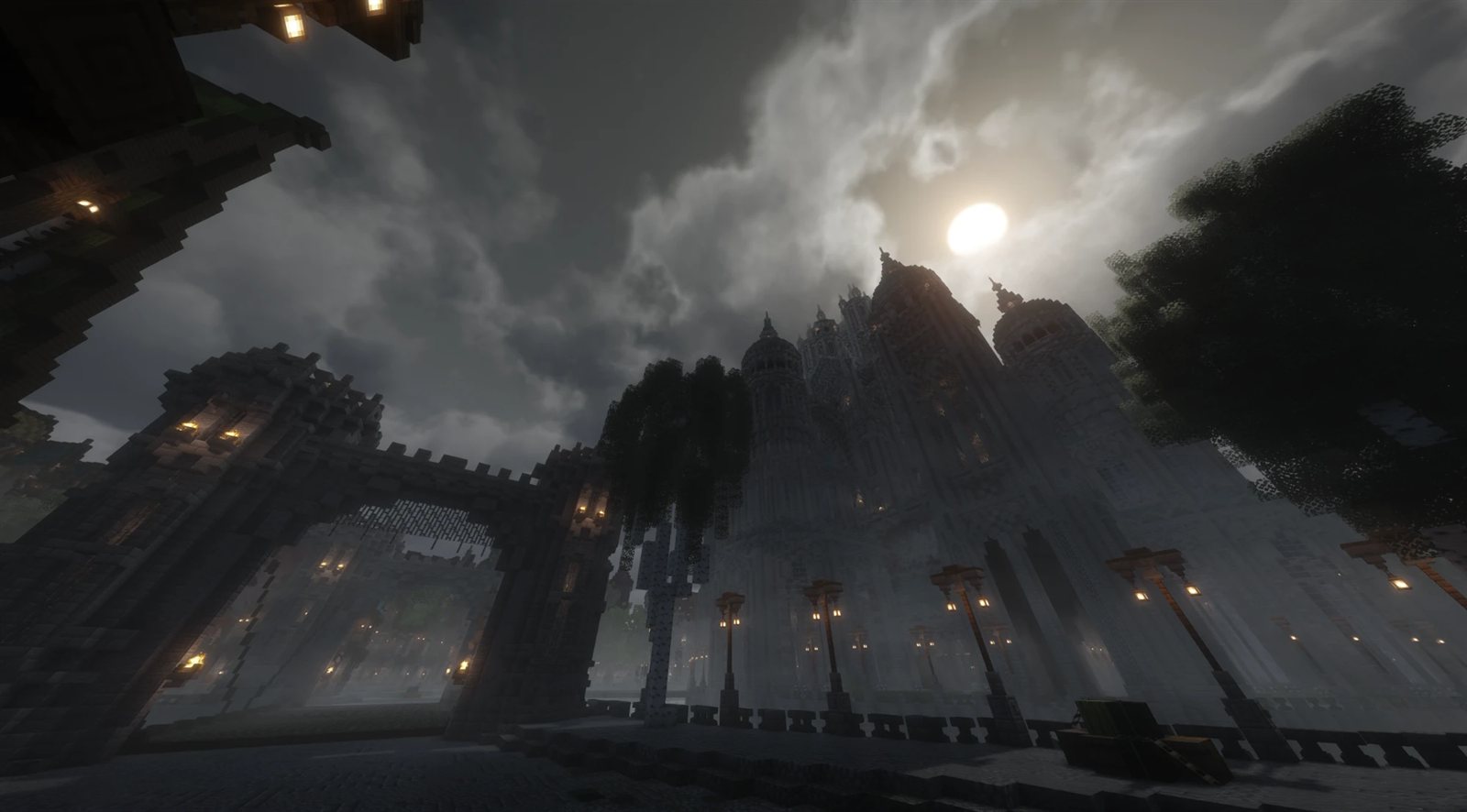
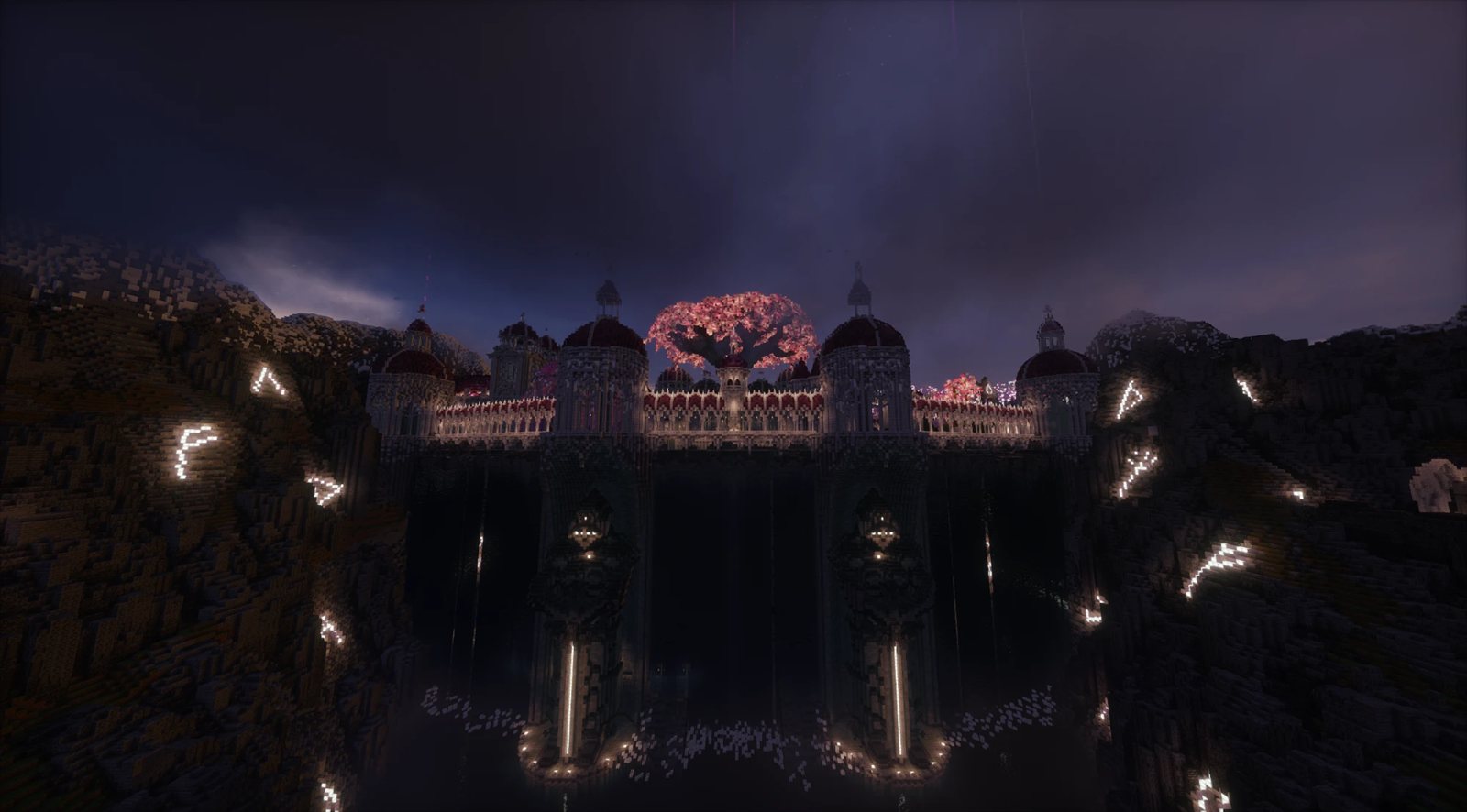
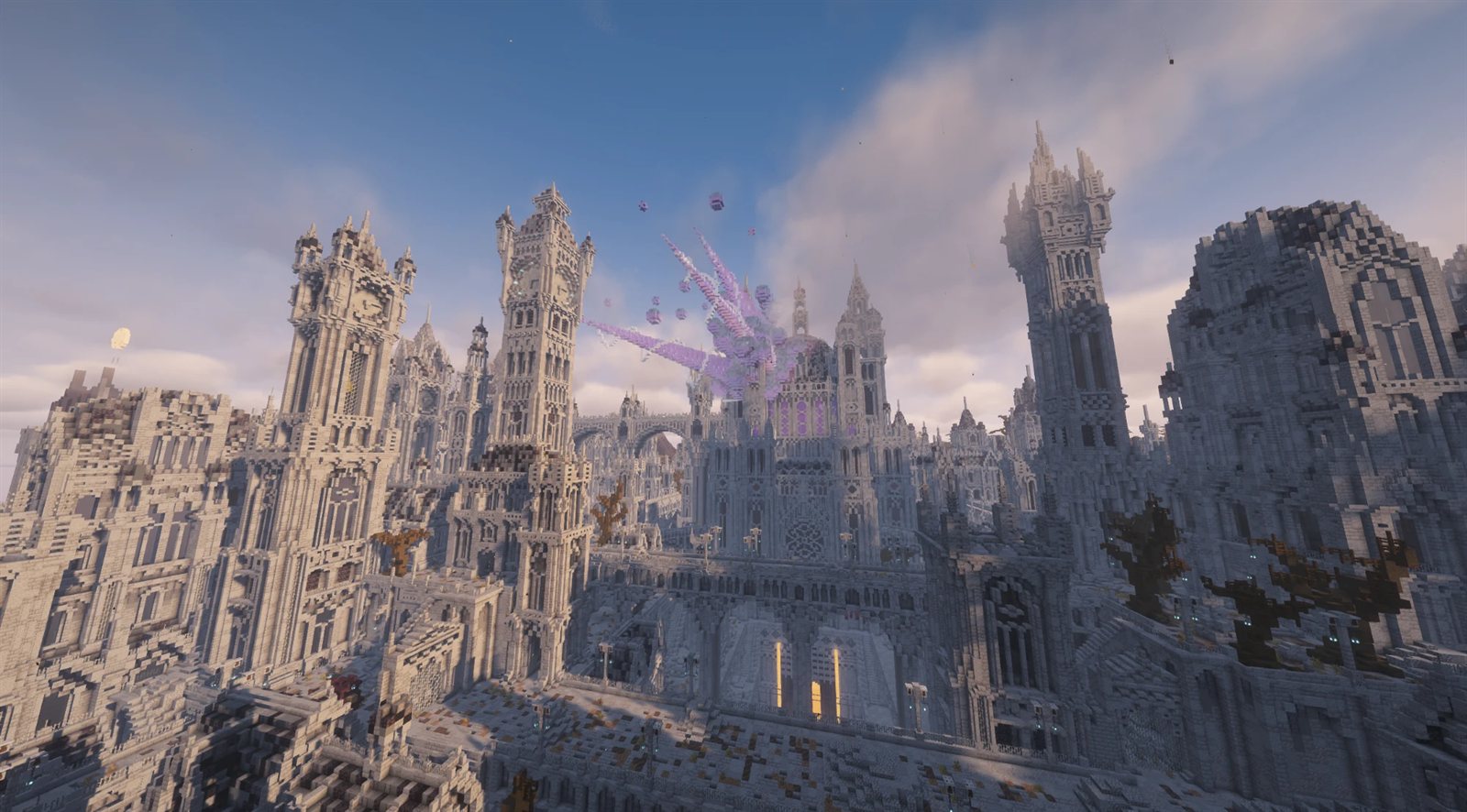
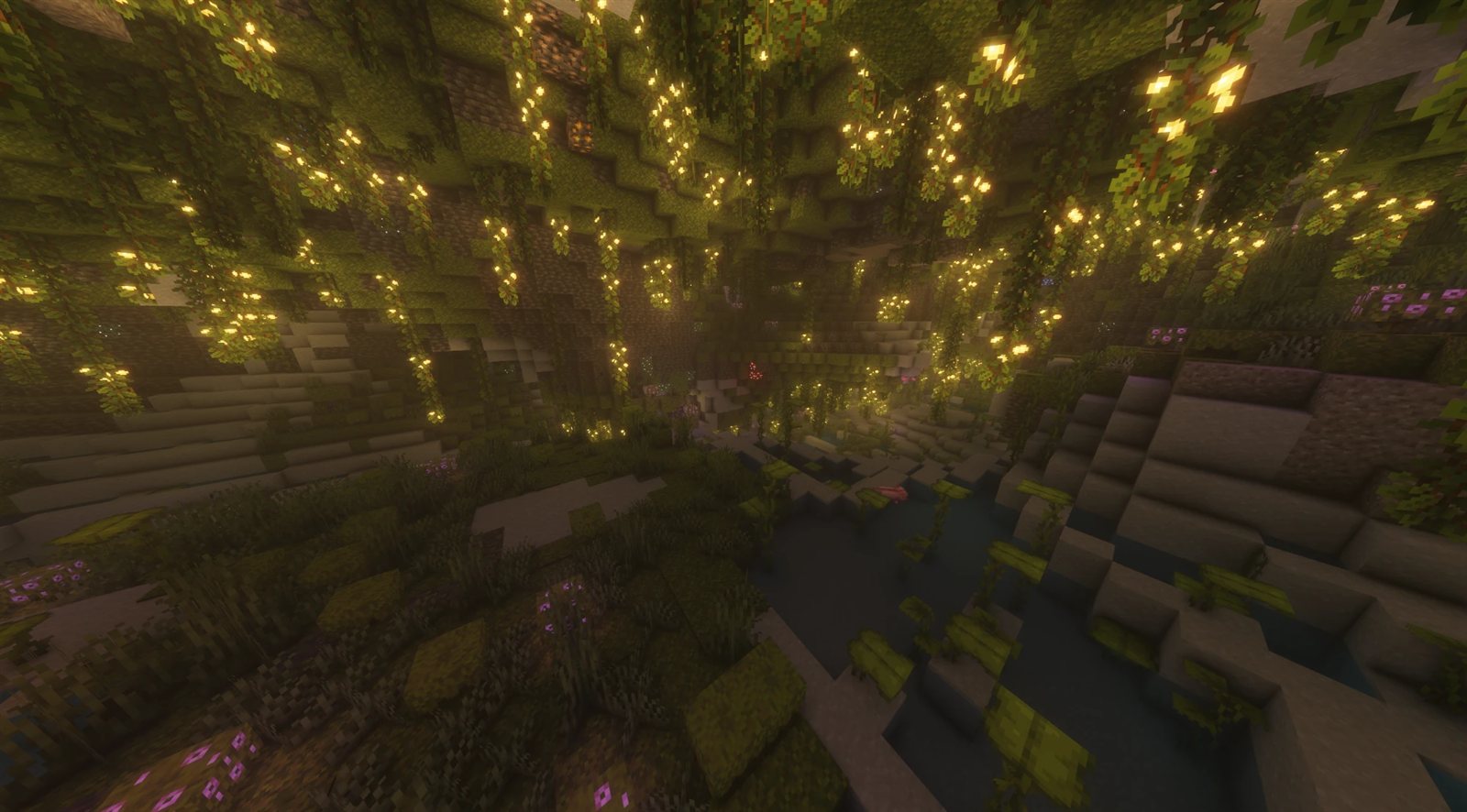
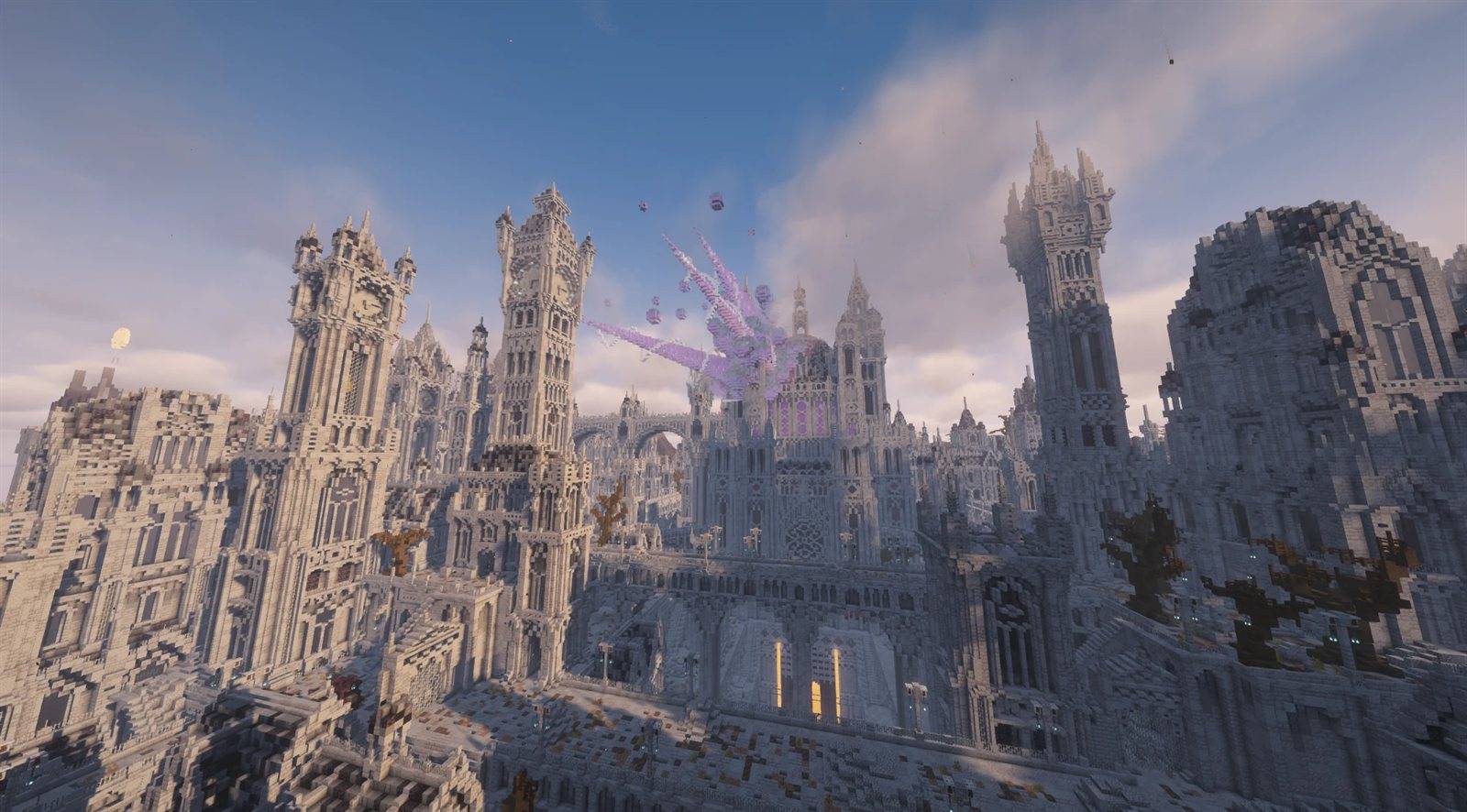
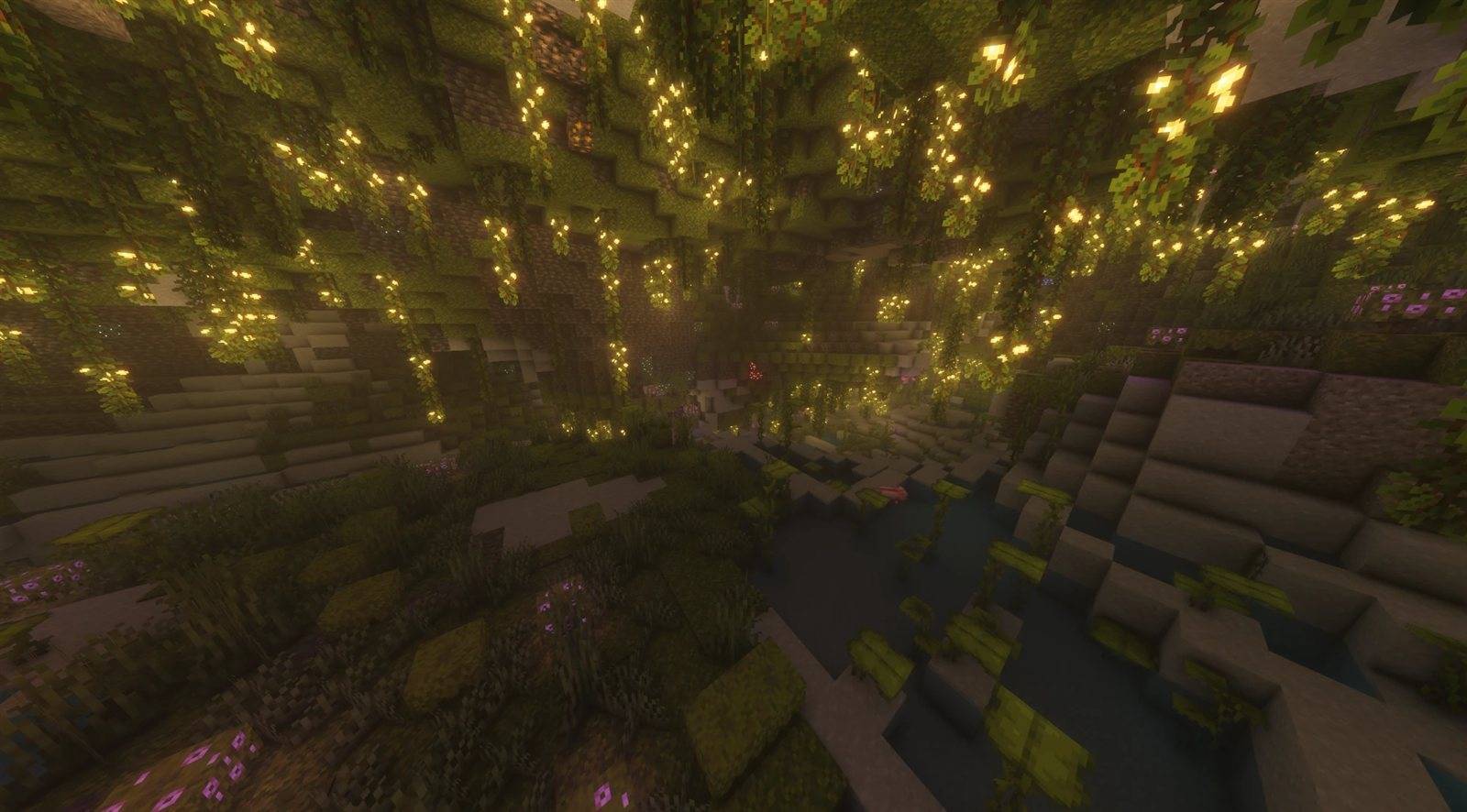
Shot with Complementary Unbound and Spooklementary.
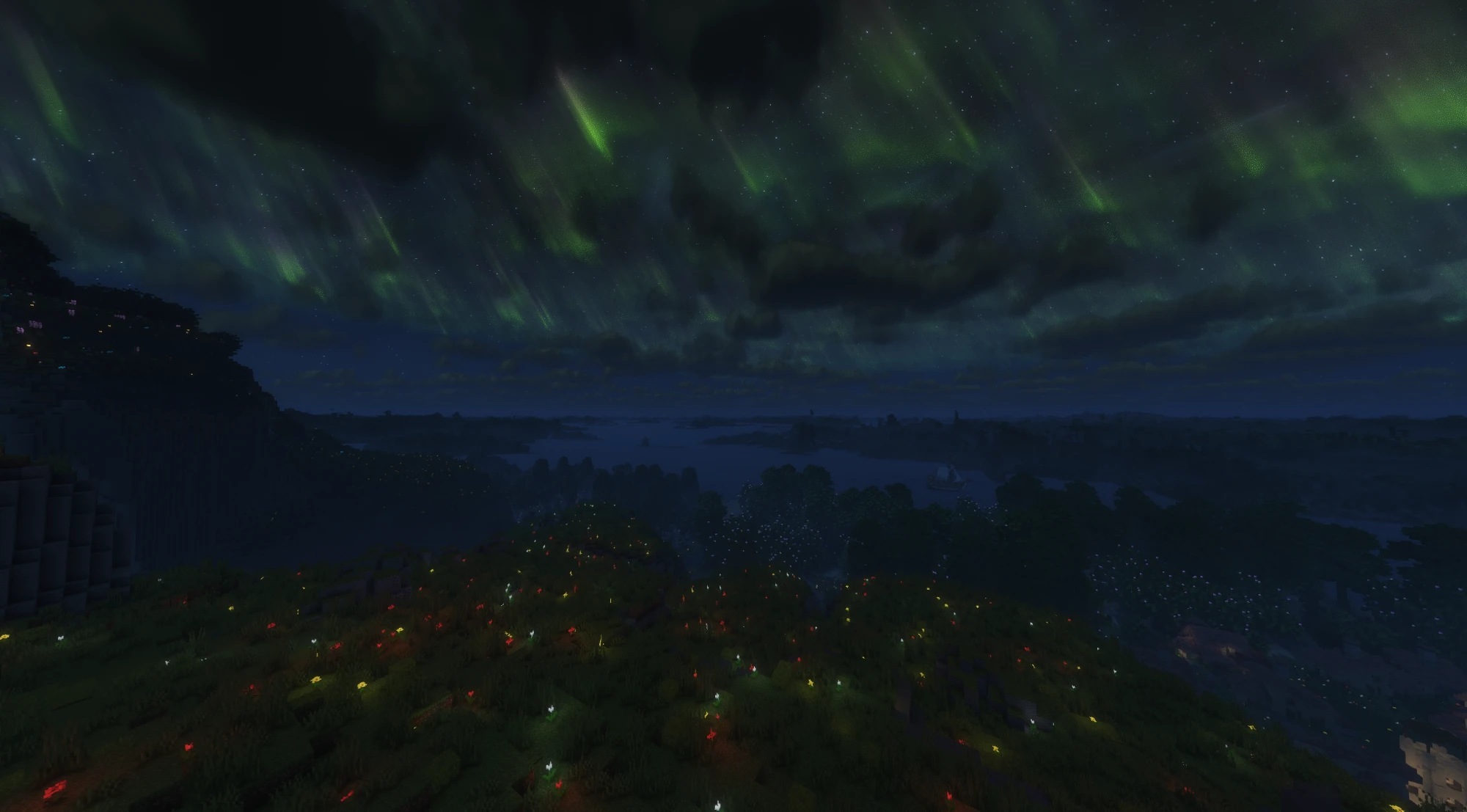
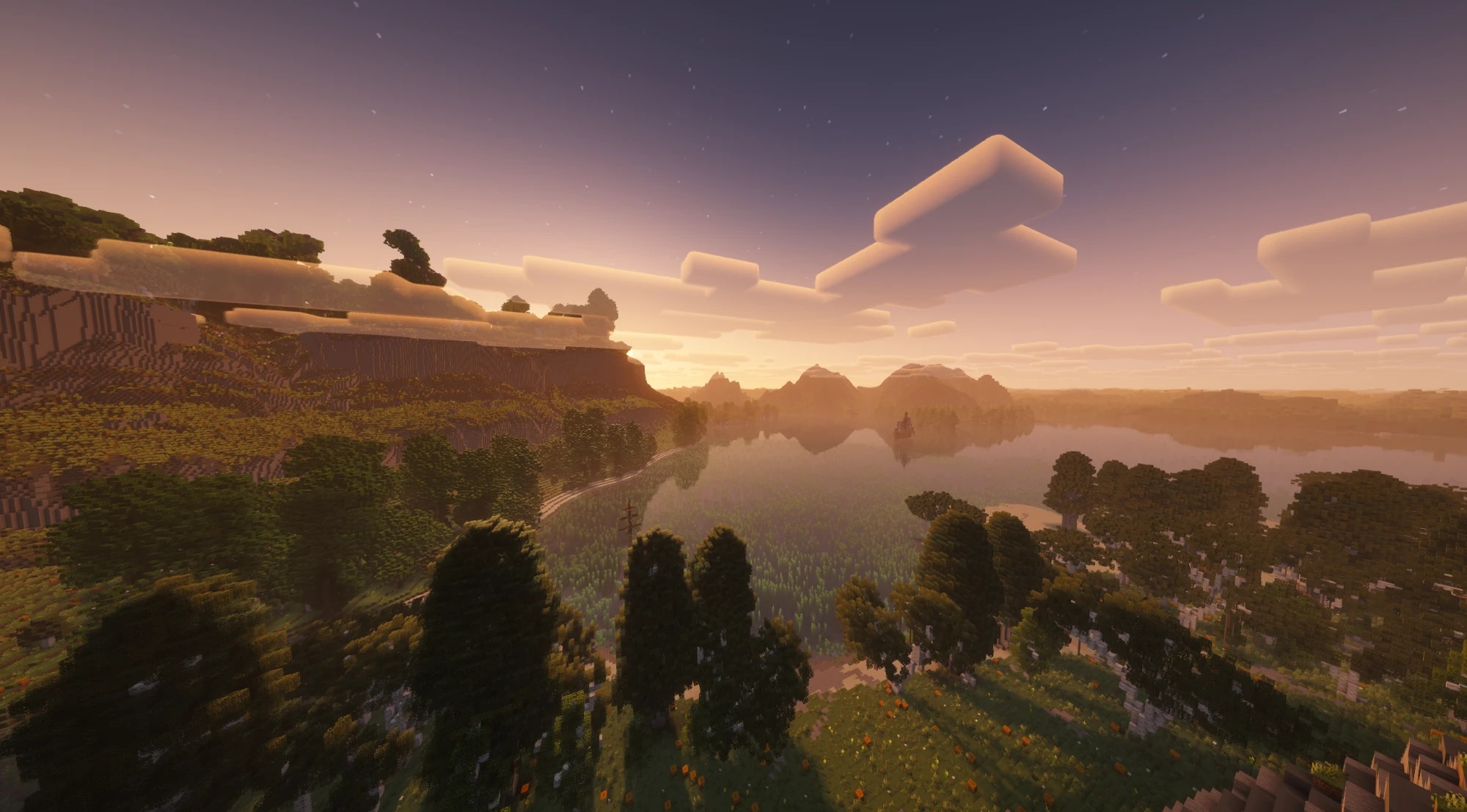
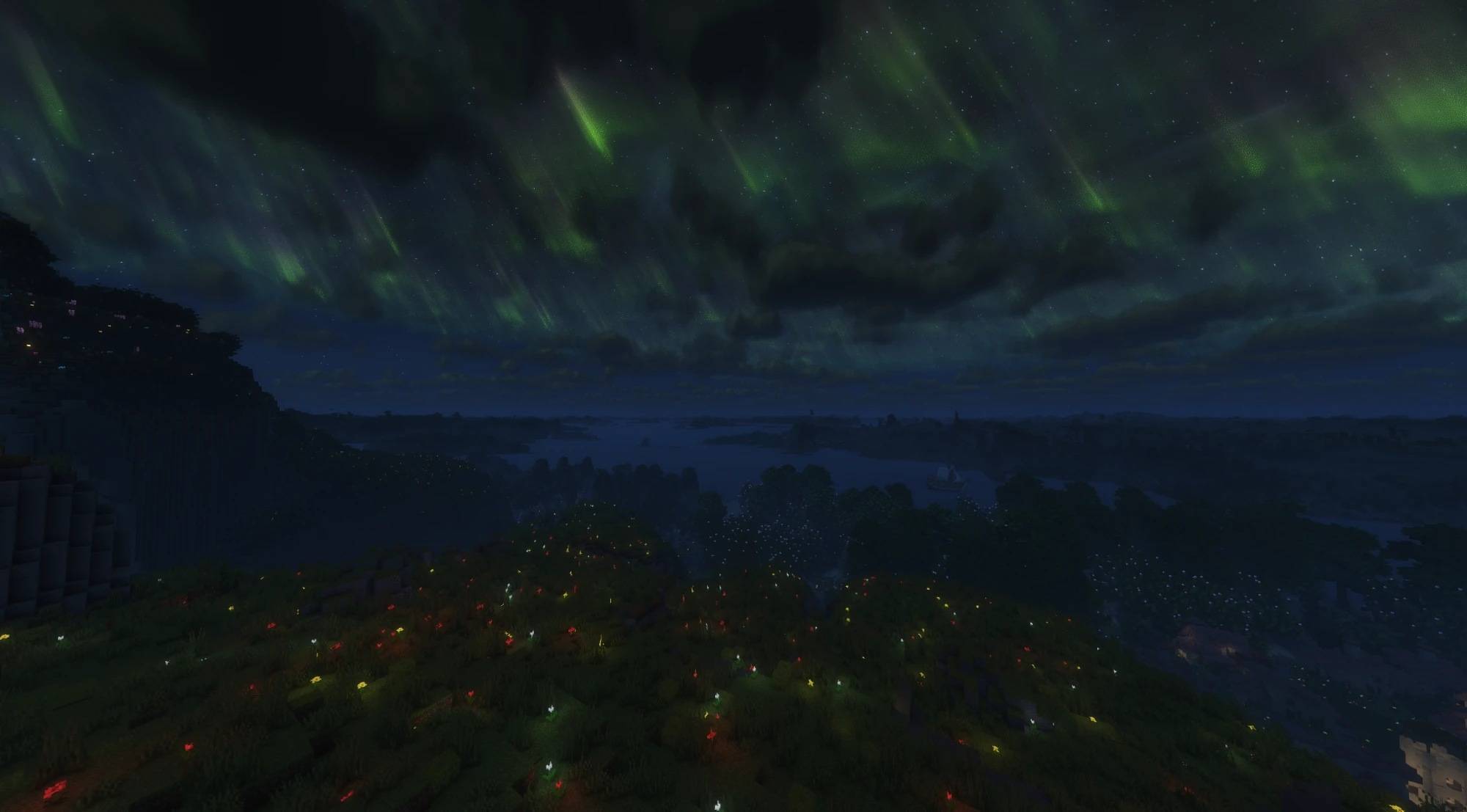
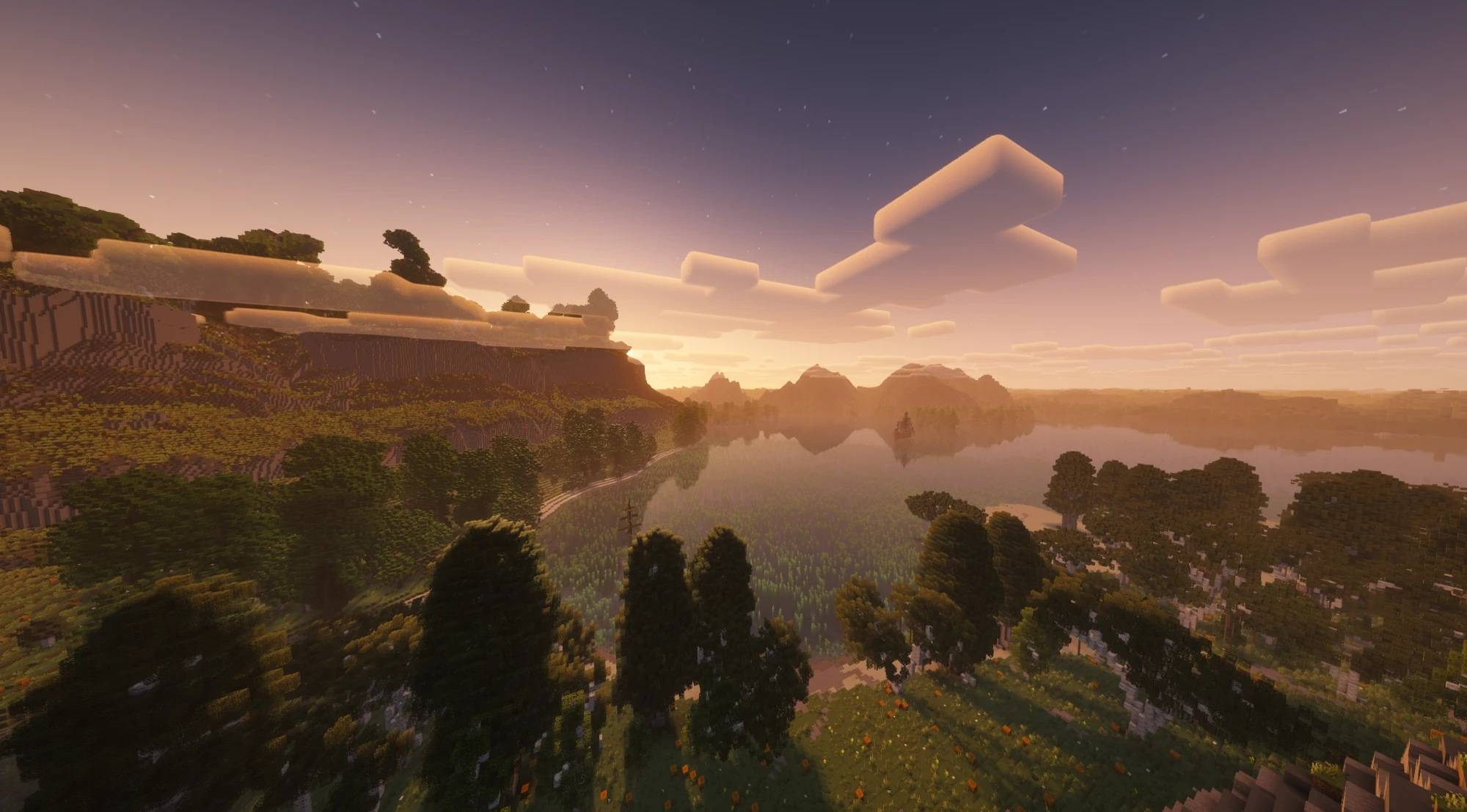
Far terrain from Distant Horizons, shaded by the pack.
Why Aetherium
Minecraft is moving to Vulkan. The game now ships its own Vulkan renderer alongside OpenGL, and that is where its rendering is heading. Shader packs, though, grew up on OpenGL: OptiFine created the format, and Iris carried it to modern versions, both built around the OpenGL pipeline. Aetherium runs those same packs natively on the Vulkan renderer, so they move forward with the game.
At the same time, the optimisations Sodium pioneered are finding their way into vanilla bit by bit. Aetherium leaves terrain rendering to Sodium and builds on it, and puts its own effort where nothing else does: a fast shader engine on Vulkan, with every optimisation measured before it is turned on.
Highlights
- Shader packs on Vulkan. Standard-format packs run on the game's own Vulkan renderer: gbuffer, shadow, full-screen, compute and geometry programs, custom images and buffers and LabPBR material maps. Tested with 22 popular packs, among them Complementary, BSL, Photon and Sildur's.
- Works with Distant Horizons. Its far terrain is shaded by the pack's own Distant Horizons programs, shadows included. Without a pack it draws as usual.
- Built for frame rate. About twenty measured engine optimisations, each of which can be switched off on its own.
- Render scale with FSR 1.0. Draw the world at 50–100% of the window and upscale it, while the interface stays sharp.
- A pack screen that is easy to use. Profiles, search, a "changed only" filter, inline reset, live preview (hold Tab), import and export, and drag-and-drop install.
- Fast pack loading. Packs load in the background with a small progress indicator, and a disk cache makes loading the same pack again much faster.
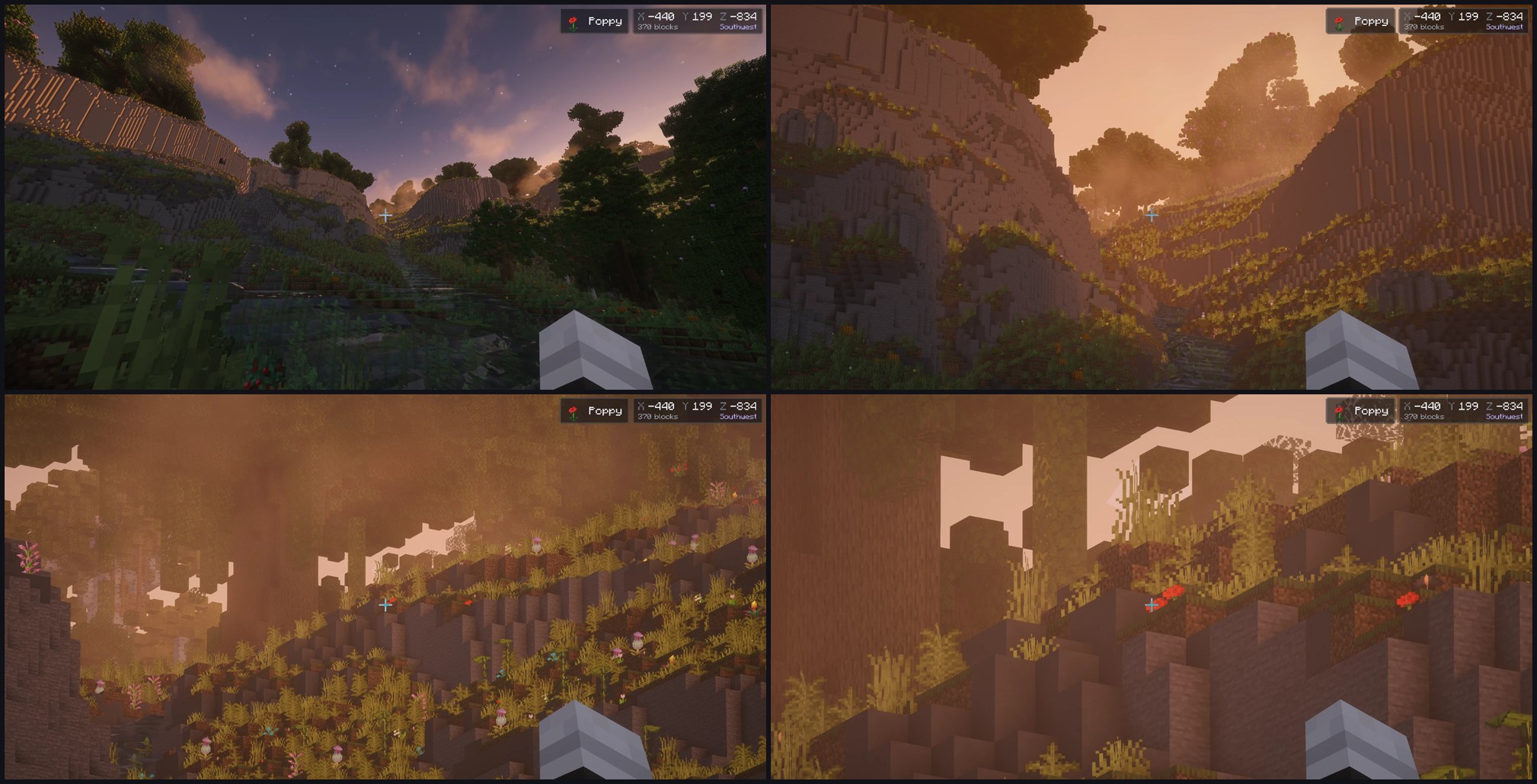
- Extras. Hold-to-zoom with a coordinates and target readout, a pixel-exact centred crosshair, and a prompt that offers to switch the game to Vulkan.
Requirements
- Minecraft 26.3
- Fabric Loader 0.19.5+ with Fabric API, or NeoForge 26.3.0.23-beta+
- Sodium 0.9.2 or newer
- The Vulkan graphics API. If the game starts on OpenGL, Aetherium offers to switch it.
Aetherium does not work alongside other shader-pack mods.
Getting started
- Put Aetherium and Sodium (plus Fabric API on Fabric) into your
modsfolder and start the game. - Put shader packs into
shaderpacks, or drop them onto the shader pack screen. - Press O to open the shader pack screen, pick a pack and press Apply. K turns it on and off.
Aetherium's own settings are under Options › Aetherium..., next to Shader Packs.... Hold Z to zoom.
Links
Credits
With thanks to OptiFine, which created the shader pack format; Iris, the inspiration for bringing shader packs to modern Minecraft; FerriteCore, the inspiration for the memory optimisations; and VulkanMod and Beryl, which showed what a Vulkan renderer for Minecraft can do.
Aetherium is free software under the LGPL-3.0.
Screenshots
Gallery
-
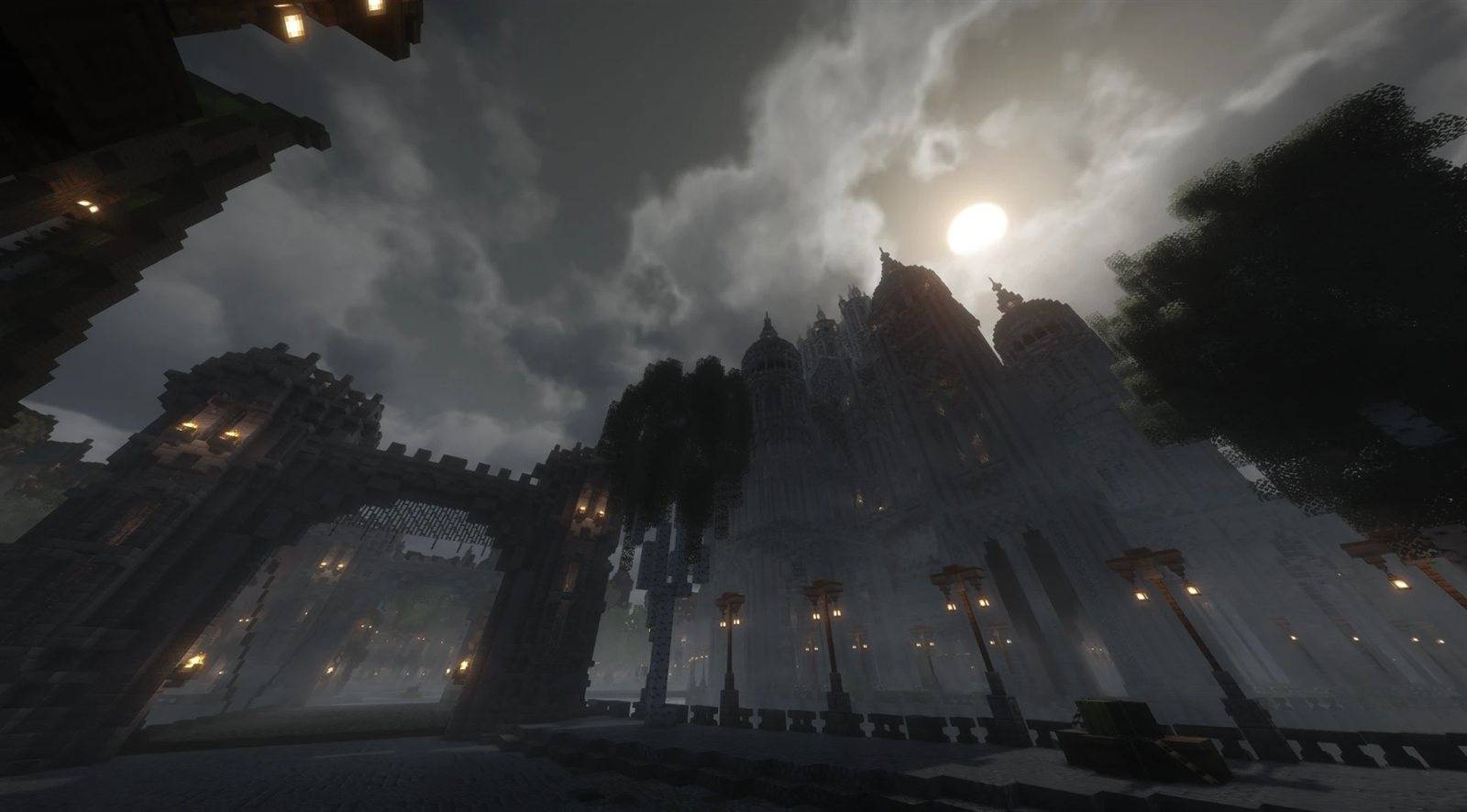 showcase-1.jpg showcase-1.jpg
 -
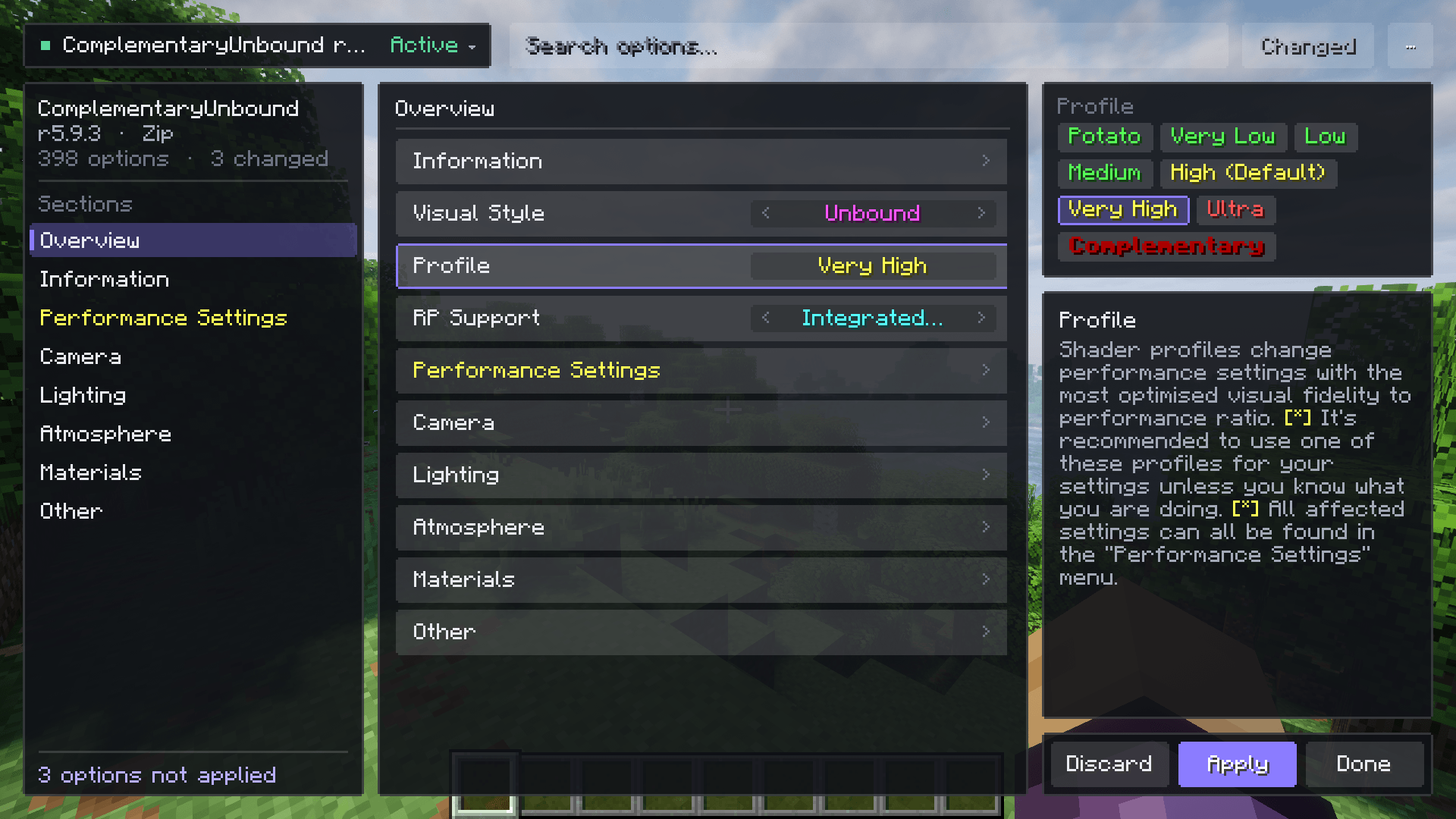 pack-screen.png pack-screen.png
 -
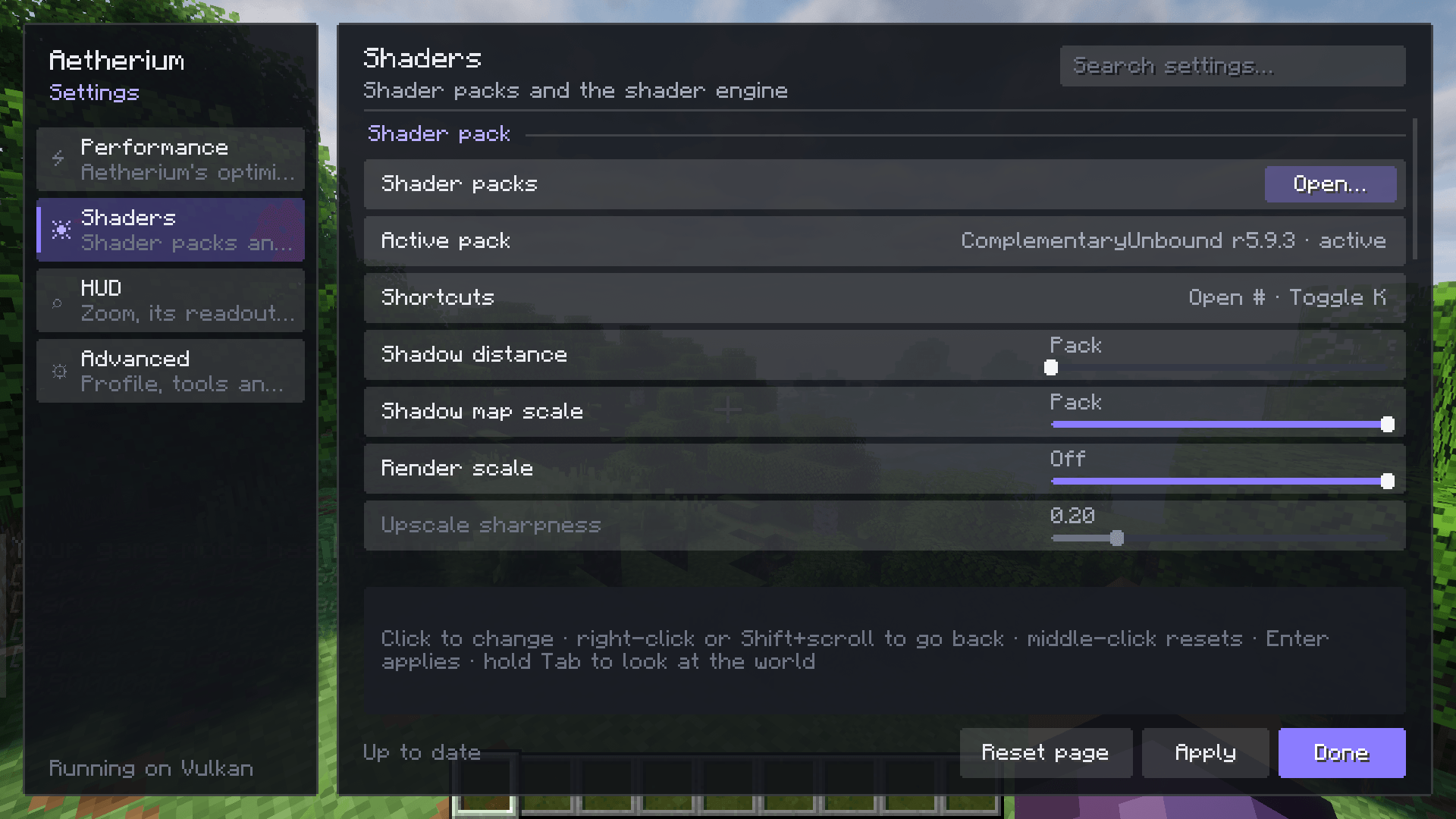 settings.png settings.png
 -
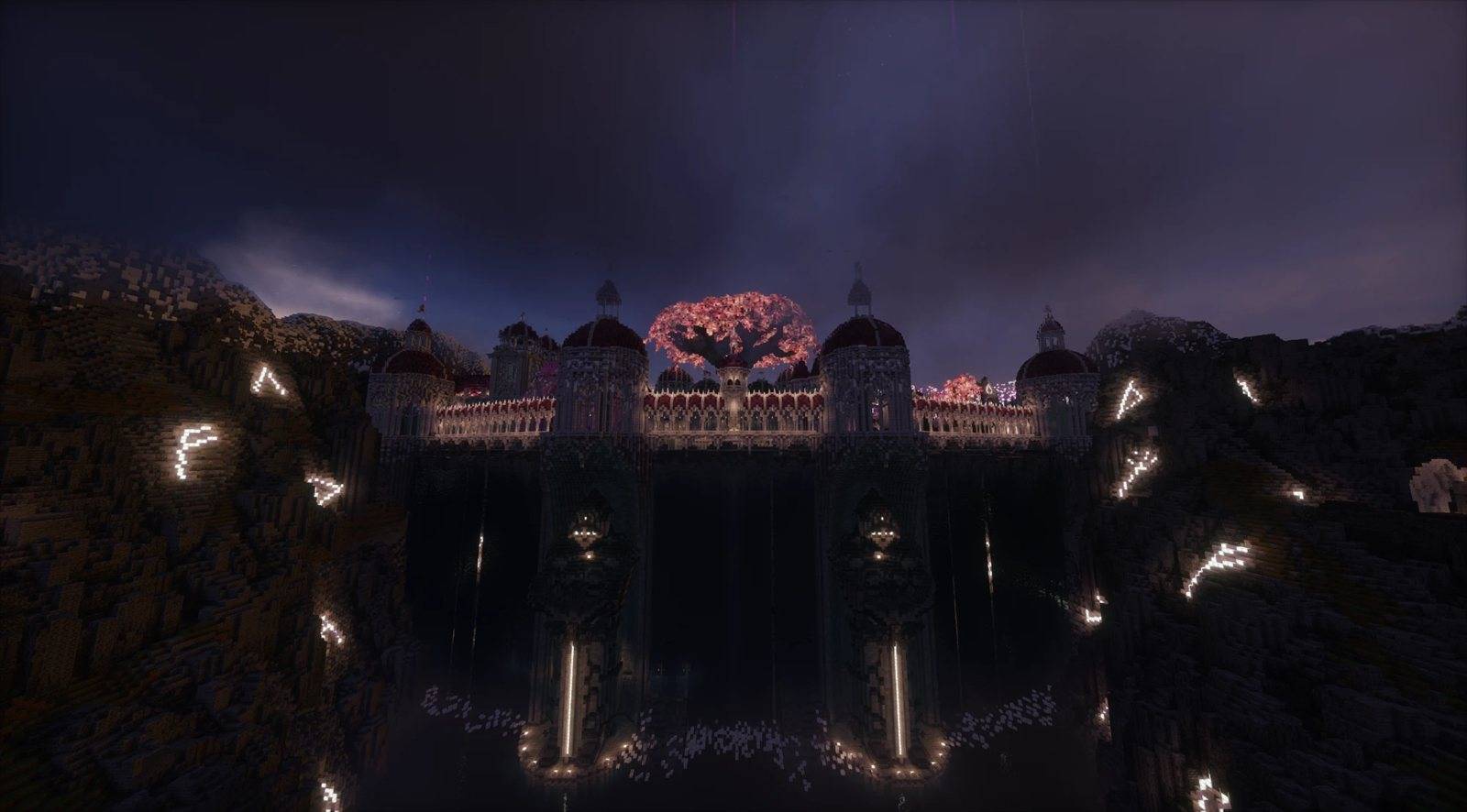 showcase-2.jpg showcase-2.jpg
 -
 showcase-3.jpg showcase-3.jpg
 -
 showcase-4.jpg showcase-4.jpg
 -
 showcase-lod.jpg showcase-lod.jpg
 -
 showcase-lod-2.jpg showcase-lod-2.jpg
 -
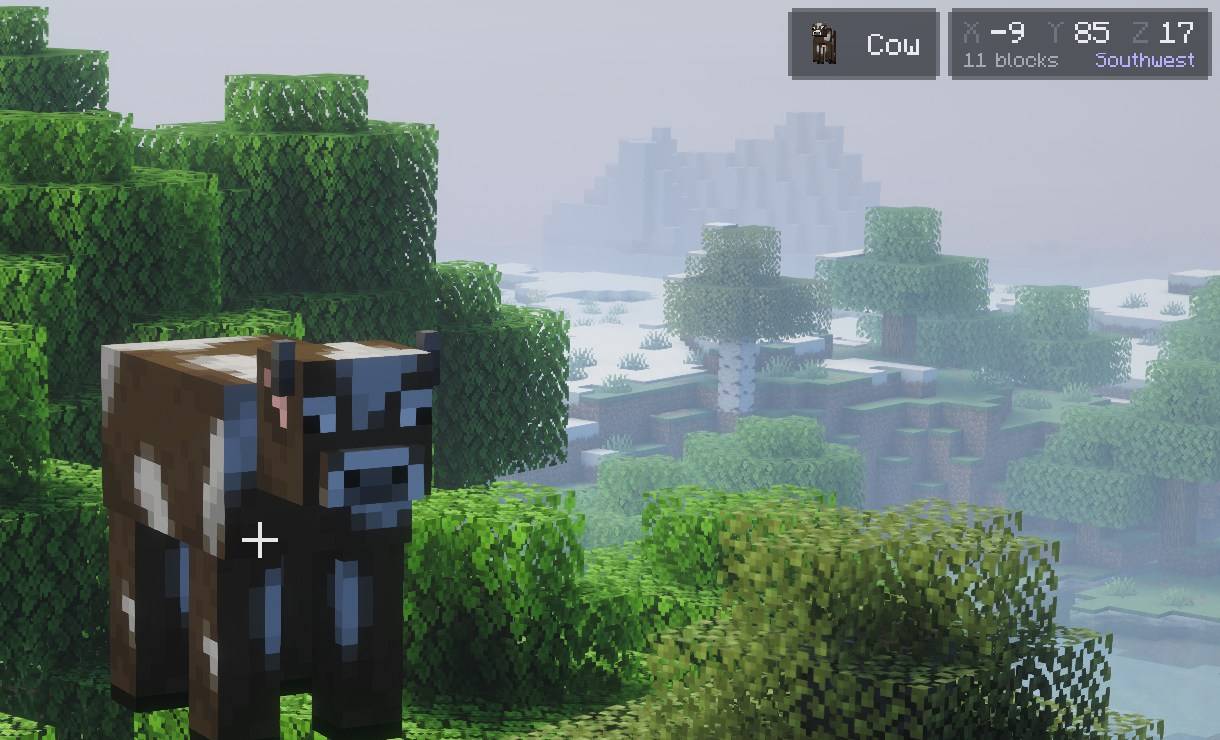 zoom-readout.jpg zoom-readout.jpg
 -
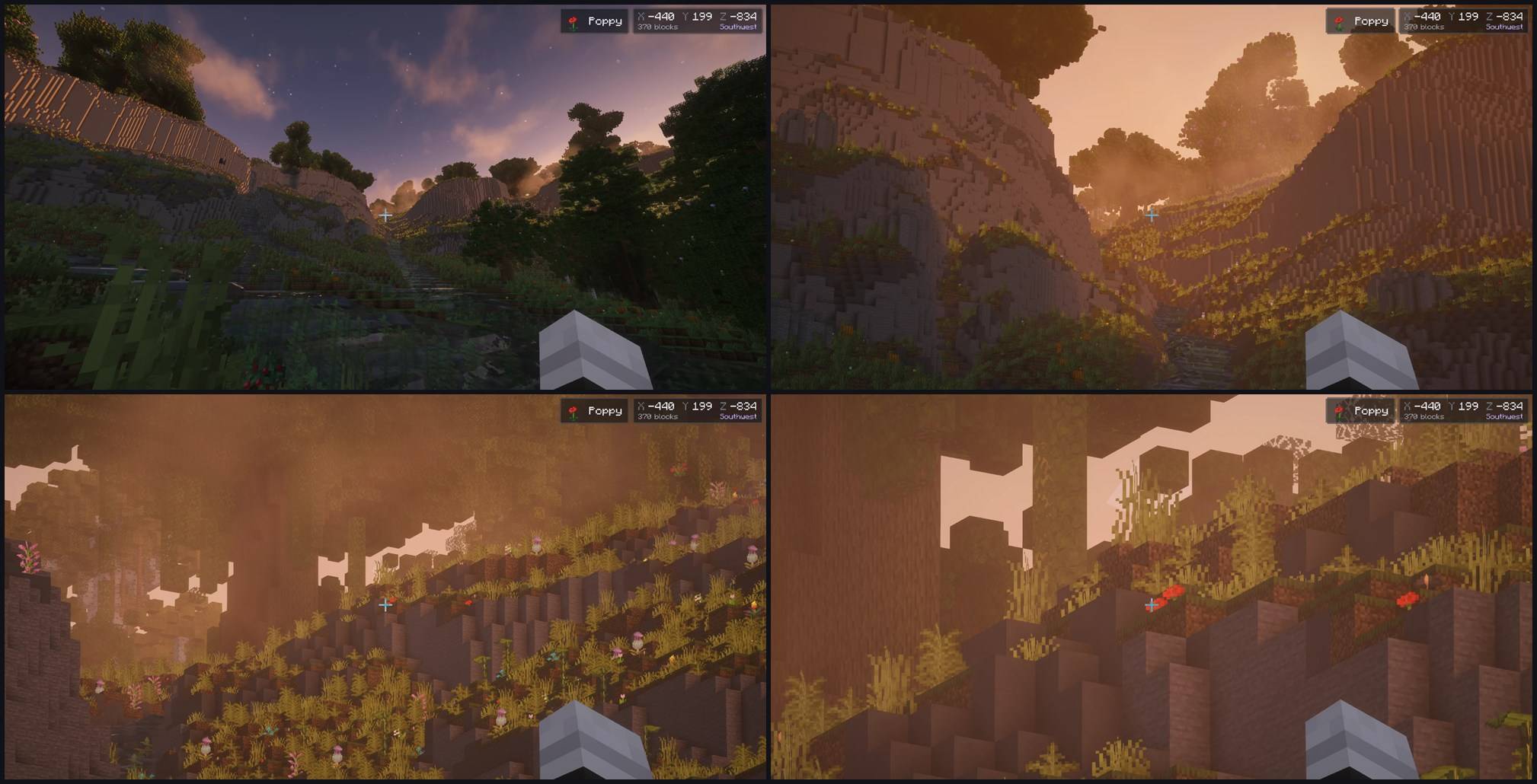 zoom-showcase.jpg zoom-showcase.jpg
Versions
Files
Relations
Project Relations
More like this
Similar Mods
Suggestions use data such as tags, dependencies, dependents, descriptions, titles, and more to rank how much they overlap with this mod.
On ModDex
Community snapshot
By the numbers
Statistics

Get it on
Available Platforms
On ModDex
Community snapshot
By the numbers
Statistics
Resources