Community listing page, reviews here may not be monitored by the author.
Animated Doors


No reviews yet
Animate & connect doors, trapdoors & fence gates opening/closing. Make your world more alive! Fully customizable.
Community voices
Reviews
No reviews yet. Be the first to review this project!
Get it on
Available Platforms
Compatibility
Supported Environments
Runs entirely on the server. Also works in singleplayer.
The author has not specified where this runs.
Varies by version.
About
Project Details
For authors
Embed Badge
If you're the author of this project, you can embed a live badge anywhere that supports HTML or Markdown. It updates automatically whenever ratings change.
Use HTML for any page that supports it, or Markdown for README files and Markdown-based descriptions.
Identifiers
Platform IDs
About
Description
✨ Animated & Connected Doors*
*Actually doors, trapdoors and fence gates! But that would be too long of a name, right?
Add a fancy opening and closing animation to your doors, trapdoors & fence gates.
Two connecting doors/trapdoors/gates will open together if only one side is opened (and closed).
All animations & connections are fully client-sided.
To make connections work with redstone or similar, install this mod on your server too!
Compatible with Sodium/Iris (Shaders may show invalid shadows on doors), custom models & other mods.

View the Galery for more previews
⚙️ Configuration
The settings menu is accessible via the Mod Menu (Fabric - requires ModMenu).
| Setting | Description | Default |
|---|---|---|
| Animation Speed | Adjust the speed of the opening and closing animation. | 0.3 |
| Easing | Change how the animation is smoothed. Linear removes smoothing | Ease In/Out |
| Block Toggle | Enable/disable animation for doors, trapdoors or fence gates | All enabled |
| Server Linking | Enable/disable client-side linking on servers. This can help avoiding anti-cheat false positives | Enabled |
| Linking Toggle | Enable/disable linking for doors, trapdoors or fence gates | All enabled |
Tip: Making animations very slow can look epic on edits or story videos!
This pack also overrides vanilla door/trapdoor/gate models to make the UV consistent and avoiding jumping pixels. Resource packs/mods that add custom models may reintroduce those UV inconsistencies, you can ask them to fix that too! (examples)
DataPack Version
There are also DataPack versions available for vanilla environments. Those are lite versions and only support vanilla doors and require this ResourcePack to work!
Note: The DataPack uses entities to fake the animation to players, this is not intended for large scale use!
👀 In search of the cake™

✨ Animated & Connected Doors*
*Actually doors, trapdoors and fence gates! But that would be too long of a name, right?
Add a fancy opening and closing animation to your doors, trapdoors & fence gates.
Two connecting doors/trapdoors/gates will open together if only one side is opened (and closed).
All animations & connections are fully client-sided.
To make connections work with redstone or similar, install this mod on your server too!
Compatible with Sodium/Iris (Shaders may show invalid shadows on doors), custom models & other mods.
View the Galery for more previews
⚙️ Configuration
The settings menu is accessible via the Mod Menu (Fabric - requires ModMenu).
| Setting | Description | Default |
|---|---|---|
| Animation Speed | Adjust the speed of the opening and closing animation. | 0.3 |
| Easing | Change how the animation is smoothed. Linear removes smoothing | Ease In/Out |
| Block Toggle | Enable/disable animation for doors, trapdoors or fence gates | All enabled |
| Server Linking | Enable/disable client-side linking on servers. This can help avoiding anti-cheat false positives | Enabled |
| Linking Toggle | Enable/disable linking for doors, trapdoors or fence gates | All enabled |
Tip: Making animations very slow can look epic on edits or story videos!
This pack also overrides vanilla door/trapdoor/gate models to make the UV consistent and avoiding jumping pixels. Resource packs/mods that add custom models may reintroduce those UV inconsistencies, you can ask them to fix that too! (examples)
DataPack Version
There are also DataPack versions available for vanilla environments (all <2.0.0). Those are lite versions and only support vanilla doors and require this ResourcePack to work!
Note: The DataPack uses entities to fake the animation to players, this is not intended for large scale use!
DataPack Troubleshooting
This datapack was originally started by Scommander and discontinued
I picked it up and optimized a few things and also ported it into the newer versions to support all doors again.
If you want to use this pack in your adventure map, please credit it by adding the modrinth link and name somewhere visible!
Q: My doors are invisible!
A: On first installation, all previous placed doors needs to update once before they are visible. Just look at them once.
Q: There are floating iron ingots now! / My doors are not animated!
A: If you see floating iron ingots at doors or your doors simply are not animated you need to activate the resource pack.
Q: How do i uninstall Animated Doors?
A: To uninstall Animated Doors you need to enter /function anim-doors:uninstall in every region where doors exist or simply remove the datapack and enter /kill @e[tag=_betdor_marker] everytime you find a region that was not loaded yet.
Q: How do i add custom/modded doors?
A: While you could edit the datapack to add custom doors, it's not advised and very tedious. Please use the mod version instead
👀 In search of the cake™
Screenshots
Gallery
-
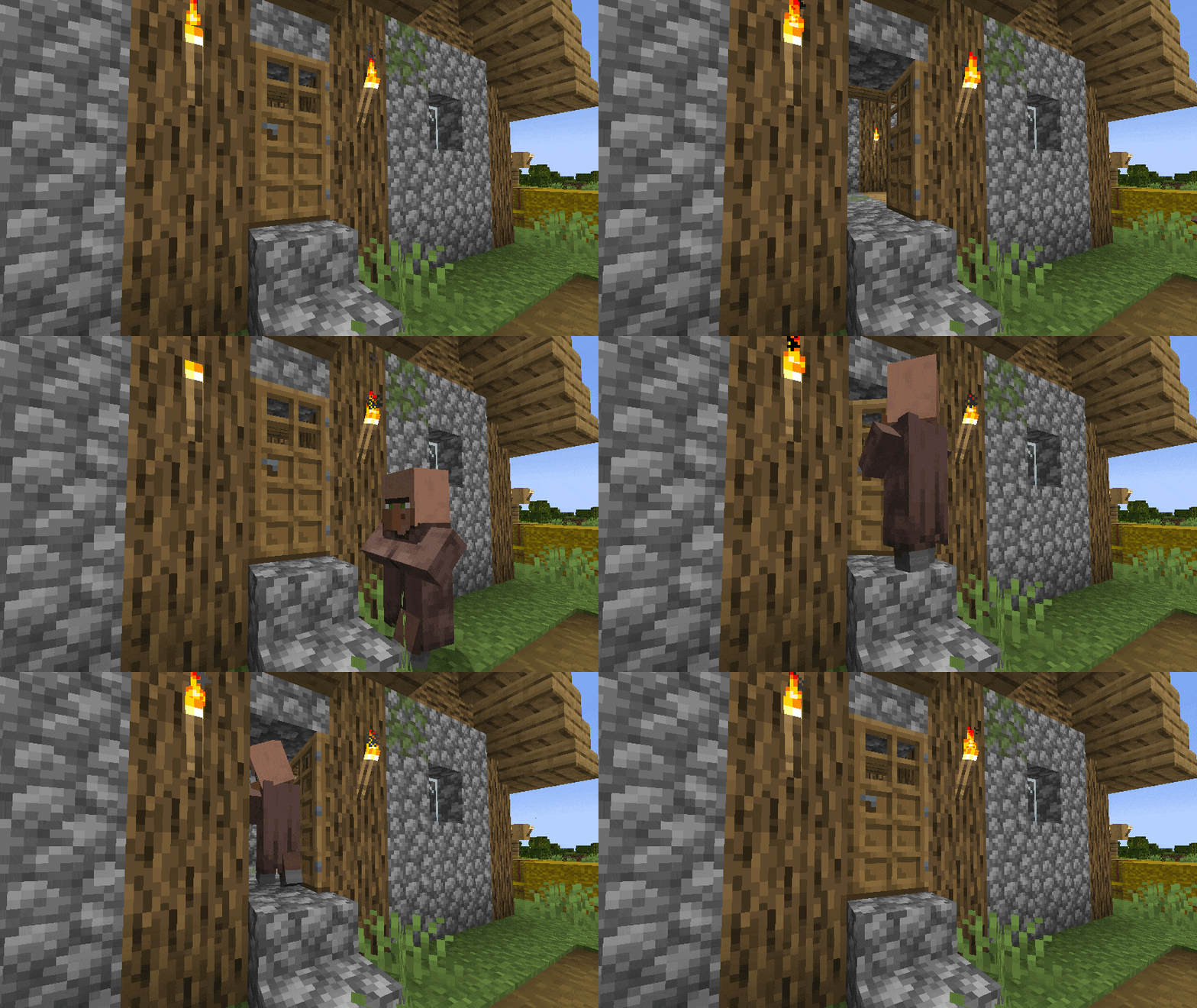 Preview #1
 -
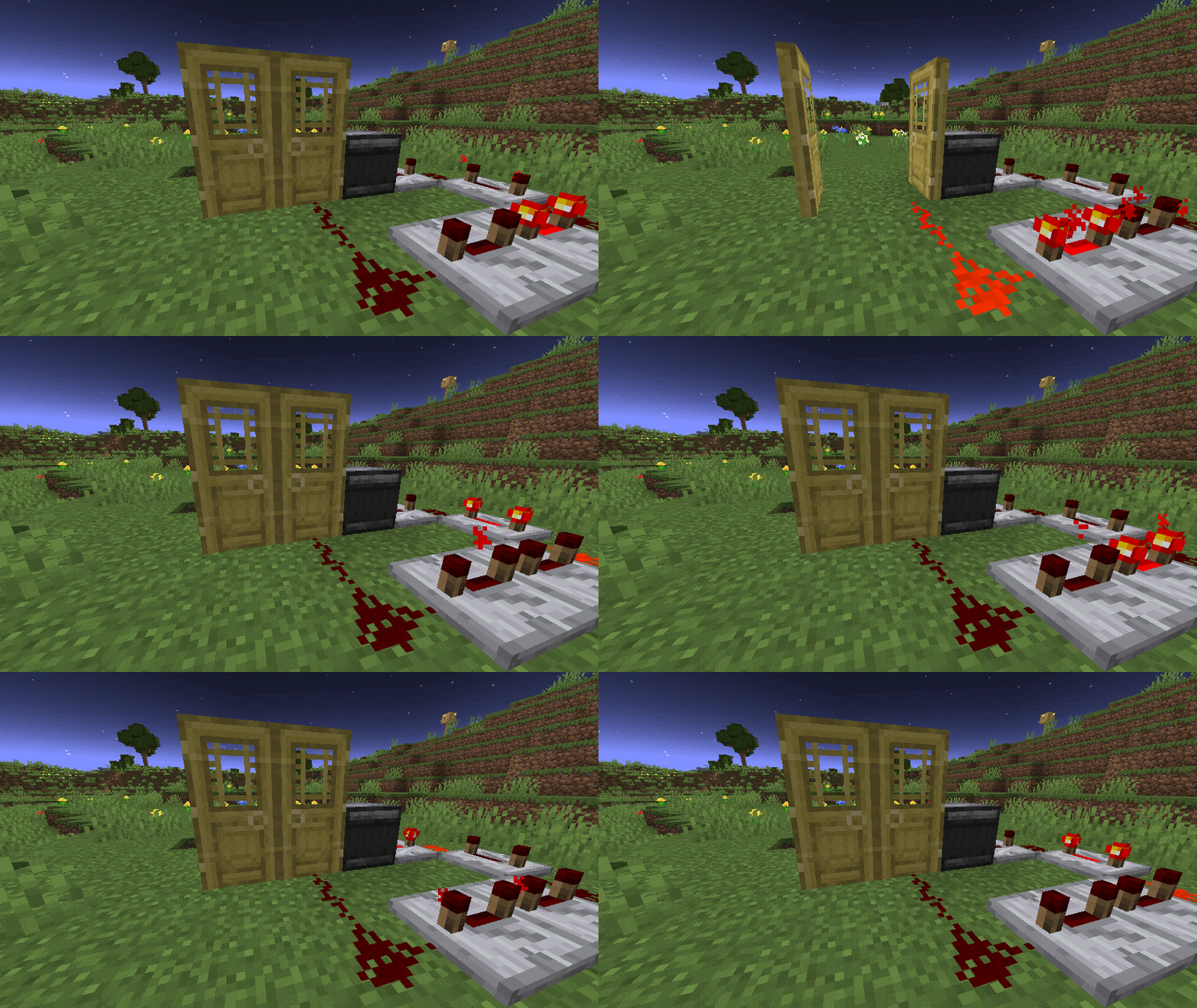 Preview #2
 -
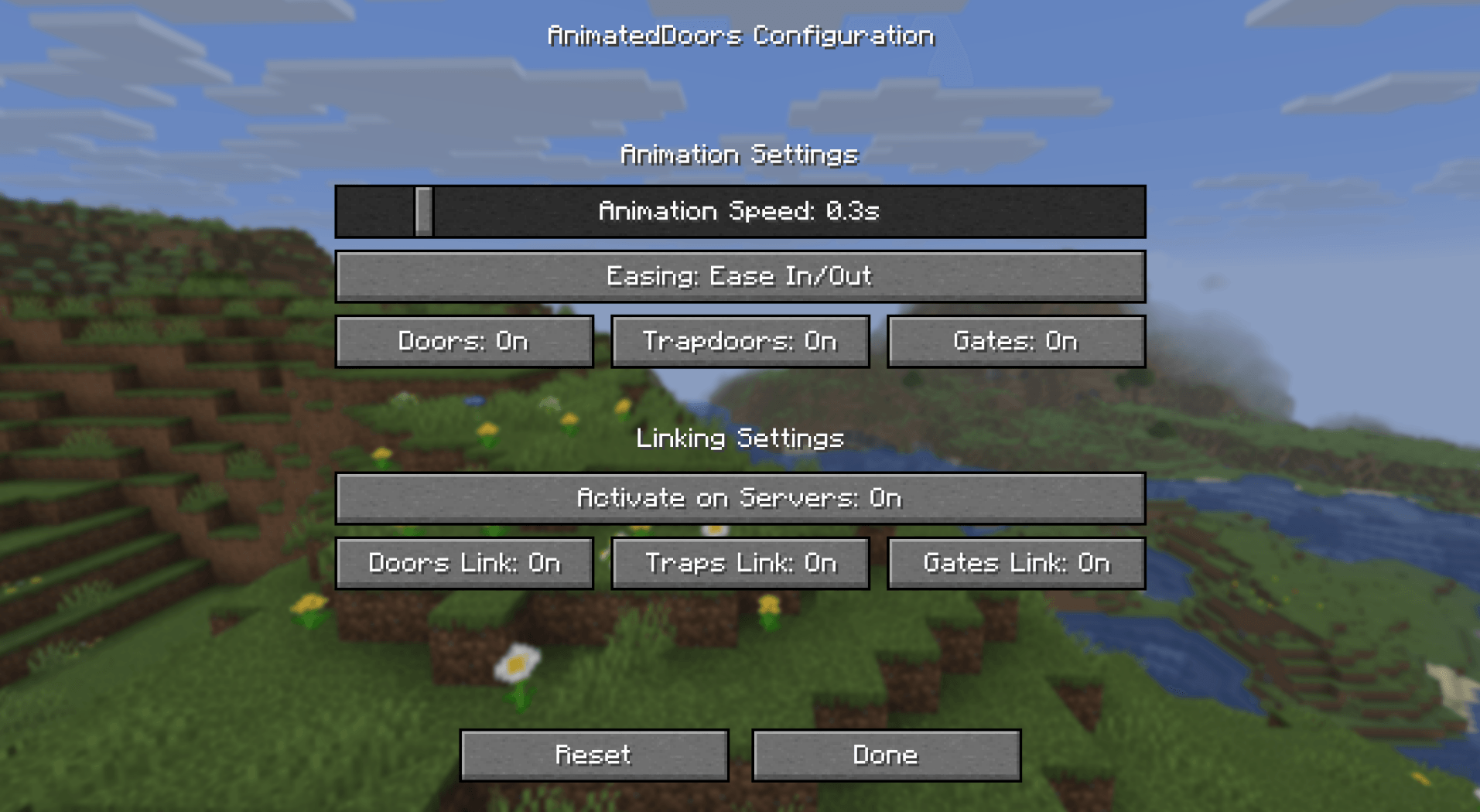 Settings
-
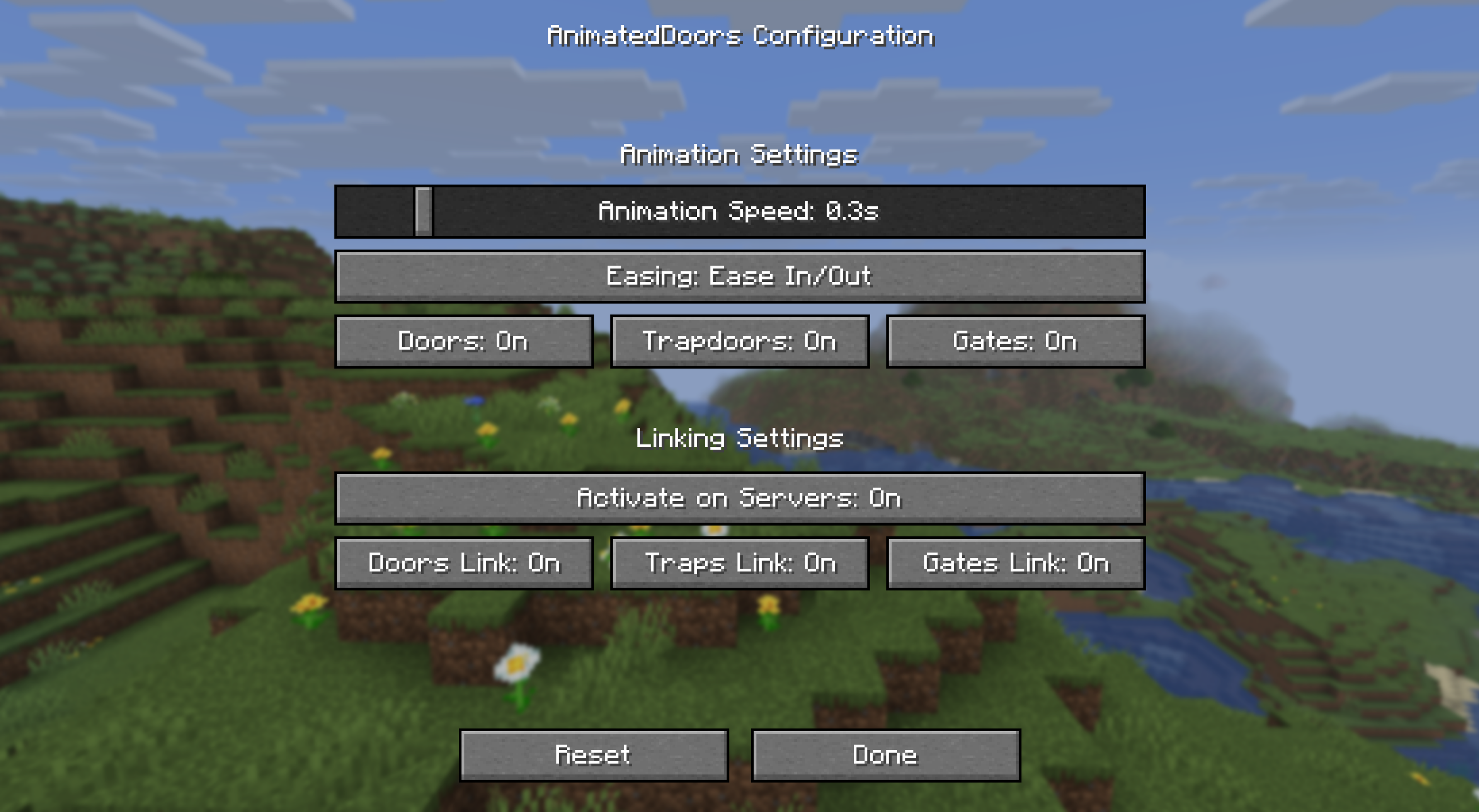 Settings Preview
 -
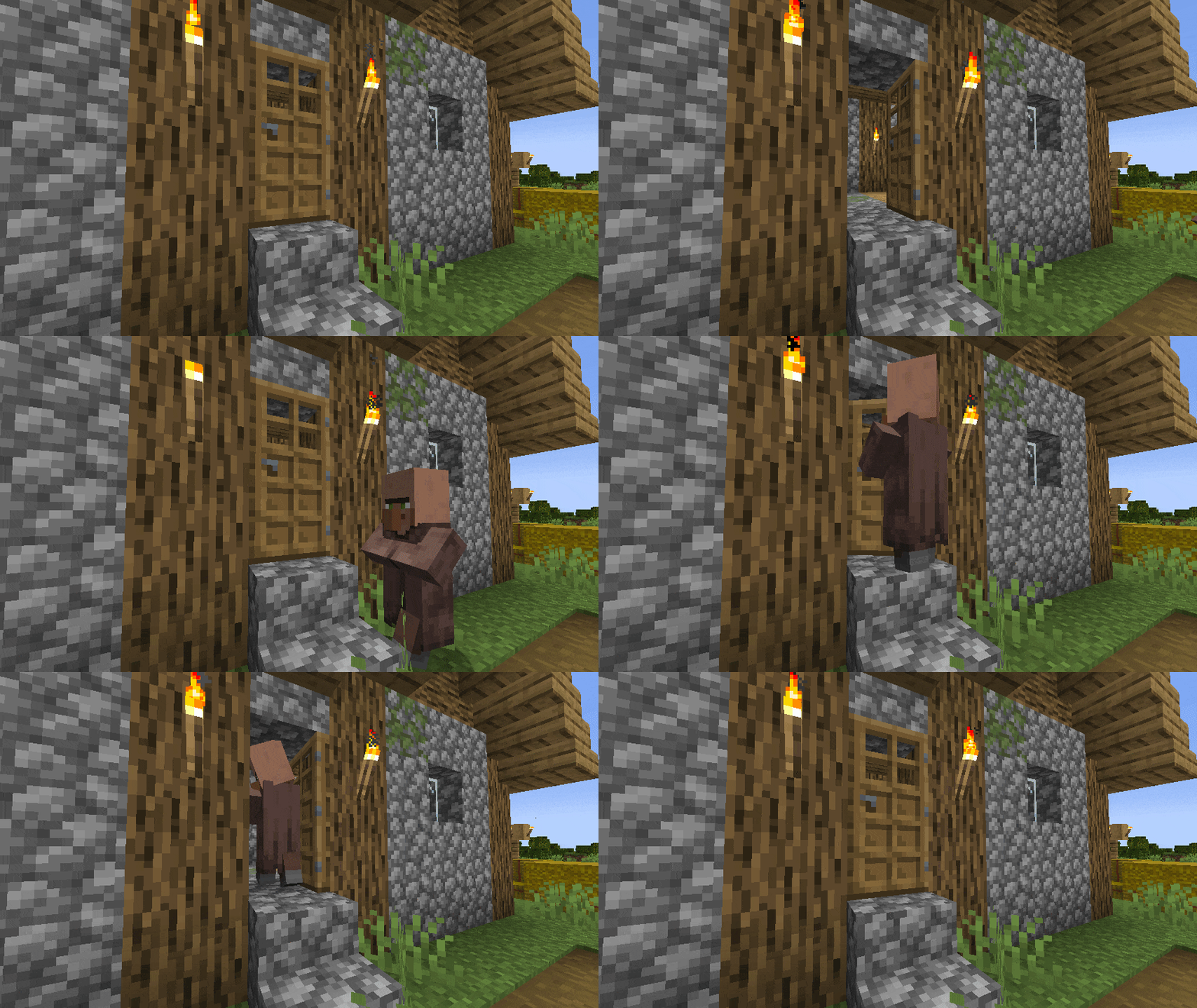 Preview #1
 -
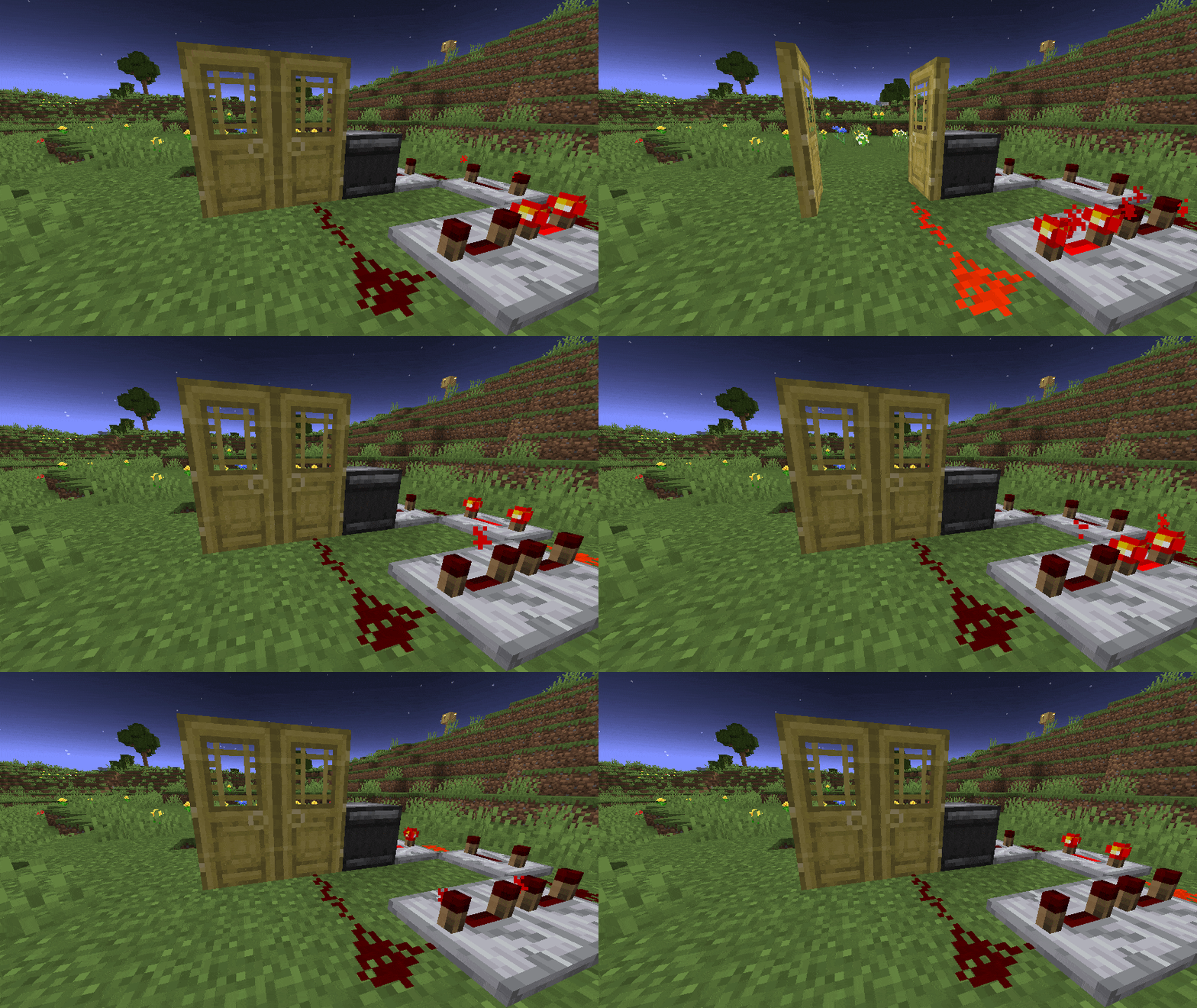 Preview #2
Versions
Files
Relations
Project Relations
More like this
Similar Mods
Suggestions use data such as tags, dependencies, dependents, descriptions, titles, and more to rank how much they overlap with this mod.
On ModDex
Community snapshot
By the numbers
Statistics
Want to reach Minecraft players?
We're looking for a server hosting partner to feature here and other parts of the site. Interested? Send us a message!
Get in touchGet it on
Available Platforms
On ModDex
Community snapshot
By the numbers