
Community listing page, reviews may not be monitored by the author.
OverflowAnimations


No reviews yet
1.7 and modern animations in 1.8!

Community voices
Reviews
No reviews yet. Be the first to review this project!
Get it on
Available Platforms
Compatibility
Supported Environments
Runs entirely on the client. Works on vanilla servers.
About
Project Details
For authors
Embed Badge
If you're the author of this project, you can embed a live badge anywhere that supports HTML or Markdown. It updates automatically whenever ratings change.
Use HTML for any page that supports it, or Markdown for README files and Markdown-based descriptions.
Identifiers
Platform IDs
About
Description
OverflowAnimations


This mod combines Overflow Animations (V1) with Sk1er Old Animations code into a singular mod, with bug fixes and additional features.
Includes:
- Old Eating/Drinking
- Old Rod Position
- Old Bow Position
- Old Blockhitting
- Old Swing Animation
- Old Sneak Animation
- Armor turning red when hit
- Old Health
- Old Blocking
- Old Item Positions (1st and 3rd person)
- Punching a block while right click an item
- 2D Items
- Old Item Switching
- Old Projectiles
- Cleaner Enchantment Glint
- 1.15 Armor Enchantment Glint
- Various more features not seen in other old animation mods!
The "Old Debug Hitbox" feature has been removed from the original as REDACTION has the same functionality.
Licensing
This mod is currently licensed under version 3 of the GNU Lesser General Public License.
Trademark usage
The GNU LGPL does not grant any license or rights to use Polyfrost or OneConfig trademarks and logos for publicity purposes without written authorization. You may use these trademarks, however, to describe the origin of the mod, or under fair use.
Contribution licensing
Contributions to this repository will be automatically licensed under the licensing for the repository at that time (currently version 3 of the LGPL), as defined in Subsection D6 of the GitHub Terms of Service. If you wish to license your contributions to another LGPL-compatible license, please let us know prior.
OverflowAnimations


OverflowAnimations brings back animations and visuals from older versions of Minecraft, mostly 1.7 and 1.8. Every option says which version it comes from, and a lot of them let you choose between several.
You can use /overflowanimations presets to set everything to a 1.7, 1.8 or modern look at once (Fabric versions).
What comes turned on
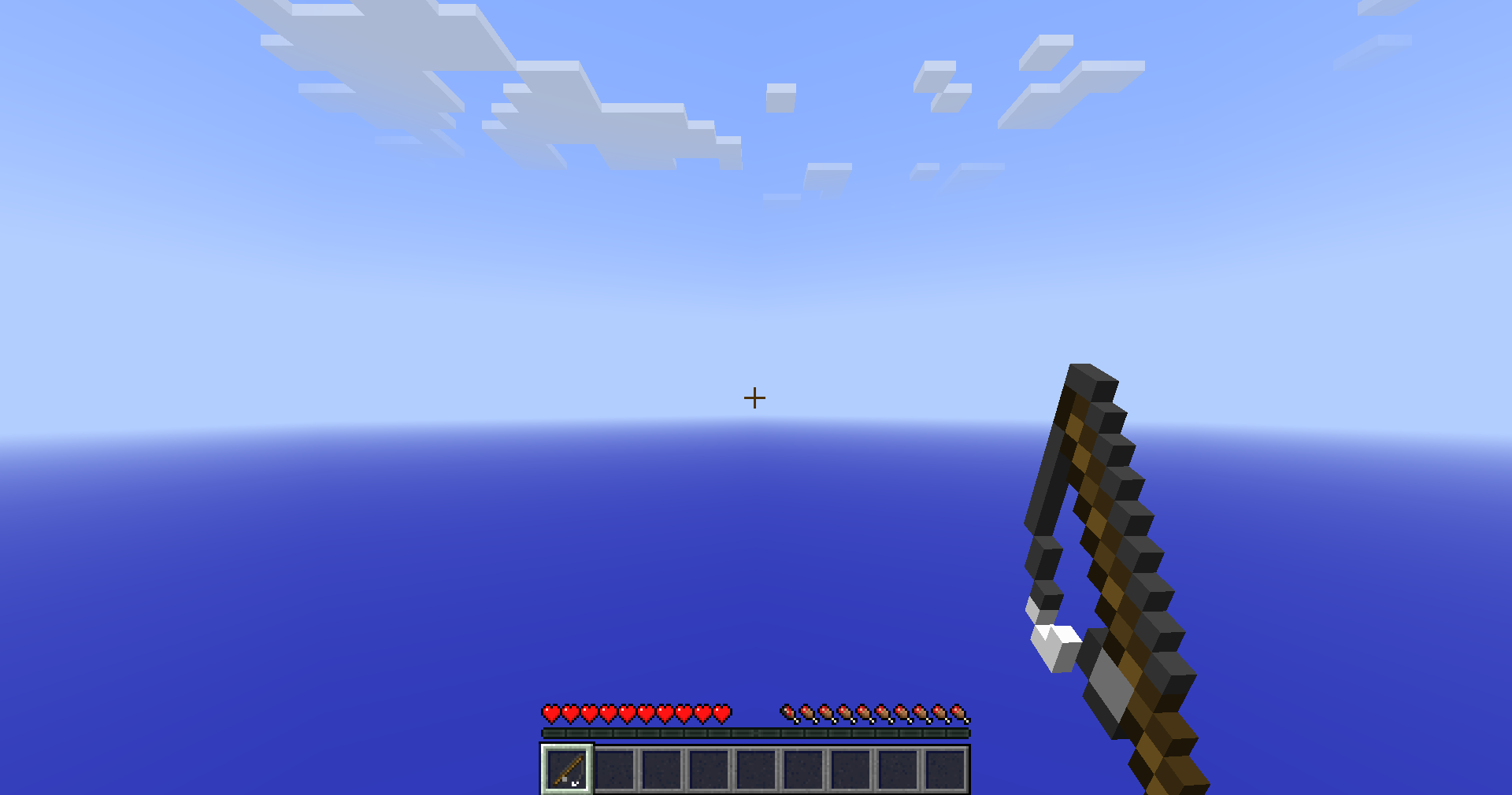
- 1.7 held item and fishing rod positions
- Swing your arm while using an item and while mining
- Swing through the delay after a missed hit
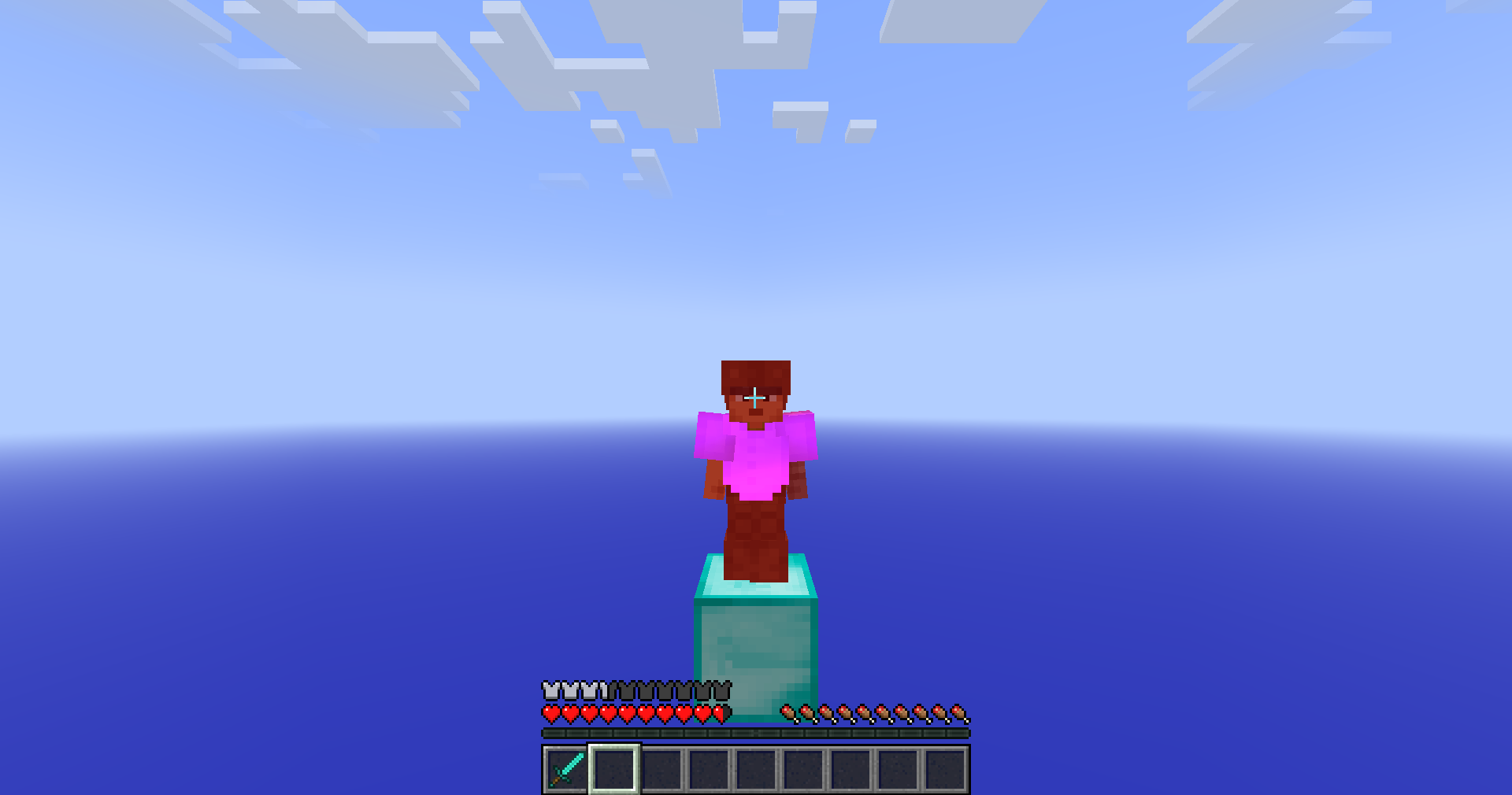
- Armor turns red together with the player wearing it
- The 1.7 blocking pose in third person
- No equip animation when you use an item
Items
- Old enchantment glint for items, armor and potions
- 2D dropped items and item frame items, like in 1.7
- Scale, move and rotate the held item
- Custom swing speed
- Reposition the eating, drinking and blocking animations, dropped items and projectiles
- Equip animation and fishing rod position from several versions
Players
- Sneak animation, cape movement and backwards walking from older versions
- The 1.8 hurt camera tilt
- Red damage tint on armor, held items and capes
- Dinnerbone mode for players or every entity
Screen and HUD
- Old camera positions
- Crosshair in third person
- 1.7 or 1.8 tab list
- Status effects next to the inventory, like in 1.8
- Old tooltips, slot hover, loading screen, chat position and crafting slot (Fabric versions)
Sky, fog and lighting
Most of these need 1.21.6 or newer.
- Old clouds, the old sky colors, void fog and void particles
- Old water fog color
- The 1.12.2 lightmap and old diffuse lighting
- Grass sides without the biome tint, and no random block rotation
- The 1.12.2 main menu panorama
Extras
- A Fixes category for small vanilla bugs (Fabric versions)
- Three optional resource packs with 1.8 era textures, the 1.12.2 panorama and old water
/overflowanimations onandoffswitch everything at once- Press
\to open your settings
Servers
On the Fabric versions, a server can turn on a few old gameplay mechanics for you, like no miss delay, using items while mining and the 1.8 sneak height. They're never active in singleplayer or on servers that do not ask for them.
Compatibility
- OverflowAnimations is based on Animatium, so servers with Animatium support work with it
- On Lunar Client the armor tint options are hidden, since Lunar tints armor itself
- With BetterHurtCam installed, BetterHurtCam controls the damage tilt
Supported versions
- Minecraft 1.8.9 on Ornithe.
- Minecraft 1.21.4 and 1.21.6-26.3 on Fabric.
OverflowAnimations needs OneConfig and Fabric Language Kotlin. The Fabric builds also need Fabric API, and the 1.8.9 build needs Ornithe Standard Libraries.
Support
- Report bugs and ask questions on the Polyfrost Discord.
- Check Polyfrost Status if a Polyfrost service is down.
Screenshots
Gallery
-
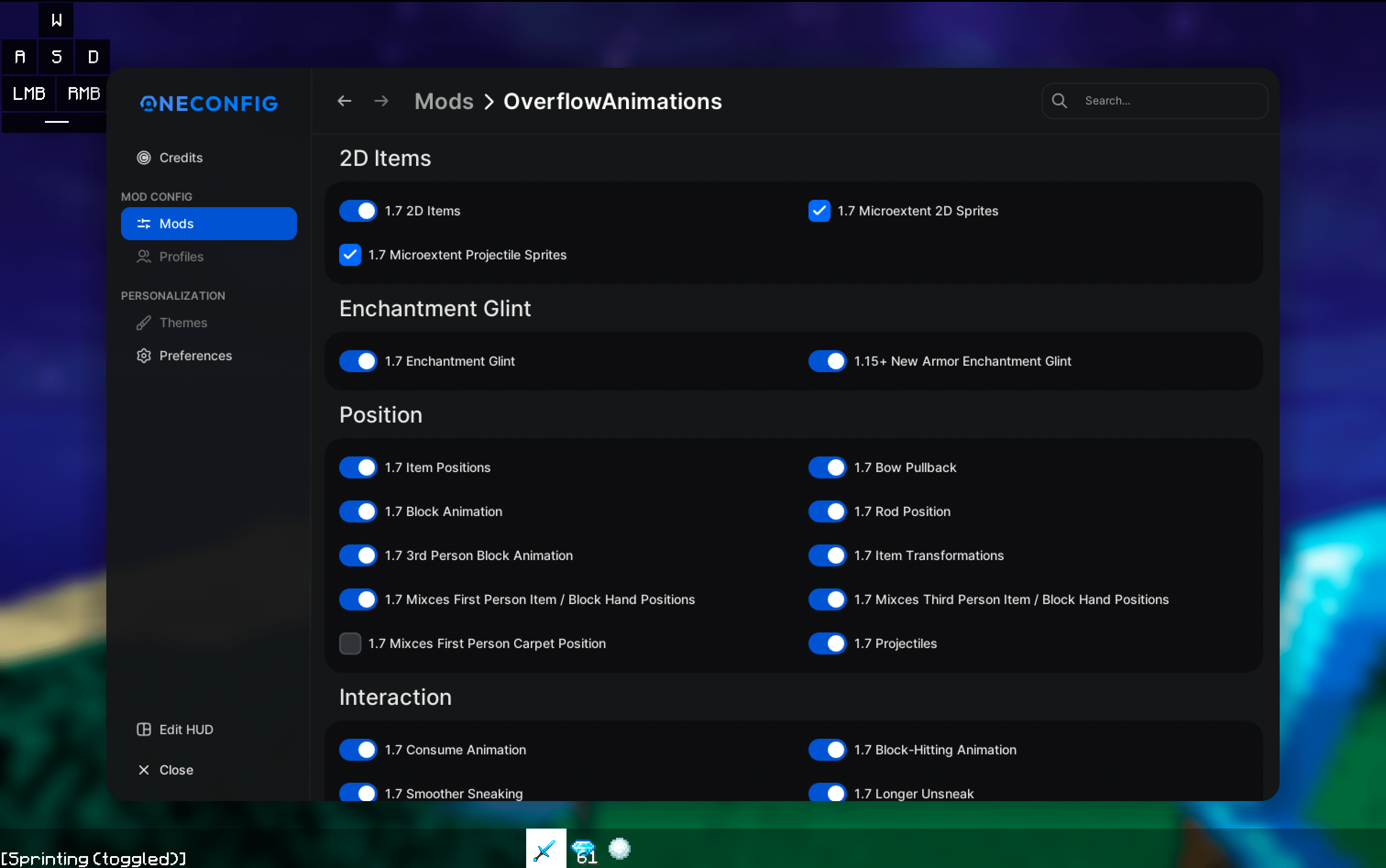 OverflowAnimations Config GUI Powered by OneConfig
-
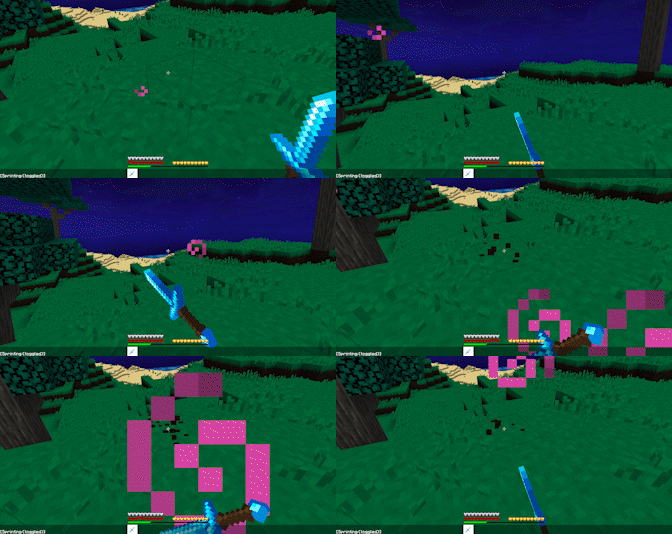 1.7 block hitting
Versions
Files
Relations
Project Relations
More like this
Similar Mods
Suggestions use data such as tags, dependencies, dependents, descriptions, titles, and more to rank how much they overlap with this mod.
On ModDex
Community snapshot
By the numbers
Statistics
 (opens in a new tab)
Get it on
Available Platforms
On ModDex
Community snapshot
By the numbers