
Community listing page, reviews here may not be monitored by the author.
AnvilDisenchanter

No reviews yet
A vanilla‑friendly anvil disenchanting mod. Extract enchantments into separate books using normal books, with clear success/failure feedback, optional anvil damage, and full configuration support. Forge 1.19.2.
Community voices
Reviews
No reviews yet. Be the first to review this project!
Get it on
Available Platforms
About
Project Details
For authors
Embed Badge
If you're the author of this project, you can embed a live badge anywhere that supports HTML or Markdown. It updates automatically whenever ratings change.
Use HTML for any page that supports it, or Markdown for README files and Markdown-based descriptions.
Identifiers
Platform IDs
Resources
External Links
About
Description
✨ Features
🔹 Requires Exactly One Enchanted Source Item
The disenchanting process works with exactly one enchanted weapon, tool, or piece of armor.
Stacked source items are intentionally not supported. This prevents duplication and accidental mass processing.
🔹 Requires Normal Books for Every Enchantment
By default, each transferable enchantment requires one normal book.
When there are not enough books, the operation is cancelled. No enchantments are removed, and the source item remains unchanged.
This behaviour can be changed in the config file.
🔹 How to Use
You will need:
- 1 Obsidian or Crying Obsidian block
- 1 Anvil
- 1 enchanted weapon, tool, or piece of armor
- Normal books
Place the obsidian block on the ground. Drop one enchanted item and the required number of normal books on top of it.
Each transferable enchantment requires its own book by default.
Next, drop an anvil from above so that it lands directly on the obsidian. The enchantments will be removed from the item and transferred onto enchanted books.
Normal Obsidian removes regular enchantments but leaves curses on the item.
Crying Obsidian can also remove and transfer curses.
Curse behaviour can be changed in the config file.
🔹 Clear Failure Feedback
When the operation cannot proceed, nearby players receive a message explaining what went wrong.
Possible reasons include:
- Not enough books
- More than one enchanted item
- Invalid source item
- Stacked source items
- No transferable enchantments
- Blacklisted items or enchantments
🔹 Visual Effects
Successful and failed operations have different particle effects:
- Success: Enchantment particles
- Failure: Smoke particles
These effects make the disenchanting process clearer and more immersive.
🔹 Balanced Anvil Durability
By default, the anvil has a 25% chance to take damage after a successful disenchanting operation.
Anvils progress through their normal durability stages:
Anvil → Chipped Anvil → Damaged Anvil → BrokenThe damage chance can be changed or disabled in the config file.
🔹 One Book per Enchantment
By default, every extracted enchantment is placed onto its own enchanted book.
This keeps enchantments organised and lets players decide how they want to combine them later.
The config can also be changed so that all extracted enchantments are placed onto one combined enchanted book.
🔹 Resets the Item’s Repair Cost
Once the final enchantment has been removed, the item’s internal RepairCost value is reset to 0.
This removes the item’s previous-work penalty and prevents unnecessarily high anvil costs after disenchanting.
This feature can be disabled in the config file.
🔹 Configurable Settings
Most features can be changed in the config file, including:
- Whether enough books are required for every enchantment
- Whether enchantments use separate books or one combined book
- Whether the item’s repair cost is reset
- Whether successful operations can damage the anvil
- The chance for the anvil to take damage
- Whether normal obsidian can remove curses
- Whether crying obsidian can remove curses
- Whether success and failure messages are shown
- Whether particle effects are shown
- How close players must be to receive messages
- Whether debug information is written to the log
The config file is created after starting Minecraft once:
Screenshots
Gallery
-
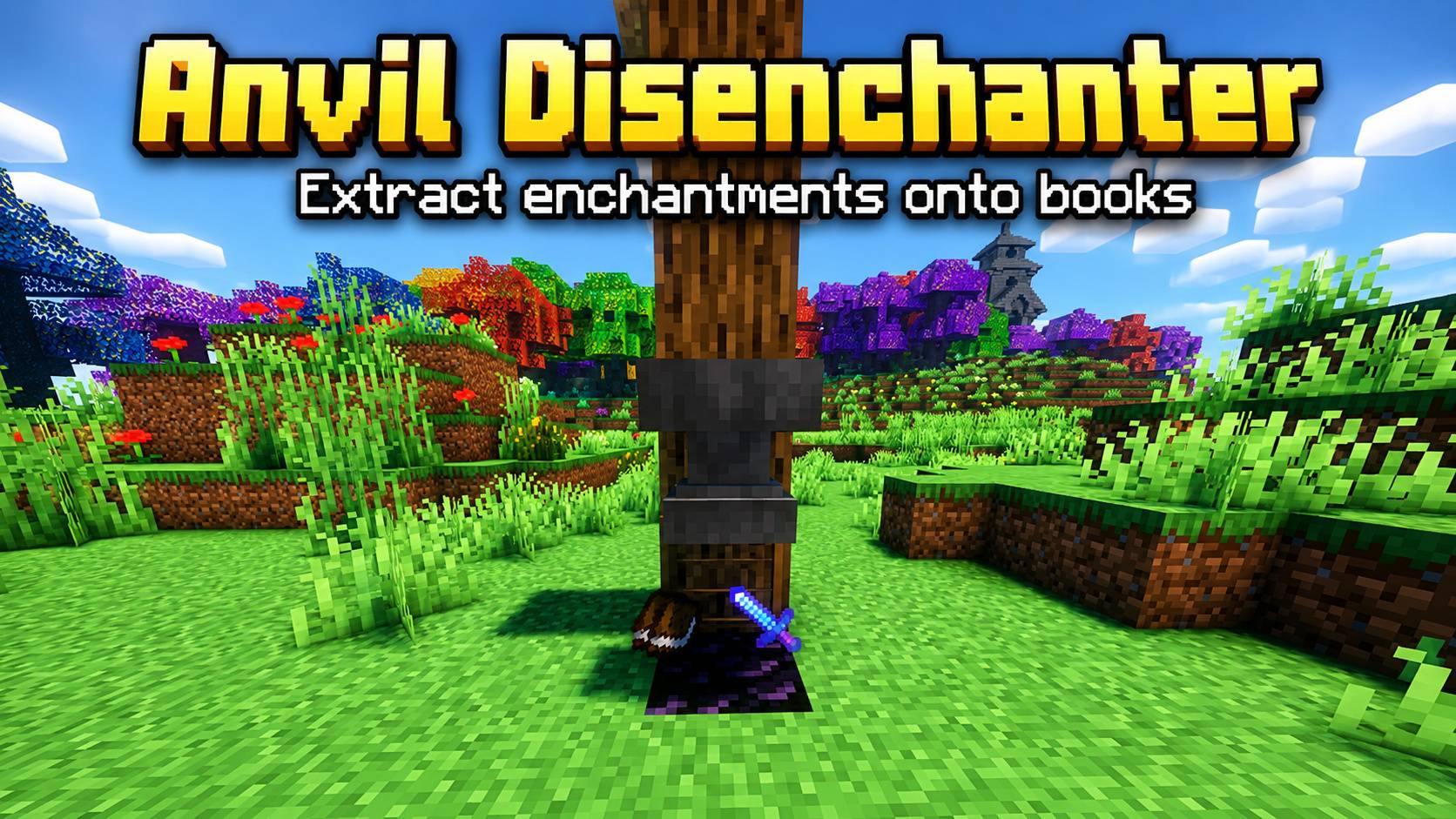 Anvil_Disenchanter Anvil_Disenchanter
 -
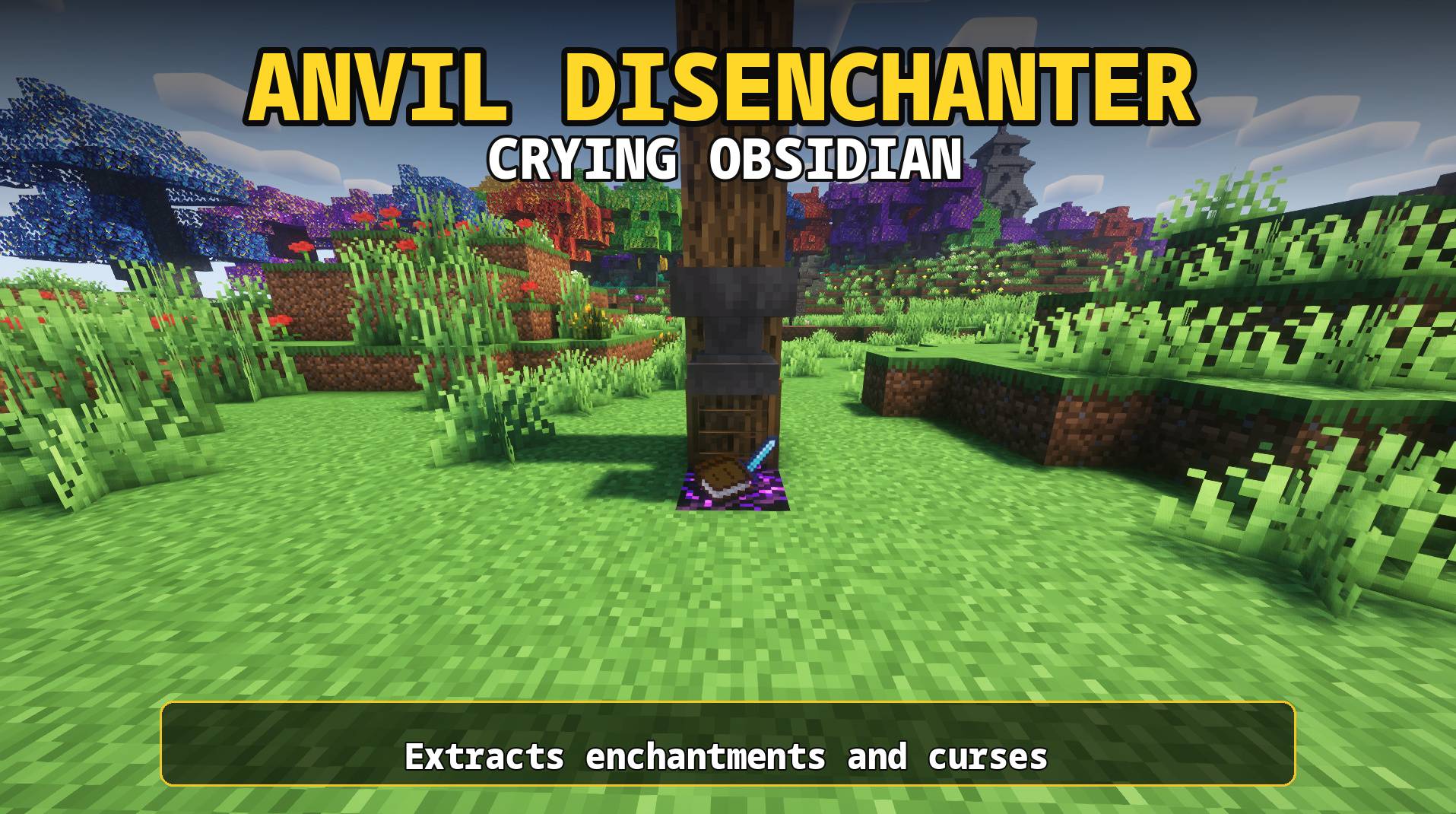 Anvil_Disenchanter2 Anvil_Disenchanter2
 -
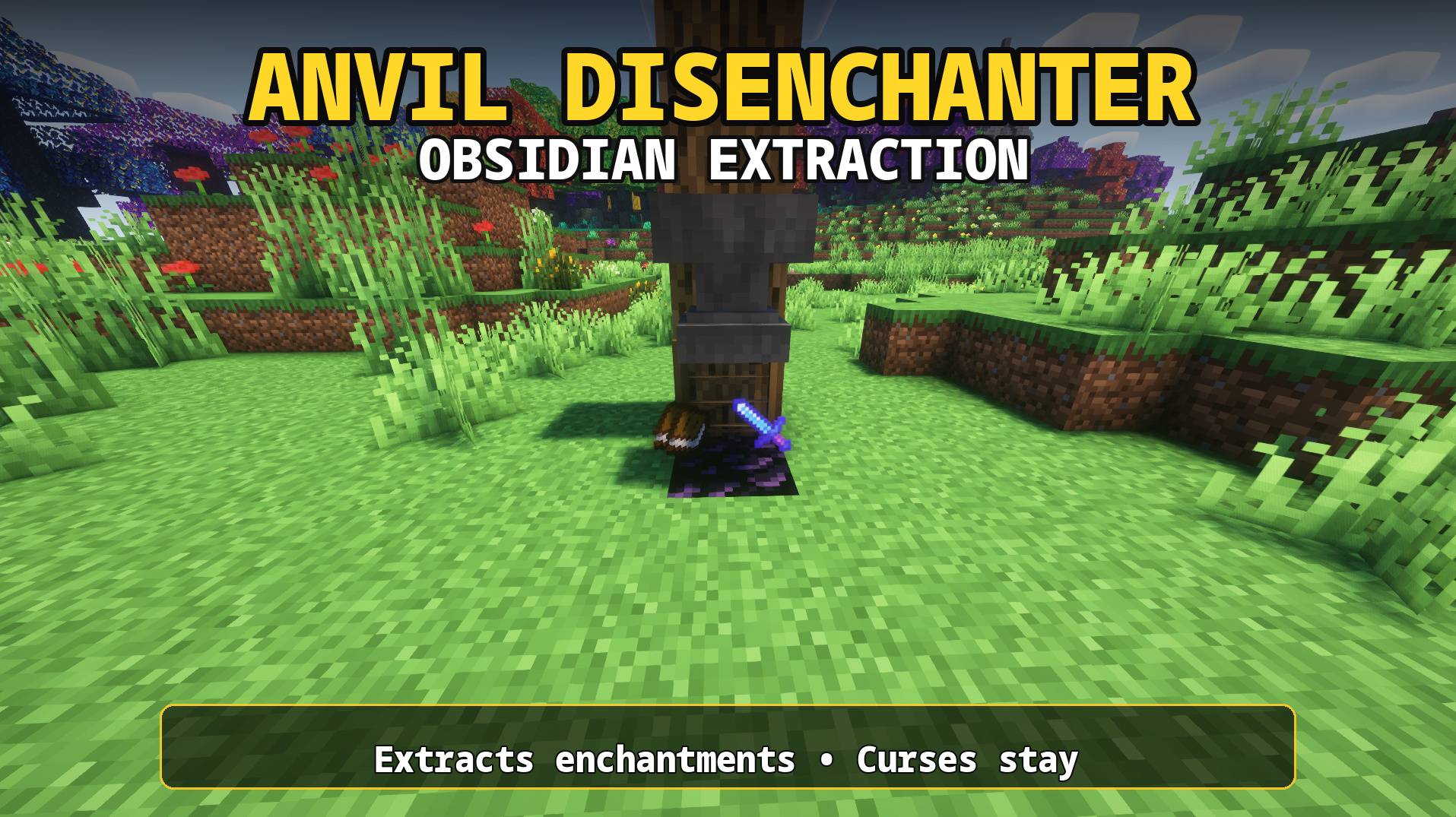 Anvil_Disenchanter3 Anvil_Disenchanter3
Versions
Files
Relations
Project Relations
More like this
Similar Mods
Suggestions use data such as tags, dependencies, dependents, descriptions, titles, and more to rank how much they overlap with this mod.
On ModDex
Community snapshot
By the numbers
Statistics
Want to reach Minecraft players?
We're looking for a server hosting partner to feature here and other parts of the site. Interested? Send us a message!
Get in touchGet it on
Available Platforms
On ModDex
Community snapshot
By the numbers
Statistics
Resources