
Community listing page, reviews may not be monitored by the author.



Community voices
Reviews
No reviews yet. Be the first to review this project!
Get it on
Available Platforms
Compatibility
Supported Environments
Must be installed on both the client and the server.
About
Project Details
For authors
Embed Badge
If you're the author of this project, you can embed a live badge anywhere that supports HTML or Markdown. It updates automatically whenever ratings change.
Use HTML for any page that supports it, or Markdown for README files and Markdown-based descriptions.
Identifiers
Platform IDs
Resources
External Links
About
Description
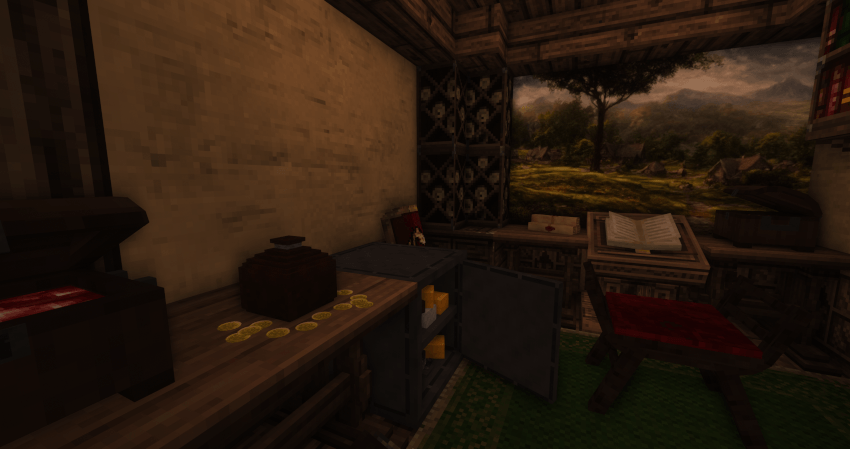
Aquila Mod
Now also available on Modrinth:
The Aquila mod adds a great variety of building blocks and furniture.
Currently those versions are supported:
- 1.18.2 (Forge) - check out the FAQs for better performance without Optifine.
- 1.20.1 (Fabric).
Version 1.1.0 for 1.20.1 no longer requires to download the ressourcepack.
Download the ressourcepack for the 1.18.2 version here and for the 1.20.1 version here .
Content:
Furniture:
- Many different furniture objects.
- Some of them inherit the "Cycle" blockstate. If you click with the same item in hand on it you can cycle through the different Cycle states or use the magic wand instead.
- Starting of version 1.7.2 a "shelf" feature was introduced. Some decoration blocks now have a "Type" blockstate. If you try placing them in the upper quarter they will be placed one more block away and are therefore compatible with the newly added medium sized shelves.
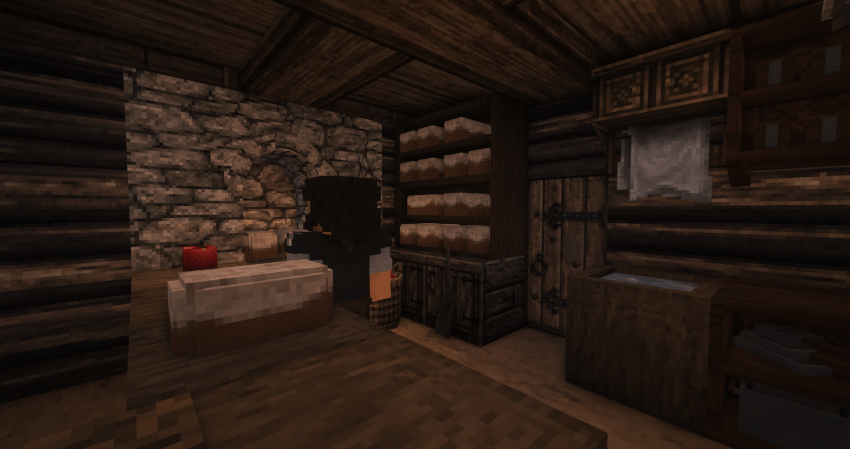
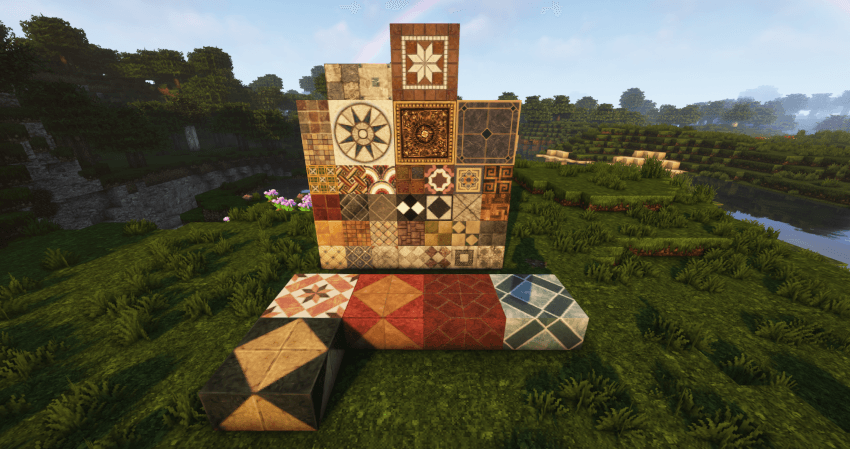
Building Blocks:
- New building blocks in different variants. It´s highly recommended to use (JEI) with it´s search function together with this mod.
- To work correctly some of the blocks require a mod supporting connected textures + the aquila ressourcepack.
More to come in the future!
FAQ:
- What other mods are required?
The Forge version no longer requires optifine but connectedness or continuity would be suggested.
Forge Version: Forge 40.2.10 is required + Aquila Ressourcepack.
Fabric: Ressourcepack and Continuity to work properly. Download the ressourcepack here: Click
- I want to use Forge 1.18.2 and Conquest and Aquila without Optifine?
First please download this modified Ressourcepack for Conquest then download Rubidium, Reforgium and Connectedness (ctm). Additionally Oculus (shaders), ETF Entity Texture Features, Connectivity, Embeddium (Rubidium) Extra, Embeddium /Rubidium Extras, Enhanced Block Entities Reforged, Entity Culling, FerriteCore, Lazy DataFixer (loading times), Lightspeed (loading times), Starlight, TexTrue's Rubidium Options are highly suggest in order to achieve comparable performance on Forge.
Socials:


Credits:
This mod wouldn't have been possible without the amazing tutorials from TurtyWurty and Kaupenjoe .
- Also great thanks to Triliton and Monsterfish for providing assistance.
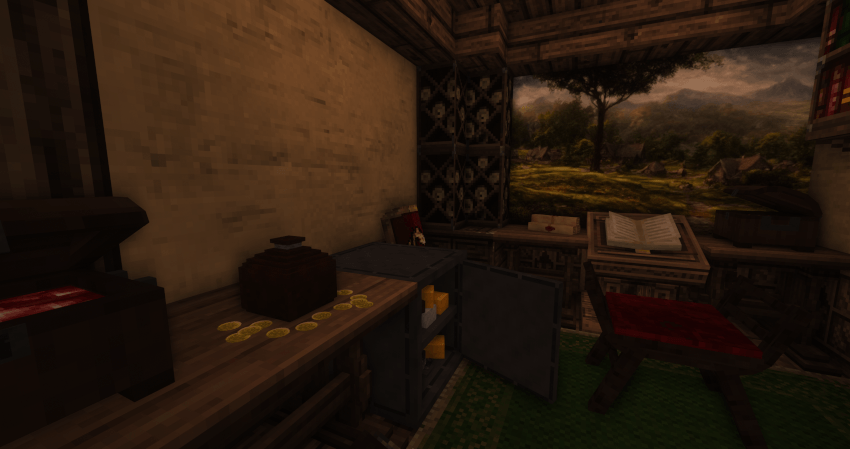
Aquila Mod
Warning!
Latest version named "Aquila-1.2.0-1.20.1-complete" is incompatible with the all other Aquila modules as they are integrated in this edition.
The Aquila mod adds a great variety of building blocks and furniture to your beloved Minecraft world. It is designed to enhance immersion in your medieval / fantasy worlds. From new floor blocks to new furniture Aquila will help you to create your vision.
You can find older versions here.
This mod currently supports Fabric 1.20.1. A Forge version is under development by Vaex.
Content
Spoiler
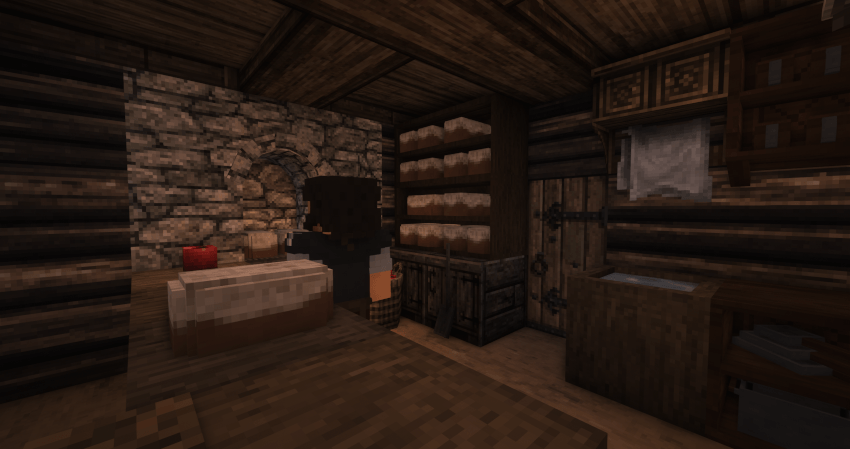
Furniture:
- Many different furniture objects, including chairs, beds, tables and others.
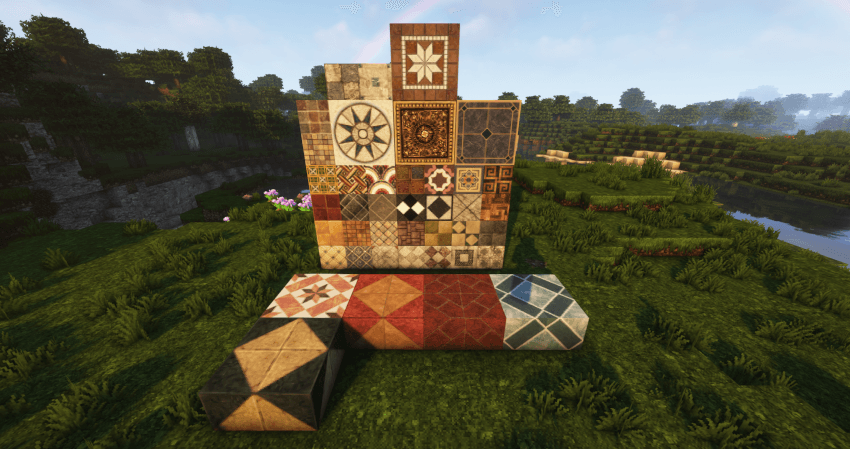
Building Blocks:
- New building blocks in different variants.
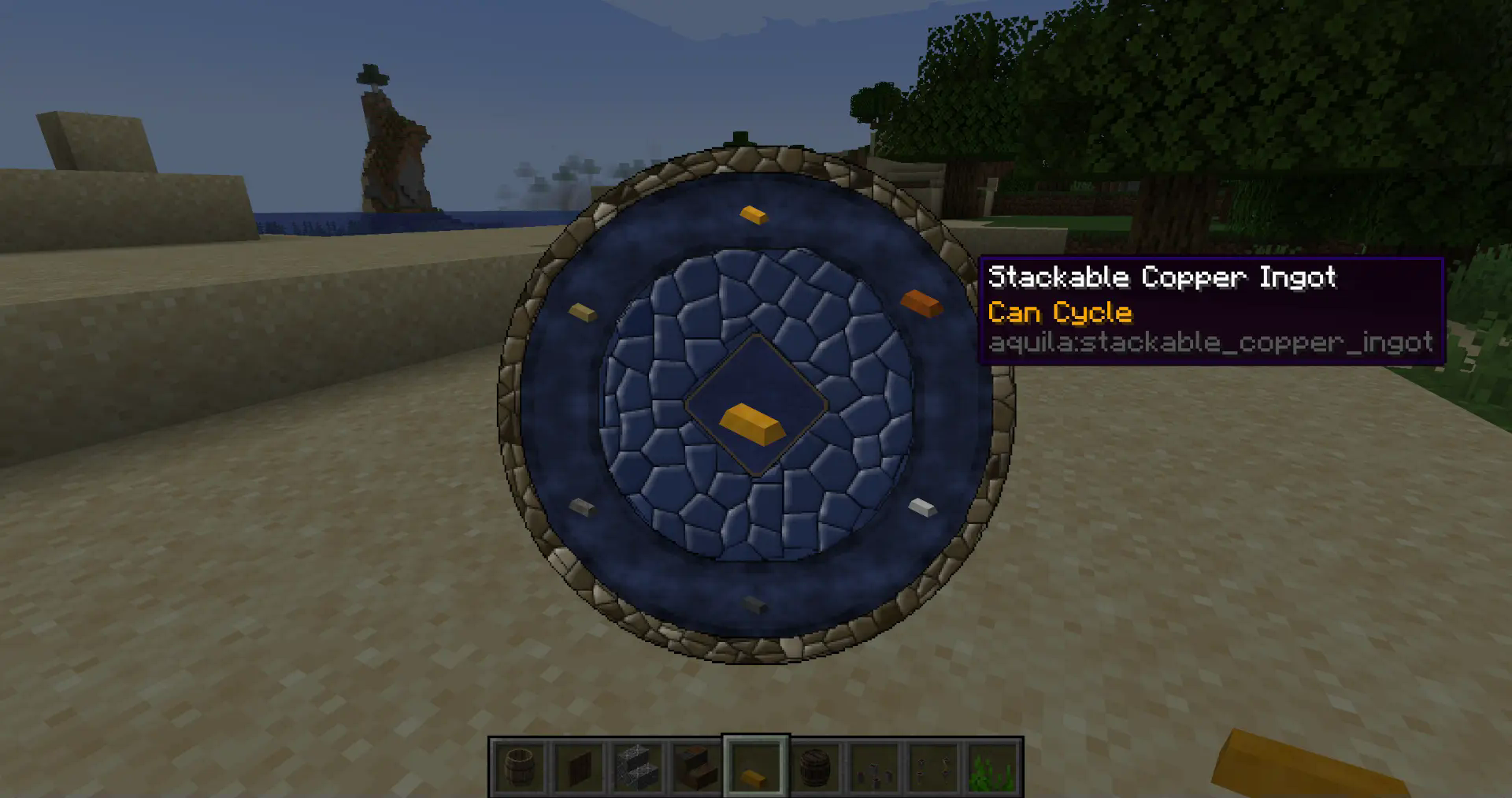
Aquila Palette Wheel
- Provided by the library mod Aquila Core this wheel allows you to access block variants of certain blocks by pressing "C" (default - can be changed) while in creative mode. This will greatly enhance your options to swap between different block options without effort.
Cycle & Shelf Interaction
- Some blocks now have the following tooltips: "Can Cycle" or "Cycle and Shelf Interaction".
- Blocks that can cycle change their "cycle" blockstate when right clicked with the same block in hand.
- Blocks with shelf interaction can be placed "into" shelves. Just place those blocks in front of a shelf by clicking on the upper part just as you would place a slab block on top.
Ore Generation
- Ores added by Aquila can generate in the world. By default this is set to false. You can find the config through Mod Menu or in your configs folder.
Installation
Ensure you are using Fabric Loader 0.16.5 or higher to experience all features Aquila Mod has to offer. The latest version - 1.2.0 - no longer requires Aquila Core and also integrates Aquila Paintings. Make also sure to download Continuity for connected textures.
Mod recommendations
While Aquila is already great on its own these mods are highly recommended:
- JEI
- KeybindsGalore Plus to manage double keybindings, especially if using Aquila together with Conquest Reforged.
- Or another key binding alternative: Keybind Fix
Socials:
Credits:
Check out the Co-developer Vex.
This mod wouldn't have been possible with the amazing tutorials from TurtyWurty and Kaupenjoe. Also great thanks to Triliton and Monsterfish for providing assistance.
Screenshots
Gallery
Versions
Files
Relations
Project Relations
More like this
Similar Mods
Suggestions use data such as tags, dependencies, dependents, descriptions, titles, and more to rank how much they overlap with this mod.
On ModDex
Community snapshot
By the numbers
Statistics
 (opens in a new tab)
Get it on
Available Platforms
On ModDex
Community snapshot
By the numbers
Statistics
Resources