
Architects Measuring Tape
No reviews yet
A visual aid for building various shapes and paths.
Neoforge is a fork of the Minecraft Forge available for versions 1.20.1+ of Minecraft. Many Forge mods are compatible with Neoforge and vice versa.
Fabric is a mod loader for versions 1.14+ of Minecraft, particularly popular for client side and optimization mods.
Community voices
Reviews
Click once to include, again to exclude, again to clear
No reviews yet. Be the first to review this project!
Get it on
Available Platforms
 Modrinth
Compatibility
Supported Environments
About
Project Details
For authors
Embed Badge
If you're the author of this project, you can embed a live badge anywhere that supports HTML or Markdown. It updates automatically whenever ratings change.
Use HTML for any page that supports it, or Markdown for README files and Markdown-based descriptions.
Identifiers
Platform IDs
Resources
External Links
About
Description
Architect's Measuring Tape is a client-side Minecraft mod for measuring, counting, and visualizing block selections.
Features
- Block Selection: Select multiple blocks to create measurement regions
- Shape Modes: Rectangle, Cylinder, and Ellipsoid, line, spline wireframe displays
- Distance Labels: Shows measurements on each edge
- Subdivisions: Divide regions into equal parts with visual guides
- Radial Menu: Hold the measure key to access options wheel
Controls
Hotkeys are configurable in the in-game menu.
- G (tap): Select the block you're looking at
- G (hold): Open radial options menu
- Arrow keys: Adjust layer/rotate
- Scroll Wheel: While holding G and hovering over the selected shape, use the scroll wheel to adjust radius/subdivisions (line, spline, cylinder)/(rectangle).
Shape Modes
- Rectangle: Bounding box around all selected blocks
- Cylinder: First block = center, furthest block = radius
- Ellipsoid: 3D ellipsoid using selection bounds
- Line: Straight line through all selected points
- Spline: Spline through all selected points
Screenshots
Gallery
-
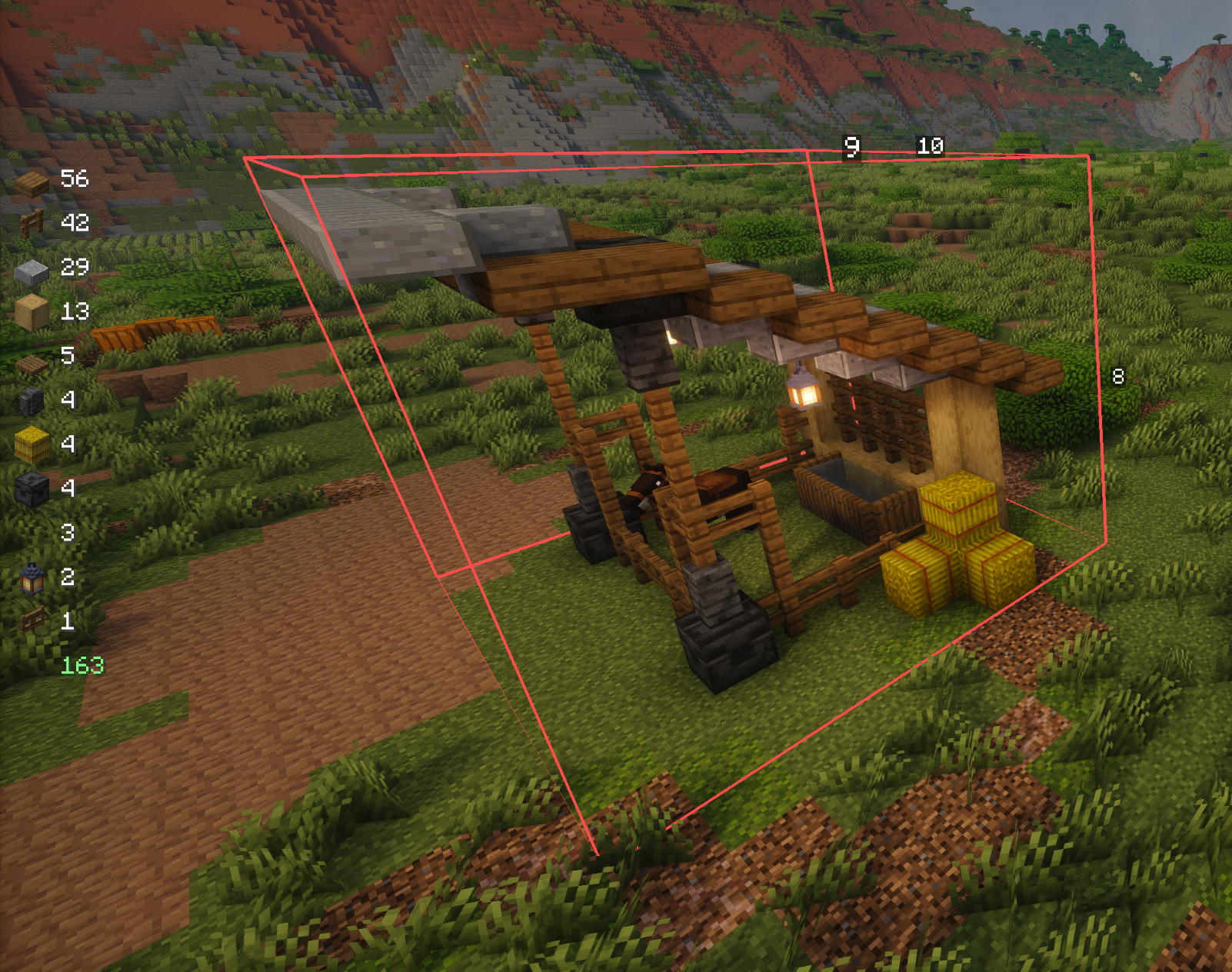 Block Count
 -
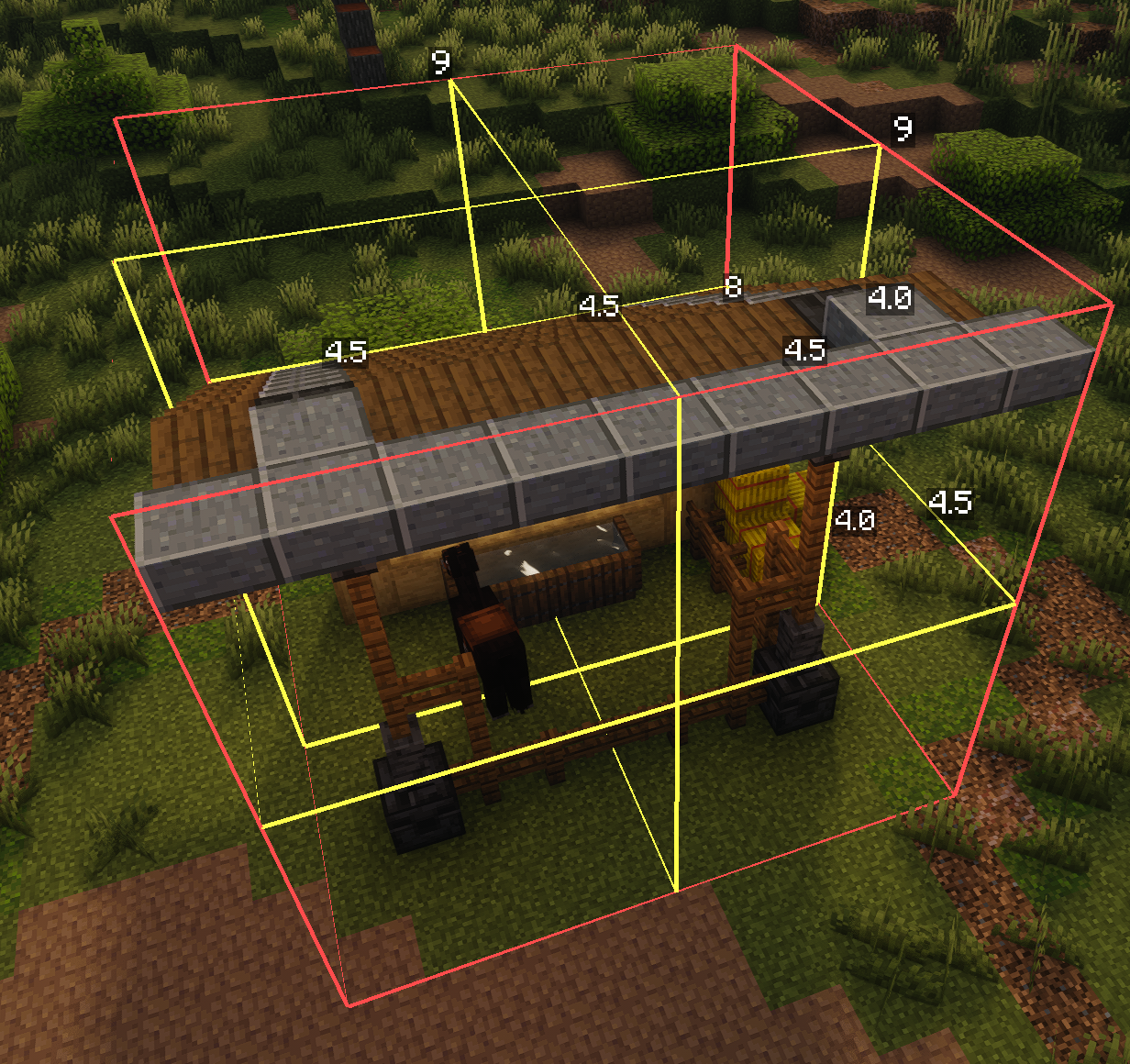 Subdivisions
 -
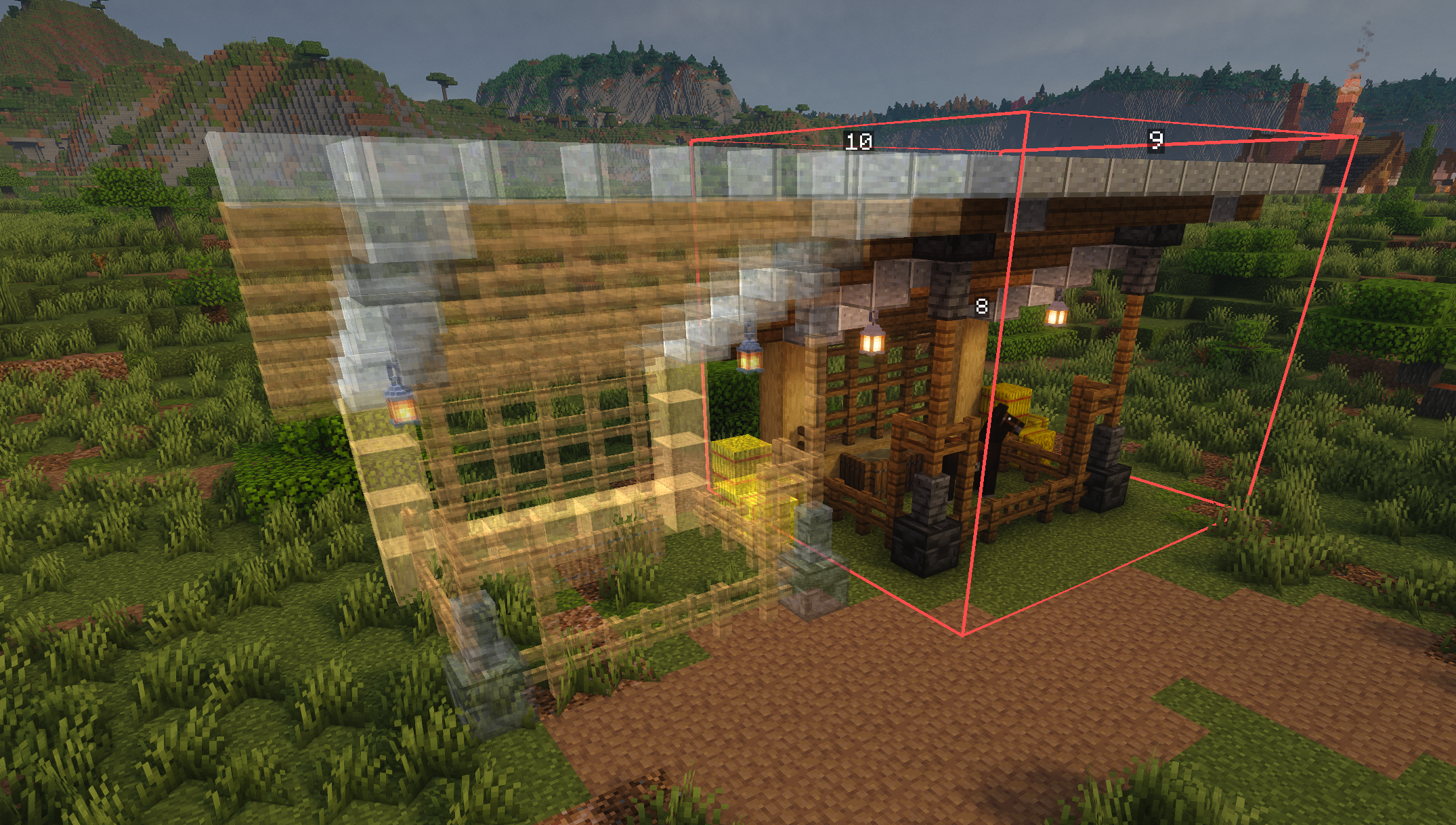 Copy/Paste Design
 -
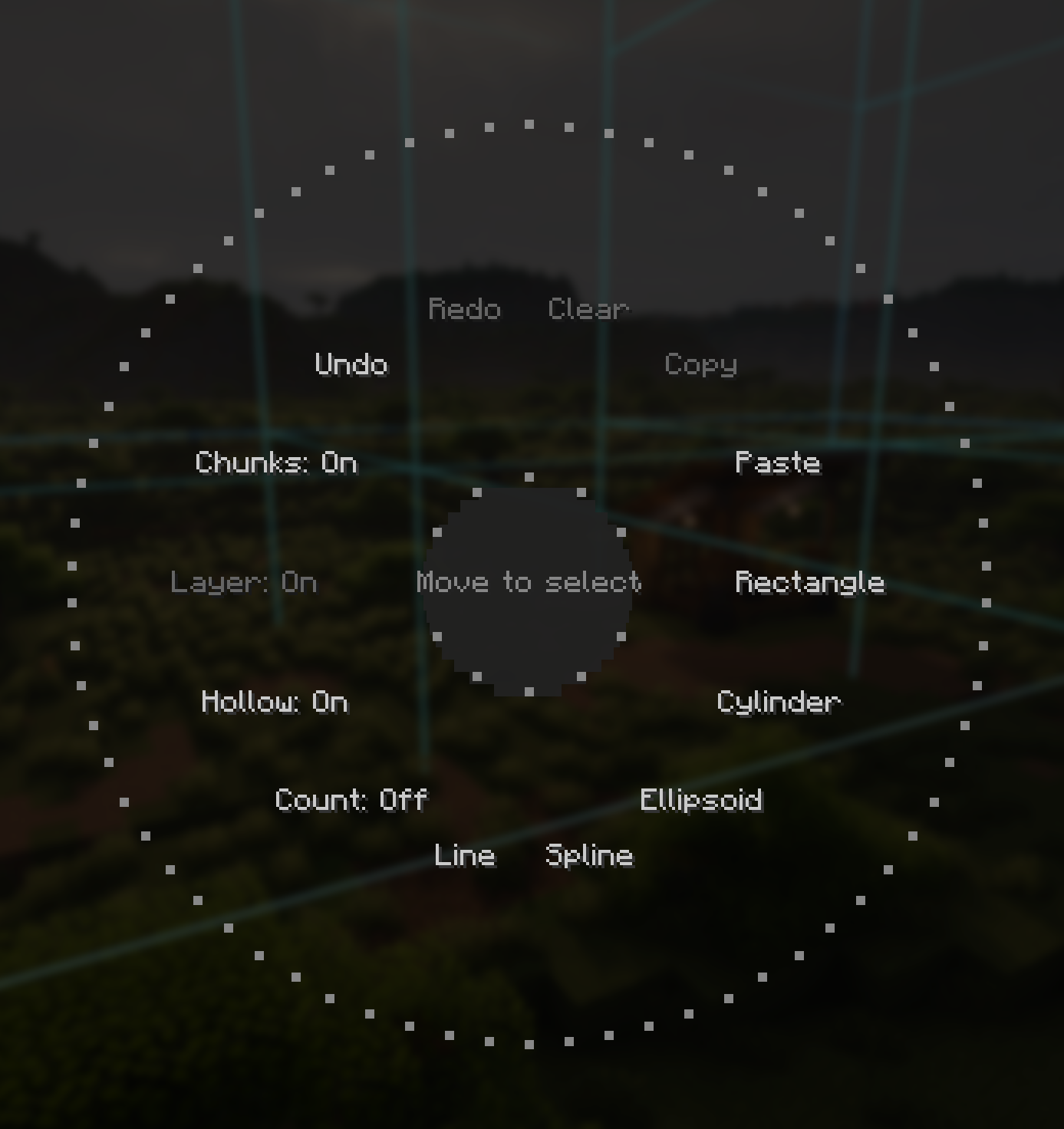 Radial Menu
 -
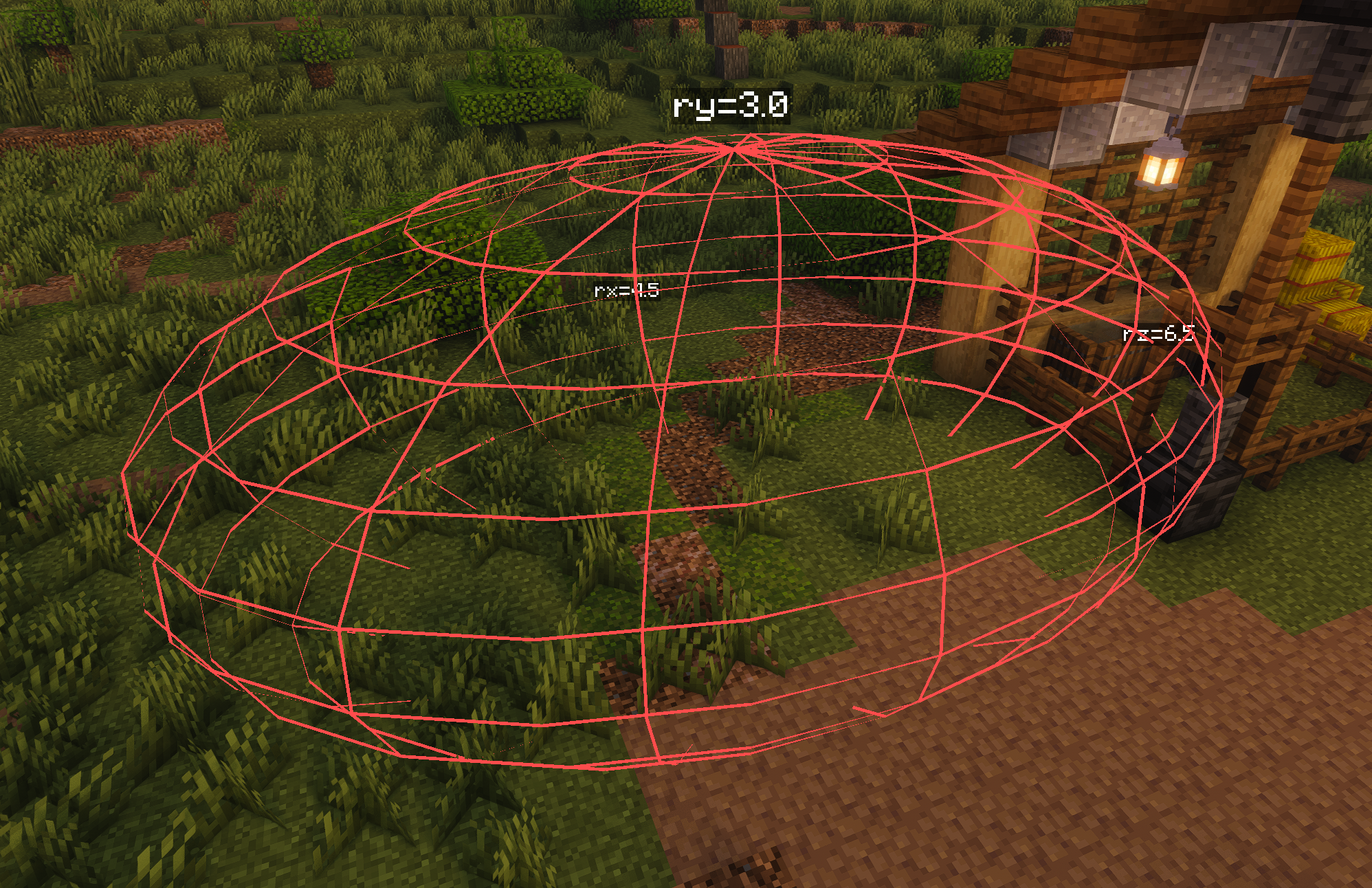 Ellipsoid
 -
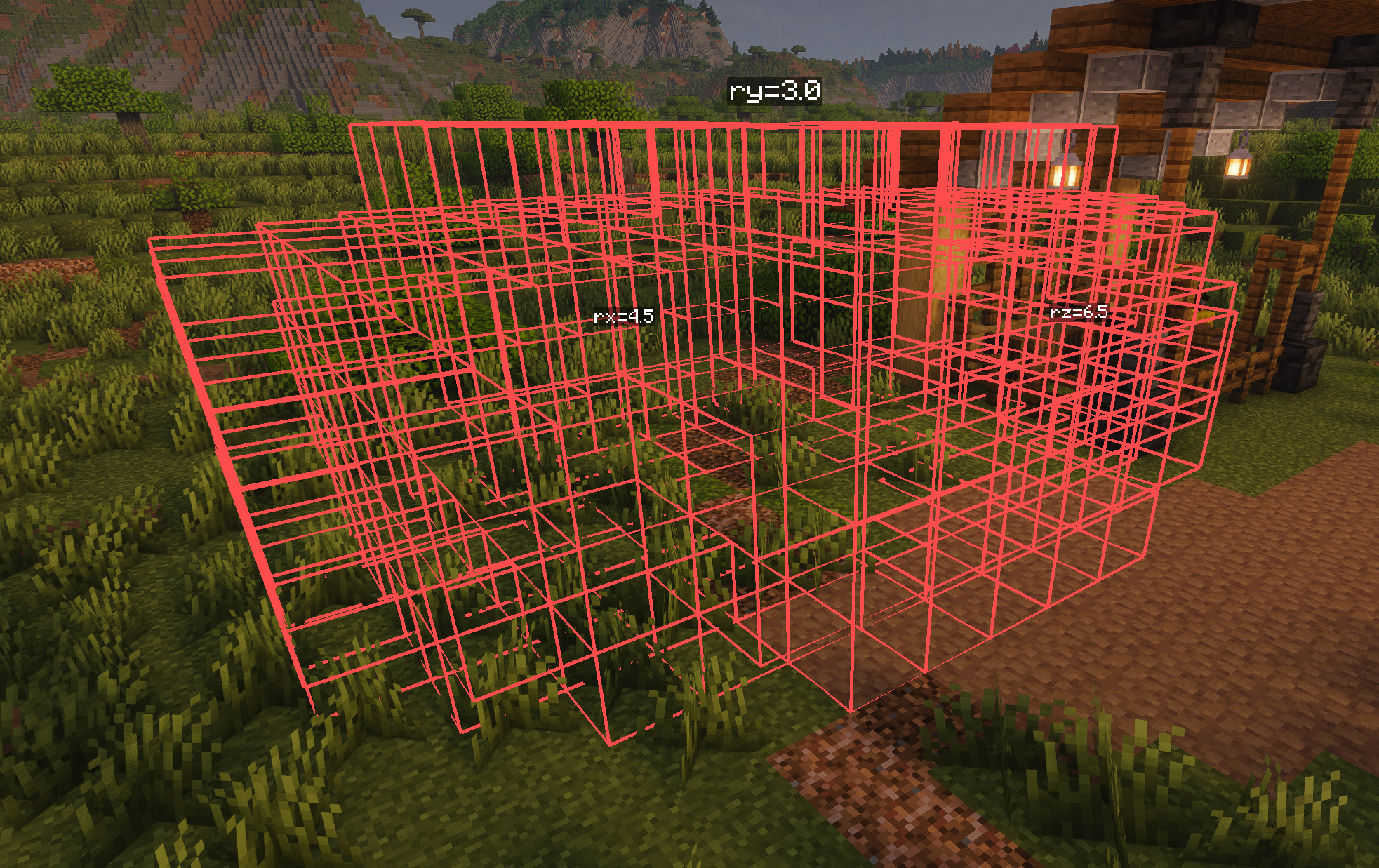 Hollow Mode
 -
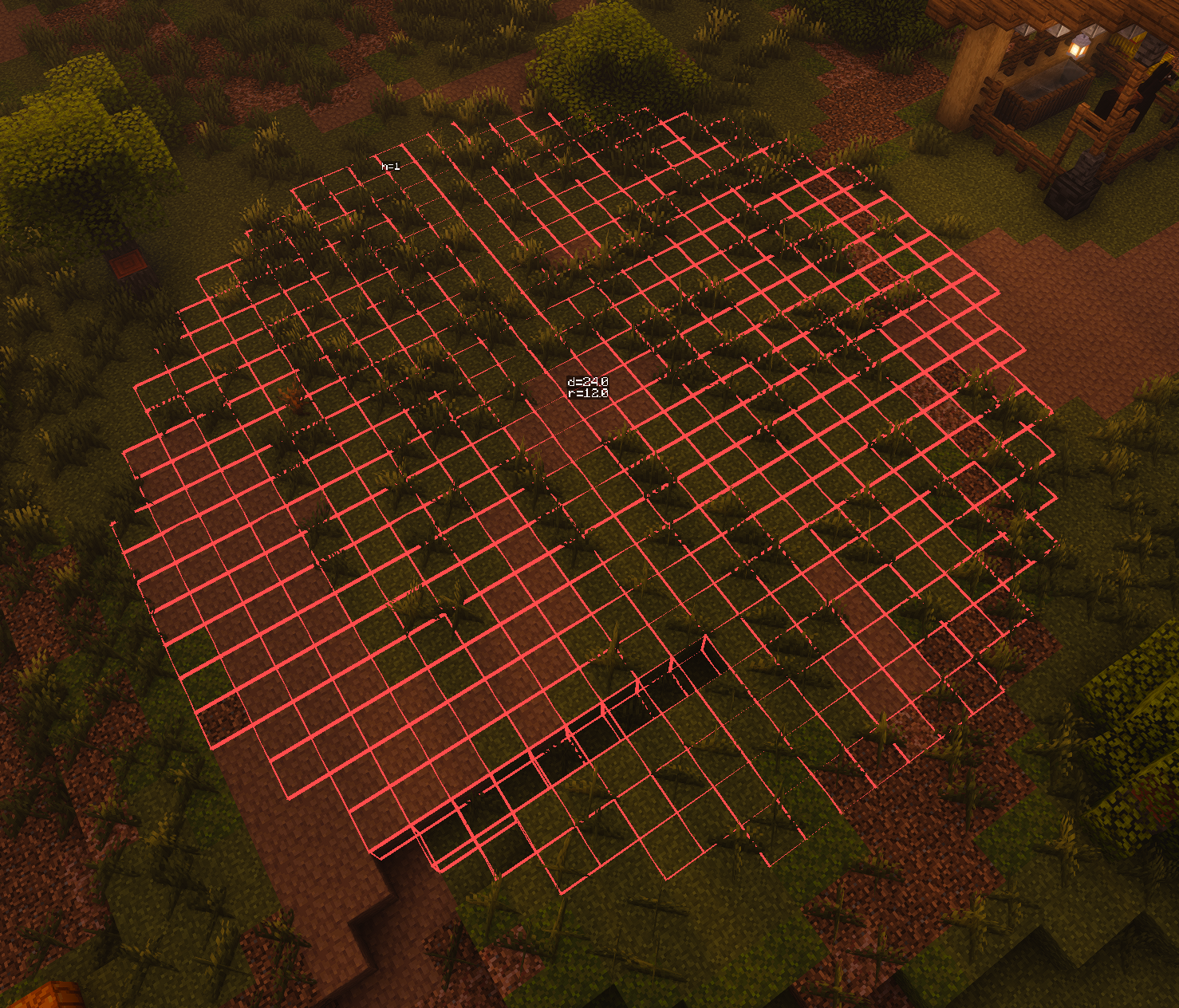 Cylinders
 -
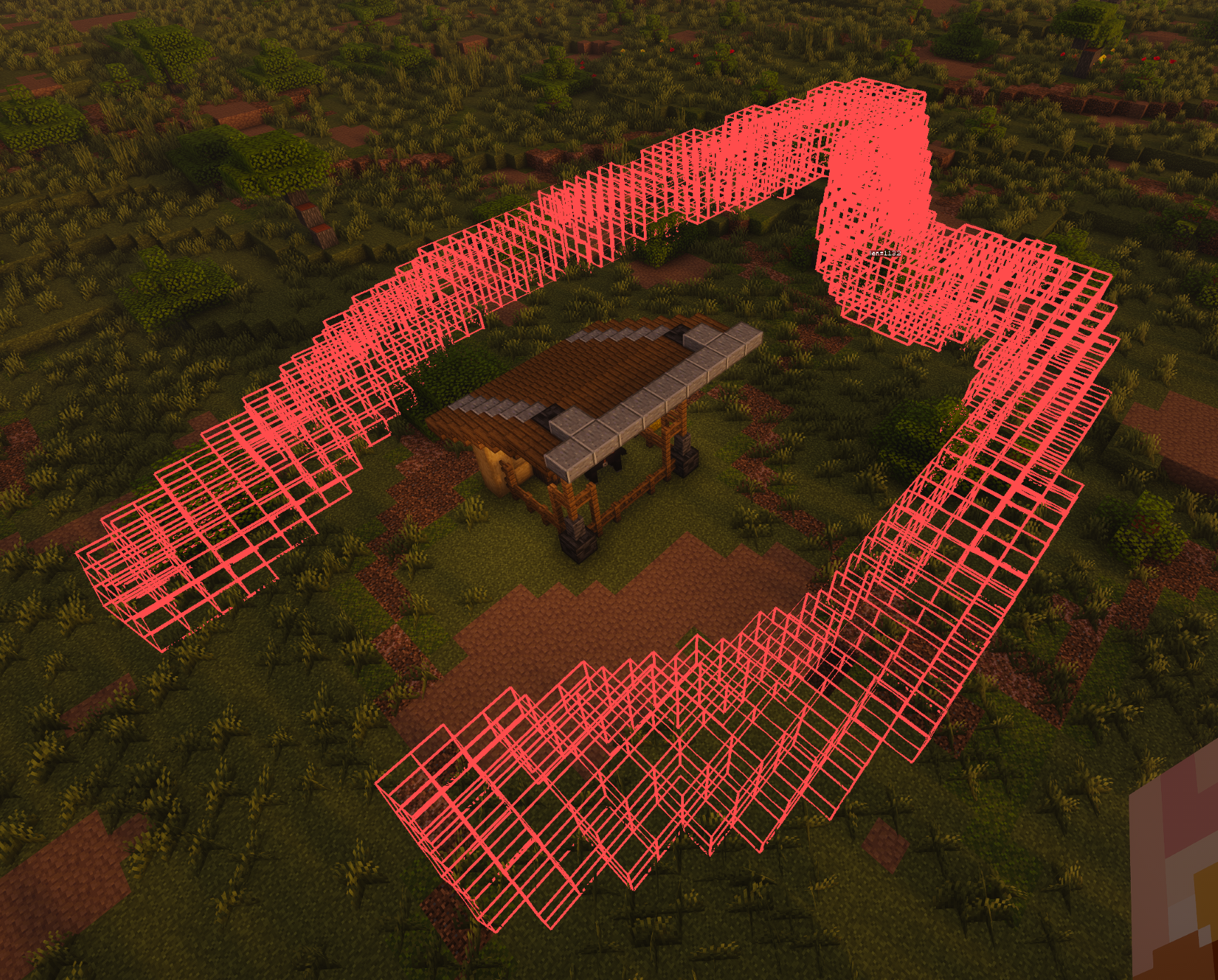 Spline, Hollow Mode, Radius = 2
Versions
Files
Relations
Project Relations
More like this
Similar Mods
Suggestions use data such as tags, dependencies, dependents, descriptions, titles, and more to rank how much they overlap with this mod.
On ModDex
Community snapshot
By the numbers
Statistics

Want to reach Minecraft players?
We're looking for a server hosting partner to feature here and other parts of the site. Interested? Send us a message!
Get in touchGet it on
Available Platforms
On ModDex
Community snapshot
By the numbers
Statistics
Resources