
Area Sign Alerts
No reviews yet
Server-side Area "claims" using Signs with popup alerts
Fabric is a mod loader for versions 1.14+ of Minecraft, particularly popular for client side and optimization mods.
Community voices
Reviews
Click once to include, again to exclude, again to clear
No reviews yet. Be the first to review this project!
Get it on
Available Platforms
 Modrinth
Compatibility
Supported Environments
About
Project Details
For authors
Embed Badge
If you're the author of this project, you can embed a live badge anywhere that supports HTML or Markdown. It updates automatically whenever ratings change.
Use HTML for any page that supports it, or Markdown for README files and Markdown-based descriptions.
Identifiers
Platform IDs
About
Description
Sign Alerts allows you to create areas using signs. When a player enters or leaves the area, they will receive a popup notification displaying the Area name using completely vanilla methods allowing this to run completely server-side.
Sign-Based Areas
Create areas by placing a sign with the format:
[Area <radius>]
Display Name
Additional Text
More Text
The first line defines the area radius, while the remaining lines create the display name shown to players. Both the back and front can be used to create areas and all lines under the area will be joint into a single text. By default a sign must be waxed after completing the format in order to register it's area
Customizable Display
Choose how area notifications appear to players:
- Action Bar - Subtle messages above the hotbar
- Title/Subtitle - Screen-center notifications
- Boss Bar - Persistent bar at the top of the screen
Area names automatically use the sign's text color with limitations based on avaliable text colours and if dark colours are allowed.
Visual Beacons
When signs have glowing ink applied, colored beacon beams mark the far outlines, making it easy to locate areas from a distance. Due to vanilla restrictions this can cause significant lag to players and should probably be avoided.
Commands
Setting/Admin Commands
/areaDisplay mode <actionBar|title|bossBar>- Set notification style/areaDisplay mode title <title|subtitle>- Set title display type/areaDisplay maxRadius <1-500>- Set maximum area radius/areaDisplay waxedRequired <true|false>- Toggle waxed sign requirement/areaDisplay glowBeams <true|false>- Enable/disable beacon beams/areaDisplay allowDarkText <true|false>- Control dark color visibility/areaDisplay list all- View all registered areas/areaDisplay list within <radius>- List areas within range/areaDisplay list page <number>- Paginated area list
Player Commands
These commands are saved per-player and won't affect others.
/areaToggle areaNotice- Hide/show area entry/exit messages/areaToggle particleDisplay- Toggle beacon beam visibility
Inspired By
This mod provides server-side functionality similar to the client side Areas mod, allowing servers to create area without requiring players to install the mod on their client.
Config
On first launch, a config file is created at config/signalerts.json with the following default settings:
- Maximum area radius: 100 blocks
- Display mode: Action Bar
- Waxed signs required: true
- Glowing beams allowed: false
- Dark text colors allowed: false
All settings can be modified via commands or by editing the config file directly.
Feel free to use this mod in modpacks but keep the download within the Modrinth Ecosystem
Do not reupload
Other Mods




Screenshots
Gallery
-
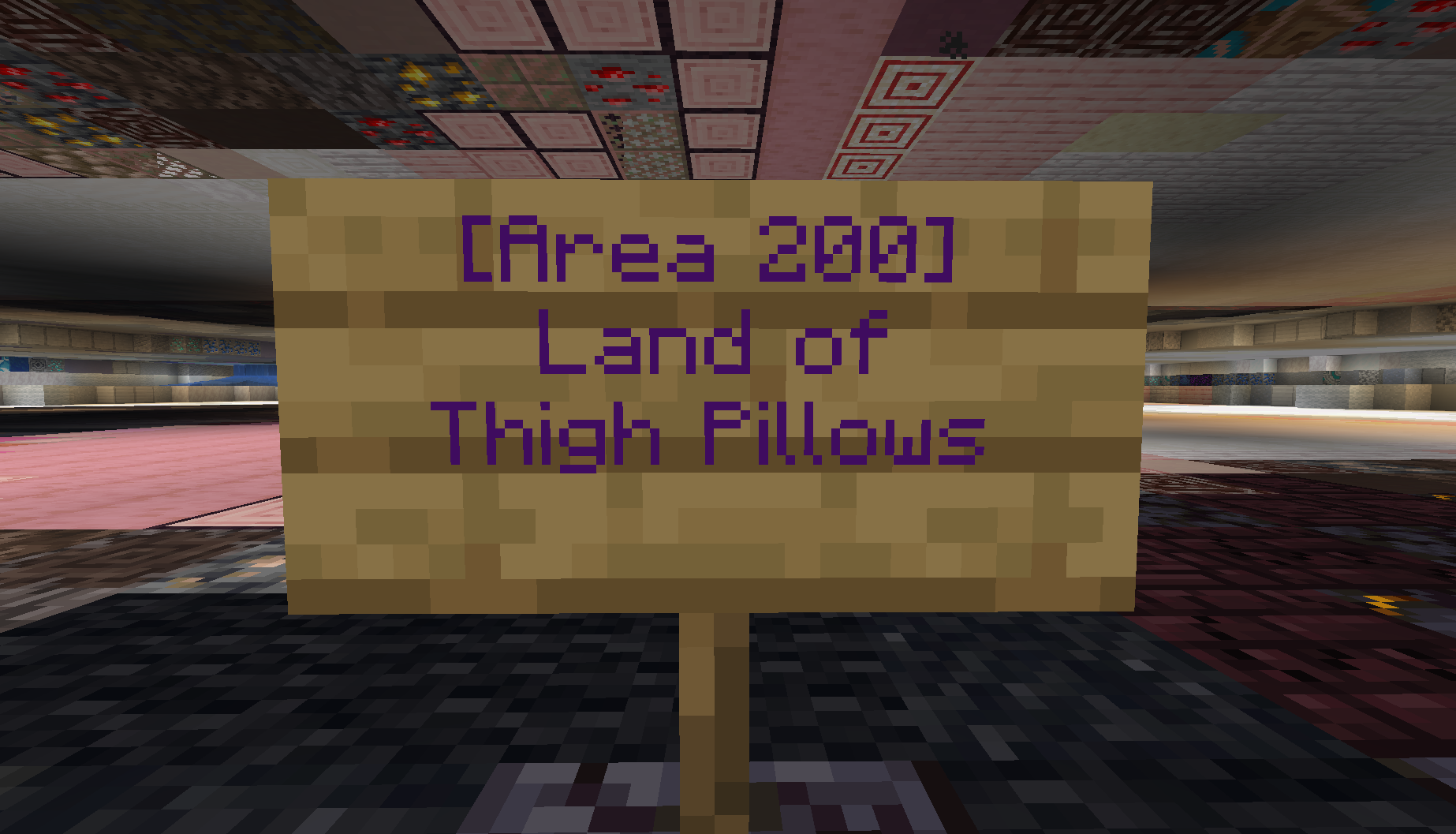 Sign Example Example of a sign alert area with the radius of 200.
 -
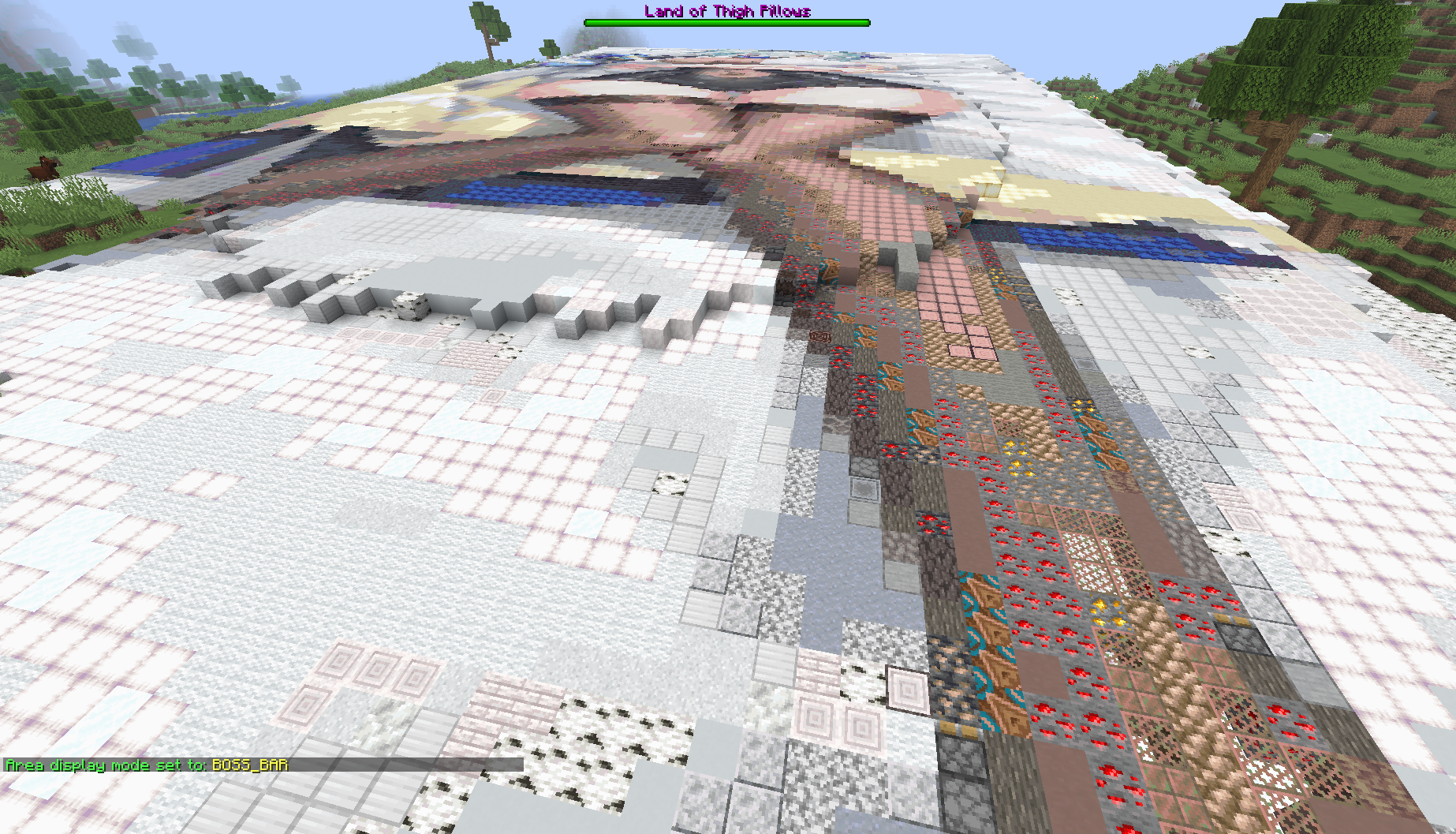 Boss Bar Showcase Showcase of the Boss Bar message display
 -
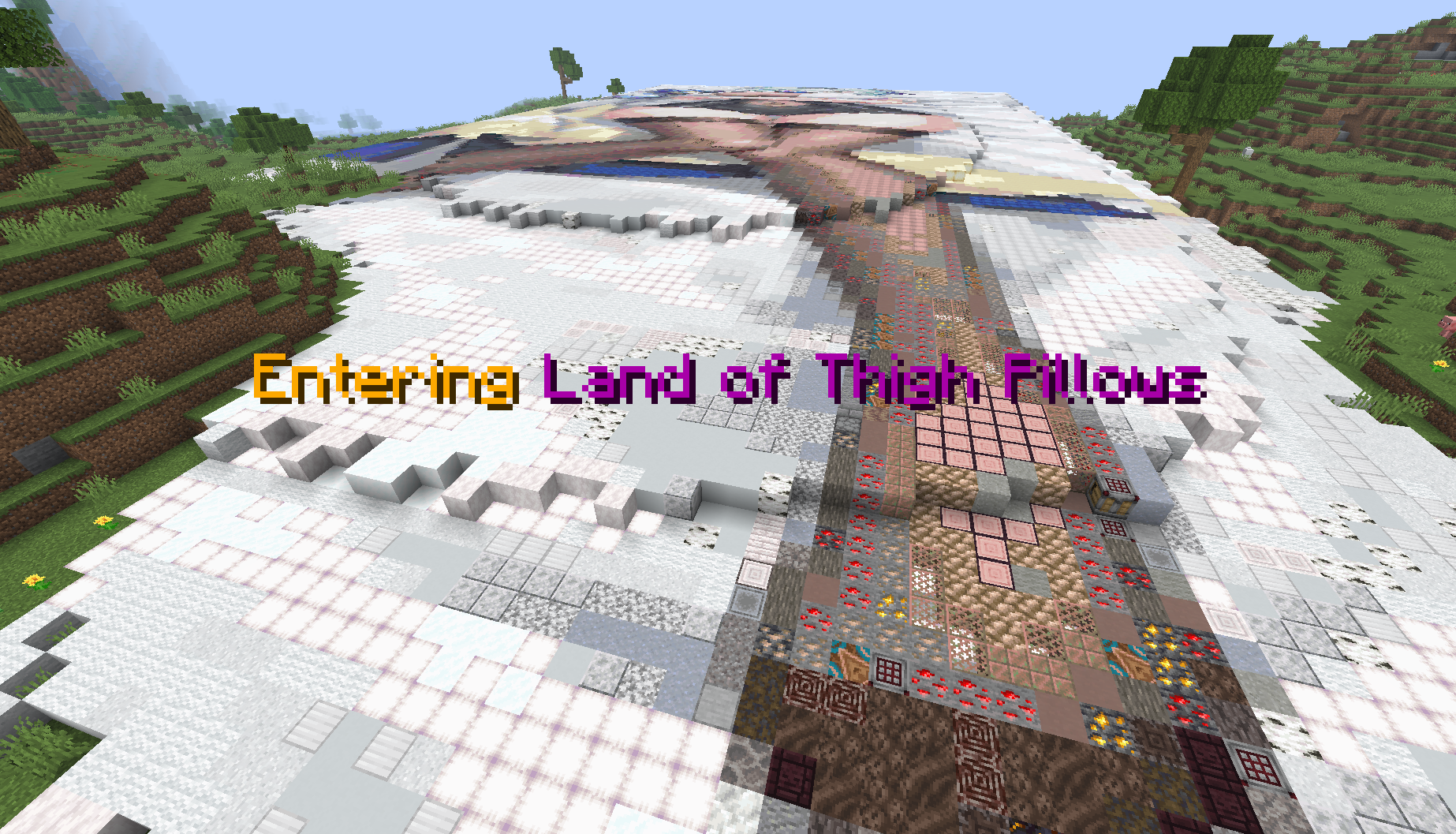 Title Showcase Showcase of the Title message popup
 -
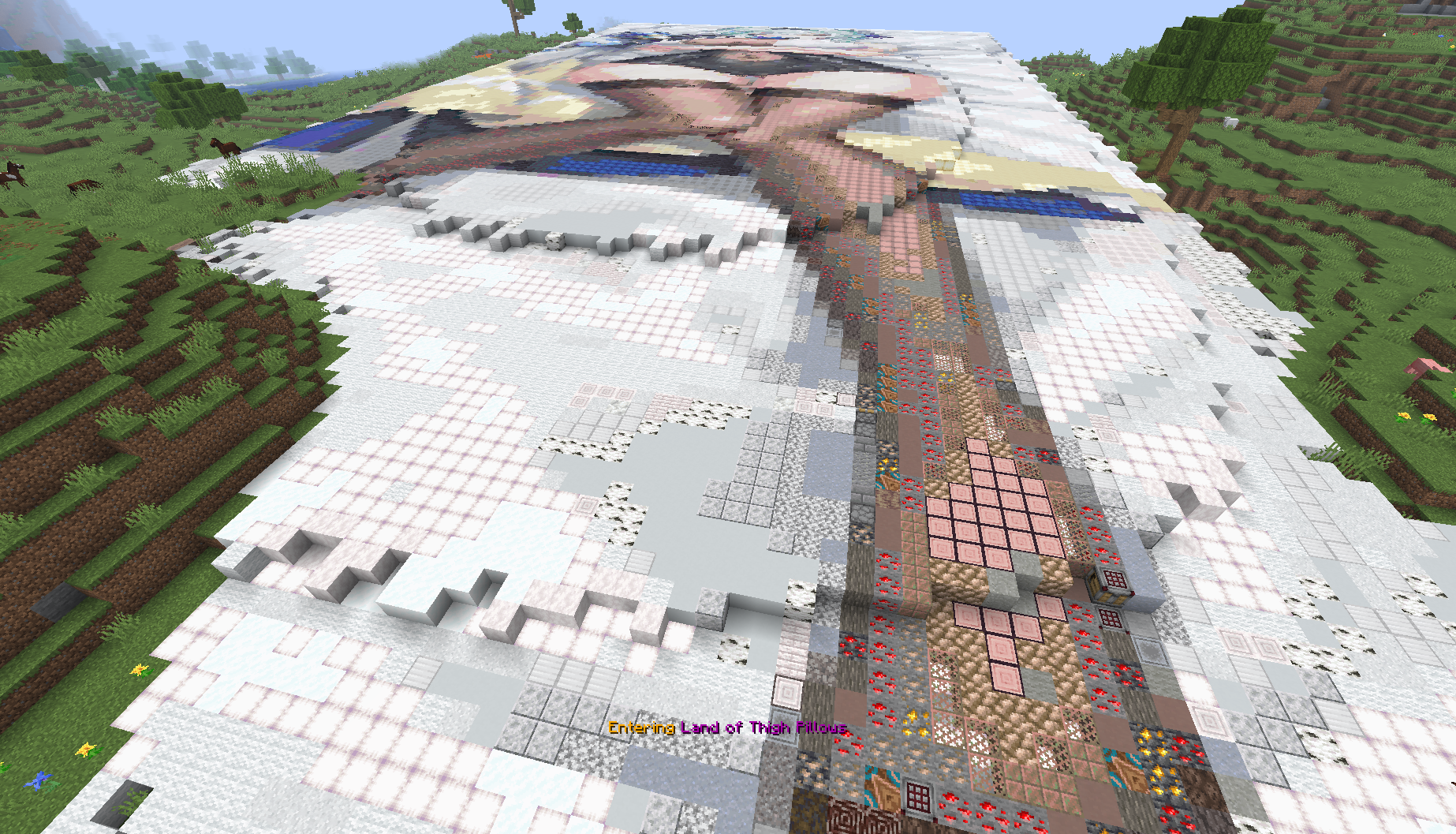 Action Bar Showcase Showcase of the Action Bar messaage popup
 -
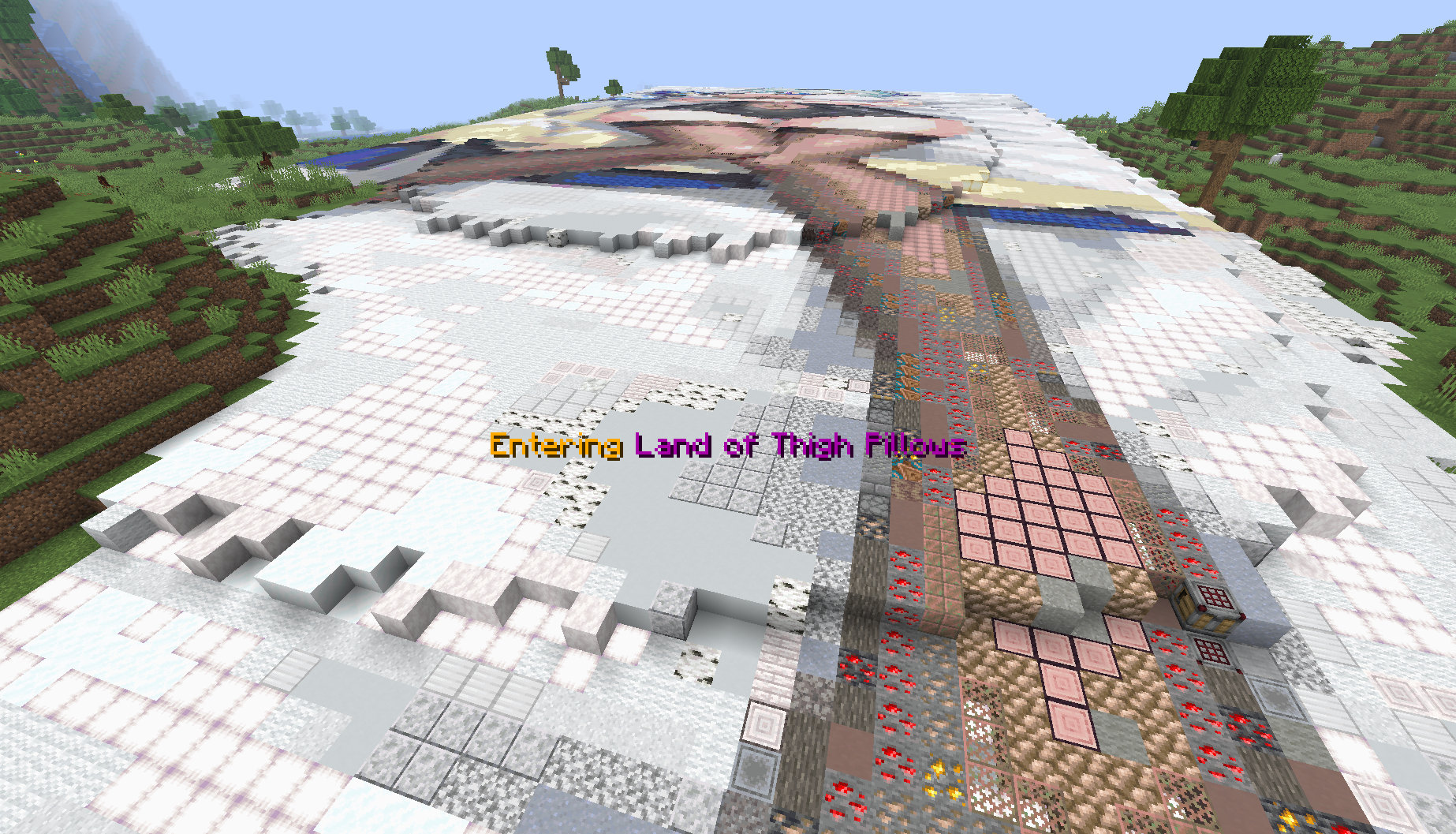 Subtitle Showcase Showcase of the Subtitle message popup
Versions
Files
Relations
Project Relations
More like this
Similar Mods
Suggestions use data such as tags, dependencies, dependents, descriptions, titles, and more to rank how much they overlap with this mod.
On ModDex
Community snapshot
By the numbers
Statistics

Want to reach Minecraft players?
We're looking for a server hosting partner to feature here and other parts of the site. Interested? Send us a message!
Get in touchGet it on
Available Platforms
On ModDex
Community snapshot
By the numbers