
Community listing page, reviews here may not be monitored by the author.
Armory of Destiny


No reviews yet
A mod that adds unique, in-depth weapons and items with abilities, created through an immersive smithing process. Currently adds weapons such as: Murasama, The Crucible, Dragon Slayer and more!
Community voices
Reviews
No reviews yet. Be the first to review this project!
Get it on
Available Platforms
Compatibility
Supported Environments
Must be installed on both the client and the server.
About
Project Details
For authors
Embed Badge
If you're the author of this project, you can embed a live badge anywhere that supports HTML or Markdown. It updates automatically whenever ratings change.
Use HTML for any page that supports it, or Markdown for README files and Markdown-based descriptions.
Identifiers
Platform IDs
About
Description

Attention: This mod is no longer updated on Curseforge and has moved over to Modrinth!
https://modrinth.com/mod/armory-of-destiny
Attention: This mod is still in development so expect bugs. Please, back up your world before playing with this mod, and report any issues you encounter!
GeckoLib is required!
Armory of Destiny is a mod that adds both iconic and custom weapons with in-depth mechanics, each one of them has a high-quality model and texture; These weapons are made in an immersive way, step-by-step using the Armorer's Workshop and Armorer's Forge - No interfaces, only pure in-world interaction. In the future there are planned to be more weapons, and items like artifacts, armors and even more!
Now, let's skim over the content currently present in the mod:
Blueprints
These items are necessary to craft the components and the weapons themselves. They also contain the list of all components and their ingredients in their description. A blueprint for a specific weapon can be found almost anywhere as loot, but they are quite rare, so keep an eye out for them!
Armorer's Forge
Armorer's Forge is used to forge components, which then can be assembled into a special item on the Armorer's Workshop. It is split into four blocks and one item:
Smithing Tongs
Hot items will deal consistent damage as long as they are in your inventory or you're stepping on them. Tongs are used to handle them safely, moving from one place to another. If a block is tongs-compatible, you can directly take and put items from them.
You can also manually take and put items into the tongs - Hold an item in your offhand and tongs in main hand, hold Shift and press RMB, the item will be inserted into the tongs.
To release the item, simply hold Shift and press RMB again.
Bloomery
Bloomery is used to heat materials for forging on the Armorer's Anvil. It's made out of the top and bottom part:
Bloomery's Bottom
The bottom part has an openable door, and it's inside can store up to 4 logs of any kind. To start the fire, use Flint and Steel, to extinguish it - Any shovel.
You can also take out the logs with Shift+RMB, but only if the fire is not present. However you may add more logs anytime you want.
The Nether variant has longer burn time per log (And looks cooler).
Fun fact: Sound cues indicate when a log is consumed!
Bloomery's Top
The top part will turn any item put inside into it's hot counterpart (If there is one), as long as the bottom part provides the heat.
Crafting process is indicated by the smoke coming out of the pipe, and a hissing sound indicates that the item is processed.
Nether variant heats thing twice as fast.
Armorer's Anvil
The anvil is used to smith ingredients together into an item's component. To begin, put a blueprint of the weapon which component you want to craft, then begin adding materials on top of the anvil, and keep in mind that the order matters! After you laid out the items, start hammering them with the Smithing Hammer.
If the ingredients and their order is correct, you will be showered in sparks. Keep hitting the items until they turn into the hot component.
Also, you can hang the Smithing Tongs on the hook of the anvil! Handy, isn't it?
Tempering Barrel
This block is used to turn hot items into their cold counterparts, if you messed up and heated something you didn't need to, or to cool off your finished component. The cooling will work as long as there's water inside, which will deplete after a couple uses. You can put water in at any time as long as the water's level is not max. (And also, nobody knows this, but you can even take out water if it's at the max level!)
Armorer's Workshop
Armorer's Workshop is a crafting station for assemlbing components into a finished special items, split into two blocks and one item:
Smithing Hammer
You'll need this tool to craft the special items and their components on the Workshop and the Forge respectively. Hammers made out of different materials have different durabilities!
Armorer's Crafting Table
This block is the left part of the Armorer's Workshop. By interacting with it's top side, you will open a usual crafting table menu for your convenience, but if you interact with it's front drawers, you will open up it's internal storage.
Armorer's Tinkering Table
This block, right part of the workshop, serves as an assembling table for all of mod's special items. Do mind that the blueprint will be consumed!
First, you put the blueprint on the top side of the block - The ingredient you have to put in will be displayed as a floating, rotating item. You have to put that item in, it will be displayed lying down on the table. Then, press the top side with a Smithing Hammer - If the ingredient is correct, the crafting will proceed to the next step. Repeat until the crafting is done, and then you can take your craft.
Good job! However, if you wish to abort the crafting and retreive all items, make sure your hand is empty and then Shift+RMB the top side - It will take out the blueprint and all items will drop.
Also, the lying blueprint can be duplicated if you interact with the top side while holding Book and Quill.
Lastly, similar to the anvil, you can hang your trusty hammer on the hooks on the front side of the table!
Now... I could go over all the weapons in the mod and their specifics, but where's fun in that? You can take a look at the screenshots, and if you find them interesting, it could be worth giving this mod a try. And also, you did read this far, didn't you? I hope this made you at least a tiny bit interested!
Well anyway, thanks for attention! That's all! I would really appreciate any feedback or suggestions you might have. But most importantly, have fun!

Screenshots
Gallery
-
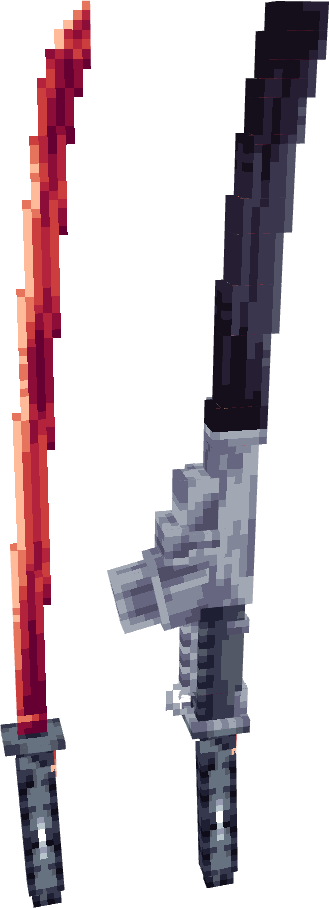 Murasama & Sheathed Murasama
 -
 Bloodletter
 -
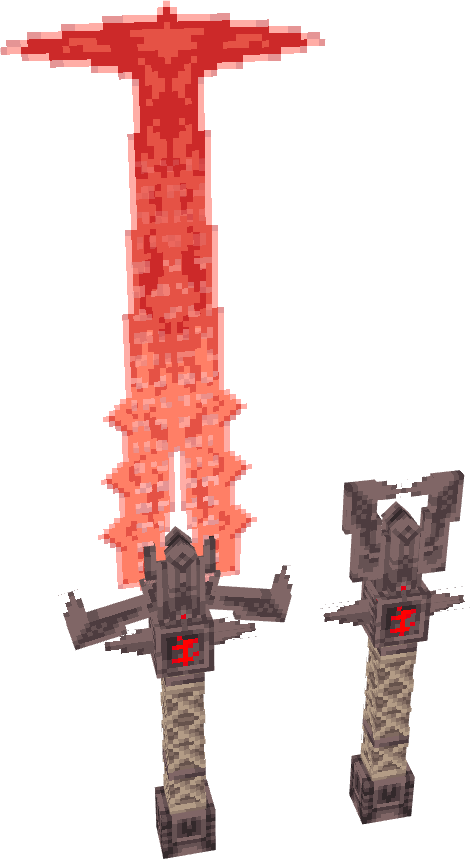 The Crucible
 -
 Dragon Slayer
 -
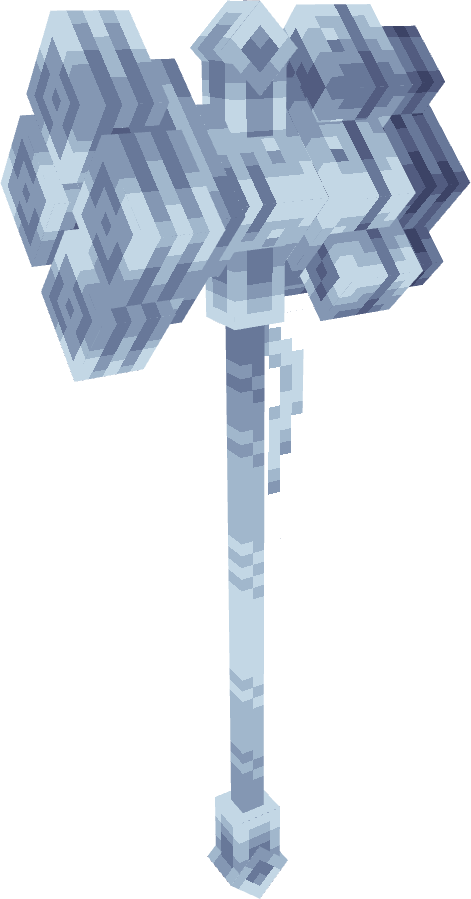 Punisher
 -
 Edge of Existence
 -
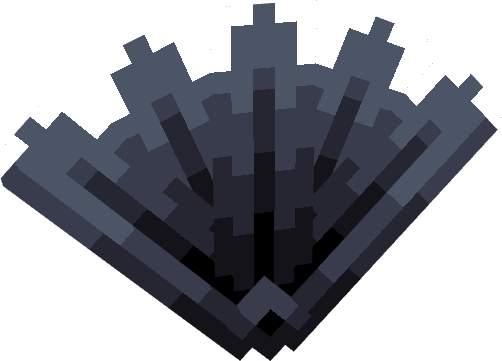 Sharp Irony
 -
 Originium Katana
 -
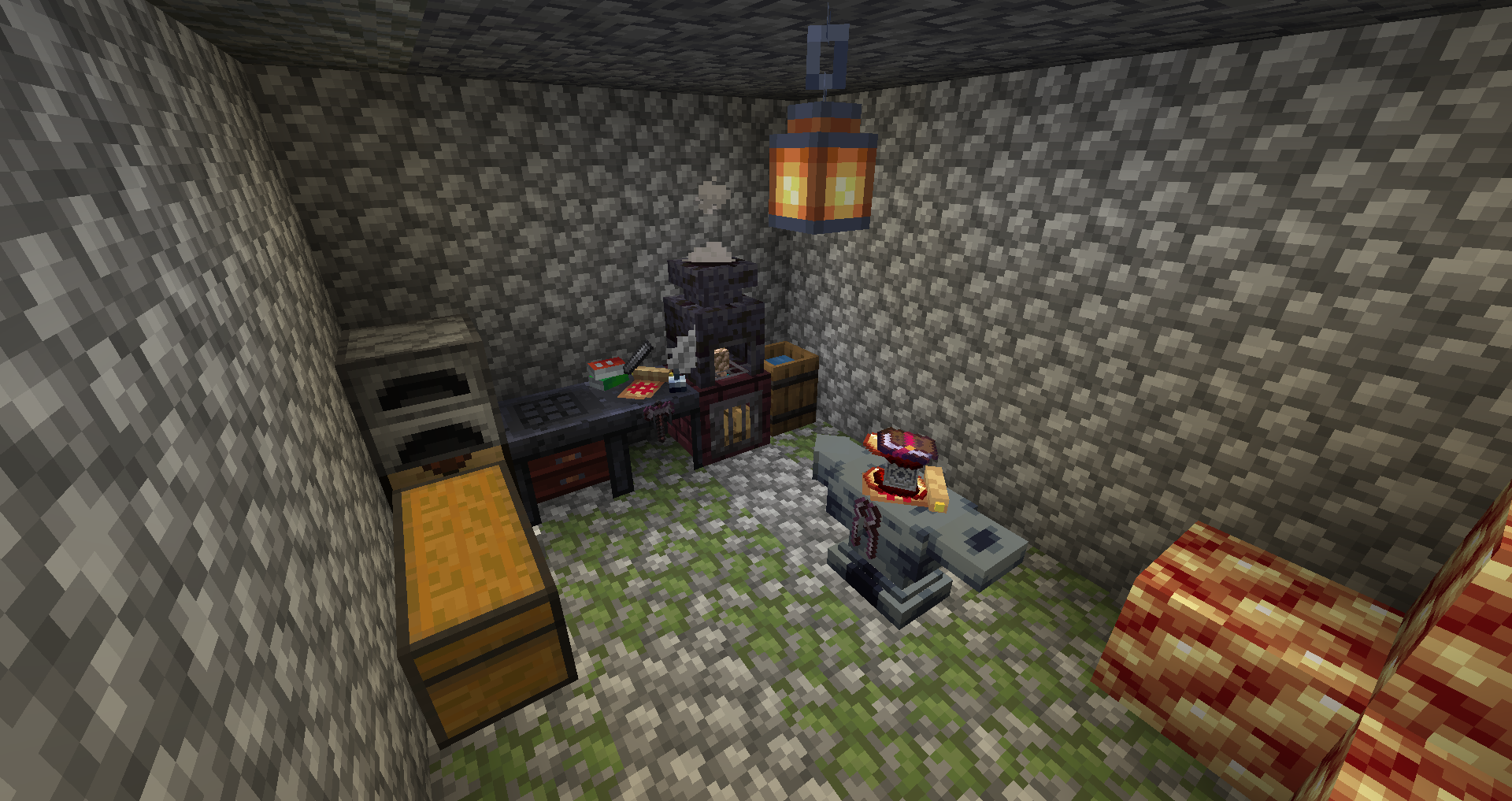 Display of the mod
 -
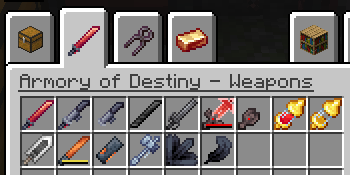 Item tab 1
 -
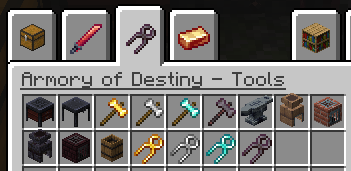 Item tab 2
 -
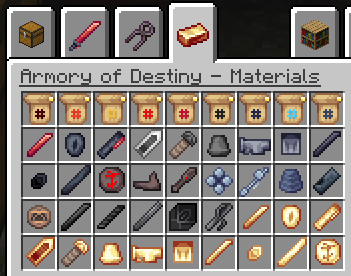 Item tab 3
-
 Dragon Slayer
 -
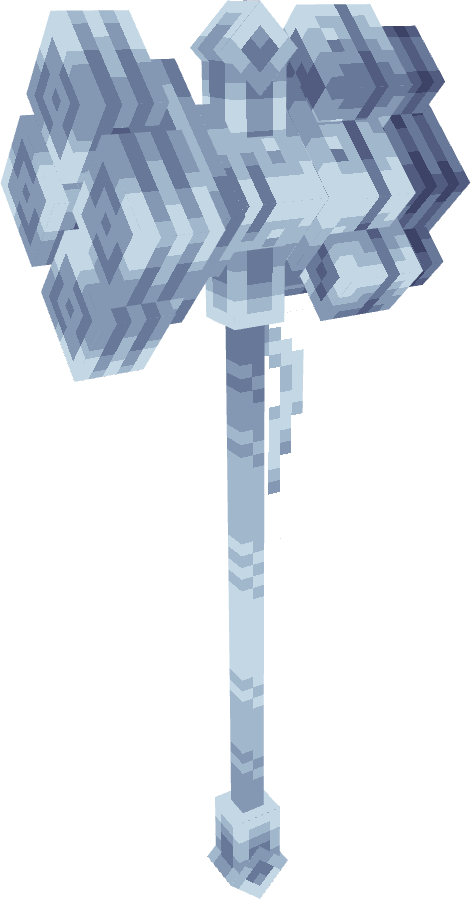 Punisher
 -
 Edge of Existence
 -
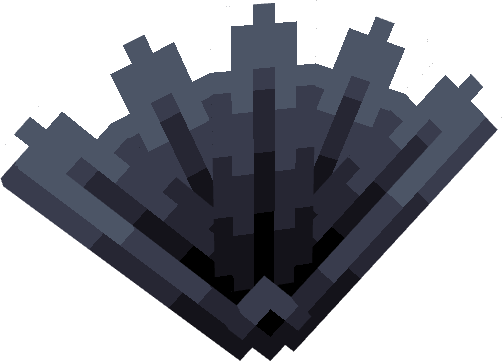 Sharp Irony
 -
 Originium Katana
 -
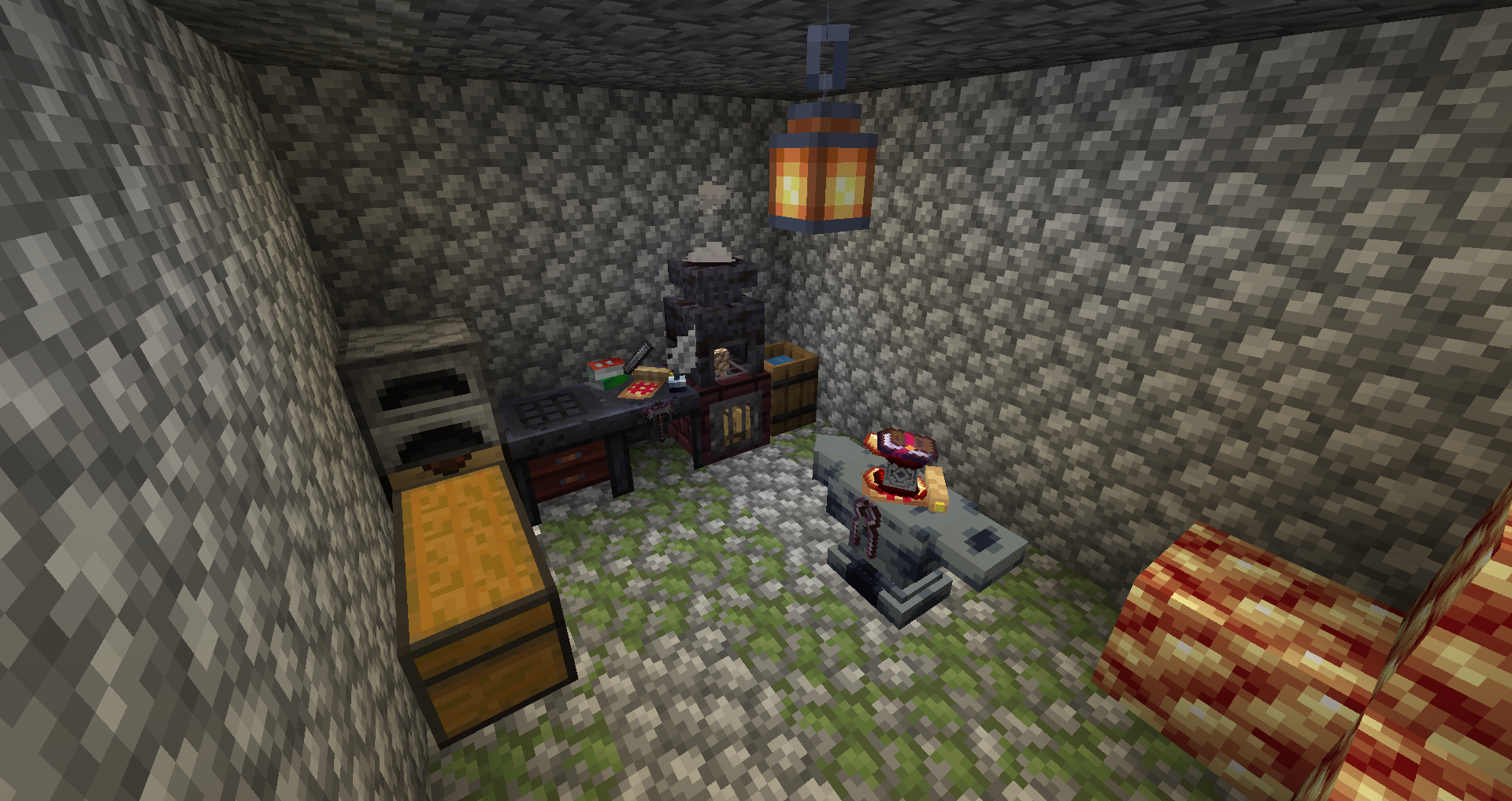 Workstations All workstations in a single room (yes that's a spawner room)
 -
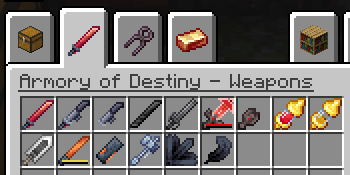 Items tab 1 Weapons added by the mod
 -
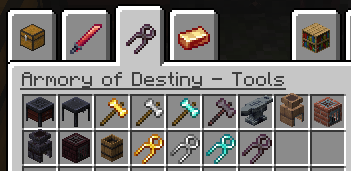 Item tab 2 Tools added by the mod - Workshop blocks, hammers and tongs for smithing
 -
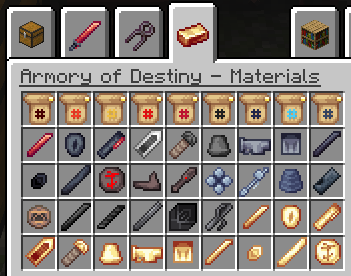 Items tab 3 Blueprints and smithing materials of the mod
 -
 Armory of Destiny Yep :3
 -
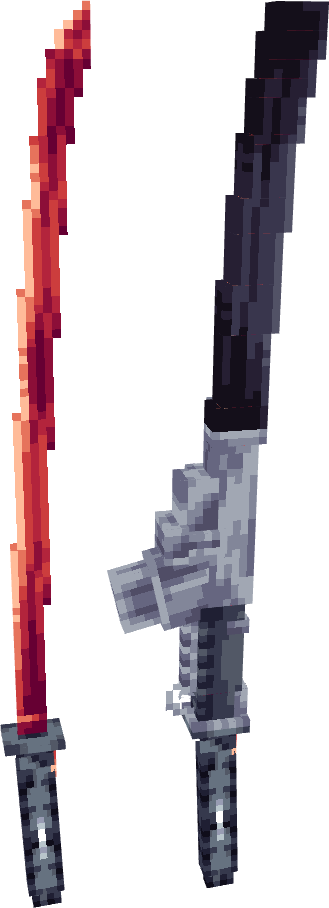 Murasama
 -
 Bloodletter
 -
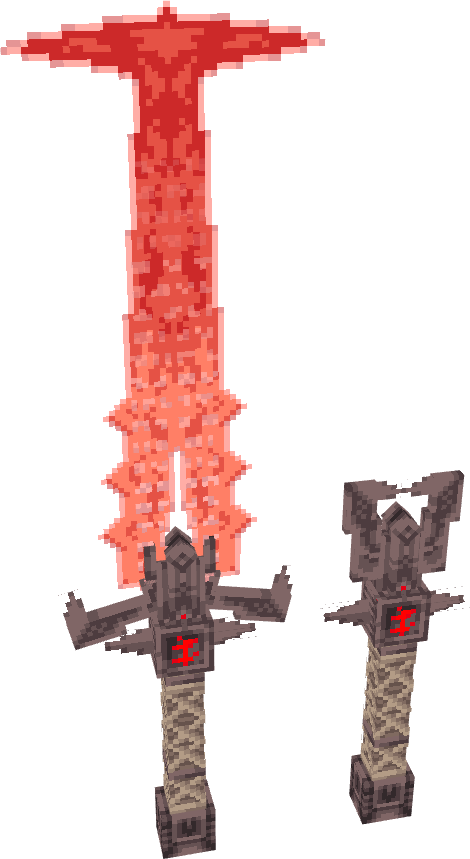 Crucible
Versions
Files
Relations
Project Relations
More like this
Similar Mods
Suggestions use data such as tags, dependencies, dependents, descriptions, titles, and more to rank how much they overlap with this mod.
On ModDex
Community snapshot
By the numbers
Statistics
Want to reach Minecraft players?
We're looking for a server hosting partner to feature here and other parts of the site. Interested? Send us a message!
Get in touchGet it on
Available Platforms
On ModDex
Community snapshot
By the numbers