![ASH 2 - Another Sophisticated HUD [FABRIC]](https://media.forgecdn.net/avatars/thumbnails/597/75/256/256/637973698263399375.png)
Community listing page, reviews here may not be monitored by the author.
ASH 2 - Another Sophisticated HUD [FABRIC]


No reviews yet
HUD with FPS count, coordinates, (block) light level, biome and time

Community voices
Reviews
No reviews yet. Be the first to review this project!
Get it on
Available Platforms
Compatibility
Supported Environments
Runs entirely on the client. Works on vanilla servers.
About
Project Details
For authors
Embed Badge
If you're the author of this project, you can embed a live badge anywhere that supports HTML or Markdown. It updates automatically whenever ratings change.
Use HTML for any page that supports it, or Markdown for README files and Markdown-based descriptions.
Identifiers
Platform IDs
About
Description
New versions will only be published on Modrinth!
This Fabric mod shows you FPS count, coordinates, (block) light level, biome and time. You can hide individual values if you are not interested in them. You can show coordinates in concise format.
It is client-side only and requires the additional mods Cloth Config, Mod Menu and (of course) Fabric API.
You can change the settings in the mod menu.
The mod is based on ASH by umollu.
Available commands:
\ash2toggle - show/hide complete ASH 2 HUD
\ash2reset - reset ASH 2 settings to default
\ash2togglefps - show/hide FPS count
\ash2togglecoords - show/hide coordinates
\ash2toggledirection - show/hide direction
\ash2color r g b - set new text color (integers for red, green, blue)
\ash2togglelightlevel - show/hide light level
\ash2toggletime - show/hide time
\ash2toggleconcisecoords - switch to concise coordinates and back
\ash2backgroundcolor - set ARGB color value for HUD text background
\ash2togglebackground - set/unset HUD text background
Change log:
v1.4:
- Add HUD text background (uses ARGB value)
v1.3:
- Add time to HUD
- Show precise direction in x and z coordinate
- Add GitHub Issues page
- Slight Logo change
v1.2:
- more precise directions (like North-west instead of North or West)
- concise directions possible
- do not put dependencies into jar file (smaller file size)
v1.1:
- Commands fixed
- Homepage set
HUD display:
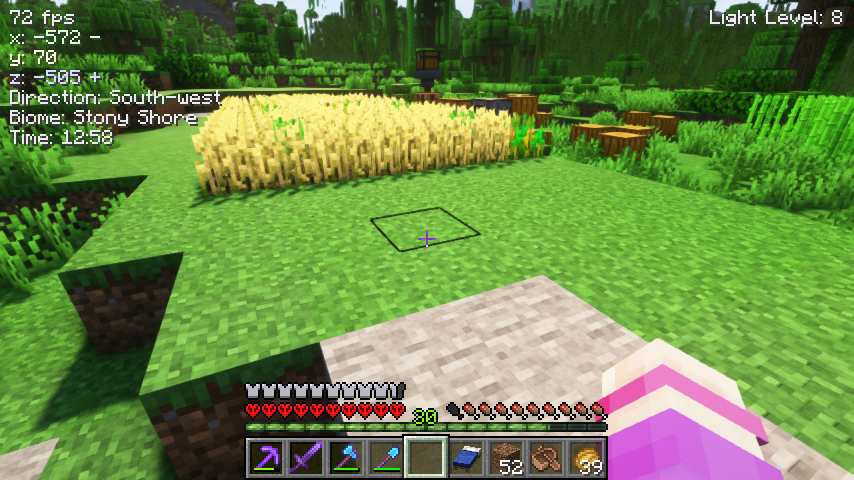
Minimal HUD with concise coordinates and direction: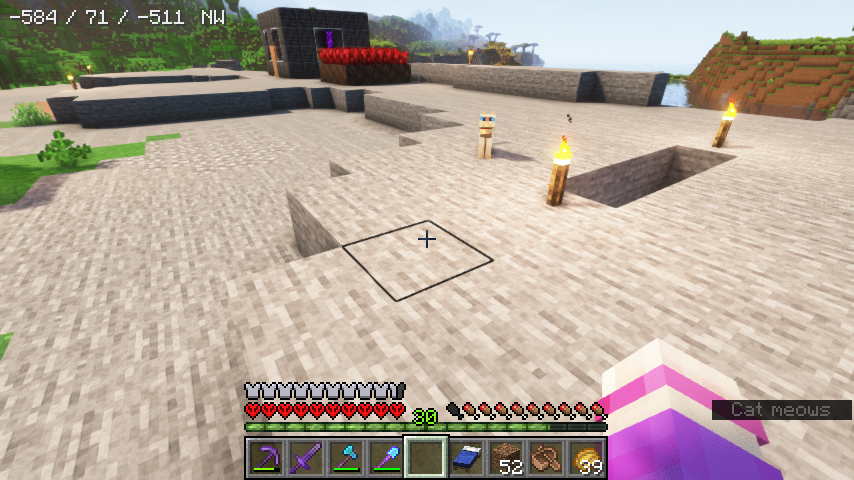
This Fabric mod shows you FPS count, coordinates, (block) light level, biome and time. You can hide individual values if you are not interested in them. You can show coordinates in concise format.
It is client-side only.
You can change the settings in the mod menu if installed.
The mod is based on ASH by umollu.
Available commands:
\ash2toggle - show/hide complete ASH 2 HUD
\ash2reset - reset ASH 2 settings to default
\ash2togglefps - show/hide FPS count
\ash2togglecoords - show/hide coordinates
\ash2toggledirection - show/hide direction
\ash2color r g b - set new text color (integers for red, green, blue)
\ash2togglelightlevel - show/hide light level
\ash2toggletime - show/hide time
\ash2togglebiome - show/hide biome name
\ash2toggleconcisecoords - switch to concise coordinates and back
\ash2backgroundcolor - set RGB color value for HUD text background
\ash2togglebackground - set/unset HUD text background
\ash2backgroundalpha - set alpha (opacity) value for HUD text background
\ash2textalpha - set alpha (opacity) value for HUD text
ℹ️ Current Vanilla Minecraft versions can show quite a bit of info natively. So you might not even need this mod anymore...
Screenshots
Gallery
-
Minimal HUD with concise coordinates and direction
-
HUD display
-
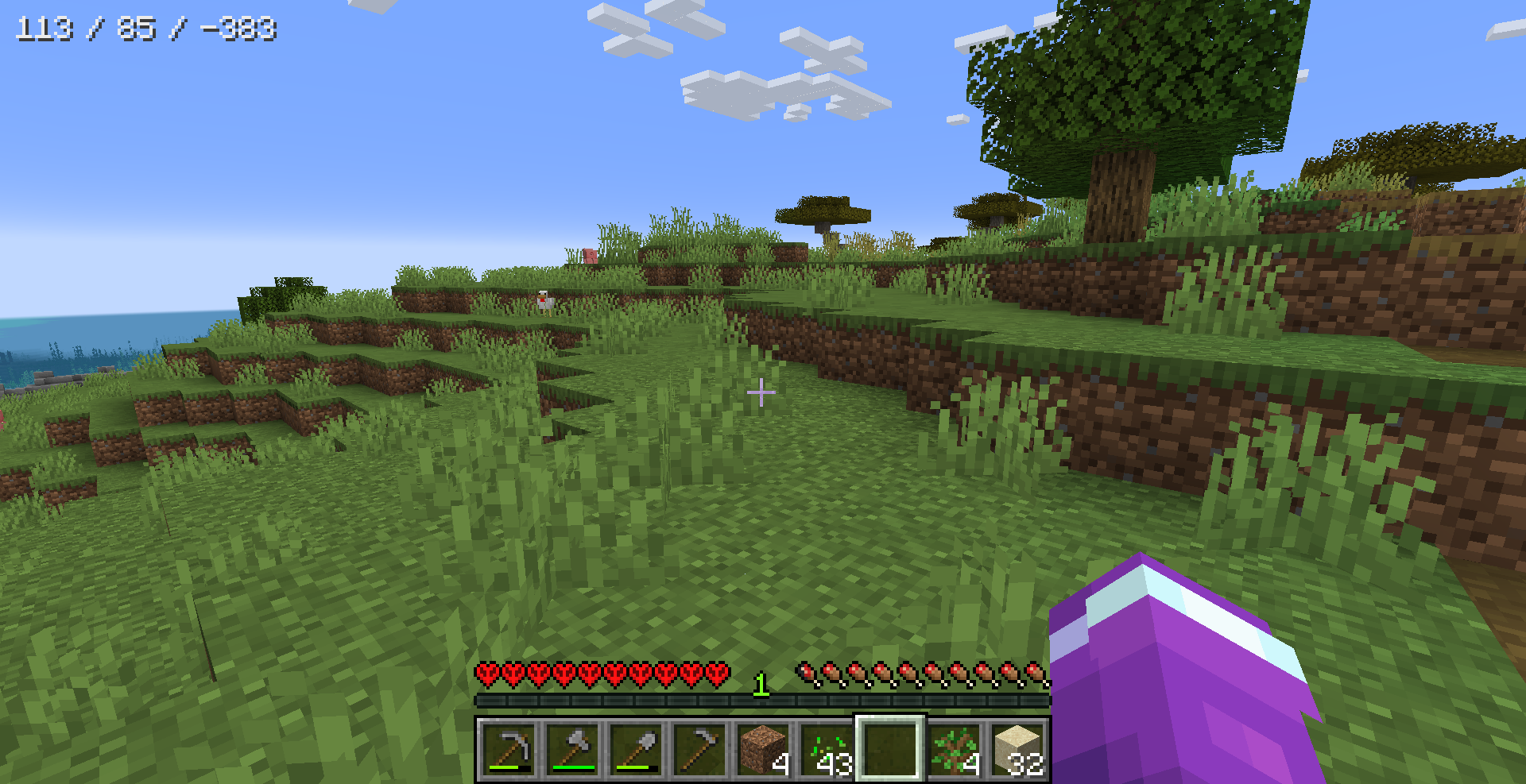 Minimal HUD with concise coordinates
 -
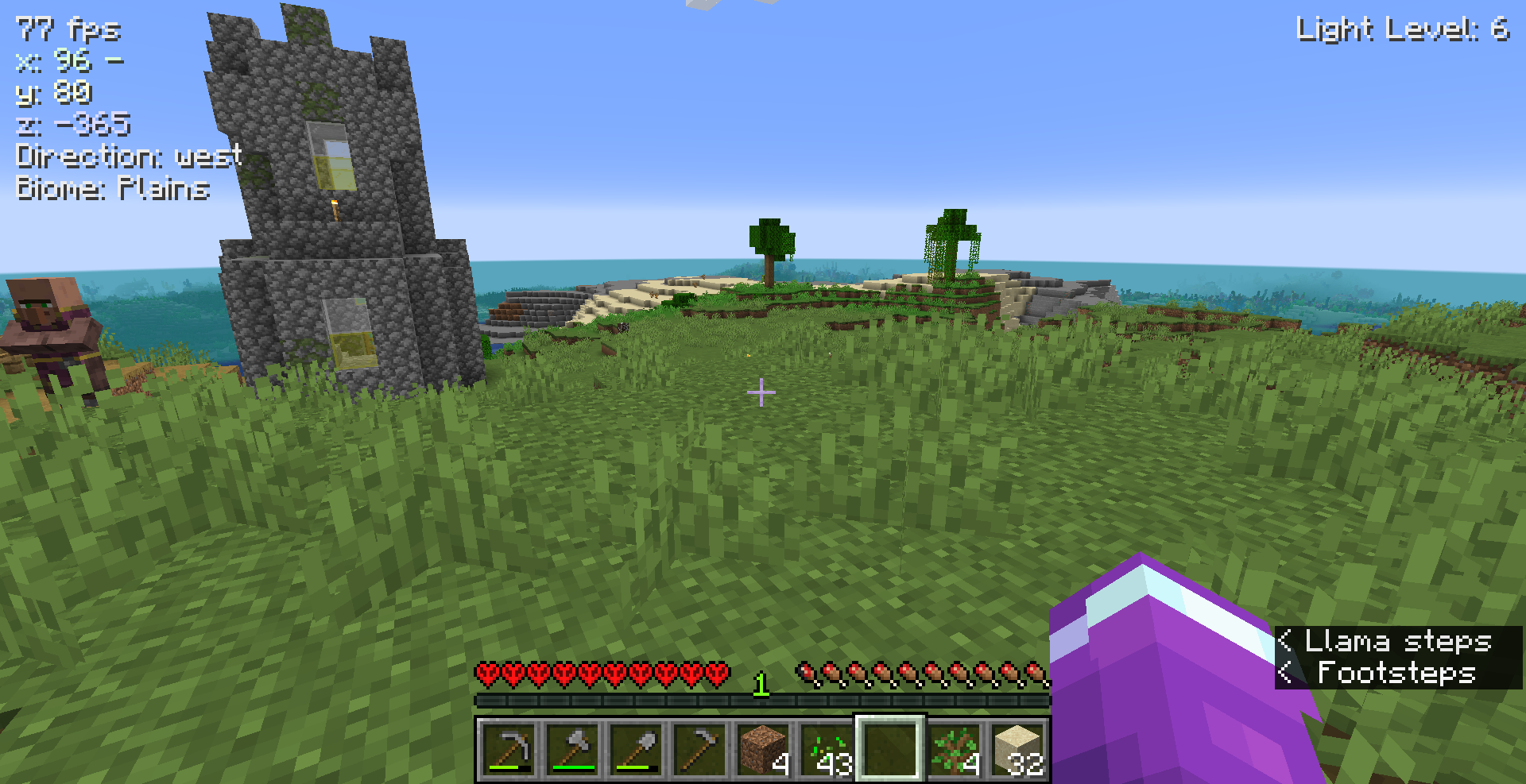 HUD display
-
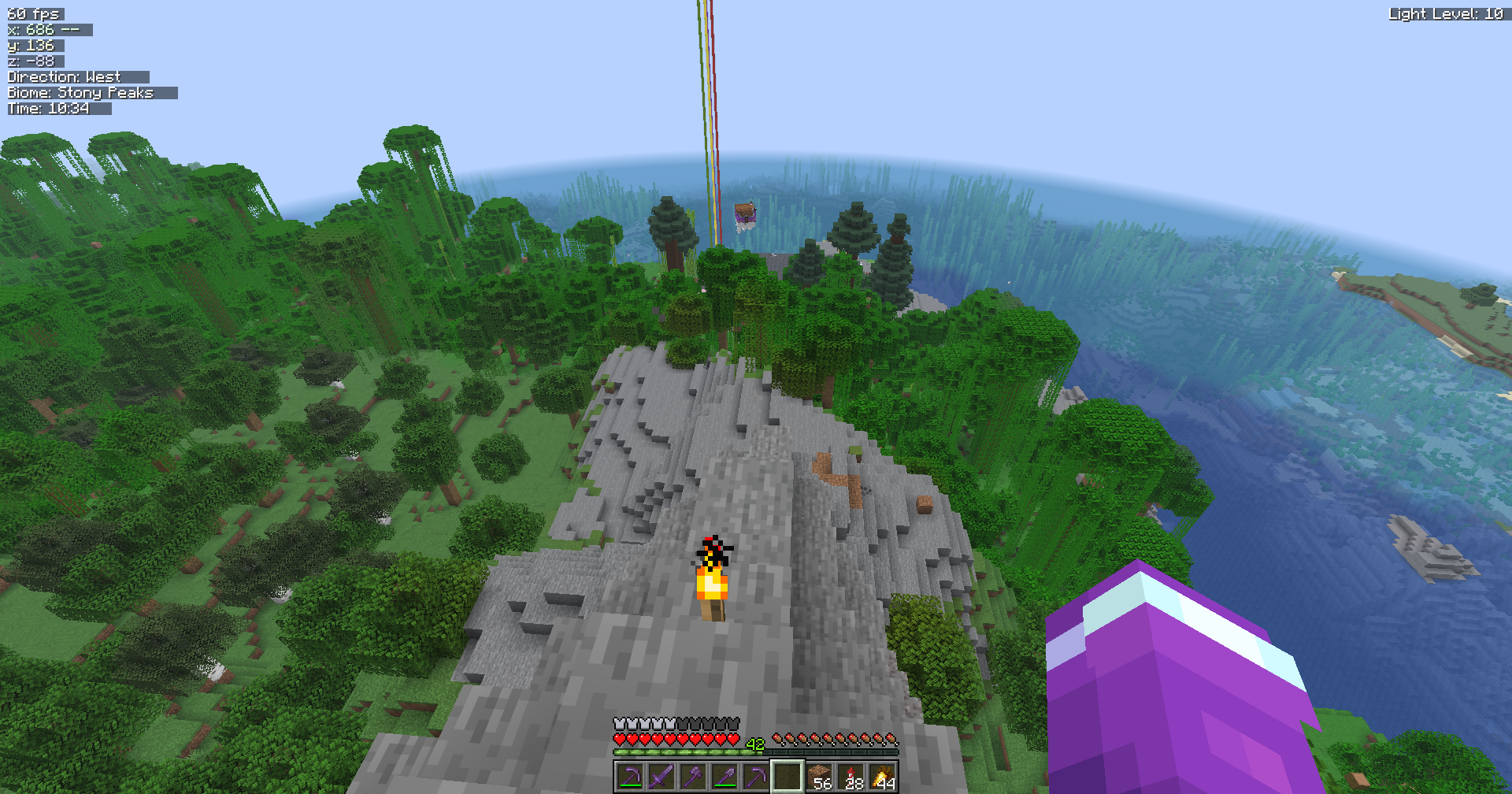 HUD with background color (1) The HUD background color can be customized as well.
 -
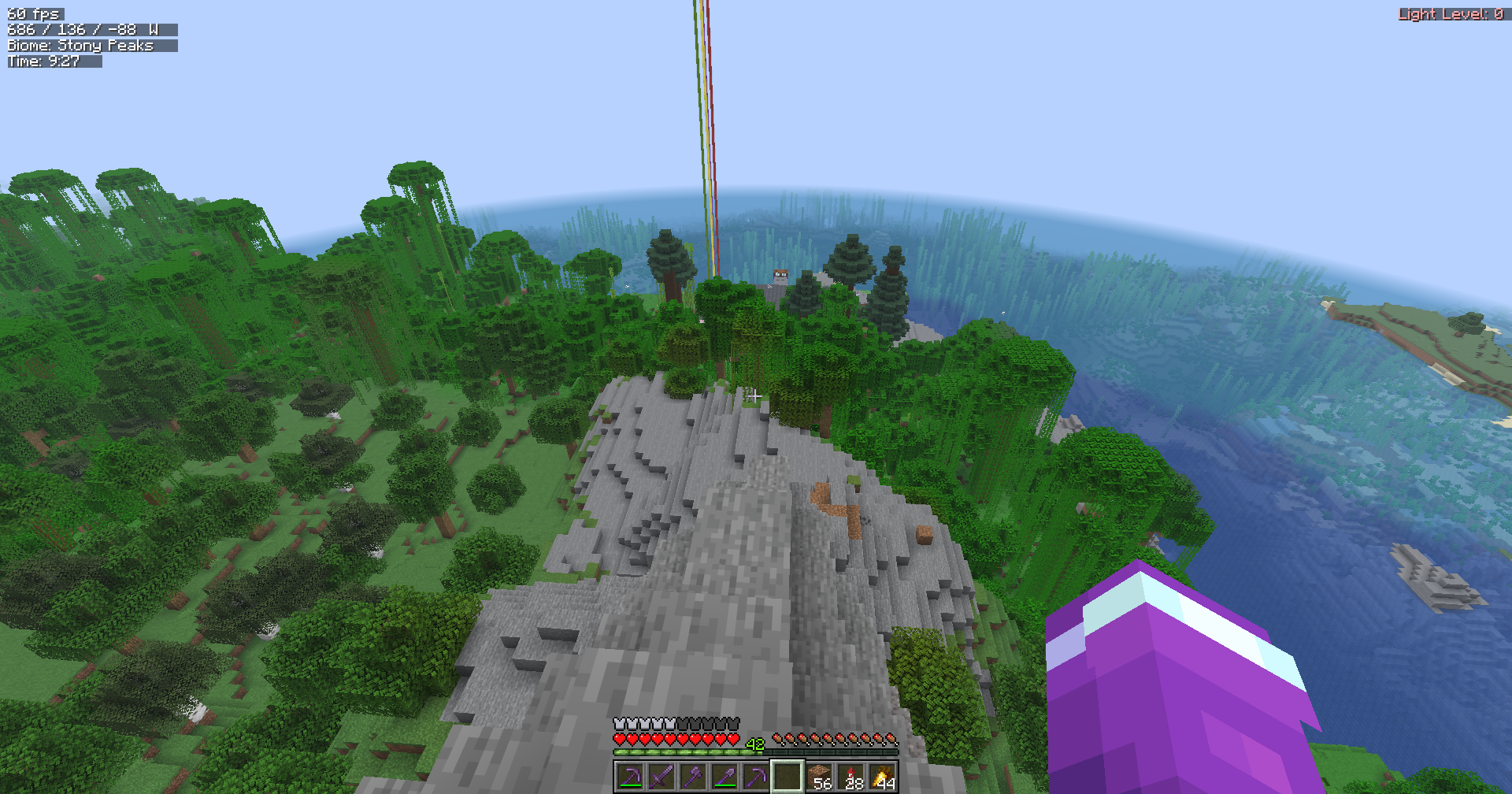 HUD with background color (2) If the block light level is 0, it is displayed slightly red.
 -
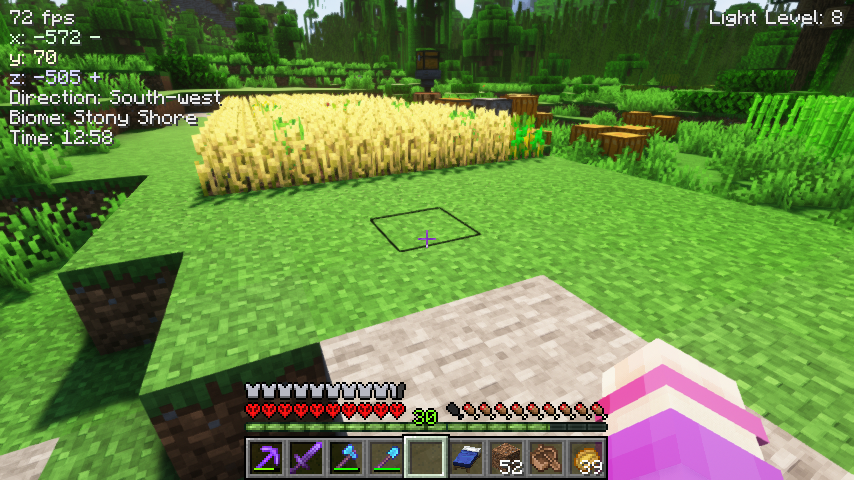 HUD display without background There are 2 different ways to display coordinates and direction.
 -
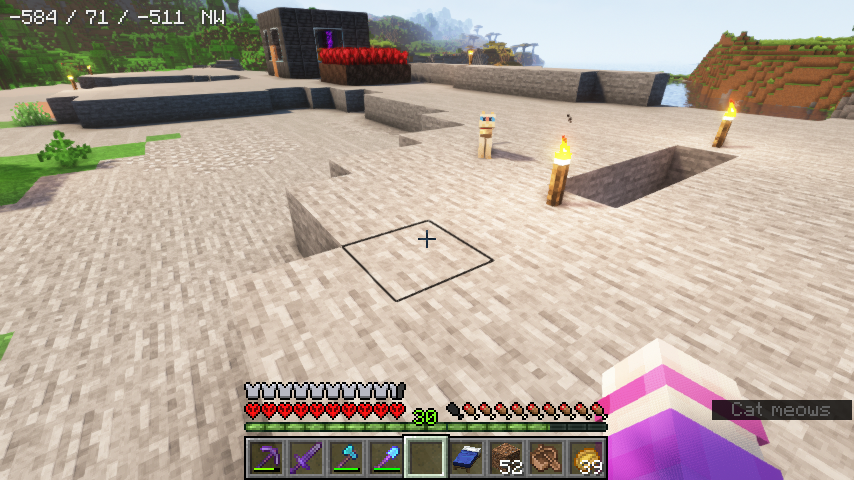 Minimal HUD with concise coordinates You can choose which HUD information is displayed / hidden.
Versions
Files
Relations
Project Relations
More like this
Similar Mods
Suggestions use data such as tags, dependencies, dependents, descriptions, titles, and more to rank how much they overlap with this mod.
On ModDex
Community snapshot
By the numbers
Statistics
 (opens in a new tab)
Get it on
Available Platforms
On ModDex
Community snapshot
By the numbers