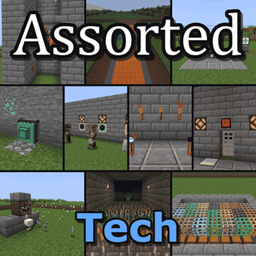
Community listing page, reviews here may not be monitored by the author.
Assorted Tech


No reviews yet
Adds elevators, laser bridges, gravity blocks, sensors, fans, spikes and more technology.

Community voices
Reviews
No reviews yet. Be the first to review this project!
Get it on
Available Platforms
Compatibility
Supported Environments
Must be installed on both the client and the server.
About
Project Details
For authors
Embed Badge
If you're the author of this project, you can embed a live badge anywhere that supports HTML or Markdown. It updates automatically whenever ratings change.
Use HTML for any page that supports it, or Markdown for README files and Markdown-based descriptions.
Identifiers
Platform IDs
About
Description
Assorted Tech
Starting with 10.0.0 every mod in Assorted Tech can be downloaded on its own or all together here in the bundle. The pages for the separate mods are still being reviewed, so some of their links may not work yet.
Adds an assortment of technology. Elevators, laser bridges, gravity blocks, item grates, a tunnel boring extruder, sensors, redstone torches, alarms, fans and spikes.
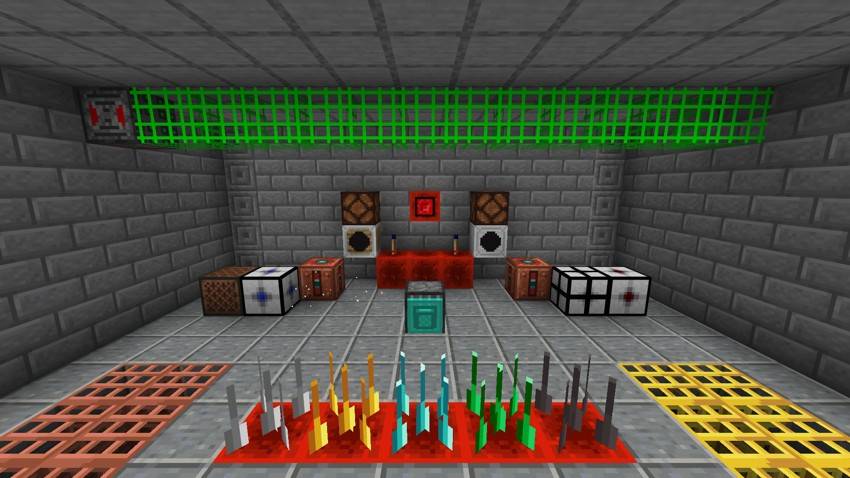
What's included
Each of these is also its own mod, if you only want some of them.
- Assorted Elevators adds elevators and instant elevators that carry you between floors, with camouflaged versions of each.
- Assorted Bridges adds bridge controls that shoot out bridges of laser light. There are laser, trick, acceleration and death bridges and a gravity lift.
- Assorted Gravity adds attractors, repulsors and gravitors that move things around, and gravity boots that keep you still.
- Assorted Grates adds item grates you can walk on that dropped items fall straight through.
- Assorted Extruder adds the extruder, a fueled drill that mines a straight tunnel and lays blocks behind itself as it goes.
- Assorted Sensors adds sensors that give off a redstone signal when something is in front of them, plus the GPS and GPS sensors.
- Assorted Redstone adds flip flop torches and glowstone torches.
- Assorted Alarm adds an alarm that sounds when it gets a redstone signal.
- Assorted Fan adds a fan that blows or pulls things in front of it.
- Assorted Spikes adds spikes that pop out with a redstone signal and hurt whatever touches them.
You can turn any of them off in config/assortedtech-parts.toml (.json on Fabric).
Updating from 9.x
Worlds from 9.x keep all your blocks, items and recipes, and the metal mesh is the Iron Item Grate now. Settings from assortedtech-common.toml and assortedtech-client.toml need setting again, since each mod has its own config now.
Requirements
- Assorted Lib
- NeoForge, or Fabric Loader with Fabric API
More
The full guide with recipes is at assortedmods.com. It's also in the game, in the Instruction Manual from Assorted Lib.
Found a bug? Report it on GitHub.
Assorted Tech
Starting with 10.0.0 every mod in Assorted Tech can be downloaded on its own or all together here in the bundle. The pages for the separate mods are still being reviewed, so some of their links may not work yet.
Adds an assortment of technology. Elevators, laser bridges, gravity blocks, item grates, a tunnel boring extruder, sensors, redstone torches, alarms, fans and spikes.

What's included
Each of these is also its own mod, if you only want some of them.
- Assorted Elevators adds elevators and instant elevators that carry you between floors, with camouflaged versions of each.
- Assorted Bridges adds bridge controls that shoot out bridges of laser light. There are laser, trick, acceleration and death bridges and a gravity lift.
- Assorted Gravity adds attractors, repulsors and gravitors that move things around, and gravity boots that keep you still.
- Assorted Grates adds item grates you can walk on that dropped items fall straight through.
- Assorted Extruder adds the extruder, a fueled drill that mines a straight tunnel and lays blocks behind itself as it goes.
- Assorted Sensors adds sensors that give off a redstone signal when something is in front of them, plus the GPS and GPS sensors.
- Assorted Redstone adds flip flop torches and glowstone torches.
- Assorted Alarm adds an alarm that sounds when it gets a redstone signal.
- Assorted Fan adds a fan that blows or pulls things in front of it.
- Assorted Spikes adds spikes that pop out with a redstone signal and hurt whatever touches them.
You can turn any of them off in config/assortedtech-parts.toml (.json on Fabric).
Updating from 9.x
Worlds from 9.x keep all your blocks, items and recipes, and the metal mesh is the Iron Item Grate now. Settings from assortedtech-common.toml and assortedtech-client.toml need setting again, since each mod has its own config now.
Requirements
- Assorted Lib
- NeoForge, or Fabric Loader with Fabric API
More
The full guide with recipes is at assortedmods.com. It's also in the game, in the Instruction Manual from Assorted Lib.
Found a bug? Report it on GitHub.
Screenshots
Gallery
-
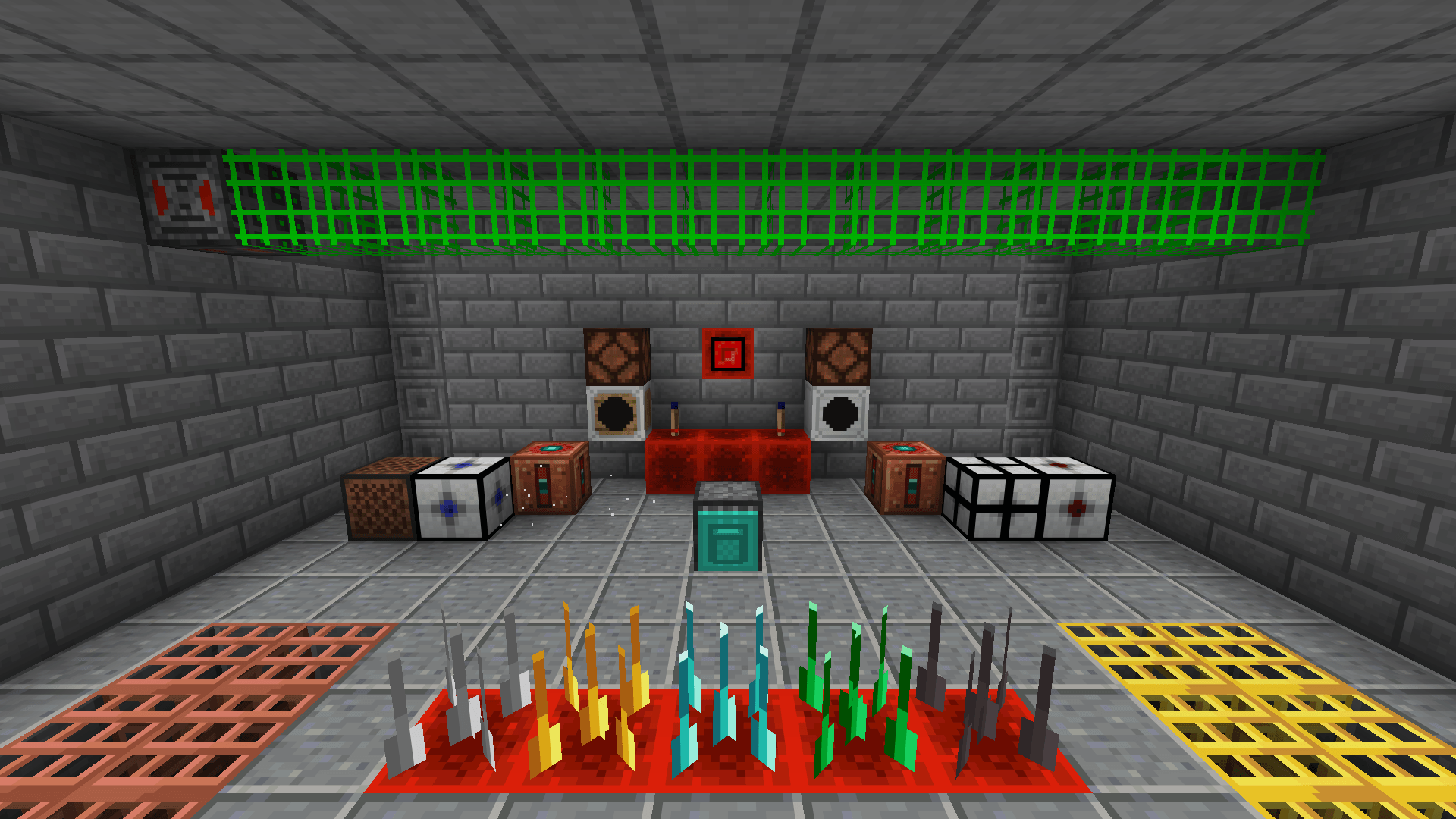 Everything in Tech A laser bridge across the lab, sensors lighting lamps, an alarm box, flip flop torches, instant elevators, a fan, a gravitor, attractor and repulsor, an extruder, spikes popped out of the floor and item grates.
 -
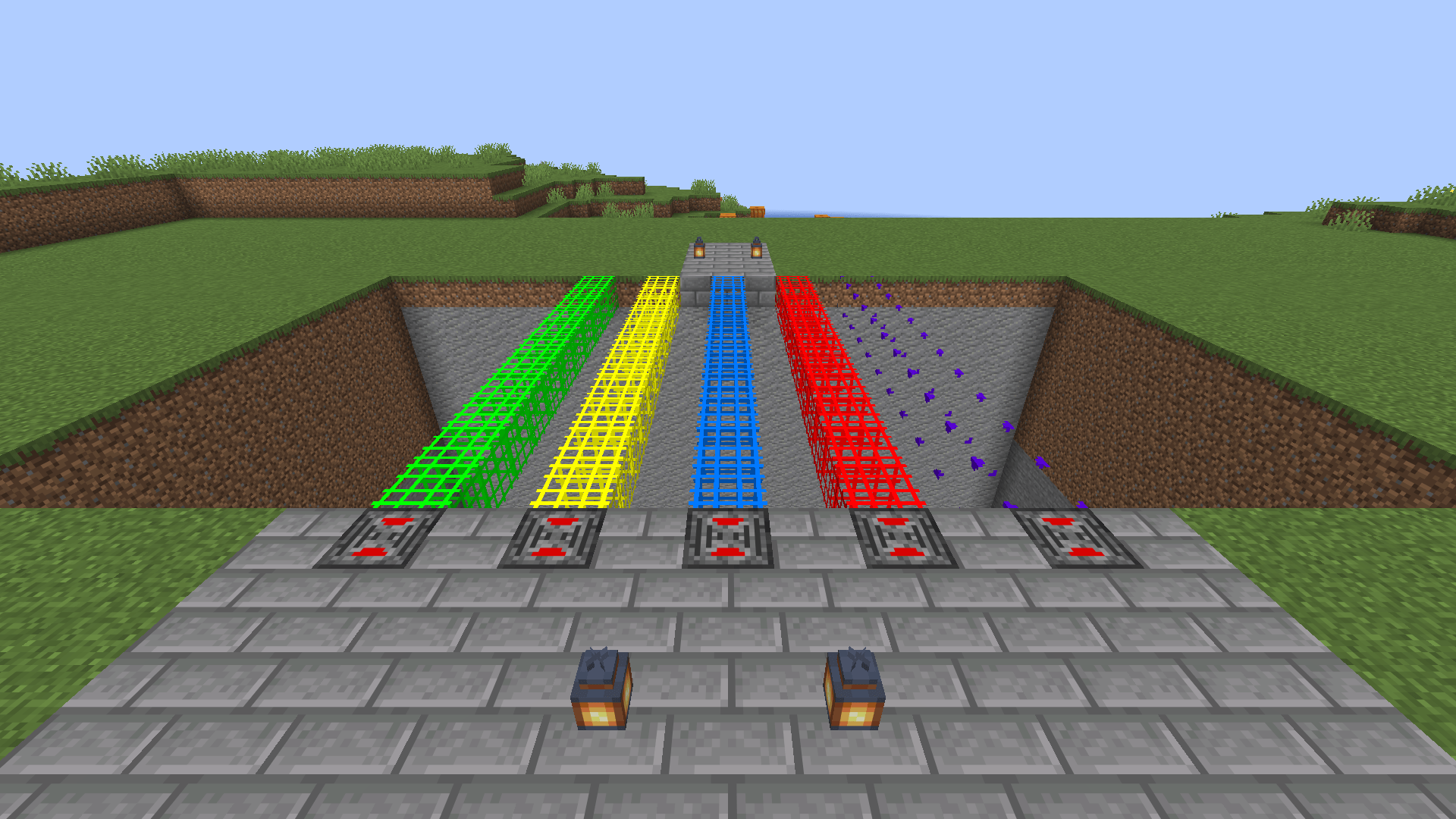 Bridges All five bridges across a ravine.
 -
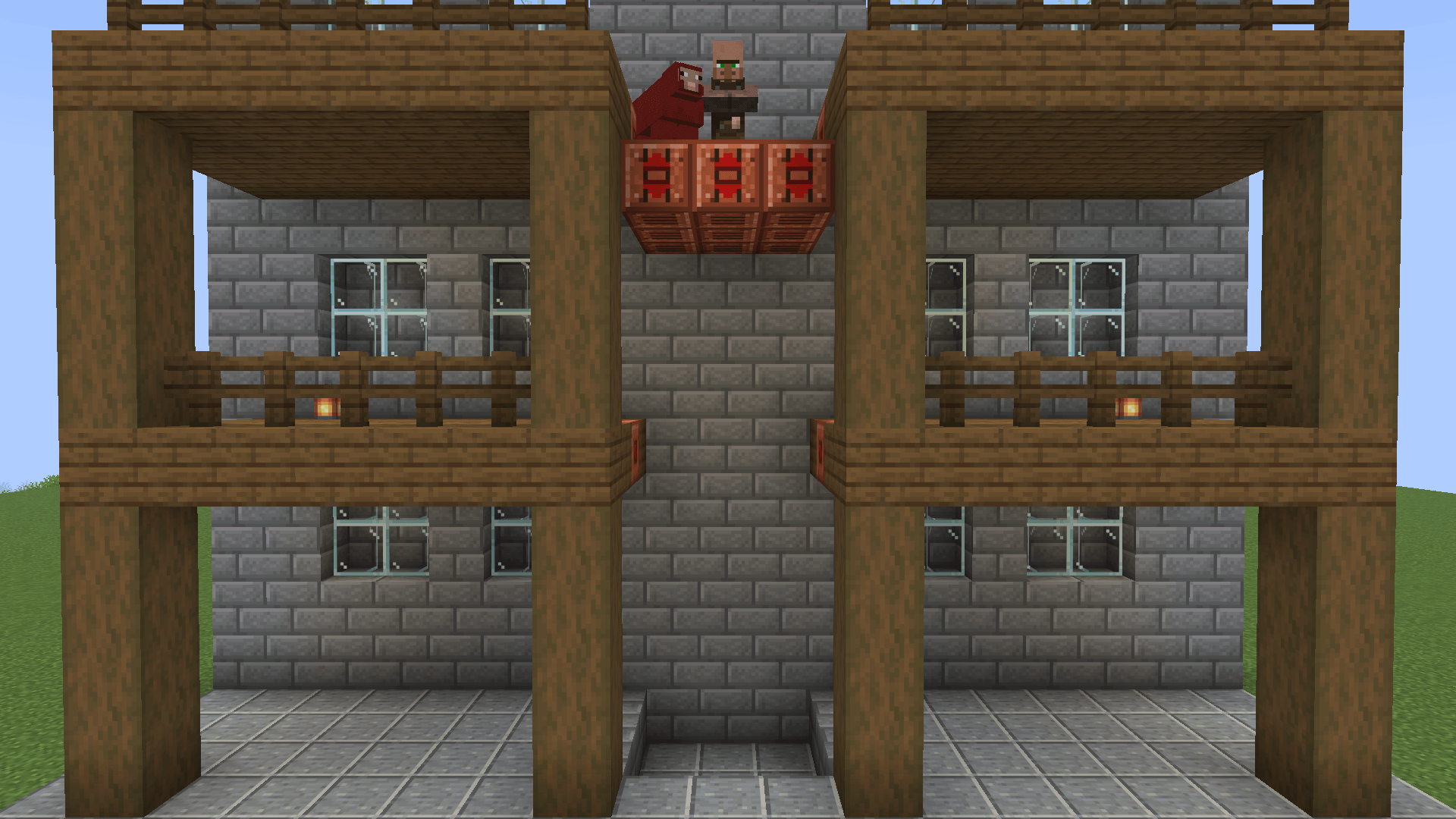 Elevators An elevator carrying a villager and a sheep up to the roof.
 -
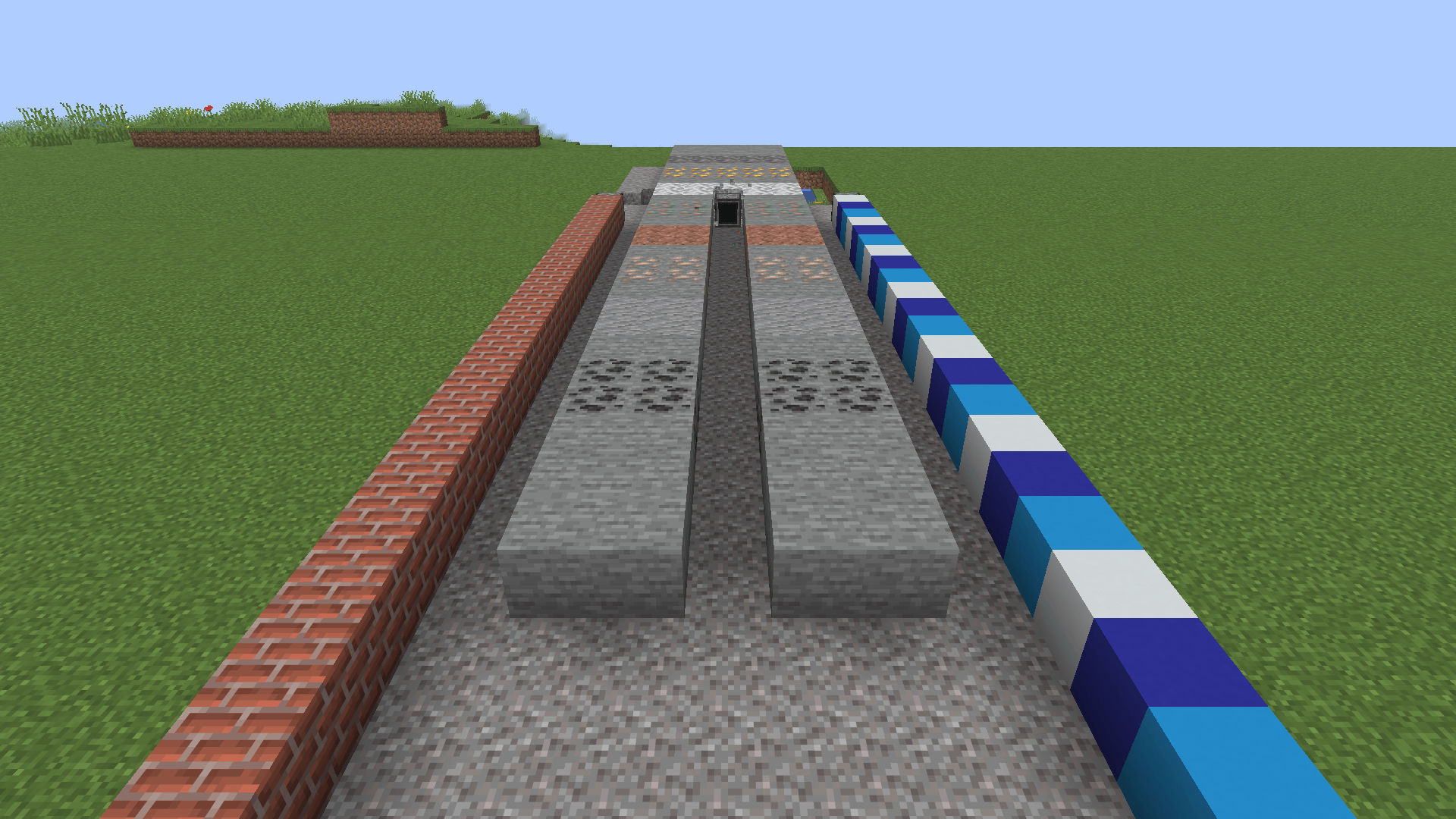 Extruder Extruders drilling a trench and laying walls behind themselves.
 -
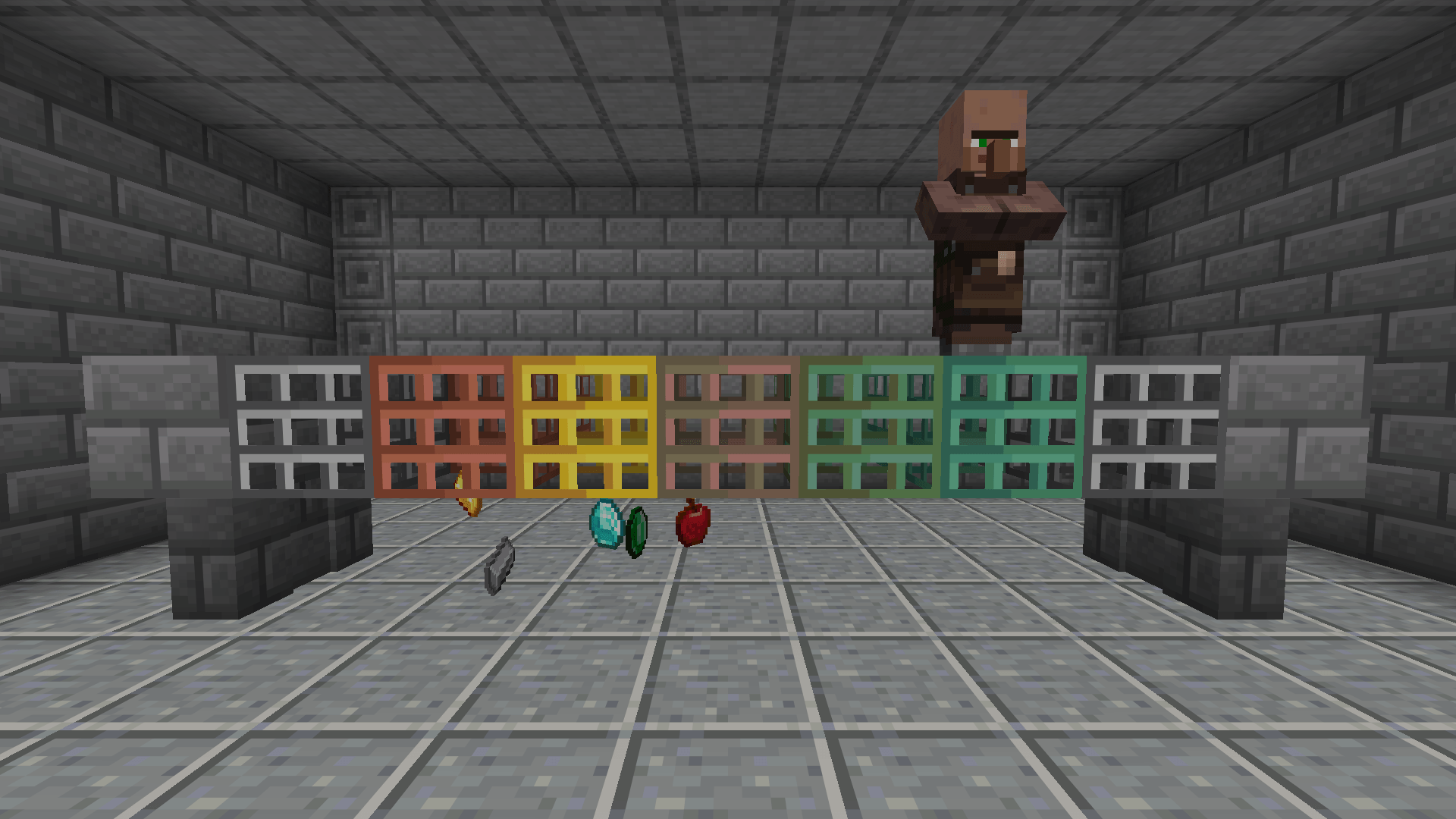 Grates Items fall through a grate walkway that a villager stands on.
 -
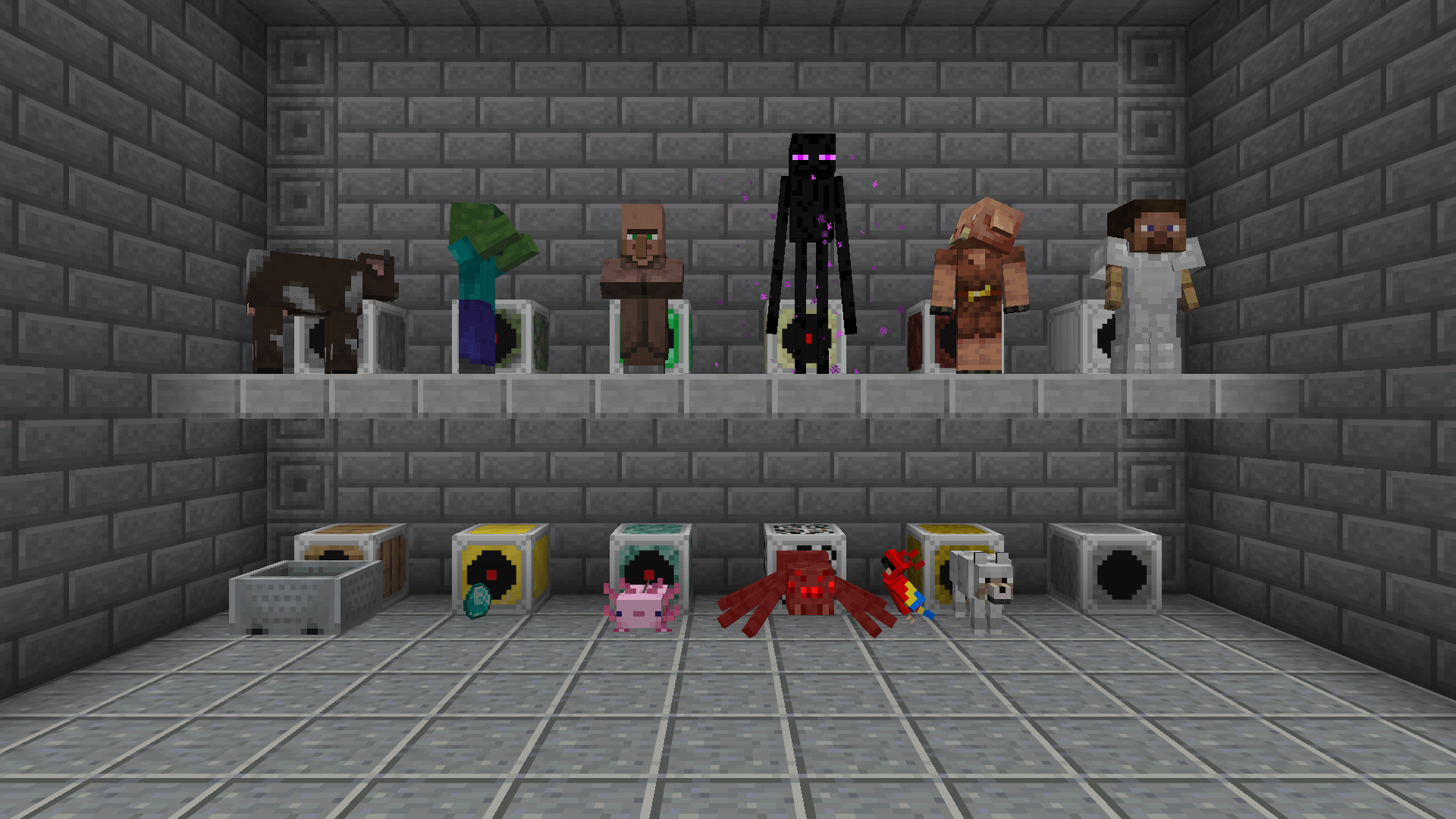 Sensors All twelve sensors, each lit by what it watches for.
 -
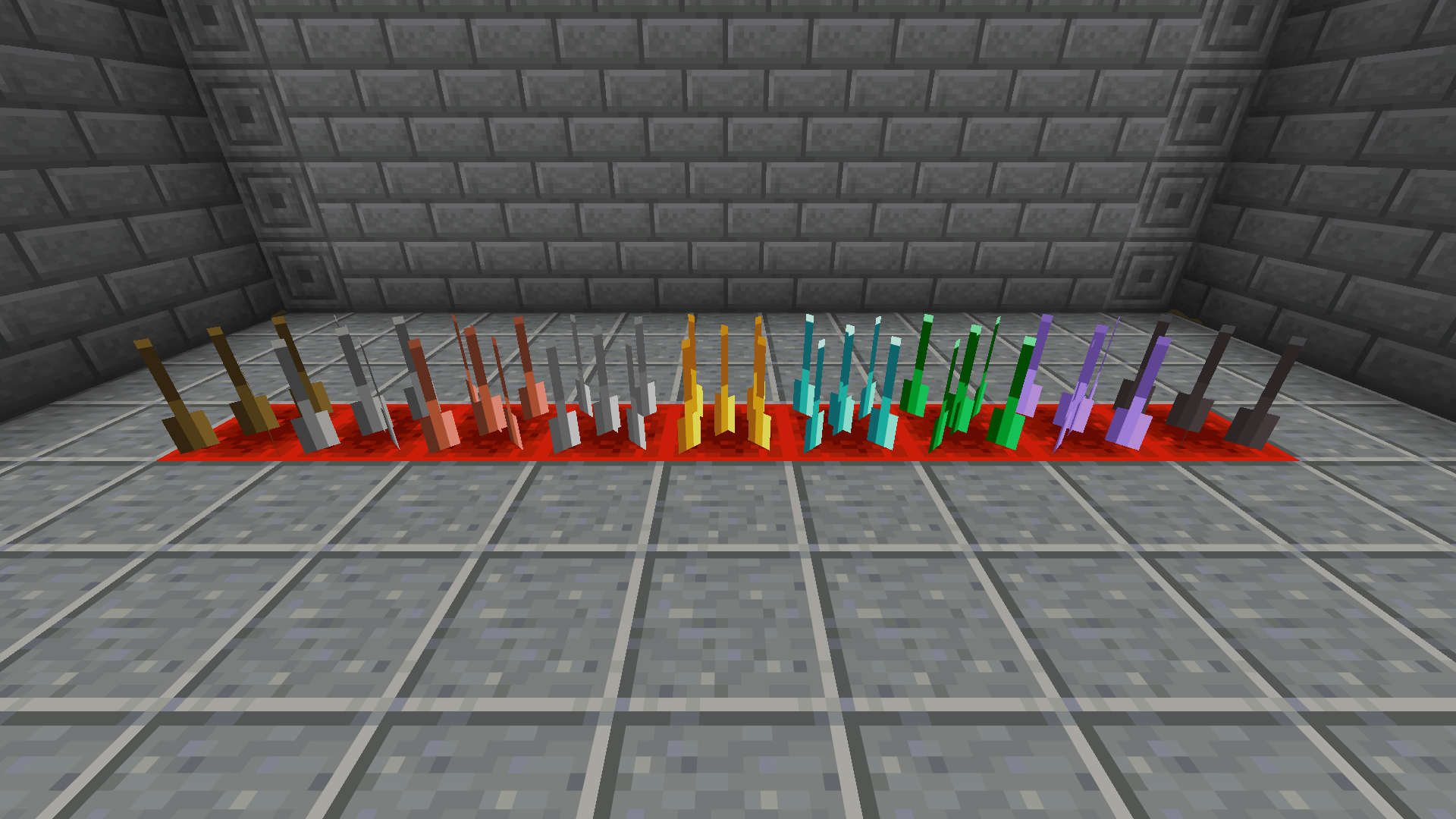 Spikes Spikes in every vanilla material.
 -
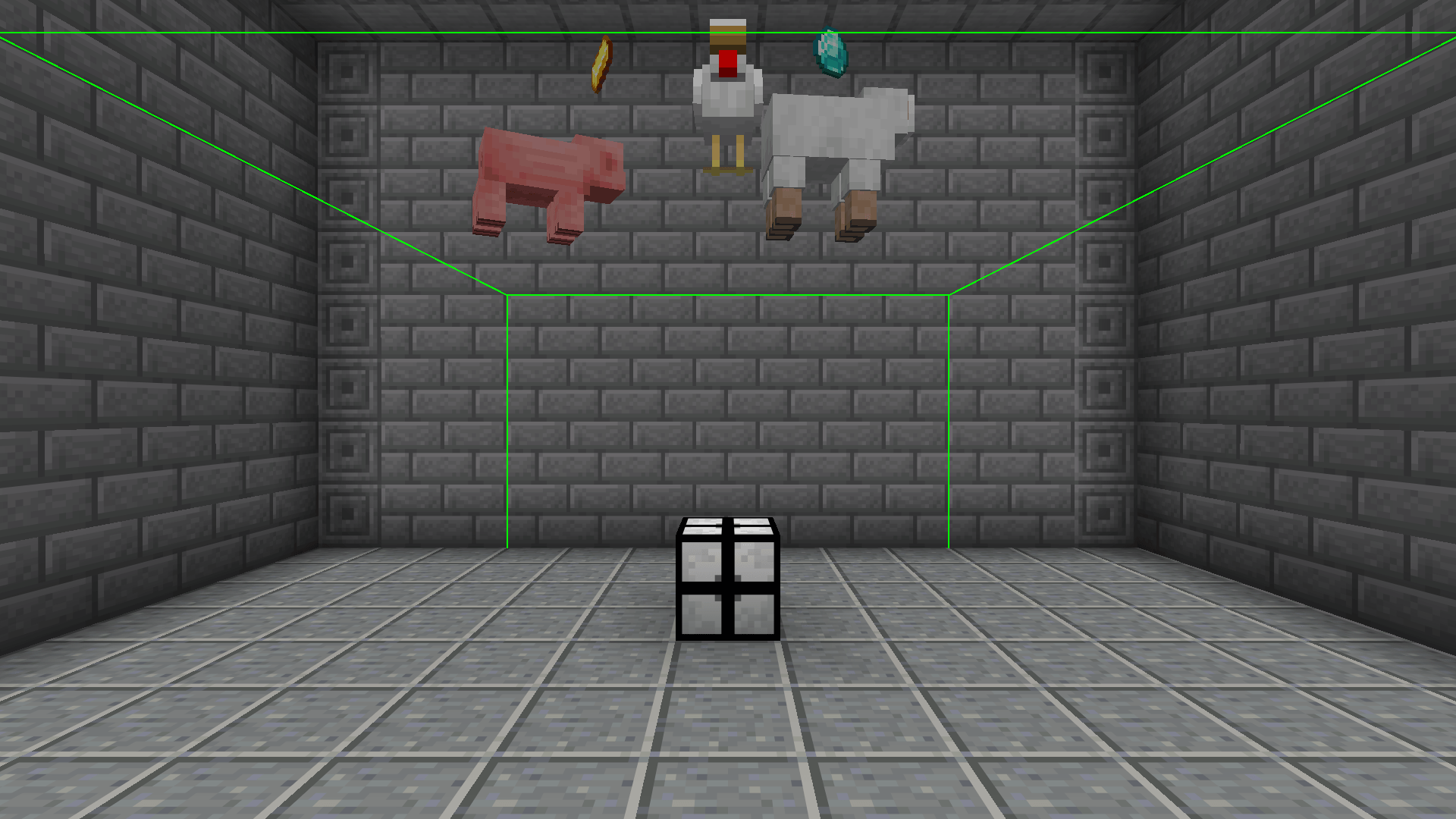 Gravity A gravitor holding mobs and items up inside its range.
 -
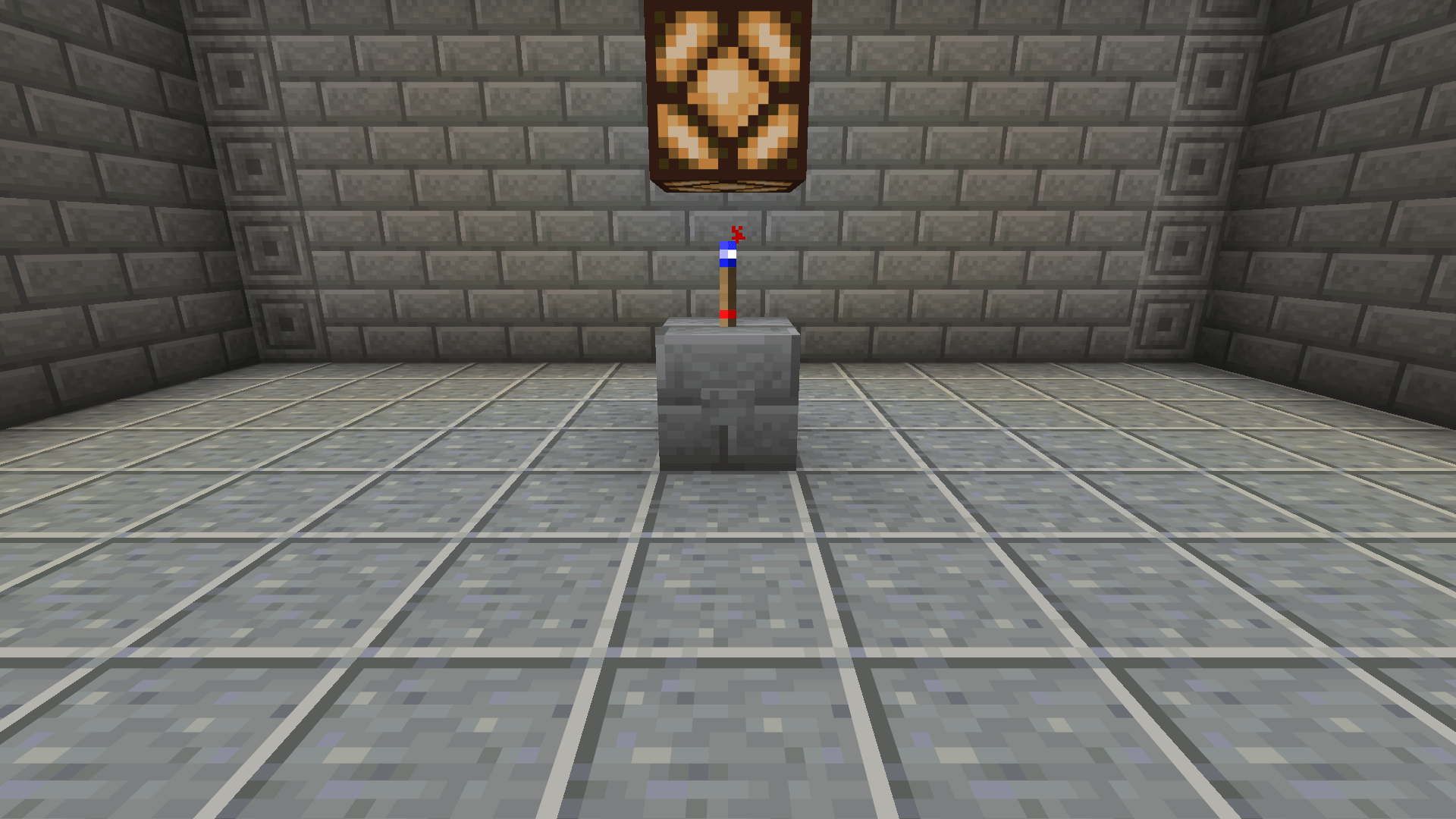 Redstone The flip flop torch lighting a lamp.
-
 Everything in Tech A laser bridge across the lab, sensors lighting lamps, an alarm box, flip flop torches, instant elevators, a fan, a gravitor, attractor and repulsor, an extruder, spikes popped out of the floor and item grates.
 -
 Bridges All five bridges across a ravine.
 -
 Elevators An elevator carrying a villager and a sheep up to the roof.
 -
 Extruder Extruders drilling a trench and laying walls behind themselves.
 -
 Grates Items fall through a grate walkway that a villager stands on.
 -
 Sensors All twelve sensors, each lit by what it watches for.
 -
 Spikes Spikes in every vanilla material.
 -
 Gravity A gravitor holding mobs and items up inside its range.
 -
 Redstone The flip flop torch lighting a lamp.
Versions
Files
Relations
Project Relations
More like this
Similar Mods
Suggestions use data such as tags, dependencies, dependents, descriptions, titles, and more to rank how much they overlap with this mod.
On ModDex
Community snapshot
By the numbers
Statistics
 (opens in a new tab)
Get it on
Available Platforms
On ModDex
Community snapshot
By the numbers