
Community listing page, reviews here may not be monitored by the author.
Asylum Engine


No reviews yet
Is a mod that brings the Outlast I experience to Minecraft! Successor to the AsylumZ mod, Asylum Engine lets you create high quality Outlast levels.
Community voices
Reviews
No reviews yet. Be the first to review this project!
Get it on
Available Platforms
Compatibility
Supported Environments
Must be installed on both the client and the server.
About
Project Details
For authors
Embed Badge
If you're the author of this project, you can embed a live badge anywhere that supports HTML or Markdown. It updates automatically whenever ratings change.
Use HTML for any page that supports it, or Markdown for README files and Markdown-based descriptions.
Identifiers
Platform IDs
About
Description
👻 Asylum Engine
🔦 The Outlast I experience – now in Minecraft!
Asylum Engine is the successor to the AsylumZ mod, letting you create high-quality Outlast-inspired levels inside Minecraft. With advanced gameplay mechanics, immersive sound design, and flexible creator tools, this engine provides everything you need to build terrifying horror adventures.
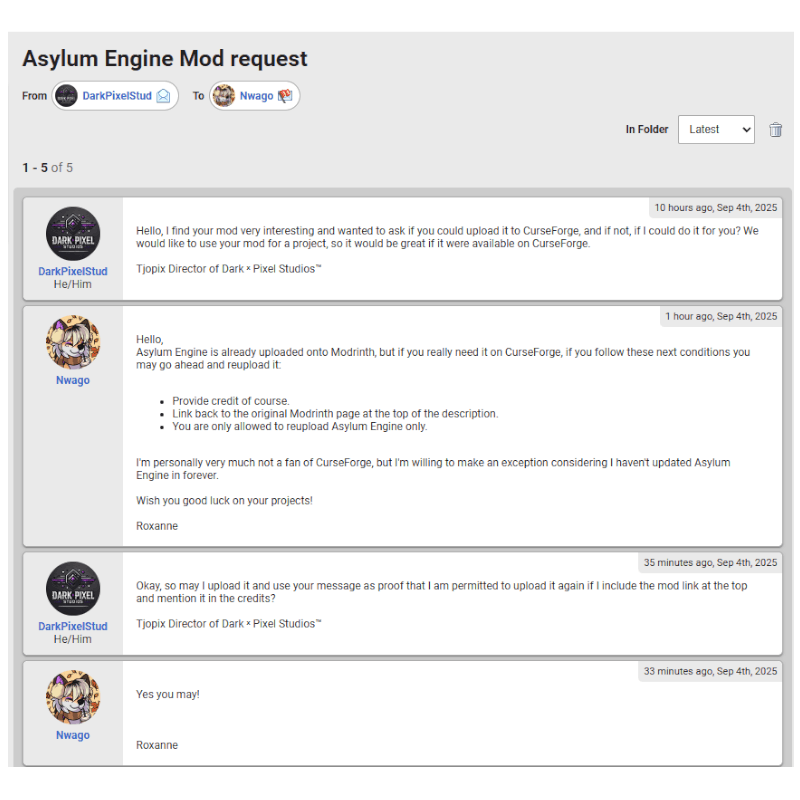
⚠️ Please note that this is a re-upload and that the lovely Nwago has given us permission to upload this mod here. Thank you Nwago ♥️
Gameplay Trailer
Official mod link: https://modrinth.com/mod/asylum-engine
🧱 Added Gameplay Mechanics
✅ Crawling & hiding
✅ Climbing over tall obstacles
✅ Squeezing between obstacles
✅ Chase scenes
✅ Enemy system
✅ Savepoints
✅ Infrared camcorder
🎵 Other Features
🎧 Accurate sound design to simulate Outlast
🧩 Custom blocks & furniture
🛠️ Function blocks to create Outlast-style levels
🔦 Dynamic lighting support with shaders
💡 For The Best Experience
- Use Complementary Shaders v4.6 with the provided settings (or another shader with dynamic lighting & full darkness).
- Make sure "Mod Resources" is on top in your Resource Pack settings.
- Set Music volume to 0%, Ambient volume ~30%.
- FOV: Normal (60).
- View Bobbing: ON.
- Disable connected textures if you see texture issues.
🧩 Tips for Creating Your Own Levels
- Don’t wear Miles’ Clothes (forces Adventure Mode).
- Equip the Developer View in your off-hand to see & interact with function blocks.
- Right-click function blocks to delete them.
🔑 Function Blocks (Core System)
- Function Blocks are the heart of Asylum Engine – letting you bring Outlast gameplay into Minecraft.
⚠️ Important notes:
- Keep Save Functions, Enemy Trigger Functions, and Enemy Spawn Functions close together.
- Always place Enemy Triggers before Enemy Spawn Functions.
- If out of range, Enemy Spawn Functions will trigger enemies regardless.
- All functions reset when the player dies.
Whether you’re designing a tense horror map or experimenting with survival gameplay, Asylum Engine gives you the ultimate Outlast-inspired toolkit inside Minecraft.
🤝 Credits:
Nwago
📃 Re-Upload:
Tjopix
❤️ Want to support us? Visit our website or Patreon.
📥 Download Asylum Engine now and start building fear.
❓ YOU NEED HELP?
Here is the proof from him again.
This mod is quite old and a lot of the code is a mess, has some known issues in multiplayer. Sorry </3
Asylum Engine is a mod that brings the Outlast I experience to Minecraft!
Successor to the AsylumZ mod, Asylum Engine lets you create high quality Outlast levels.
Added Gameplay Mechanics:
- Crawling/Hiding
- Climbing Over Tall Obstacles
- Squeezing Between Obstacles
- Chase Scenes
- Enemies
- Savepoints
- Infrared Camcorder
Other Features:
- Accurate Sound Design to simulate Outlast
- Custom Blocks
- Custom Furniture
- More
For The Best Experience:
- Use Complementary Shaders v4.6 with the Provided Settings [Or another shader that allows for dynamic lighting and complete darkness]
- Makes sure "Mod Resources" is on top in the Resource Pack Settings
- Music volume should be 0%
- Ambient volume should be around 30%
- FOV set to Normal or 60
- View Bobbing On [Connected textures OFF if you notice any weird textures!]
Tips on creating your own levels:
- Don't wear Miles' Clothes as they force you into Adventure Mode
- Equip the Developer View in your Off-Hand to see and interact with the Function Blocks
- You can right-click on a function block to delete it
- Look around the Demo World to see how the Function Blocks are being used
Function Blocks:
- Key to creating and playing levels, these entities let you bring the gameplay of Outlast to your world.
Useful Information:
- Save Functions, Enemy Trigger Functions and Enemy Spawn Functions should be kept close for things to work properly.
- Always place Enemy Triggers before the Enemy Spawn Function, if the Enemy Spawn function is out of range it will spawn the enemy regardless.
- All Functions can be reset by dying.
Thanks for reading and have fun!
Screenshots
Gallery
-
 f65f5a3c81f61435a23d878294177e9451c306e7.png f65f5a3c81f61435a23d878294177e9451c306e7.png
 -
 d5610e64448dd0c4fbf9d498ecce9416351db9e4.png d5610e64448dd0c4fbf9d498ecce9416351db9e4.png
 -
 d0aa148c1c350f27e22bfe5200cf5154f6118f6f.png d0aa148c1c350f27e22bfe5200cf5154f6118f6f.png
 -
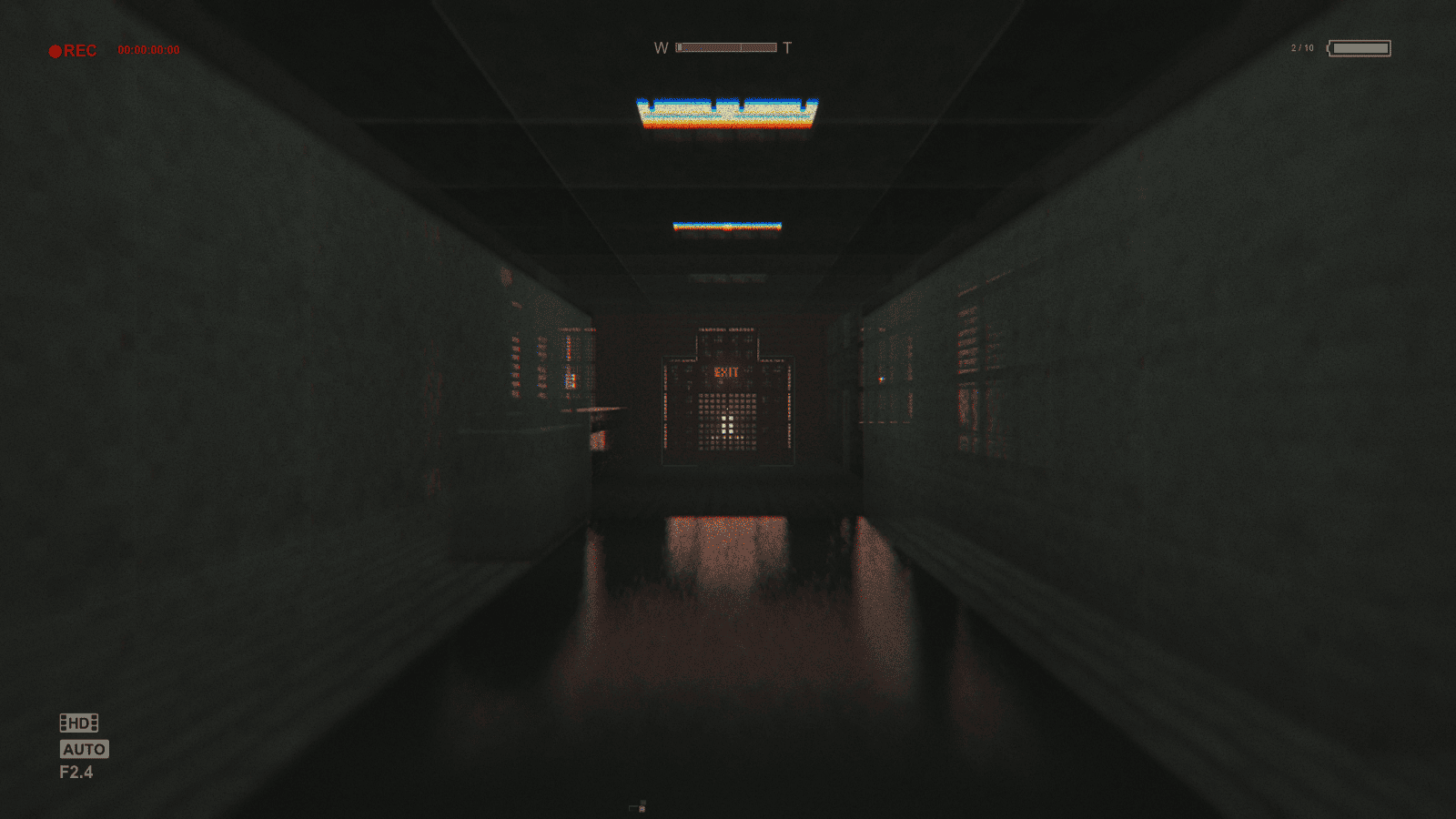 763b4cd4f2d840e58ea8bfc76c00b9a64fa3bded.png 763b4cd4f2d840e58ea8bfc76c00b9a64fa3bded.png
-
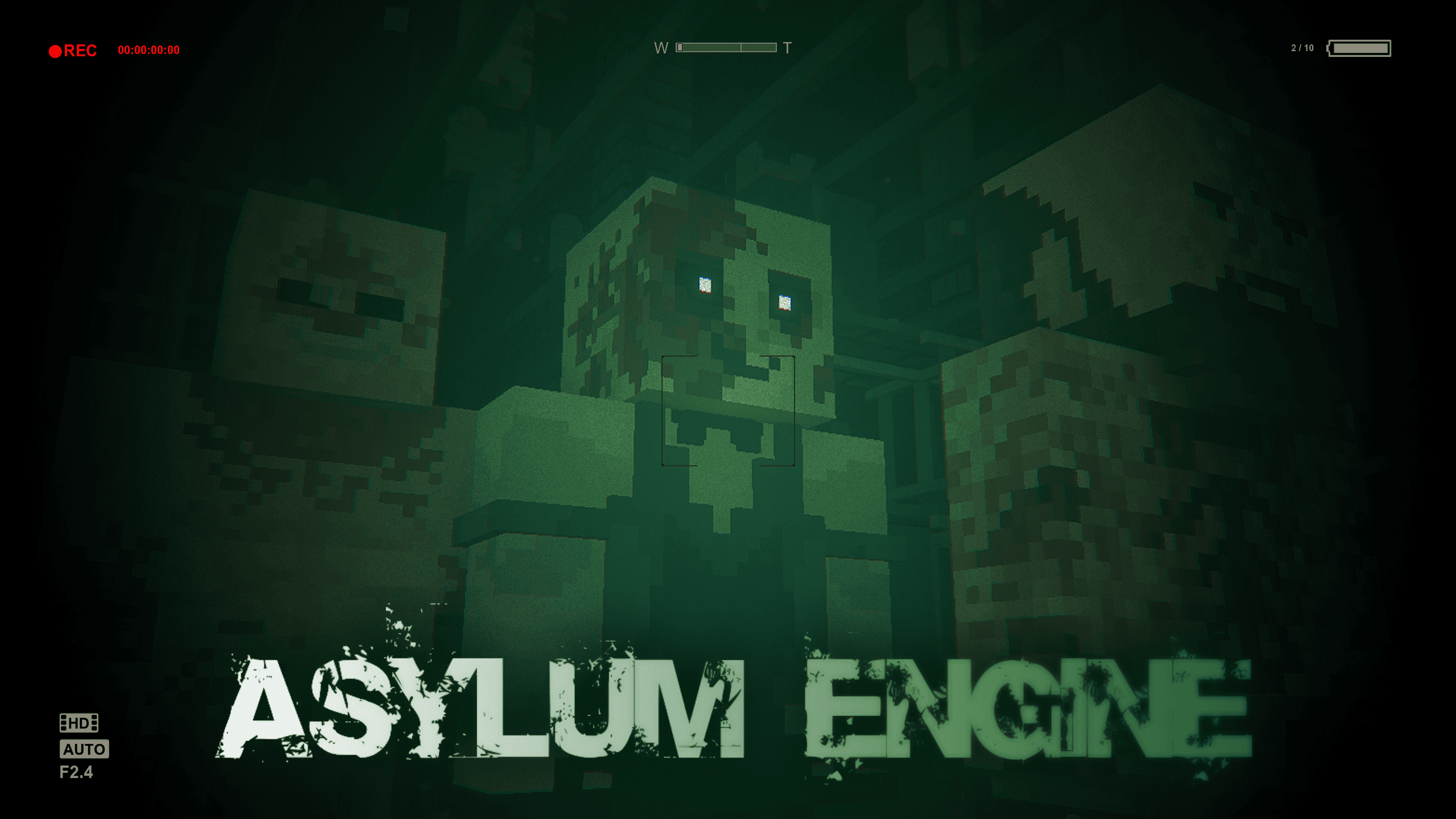
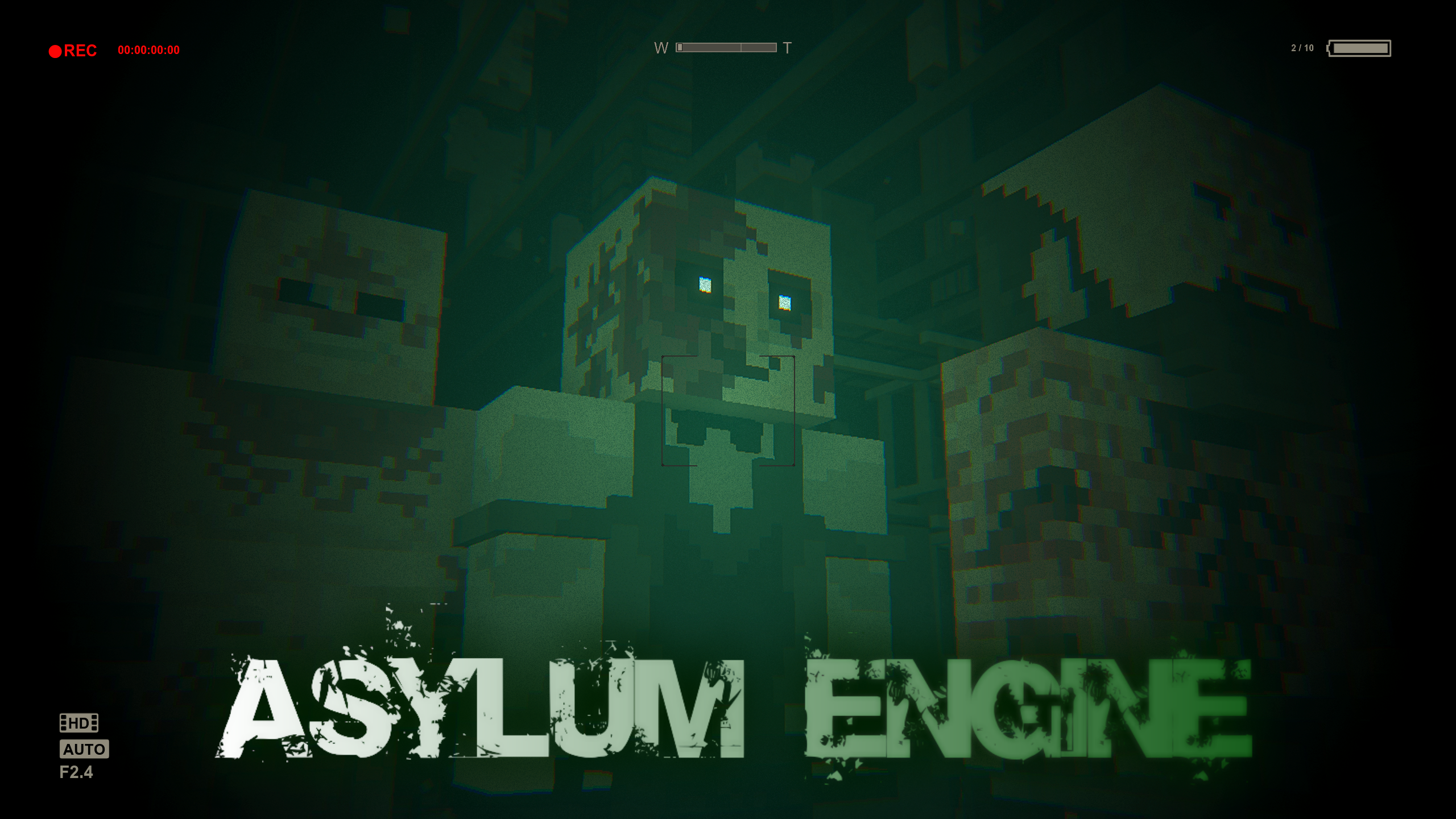 Main Image
 -
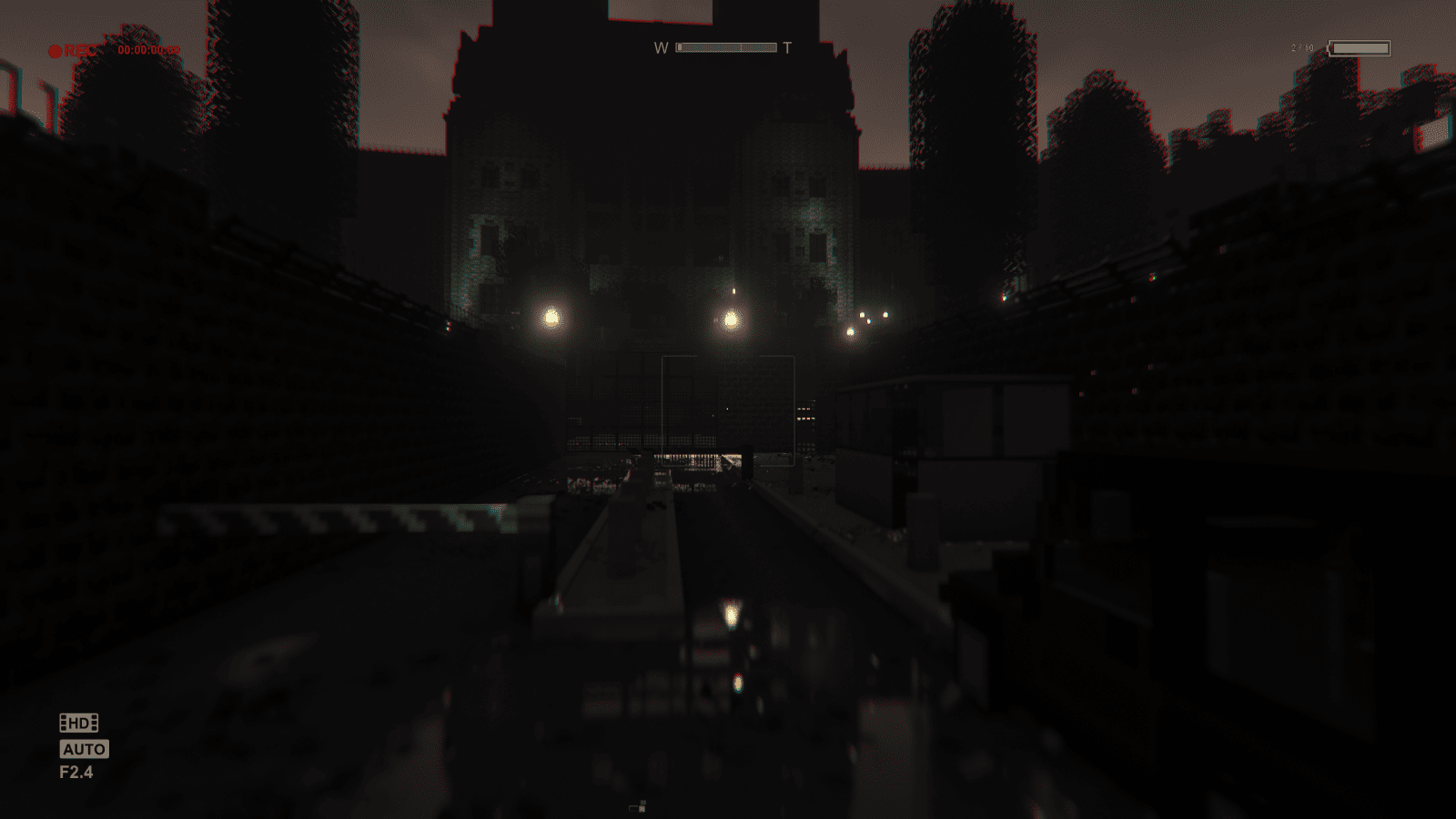
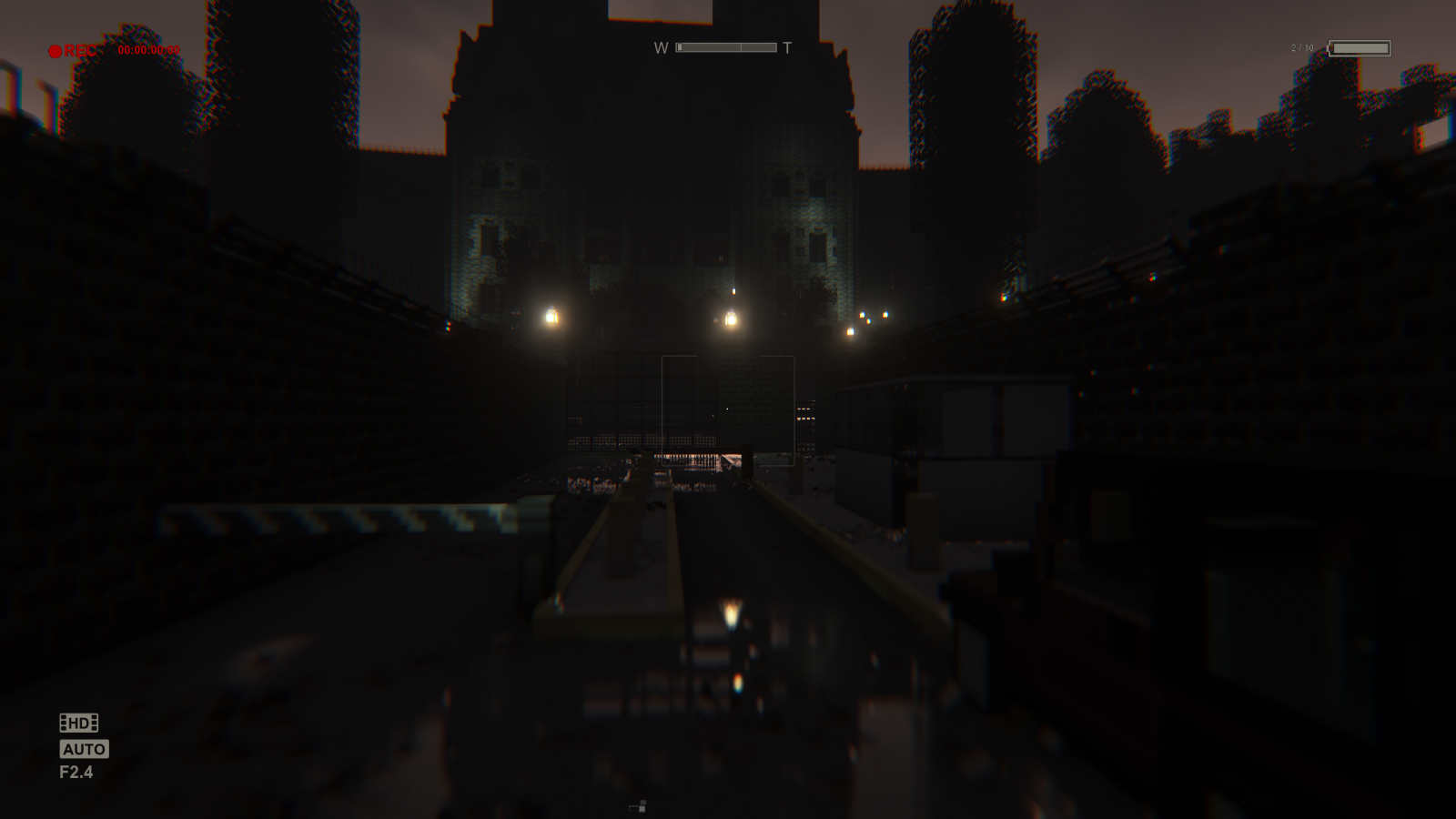 Mount Massive Asylum Recreation of Outlast created using the mod.
 -
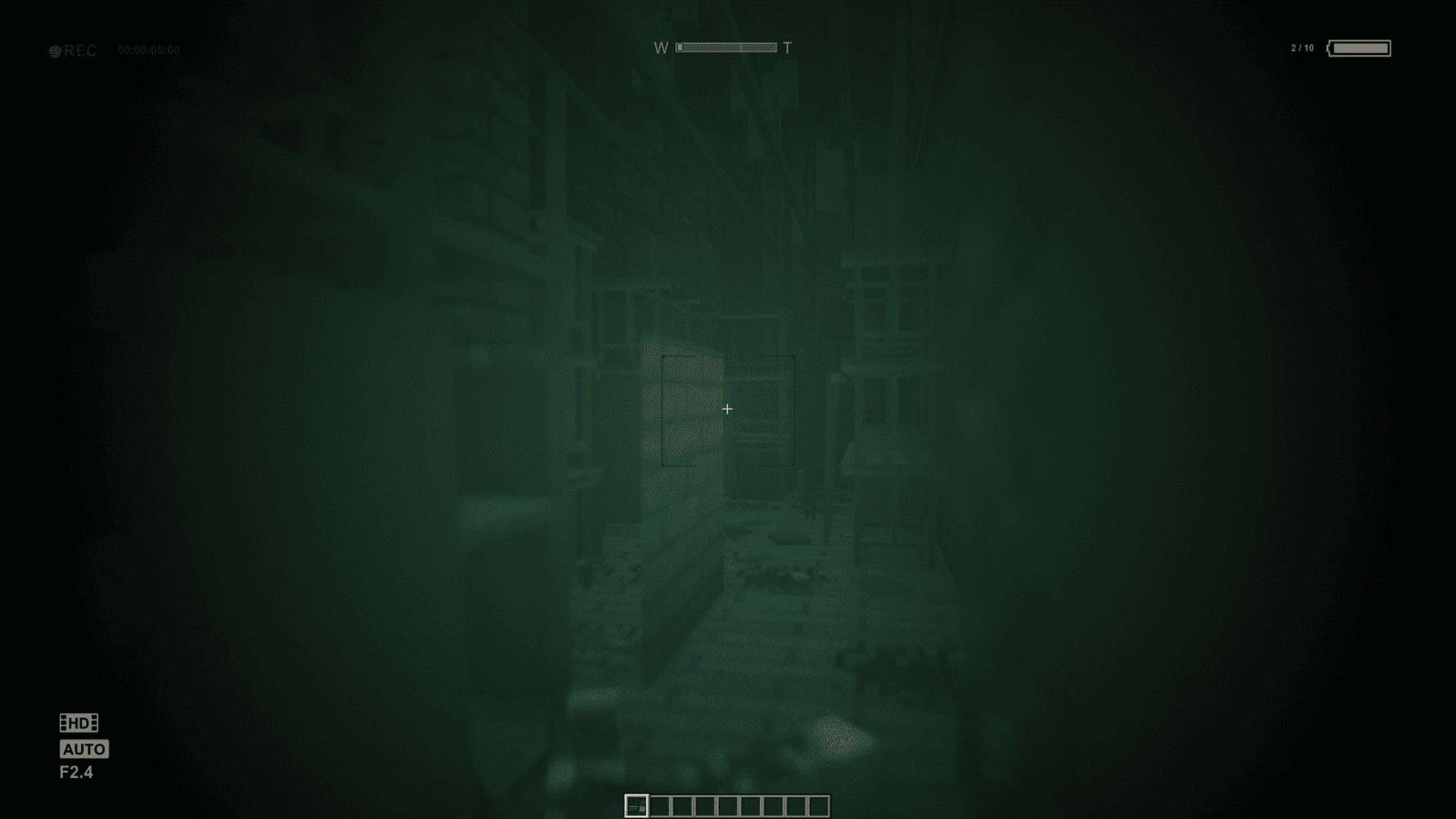
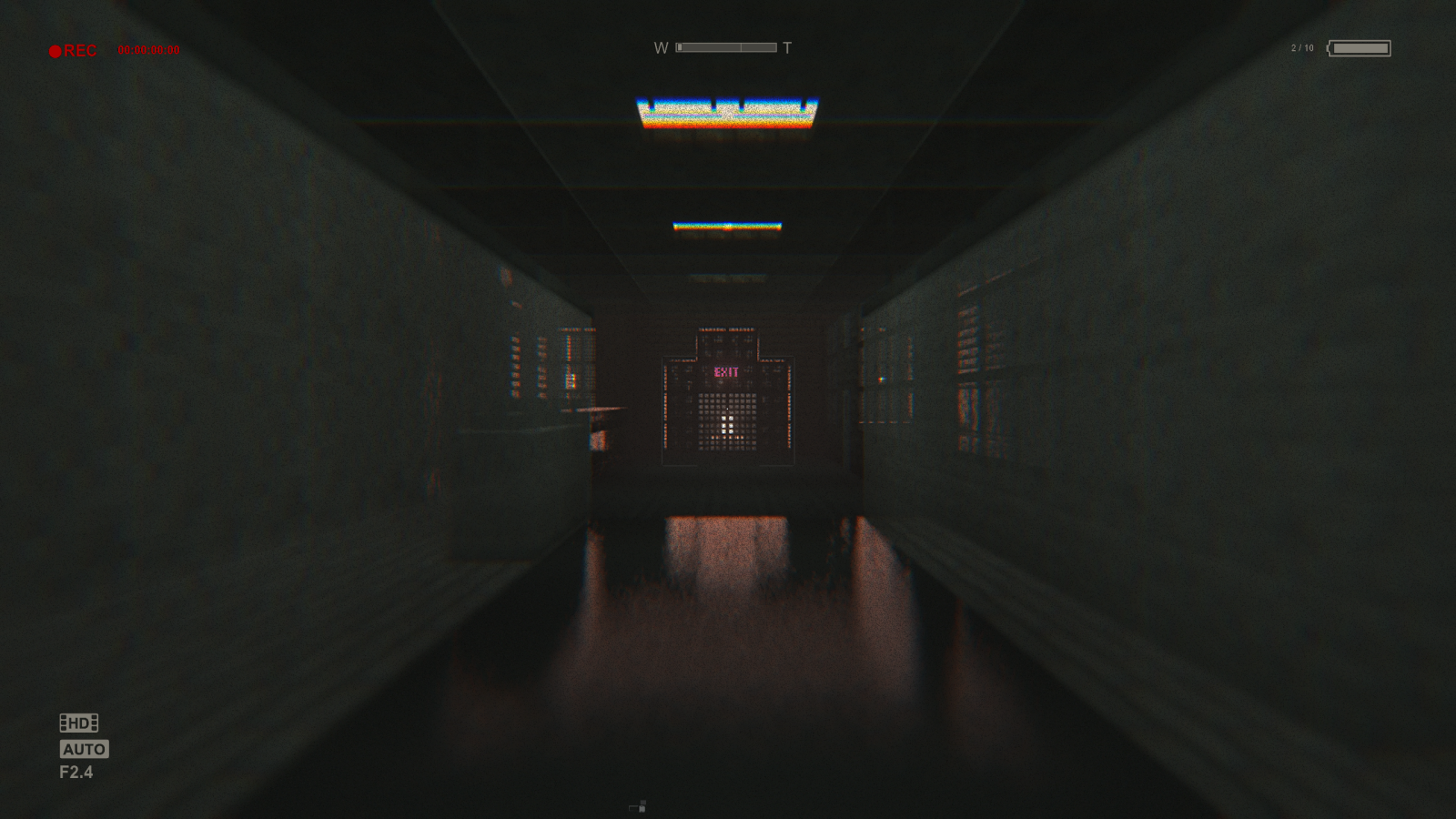 Hospital Exit Room created using the mod.
 -
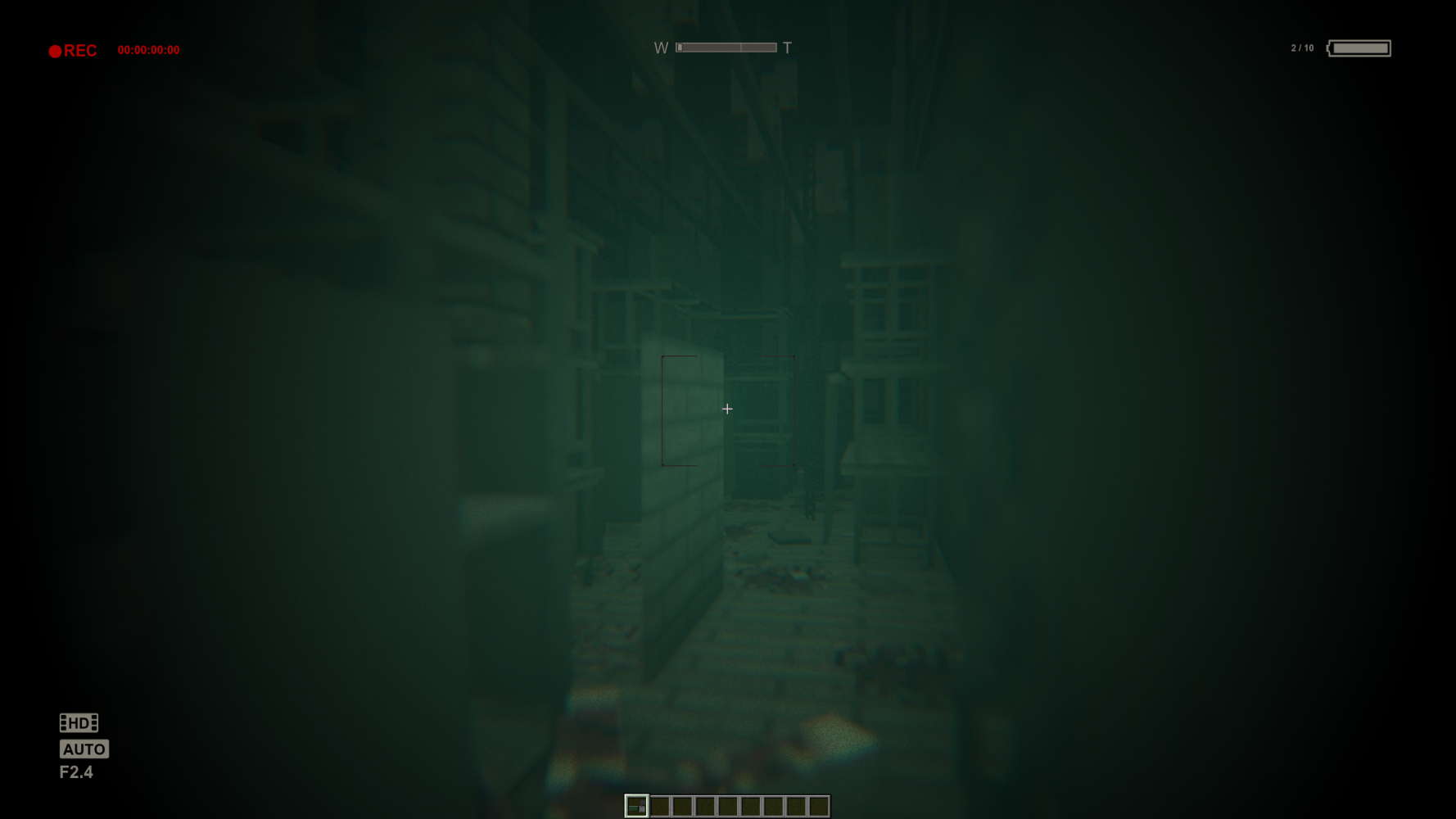 Vocational Block Another room created using the mod.
Versions
Files
Relations
Project Relations
More like this
Similar Mods
Suggestions use data such as tags, dependencies, dependents, descriptions, titles, and more to rank how much they overlap with this mod.
On ModDex
Community snapshot
By the numbers
Statistics
Want to reach Minecraft players?
We're looking for a server hosting partner to feature here and other parts of the site. Interested? Send us a message!
Get in touchGet it on
Available Platforms
On ModDex
Community snapshot
By the numbers