
Community listing page, reviews may not be monitored by the author.
Athy's CobbleShops

No reviews yet
All-In-One Server-Side mod for Cobbledollar-based chest shops

Community voices
Reviews
No reviews yet. Be the first to review this project!
Get it on
Available Platforms
About
Project Details
For authors
Embed Badge
If you're the author of this project, you can embed a live badge anywhere that supports HTML or Markdown. It updates automatically whenever ratings change.
Use HTML for any page that supports it, or Markdown for README files and Markdown-based descriptions.
Identifiers
Platform IDs
Resources
External Links
About
Description
CobbleShop — Player Guide
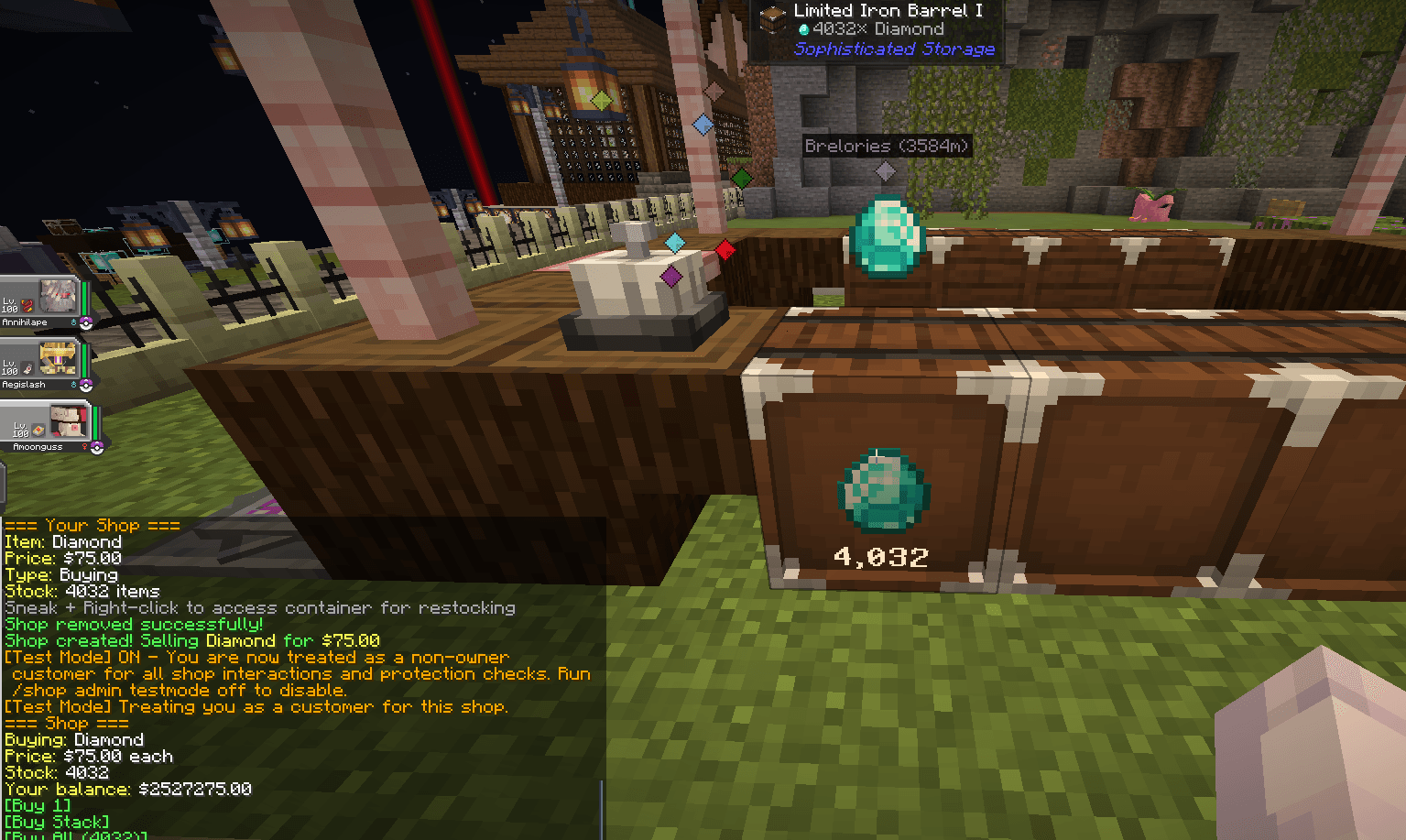
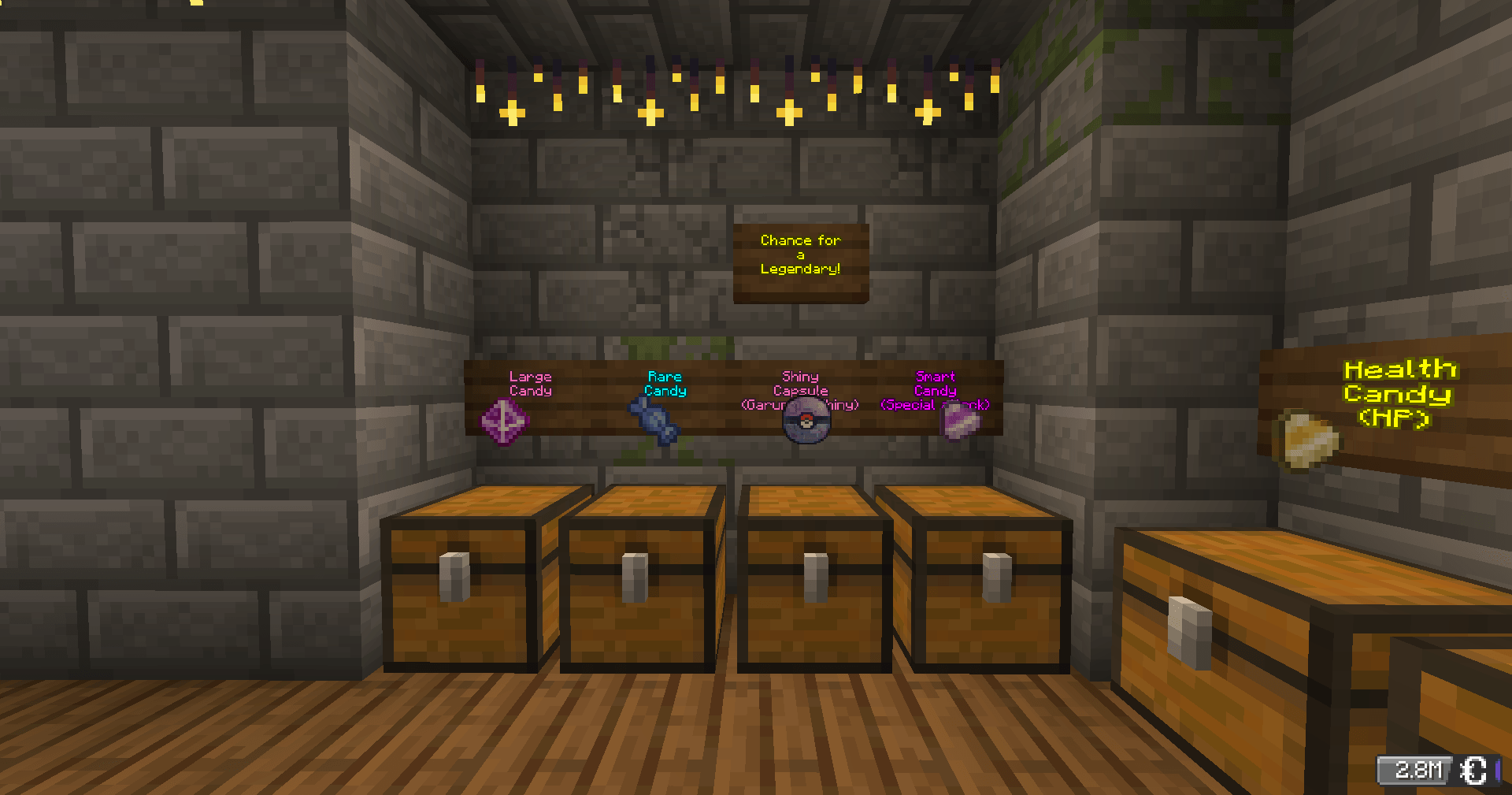
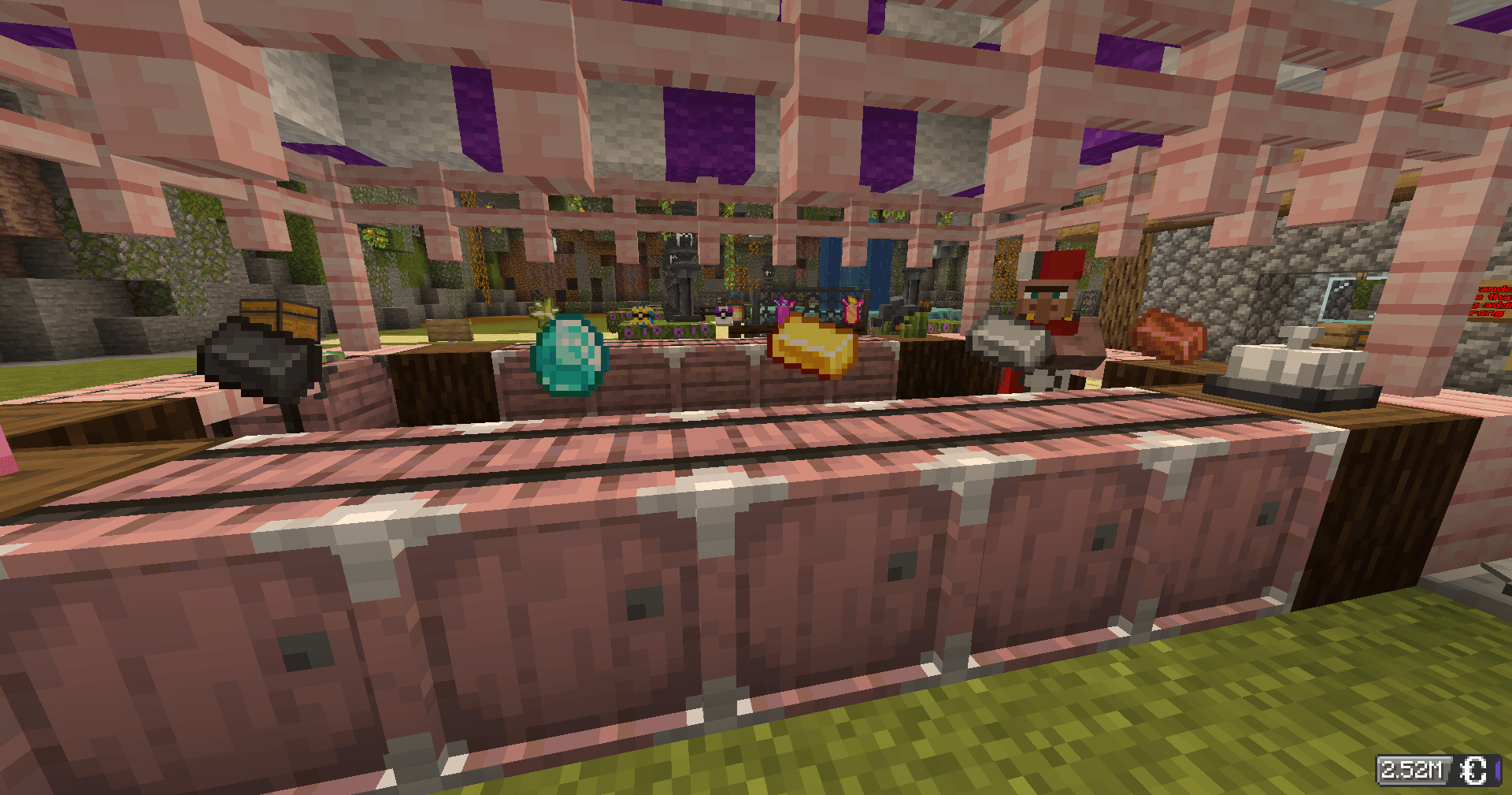
Turn any chest into a shop. Other players can buy from you automatically, even while you're offline. All payments use CobbleDollars.
Creating a Shop
Point at a chest and run a command:
| Type | Hand | Command |
|---|---|---|
| 🛒 Selling — players buy from you | Hold the item to sell | /shop create selling <price> |
| 💰 Buying — you buy from players | Hold the item you want | /shop create buying <price> |
| 🎲 Mystery — random item each time | Empty hand | /shop create random <price> |
Buying & Selling at Shops
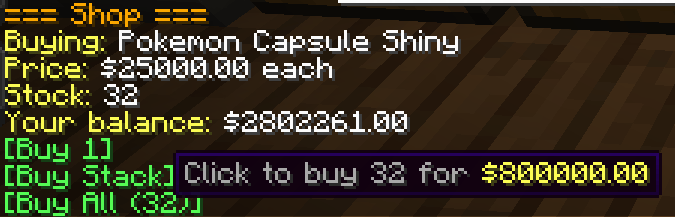
Right-click any shop chest — the shop panel appears in chat with clickable buttons.
- Selling shop → click [Buy 1], [Buy Stack], or [Buy All]
- Buying shop → click [Sell 1] or [Sell Stack]
- Mystery shop → click [Buy Random Item] — no peeking!
If your inventory is full or the owner can't afford to pay you, the transaction cancels automatically. Nothing is lost.
Managing Your Shop
All commands require you to be looking at your shop chest.
| Command | What it does |
|---|---|
/shop price <amount> |
Update the price |
/shop remove |
Delete the shop (items stay in chest) |
/shop display on|off |
Toggle the floating item display |
/shop info |
View shop details |
/shop search <item> |
Find shops selling something |
/shop balance |
Check your CobbleDollars |
/shop help |
Full command list |
Restock: Hold Shift + right-click your chest to open it.
Expand: Place a second chest next to yours for a 54-slot double chest.
Tips
- Sales happen while you're offline — money is waiting when you log back in
/qsis a shortcut for/shop- You cannot buy from your own shop
- For mystery shops, more item variety = more fun. Duplicate items increase their drop chance
Right-click a chest. That's all it takes.
Screenshots
Gallery
-
 Screenshot 2026-03-10 094518.png Screenshot 2026-03-10 094518.png
 -
 Screenshot 2026-03-10 093342.png Screenshot 2026-03-10 093342.png
 -
 2026-03-10_09.33.19.png 2026-03-10_09.33.19.png
 -
 2026-03-10_15.36.18.png 2026-03-10_15.36.18.png
Versions
Files
Relations
Project Relations
More like this
Similar Mods
Suggestions use data such as tags, dependencies, dependents, descriptions, titles, and more to rank how much they overlap with this mod.
On ModDex
Community snapshot
By the numbers
Statistics

Get it on
Available Platforms
On ModDex
Community snapshot
By the numbers
Statistics
Resources