
Atomics Client
No reviews yet
Atomics Client is a customizable Fabric PvP client that adds clean visuals, totem pop customization, combat overlays, stats tracking, and useful quality-of-life tools.
Projects that have been proven to or clearly use AI-generated art assets, including project logo. Projects with this tag are automatically excluded from all Pack Finder results.
Community voices
Reviews
Click once to include, again to exclude, again to clear
No reviews yet. Be the first to review this project!
Get it on
Available Platforms
 Modrinth
Compatibility
Supported Environments
About
Project Details
For authors
Embed Badge
If you're the author of this project, you can embed a live badge anywhere that supports HTML or Markdown. It updates automatically whenever ratings change.
Use HTML for any page that supports it, or Markdown for README files and Markdown-based descriptions.
Identifiers
Platform IDs
About
Description
🟢 Atomics Client
A customizable Minecraft PvP client focused on clean visuals, useful overlays, combat info, inventory tools, villager utilities, and quality-of-life features.
✨ Overview
Atomics Client gives you simple control over the visuals and tools that matter during PvP and general gameplay.
Customize totem pops, overlays, nametags, shield/fire visuals, PvP stats, Friend/Foe tracking, zoom, fullbright, freelook, macros, armor HUD, food preview overlays, inventory sorting, team count overlays, villager trading tools, spectating tools, and more through a clean in-game settings menu.
Most settings update live without needing to restart your game.
🧩 Legions Client
Legions-specific features are being moved into a separate compatible project called Legions Client.
Atomics Client and Legions Client are designed to work together, so you can use Atomics Client for general PvP tools and install Legions Client alongside it for Legions-focused features.
Legions Client: https://modrinth.com/mod/legions-client
🎨 Main Features
🔹 Visual Customization
- Totem hue shifting and pop customization
- Totem retextures using other Minecraft items
- Adjustable pop overlays, particles, and sounds
- Shield and fire overlay controls
- Empty bucket overlay
- Projectile trails
- Food preview overlay
- Partial status icons
⚔️ PvP Tools
- PvP stats display
- Win-odds style estimates
- Session and all-time stat tracking
- Reach display
- TNT timer
- Reset Totem Counter button/keybind
- Customizable Armor HUD
- Low armor durability warnings
🎒 Inventory Sorter
- Create custom inventory and kit layouts
- Save “before” and “after” inventory states
- Automatically sort items into preferred slots
- Add, remove, copy, mirror, paste, and clear layouts
- Optional server-specific layouts using server IP binding
- Useful for quickly organizing kits before or during PvP
🧑🌾 Auto Villager Trader
- Automatically searches for selected villager trades
- Supports choosing villager profession/type
- Supports choosing a target trade
- Supports enchantment searching for librarian enchanted books
- Can check nearby chests for missing payment items
- Optional auto-close behavior for villager trading screens
- Configurable villager search range
📈 Villager Profession Leveler
- Mark a looked-at villager for automatic leveling
- Performs affordable leveling trades when possible
- Can use reachable chests for payment items
- Optional auto-drop for received leveler items
- Highlights the marked villager target
- Useful for leveling villagers with less manual trading
👥 Team Count Overlay
- Shows remaining players by scoreboard team
- Displays team-based player counts on screen
- Optional server filtering so the overlay only appears on listed servers
- Includes a movable overlay position editor
- Useful for team-based PvP, events, and server gamemodes
🛡️ Armor HUD
-
Shows armor durability on screen
-
Custom HUD positioning
-
Horizontal or vertical layout
-
Adjustable armor spacing
-
Optional hotbar-style border
-
Durability display modes:
- Numbers
- Percent
- Bars
🍗 Food Preview Overlay
- Shows food and saturation preview while holding food
- Customizable overlay appearance
- Helps preview hunger changes before eating
🏷️ Nametag Customization
- Custom nametag modules
- Toggleable ping, pop counter, win odds, and opponent stats
- Reorderable nametag items
- Tier-style PvP tags and icons
🧑🤝🧑 Friend/Foe System
- Mark players as friends, foes, or neutral
- Colored Friend/Foe overlays
- Configurable overlay style, color, and opacity
- Optional friend attack protection
🎥 Dual Spectate Camera
- Spectate two players during fights
- Improved auto-fill logic for finding active fights
- Uses distance, facing direction, line of sight, and scoreboard teams to pick better player pairs
- Lock Player One or Player Two while auto-filling the other slot
- Includes a Player POV Orbit Cam for smoother third-person spectating
- Includes an overhead camera mode for larger fights
- Configurable overhead group distance and max Y-level difference
- Useful for recording, streaming, or watching PvP matches
🛠️ Quality-of-Life
- Zoom
- Freelook
- Full Bright
- Time Changer
- Streamer Mode
- Chat Macros
- Dual Spectate Camera
- Inventory Sorter
- Team Count Overlay
- Auto Villager Trader
- Villager Profession Leveler
🎛️ Clean Settings UI
- Organized tabs and sections
- Searchable settings
- Keybinds menu
- Armor HUD position editor
- Team Count overlay position editor
- Inventory Sorter layout editor
- Villager tool settings
- Dual Spectate controls
- Mod Menu support
- Live config updates
⚡ Performance
Atomics Client is built to stay lightweight while giving you extra PvP visuals, overlays, inventory tools, villager utilities, and useful client-side features.
Related
For Legions-specific tools, check out Legions Client:
Screenshots
Gallery
-
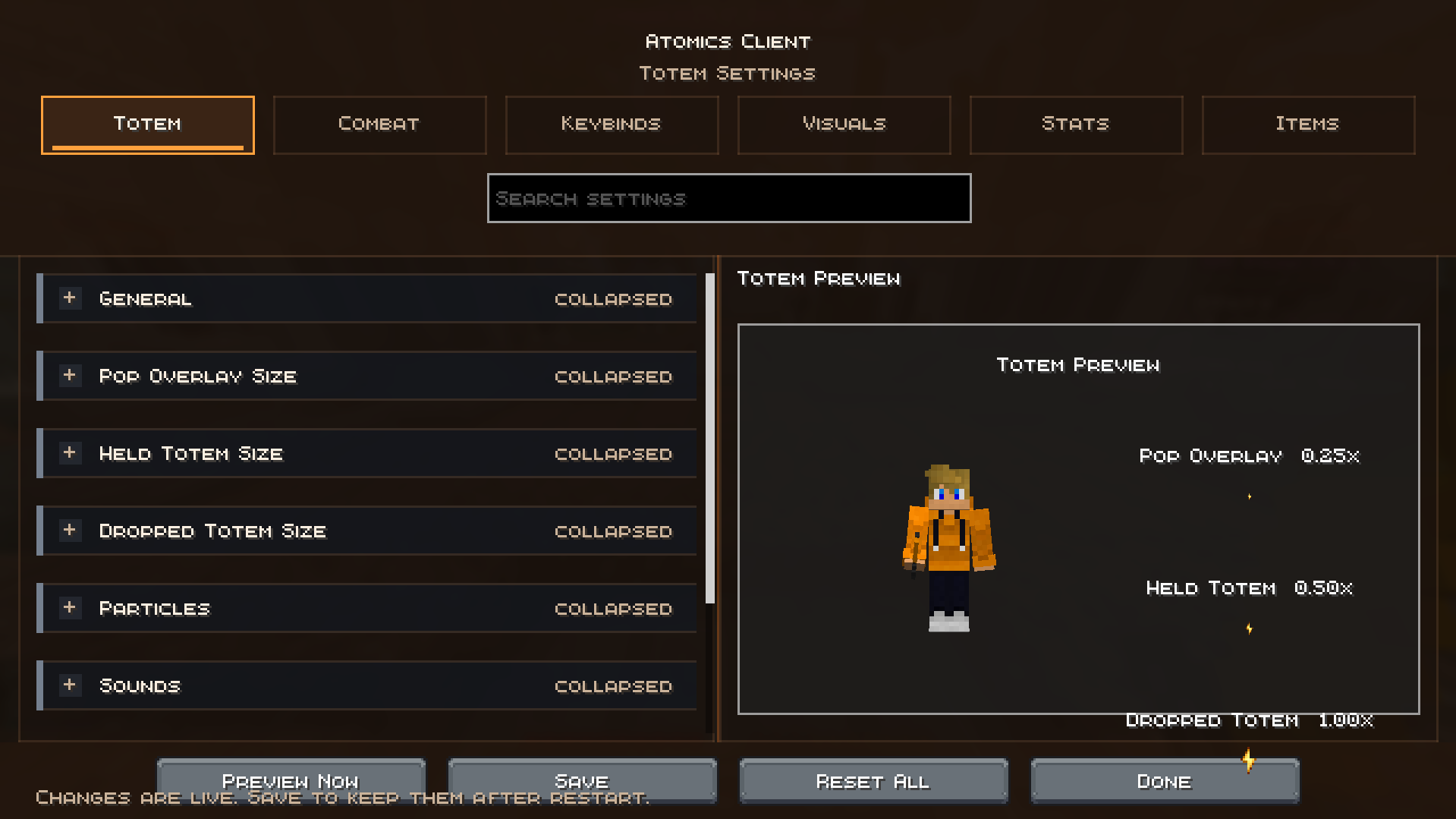 Mod Menu Totem
 -
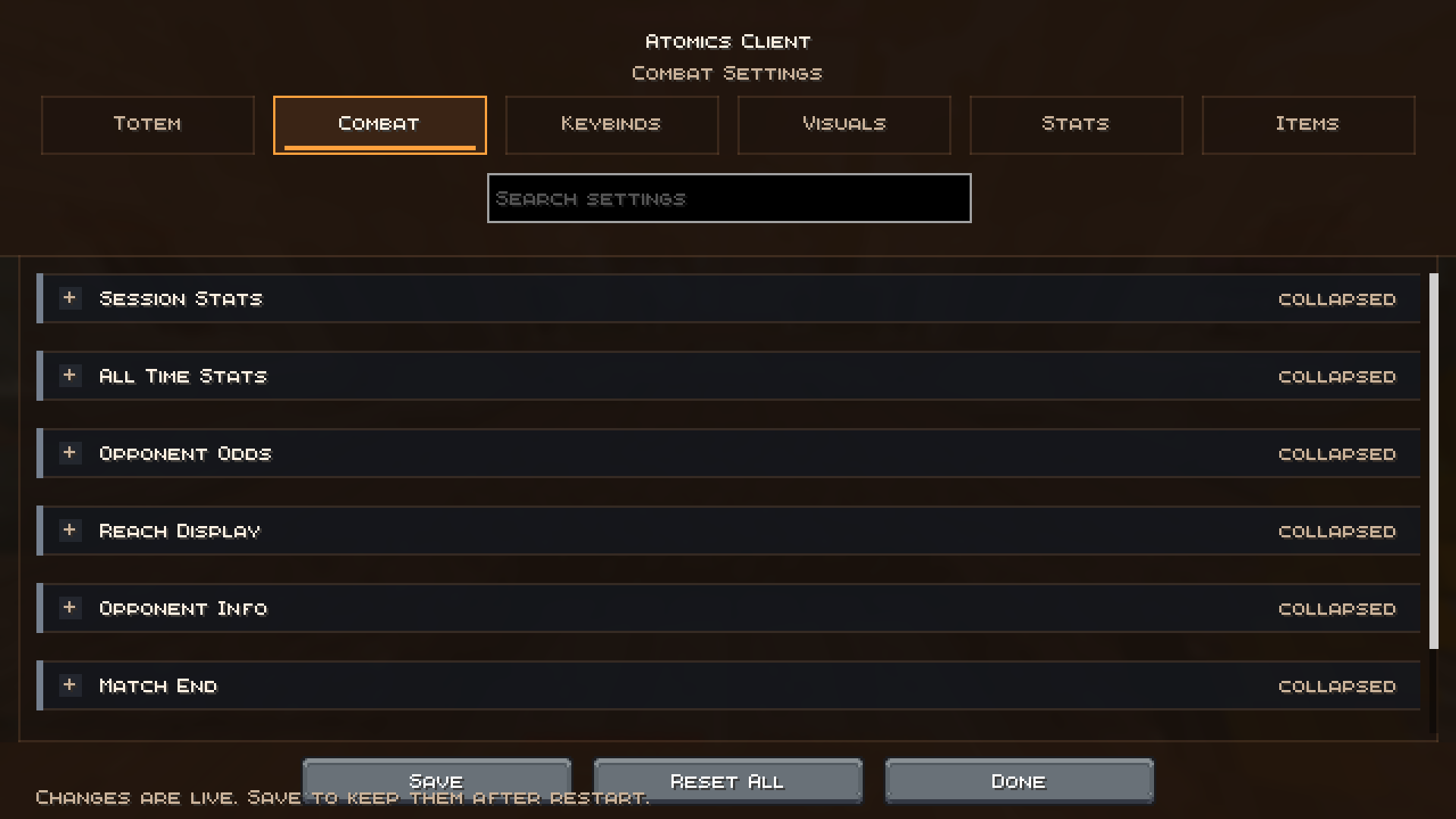 Mod Menu Combat
 -
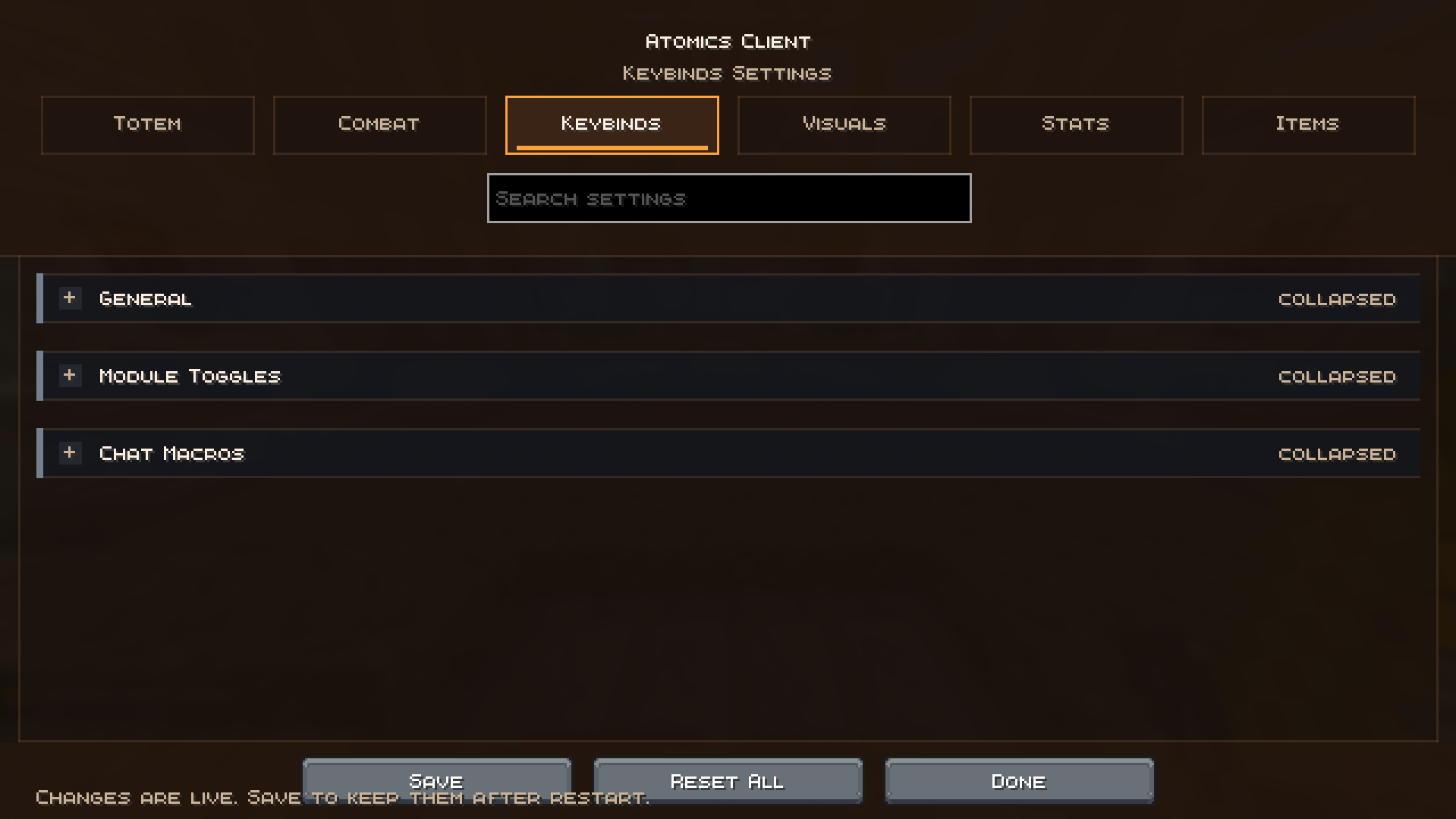 Mod Menu Keybinds
 -
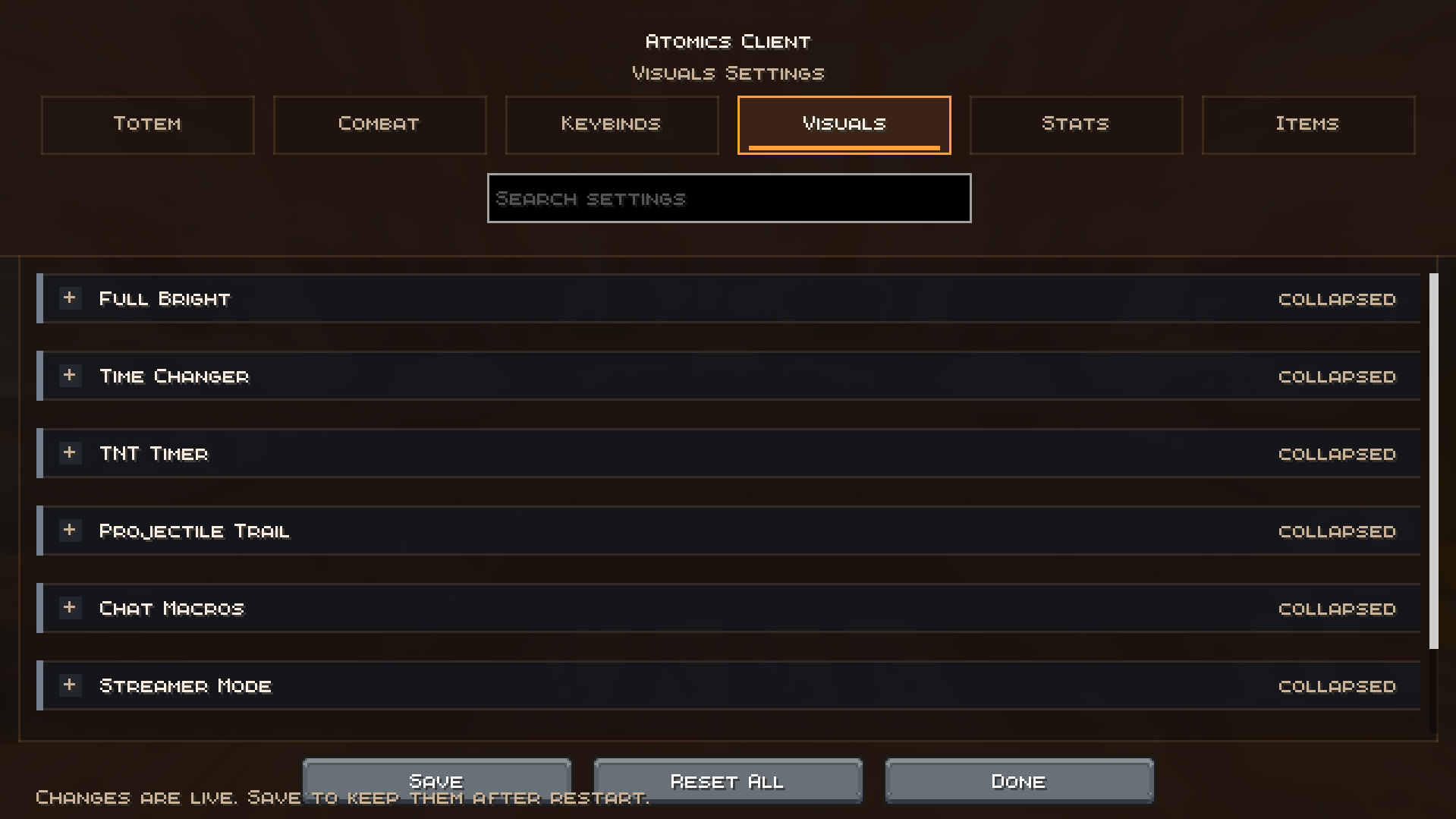 Mod Menu Visuals
 -
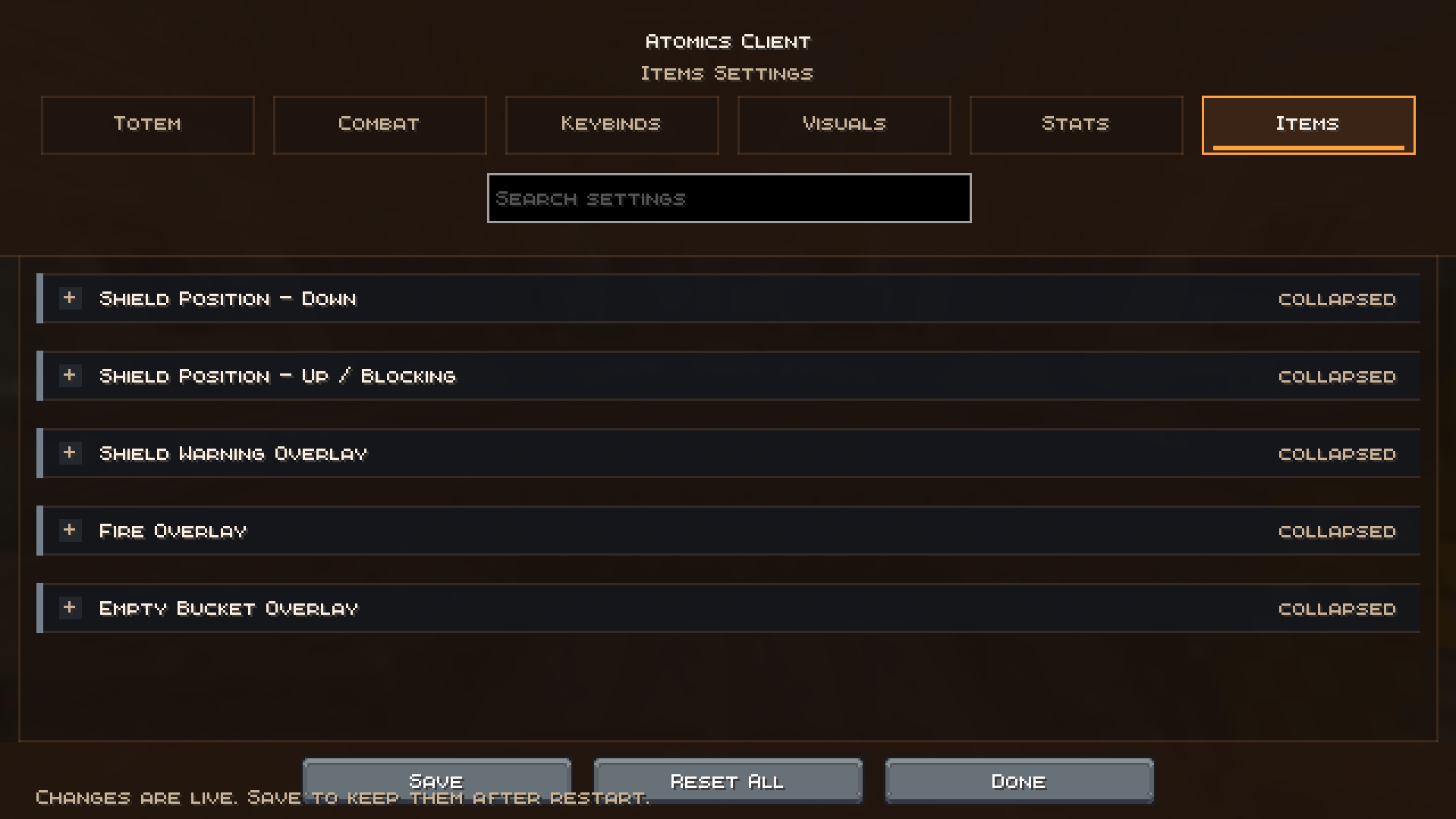 Mod Menu Items
Versions
Files
Relations
Project Relations
More like this
Similar Mods
Suggestions use data such as tags, dependencies, dependents, descriptions, titles, and more to rank how much they overlap with this mod.
On ModDex
Community snapshot
By the numbers
Statistics

Want to reach Minecraft players?
We're looking for a server hosting partner to feature here and other parts of the site. Interested? Send us a message!
Get in touchGet it on
Available Platforms
On ModDex
Community snapshot
By the numbers