Community listing page, reviews here may not be monitored by the author.

Community voices
Reviews
No reviews yet. Be the first to review this project!
Get it on
Available Platforms
About
Project Details
For authors
Embed Badge
If you're the author of this project, you can embed a live badge anywhere that supports HTML or Markdown. It updates automatically whenever ratings change.
Use HTML for any page that supports it, or Markdown for README files and Markdown-based descriptions.
Identifiers
Platform IDs
Resources
External Links
About
Description
AuraSystem
AuraSystem is a Forge mod for Minecraft 1.20.1 that adds an aura-sensing system designed for multiplayer worlds.
Players can focus their senses to reveal the auras of nearby players. Aura visibility and strength are influenced by factors such as aura power, equipment, potion effects, reputation, progression, and optional integration with TitleSystem, Adrenaline.
Controls
Default Key: Hold X — Show Aura
Hold the aura key to focus your senses and detect nearby player auras.
-
Releasing the key ends your focus.
-
Sprinting prevents you from focusing.
What Aura Power Does
Aura Power determines how noticeable a player is when another player senses their aura.
Higher Aura Power can affect:
-
Aura texture tier
-
Sensing range, from 8 to 90 blocks
-
The Aura Power number displayed near detected players
-
The first-person Aura Power HUD while focusing
Aura Texture Tiers
Aura textures currently change at the following Aura Power thresholds:
0 → 500 → 1,000 → 1,500 → 2,000 → 2,500 → 3,000 → 3,500
How Aura Power Is Calculated
Aura Power is calculated using several categories:
-
Progression
-
Optional Adrenaline aura bonus
-
Optional TitleSystem title aura bonus
-
Armor
-
Main-hand weapon
-
Offhand shield or Totem of Undying
-
Enchantments
-
Beneficial potion effects
-
Reputation
Reputation
Reputation provides a long-term Aura Power bonus of up to +1,000 Aura Power.
Reputation is earned through:
-
Mob kills: +5 Aura Power each, up to +500
-
Ender Dragon and Wither kills: +150 Aura Power each, up to +300
-
Days survived: +2 Aura Power per Minecraft day, up to +200
Together, these bonuses reward players for combat achievements, survival time, progression, and powerful equipment.
Configuration
AuraSystem creates a small client-side configuration file:
config/aurasystem-client.toml
Available options:
-
showFocusVignette=true— Displays the dark screen-edge effect while focusing. -
showAuraPowerHud=true— Displays your current aura power in first person while focusing.
Screenshots
Gallery
-
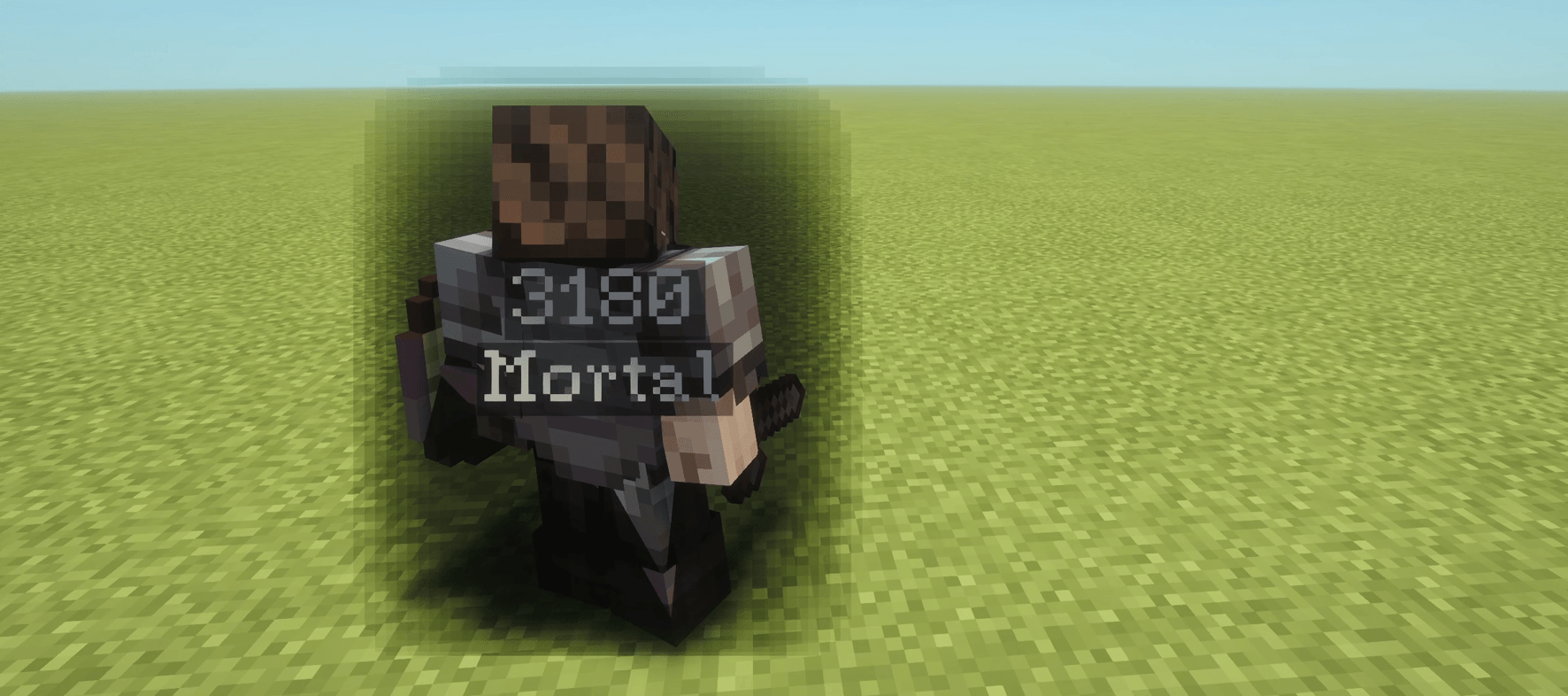 Screenshot 2026-09-20 084832.png Screenshot 2026-09-20 084832.png
 -
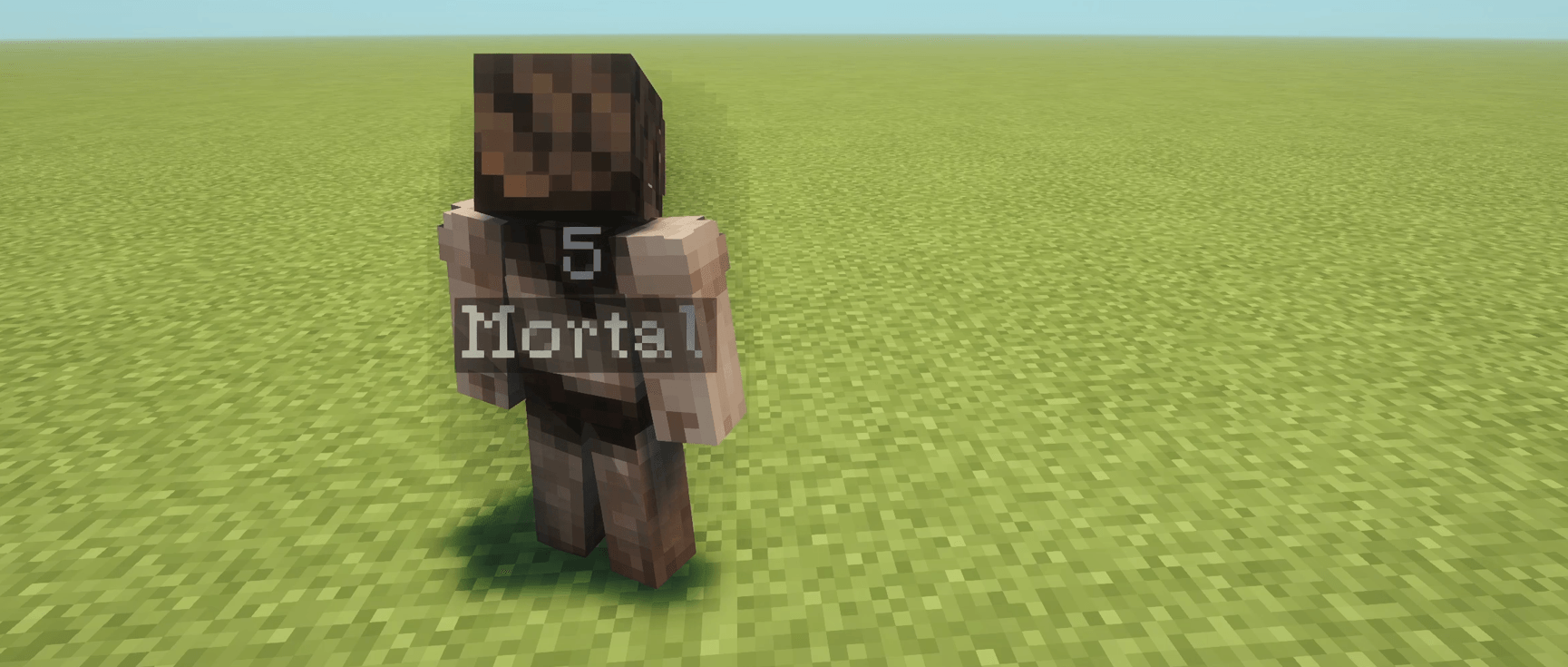 Screenshot 2026-09-20 084844.png Screenshot 2026-09-20 084844.png
Versions
Files
Relations
Project Relations
More like this
Similar Mods
Suggestions use data such as tags, dependencies, dependents, descriptions, titles, and more to rank how much they overlap with this mod.
On ModDex
Community snapshot
By the numbers
Statistics
Want to reach Minecraft players?
We're looking for a server hosting partner to feature here and other parts of the site. Interested? Send us a message!
Get in touchGet it on
Available Platforms
On ModDex
Community snapshot
By the numbers
Statistics
Resources