Community listing page, reviews here may not be monitored by the author.
Aurora PvP


No reviews yet
A Minecraft PvP mod (NEW - Music player, Custom presets, Kill and Totem sounds (configurable)), will get better hopefully over the weeks to come. It works tho... only for 1.21.11 for now.
Community voices
Reviews
No reviews yet. Be the first to review this project!
Get it on
Available Platforms
Compatibility
Supported Environments
Runs entirely on the client. Works on vanilla servers.
About
Project Details
For authors
Embed Badge
If you're the author of this project, you can embed a live badge anywhere that supports HTML or Markdown. It updates automatically whenever ratings change.
Use HTML for any page that supports it, or Markdown for README files and Markdown-based descriptions.
Identifiers
Platform IDs
Resources
External Links
About
Description
Aurora PvP
Built for cleaner fights and better control
Fabric 1.21.11 • Client-side PvP utility mod
UPDATED 1.1.7 (I skipped a lot of updates because I forgot what I added, sorry guys)
Hope you like it :3
You should read the whole thing tbh (for keybinds and file locations)
AuroraPvP (Fabric 1.21.11) - User Guide
AuroraPvP is a PvP-focused client-side Fabric mod built for cleaner fights, faster HUD access, and in-game utility tools without requiring server-side installation.
This guide is written for Modrinth/CurseForge users.
What AuroraPvP Includes
HUD Features
- FPS
- CPS (left/right)
- Keystrokes (WASD + mouse buttons)
- Coordinates
- Ping
- Armor Status
- Hand/Tool Durability
- Potion Effects
- World Time
- Facing / Degrees
- Cyber Vitality HUD (compact health/food/XP style bars)
- Damage Tracker
- Target Health (crosshair)
- Totem Counter
- TNT Minecart Counter
- Bow Power Display
Combat / Render / Movement Features
- Player Outline (PvP)
- Hitbox Viewer
- Hit Particles
- Block Overlay
- NoRender toggles
- No fog
- No fire overlay
- No lava overlay
- No water overlay
- No totem animation
- No totem particles
- Fullbright
- Zoom (hold + scroll)
- Free Look (hold key)
- Toggle Sprint
- Toggle Sneak
Audio Systems
- In-game Music Player (local files, with volume controls and auto behavior toggles)
- Custom Combat Sounds
- Custom kill sounds
- Custom totem-pop sounds
- Per-sound-type toggles + volume sliders
- Reload button for rescanning folders in-game
Keybinds
Current defaults in AuroraPvP
- \ (Backslash): Open Aurora Mod Menu
- Right Shift: Open Aurora Click GUI
- H: Open HUD Editor
- Z: Zoom (hold)
- C: Free Look (hold)
- Right Alt: Open Music Player
Requested in-game setup
If you want your exact preferred setup:
- Set Music Player to Left Alt
- Keep Aurora Mod Menu on Backslash (\)
You can change this in:
Options -> Controls -> Key Binds -> AuroraPvP
Minecraft Folder Locations
AuroraPvP creates/uses these paths:
- Config file:
- .minecraft/config/aurorapvp.json
- Music folder:
- .minecraft/aurorapvp/songs/
- Custom combat sound folders:
- .minecraft/config/aurorapvp/sounds/kills/
- .minecraft/config/aurorapvp/sounds/totempops/
Music Player: How to Use
- Put audio files into:
- .minecraft/aurorapvp/songs/
- Supported in current build:
- .mp3
- .mp4
- Open music player keybind (recommended Left Alt, default Right Alt)
- Use:
- Prev / Play-Pause / Next
- Reload Folder
- Volume slider
- Auto-pause toggle
- Lower-volume-in-menus toggle
Custom Kill/Pop Sounds: How to Use
- Put sounds into:
- Kill sounds: .minecraft/config/aurorapvp/sounds/kills/
- Totem pop sounds: .minecraft/config/aurorapvp/sounds/totempops/
- Supported:
- .wav, .mp3, .ogg
- In Aurora Click GUI (Totem/Combat sound controls):
- Enable/disable custom kill sounds
- Enable/disable custom pop sounds
- Adjust kill/pop volumes
- Press Reload Sounds to rescan instantly
Quick Start (Recommended)
- Join world/server.
- Press \ to open Aurora menu.
- Press Right Shift for Click GUI and enable the HUD modules you want.
- Press H and move HUD elements where you want them.
- Set music keybind to Left Alt if desired.
- Add your music and custom combat sound files to the folders above.
Notes for Modrinth/CurseForge Listing
- Loader: Fabric
- Version target: Minecraft 1.21.11
- Type: Client-side utility/PvP HUD mod
- Server requirement: Not required (client-side features)
What is Aurora PvP?
Aurora PvP is a modular PvP-focused client that improves how combat feels and plays without overcomplicating Minecraft.
The goal isn’t to overload the game with features, but to refine the parts that actually matter in PvP:
- visibility
- awareness
- control
Everything is designed to feel smooth, useful, and consistent with vanilla gameplay.
Combat Features
Aurora PvP includes several features that help you better understand and react during fights:
- Player Outline (PvP)
- Highlights players so they’re easier to track in combat
- Target Health (Crosshair)
- Displays enemy health directly in your crosshair for faster decisions
- Damage Tracker
- Shows how much damage you’re dealing in real time
- Hit Particles
- Adds clear visual feedback when landing hits
These features give you better awareness without getting in the way of gameplay.
Visual Improvements
The mod reduces unnecessary visual clutter and improves clarity:
- NoRender
- Removes distracting or unimportant visuals and can improve performance
- Makes it easier to see key elements during fights
- Block Overlay
- Improves block interaction visibility for building and PvP
- Movement and Control
Movement-related features are designed to make gameplay more comfortable and consistent:
- Toggle Sprint
- Toggle Sneak
- Free Look (hold key)
- Zoom (hold + scroll)
These changes don’t alter core mechanics but make movement easier to manage during fights.
HUD and Information
Aurora PvP adds useful on-screen information without cluttering the display:
- Cyber Vitality HUD (in progress)
- Hand / Tool Durability
- Potion Effects Display
- World Time
- Facing / Degrees
All HUD elements are designed to be simple and readable.
Customisation
All modules can be toggled through an in-game GUI. You can choose exactly which features you want to use and configure the mod to match your playstyle.
Visual Style
Based on the in-game experience and gallery, the mod focuses on:
- clean outlines
- minimal HUD elements
- clear particle effects
- reduced visual clutter
The result is a more focused and readable PvP experience.
Development Status
Aurora PvP is still being developed.
Some features may not work perfectly yet, and improvements to stability, visuals, and UI are ongoing. More updates and features are planned.
Requirements
- Minecraft 1.21.11
- Fabric Loader
Final Notes
Aurora PvP is built around making combat clearer and more controlled without changing the core feel of the game.
If you want a cleaner PvP experience with better feedback and visibility, this mod is designed for that.
Aurora PvP
Built for cleaner fights and better control
Fabric 1.21.11 • Client-side PvP utility mod
For server owners
If you would like to opt out of people having this client on your server, please check the versions for the Fabric server mod and Paper plugin for server opt-out. Thank you.
UPDATED 1.7.4
Hope you like it :3
What is Aurora PvP?
Aurora PvP is a modular PvP-focused client that improves how combat feels and plays without overcomplicating Minecraft.
The goal isn’t to overload the game with features, but to refine the parts that actually matter in PvP:
- visibility
- awareness
- control
Everything is designed to feel smooth, useful, and consistent with vanilla gameplay.
Combat Features
Aurora PvP includes several features that help you better understand and react during fights:
- Player Outline (PvP)
- Highlights players so they’re easier to track in combat
- Target Health (Crosshair)
- Displays enemy health directly in your crosshair for faster decisions
- Damage Tracker
- Shows how much damage you’re dealing in real time
- Hit Particles
- Adds clear visual feedback when landing hits
These features give you better awareness without getting in the way of gameplay.
Visual Improvements
The mod reduces unnecessary visual clutter and improves clarity:
- NoRender
- Removes distracting or unimportant visuals and can improve performance
- Makes it easier to see key elements during fights
- Block Overlay
- Improves block interaction visibility for building and PvP
- Movement and Control
Movement-related features are designed to make gameplay more comfortable and consistent:
- Toggle Sprint
- Toggle Sneak
- Free Look (hold key)
- Zoom (hold + scroll)
These changes don’t alter core mechanics but make movement easier to manage during fights.
HUD and Information
Aurora PvP adds useful on-screen information without cluttering the display:
- Cyber Vitality HUD (in progress)
- Hand / Tool Durability
- Potion Effects Display
- World Time
- Facing / Degrees
All HUD elements are designed to be simple and readable.
Customisation
All modules can be toggled through an in-game GUI. You can choose exactly which features you want to use and configure the mod to match your playstyle.
Visual Style
Based on the in-game experience and gallery, the mod focuses on:
- clean outlines
- minimal HUD elements
- clear particle effects
- reduced visual clutter
The result is a more focused and readable PvP experience.
Development Status
Aurora PvP is still being developed.
Some features may not work perfectly yet, and improvements to stability, visuals, and UI are ongoing. More updates and features are planned.
Requirements
- Minecraft 1.21.11
- Fabric Loader
Final Notes
Aurora PvP is built around making combat clearer and more controlled without changing the core feel of the game.
If you want a cleaner PvP experience with better feedback and visibility, this mod is designed for that.
Screenshots
Gallery
-
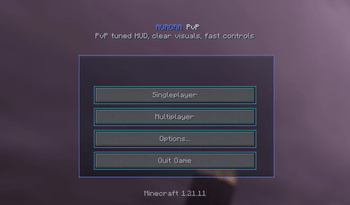 108aa2c5c454599dc88ec7beb97320db5760a275_350.png 108aa2c5c454599dc88ec7beb97320db5760a275_350.png
 -
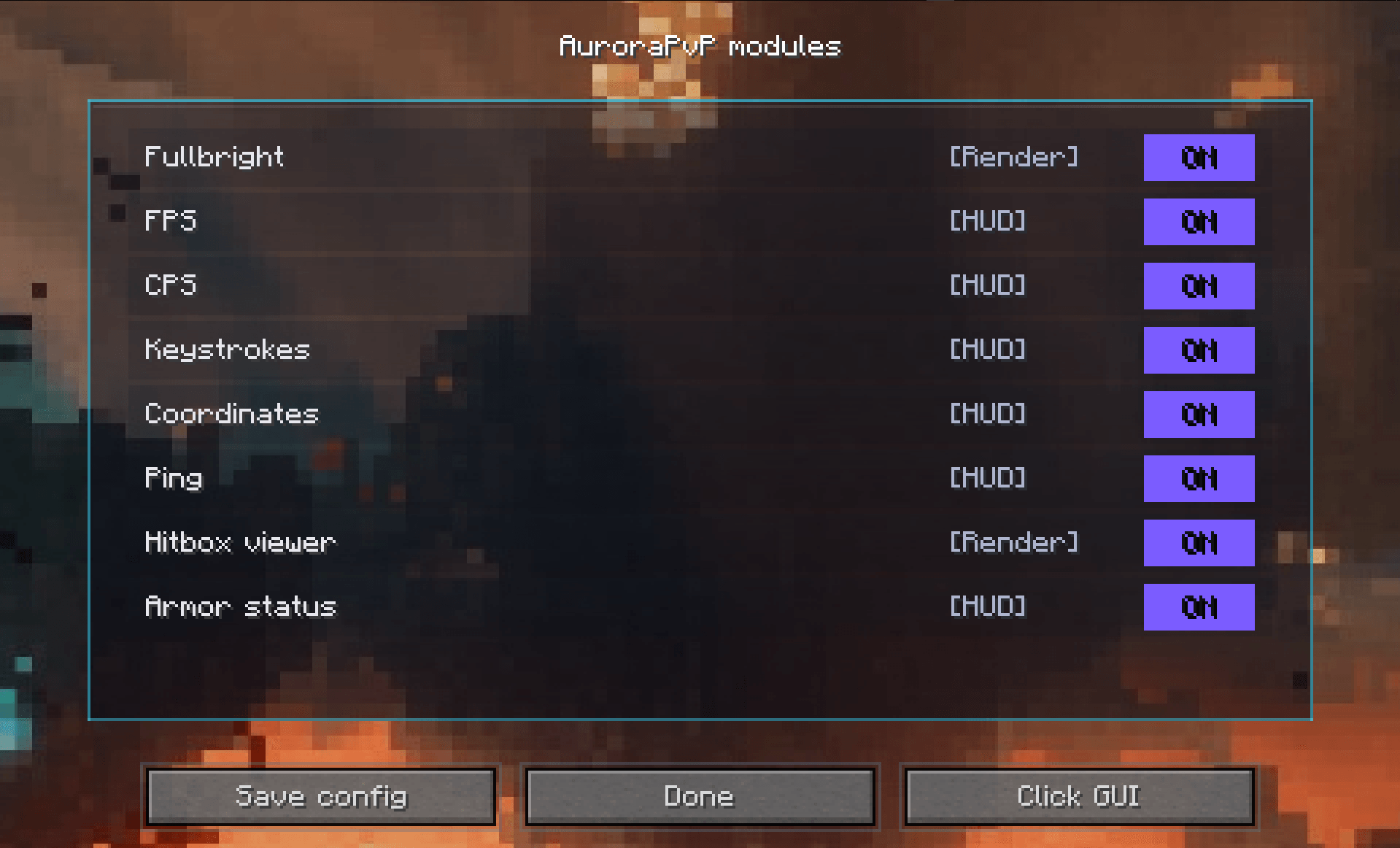 PvP mods A lot
 -
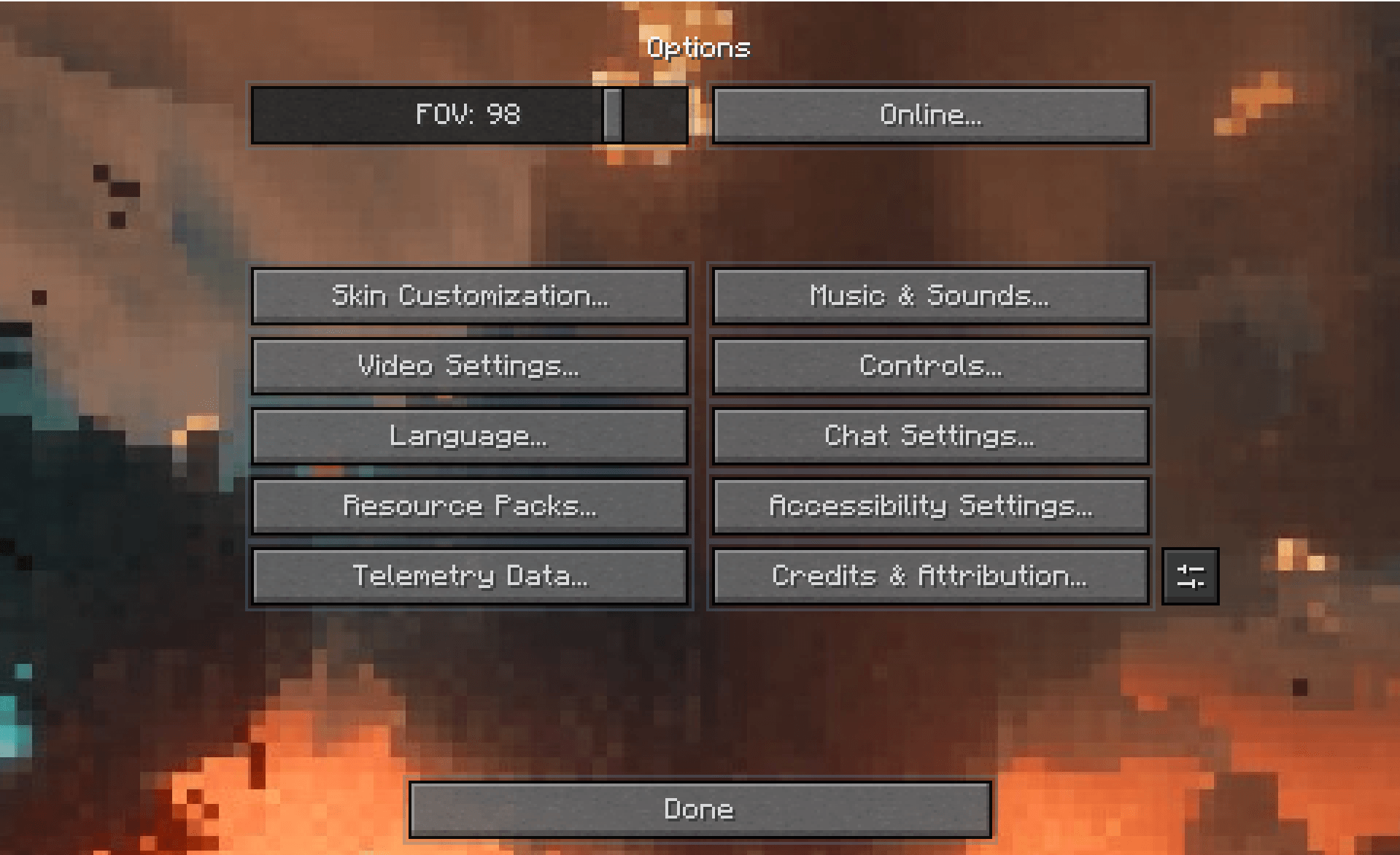 Real Options opt ions ...
 -
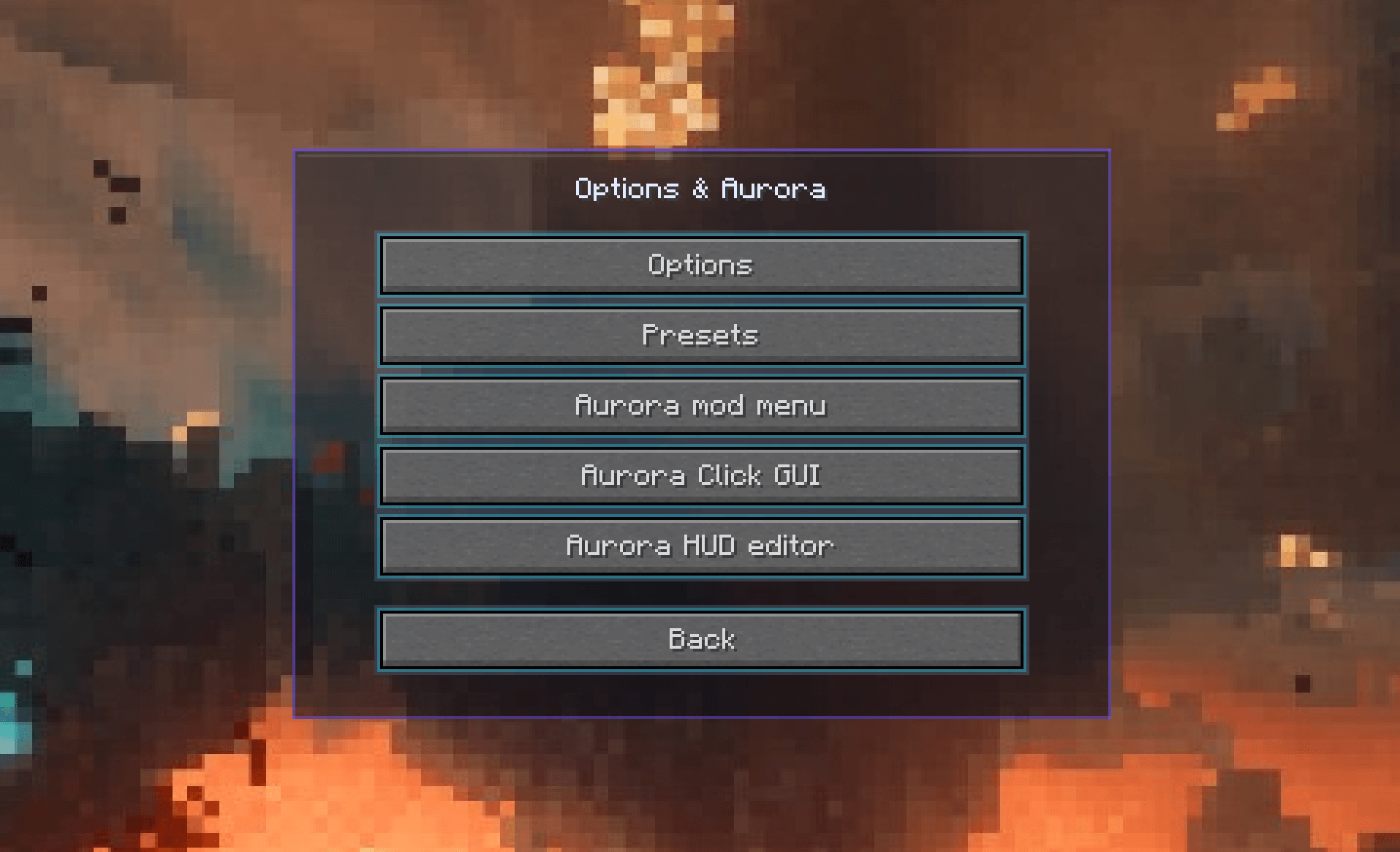 Options menu Cool?
 -
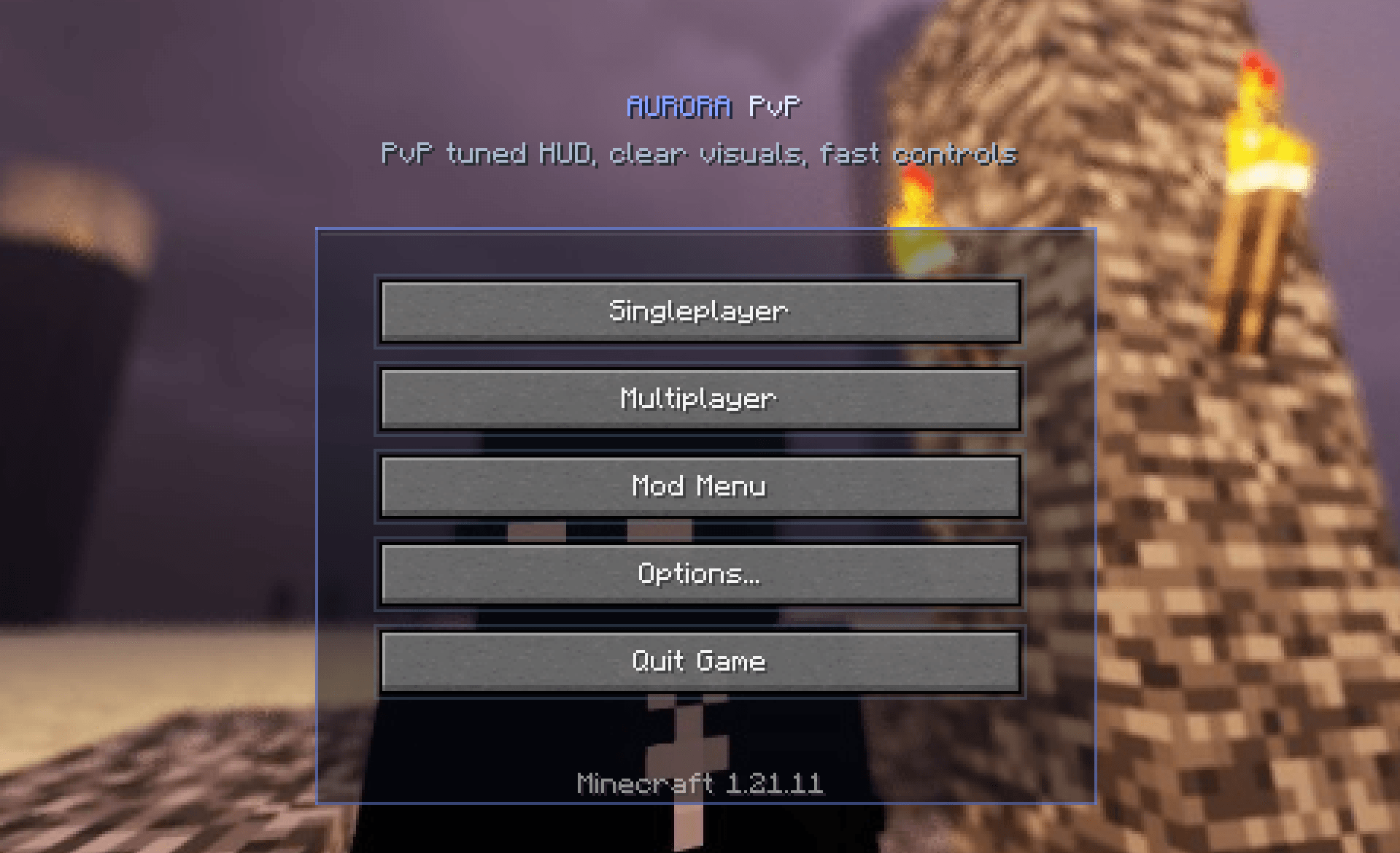 Aurora Menu Main menu
 -
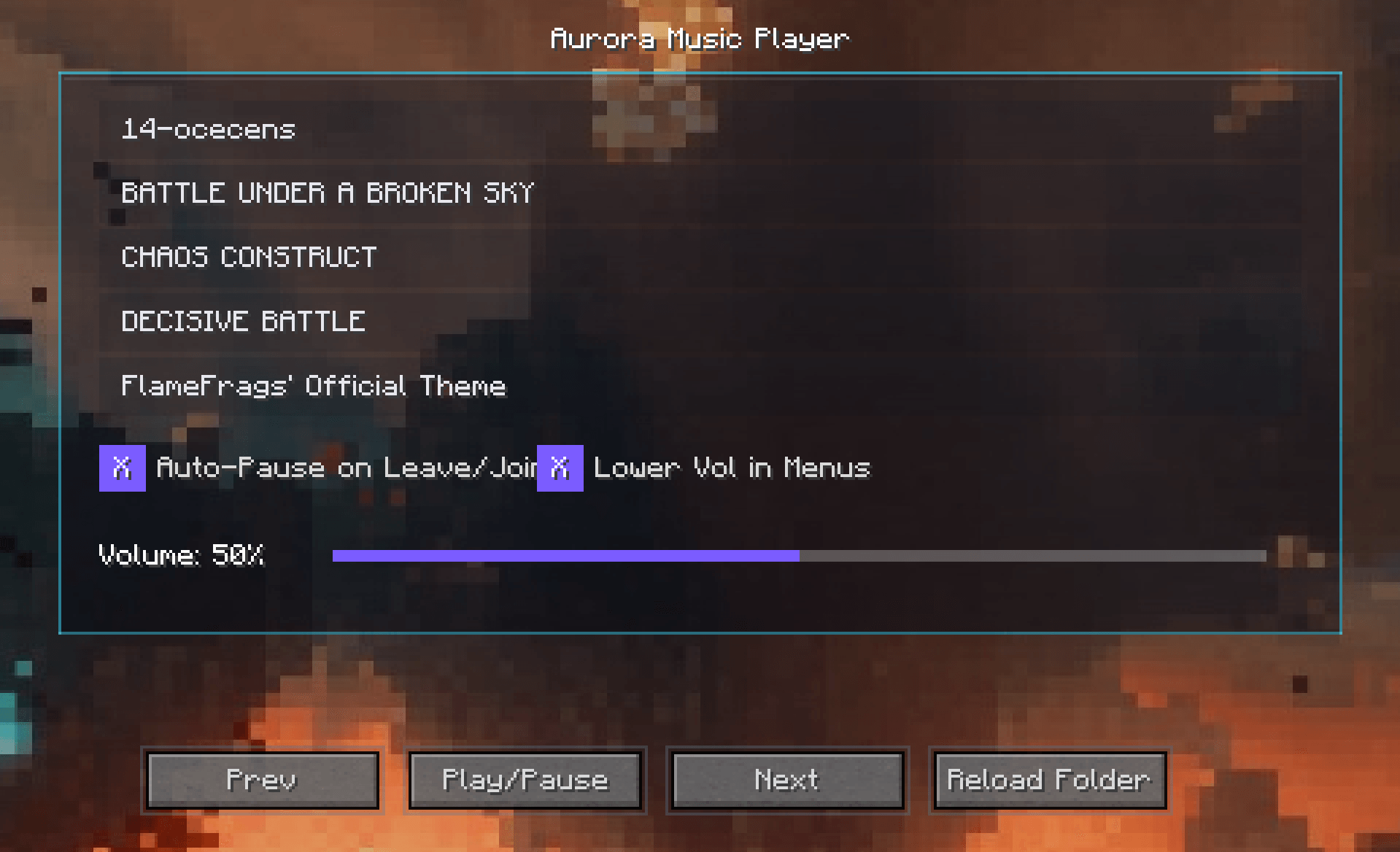 Music player Tuff?
-
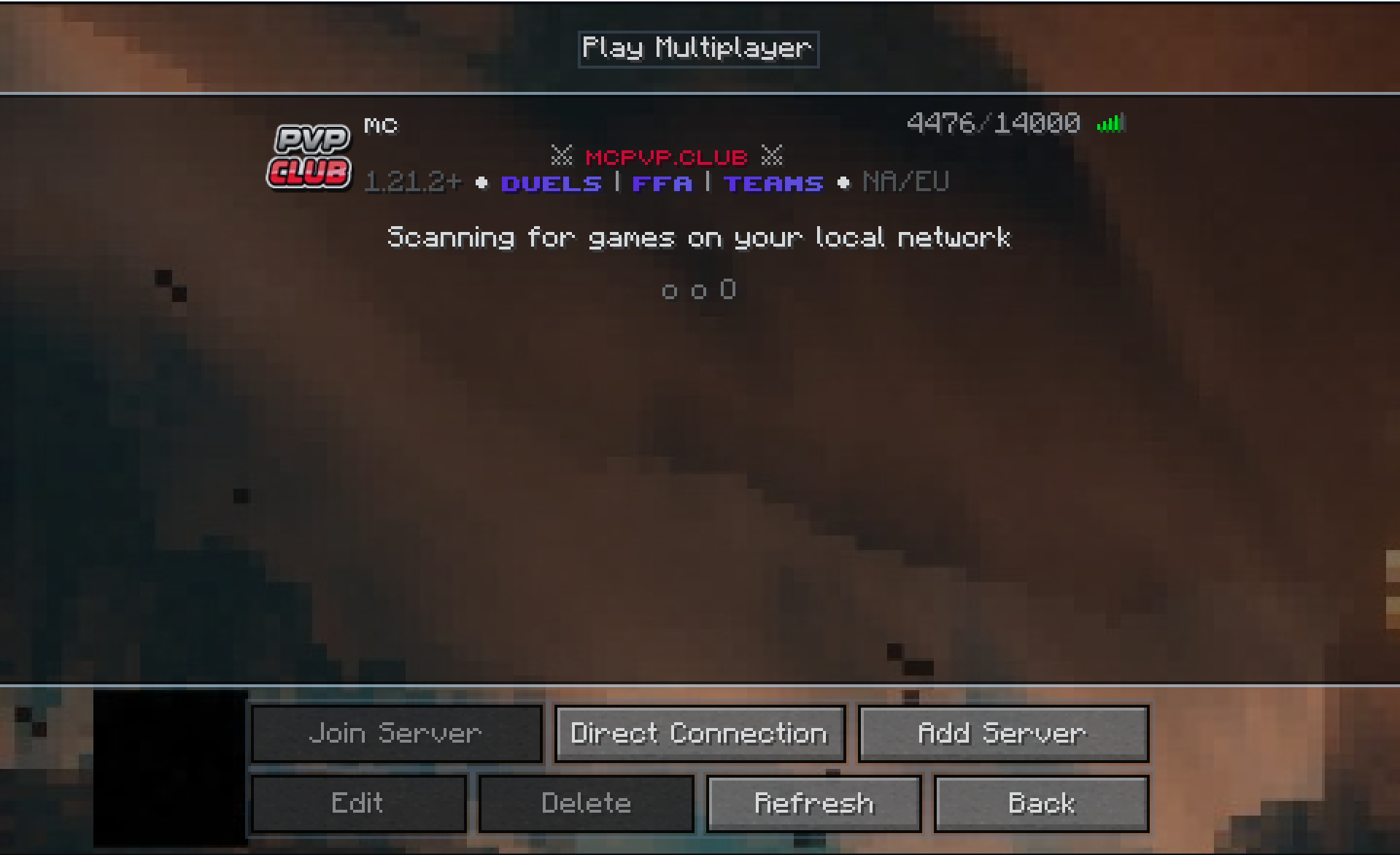 Play Multiplayer Screen
 -
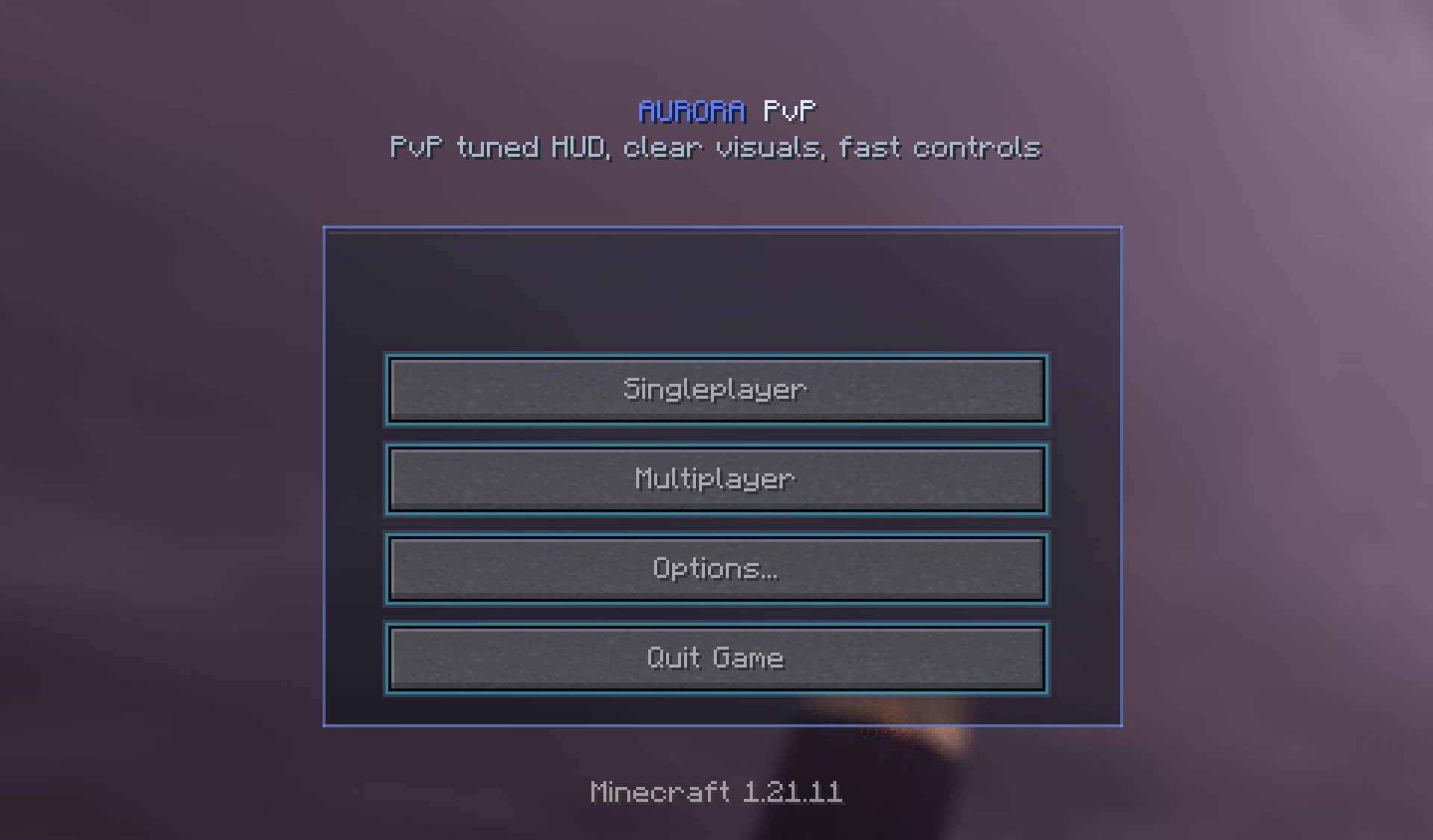 Aurora Homescreen Still working on the backgrounds
 -
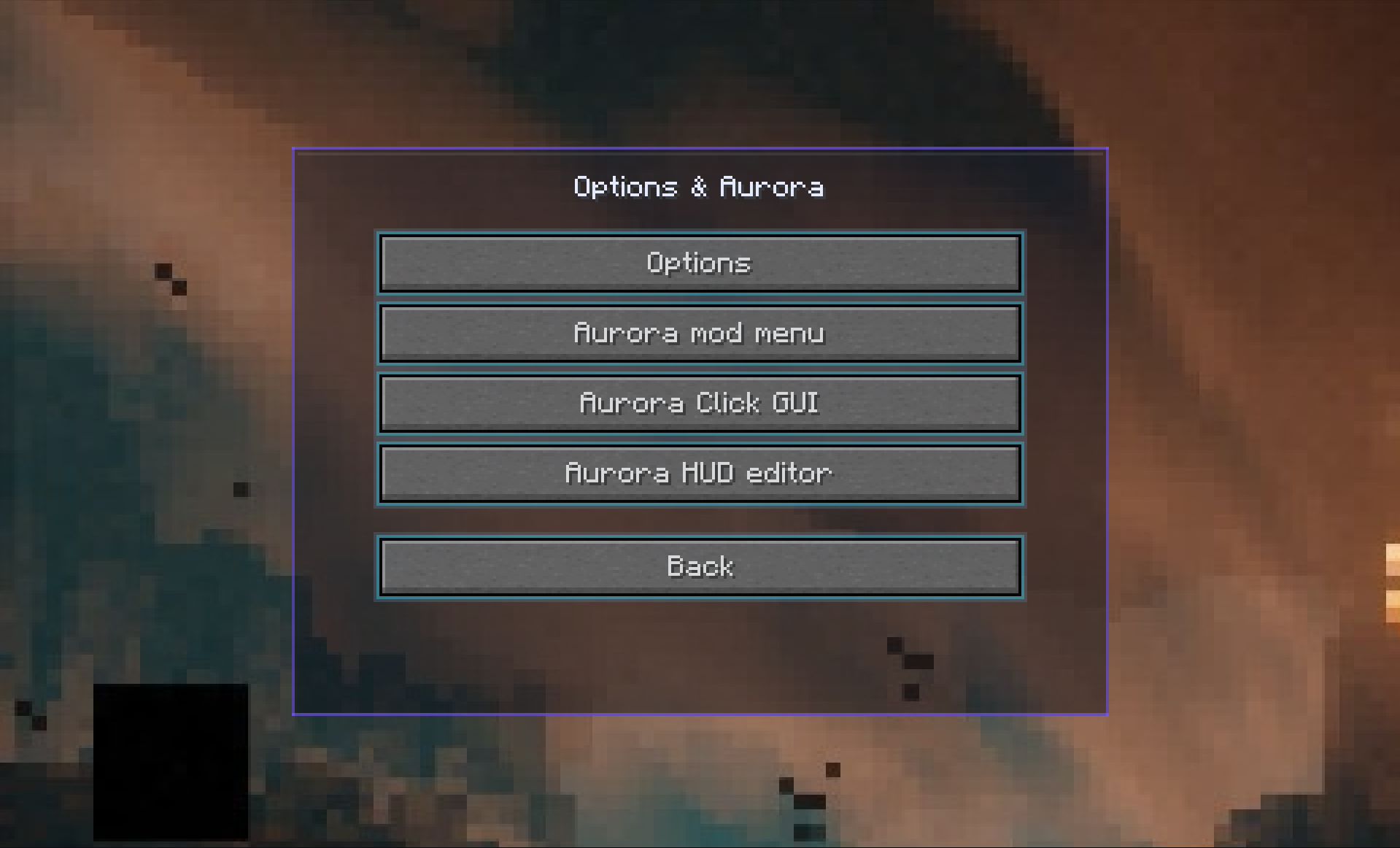 Options & Aurora Screen
 -
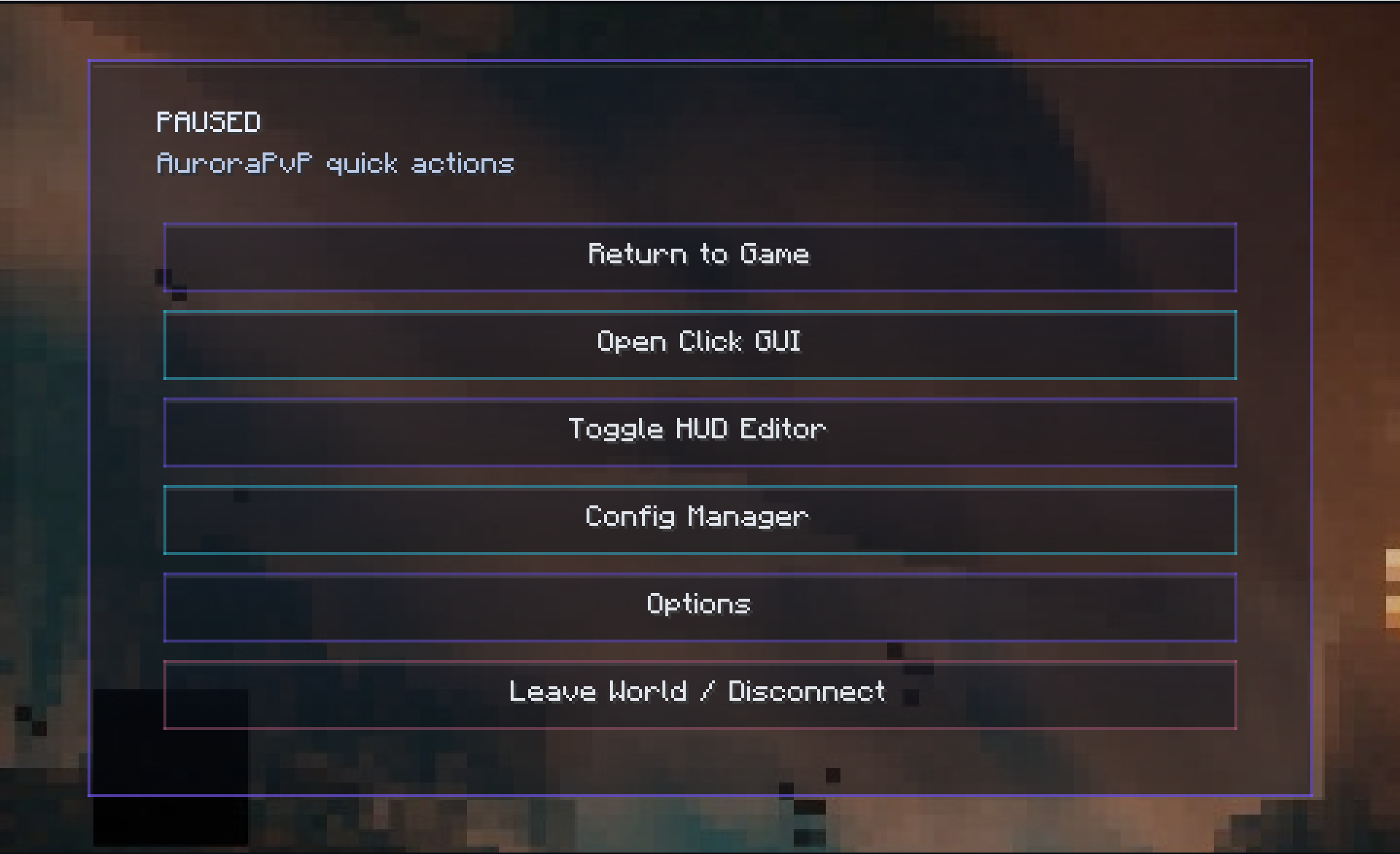 Pause Menu
 -
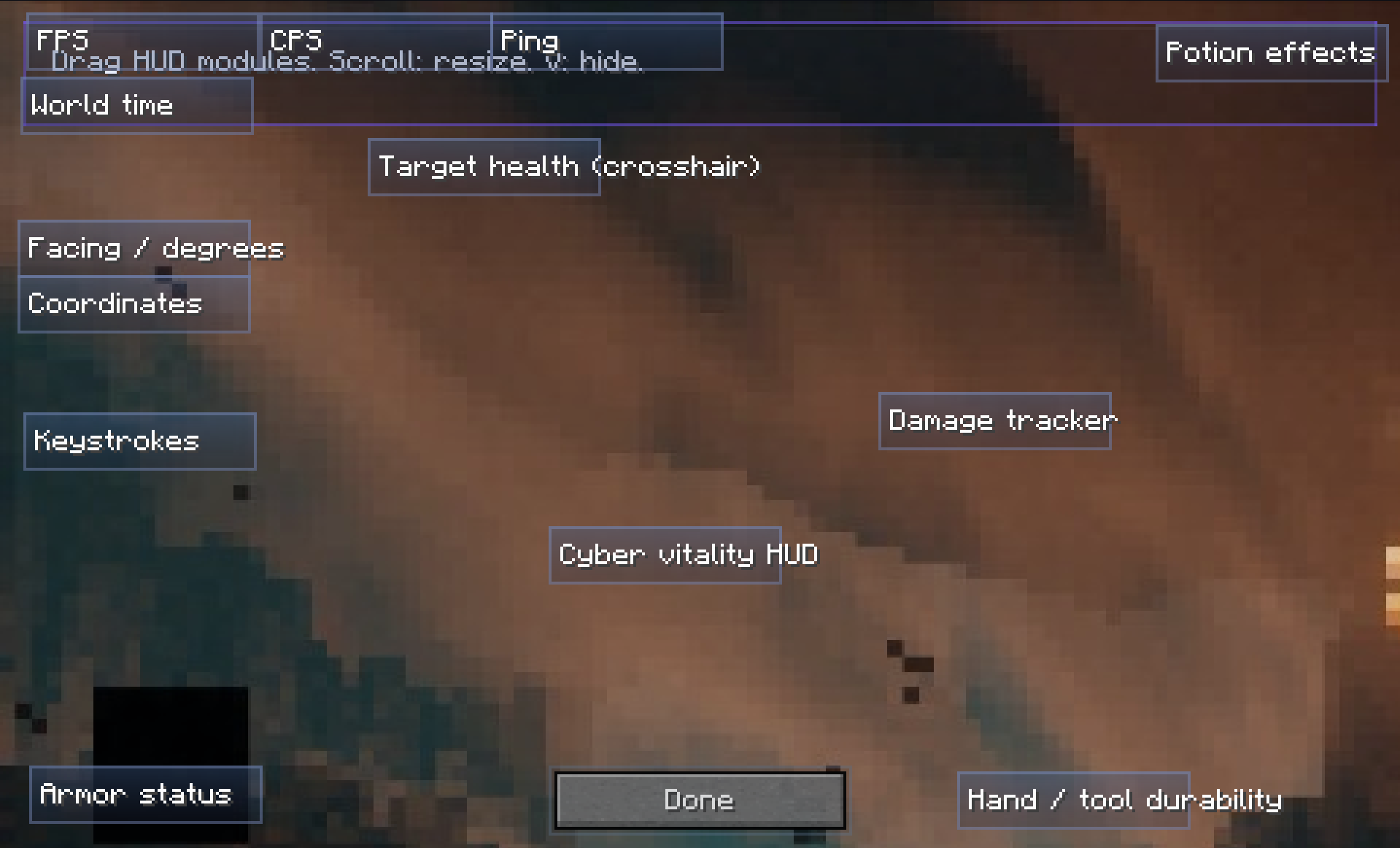 Gui Placement Screen
 -
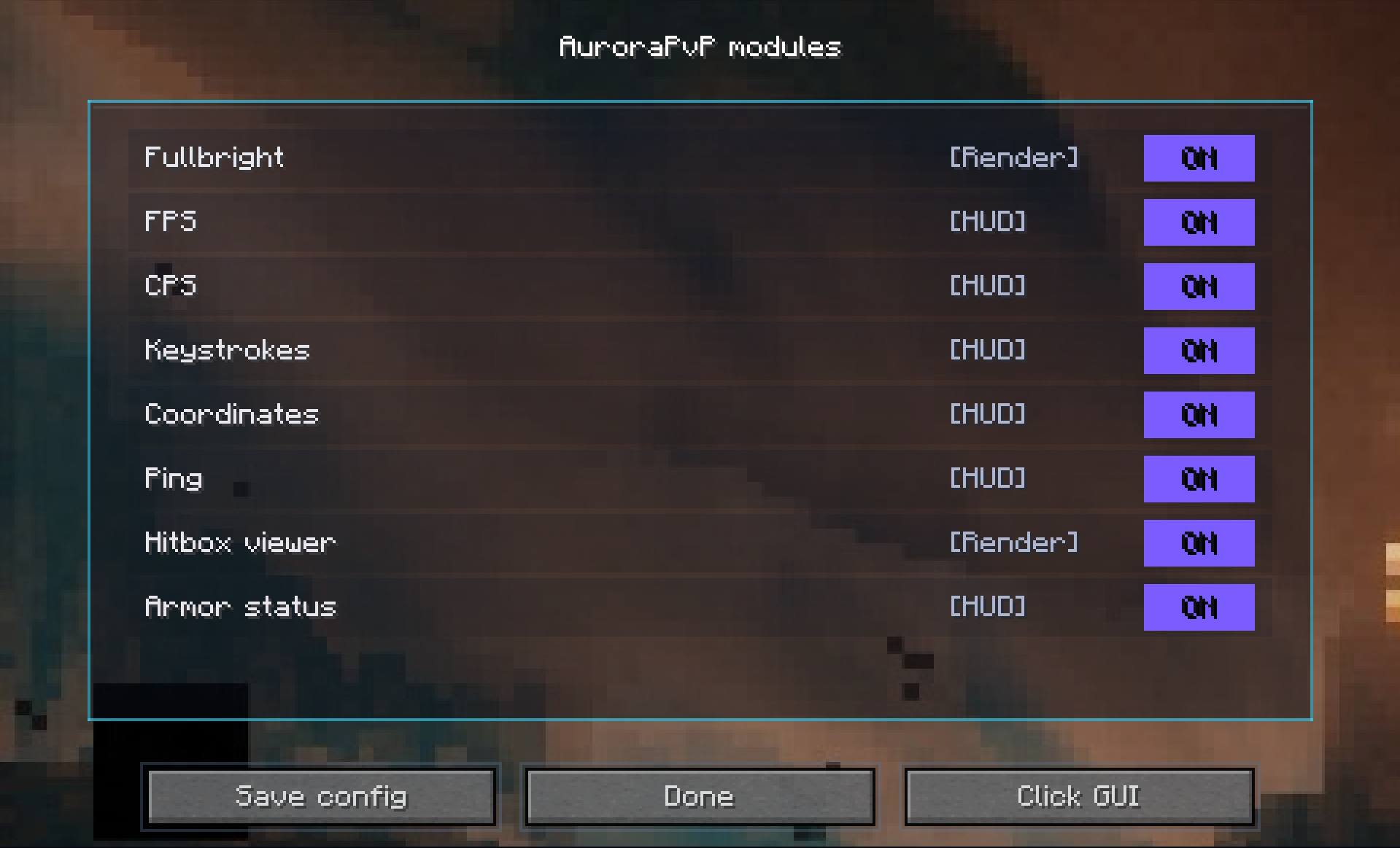 Modules Screen
 -
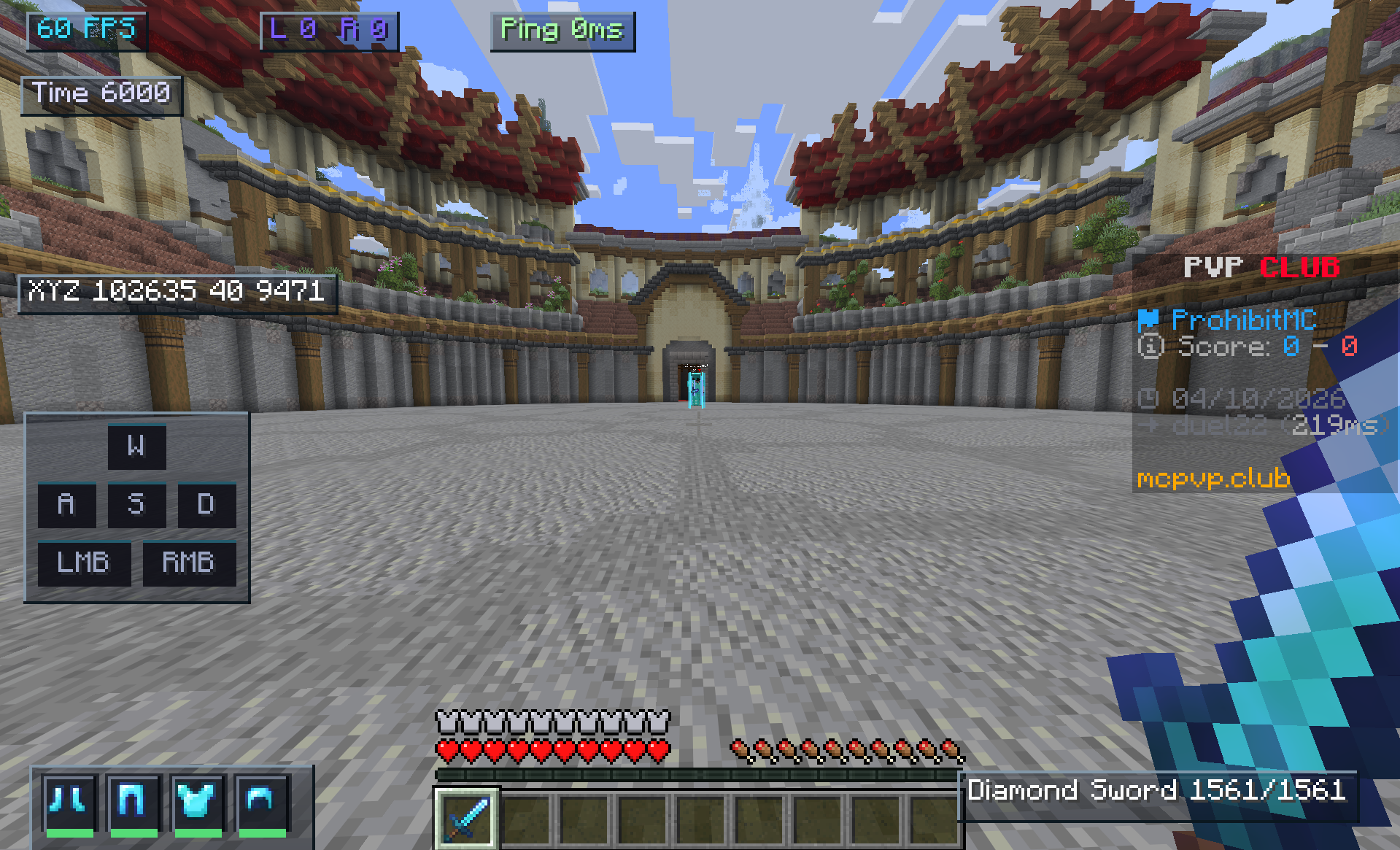 In-game
Versions
Files
Relations
Project Relations
More like this
Similar Mods
Suggestions use data such as tags, dependencies, dependents, descriptions, titles, and more to rank how much they overlap with this mod.
On ModDex
Community snapshot
By the numbers
Statistics
Want to reach Minecraft players?
We're looking for a server hosting partner to feature here and other parts of the site. Interested? Send us a message!
Get in touchGet it on
Available Platforms
On ModDex
Community snapshot
By the numbers
Statistics
Resources