

Community voices
Reviews
Click once to include, again to exclude, again to clear
No reviews yet. Be the first to review this project!
Get it on
Available Platforms
 Modrinth
Compatibility
Supported Environments
About
Project Details
For authors
Embed Badge
If you're the author of this project, you can embed a live badge anywhere that supports HTML or Markdown. It updates automatically whenever ratings change.
Use HTML for any page that supports it, or Markdown for README files and Markdown-based descriptions.
Identifiers
Platform IDs
About
Description
What this mod can do?
This mod automatically backs up your precious save files. With it installed, you can dive into mining, exploring, and other dangerous adventures with total peace of mind.
How to use?
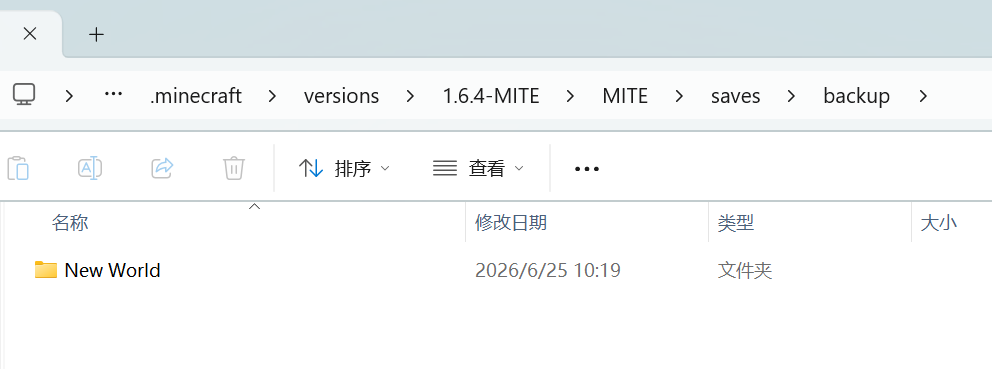
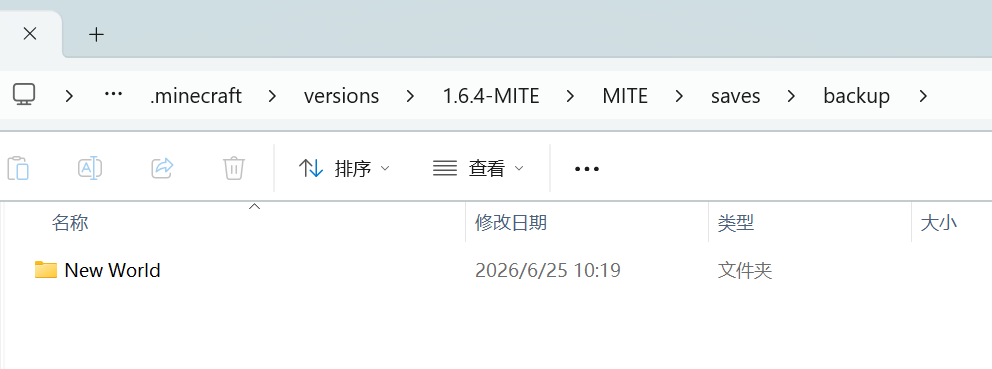
You can find the backups in the following path: .minecraft\versions\1.6.4-MITE\MITE\saves\backup
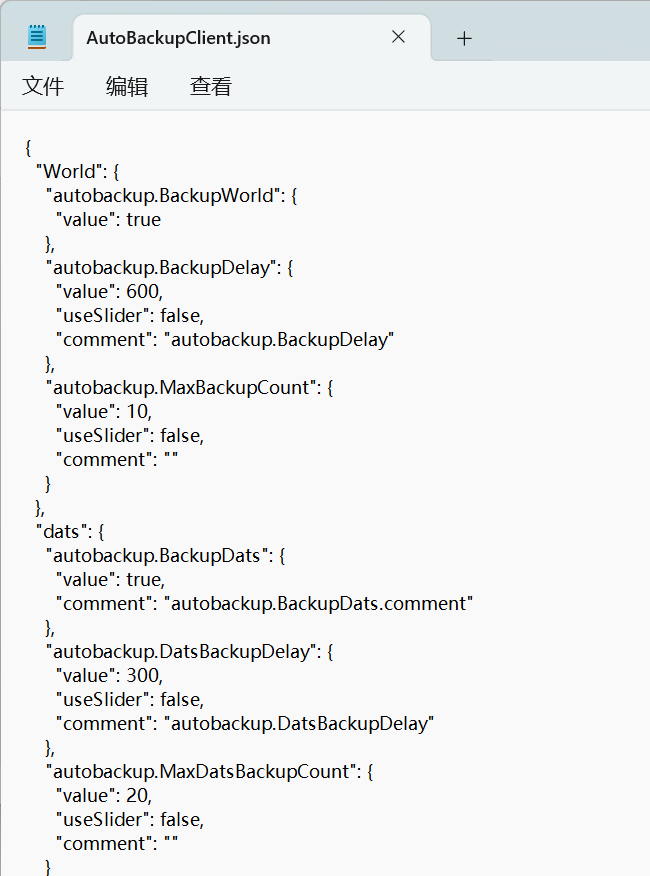
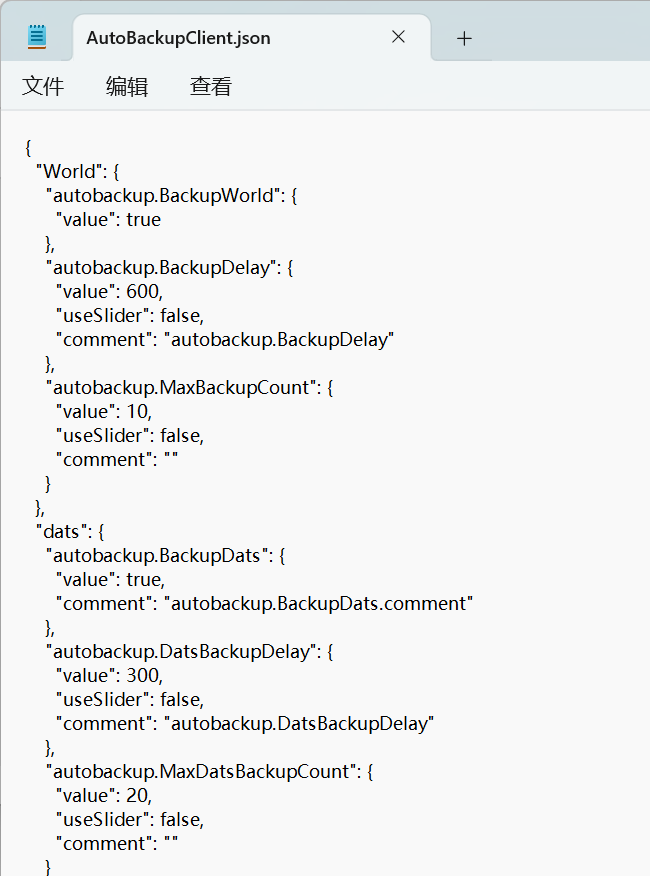
You can configure the related settings in: .minecraft\versions\1.6.4-MITE\config\AutoBackupClient.json
In-game, it will be displayed as follows:Save notifications are displayed in the bottom-left corner of the screen.

Other Notes
You don't need to worry about auto-backups filling up your storage space. When a new backup is created, the oldest one will be automatically deleted.
Screenshots
Gallery
Versions
Files
Relations
Project Relations
More like this
Similar Mods
Suggestions use data such as tags, dependencies, dependents, descriptions, titles, and more to rank how much they overlap with this mod.
On ModDex
Community snapshot
By the numbers
Statistics

Want to reach Minecraft players?
We're looking for a server hosting partner to feature here and other parts of the site. Interested? Send us a message!
Get in touchGet it on
Available Platforms
On ModDex
Community snapshot
By the numbers