
Community listing page, reviews here may not be monitored by the author.
Autoclicker

No reviews yet
An autoclicker mod for personal use.
Community voices
Reviews
No reviews yet. Be the first to review this project!
Get it on
Available Platforms
Compatibility
Supported Environments
Runs entirely on the client. Works on vanilla servers.
About
Project Details
For authors
Embed Badge
If you're the author of this project, you can embed a live badge anywhere that supports HTML or Markdown. It updates automatically whenever ratings change.
Use HTML for any page that supports it, or Markdown for README files and Markdown-based descriptions.
Identifiers
Platform IDs
Resources
External Links
About
Description
Autoclicker Mod

A powerful yet lightweight Fabric mod that lets you automate clicks with full profile management, keybind support, and a clean in-game UI — available in 🇬🇧 English, 🇪🇸 Español and 🇫🇷 Français.
Features
- Auto-clicking — left or right click with configurable delay (ms)
- Double-click mode — send two clicks per tick for ultra-fast actions
- Multi-profile system — up to 10 named profiles (Default, Farming, Mining…)
- Keybinds — toggle, cycle profiles, and open the config screen without leaving the game
- HUD overlay — shows the active profile name while the autoclicker is running
- Built-in translations — English, Spanish and French included
- ModMenu integration — access the config screen directly from the mods list
Profile System
Each profile stores its own name (up to 24 characters), click delay in milliseconds, mouse button (left or right), and double-click toggle. Create, duplicate, and delete profiles from the in-game config screen. All settings are saved automatically to .minecraft/config/autoclicker.json.
Default Keybinds
| Action | Default Key |
|---|---|
| Toggle autoclicker | V |
| Next profile | N |
| Previous profile | M |
| Open config screen | (unbound) |
All keybinds can be rebound in Options → Controls → AutoClicker.
Installation
- Install Fabric Loader for your Minecraft version.
- Add Fabric API to your
mods/folder. - (Optional) Install ModMenu for GUI config access.
- Download the
.jarfor your version and drop it inmods/. - Launch Minecraft. Done ✅
Required dependencies: Fabric API · Cloth Config (bundled)
Supported Versions
| Minecraft | Status |
|---|---|
| 1.20.1 | ✅ |
| 1.20.4 | ✅ |
| 1.21.1 – 1.21.10 | ✅ |
Disclaimer
This mod is intended for single-player use or on servers that explicitly allow automation mods. Use responsibly — the author is not responsible for bans or consequences arising from use on servers where such mods are prohibited.
License
CC0 1.0 Universal — public domain. Use it however you like.
Screenshots
Gallery
-
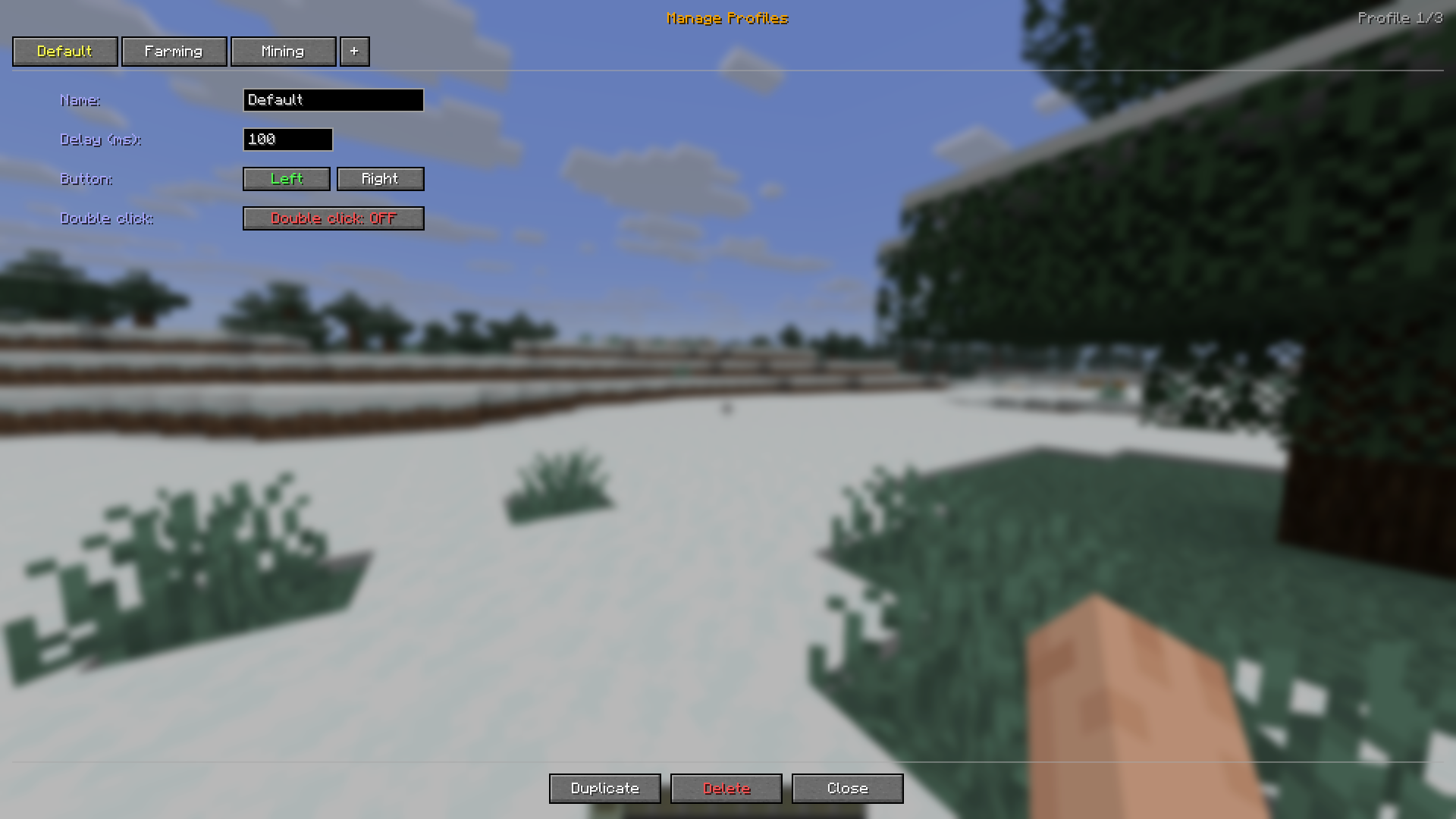 Autoclicker Config Config where you can customize your profiles of the autoclicker
 -
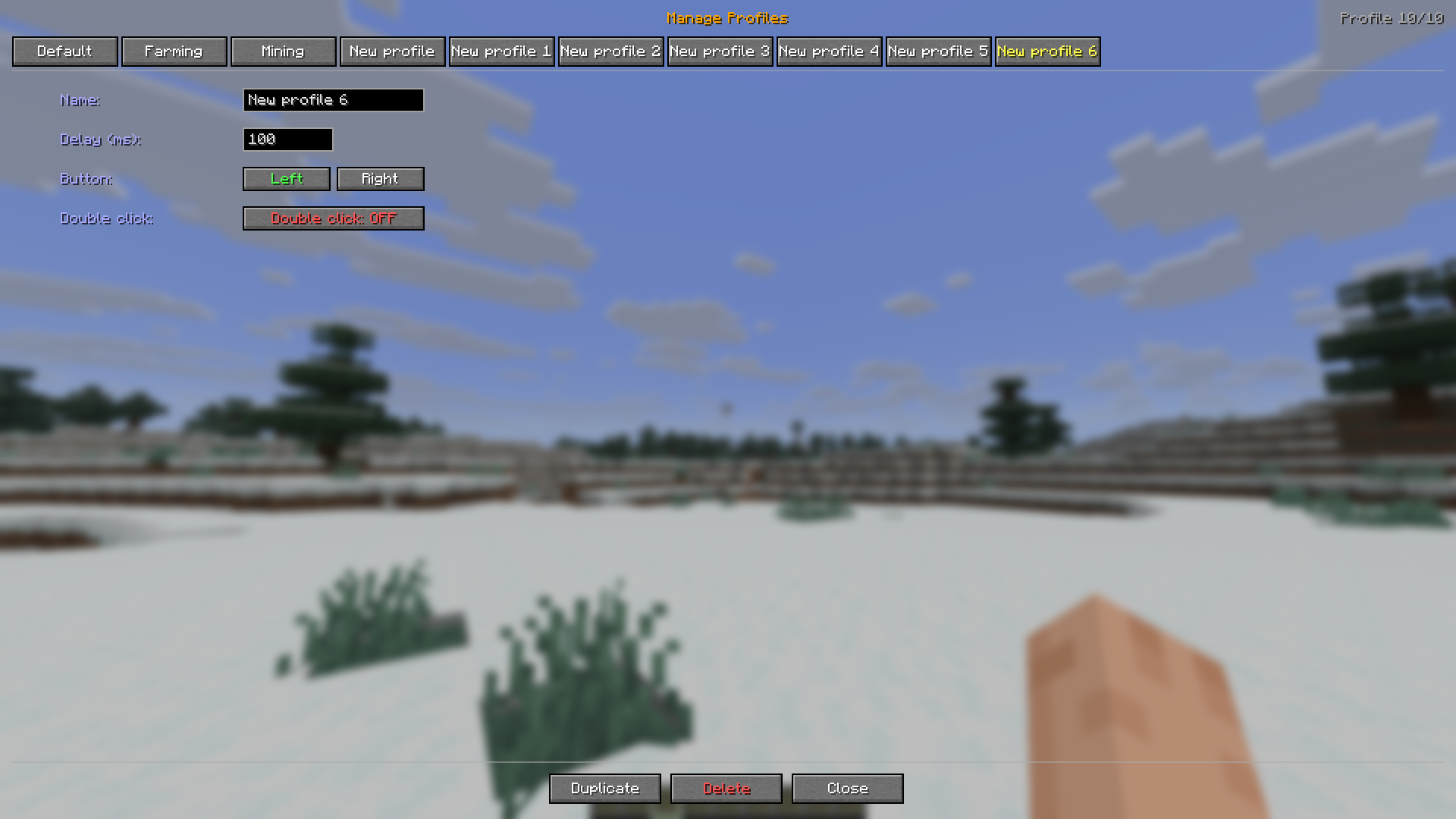 Autoclicker Config 2 The config has 10 max profiles.
 -
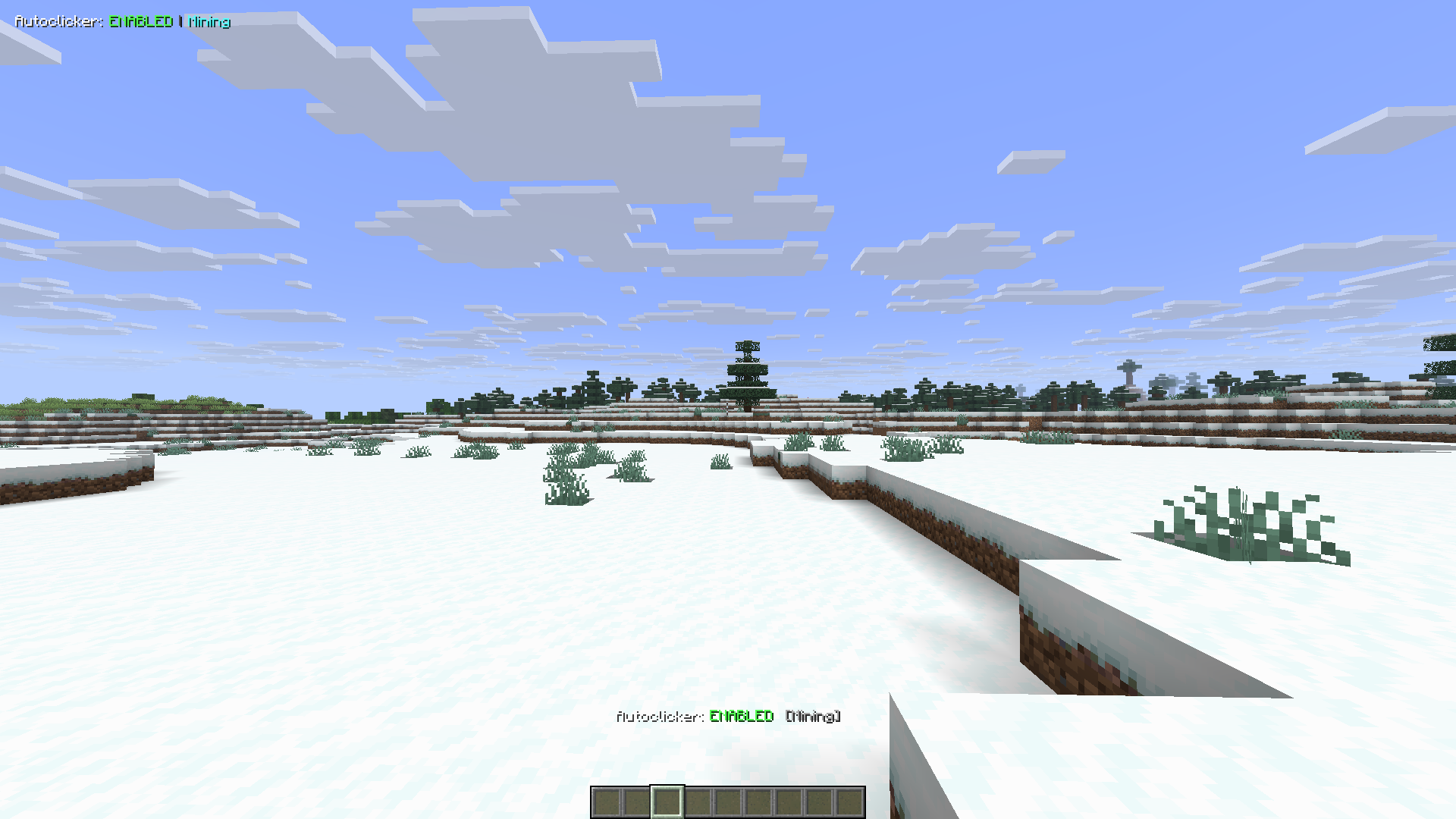 Autoclicker HUD The autoclicker has a hud to whenever its active
Versions
Files
Relations
Project Relations
More like this
Similar Mods
Suggestions use data such as tags, dependencies, dependents, descriptions, titles, and more to rank how much they overlap with this mod.
On ModDex
Community snapshot
By the numbers
Statistics

Want to reach Minecraft players?
We're looking for a server hosting partner to feature here and other parts of the site. Interested? Send us a message!
Get in touchGet it on
Available Platforms
On ModDex
Community snapshot
By the numbers
Statistics
Resources