
Community listing page, reviews here may not be monitored by the author.
AutoCraftmod

No reviews yet
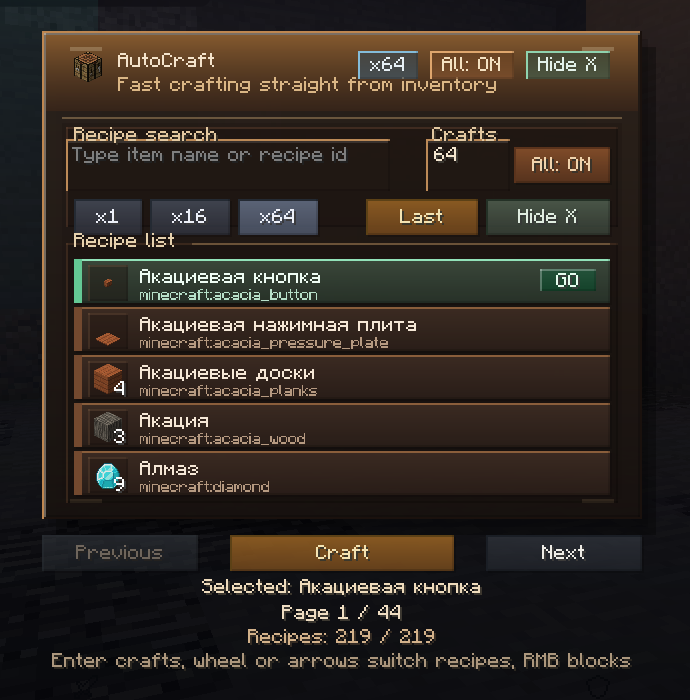
AutoCraft is a simple client-side that allows players to craft items automatically using a convenient menu and customizable keybind
Community voices
Reviews
No reviews yet. Be the first to review this project!
Get it on
Available Platforms
Compatibility
Supported Environments
Runs entirely on the client. Works on vanilla servers.
About
Project Details
For authors
Embed Badge
If you're the author of this project, you can embed a live badge anywhere that supports HTML or Markdown. It updates automatically whenever ratings change.
Use HTML for any page that supports it, or Markdown for README files and Markdown-based descriptions.
Identifiers
Platform IDs
Resources
External Links
About
Description
AutoCraft
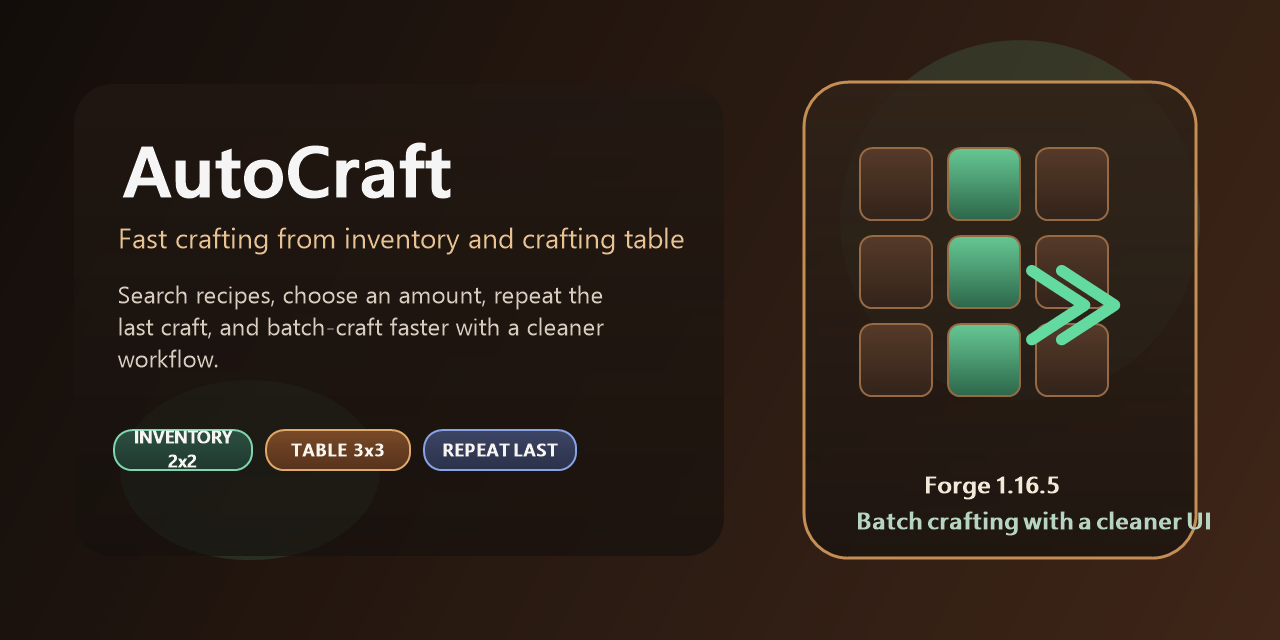 AutoCraft is a lightweight crafting helper for Minecraft 1.16.5 on Forge.
It lets you browse available crafting recipes, pick how many times you want to craft them, and craft directly from your inventory (2x2) or a crafting table (3x3).
The mod is built around the normal container flow, so it feels close to vanilla and is much easier to use in everyday survival gameplay.
Features
- Browse recipes from the current crafting grid
- Works in the player inventory for 2x2 recipes
- Works in the crafting table for full 3x3 recipes
- Search recipes by item name or recipe id
- Set craft amount manually
- Quick amount buttons:
x1,x16,x64 Allmode to craft as much as possible- Repeat the last recipe quickly
- Keyboard-friendly navigation
- Optional recipe blocking to hide recipes you do not want to use
Controls
Ropens the AutoCraft menuShift + Rrepeats the last recipeEntercrafts the currently selected recipe- Mouse wheel or arrow keys switch between recipes
- Right-click on a recipe blocks or unblocks it
How To Use
- Open your inventory or a crafting table
- Press
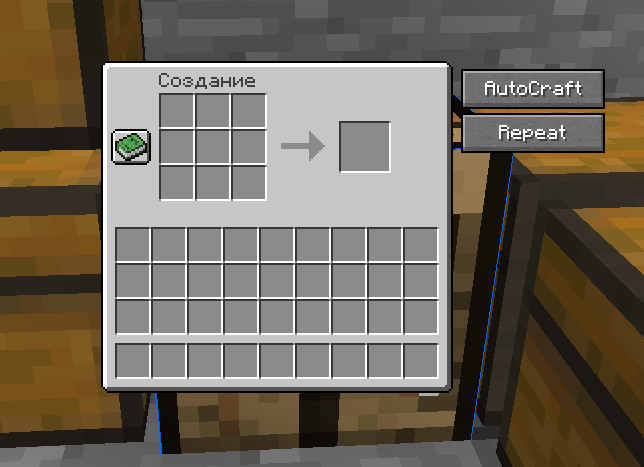
Ror click theAutoCraftbutton - Search for the recipe you want
- Pick the amount or enable
All - Press
Enter, click the recipe, or use theCraftbutton
Why Use AutoCraft
- Faster than manual recipe placement
- Useful for repetitive crafting sessions
- Keeps recipe browsing simple and clean
- Helps when you want to craft large batches quickly
- Still works through normal crafting interactions instead of adding a separate fake crafting system
Compatibility
- Minecraft `1.16.5 forg
The mod is intended for client-side use and is designed to work through normal crafting container actions for better singleplayer and multiplayer compatibility.
Notes
- Recipes shown depend on the crafting grid you currently have open
- 2x2-only menu usage works from the player inventory
- 3x3 recipes require a crafting table
- Some heavily customized servers or modpacks may affect crafting behavior.
Screenshots
Gallery
Versions
Files
Relations
Project Relations
More like this
Similar Mods
Suggestions use data such as tags, dependencies, dependents, descriptions, titles, and more to rank how much they overlap with this mod.
On ModDex
Community snapshot
By the numbers
Statistics

Want to reach Minecraft players?
We're looking for a server hosting partner to feature here and other parts of the site. Interested? Send us a message!
Get in touchGet it on
Available Platforms
On ModDex
Community snapshot
By the numbers
Statistics
Resources