Community listing page, reviews may not be monitored by the author.
AVECOINS - Shop & Economy


No reviews yet
A configurable currency, ticket and shop system for Minecraft.

Community voices
Reviews
No reviews yet. Be the first to review this project!
Get it on
Available Platforms
Compatibility
Supported Environments
Must be installed on both the client and the server.
About
Project Details
For authors
Embed Badge
If you're the author of this project, you can embed a live badge anywhere that supports HTML or Markdown. It updates automatically whenever ratings change.
Use HTML for any page that supports it, or Markdown for README files and Markdown-based descriptions.
Identifiers
Platform IDs
Resources
External Links
About
Description

Welcome to the AVECOINS mod, a complete currency and shop system that adds five material-based coins, three high-tier tickets, and a fully customizable Admin Shop to your Minecraft world or server.
Whether you're building a survival economy, setting up a server marketplace, rewarding your players, or simply looking for collectible currency items, AVECOINS provides a clean and flexible system with crafting support, informative tooltips, and easy-to-use management tools.
ENGLISH & SPANISH LANGUAGE
📚 The mod is fully available in English, Spanish, and Mexican Spanish!
Simply install the mod and enjoy item names, tooltips, menus, and other supported text in your preferred language.

🌐 Kinetic Hosting is proudly sponsoring this mod! Start your adventure with friends and enjoy the full multiplayer experience with smooth, reliable, and secure server hosting powered by Kinetic Hosting.
📄 DESCRIPTION
AVECOINS introduces five tiers of coins and three tiers of tickets, each represented by its own material, color, and value:
🔸 Copper Coin – the starting point of your economy.

🔹 Iron Coin – a reliable step up in value.

🟡 Gold Coin – a valuable and recognizable currency tier.

💎 Diamond Coin – a premium coin for higher-value transactions.

⚫ Netherite Coin – the highest and most valuable coin tier.

🟡 Gold Ticket – a valuable ticket designed for larger transactions.

💎 Diamond Ticket – a prestigious high-value ticket.

⚫ Netherite Ticket – the ultimate currency tier for the most valuable transactions.

⚙️ CRAFTING SYSTEM
AVECOINS includes a simple and balanced crafting system that allows coins to be upgraded and downgraded between tiers.
Note: Tickets cannot be downgraded into lower-tier tickets. For example, once you craft a Netherite Ticket, it cannot be converted back into Diamond Tickets or any lower tier. Tickets can only be obtained through their respective crafting recipes.
Ticket Recipe:
4x Material Ingots + 1x Paper

Upgrade Coin Recipe (Shaped):
4x lower-tier coins + 1x corresponding ingot/gem → 1x higher-tier coin.

Reverse Coin Recipe (Shapeless):
1x higher-tier coin → 4x lower-tier coins.

🎟️ SHOP
Create and manage your own Admin Shop using AVECOINS coins and tickets as currency!
- Default Command: /avc shop
Organize your products into categories, configure prices and discounts, allow players to build their shopping carts, and keep track of purchases made through the shop.

Survival Inventory Access:
Quickly access the Admin Shop through a dedicated button located on the left side of your Survival Inventory.

Coin Wallet:
Store your coins and tickets in a virtual wallet and use them directly for purchases in the shop.

Selling Box:
Sell your items through the Selling Box to receive coins and tickets that you can spend on new items in the shop.

Category Creator/Editor:
Create, edit, and organize shop categories to keep your products neatly separated and easy for players to browse.

Product Creator/Editor:
Create and edit shop products, configure their prices and discounts, and preview how they will appear to players before publishing them.

Shopping Cart:
Review selected products before completing a purchase. Players can easily add or remove items, check their order, and confirm everything directly from the cart.


History:
Keep track of your players' latest purchases through the Admin Shop with an integrated purchase history.

⚙️ CONFIGURATION GUI
Customize AVECOINS directly through its configuration GUI.
- Command: /avc gui
Enable or disable coin and ticket recipes, customize their crafting ingredients, manage the Admin Shop system, and configure your own shop name and command alias.

Coins Editor:
Enable or disable the default coin recipes and customize the crafting recipe for each coin tier.


Tickets Editor:
Enable or disable the default ticket recipes and customize the crafting recipe for each available ticket tier.

Admin Shop Editor:
Enable or disable the entire Admin Shop system, including its Survival Inventory access button and related functionality. You can also configure a custom shop name and command alias to better fit your server.

🙌 CREDITS
- Author: SundGGs
- Inspired by classic Minecraft economy mods and the idea of creating a clean, flexible, and server-friendly currency system.
Enjoy building your own economy with AVECOINS!
Welcome to AVECOINS, a complete currency and shop system that adds five material-based coins, three high-tier tickets, and a fully customizable Admin Shop to your Minecraft world or server.
Whether you're building a survival economy, setting up a server marketplace, rewarding your players, or simply looking for collectible currency items, AVECOINS provides a clean and flexible system with crafting support, informative tooltips, and easy-to-use management tools.
ENGLISH & SPANISH LANGUAGE
📚 The mod is fully available in English, Spanish, and Mexican Spanish!
Simply install the mod and enjoy item names, tooltips, menus, and other supported text in your preferred language.
🌐 Kinetic Hosting is proudly sponsoring this mod! Start your adventure with friends and enjoy the full multiplayer experience with smooth, reliable, and secure server hosting powered by Kinetic Hosting.
DESCRIPTION
AVECOINS introduces five tiers of coins and three tiers of tickets, each represented by its own material, color, and value:
🔸 Copper Coin – the starting point of your economy.
🔹 Iron Coin – a reliable step up in value.
🟡 Gold Coin – a valuable and recognizable currency tier.
💎 Diamond Coin – a premium coin for higher-value transactions.
⚫ Netherite Coin – the highest and most valuable coin tier.
🟡 Gold Ticket – a valuable ticket designed for larger transactions.
💎 Diamond Ticket – a prestigious high-value ticket.
⚫ Netherite Ticket – the ultimate currency tier for the most valuable transactions.
⚙️ CRAFTING SYSTEM
AVECOINS includes a simple and balanced crafting system that allows coins to be upgraded and downgraded between tiers.
Note: Tickets cannot be downgraded into lower-tier tickets. For example, once you craft a Netherite Ticket, it cannot be converted back into Diamond Tickets or any lower tier. Tickets can only be obtained through their respective crafting recipes.
Ticket Recipe:
4x Material Ingots + 1x Paper
Upgrade Coin Recipe (Shaped):
4x lower-tier coins + 1x corresponding ingot/gem → 1x higher-tier coin.
Reverse Coin Recipe (Shapeless):
1x higher-tier coin → 4x lower-tier coins.
⚙️ SHOP
Create and manage your own Admin Shop using AVECOINS coins and tickets as currency!
- Default Command:
/avc shop
Organize your products into categories, configure prices and discounts, allow players to build their shopping carts, and keep track of purchases made through the shop.

Survival Inventory Access:
Quickly access the Admin Shop through a dedicated button located on the left side of your Survival Inventory.
Coin Wallet:
Store your coins and tickets in a virtual wallet and use them directly for purchases in the shop.
Selling Box:
Sell your items through the Selling Box to receive coins and tickets that you can spend on new items in the shop.
Category Creator/Editor:
Create, edit, and organize shop categories to keep your products neatly separated and easy for players to browse.
Product Creator/Editor:
Create and edit shop products, configure their prices and discounts, and preview how they will appear to players before publishing them.
Shopping Cart:
Review selected products before completing a purchase. Players can easily add or remove items, check their order, and confirm everything directly from the cart.
History:
Keep track of your players' latest purchases through the Admin Shop with an integrated purchase history.
Survival Inventory Access:
Quickly access the Admin Shop through a dedicated button located on the left side of your Survival Inventory.
⚙️ CONFIGURATION GUI
Customize AVECOINS directly through its configuration GUI.
- Command:
/avc gui
Enable or disable coin and ticket recipes, customize their crafting ingredients, manage the Admin Shop system, and configure your own shop name and command alias.
Coins Editor:
Enable or disable the default coin recipes and customize the crafting recipe for each coin tier.
Tickets Editor:
Enable or disable the default ticket recipes and customize the crafting recipe for each available ticket tier.
Admin Shop Editor:
Enable or disable the entire Admin Shop system, including its Survival Inventory access button and related functionality. You can also configure a custom shop name and command alias to better fit your server.
🙌 CREDITS
- Author: SundGGs
- Inspired by classic Minecraft economy mods and the idea of creating a clean, flexible, and server-friendly currency system.
Enjoy building your own economy with AVECOINS!
Screenshots
Gallery
-
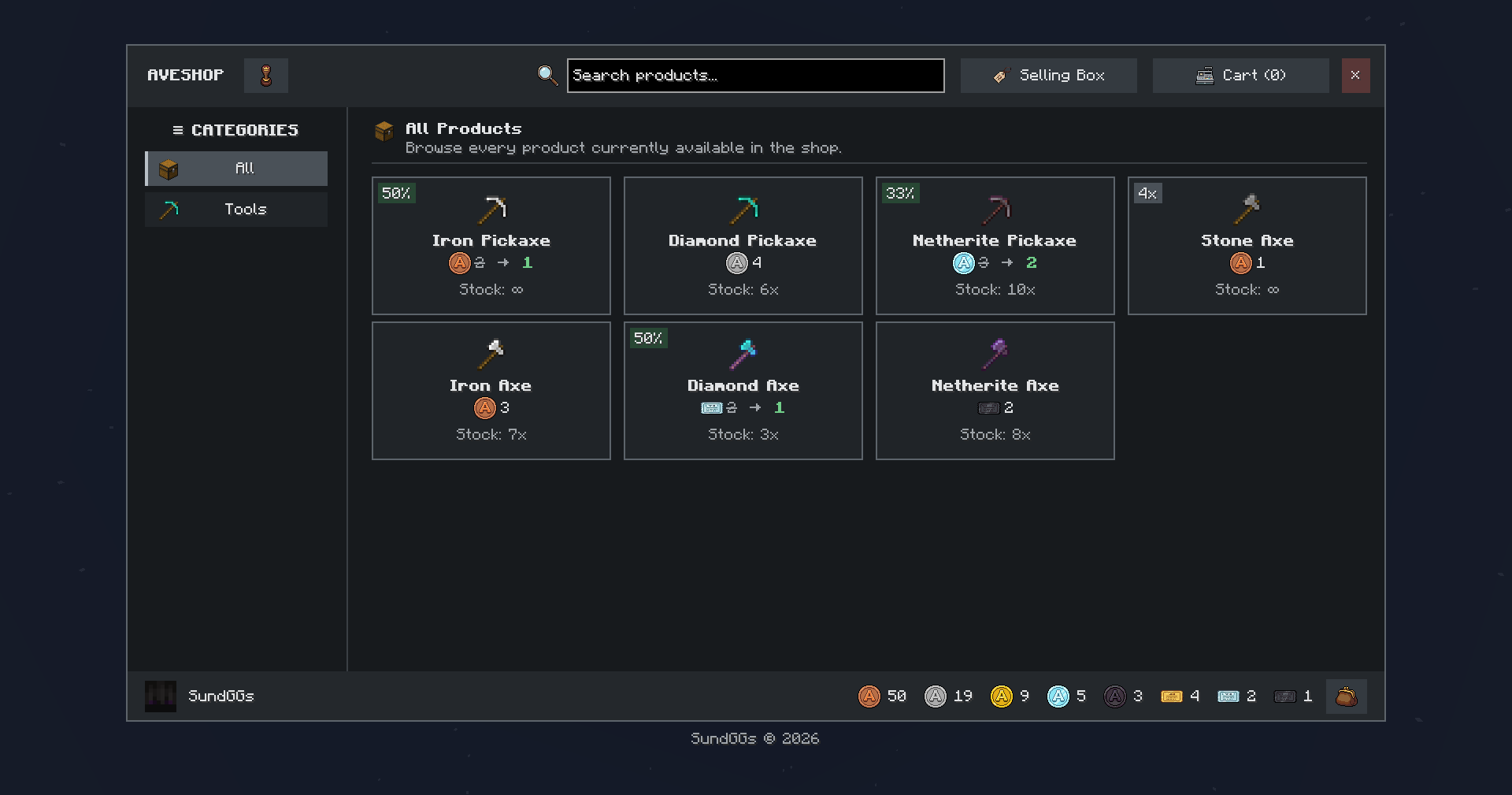 Admin Shop Create and manage your own Admin Shop using AVECOINS coins and tickets as currency!
 -
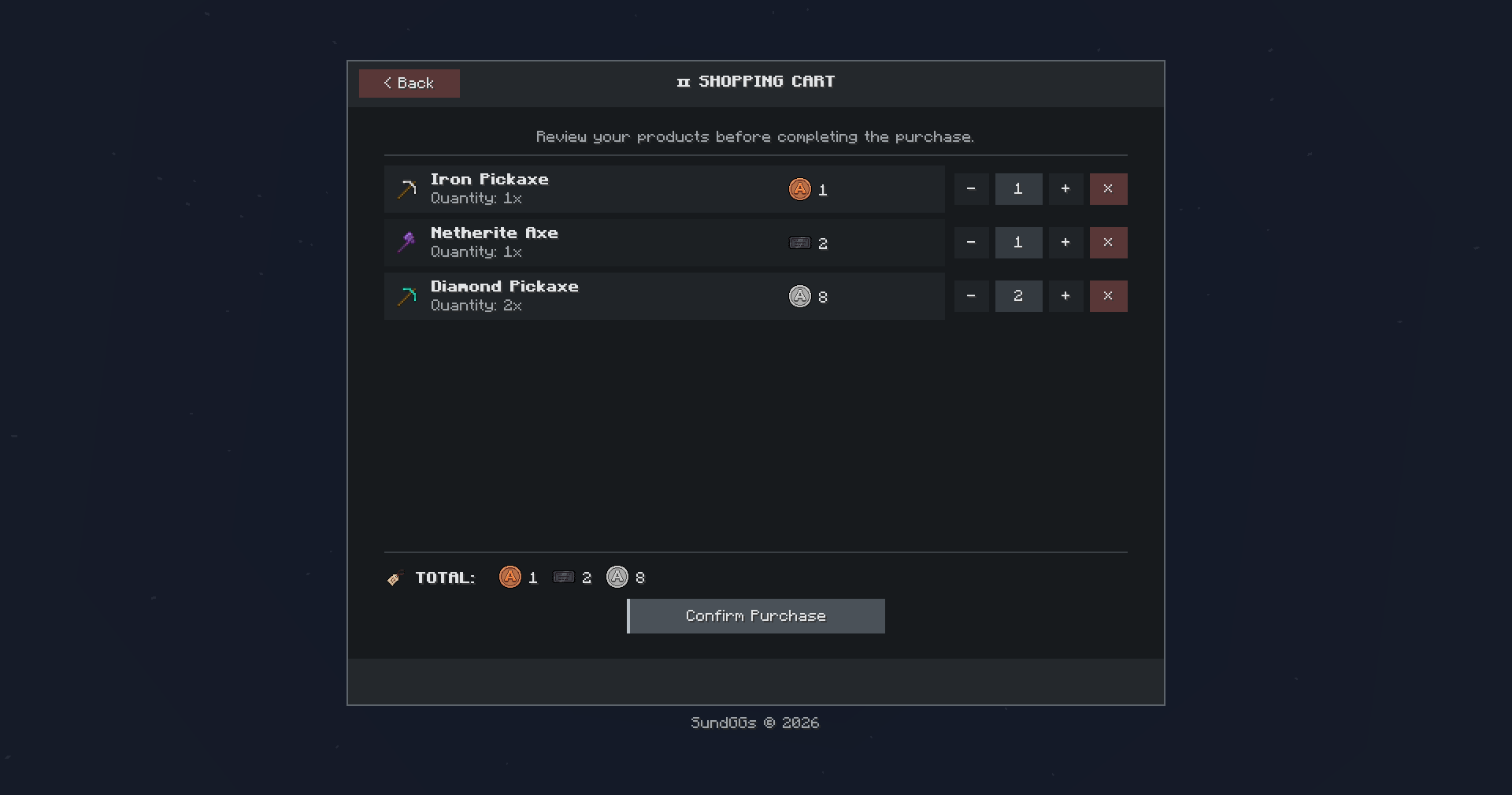 Shopping Cart Review selected products before completing a purchase. Players can easily add or remove items, check their order, and confirm everything directly from the cart.
 -
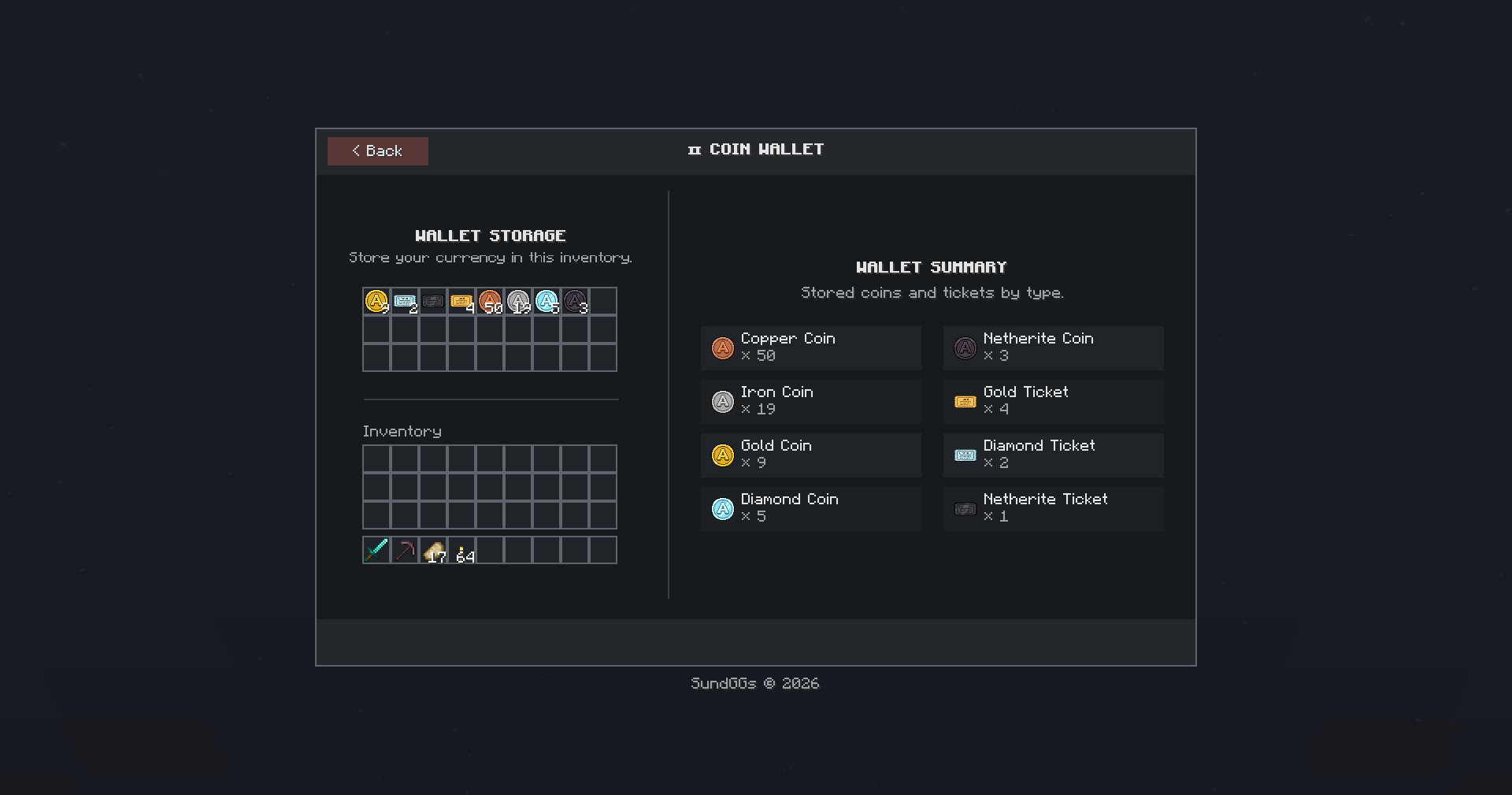 💰 Virtual Wallet Store your coins and tickets in a virtual wallet and use them directly for purchases in the shop.
 -
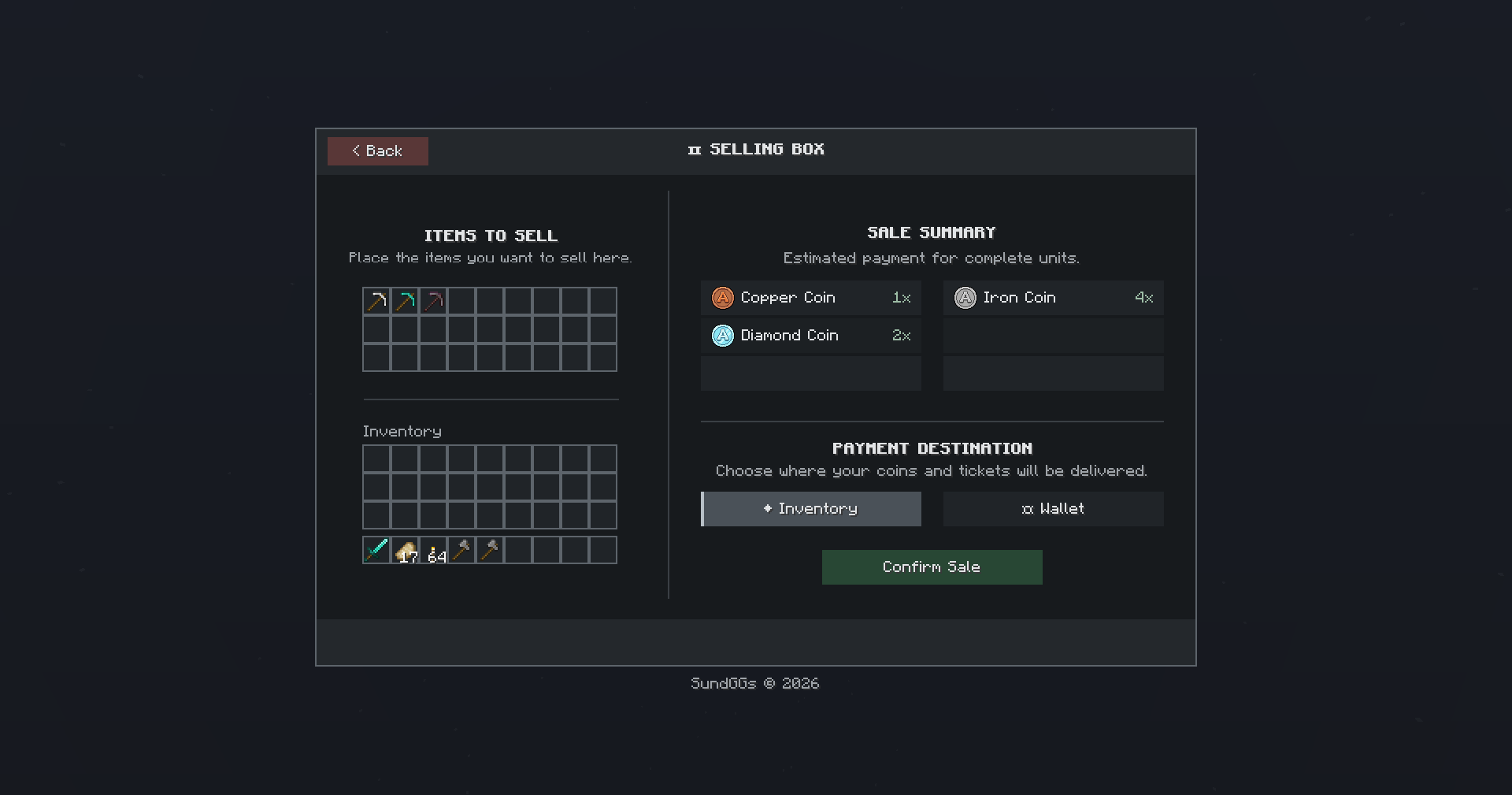 📦 Selling Box Sell your items through the Selling Box to receive coins and tickets that you can spend on new items in the shop.
 -
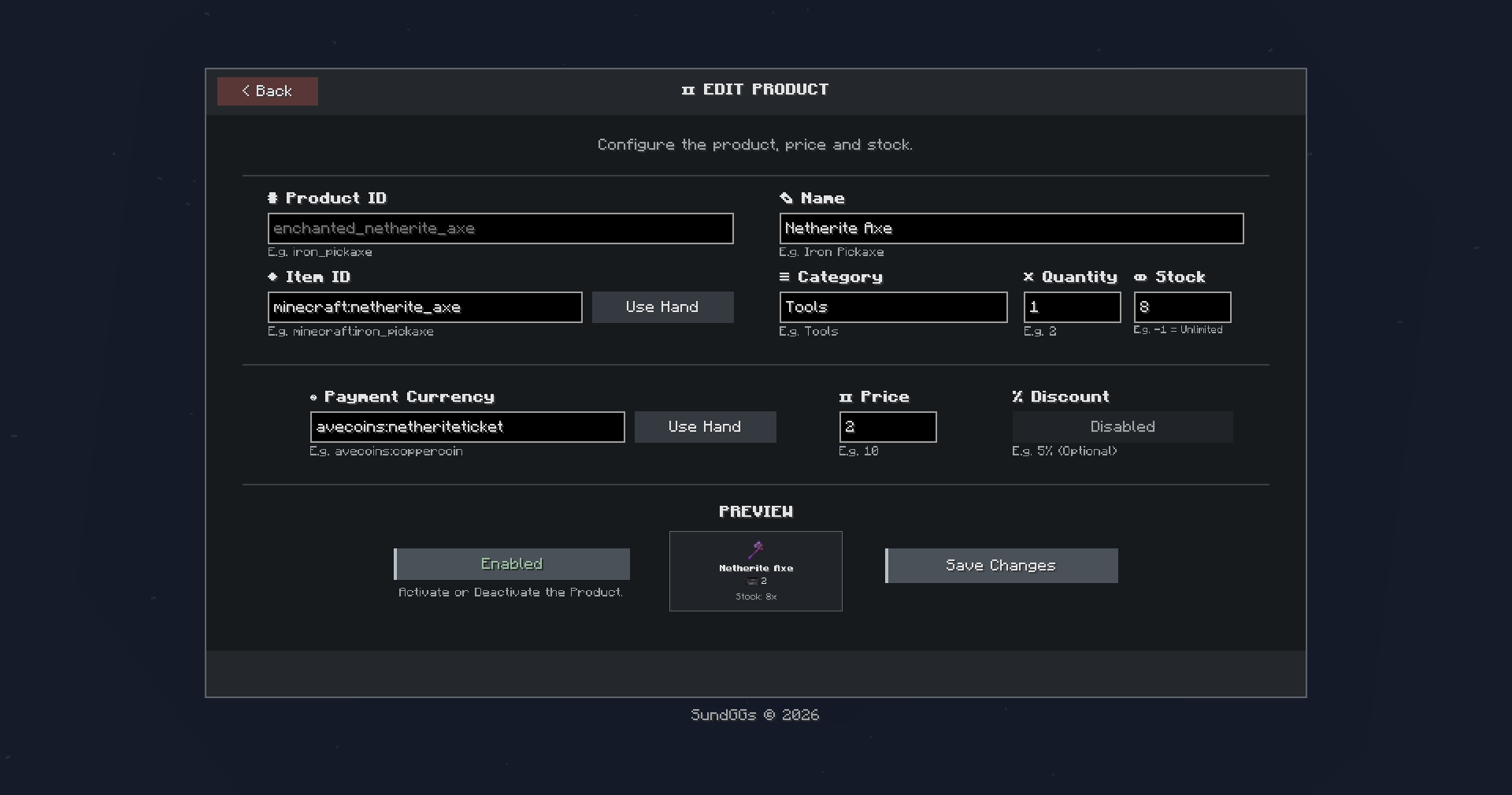 Edit/Create Products Create and edit shop products, configure their prices and discounts, and preview how they will appear to players before publishing them.
 -
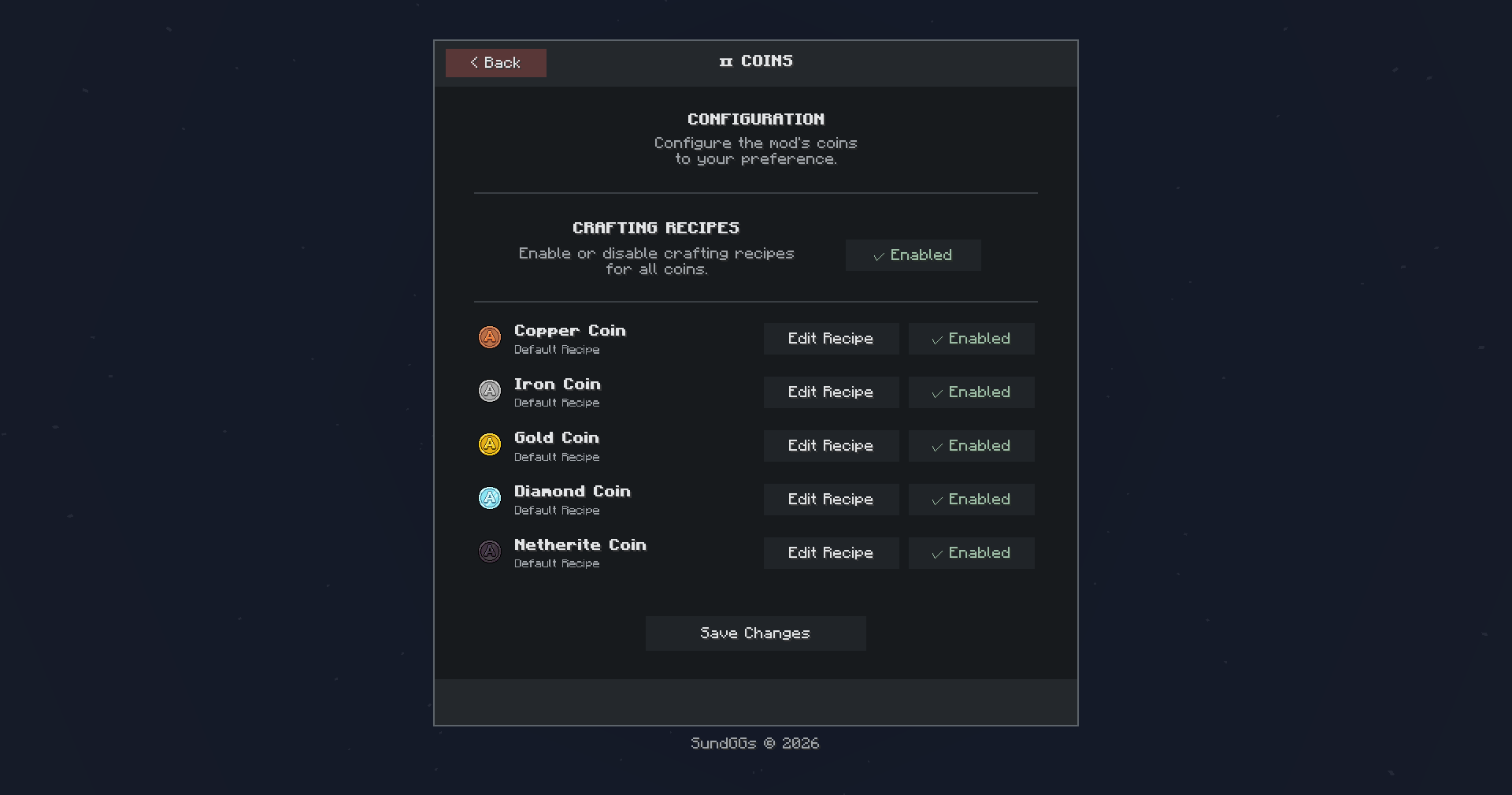 Coins/Ticket Configuration Enable or disable the default coins and tickets recipes.
 -
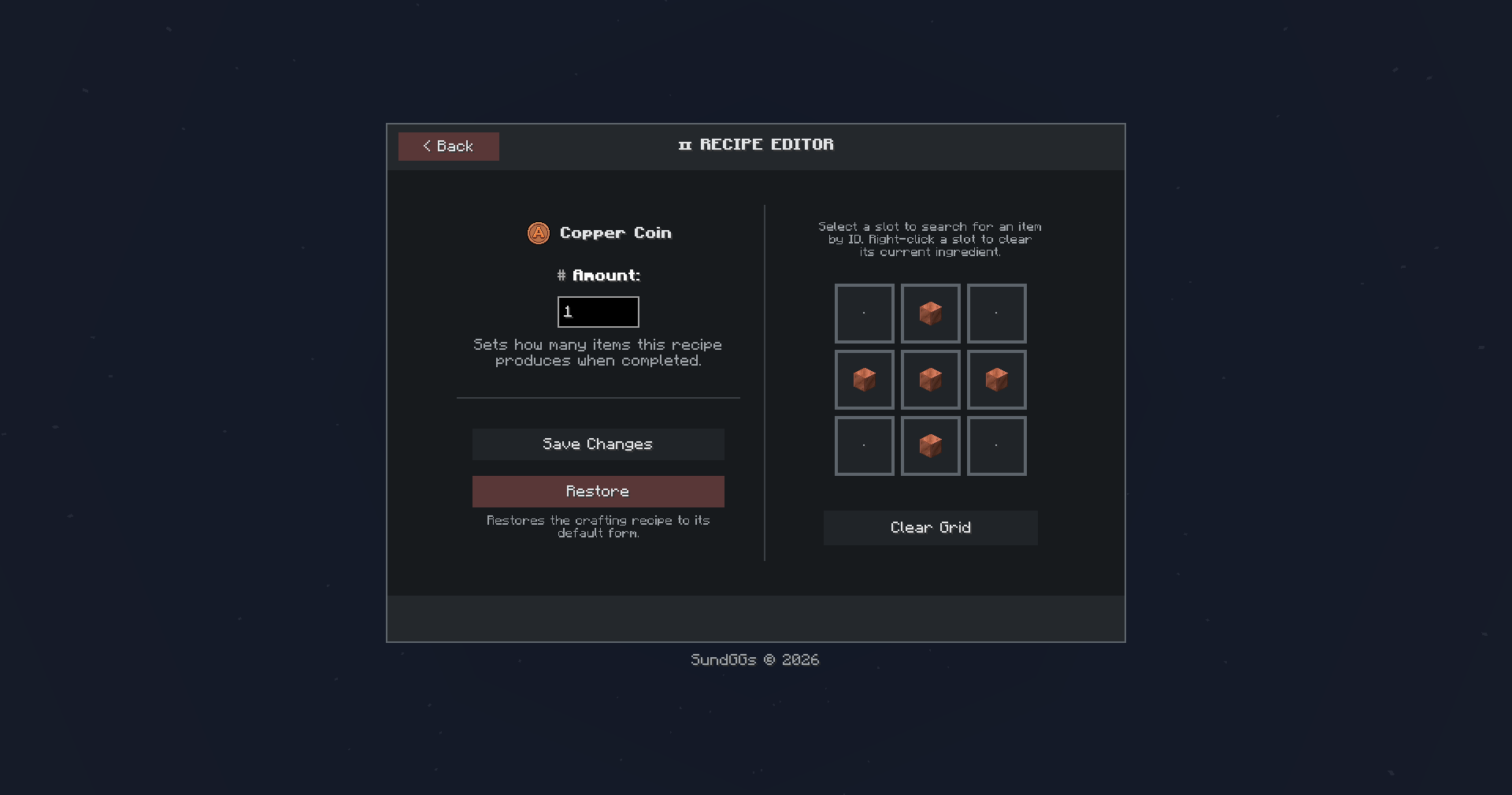 Recipe Editor Customize the crafting recipe for each coin and ticket tier.
 -
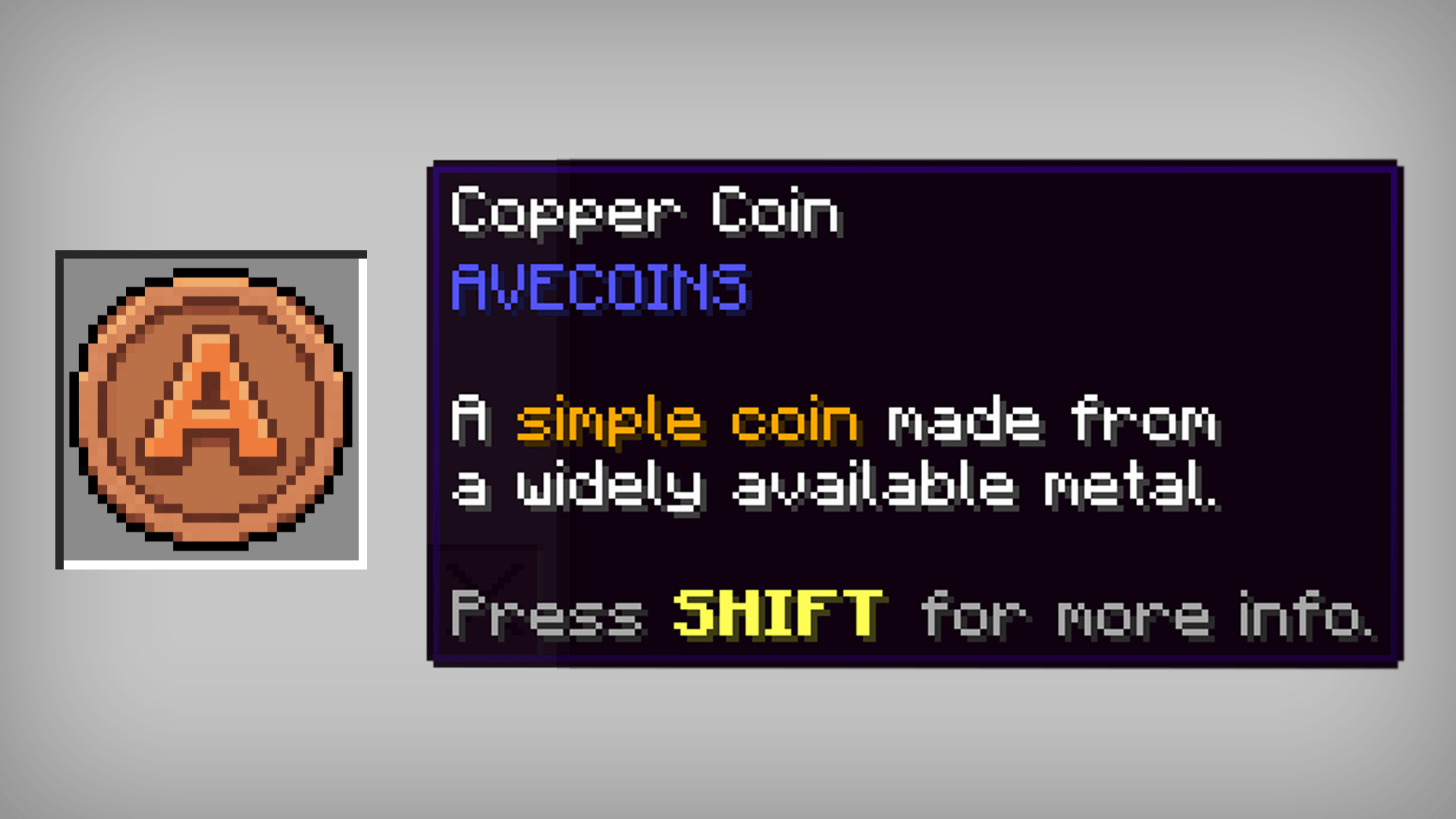 Copper Coin A simple coin made from a widely available metal.
 -
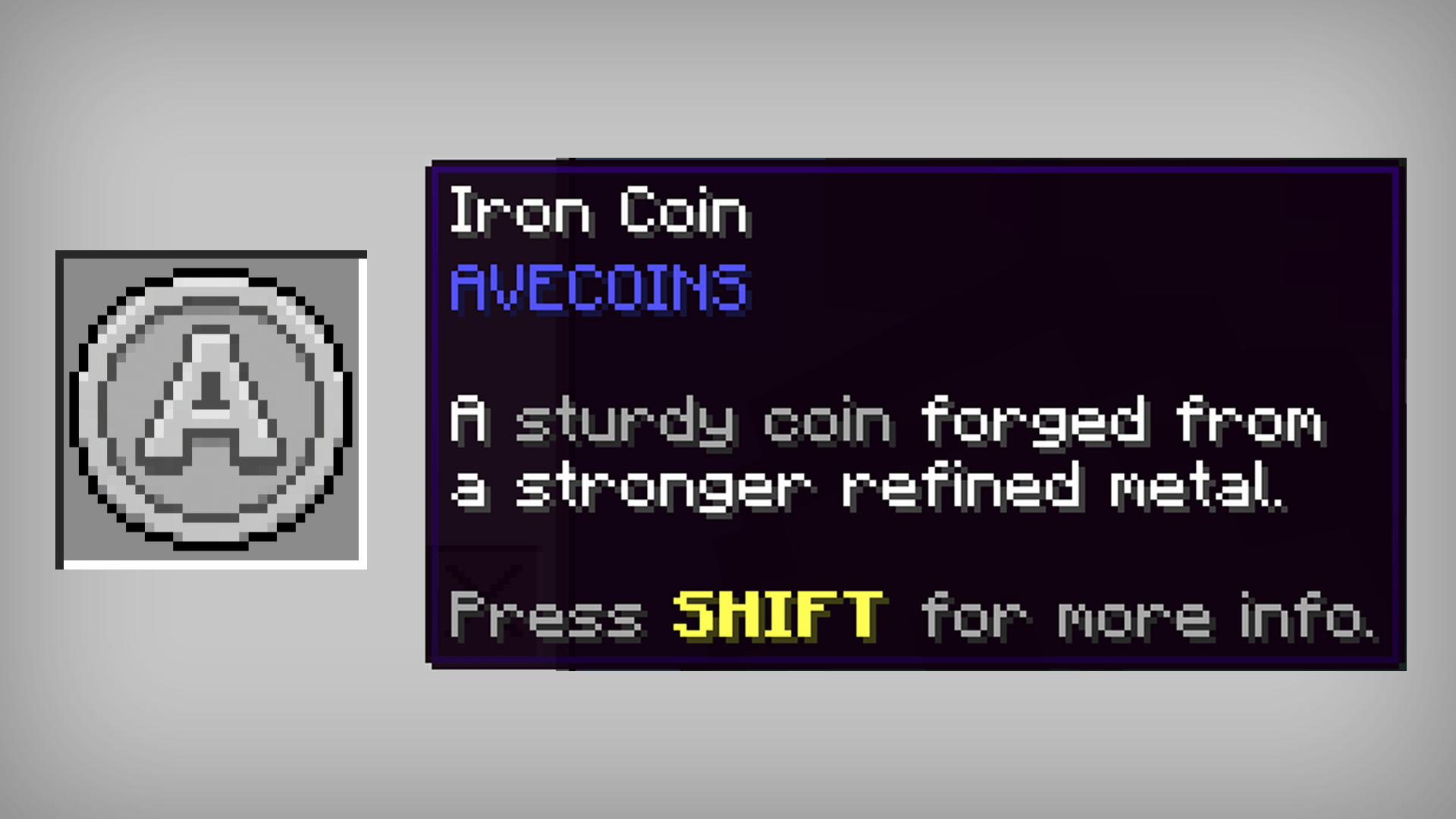 Iron Coin A sturdy coin forged from a stronger refined metal.
 -
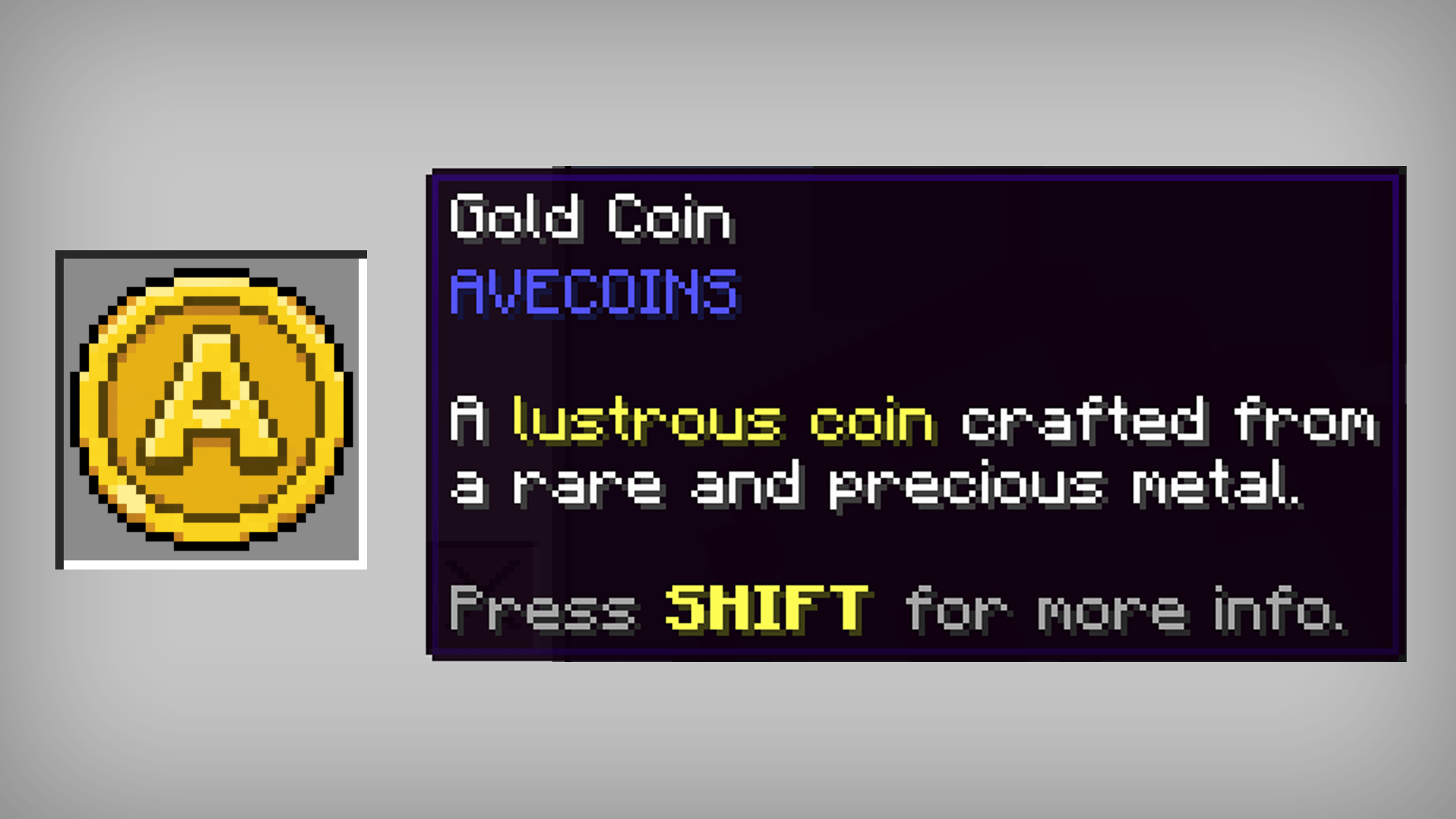 Gold Coin A lustrous coin crafted from a rare and precious metal.
 -
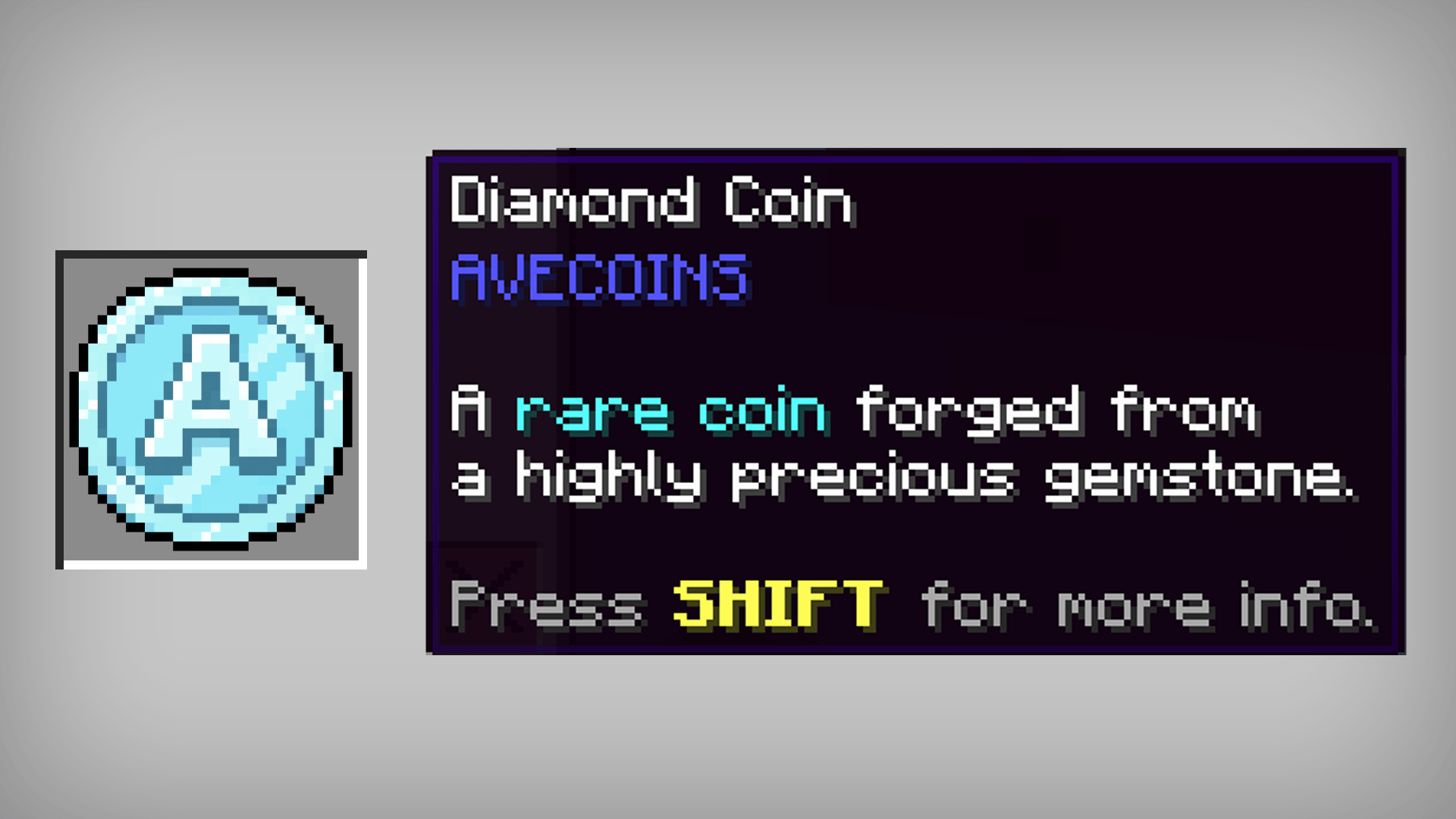 Diamond Coin A rare coin forged from a highly precious gemstone.
 -
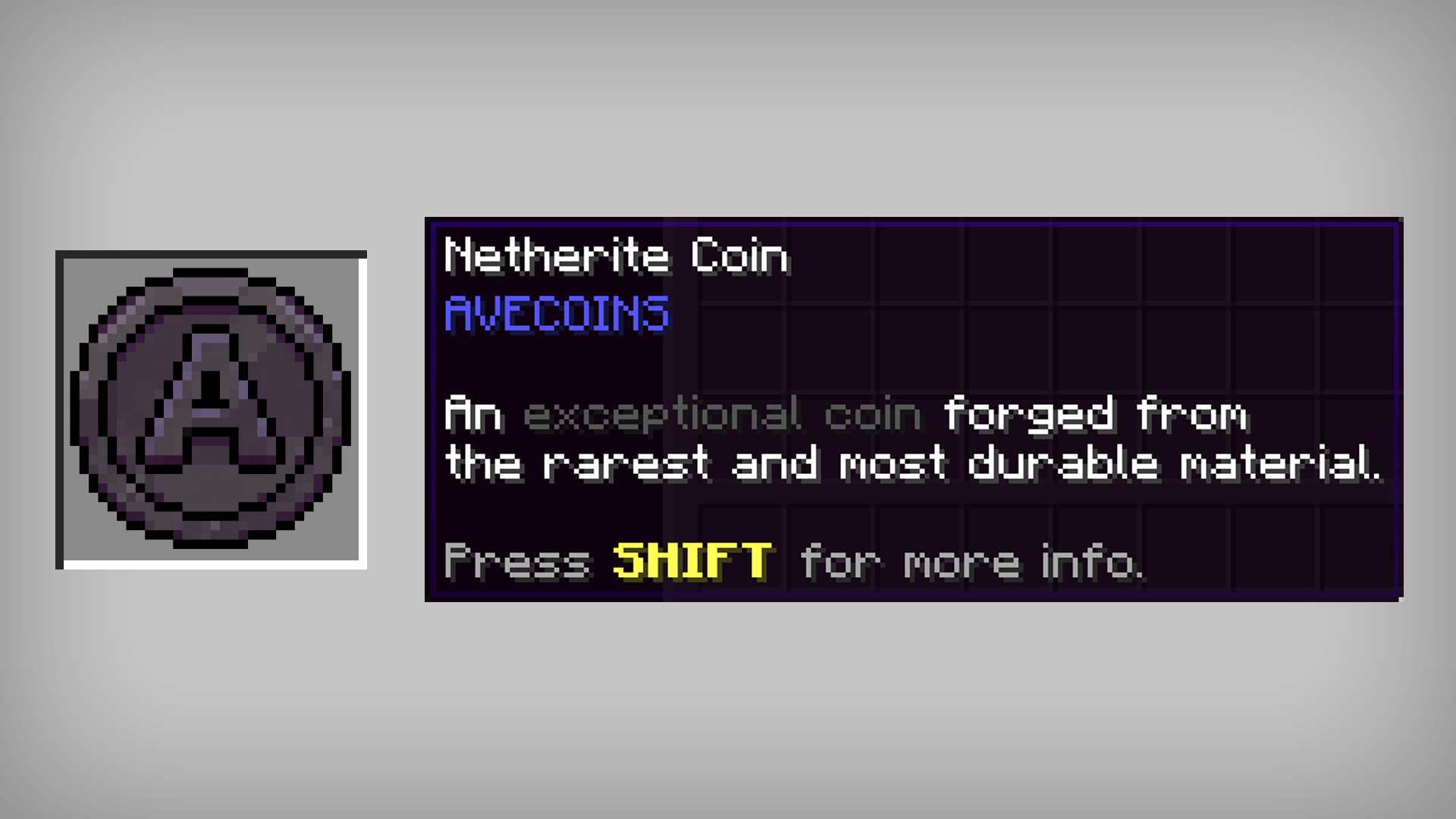 Netherite Coin An exceptional coin forged from the rarest and most durable material.
 -
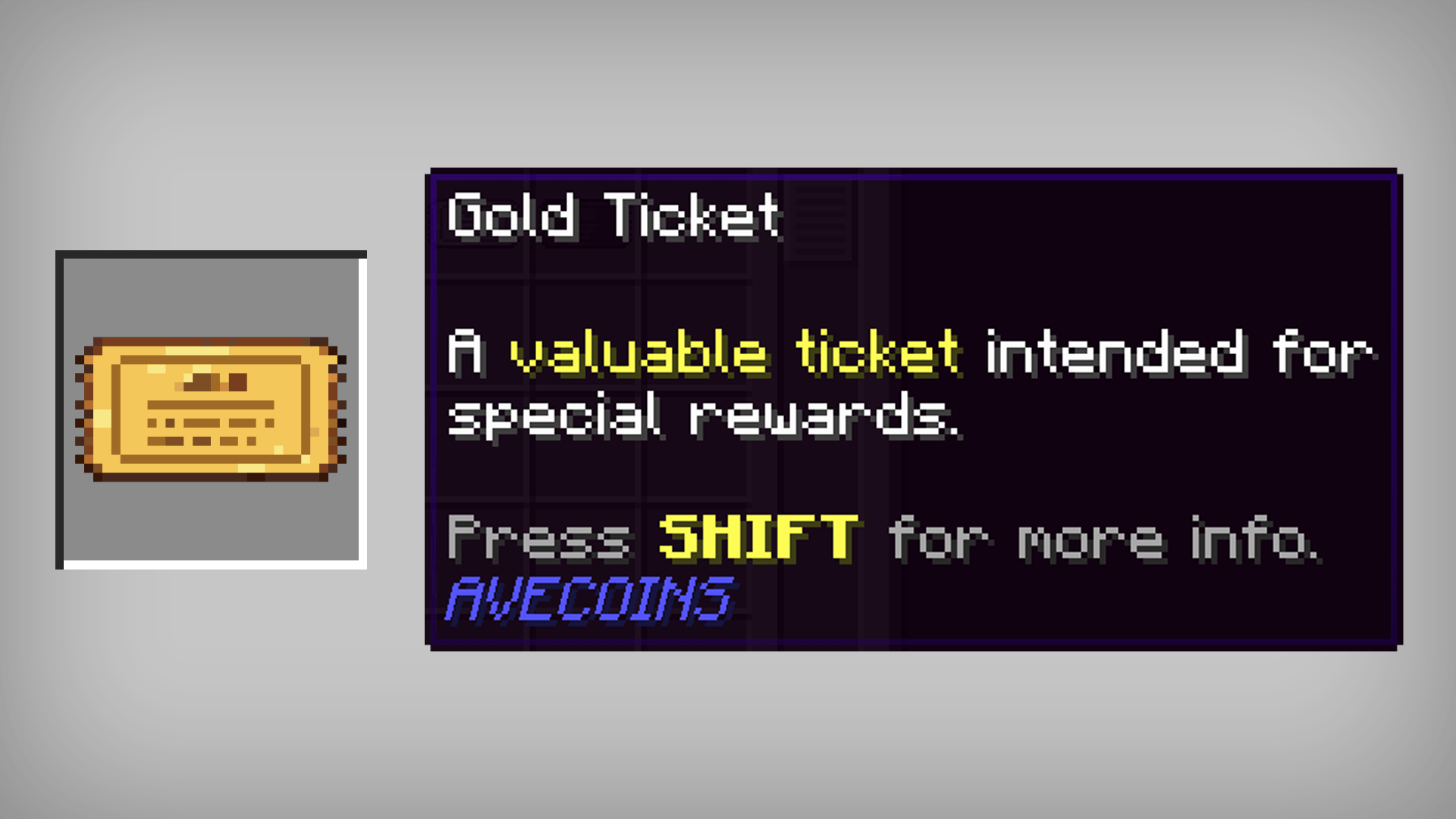 Gold Ticket A valuable ticket intended for special rewards.
 -
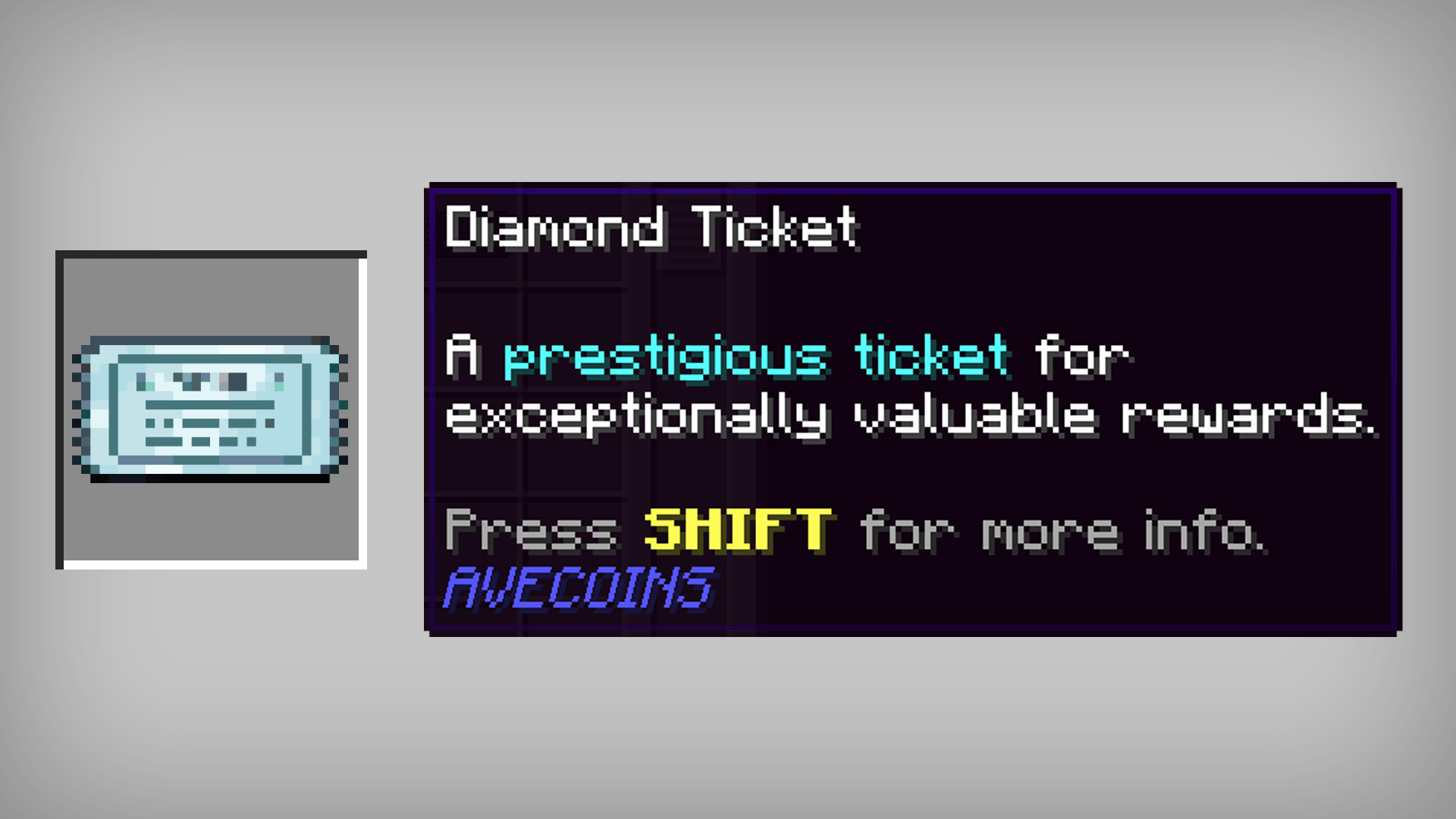 Diamond Ticket A prestigious ticket for exceptionally valuable rewards.
 -
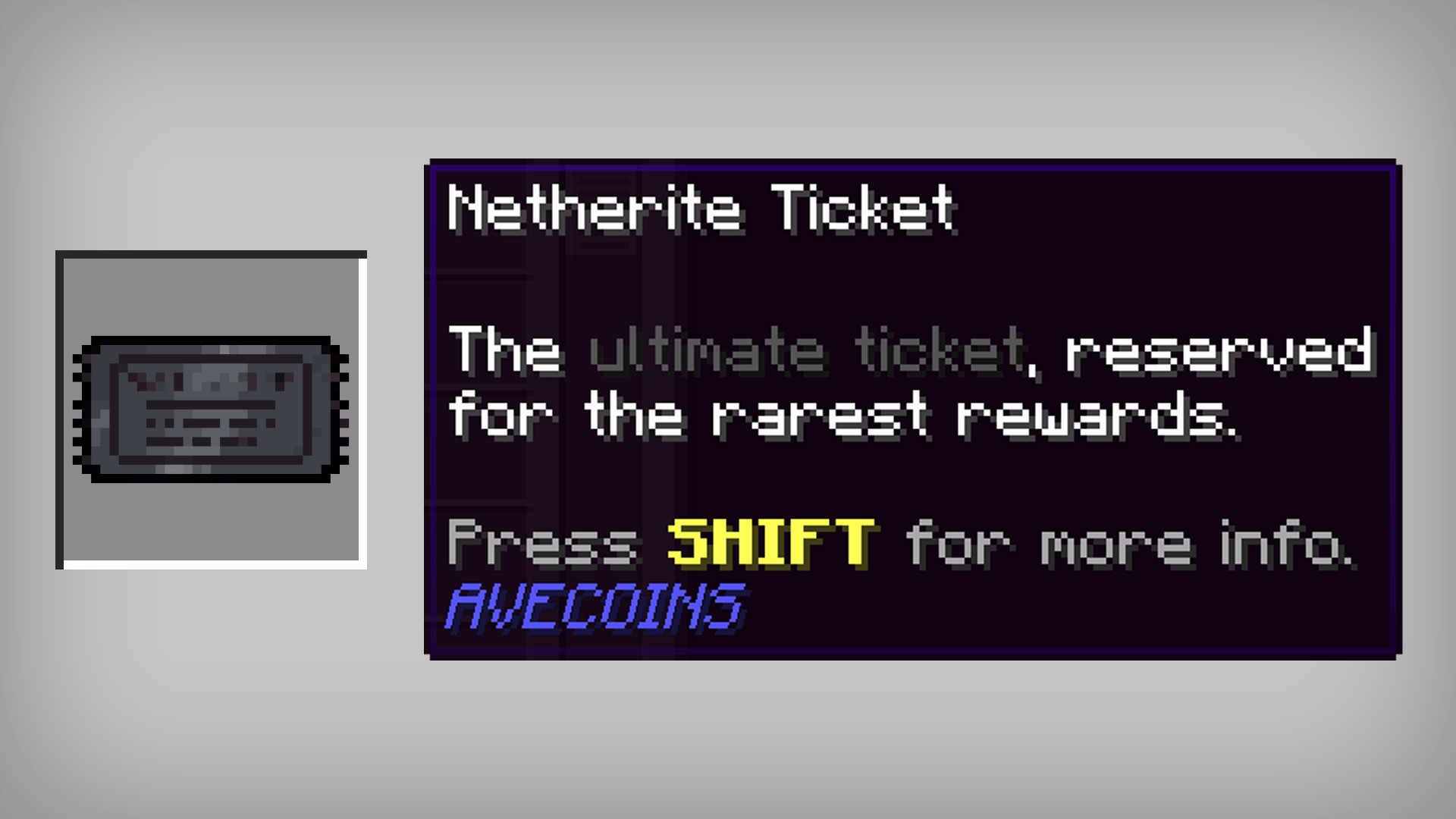 Netherite Ticket The ultimate ticket, reserved for the rarest rewards.
-
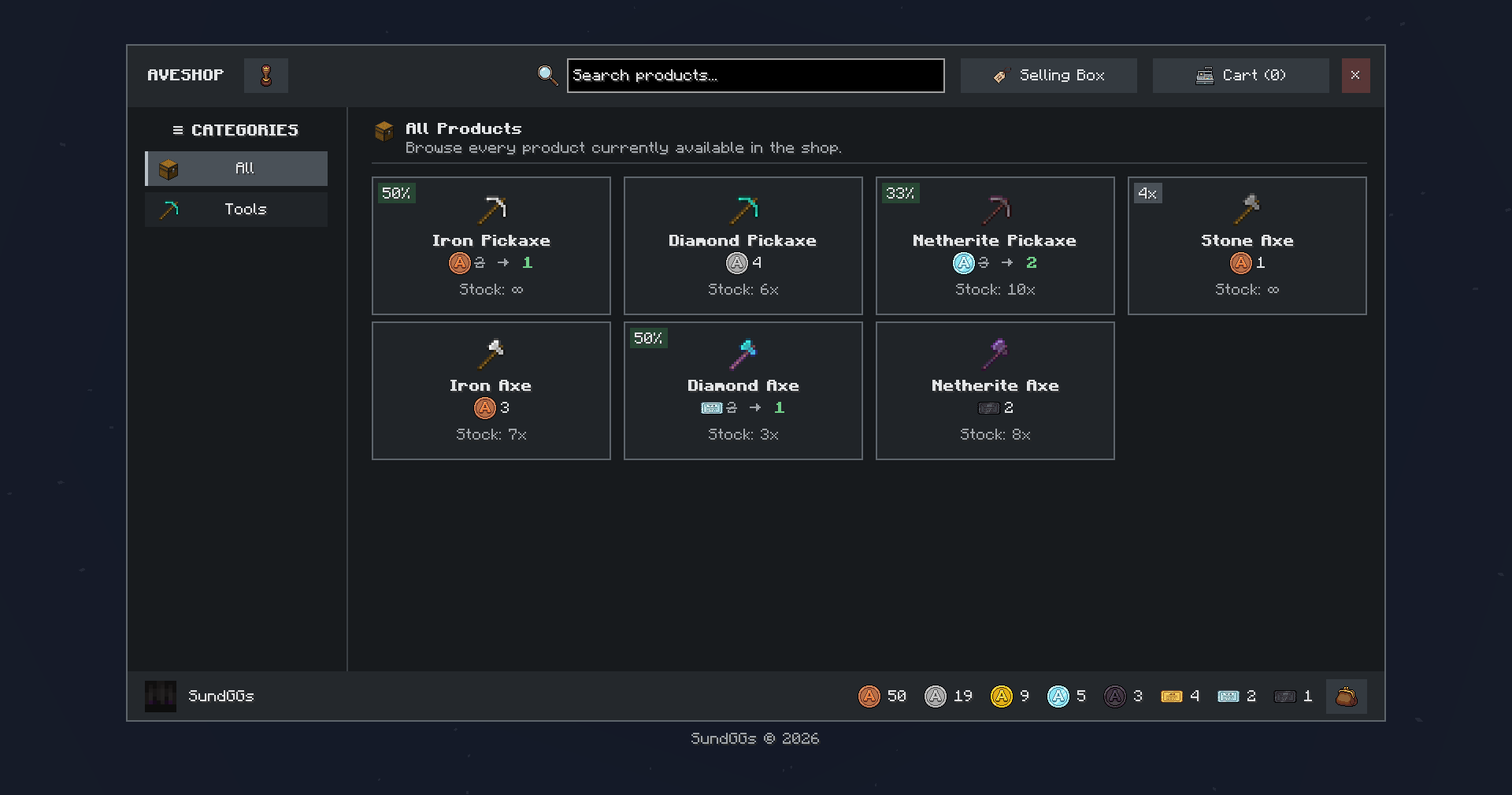 Admin Shop Create and manage your own Admin Shop using AVECOINS coins and tickets as currency!
 -
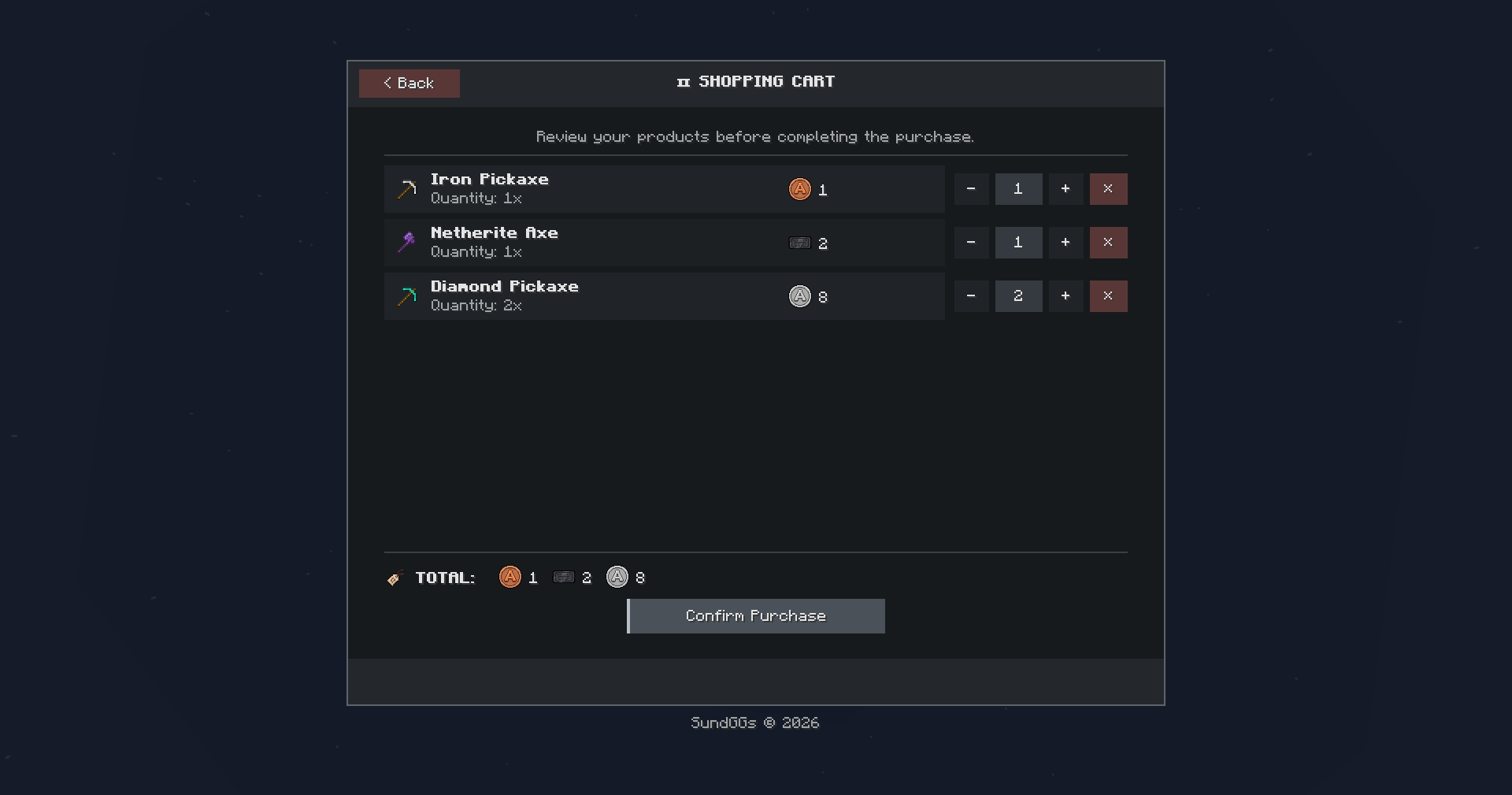 Shopping Cart Review selected products before completing a purchase. Players can easily add or remove items, check their order, and confirm everything directly from the cart.
 -
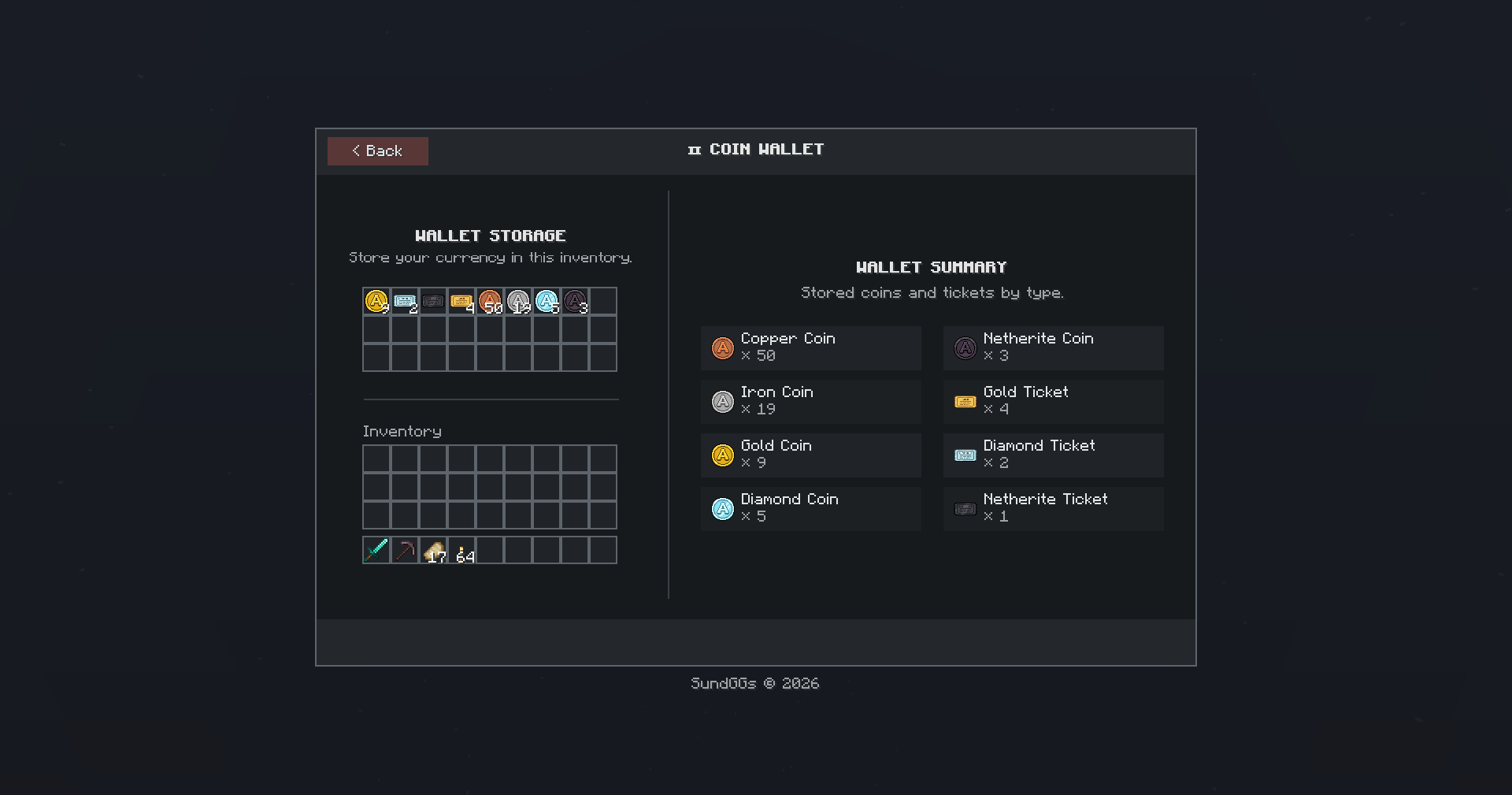 💰 Virtual Wallet Store your coins and tickets in a virtual wallet and use them directly for purchases in the shop.
 -
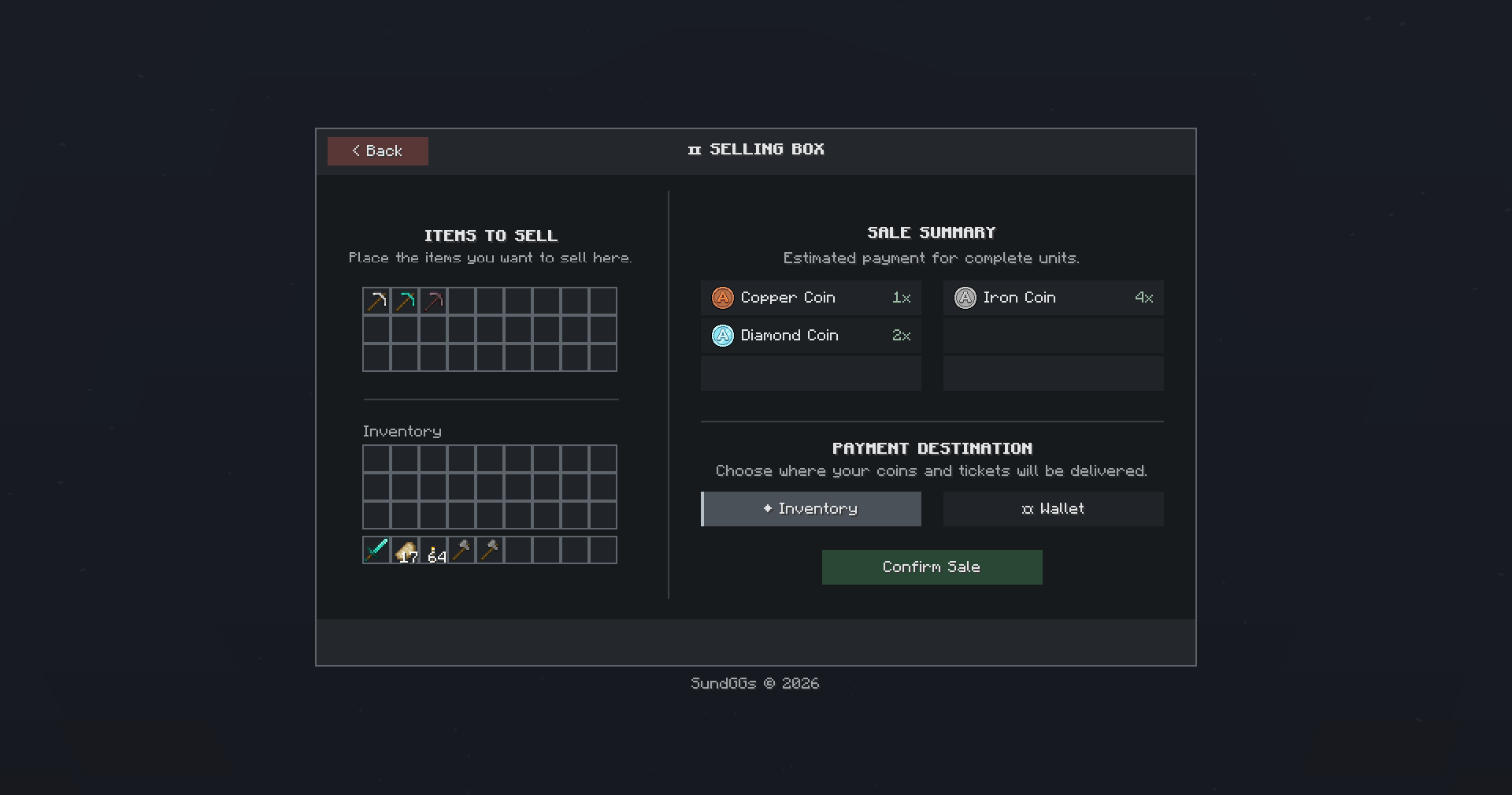 📦 Selling Box Sell your items through the Selling Box to receive coins and tickets that you can spend on new items in the shop.
 -
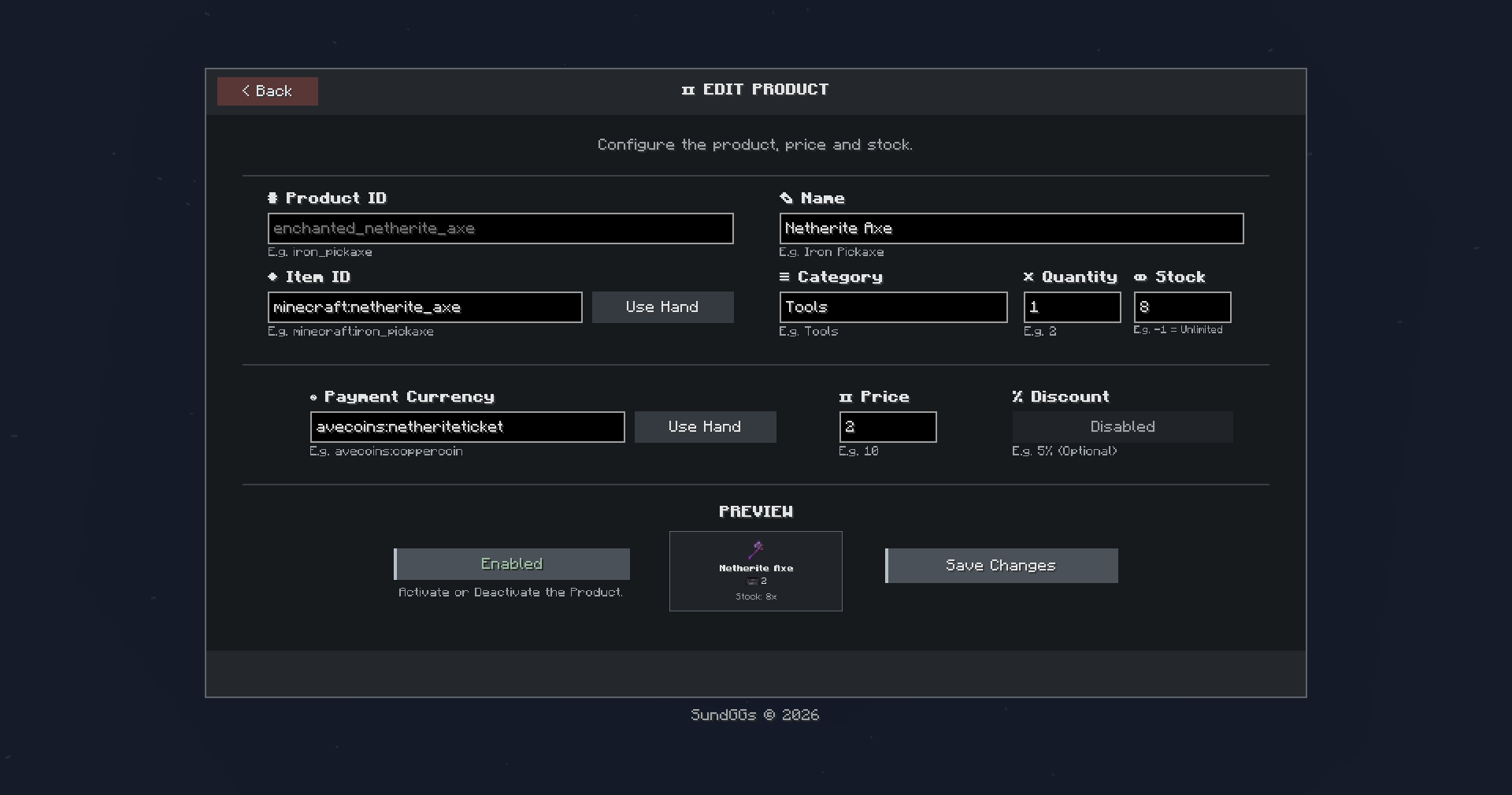 Edit/Create Products Create and edit shop products, configure their prices and discounts, and preview how they will appear to players before publishing them.
 -
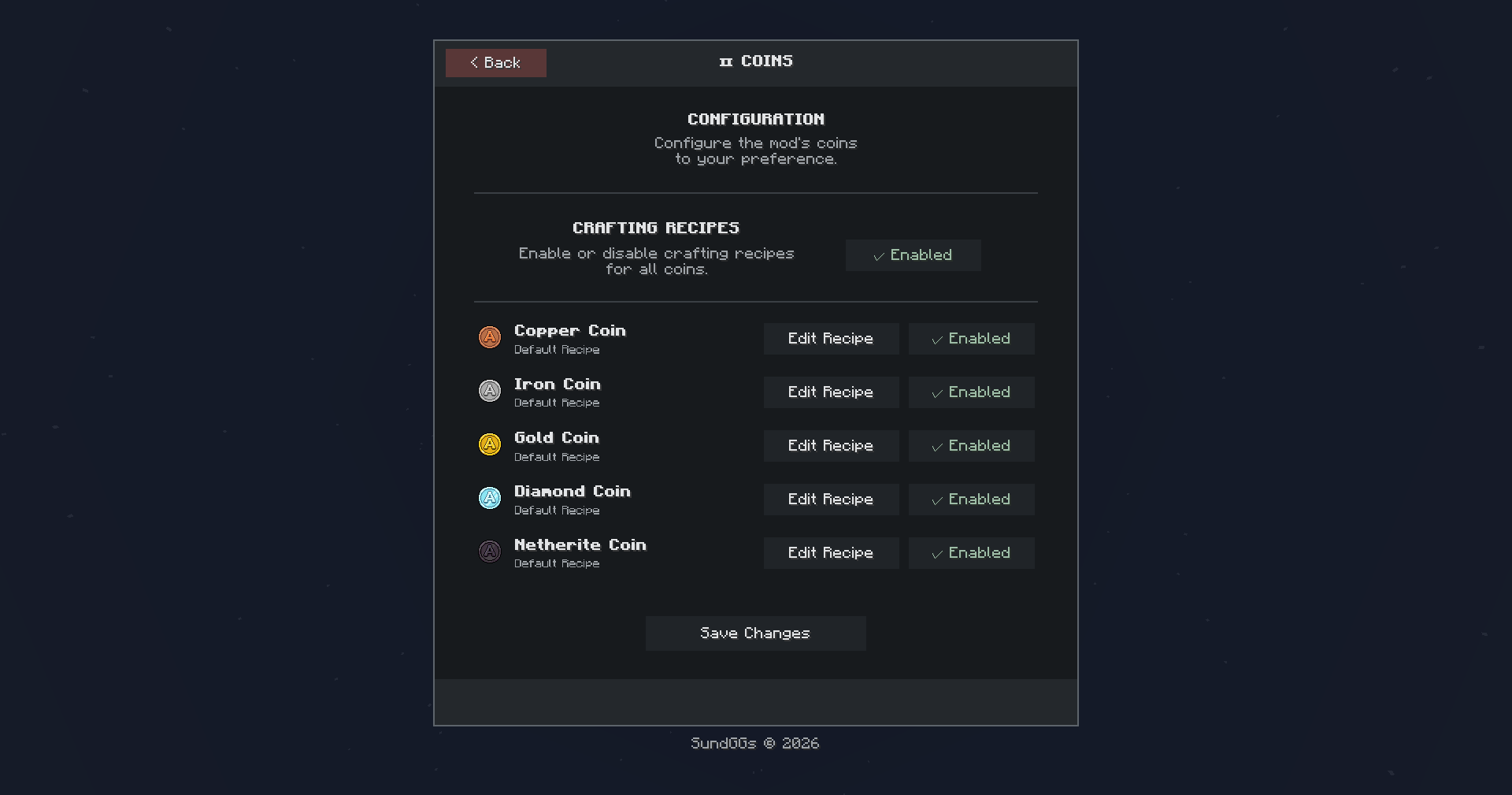 Coins/Ticket Configuration Enable or disable the default coins and tickets recipes.
 -
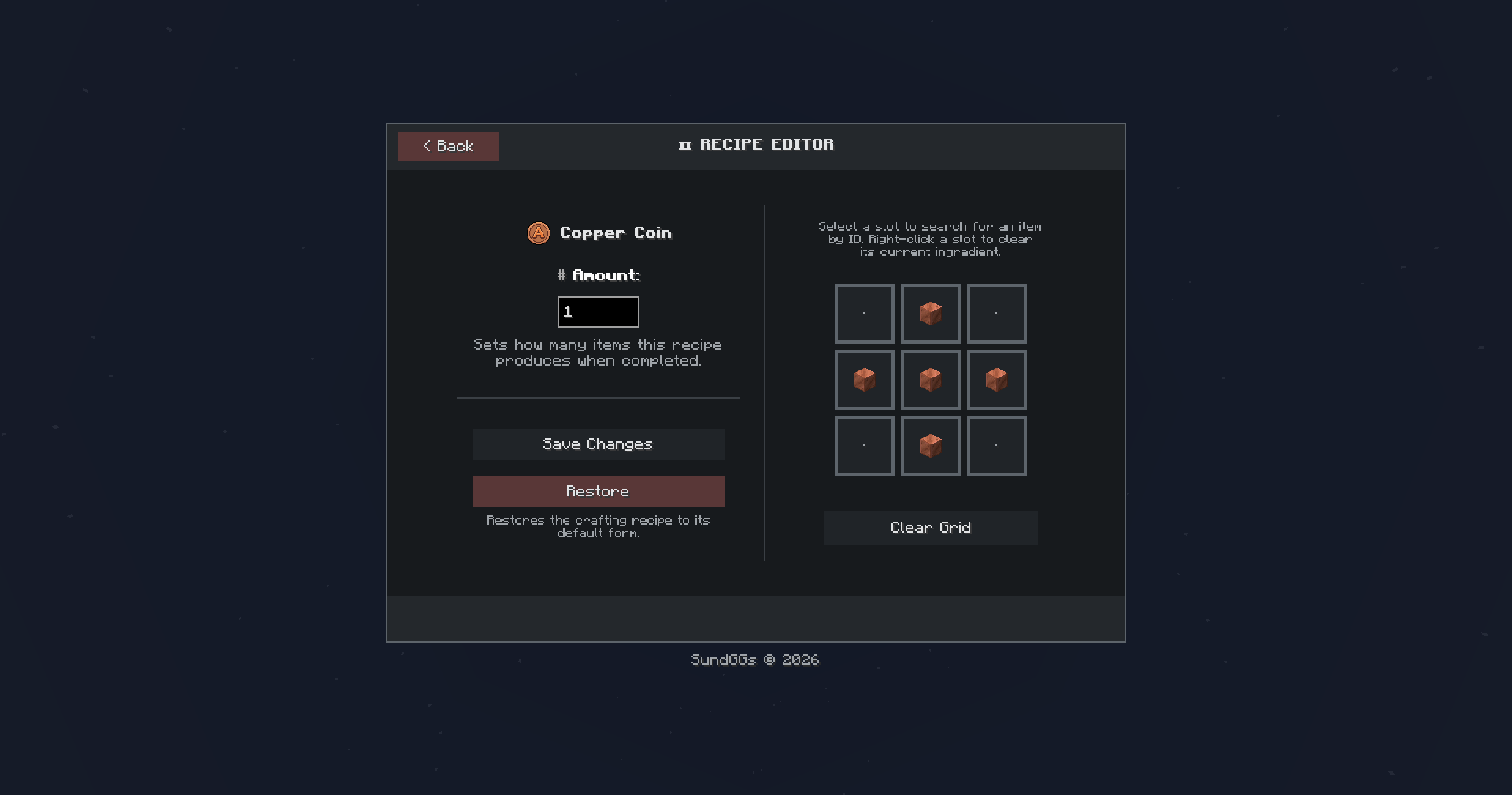 Recipe Editor Customize the crafting recipe for each coin and ticket tier.
 -
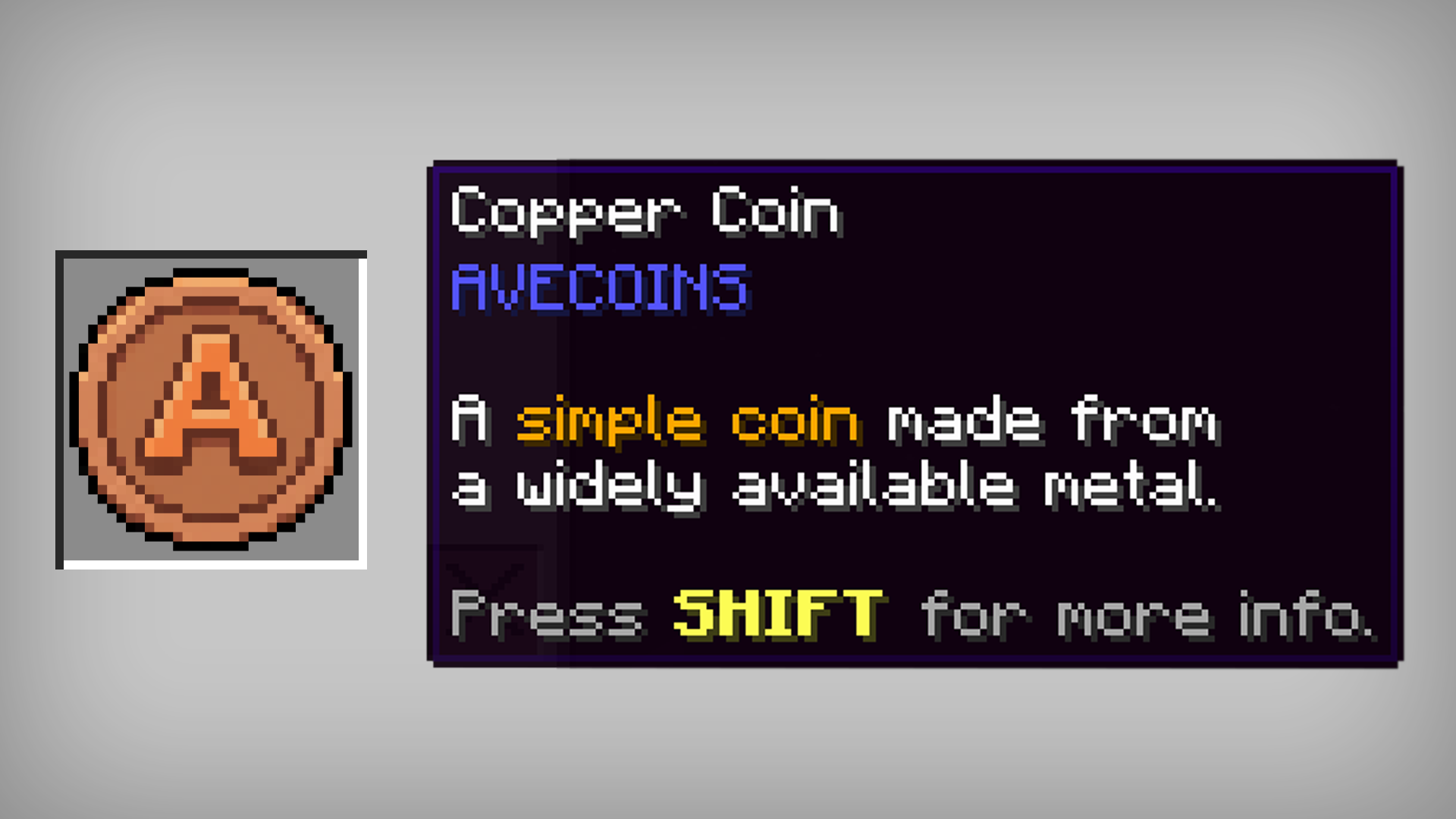 Copper Coin A simple coin made from a widely available metal.
 -
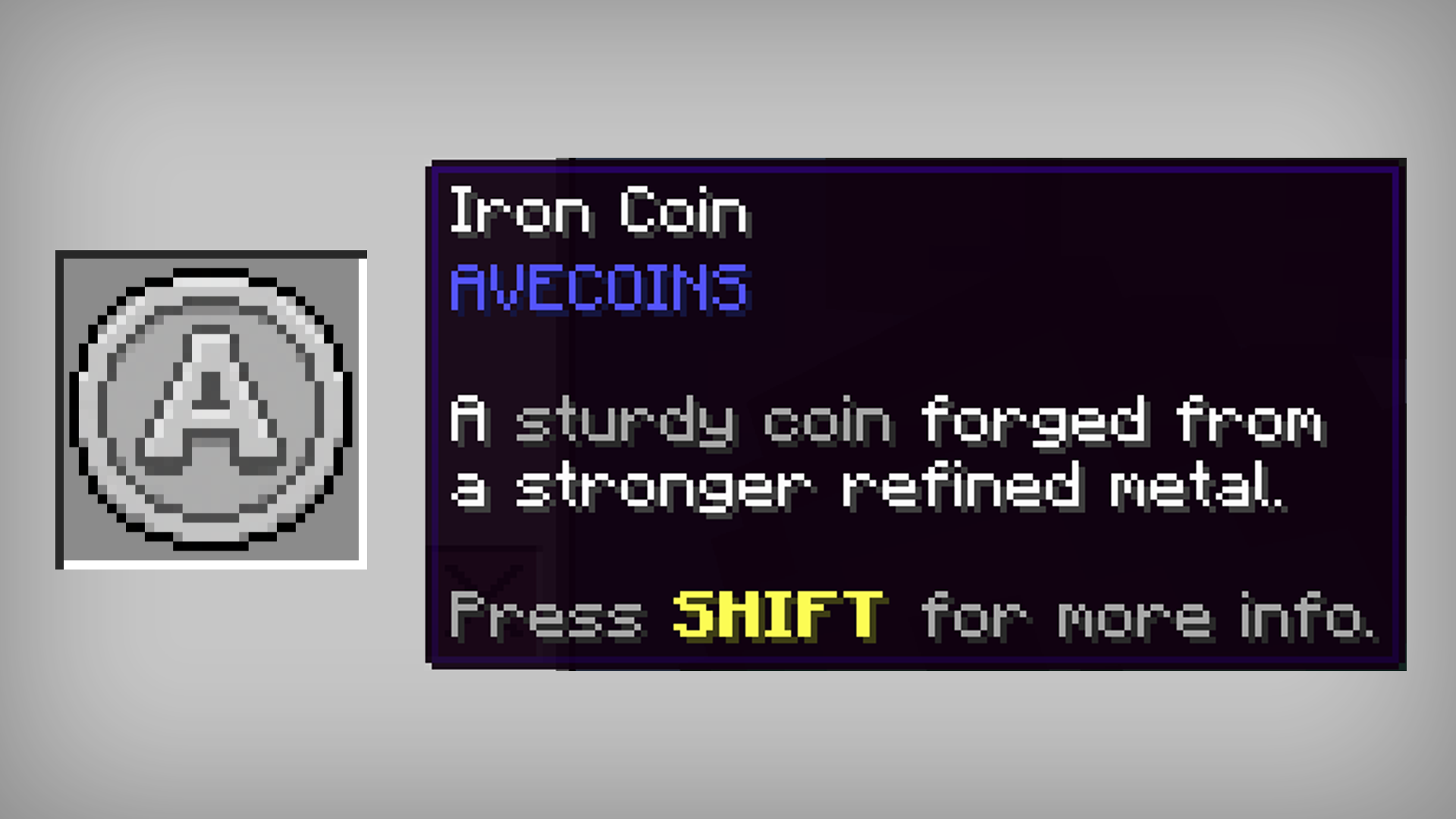 Iron Coin A sturdy coin forged from a stronger refined metal.
 -
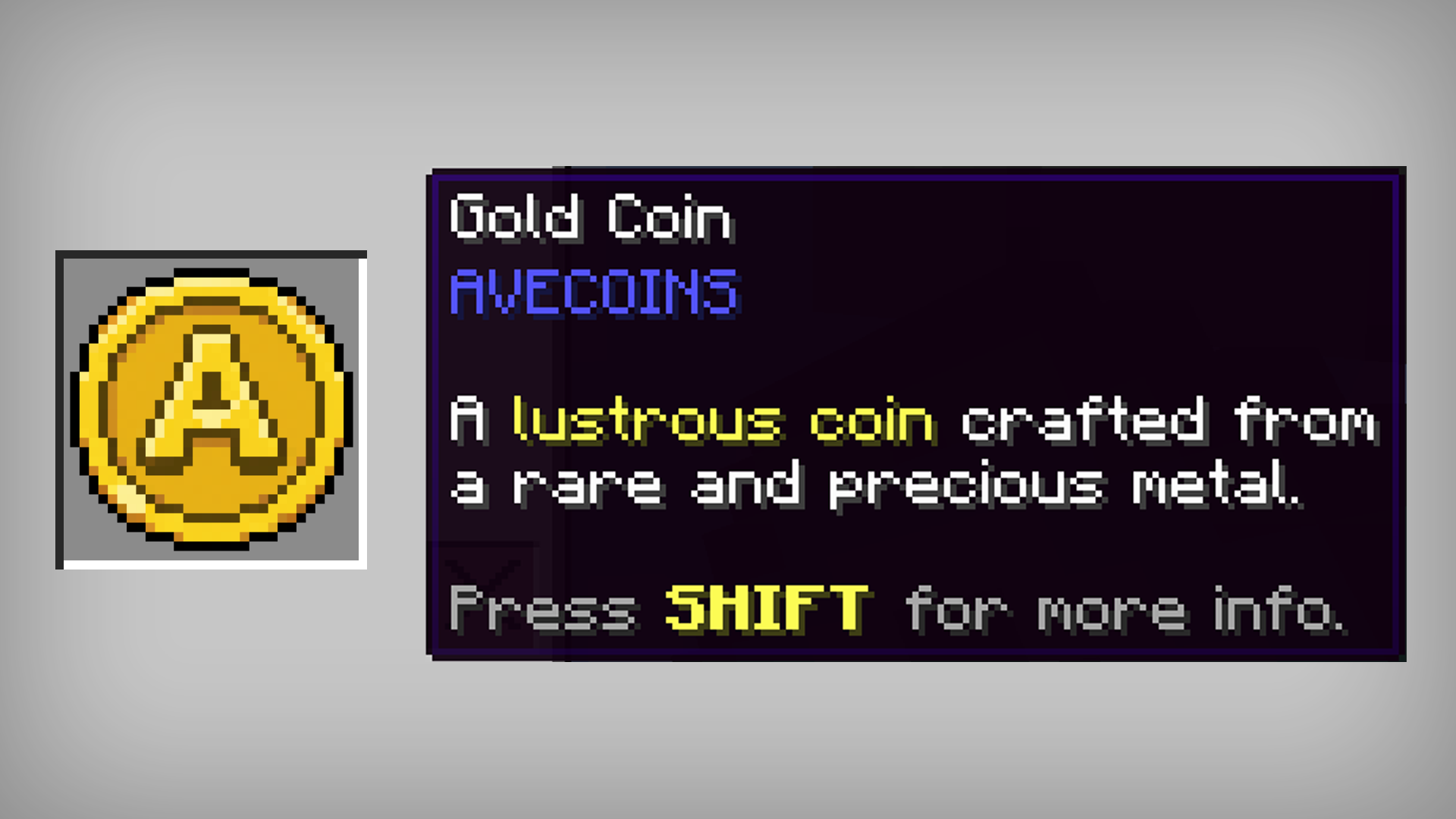 Gold Coin A lustrous coin crafted from a rare and precious metal.
 -
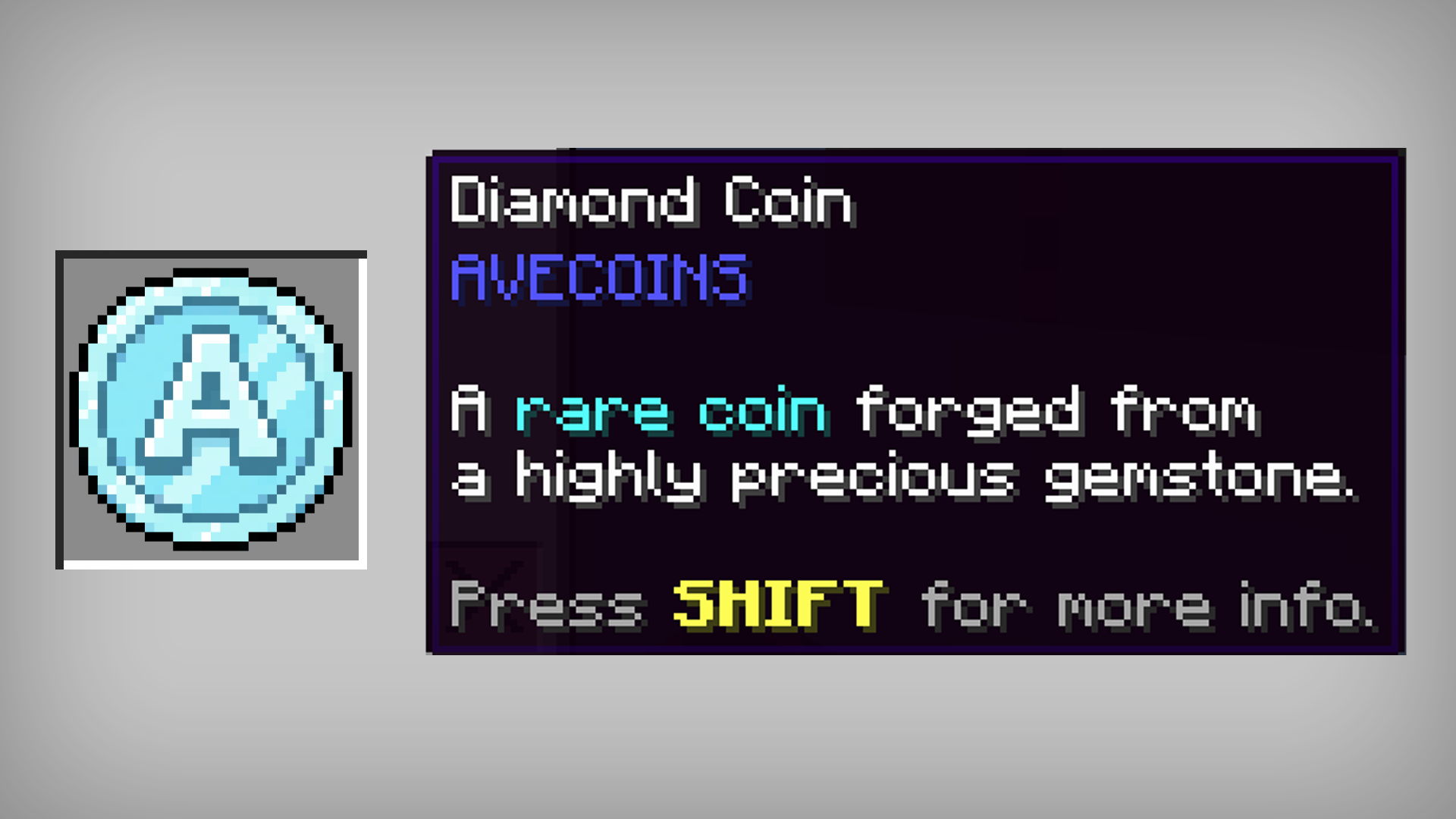 Diamond Coin A rare coin forged from a highly precious gemstone.
 -
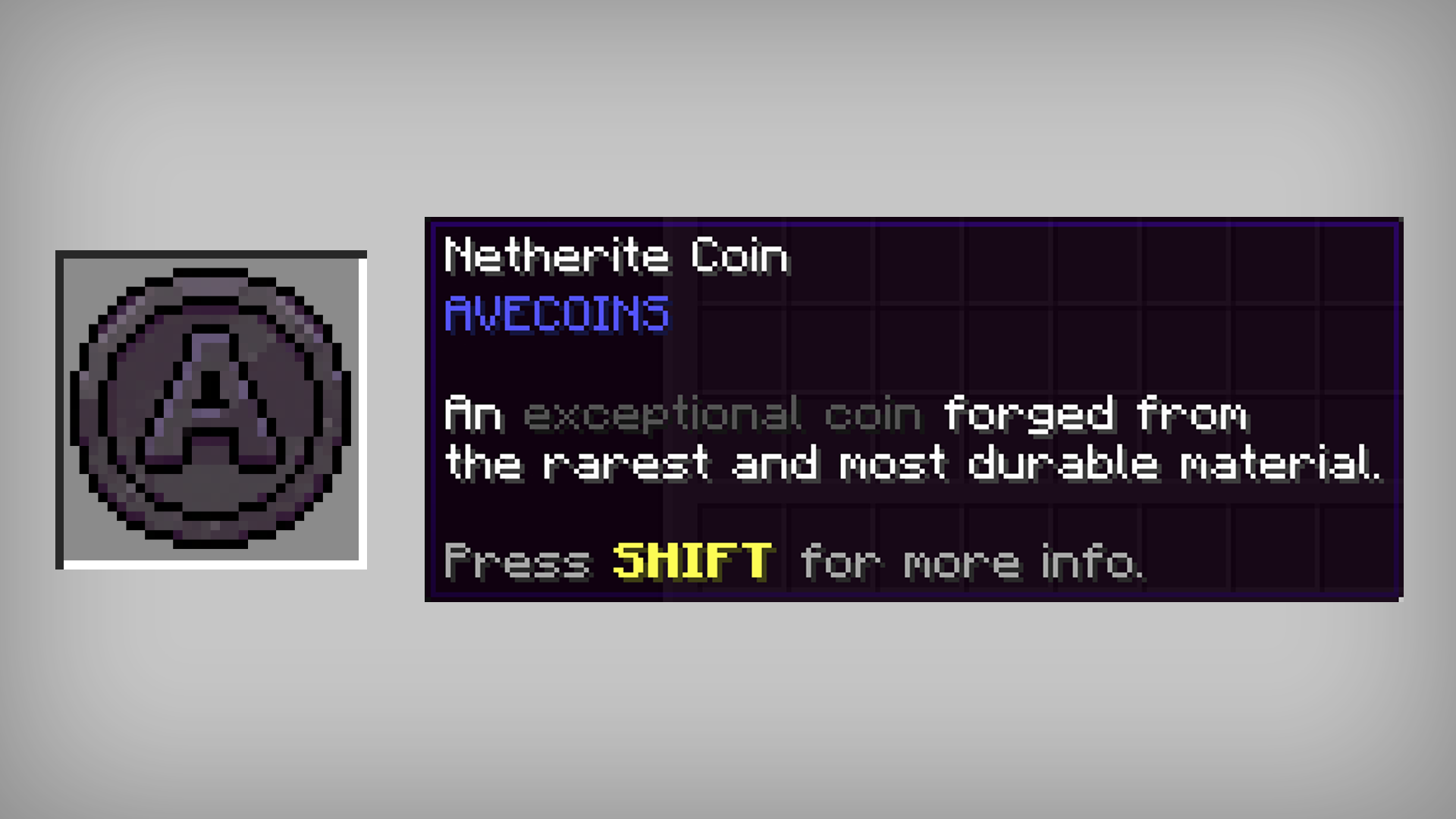 Netherite Coin An exceptional coin forged from the rarest and most durable material.
 -
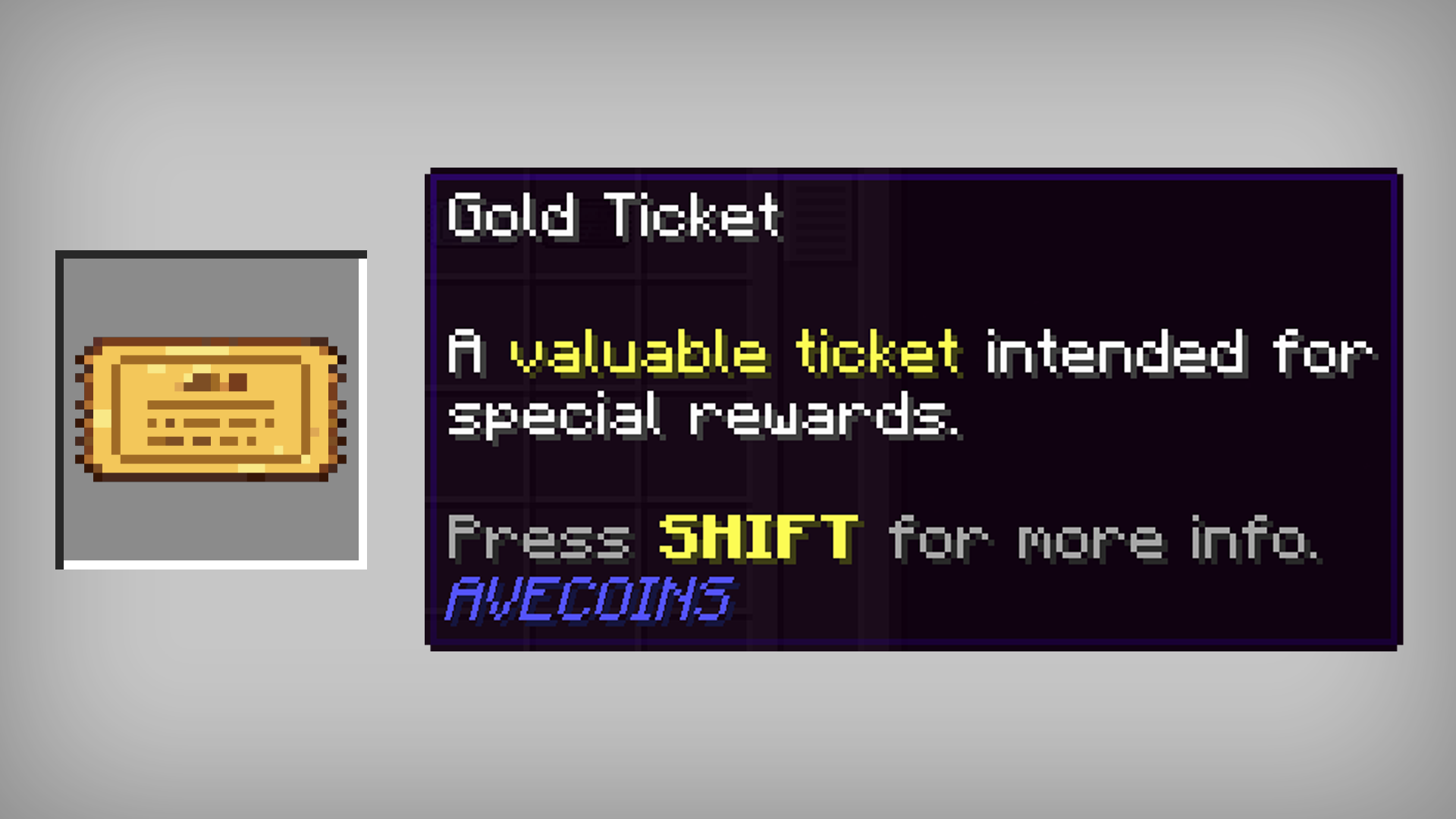 Gold Ticket A valuable ticket intended for special rewards.
 -
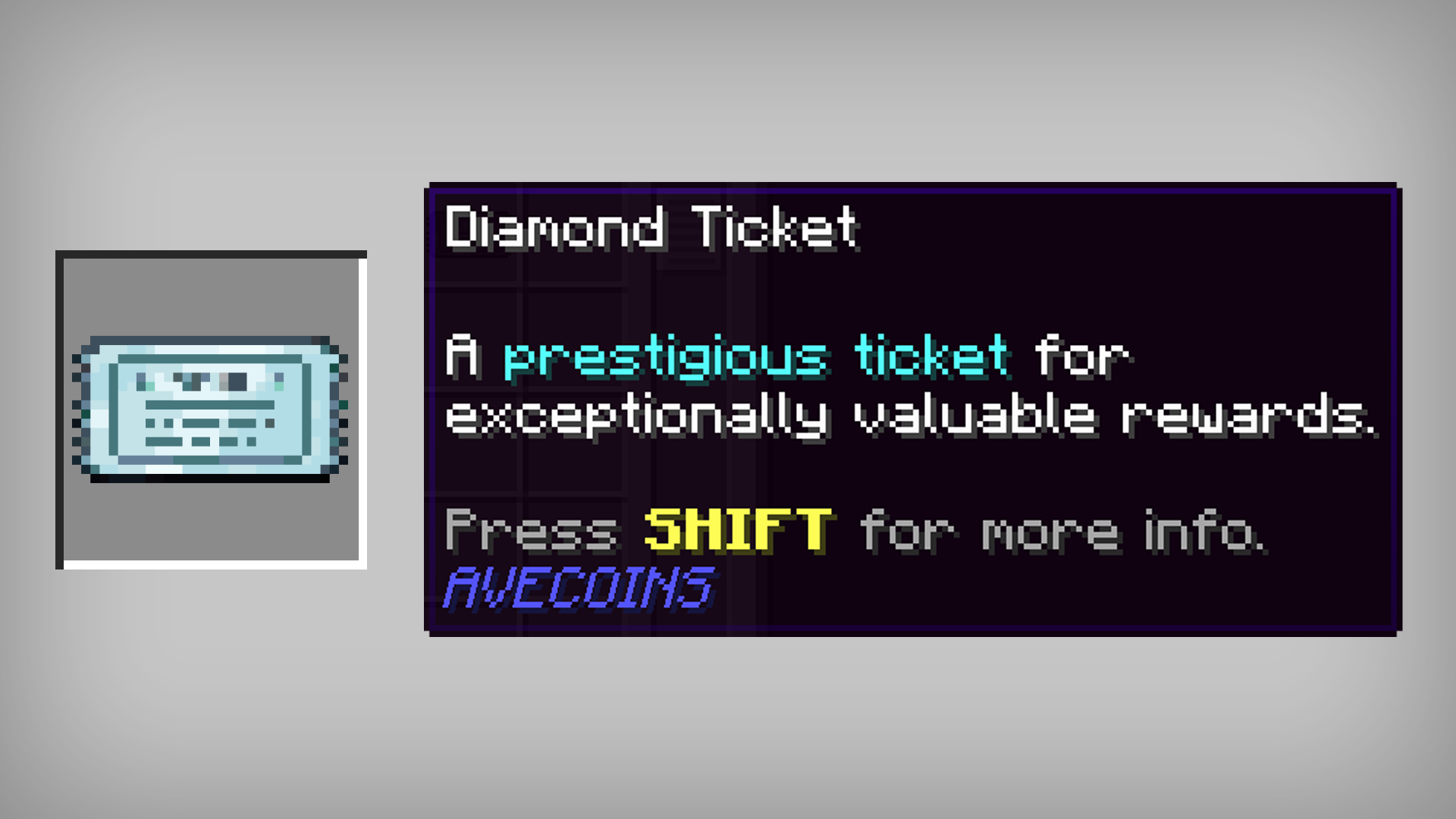 Diamond Ticket A prestigious ticket for exceptionally valuable rewards.
 -
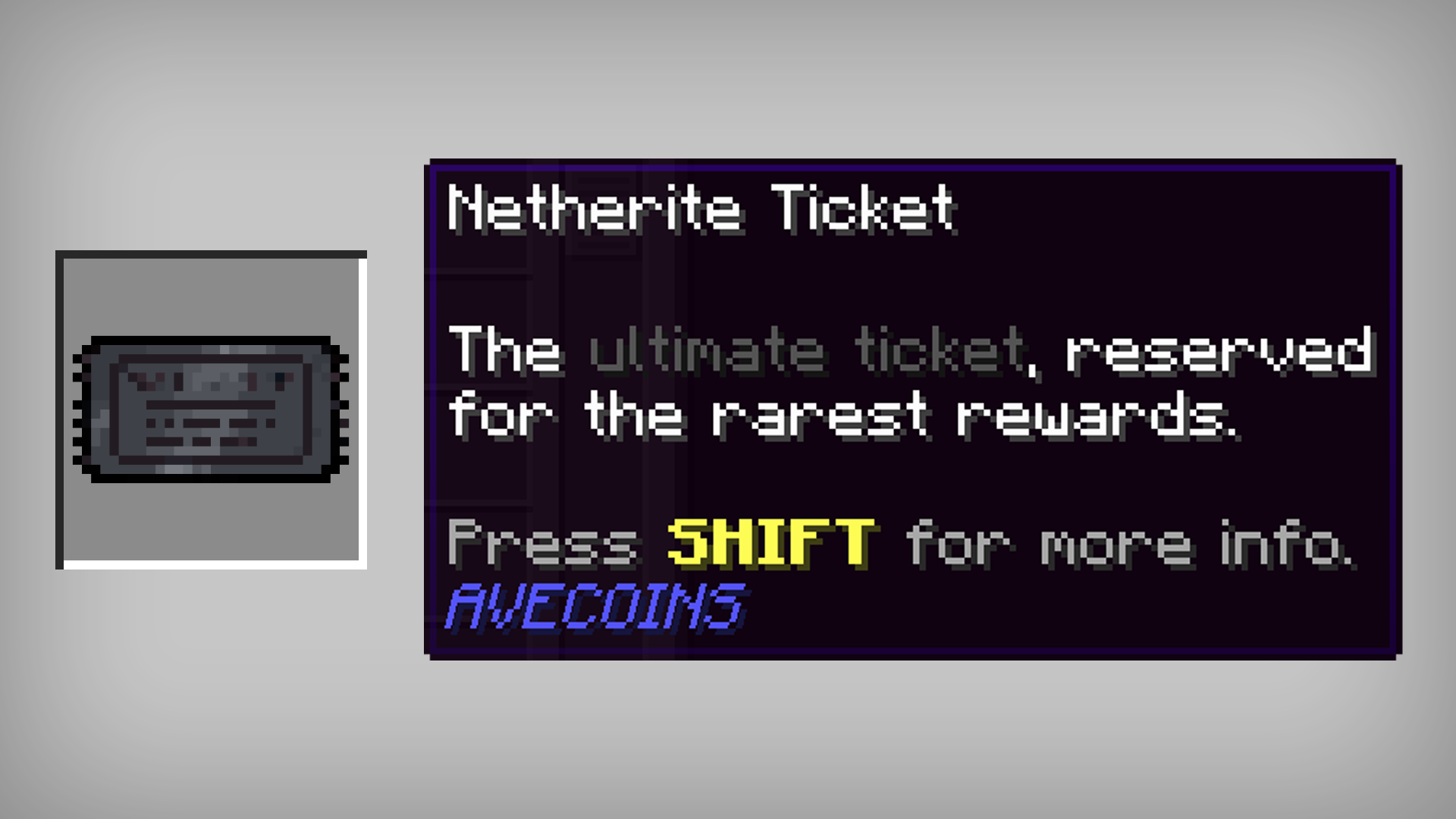 Netherite Ticket The ultimate ticket, reserved for the rarest rewards.
Versions
Files
Relations
Project Relations
More like this
Similar Mods
Suggestions use data such as tags, dependencies, dependents, descriptions, titles, and more to rank how much they overlap with this mod.
On ModDex
Community snapshot
By the numbers
Statistics
 (opens in a new tab)
Get it on
Available Platforms
On ModDex
Community snapshot
By the numbers
Statistics
Resources