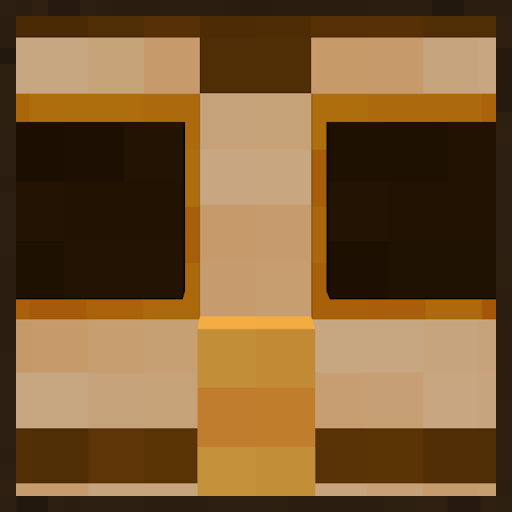
Community listing page, reviews here may not be monitored by the author.
BagTag

No reviews yet
One miscellaneous feature: drop wool to villagers to make them turn into owls!

Community voices
Reviews
No reviews yet. Be the first to review this project!
Get it on
Available Platforms
Compatibility
Supported Environments
Runs entirely on the server. Also works in singleplayer.
About
Project Details
For authors
Embed Badge
If you're the author of this project, you can embed a live badge anywhere that supports HTML or Markdown. It updates automatically whenever ratings change.
Use HTML for any page that supports it, or Markdown for README files and Markdown-based descriptions.
Identifiers
Platform IDs
Resources
External Links
About
Description
What is it?
Ever wanted villagers to behave just the same as they do right now but make them look like little brown owls? Well now you can! Woohoo! Yippee! Yahoo! Wowza! Bonkers! Radical!
Features
Owl
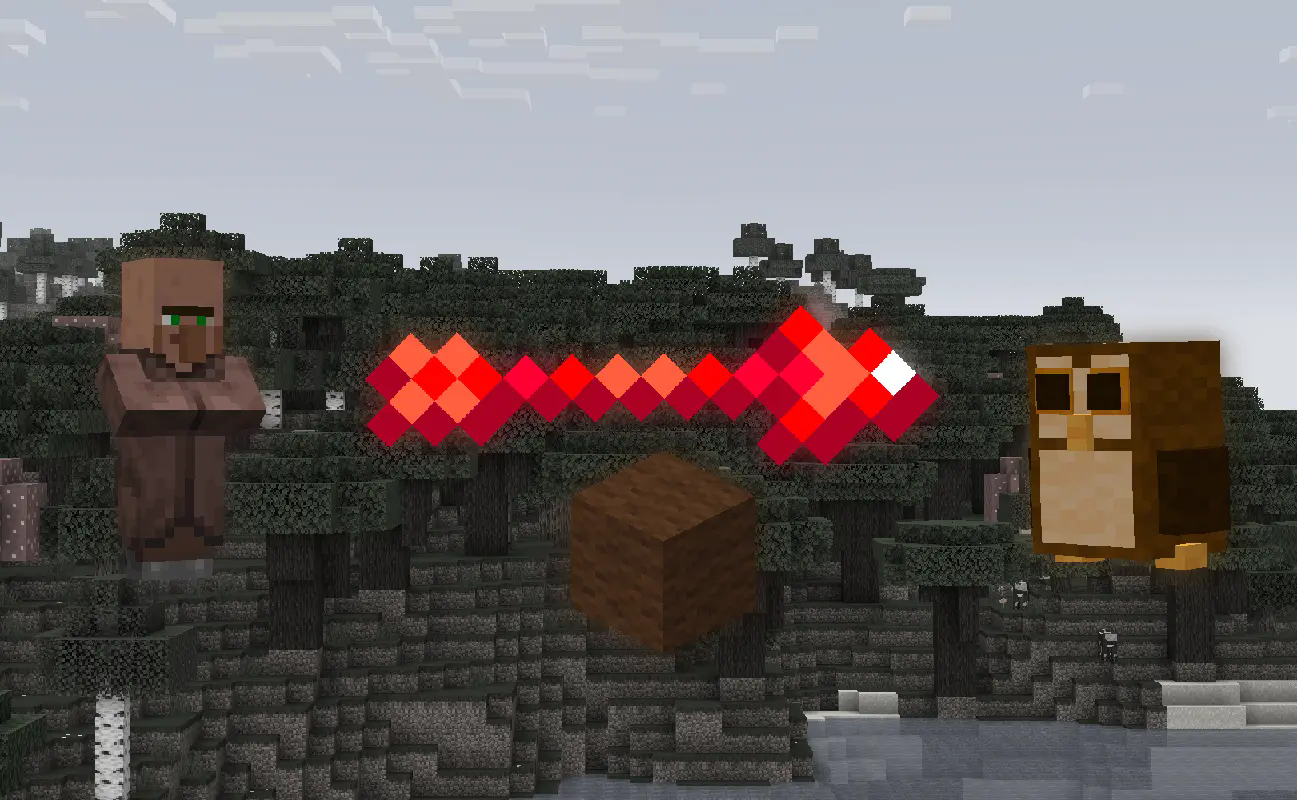 Drop a brown wool on a villager to make it look like an owl. That's it. They're cute though, no?
I made this data pack for myself initially, but I decided to publish it on here cause why not? lmao
Installation Guide:
Data Pack version:
- Make sure your Minecraft version matches the data pack version
- Download the data pack
- Download the resource pack provided with the data pack by clicking on the data pack at the downloads page
- Exit the world you want to install the data pack in
- Select that world in the world selection screen, click on "Edit", then "Open world folder".
- Open the folder named "datapacks", and put the downloaded 'bagtag[version you downloaded]-data.zip' file into it.
- Go back to the main ".minecraft" folder and enter the "resourcepacks" folder
- Place the "bagtag[version you downloaded]-resources.zip" file provided with the data pack file into this folder
- Now enter the world, and have fun :)
Mod version:
- Make sure your Minecraft version matches the mod version
- Download the mod
- Go to your main ".minecraft" folder
- Enter the "mods" folder (or if you don't have one yet create one)
- Place the downloaded mod into the mods folder
- Now enter the world, and have fun :)
Using the Modrinth App on desktop:
- Install the mod/data pack
- That's it, have fun :)
Screenshots
Gallery
-
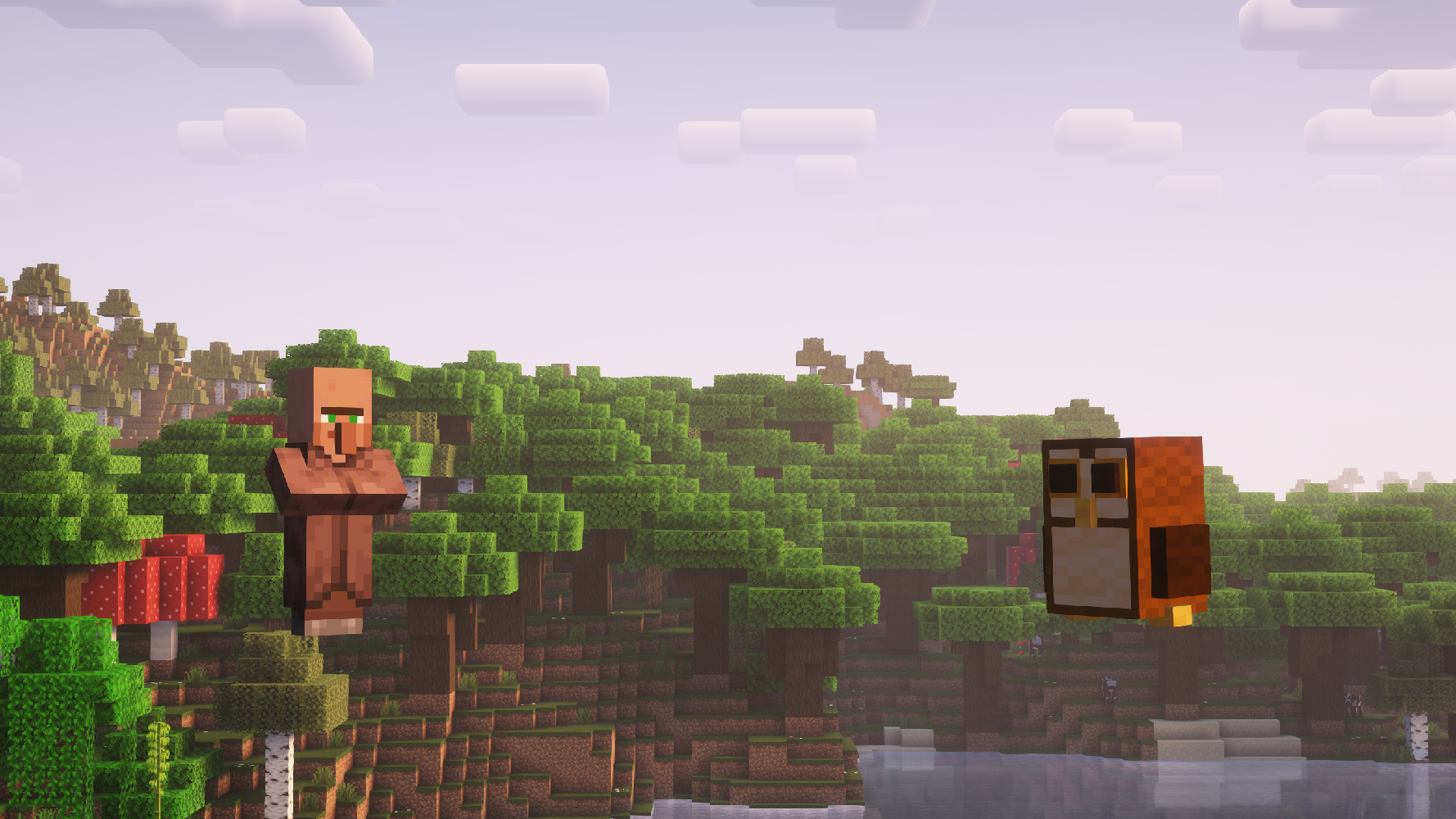 BagTag A villager and an owl next to each other (shader is Complementary Reimagined)
Versions
Files
Relations
Project Relations
More like this
Similar Mods
Suggestions use data such as tags, dependencies, dependents, descriptions, titles, and more to rank how much they overlap with this mod.
On ModDex
Community snapshot
By the numbers
Statistics

 (opens in a new tab)
Get it on
Available Platforms
On ModDex
Community snapshot
By the numbers
Statistics
Resources