
Bannerhunt
No reviews yet
Capture the flag minigame!
Features small, self-contained games within Minecraft.
Data Packs were introduced to vanilla Minecraft in version 1.13 and allow the server to modify data about the game, or run commands. Data Packs are compatible with all mod loaders.
Forge is a popular mod loader for versions 1.1+ of Minecraft.
Neoforge is a fork of the Minecraft Forge available for versions 1.20.1+ of Minecraft. Many Forge mods are compatible with Neoforge and vice versa.
Fabric is a mod loader for versions 1.14+ of Minecraft, particularly popular for client side and optimization mods.
Quilt is a fork of the Fabric mod loader. Many Fabric mods are compatible with Quilt and vice versa.
Community voices
Reviews
Click once to include, again to exclude, again to clear
No reviews yet. Be the first to review this project!
Get it on
Available Platforms
 Modrinth
Compatibility
Supported Environments
About
Project Details
For authors
Embed Badge
If you're the author of this project, you can embed a live badge anywhere that supports HTML or Markdown. It updates automatically whenever ratings change.
Use HTML for any page that supports it, or Markdown for README files and Markdown-based descriptions.
Identifiers
Platform IDs
About
Description

Bannerhunt is a server-side minigame mix between Capture the Flag and King of the Hill!
It is a free-for-all designed for ongoing servers (and even new ones) to play in a server event.
How to Play
A small platform with a banner and a beacon-like beam will be placed at a location of choice. Your goal is to keep this flag in your possession for as long as possible to score points!
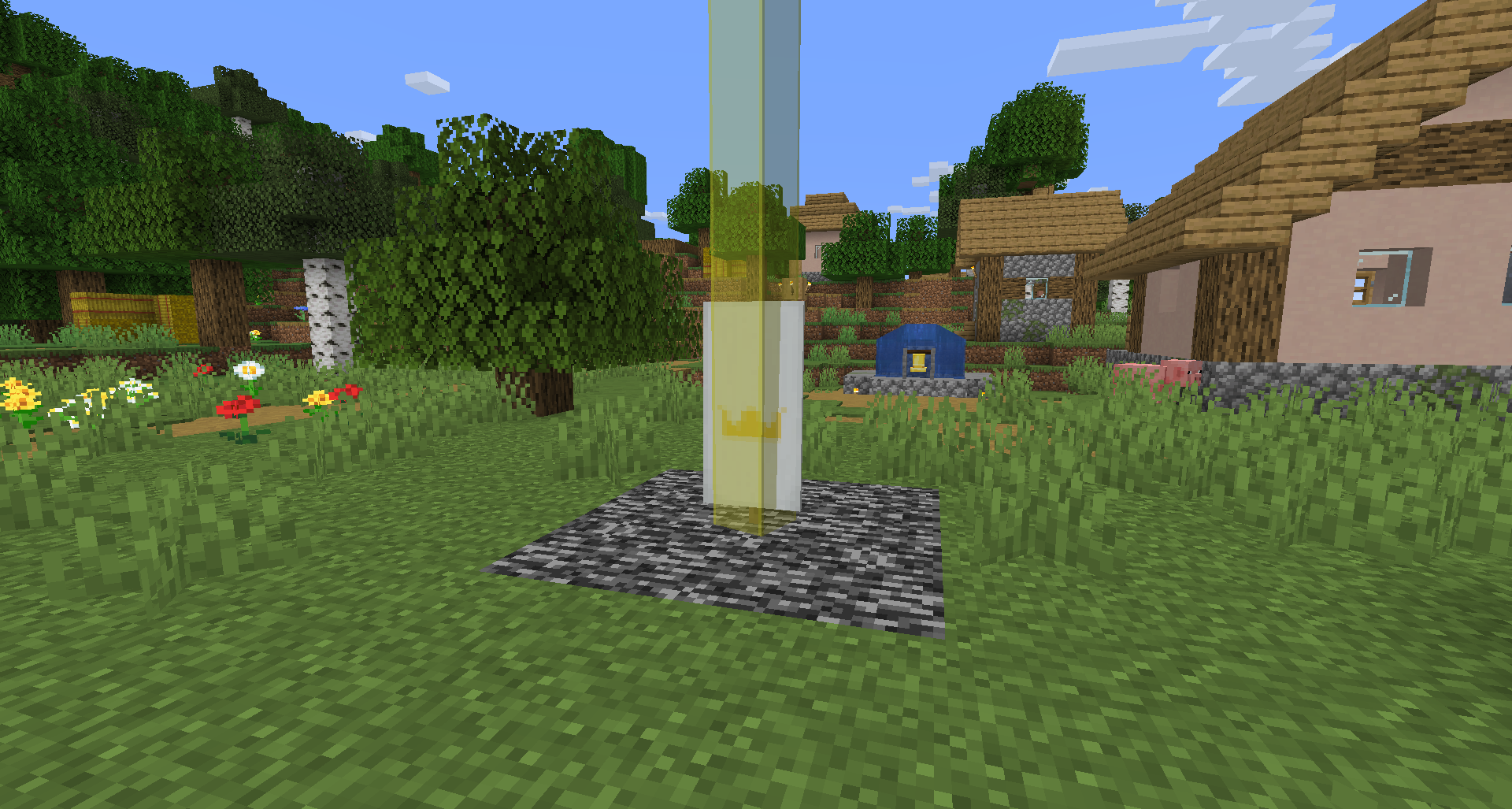
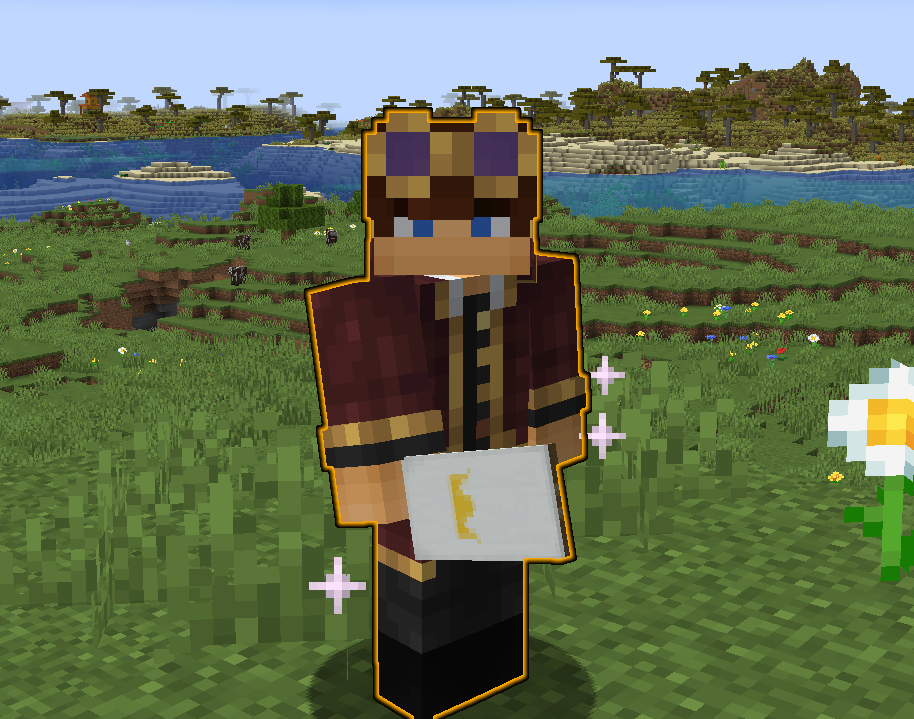
Once you get the banner, you will start to glow and sparkle until you place it down. If you were the last to touch it, you will still get points! (You can see who has the flag by their name color and prefix in tab) First to 10 points wins!
The setup is easy and intuitive with a menu system for all the settings!! Nearly everything is customizable to fit your needs! You are even able to change the style of the banner however you would like!
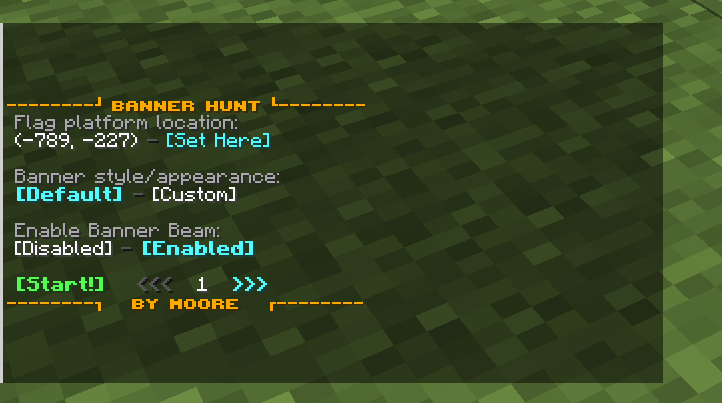
Rules and Settings
Forced Rules
- NO placing the banner in a container of any kind! THIS WILL MAKE A NEW FLAG, AND YOURS WILL BE DELETED
- NO logging out with the banner in your posession! This will also create a new flag!
- If the flag is destroyed in any way shape or form, a new one will be spawned.
- You are unable to place the banner on the side of a block.
Default Settings/Rules
All of these rules can be changed in settings- Placed flags have a beacon-like beam
- Points needed to win is 10
- Posessing the flag for 5 minutes gives 1 point
- Holding the flag gives debuffs! (ties into next rule)
- Holding the flag instead of placing it down results in scoring points twice as fast
- Scoring a point while holding the flag announces location in chat
- You are unable to carry the flag to other dimensions
- If you travel too fast while holding the flag (elytra, riptide, fast-travel, etc), you will lose it
Setup
With the datapack/mod properly installed on the server, type /reload, which will show the version and setup button! Go through the steps for placing down the spawn location, chosing point goals, and more!
You also have these commands at your disposal:
/function bannerhunt:setup
/function bannerhunt:settings
/function bannerhunt:start
/function bannerhunt:end
/function bannerhunt:uninstall
⚠ KNOWN ISSUES ⚠
- You cannot click and move the flag in your inventory! This was to avoid a minecraft bug that would say you do not have the flag when you really do.
- The workaround is to hover over the slot you want it in, and pressing a number key relating to the hotbar slot that it is currently positioned in.
- If your server has teams set, this will override them when someone obtains the flag! You will need to reassign your teams after you are done with the minigame, sorry!
- Occasionally the banner beam will not render! This can be fixed in most cases by increasing Entity Distance in your Video Settings.
- Killing a player that holds the flag will send a notification in chat twice
- Not really game breaking but a bit annoying! If you think you can solve it the GitHub is linked above, I've already tried.
Screenshots
Gallery
-
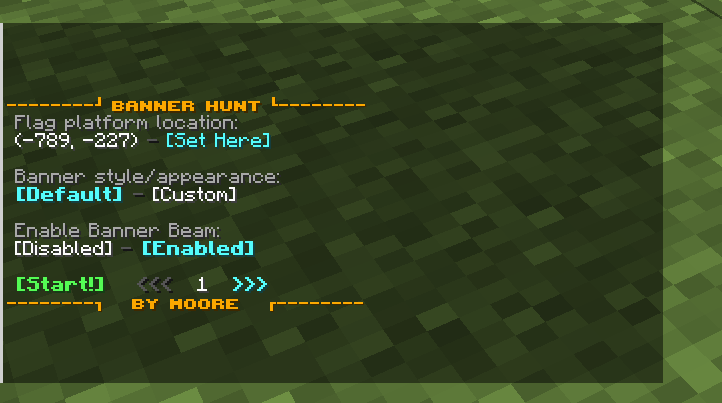 Settings menu
 -
 Bannerhunt Title
 -
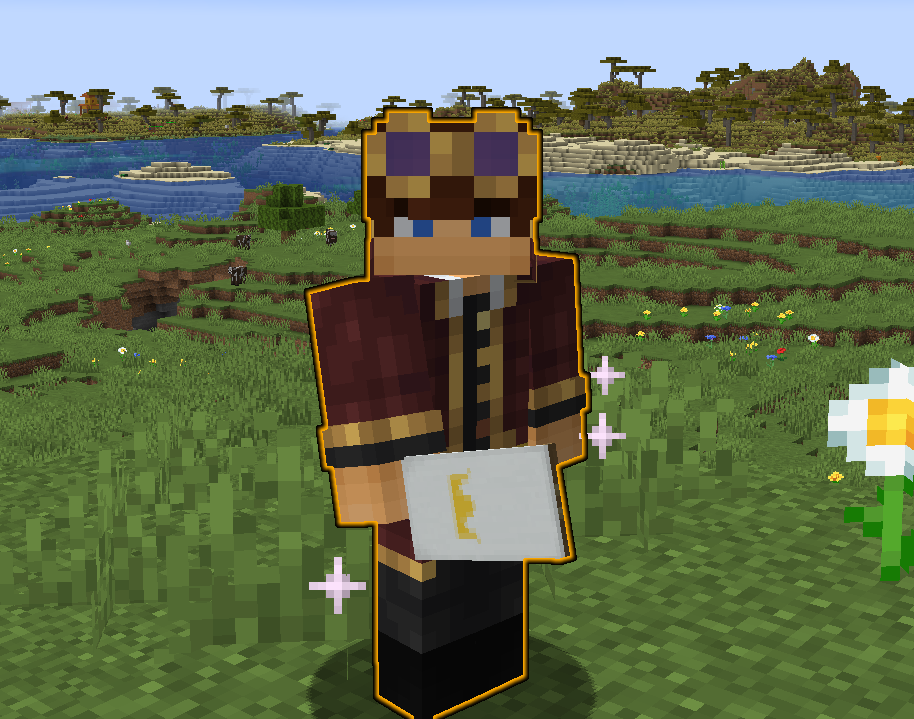 Player holding the banner
 -
 Bannerhunt Logo
 -
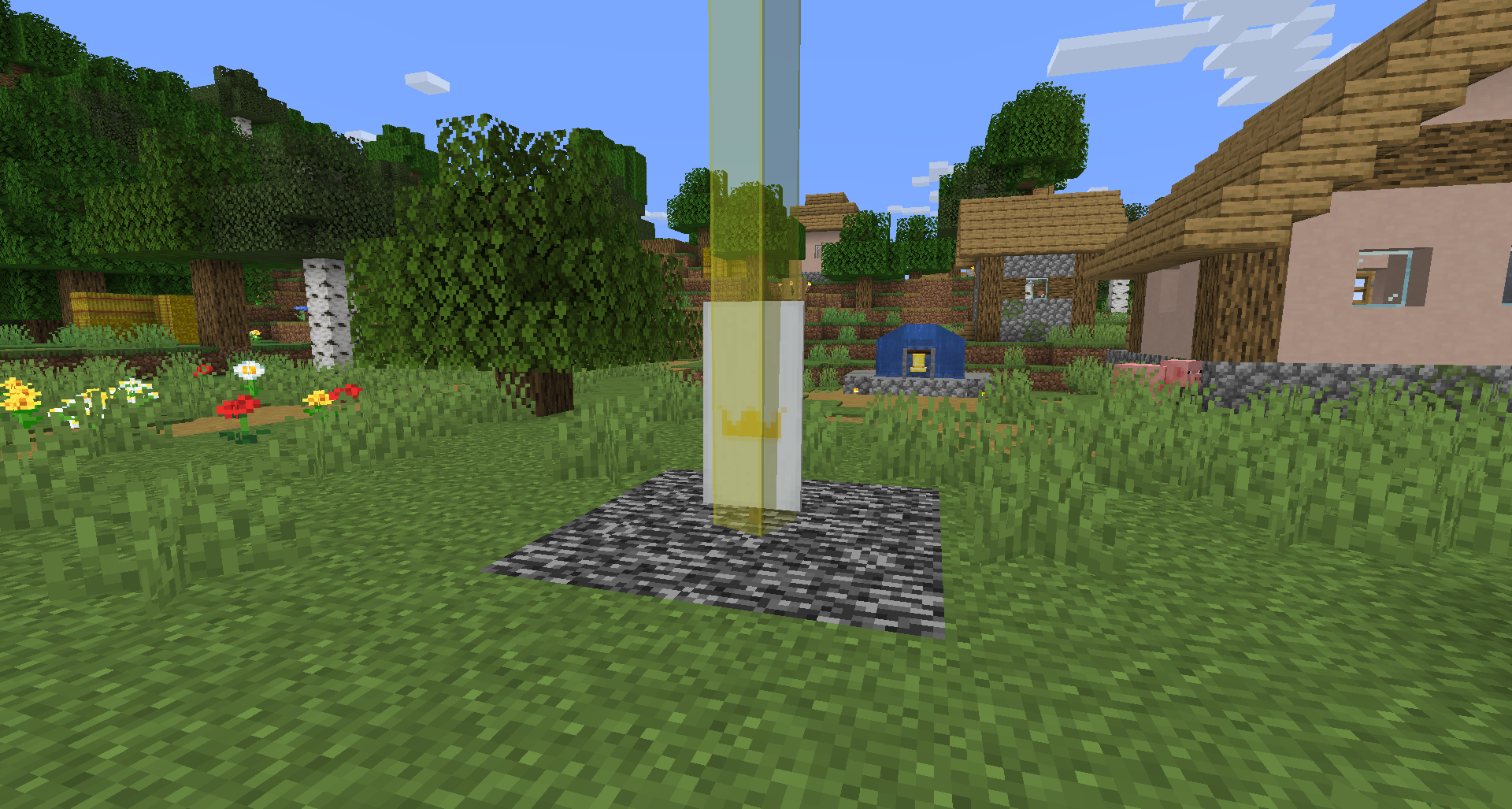 Banner in a village
Versions
Files
Relations
Project Relations
More like this
Similar Mods
Suggestions use data such as tags, dependencies, dependents, descriptions, titles, and more to rank how much they overlap with this mod.
On ModDex
Community snapshot
By the numbers
Statistics

Want to reach Minecraft players?
We're looking for a server hosting partner to feature here and other parts of the site. Interested? Send us a message!
Get in touchGet it on
Available Platforms
On ModDex
Community snapshot
By the numbers