
Community listing page, reviews here may not be monitored by the author.
Backup Always Right

No reviews yet
A easyful Minecraft server backup mod with smart backup support 26.2/ 1.21.11 /和简体中文
Community voices
Reviews
No reviews yet. Be the first to review this project!
Get it on
Available Platforms
Compatibility
Supported Environments
Runs on a dedicated server only; does not work in singleplayer.
About
Project Details
For authors
Embed Badge
If you're the author of this project, you can embed a live badge anywhere that supports HTML or Markdown. It updates automatically whenever ratings change.
Use HTML for any page that supports it, or Markdown for README files and Markdown-based descriptions.
Identifiers
Platform IDs
Resources
External Links
About
Description
Backup Always Right

Attention!!!!! If yours Minecraft Version < 1.21.11 , Please Use Version : 1.0.0,
Mojang changed old api, so this version(Minecraft Version < 1.21.11) don't support OP Permissions Setting
Support 简体中文/English
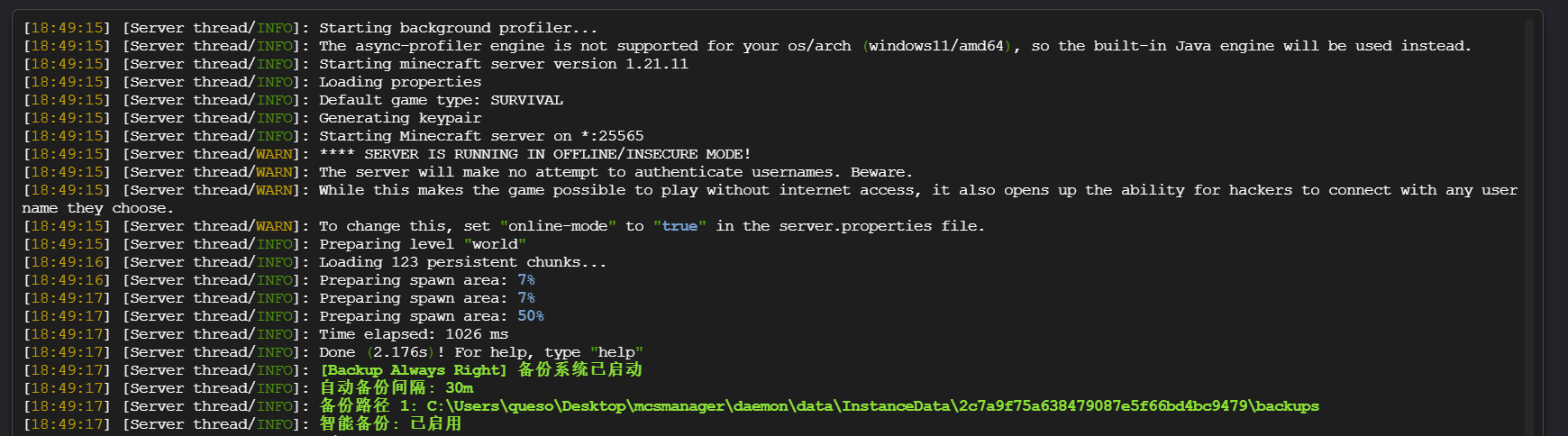
A easyful Minecraft server backup mod with smart backup, multi-language support, and multiple storage paths.
Features
- Scheduled backups - Set intervals in minutes, hours, or days
- Smart backup - Backs up only when significant world changes occur
- Multi-path support - Backup to multiple local or network locations
- Manual control - Complete command system for backup management
- Multi-language - English and Simplified Chinese, auto-detection
- Backup verification - Automatically verify backup integrity
- Compression control - 0-9 compression levels
- Old backup cleanup - Automatically remove old backups
Installation
- You need Install Fabric-Language-Kotlin too.
- Place the mod file in server's
modsfolder - Start server to generate config file
- Modify
config/bar.confas needed - Reload with
/bar reloador restart server
Commands
| Command | Description | Permission |
|---|---|---|
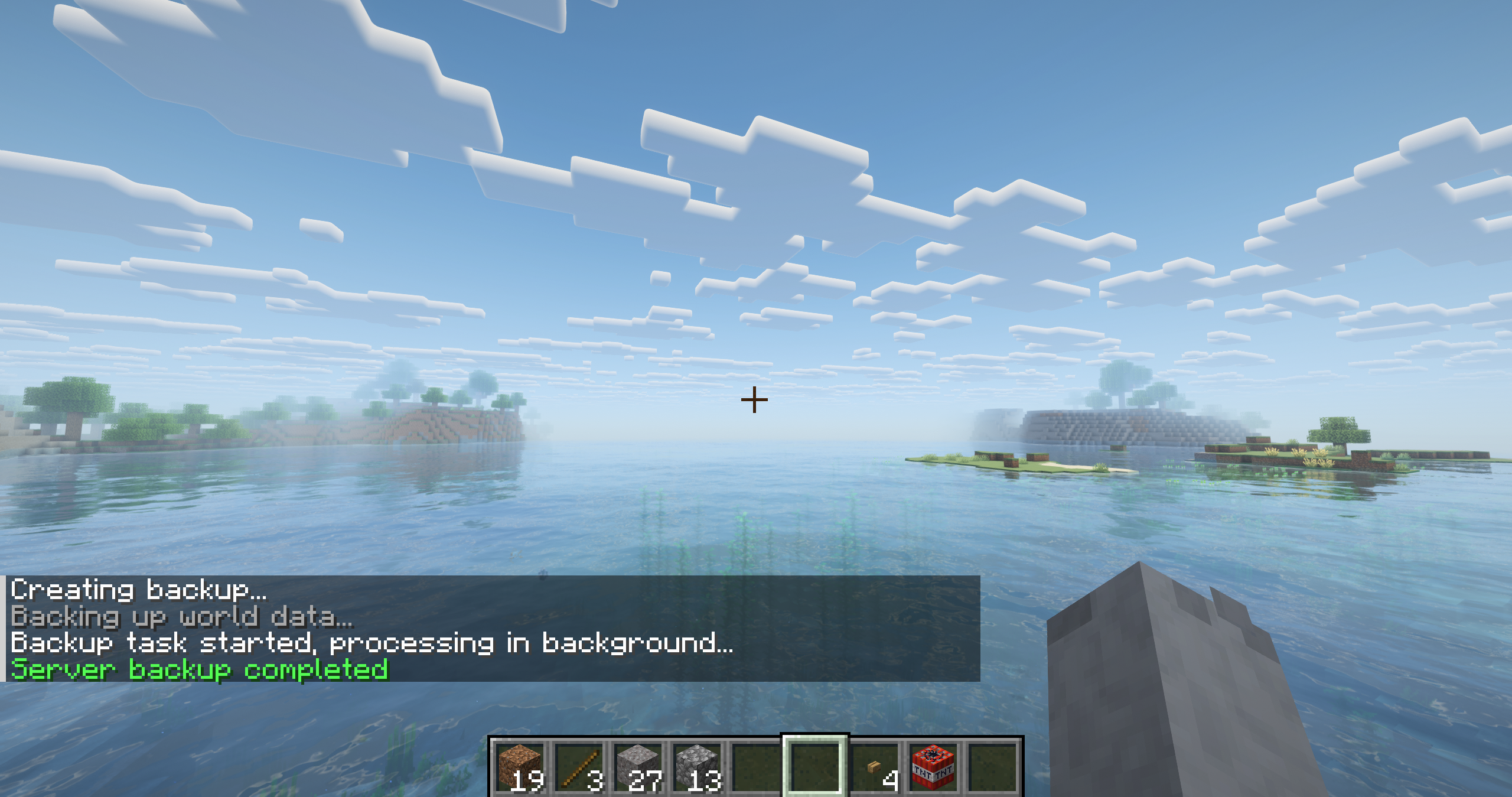
/bar start |
Start manual backup | 2 |
/bar list |
List all backups | 0 |
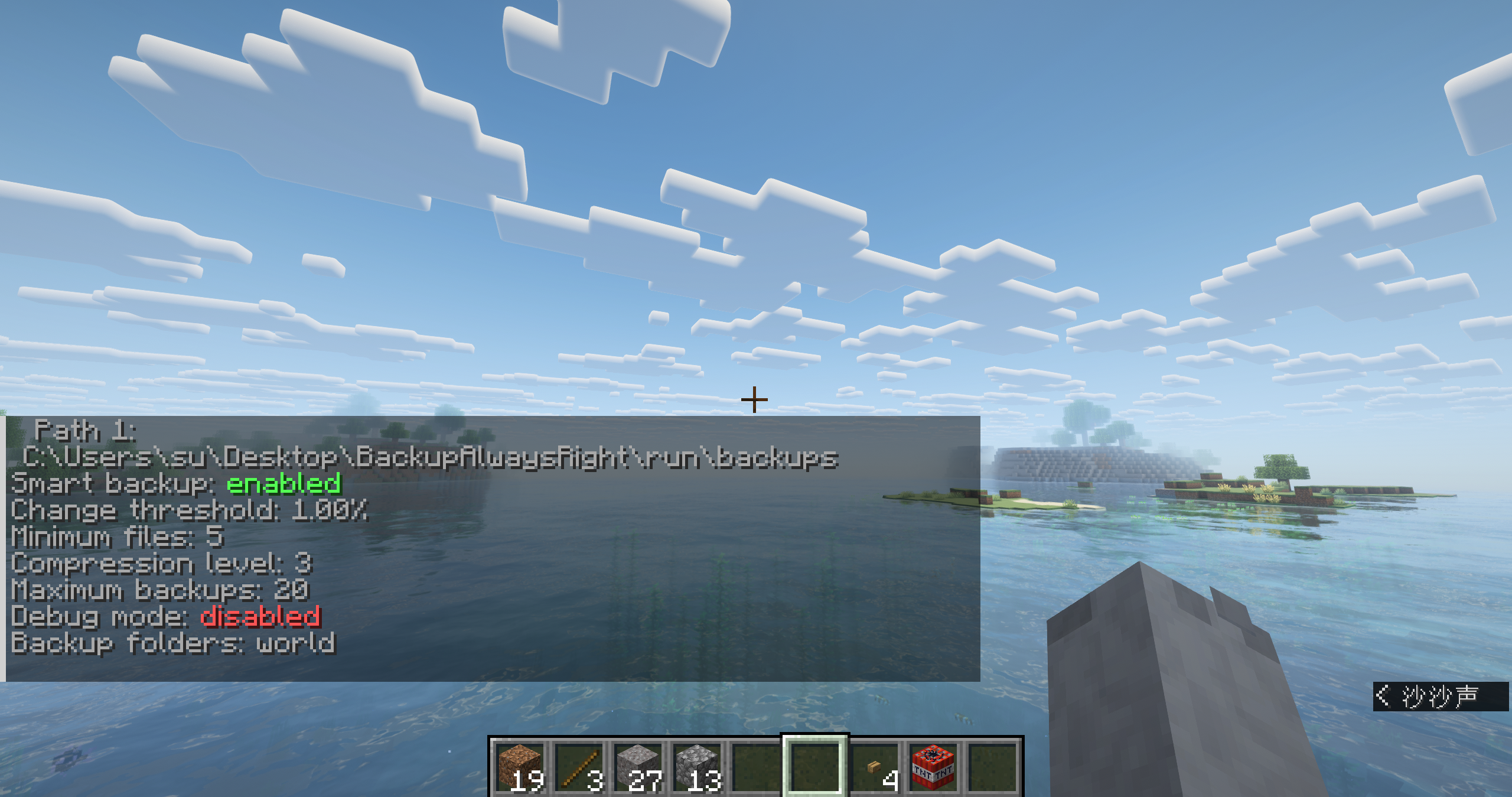
/bar status |
Show backup system status | 0 |
/bar reload |
Reload configuration | 3 |
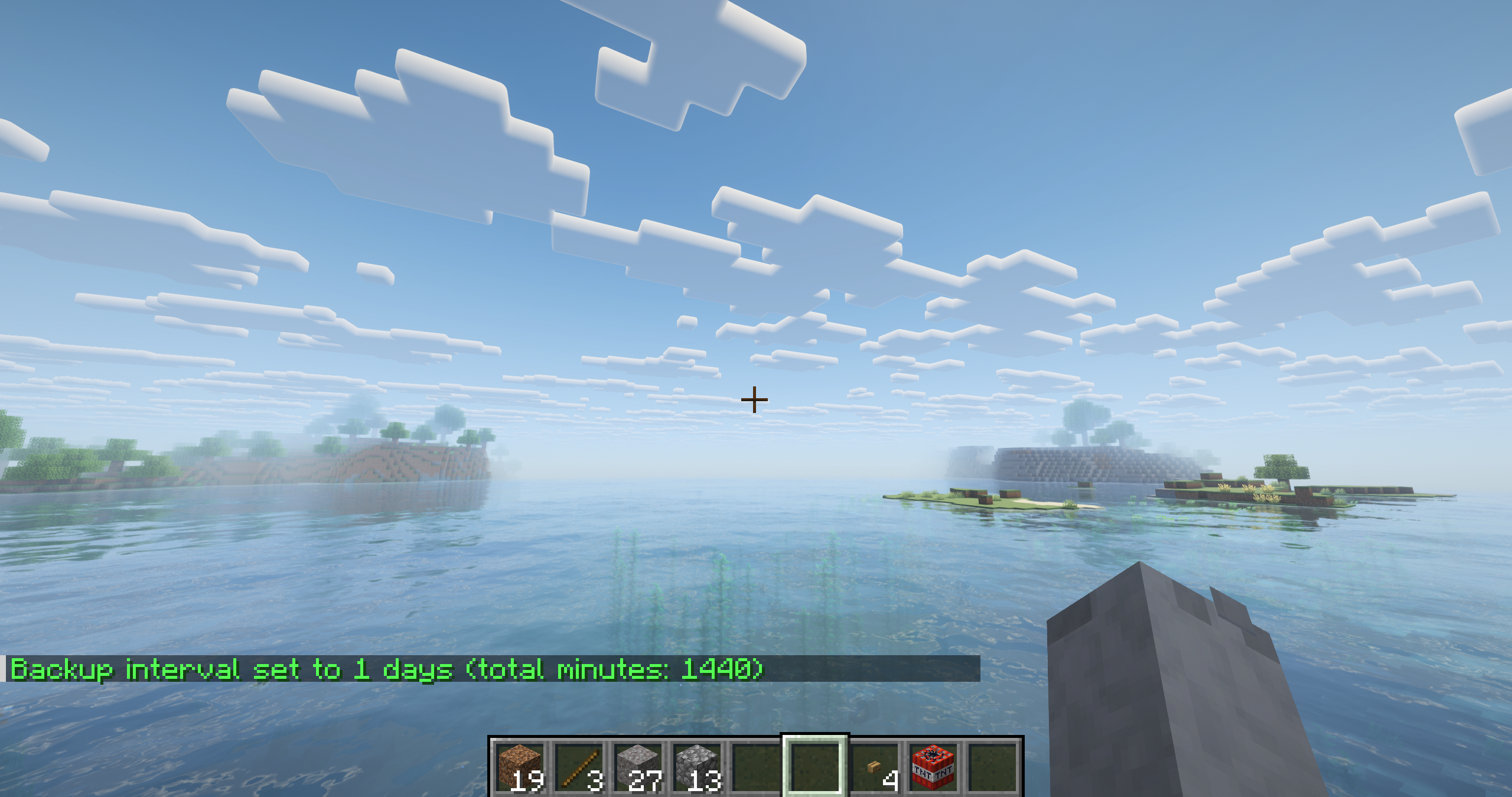
/bar interval minute <1-1440> |
Set interval in minutes | 3 |
/bar interval hour <1-24> |
Set interval in hours | 3 |
/bar interval day <1-30> |
Set interval in days | 3 |
/bar autobackup enable/disable |
Enable/disable auto backup | 3 |
/bar debug enable/disable |
Enable/disable debug mode | 3 |
/bar shutdown |
Backup and shutdown server | 4 |
/bar shutdown delay <1-60> |
Set shutdown delay | 4 |
⚙️ Configuration
Edit config/bar.conf:
Path Examples
# Folders to backup (multiple separated by ;)
# 要备份的文件夹(多个用;分隔)
# Example :  world;world_nether;world_the_end;mods;whatelse
backupFolders=world


# Local paths
backupPaths=./backups;backups;/home/mcserver/backups

# Network paths
backupPaths=backups;\\192.168.0.105\Base\Backups;D:\Backups
General Settings
# Language (auto, en_us, zh_cn)
language=en_us

# Folders to backup (separate with ;)
backupFolders=world

# Enable auto backup
backupEnabled=true

# Backup paths (separate with ;)
backupPaths=backups

# Backup interval (supports m/h/d units)
backupInterval=30m

# Maximum number of backups
maxBackups=20

# Notify players
notifyPlayers=false

# Notice time before backup (seconds)
noticeTime=3

# Shutdown delay after backup (seconds)
shutdownDelay=15
Advanced Settings
# Verify backup integrity
verifyBackup=true

# Smart backup (skip if no changes)
smartBackup=true

# Require significant changes
requireSignificantChange=false

# Change threshold (0-1.0)
changeThreshold=0.01

# Minimum changed files
minChangedFiles=5

# Compression level (0-9)
compressionLevel=3

# Minimum backup size (MB)
minBackupSizeMB=5

# Debug mode
debugMode=false
🔧 Troubleshooting
Enable debug mode: /bar debug enable
Check path permissions and disk space
Lower compression level if backup is slow
Reduce maxBackups if disk space is low
Always backup, always right!
Screenshots
Gallery
-
-
 Exam
Exam -
-
Versions
Files
Relations
Project Relations
More like this
Similar Mods
Suggestions use data such as tags, dependencies, dependents, descriptions, titles, and more to rank how much they overlap with this mod.
On ModDex
Community snapshot
By the numbers
Statistics

Want to reach Minecraft players?
We're looking for a server hosting partner to feature here and other parts of the site. Interested? Send us a message!
Get in touchGet it on
Available Platforms
On ModDex
Community snapshot
By the numbers
Statistics
Resources