
Community listing page, reviews here may not be monitored by the author.
Better Markets!

No reviews yet
Sell Items in a Villager Trading UI & Barter with Other Players!
Community voices
Reviews
No reviews yet. Be the first to review this project!
Get it on
Available Platforms
Compatibility
Supported Environments
Runs entirely on the server. Also works in singleplayer.
The author has not specified where this runs.
Varies by version.
About
Project Details
For authors
Embed Badge
If you're the author of this project, you can embed a live badge anywhere that supports HTML or Markdown. It updates automatically whenever ratings change.
Use HTML for any page that supports it, or Markdown for README files and Markdown-based descriptions.
Identifiers
Platform IDs
About
Description

-
Supported versions: (1.21 - 26.2)
About Me
Better Markets is a Minecraft Survival Multiplayer Addon/Datapack that allows players in a server to sell their items in exchange for other items (bartering). It uses the Minecraft Villager Trading UI as FOUNDATION for the Market Listing Display And Interaction.
Features
-
Create Multiple Listings!
Players can create AS MANY LISTINGS as they want! They can also ask for a combination of at-most TWO ITEMS
(similar to how villagers can accept/ask for two items in exchange for a single item)
-
Infinite Market Length!
A server can have a NEARLY INFINITE NUMBER of Market Listings available for player to navigate through! This allows room for multiple offers for the same item! There is no restriction to applicable offers!
-
Item Bank!
Players can also buy items from offline players! Every purchase made is transferred to a virtual storage that can only be withdrawn by their owners! It returns the items bartered/traded for in a bundle which disappears after their contents are withdrawn!
How To ..
-
create a Market Listing?
Any and ALL players can create a Market Listing by running the command:
/trigger pm-createListing. You will be sent a tellraw message instructing you on how to set-up your inventory, mainly your offhand and your hotbar's first two slots, Slot 0 and Slot 1. To create a listing,
- Put the item that you are willing to sell in your offhand.
- Put the items you want in your First Slot and Second Slot.
- Then, run the command
/trigger pm-createListing set 2
-
withdraw/receive items from a Trade/Barter?
All your trade items are stored in a "bank" type storage. To access the list of transactions you own, run the command
/trigger pm-itemBank. Then, click on any of the given Bank Vault ID to receive your items in a bundle.
-
make a purchase/browse the PlayerMarket?
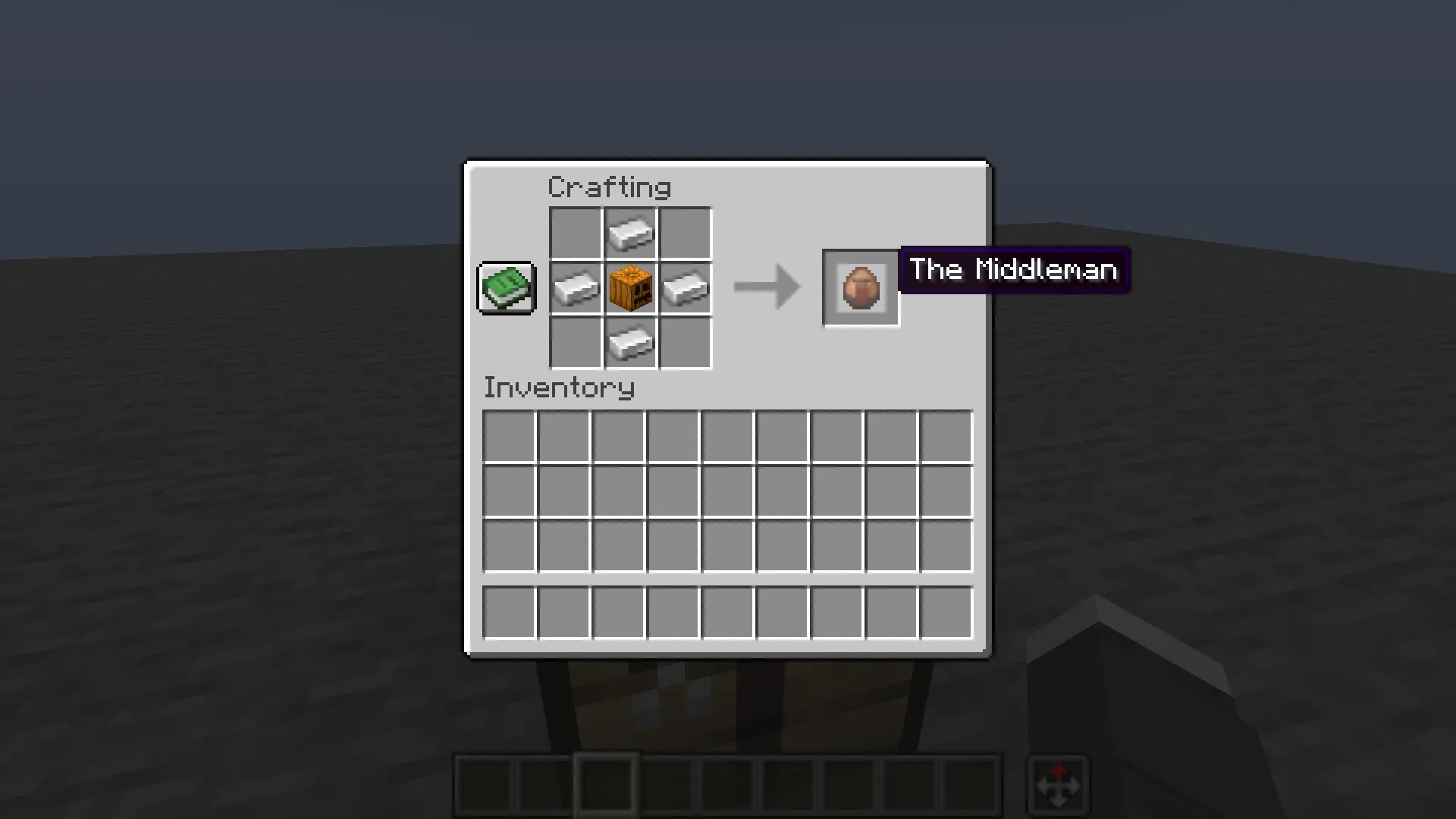
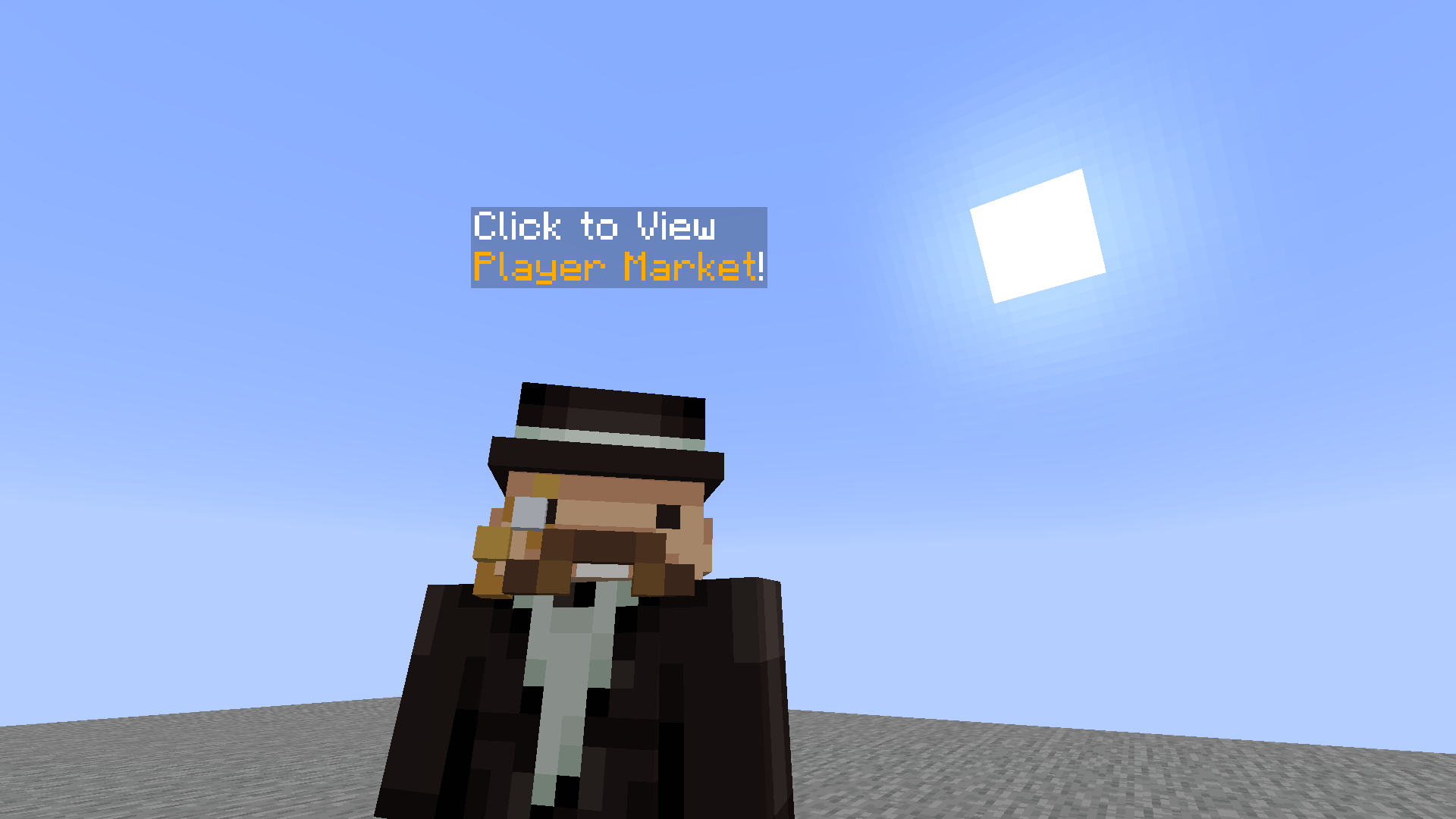
Screenshots
Gallery
-
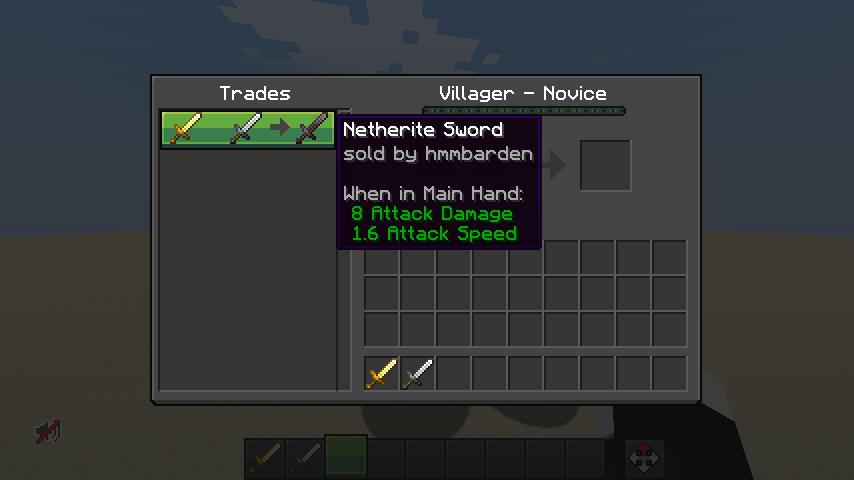 Market
 -
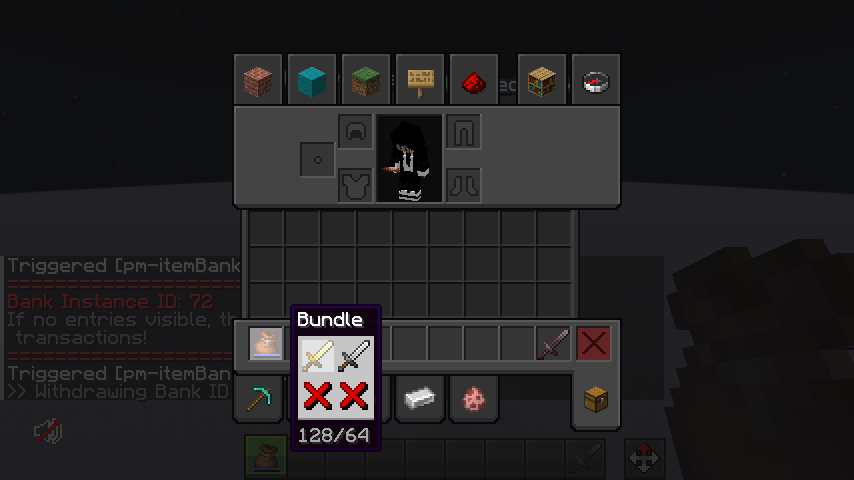 Seller receives the items in bundle!
Versions
Files
Relations
Project Relations
More like this
Similar Mods
Suggestions use data such as tags, dependencies, dependents, descriptions, titles, and more to rank how much they overlap with this mod.
On ModDex
Community snapshot
By the numbers
Statistics

Want to reach Minecraft players?
We're looking for a server hosting partner to feature here and other parts of the site. Interested? Send us a message!
Get in touchGet it on
Available Platforms
On ModDex
Community snapshot
By the numbers