
Community listing page, reviews may not be monitored by the author.
Basic Displayer

No reviews yet
A basic displayer that display Item dipslay, Block display, Text display and Sprite display

Community voices
Reviews
No reviews yet. Be the first to review this project!
Get it on
Available Platforms
About
Project Details
For authors
Embed Badge
If you're the author of this project, you can embed a live badge anywhere that supports HTML or Markdown. It updates automatically whenever ratings change.
Use HTML for any page that supports it, or Markdown for README files and Markdown-based descriptions.
Identifiers
Platform IDs
Resources
External Links
About
Description
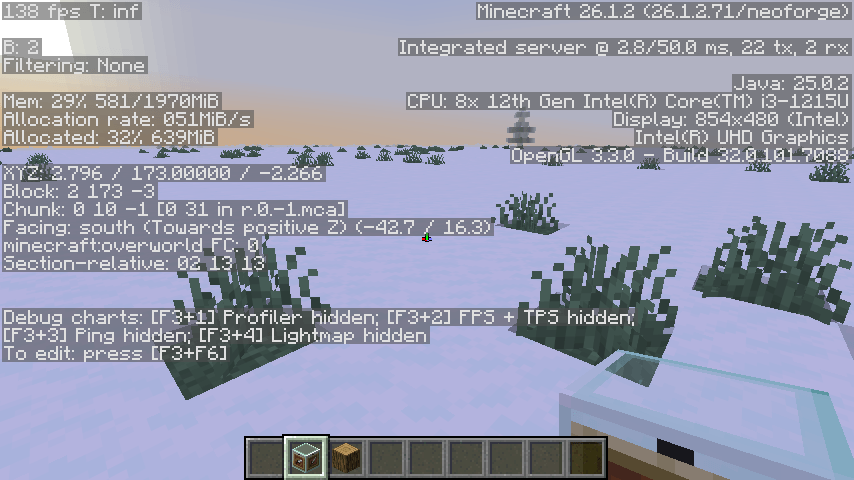
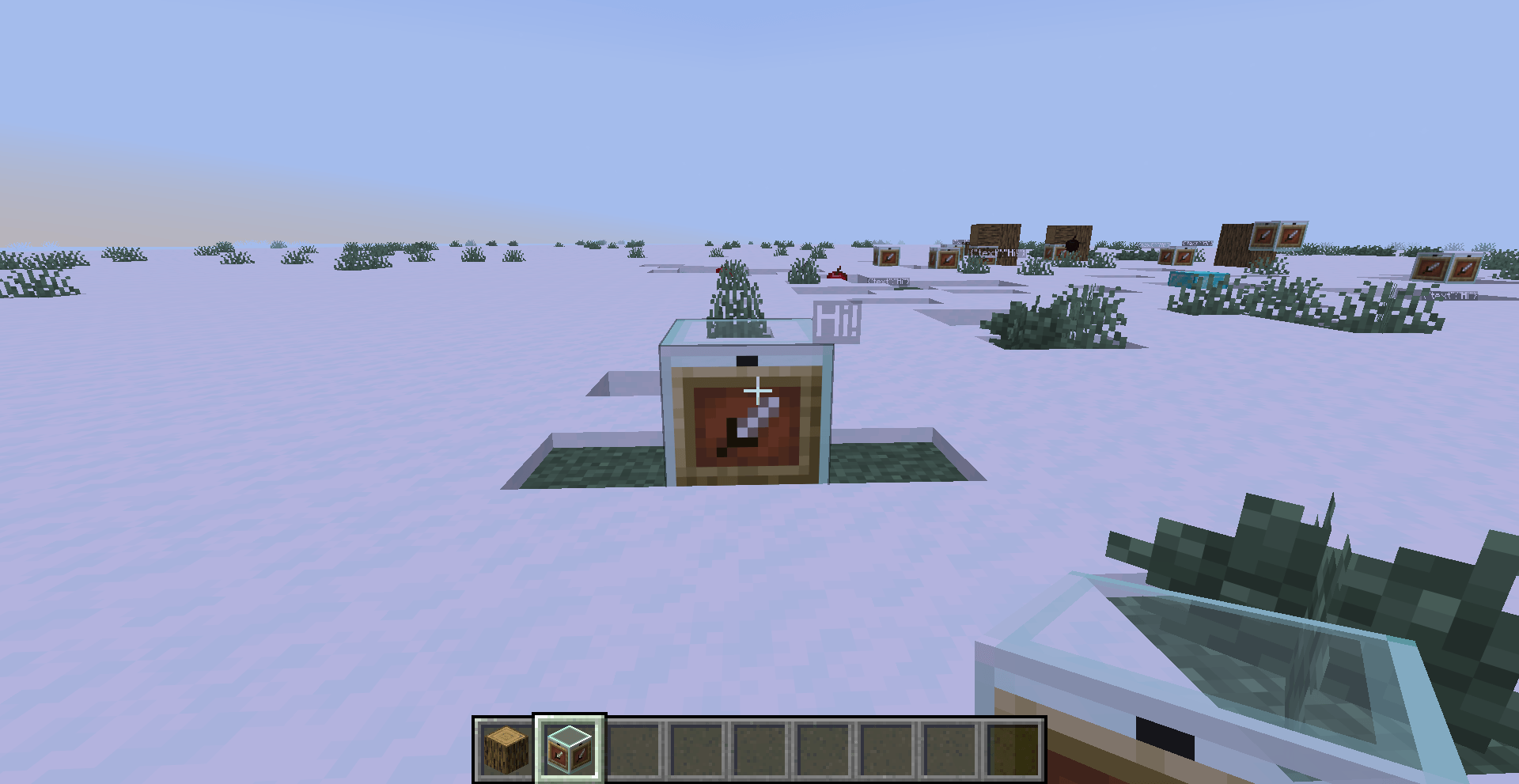
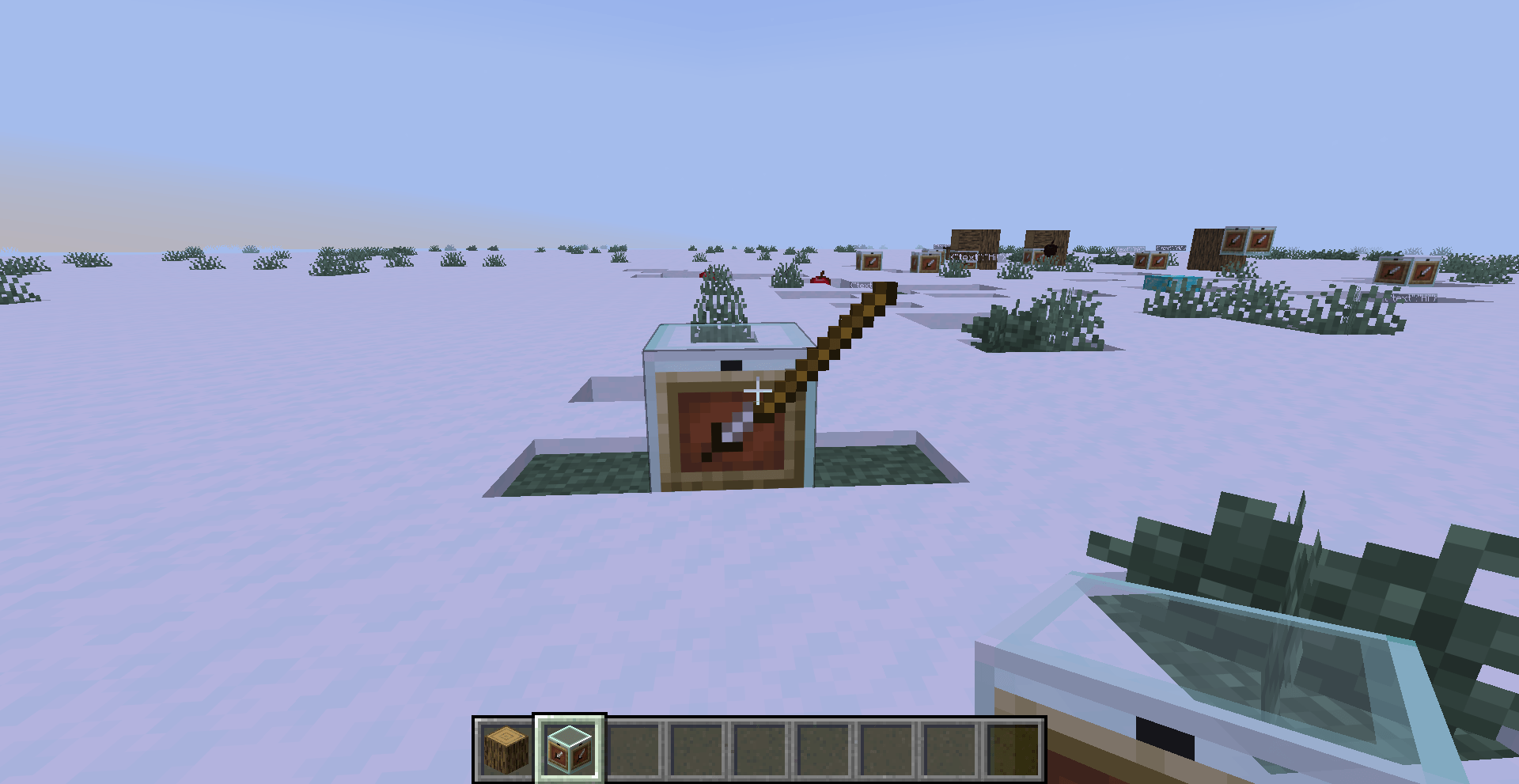
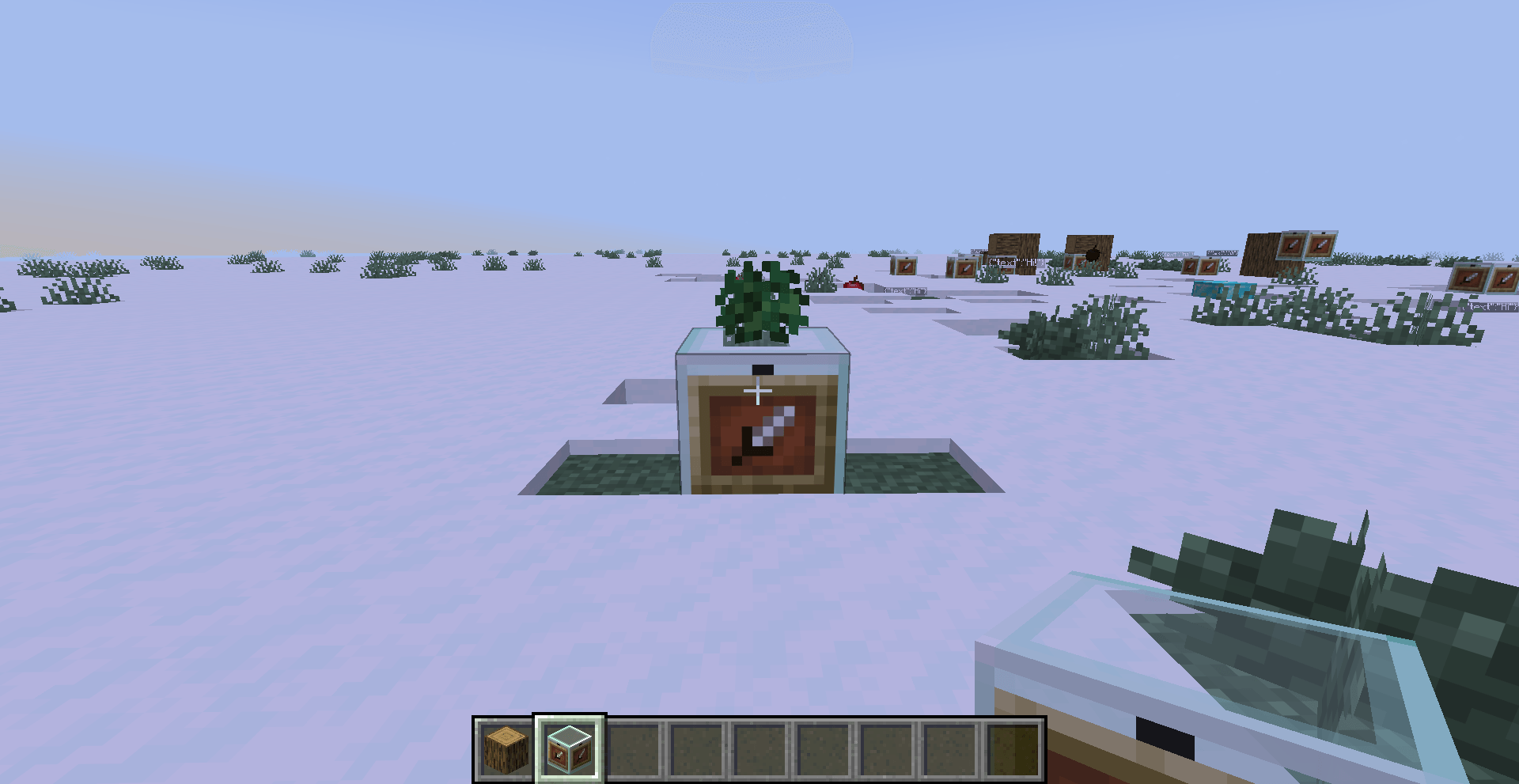
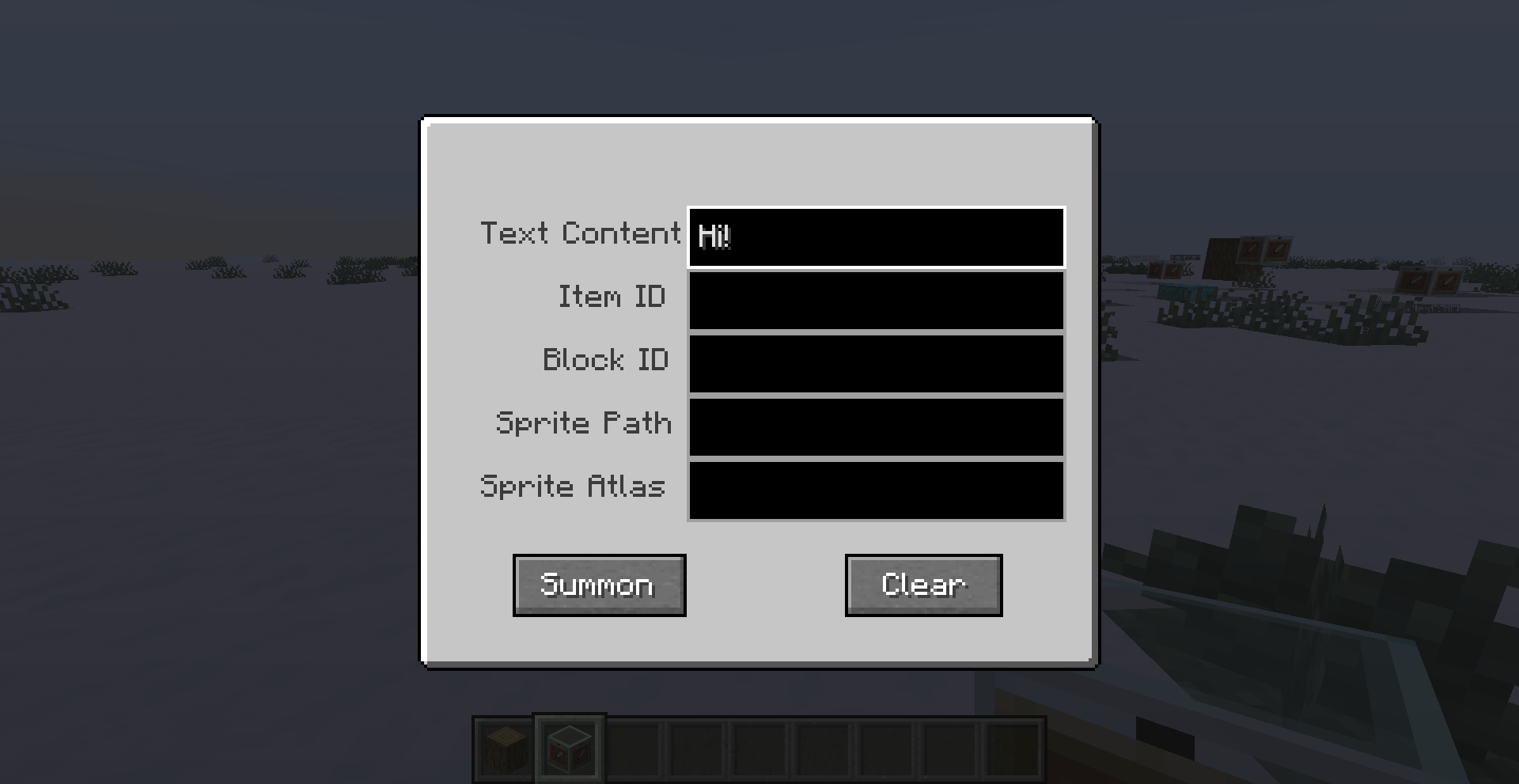
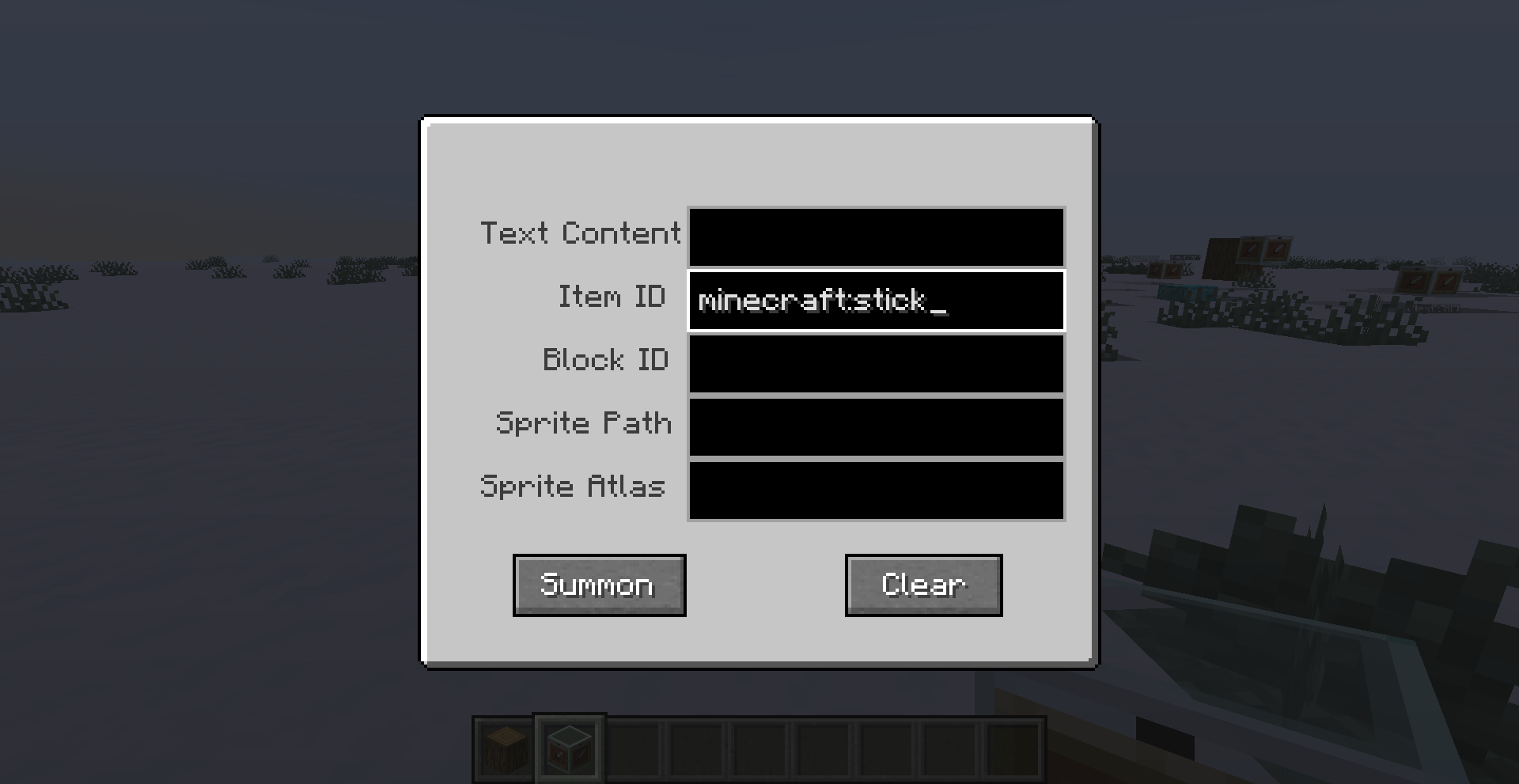
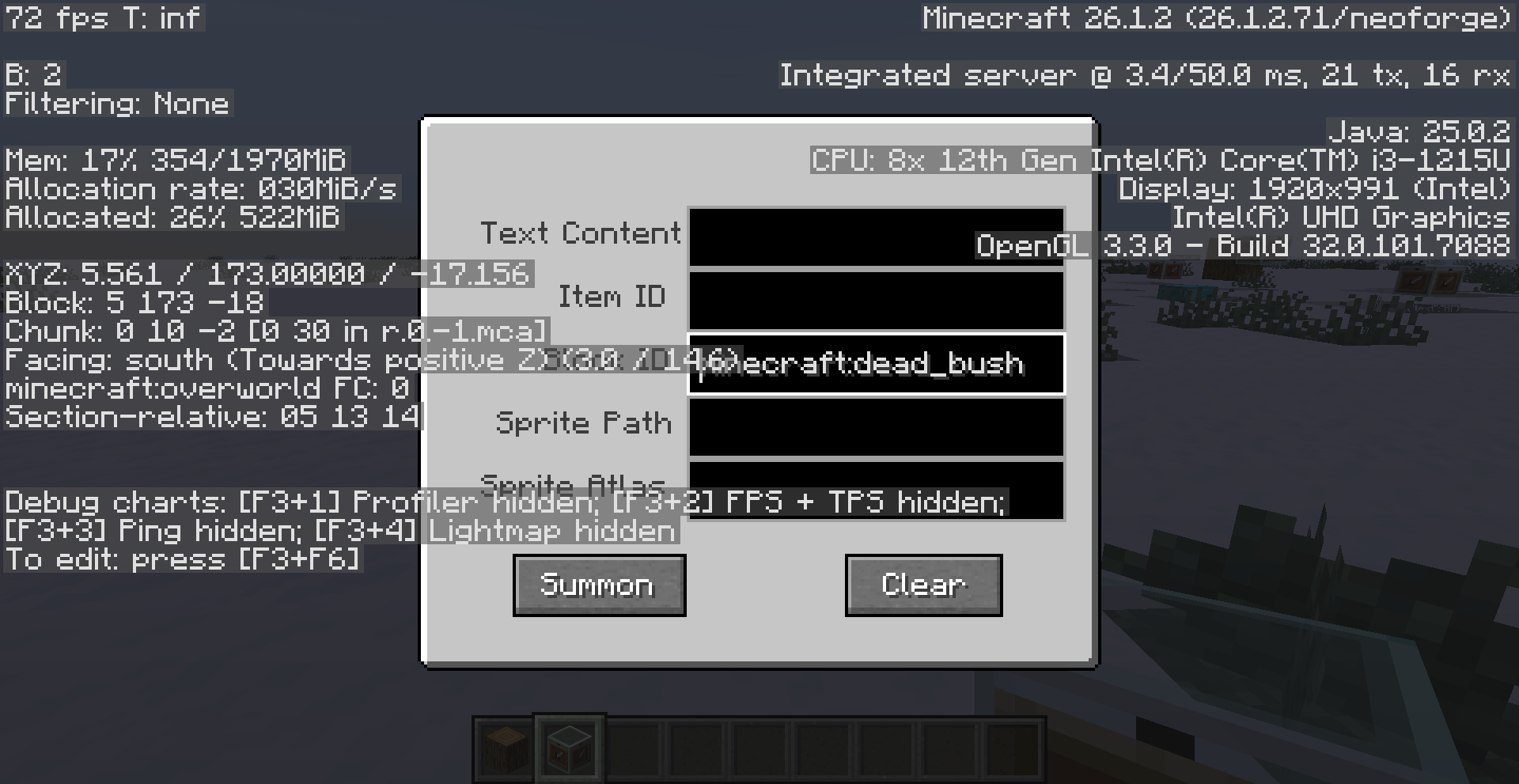
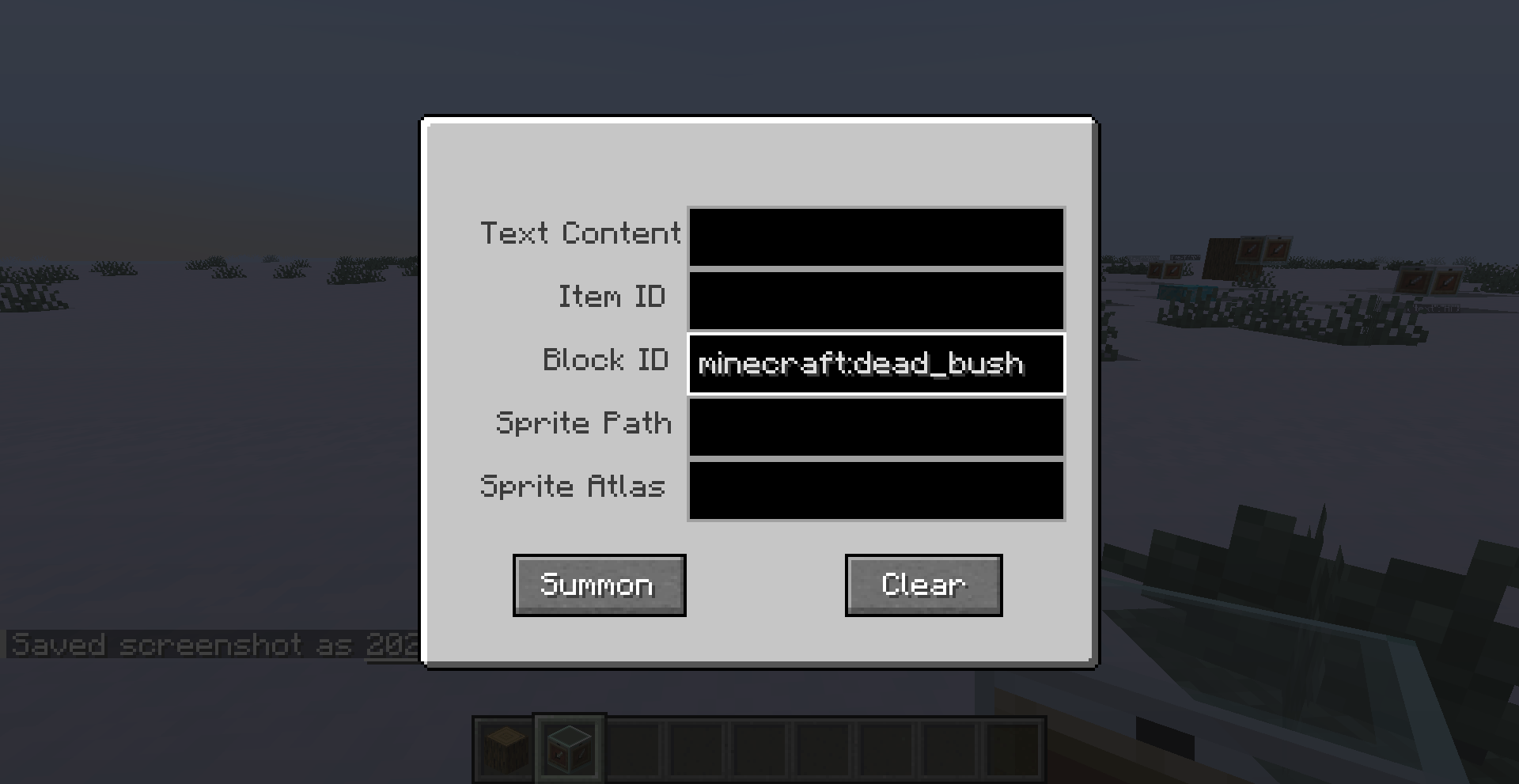
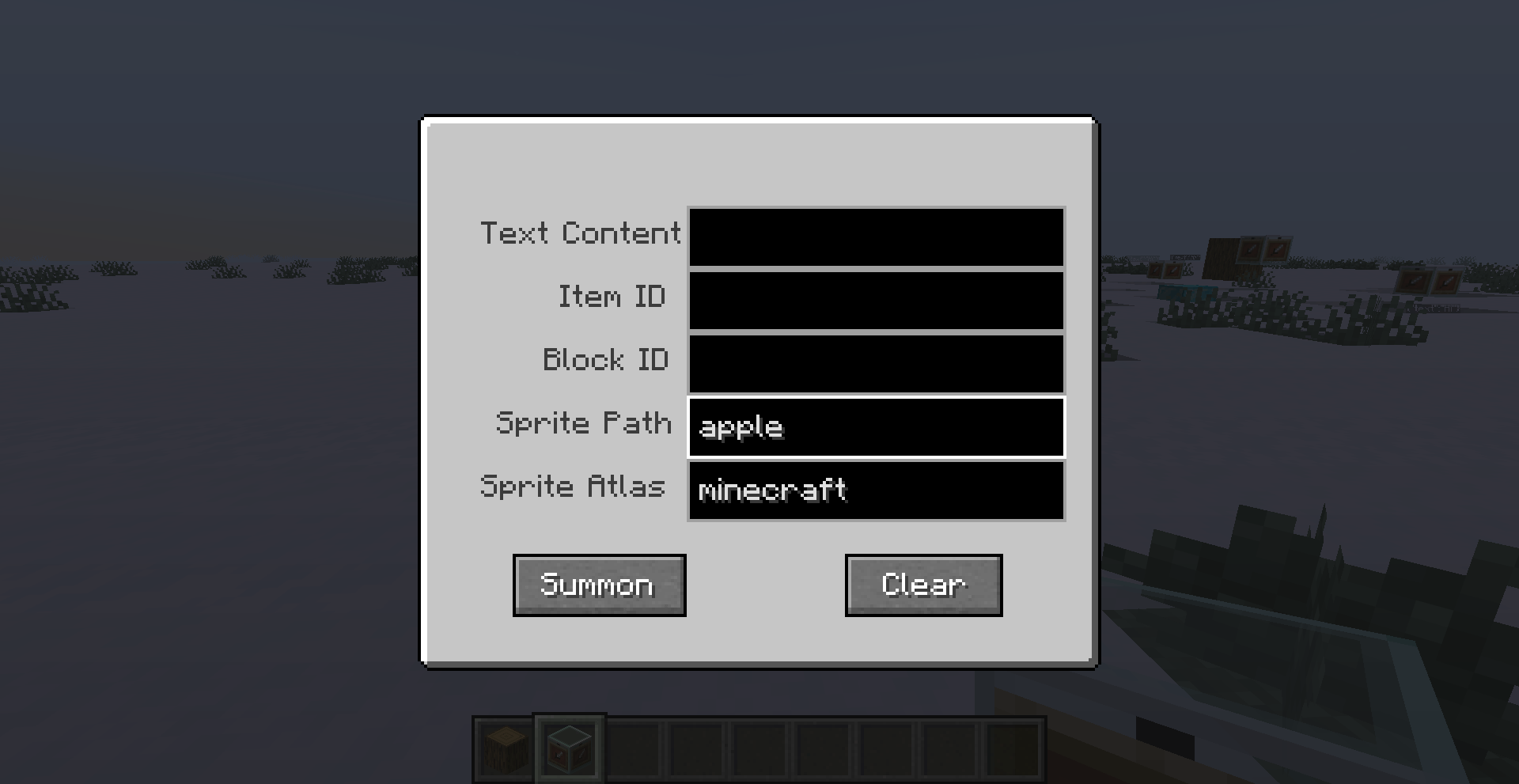
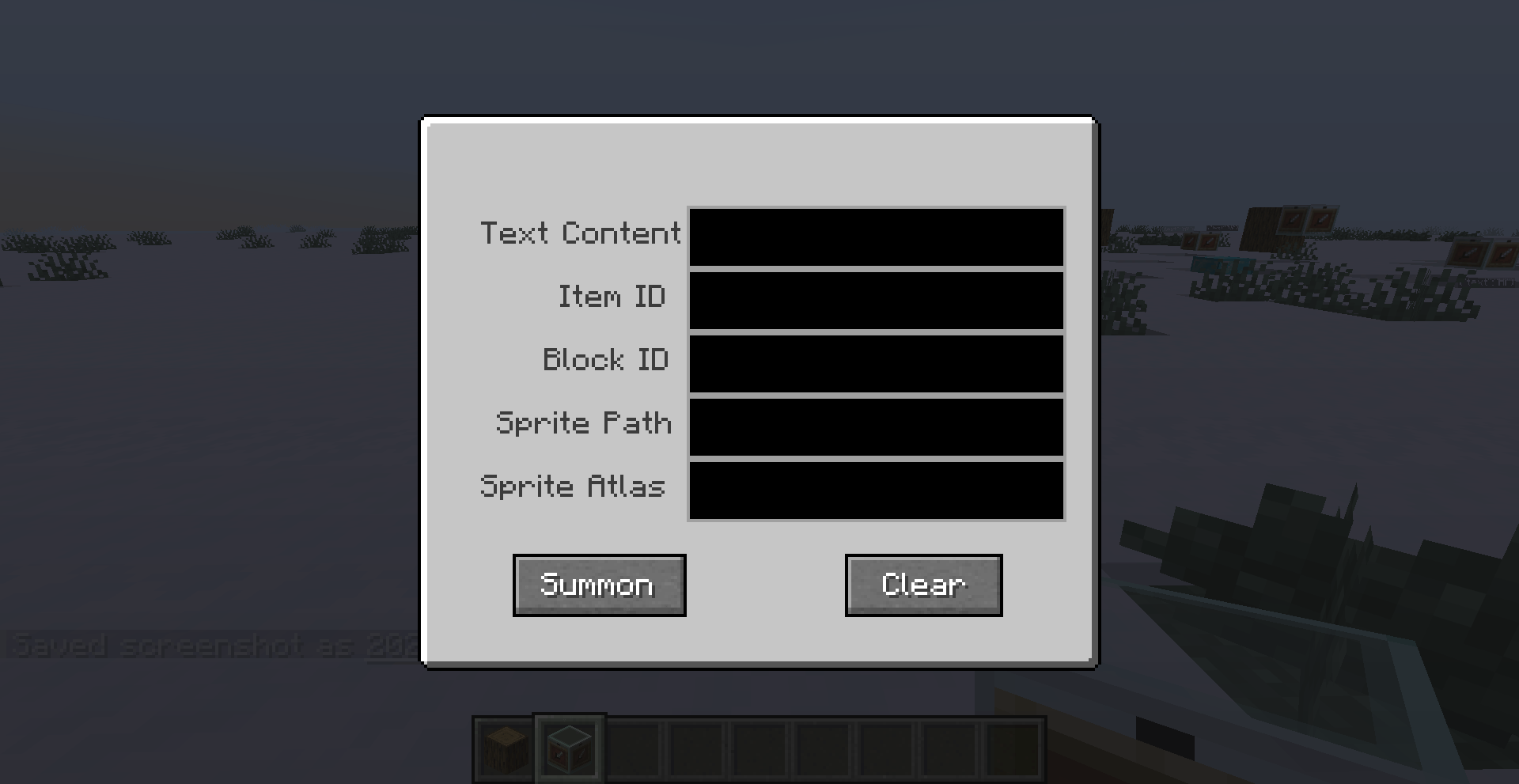
Basic Displayer is a mod that allows you to create various types of displays—Item Displays, Block Displays, Text Displays, and Sprite Displays—in a simple and straightforward way. The core component of the mod is the "Displayer," a type of block used to generate these displays. Its user interface (GUI) features input fields for Text Displays, Item Displays, Block Displays, Sprite Atlases, and Sprite Paths, along with two functional buttons: "Summon" and "Clear."
*General Notes:
+ Only one type of display can be active at a time, following a top-to-bottom order of priority. For instance, a Text Display has a higher priority than an Item Display; if both fields are filled, only the Text Display will appear.
+ To remove displays, use the "Clear" button; this will delete ALL displays within a 2-block radius.
+ Displays feature a "glowing" effect (similar to items placed in a Glow Item Frame). This prevents them from appearing dark when placed next to solid blocks, though you should exercise caution when using them at night.
+ Text Displays automatically rotate horizontally to face the player, ensuring the content remains clearly visible regardless of the direction you were facing when you created it.
*How to Use:
Right-click the Displayer block:
- Text Display: Enter the content you wish to display, then click the "Summon" button.
- Item Display: Enter the item's ID (e.g., `minecraft:stick`), then click the "Summon" button. - Block Display: Enter the block ID (e.g., `minecraft:sweet_berry_bush`), then click the "Summon" button.
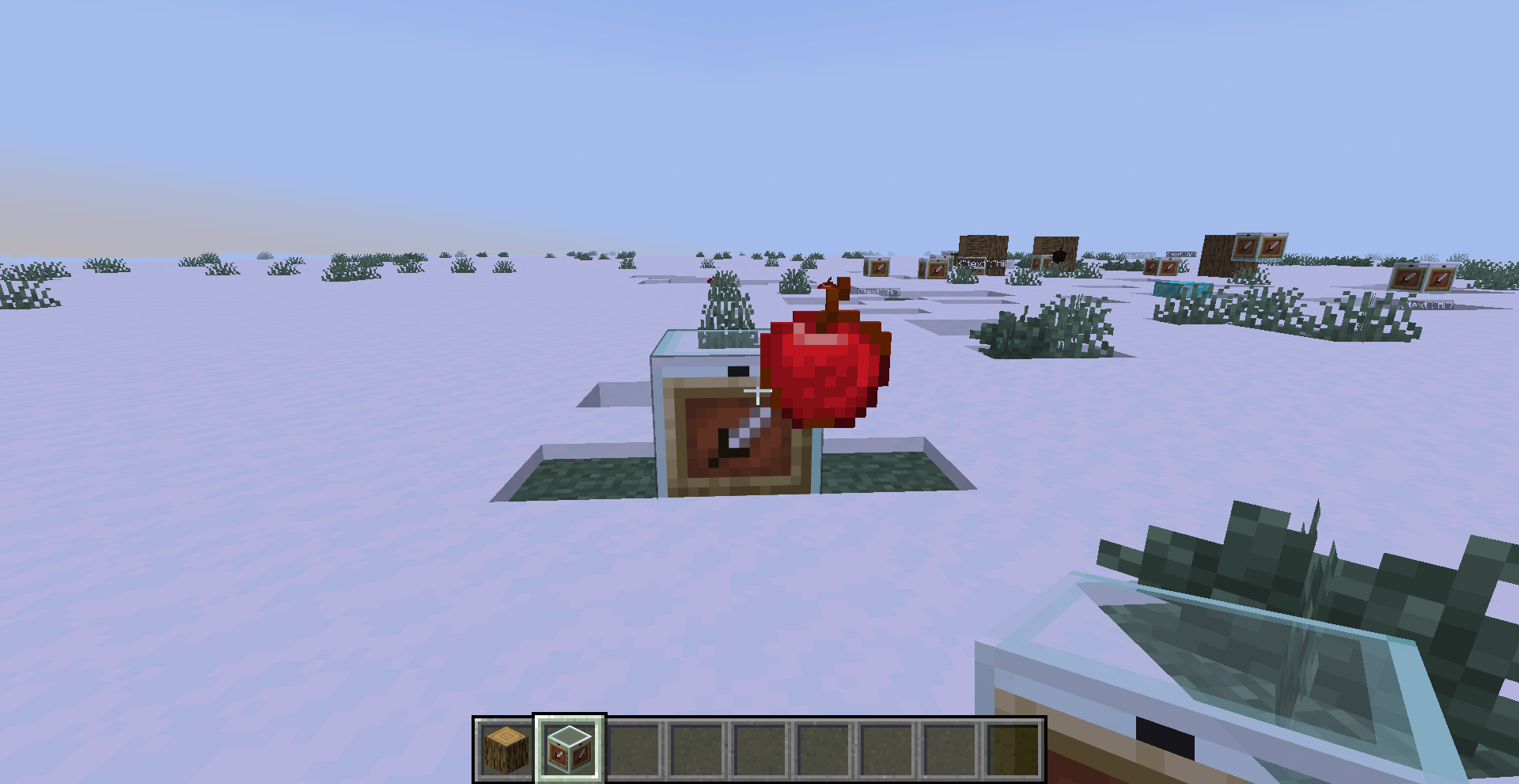
- Sprite Display: Enter the namespace (e.g., `minecraft` for the game's base resources, or a specific mod ID) into the "Sprite Atlas" field, enter the path to the image (e.g., `apple`) into the "Sprite Path" field, and then click the "Summon" button.
Once created, the display element will appear at the corner of the Displayer block, depending on the direction you are facing.
Screenshots
Gallery
-
 2026-10-18_20.39.15.png 2026-10-18_20.39.15.png
-
 2026-11-04_20.37.33.png 2026-11-04_20.37.33.png
-
 2026-11-04_20.37.46.png 2026-11-04_20.37.46.png
-
 2026-11-04_20.38.11.png 2026-11-04_20.38.11.png
-
 2026-11-04_20.38.30.png 2026-11-04_20.38.30.png
-
 2026-11-04_20.38.43.png 2026-11-04_20.38.43.png
-
 2026-11-04_20.38.57.png 2026-11-04_20.38.57.png
-
 2026-11-04_20.39.26.png 2026-11-04_20.39.26.png
-
 2026-11-04_20.39.29.png 2026-11-04_20.39.29.png
-
 2026-11-04_20.39.42.png 2026-11-04_20.39.42.png
-
 2026-11-04_20.39.52.png 2026-11-04_20.39.52.png
Versions
Files
Relations
Project Relations
More like this
Similar Mods
Suggestions use data such as tags, dependencies, dependents, descriptions, titles, and more to rank how much they overlap with this mod.
On ModDex
Community snapshot
By the numbers
Statistics

Get it on
Available Platforms
On ModDex
Community snapshot
By the numbers
Statistics
Resources