
Bedrock Bridging
No reviews yet
Adds a Bedrock-like bridging functionality to Java, complete with a toggle feature
Does not follow a specific thematic focus apart from vanilla Minecraft.
Used for mods with little to no gameplay elements.
Includes a large focus on traversing worlds with enhanced world generation, structures, dungeons, and more for players to find unique loot.
Enhances building mechanics and tools.
Includes quality of life improvements and small tweaks to enhance and customize gameplay.
Data Packs were introduced to vanilla Minecraft in version 1.13 and allow the server to modify data about the game, or run commands. Data Packs are compatible with all mod loaders.
Forge is a popular mod loader for versions 1.1+ of Minecraft.
Neoforge is a fork of the Minecraft Forge available for versions 1.20.1+ of Minecraft. Many Forge mods are compatible with Neoforge and vice versa.
Fabric is a mod loader for versions 1.14+ of Minecraft, particularly popular for client side and optimization mods.
Quilt is a fork of the Fabric mod loader. Many Fabric mods are compatible with Quilt and vice versa.
Community voices
Reviews
Click once to include, again to exclude, again to clear
No reviews yet. Be the first to review this project!
Get it on
Available Platforms
 Modrinth
Compatibility
Supported Environments
About
Project Details
For authors
Embed Badge
If you're the author of this project, you can embed a live badge anywhere that supports HTML or Markdown. It updates automatically whenever ratings change.
Use HTML for any page that supports it, or Markdown for README files and Markdown-based descriptions.
Identifiers
Platform IDs
About
Description

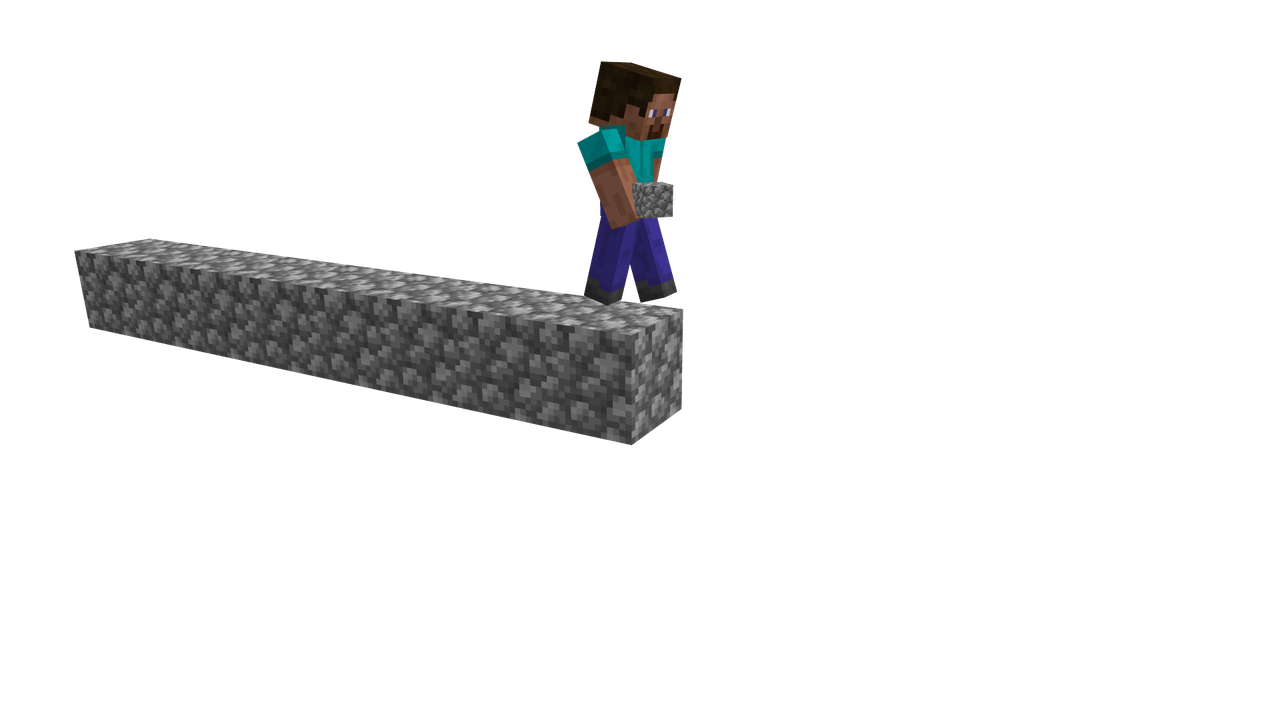
Bedrock Bridging
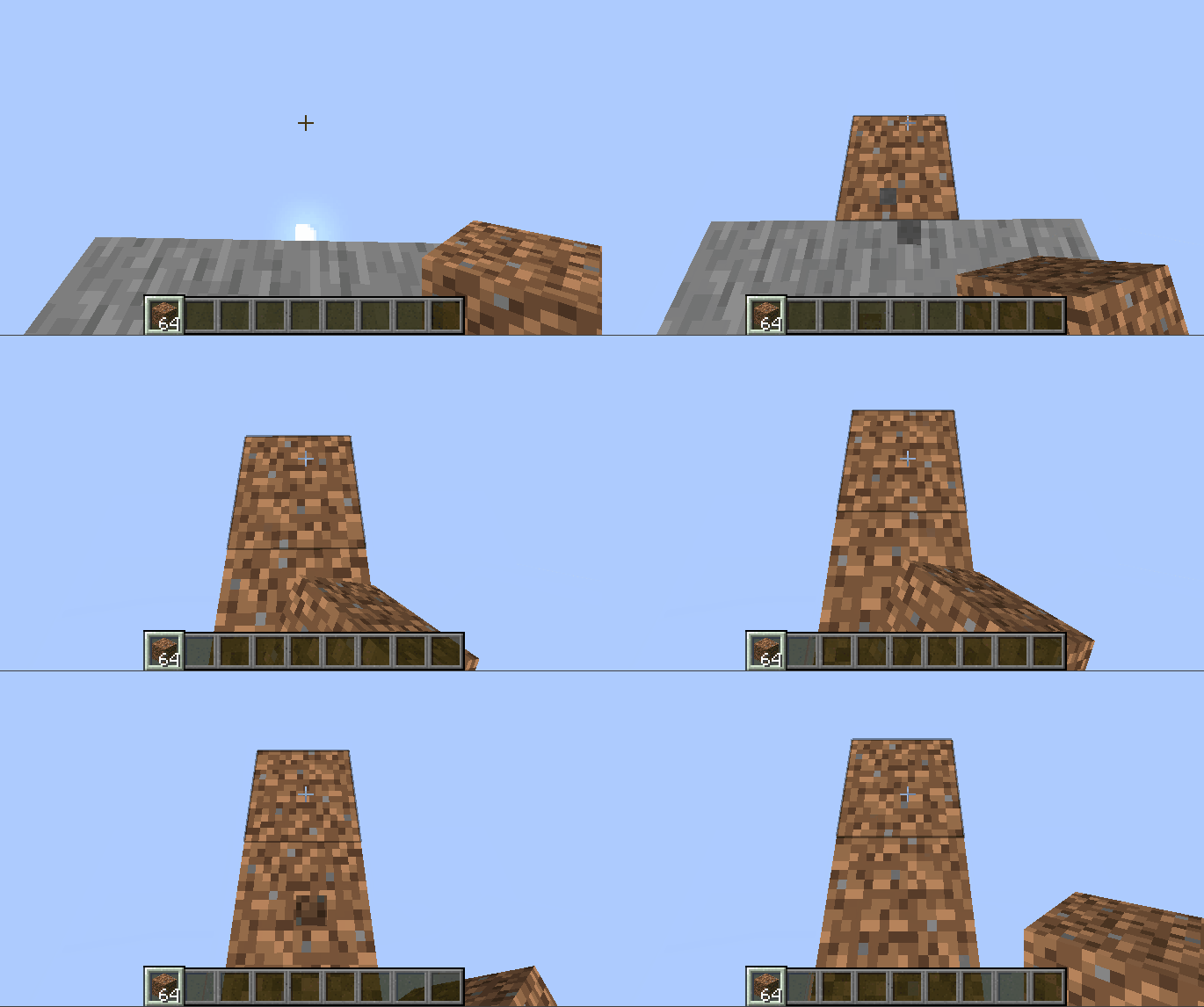
Bedrock Bridging is a Minecraft data pack that brings the famous Bedrock Edition bridging mechanics to Java! Now you can place blocks in mid-air while bridging, just like in Bedrock, making speedbridging, stacked bridging, and advanced techniques easier, quicker and more fun.
How to Use:
- Stand on a block and look at where you want to place your next block.
- A subtle outline will appear, showing where the block will be placed.
- Right-click to place the block exactly where the outline indicates.
 \
\
Commands:
- /function bedrock_bridging:on — Enable bridging manually.
- /function bedrock_bridging:off — Disable bridging.
- /trigger bedrock_bridging — Toggle bridging without cheats; applies only to the player who runs it.
Features:
- Easy toggle on/off functionality.
- Clear outline for precise block placement.
- Works seamlessly in multiplayer or for individual players.
- Supports multiple bridging styles:
- Sprint bridge / butterfly click: Run and butterfly click to sprint-bridge.
- Walking bridge: Place blocks while moving normally forward.
- Stacking: Double-click and jump while moving forward to place stacked blocks quickly.
FAQ:
Can I speed-bridge with this?
Whilst the main Bedrock sprint-jumping speedbridging technique isn't possible, there are others that are as explained above.
Does this affect my normal Java bridging techniques?
Not at all! Your preferred Java bridging styles work exactly the same.
Will this tank my FPS?
Absolutely not! Designed to be as lightweight and efficient as possible.
Can I use this on my Minecraft server?
Of course! It does have a few bugs on multiplayer, but I have tried to resolve them in the latest version.
The latest version has been completely rewritten for multiplayer compatibility and includes bugfixes to make the experience stable, precise, and enjoyable for everyone on a server, however there are likely still bugs. If you encounter one, it really helps out to report it to the issue tracker.
Source code and issue tracker:
Source here and issue tracker here.
Screenshots
Gallery
-
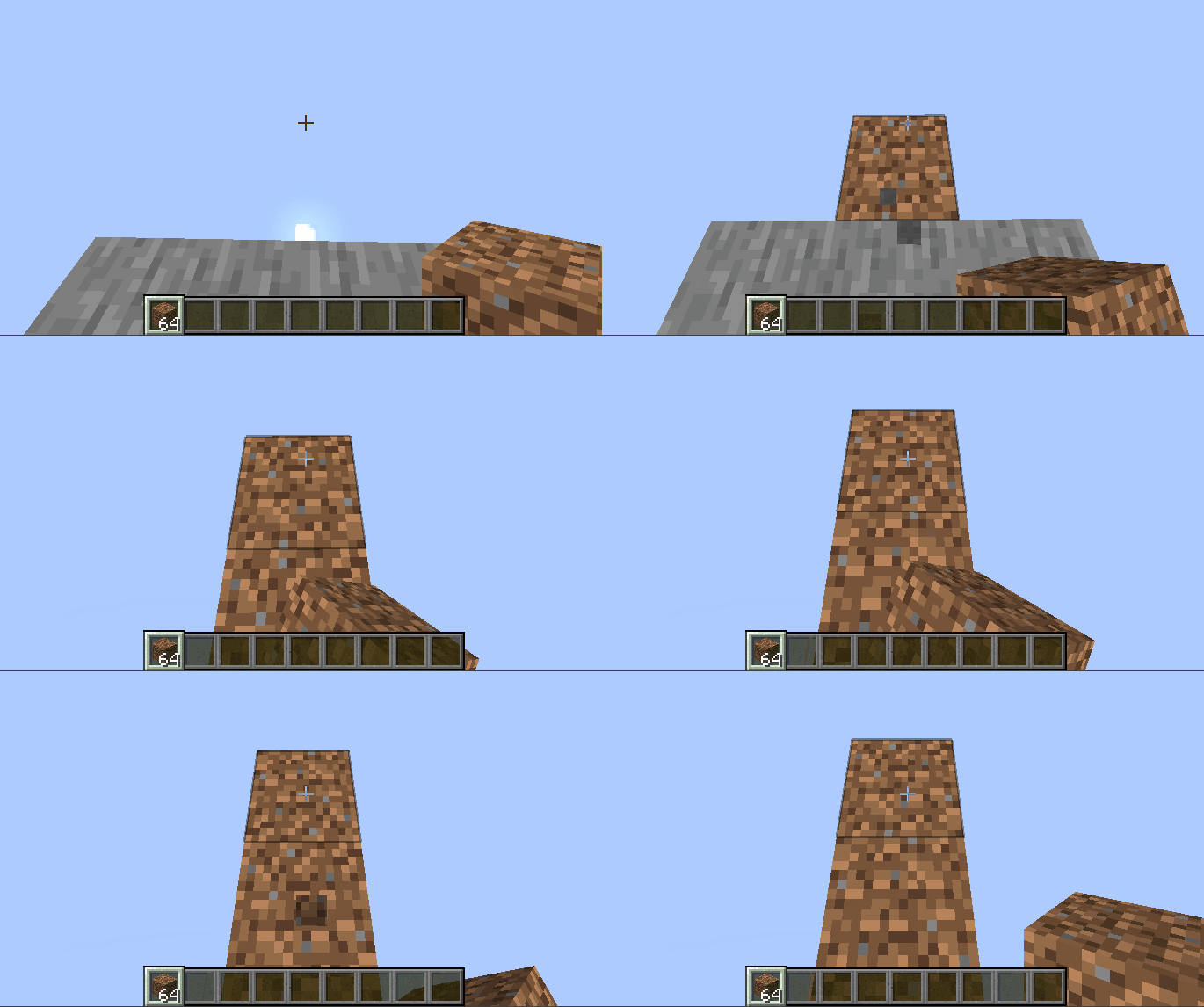 An example gif
 -
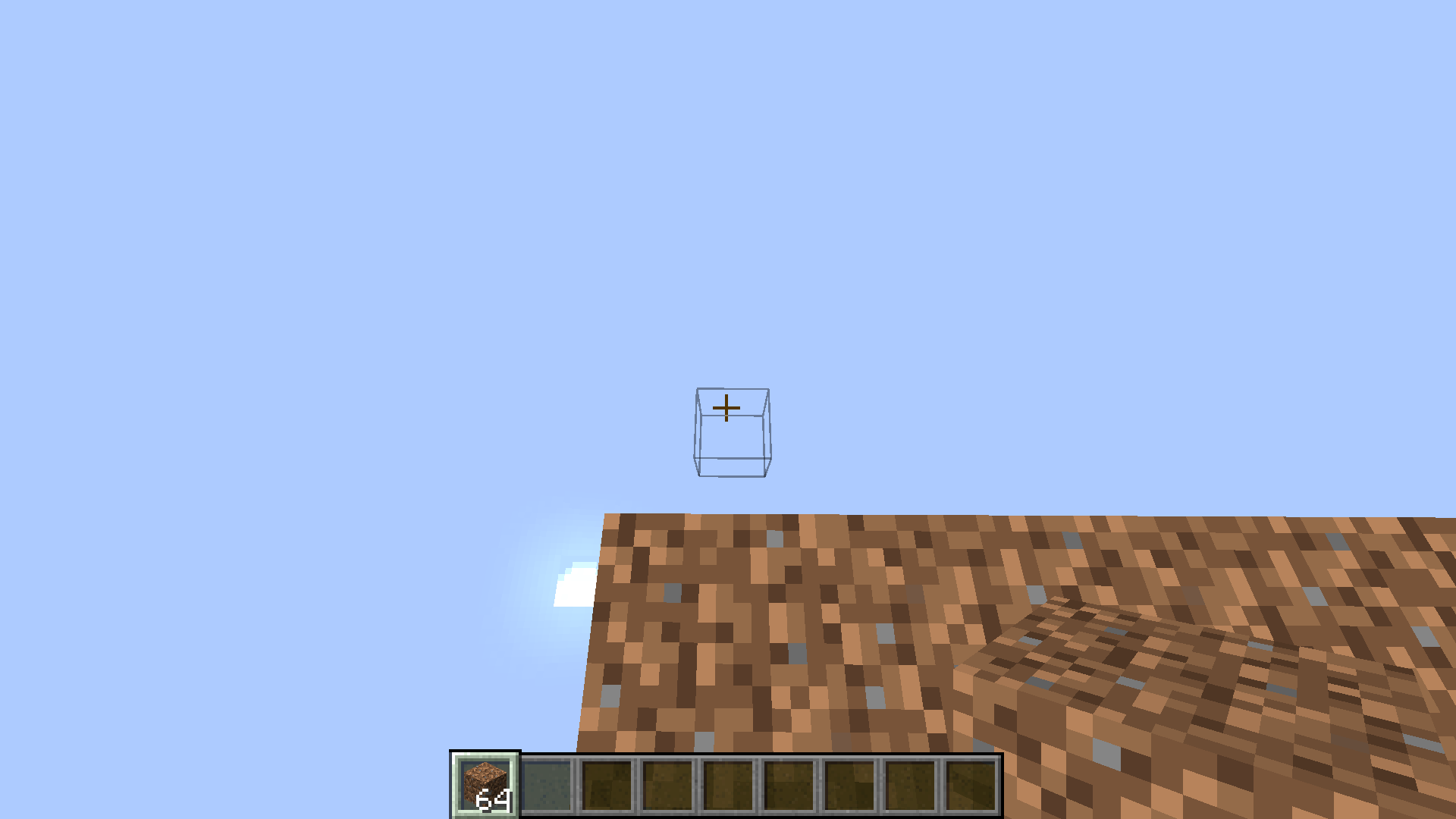 About to place a block
Versions
Files
Relations
Project Relations
More like this
Similar Mods
Suggestions use data such as tags, dependencies, dependents, descriptions, titles, and more to rank how much they overlap with this mod.
On ModDex
Community snapshot
By the numbers
Statistics

Want to reach Minecraft players?
We're looking for a server hosting partner to feature here and other parts of the site. Interested? Send us a message!
Get in touchGet it on
Available Platforms
On ModDex
Community snapshot
By the numbers