
BedrockPlayerModel
No reviews yet
A client-side mod that lowers the arms of players with slim skins (Alex model), replicating the Bedrock Edition appearance.
Fabric is a mod loader for versions 1.14+ of Minecraft, particularly popular for client side and optimization mods.
Community voices
Reviews
Click once to include, again to exclude, again to clear
No reviews yet. Be the first to review this project!
Get it on
Available Platforms
 Modrinth
Compatibility
Supported Environments
About
Project Details
For authors
Embed Badge
If you're the author of this project, you can embed a live badge anywhere that supports HTML or Markdown. It updates automatically whenever ratings change.
Use HTML for any page that supports it, or Markdown for README files and Markdown-based descriptions.
Identifiers
Platform IDs
Resources
External Links
About
Description
EN
✨ Features
- Automatic arm positioning - Automatically lowers arms for players with slim/thin arms (Alex skins)
- Customizable offset - Adjust arm position from 0 to 5 pixels using an in-game slider
- Player exclusions - Add players to the exclusions for whom you do not want to see a change in the hand model through the user-friendly menu.
- Quick access keybind - Press B (configurable) to instantly open the exclusions menu
🎮 Usage
- Install the mod along with Fabric API
- Optionally install Mod Menu for GUI configuration
- Access settings via Mod Menu → BedrockPlayerModel → Config
- Adjust arm offset using the slider (0-5 pixels)
- Add players to exclusions if needed
📦 Dependencies
- Fabric API - Required
- Mod Menu - Optional, for in-game configuration GUI
Found a bug or have a suggestion? Open an issue on GitHub!
RU
✨ Особенности
- Автоматическое опускание рук - Автоматически опускает руки у игроков с тонкими руками (скины Alex)
- Настраиваемое смещение - Регулируйте положение рук от 0 до 5 пикселей с помощью слайдера в игре
- Исключения игроков - Добавляйте в исключения игроков, у которых не хотите видеть изменение модели рук через удобное меню.
- Быстрый доступ через хоткей - Нажмите B (настраивается) чтобы мгновенно открыть меню исключений
🎮 Использование
- Установите мод вместе с Fabric API
- Опционально установите Mod Menu для GUI конфигурации
- Откройте настройки через Mod Menu → BedrockPlayerModel → Настройки
- Отрегулируйте смещение рук слайдером (0-5 пикселей)
- Добавьте игроков в исключения при необходимости
📦 Зависимости
- Fabric API - Обязательно
- Mod Menu - Опционально, для GUI настроек в игре
Нашли баг или есть предложение? Откройте issue на GitHub!
Screenshots
Gallery
-
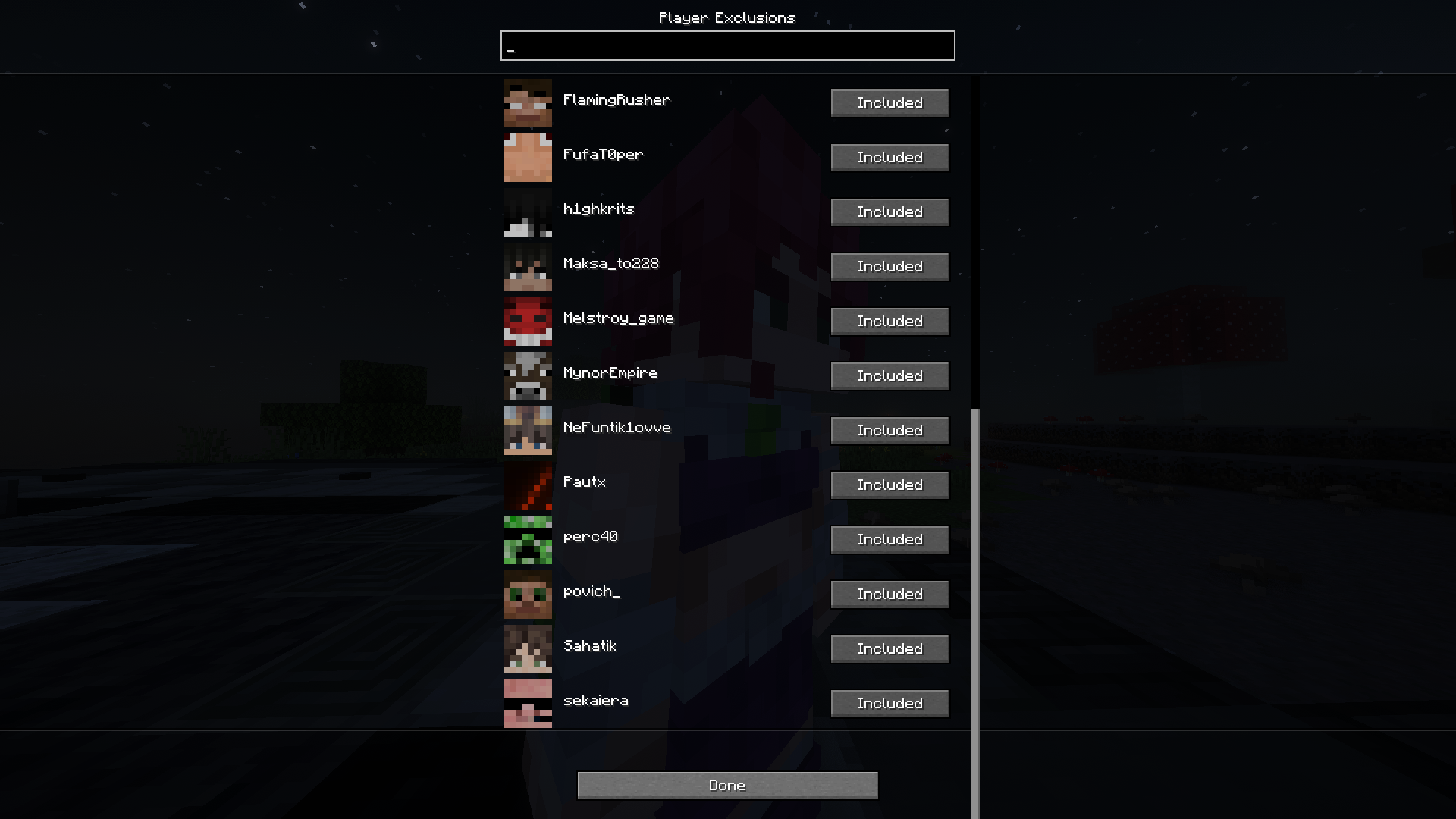 player exclusions
 -
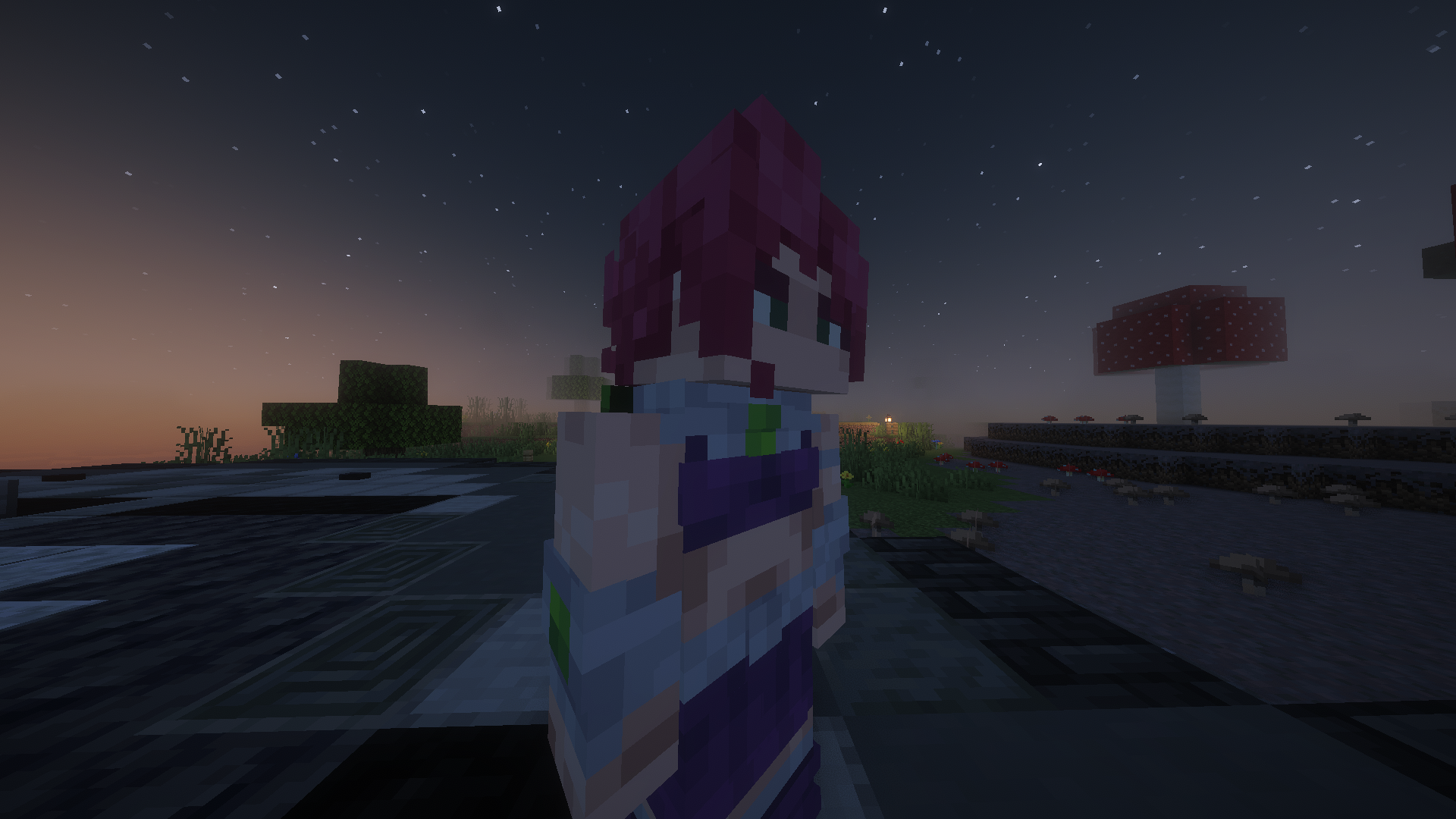 hands down
 -
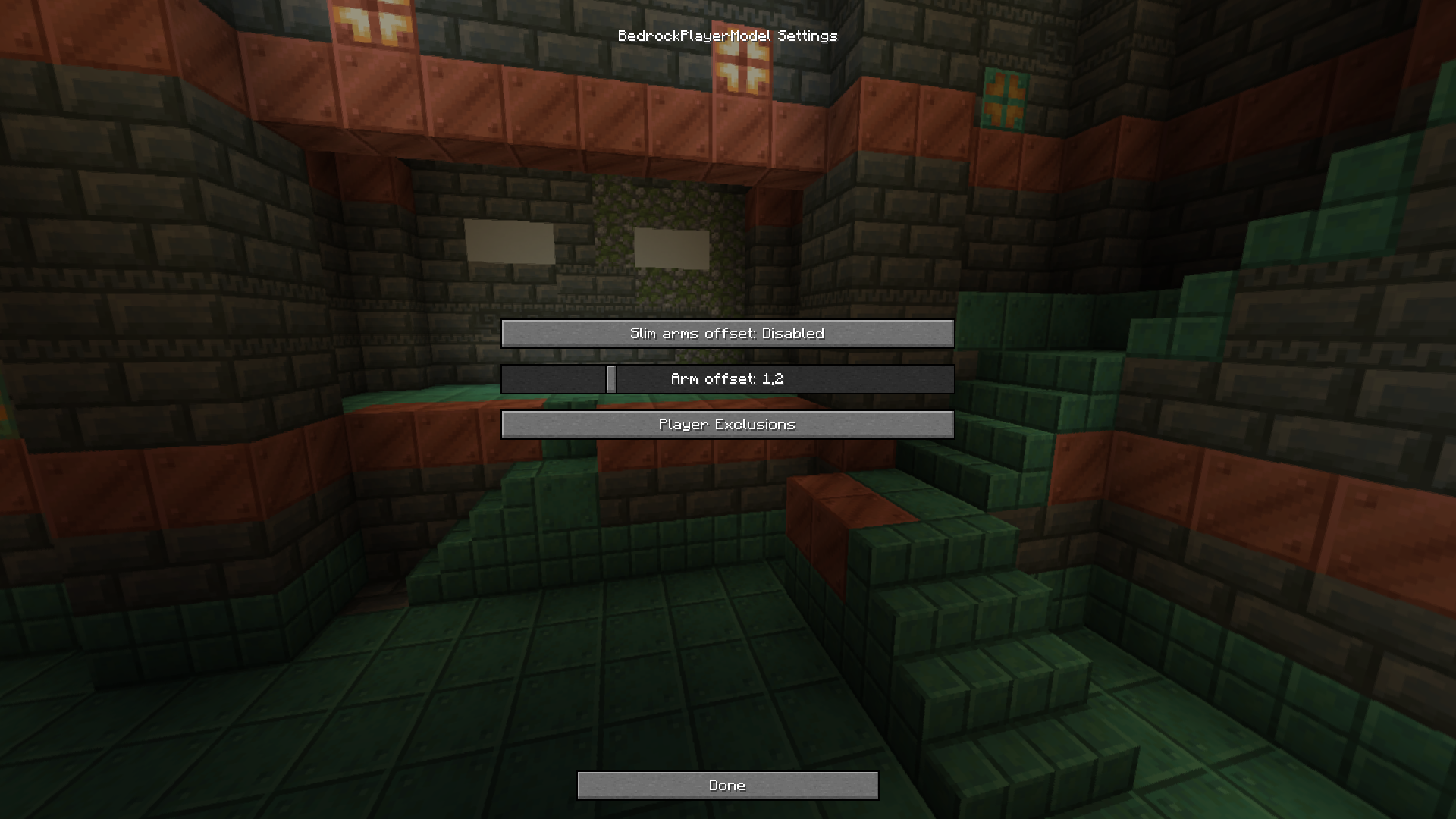 settings
Versions
Files
Relations
Project Relations
More like this
Similar Mods
Suggestions use data such as tags, dependencies, dependents, descriptions, titles, and more to rank how much they overlap with this mod.
On ModDex
Community snapshot
By the numbers
Statistics

Want to reach Minecraft players?
We're looking for a server hosting partner to feature here and other parts of the site. Interested? Send us a message!
Get in touchGet it on
Available Platforms
On ModDex
Community snapshot
By the numbers
Statistics
Resources