
better crosshair by rinat
No reviews yet
This mod allow you to customize your crosshair
Fabric is a mod loader for versions 1.14+ of Minecraft, particularly popular for client side and optimization mods.
Community voices
Reviews
Click once to include, again to exclude, again to clear
No reviews yet. Be the first to review this project!
Get it on
Available Platforms
 Modrinth
Compatibility
Supported Environments
About
Project Details
For authors
Embed Badge
If you're the author of this project, you can embed a live badge anywhere that supports HTML or Markdown. It updates automatically whenever ratings change.
Use HTML for any page that supports it, or Markdown for README files and Markdown-based descriptions.
Identifiers
Platform IDs
About
Description
Description
This mod lets you customize your crosshair’s appearance, behavior, and position—so you can improve visibility, express your style, or just make aiming more fun. Open Settings (click the mod in Mod Menu) to personalize your crosshair exactly how you want it.
Latest Update
- added ability to change color then you can attack entity
Why You’ll Love It
-
Better visibility — Choose vibrant colors or a rainbow effect to stand out against any
-
Optimize your aim — Tweak size, gap, width, and rotation for precision targeting.
-
Express yourself — Use spinning crosshairs, fun shapes, or even items as your cursor for a playful twist.
Important Notes
- Requires: Fabric Api, Cloth Config Api, Mod Menu
- Incompatible with: Vulkan Mod
- Supported Versions: 1.21 - 1.21.5 with fabric
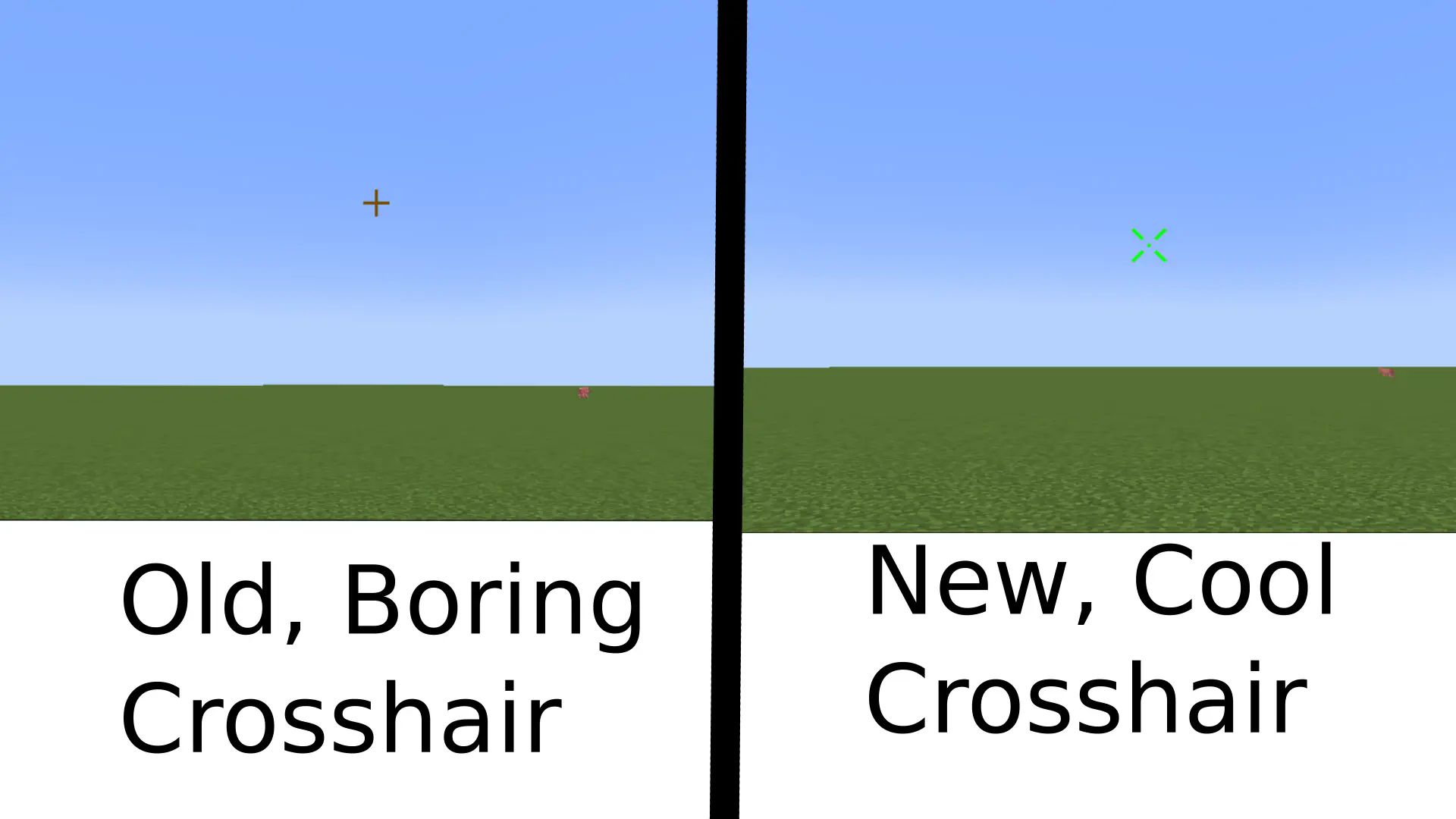
Features
Features
General
- Enable – Toggle the mod on or off.
Colors
- Crosshair Color – Set the crosshair color.
- Use Rainbow – Enable or disable the rainbow effect.
- Rainbow Speed – Adjust how fast the rainbow colors change.
Sizes
-
Use Attack Indicator – Show or hide the vanilla attack indicator.
-
Distance from Center to Attack Indicator – Adjust spacing between the crosshair and the attack indicator.
-
Crosshair Size – Change the line length.
-
Crosshair Gap – Change the gap between the center and crosshair lines.
-
Crosshair Width – Change line thickness.
-
Crosshair Rotation – Rotate the crosshair (recommended: 0–45 degrees).
-
Use Different Color Then Can Attack Enemy - everything explained in the name
-
Crosshair Color If Can Attack Enemy - once again everything explained in the name
Dot Settings
-
Enable Dot – Show or hide the center dot.
-
Dot Size – Adjust the dot size.
-
Dot Color – Set the dot color.
Fun
-
Use Cross as Crosshair – Use a plus-shaped crosshair instead of the item crosshair.
-
Spin Crosshair – Make the crosshair spin (works with both Cross and Item crosshairs).
-
Use Item as Crosshair – Display an item as your crosshair.
-
Choose Item as Crosshair – Select which item to use as the crosshair.
-
To get the item ID, press F3 + H, then hover over the item in your inventory. Example:
minecraft:baked_potato.
Screenshots
Gallery
-
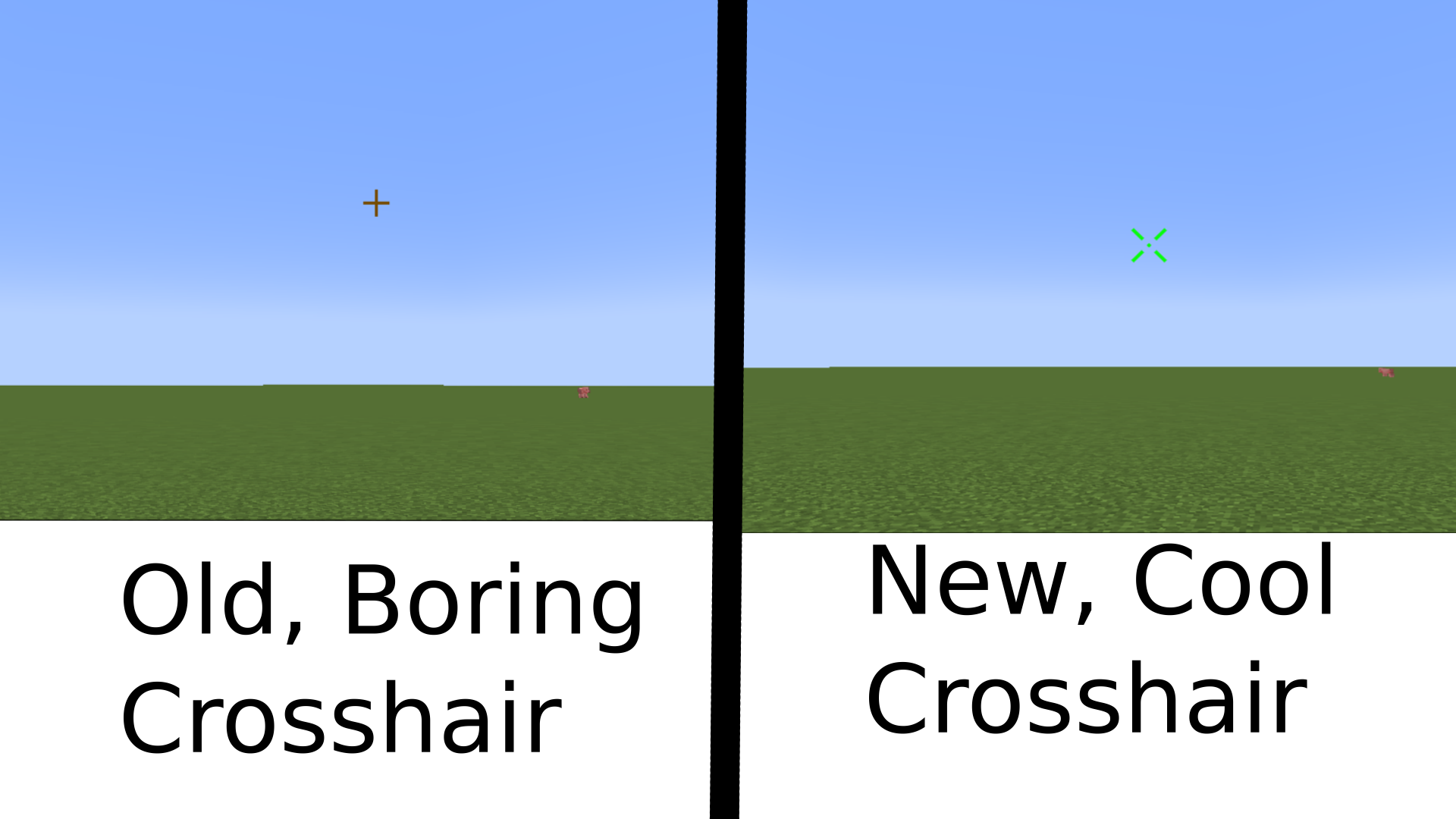
-
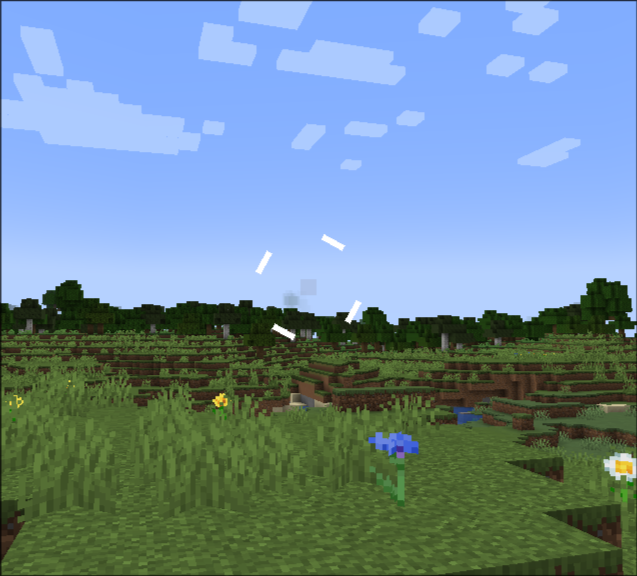 one of many possible crosshairs
 -
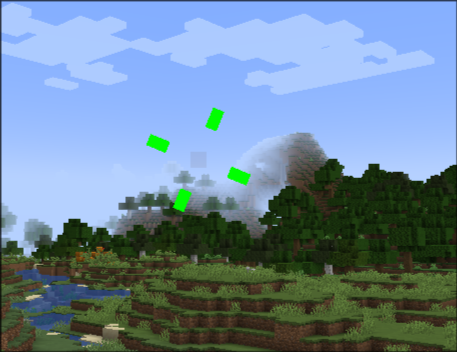 one more possible crosshair
 -
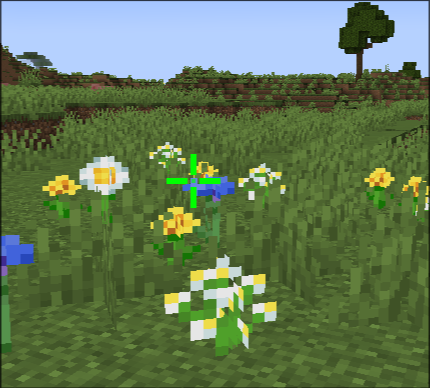 cool looking crosshair
Versions
Files
Relations
Project Relations
More like this
Similar Mods
Suggestions use data such as tags, dependencies, dependents, descriptions, titles, and more to rank how much they overlap with this mod.
On ModDex
Community snapshot
By the numbers
Statistics

Want to reach Minecraft players?
We're looking for a server hosting partner to feature here and other parts of the site. Interested? Send us a message!
Get in touchGet it on
Available Platforms
On ModDex
Community snapshot
By the numbers