Community listing page, reviews here may not be monitored by the author.
Better Player Locator Bar


No reviews yet
A Minecraft Fabric mod that adds an enhanced player locator bar. An improvement over Mojang's existing player indicator system.
Community voices
Reviews
No reviews yet. Be the first to review this project!
Get it on
Available Platforms
Compatibility
Supported Environments
Required on the client. Installing it on the server adds functionality.
About
Project Details
For authors
Embed Badge
If you're the author of this project, you can embed a live badge anywhere that supports HTML or Markdown. It updates automatically whenever ratings change.
Use HTML for any page that supports it, or Markdown for README files and Markdown-based descriptions.
Identifiers
Platform IDs
About
Description



Better Player Locator Bar is a Fabric mod. It shows players in a HUD bar above the XP bar. You can customize icons, borders, fades, and more.
🎯 Features
- HUD bar with icons representing nearby players and death markers
- Customizable icon style:
default,minimal,mojang,bowtie (shift + click) - Icon border styles:
roundedorsquared - Option to show player names and heads
- Vertical arrows when height difference is significant by player camera or position
- Distance-based fading (configurable start, end, alpha min/max)
- Smooth interpolation using easing
- Asset detection: scans included textures in
sprites/hud/ - Client/server sync via handshake and position payloads; fallback to local mode
- Config UI (
F8in game or useModMenu), preview, per-player overrides (color, icon, border…) - Death markers persistence and cleanup
📸 Gallery
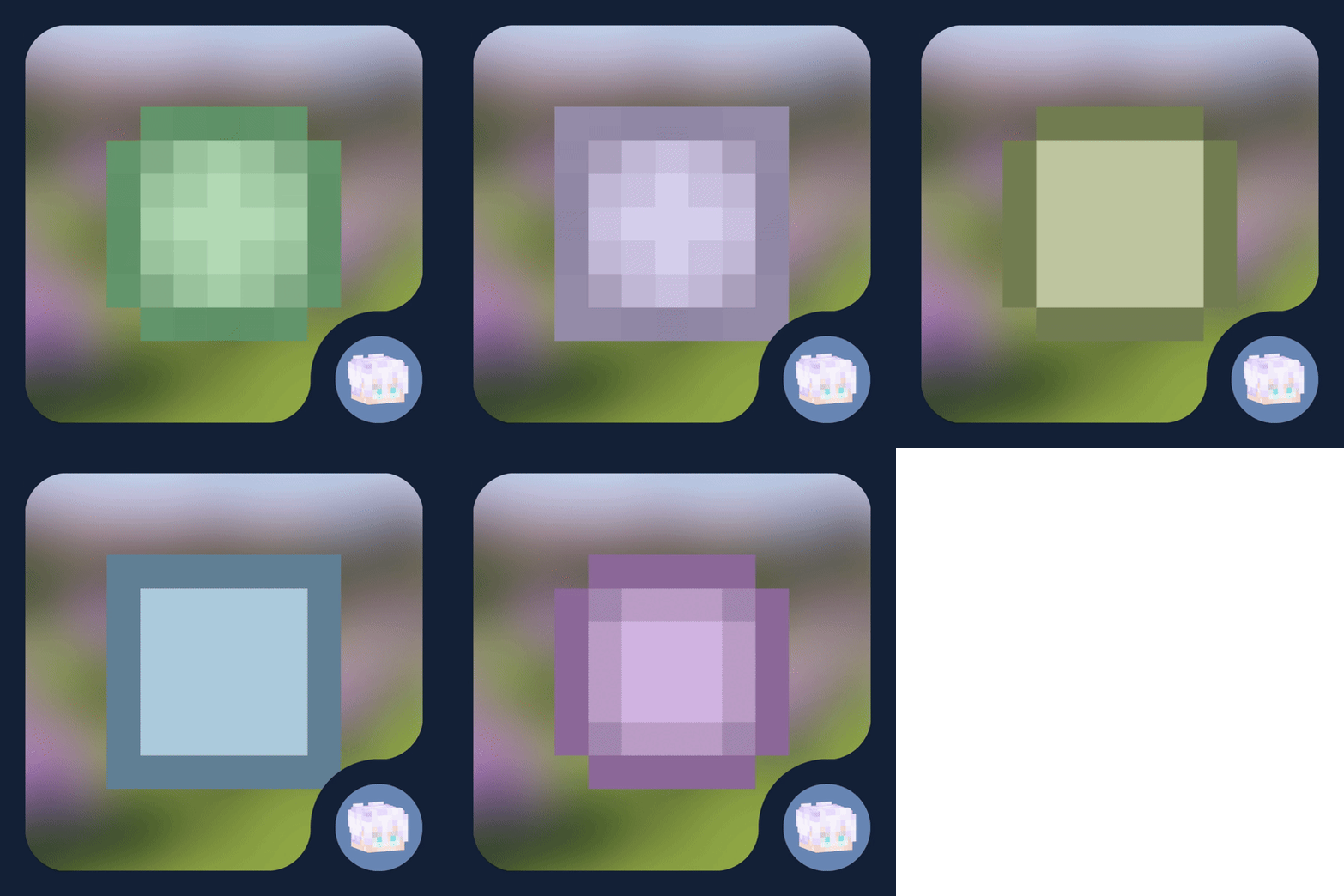
A preview of how you would see other players with the mod
A preview of a player on the HUD

A preview of two players on the HUD

This would be a preview of the settings screen so you can customize it as much as you want

Now you can customize your friends icons

Dependencies
- Fabric API
- ModMenu
(recommended but opcional)
Installation
- Install Fabric Loader and Fabric API
- Place the
.jarmod file into yourmods/folder - Run Minecraft
Known Issues & Limitations
- Only works in Fabric, no Forge/NeoForge/… support
(yet? 🥀) - It can become inaccurate
- There may be rendering issues in other parts of the HUD
- You will most likely encounter problems with the order of the icons and the experience bar
- It is not possible to change the color of your dot/head
(yet...)
License
The contents of this repository and mod, are licensed under a Creative Commons Attribution-NonCommercial-ShareAlike 4.0 International License. (Canonical URL)





Better Player Locator Bar is a Fabric mod. It shows players in a HUD bar above the XP bar. You can customize icons, borders, fades, and more.
🎯 Features
- HUD bar with icons representing nearby players and death markers
- Customizable icon style:
default,minimal,mojang,bowtie (shift + click) - Icon border styles:
roundedorsquared - Option to show player names and heads
- Vertical arrows when height difference is significant by player camera or position
- Distance-based fading (configurable start, end, alpha min/max)
- Smooth interpolation using easing
- Asset detection: scans included textures in
sprites/hud/ - Client/server sync via handshake and position payloads; fallback to local mode
- Config UI (
F8in game or useModMenu), preview, per-player overrides (color, icon, border...) - Death markers persistence and cleanup
📸 Gallery
A preview of how you would see other players with the mod
A preview of a player on the HUD
A preview of two players on the HUD
This would be a preview of the settings screen so you can customize it as much as you want
Now you can customize your friends icons
Dependencies
- Fabric API
- ModMenu
(recommended but opcional)
Installation
- Install Fabric Loader and Fabric API
- Place the
.jarmod file into yourmods/folder - Run Minecraft
Known Issues & Limitations
- Only works in Fabric, no Forge/NeoForge/... support
(yet? 🥀) - It can become inaccurate
- There may be rendering issues in other parts of the HUD
- You will most likely encounter problems with the order of the icons and the experience bar
- It is not possible to change the color of your dot/head
(yet...)
License
The contents of this repository and mod, are licensed under a Creative Commons Attribution-NonCommercial-ShareAlike 4.0 International License. (Canonical URL)
Screenshots
Gallery
Versions
Files
Relations
Project Relations
More like this
Similar Mods
Suggestions use data such as tags, dependencies, dependents, descriptions, titles, and more to rank how much they overlap with this mod.
On ModDex
Community snapshot
By the numbers
Statistics
Want to reach Minecraft players?
We're looking for a server hosting partner to feature here and other parts of the site. Interested? Send us a message!
Get in touchGet it on
Available Platforms
On ModDex
Community snapshot
By the numbers