Community listing page, reviews here may not be monitored by the author.
BetterBlockZ


No reviews yet
BetterBlockZ(Ztones Continuation) adds a variety of decorative block sets, ranging from modern and futuristic to fantasy and beyond.

Community voices
Reviews
No reviews yet. Be the first to review this project!
Get it on
Available Platforms
Compatibility
Supported Environments
Must be installed on both the client and the server.
About
Project Details
For authors
Embed Badge
If you're the author of this project, you can embed a live badge anywhere that supports HTML or Markdown. It updates automatically whenever ratings change.
Use HTML for any page that supports it, or Markdown for README files and Markdown-based descriptions.
Identifiers
Platform IDs
About
Description
BetterBlockZ
Available on Forge 1.20.1 and NeoForge 1.21.1, 26.1.2
A decorative mod that adds modern, industrial, fantasy, and futuristic block sets, with expanded variants and refined designs for creative building. Built on the foundation of Ztones, it introduces new blocks, reworked textures, and fresh design sets, along with tools and new features to enhance building experience.
Thank you for 1M+ downloads! 🙌🎉





BLOCK TYPES:
- Standard: regular blocks with no special properties or orientation
- Pillar: rotatable along the X and Y axes, similar to logs
- Rotatable: fully rotatable blocks for diagonal textures, placeable on floors and walls
- CTM: connected textures on select variants (requires Athena)
LIGHTING:
- Cyber Lights: No‑shade, full‑color light blocks with Redstone control to toggle on and off
- Available as flat blocks and panels, placeable on walls, floors, or ceilings
- Zeon Set: Neon‑style blocks with multiple patterns and variants, all emitting light, available in 16 colors.
EASY VARIANT SWITCHING:
Choose how you want to change block variants:
While Holding the Block:
- Sneak + Right‑Click in air
- Alt + Mouse Wheel Scroll
- Press V to open the selection screen
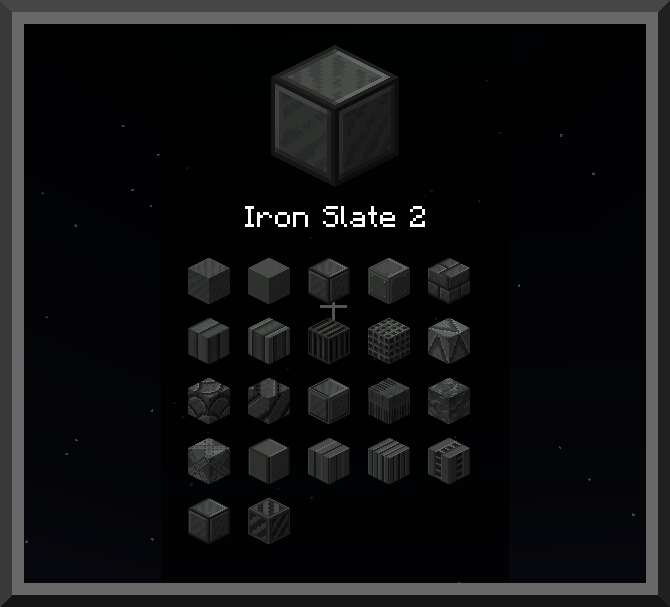
In Inventory:
- Hover the block, then use Alt + Mouse Wheel Scroll
Note: Alt and V are default keybinds, configurable in settings. Other mods may use the same keys, which can cause conflicts. If that happens, rebind them in the controls menu.
Placed Blocks (In‑World):
- Use the BlockZ Cycler tool with Block, Line, and Area modes
Crafting Options:
- The base variant has a standard crafting recipe
- All other variants are accessible through Stonecutter recipe
- AE2 fully supports auto‑crafting with Stonecutter recipes
BUILDING TOOLS:
- Cycler - Cycles block variants in Line or Area mode.
- Checkered Cycler - Cycles checkered pattern variants.
- Placer - Places saved block in Line or Area mode with Undo Feature.
- Pattern Randomizer - Cycle blocks to create a random design using 2-3 variants.
- CTM Toggle - Connect or disconnect CTM blocks to create different size and shape designs.
- Cobble Crafter - Portable crafting table, cobblestone placer.
- Block Extender - Extends connected blocks.
- Block Replacer - Select and replace blocks dynamically.
- BlockZ Master - Combines 4 main tools.
Creative Only Tools:
- BlockZ Pallete - Instantly places a full BetterBlockZ set (Sneak Right Click to Place 5x5)
- Checkered Builder - Instantly places a checkered pattern (Build a Pattern Tower)
Note: Not all tools are currently available on Forge.
RECIPES:
BlockZ Core is the main ingredient for all sets.
It’s crafted from stone, cobblestone, and smooth stone, then combined with a set-specific material to create the base variant.
Building Tips: For shaped variants such as stairs, slabs, or slopes, consider using complementary mods like FramedBlocks, Create Copycat, or Copycats+.
MOD USAGE:
- Modpack: You’re welcome to include BetterBlockZ in any custom, public, or private modpack. If you do, feel free to share your modpack link in the comments!
- Recipes: Using datapacks, or other mods, you can add or modify recipes and tags to balance gameplay or improve compatibility.
- Items/Blocks: Using datapacks or other mods, you can disable or enable specific items or blocks as needed.
26.1 UPDATE NOTES:
- New textures and variants!
- Requires Z-Core for Selection screen and variant cycling using mouse wheel.
- Block ID change and set re-order. (Incompatible with old versions)
- Retexture and CTM upgrade
- CTM Blocks Placement: Off-Hand: Tiling, Sneak-placed and regular-placed blocks stay separate.
Full Changelog: Link
SPECIAL THANKS/CREDITS:
BetterBlockZ is now part of StoneBlock 4!
Big thanks to Saereth and the FTB Team for including us in such an iconic pack. Can’t wait to see the awesome bases you all build with the new blocks!
Thanks to all the modpack creators who include BetterBlockZ. I’ll do my best to check them out!
Thanks to Athena for CTM loader support, enabling connected textures when installed.
BetterBlockZ
Available on Forge 1.20.1 and NeoForge 1.21.1
A decorative mod that adds modern, industrial, fantasy, and futuristic block sets, with expanded variants and refined designs for creative building. Built on the foundation of Ztones, it introduces new blocks, reworked textures, and fresh design sets, along with tools and new features to enhance building experience.
BLOCK TYPES:
- Standard: regular blocks with no special properties or orientation
- Pillar: rotatable along the X and Y axes, similar to logs
- Rotatable: fully rotatable blocks for diagonal textures, placeable on floors and walls
- CTM: connected textures on select variants (requires Athena)
LIGHTING:
- Cyber Lights: No‑shade, full‑color light blocks with Redstone control to toggle on and off
- Available as flat blocks and panels, placeable on walls, floors, or ceilings
- Zeon Set: Neon‑style blocks with multiple patterns and variants, all emitting light, available in 16 colors.
EASY VARIANT SWITCHING:
Choose how you want to change block variants.
While Holding the Block:
- Sneak + Right‑Click in air
- Alt + Mouse Wheel Scroll
- Press V to open the selection screen
In Inventory:
- Hover the block, then use Alt + Mouse Wheel Scroll
Note: Alt and V are default keybinds, configurable in settings. Other mods may use the same keys, which can cause conflicts. If that happens, rebind them in the controls menu.
Placed Blocks (In‑World):
- Use the BlockZ Cycler tool with Block, Line, and Area modes
Crafting Options:
- The base variant has a standard crafting recipe
- All other variants are accessible through Stonecutter recipe
- AE2 fully supports auto‑crafting with Stonecutter recipes
BUILDING TOOLS:
- Cycler - Cycles block variants in Line or Area mode
- Checkered Cycler: Cycles checkered pattern variants
- Placer - Places saved block in Line or Area mode with Undo Feature.
- Cobble Crafter - Portable crafting table, cobblestone placer
- Block Extender - Extends connected blocks
- Block Replacer - Select and replace blocks dynamically
- BlockZ Master - Combines 4 main tools
Creative Only Tools:
- BlockZ Pallete: Instantly places a full BetterBlockZ set (Sneak Right Click to Place 5x5)
- Checkered Builder: Instantly places a checkered pattern (Build a Pattern Tower)
Note: Not all tools are currently available on Forge.
RECIPES:
BlockZ Core is the main ingredient for all sets. It’s crafted from stone, cobblestone, and smooth stone, then combined with a set-specific material to create the base variant.
Building Tips: For shaped variants such as stairs, slabs, or slopes, consider using complementary mods like FramedBlocks, Create Copycat, or Copycats+.
MOD USAGE:
- Modpack: You’re welcome to include BetterBlockZ in any custom, public, or private modpack. If you do, feel free to share your modpack link in the comments!
- Recipes: Using datapacks, or other mods, you can add or modify recipes and tags to balance gameplay or improve compatibility.
- Items/Blocks: Using datapacks or other mods, you can disable or enable specific items or blocks as needed.
SPECIAL THANKS/CREDITS:
BetterBlockZ is now part of StoneBlock 4!
Big thanks to Saereth and the FTB Team for including us in such an iconic pack. Can’t wait to see the awesome bases you all build with the new blocks!
Thanks to all the modpack creators who include BetterBlockZ. I’ll do my best to check them out!
Thanks to Athena for CTM loader support, enabling connected textures when installed.
Screenshots
Gallery
-
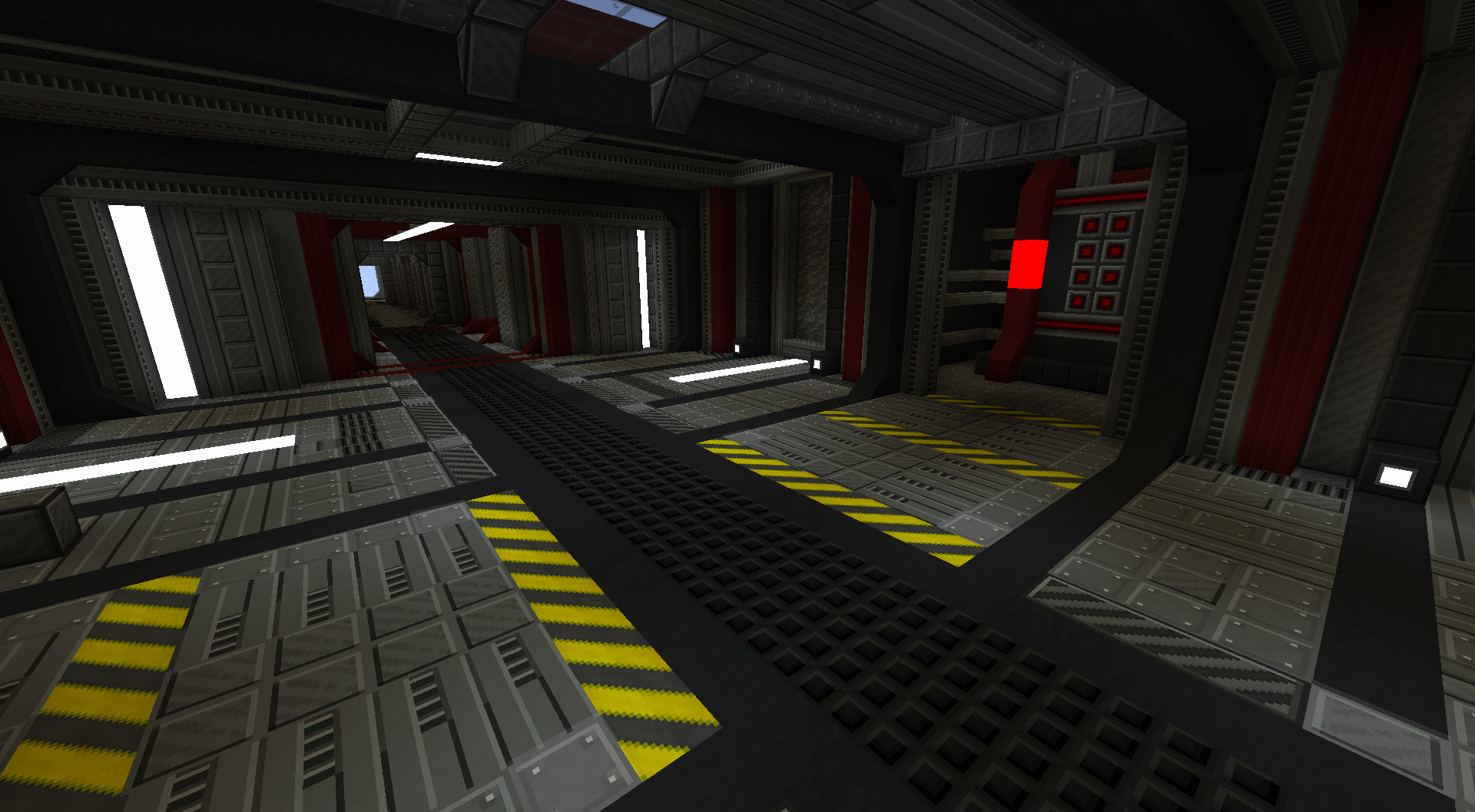 Iron Slate Design with Eclipse, Crimson and Hazard Blocks
 -
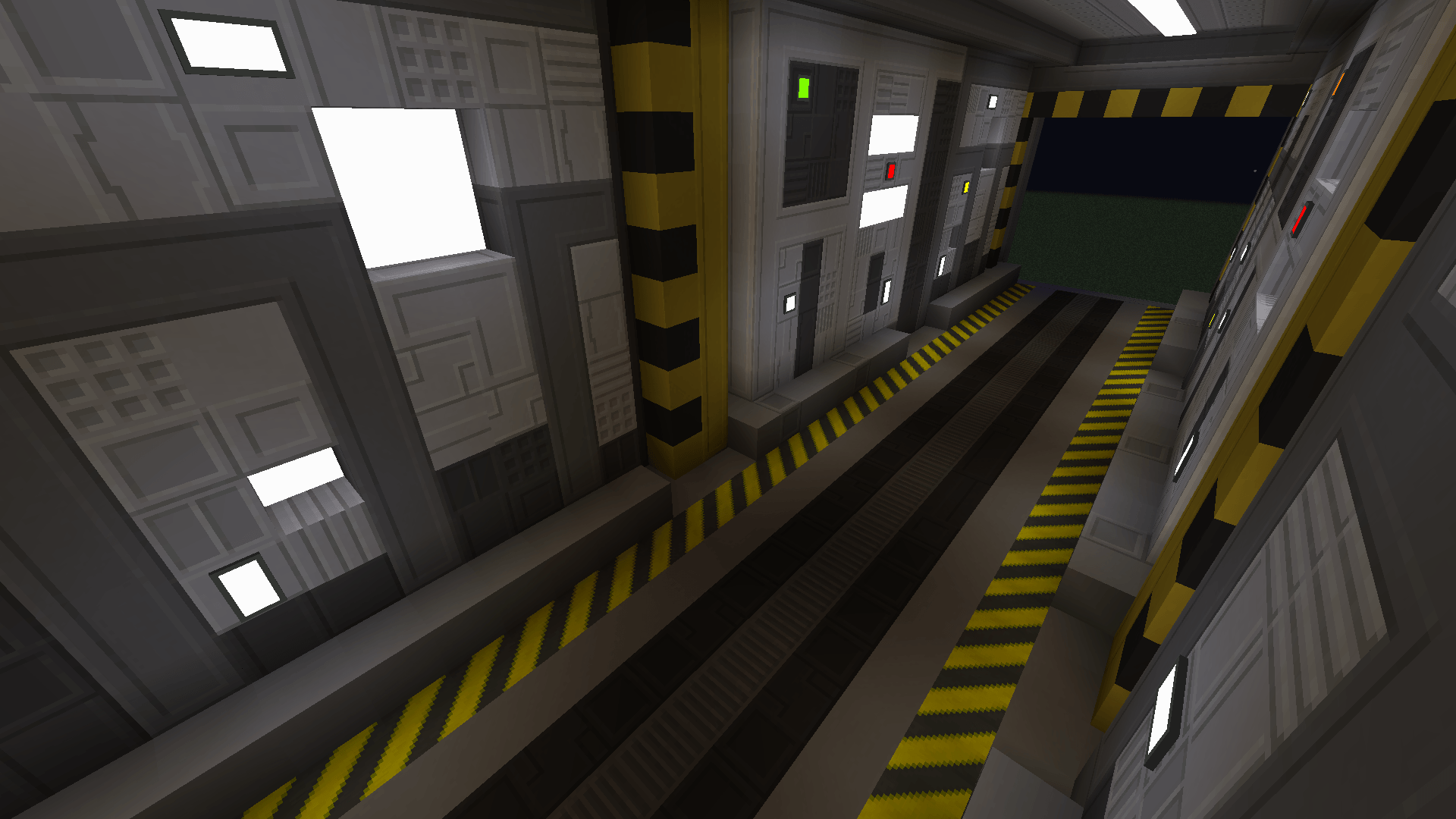 Zeno Combo.png Zeno Combo.png
 -
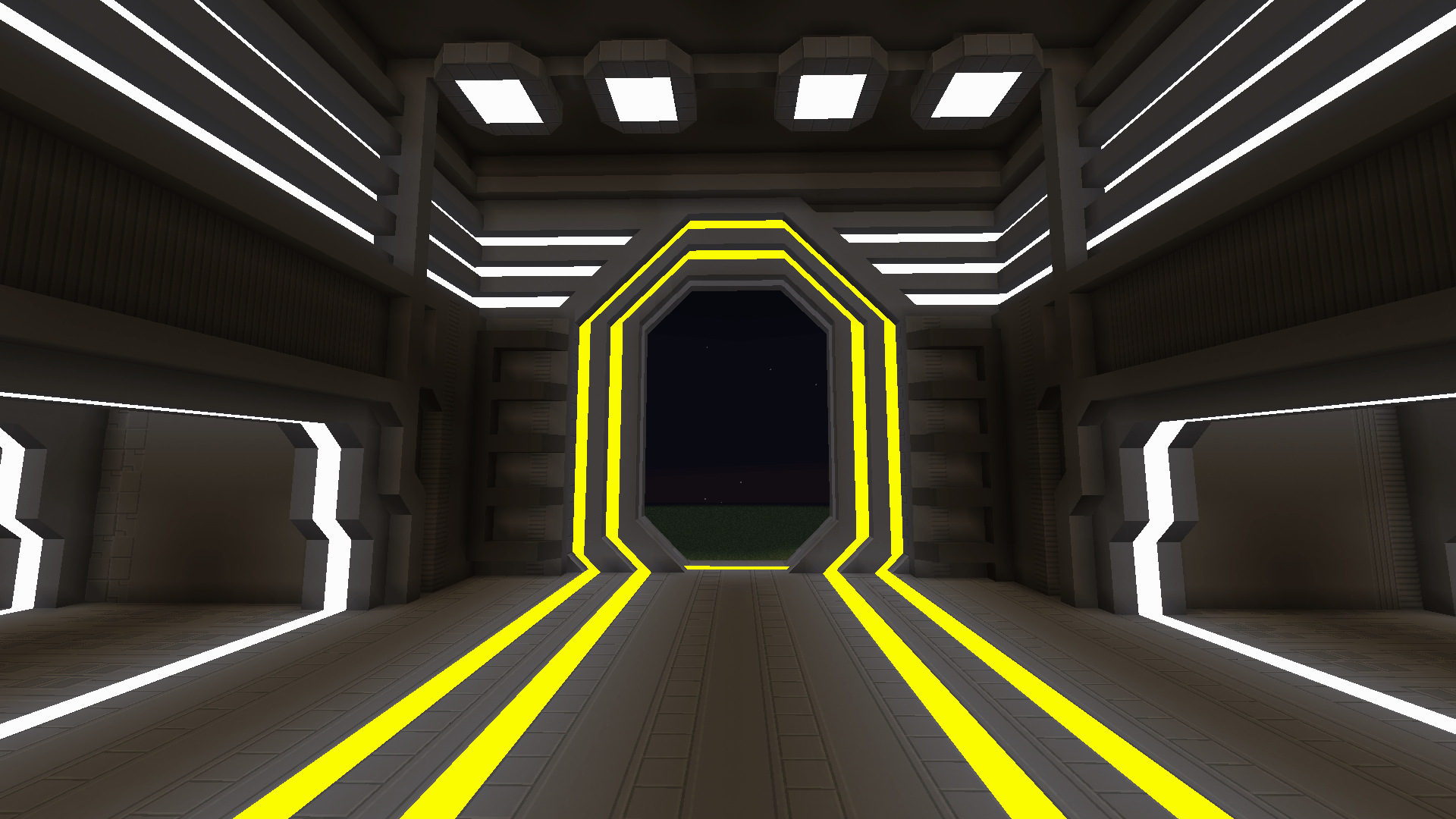 Zeno + Cyber Lights.png Zeno + Cyber Lights.png
 -
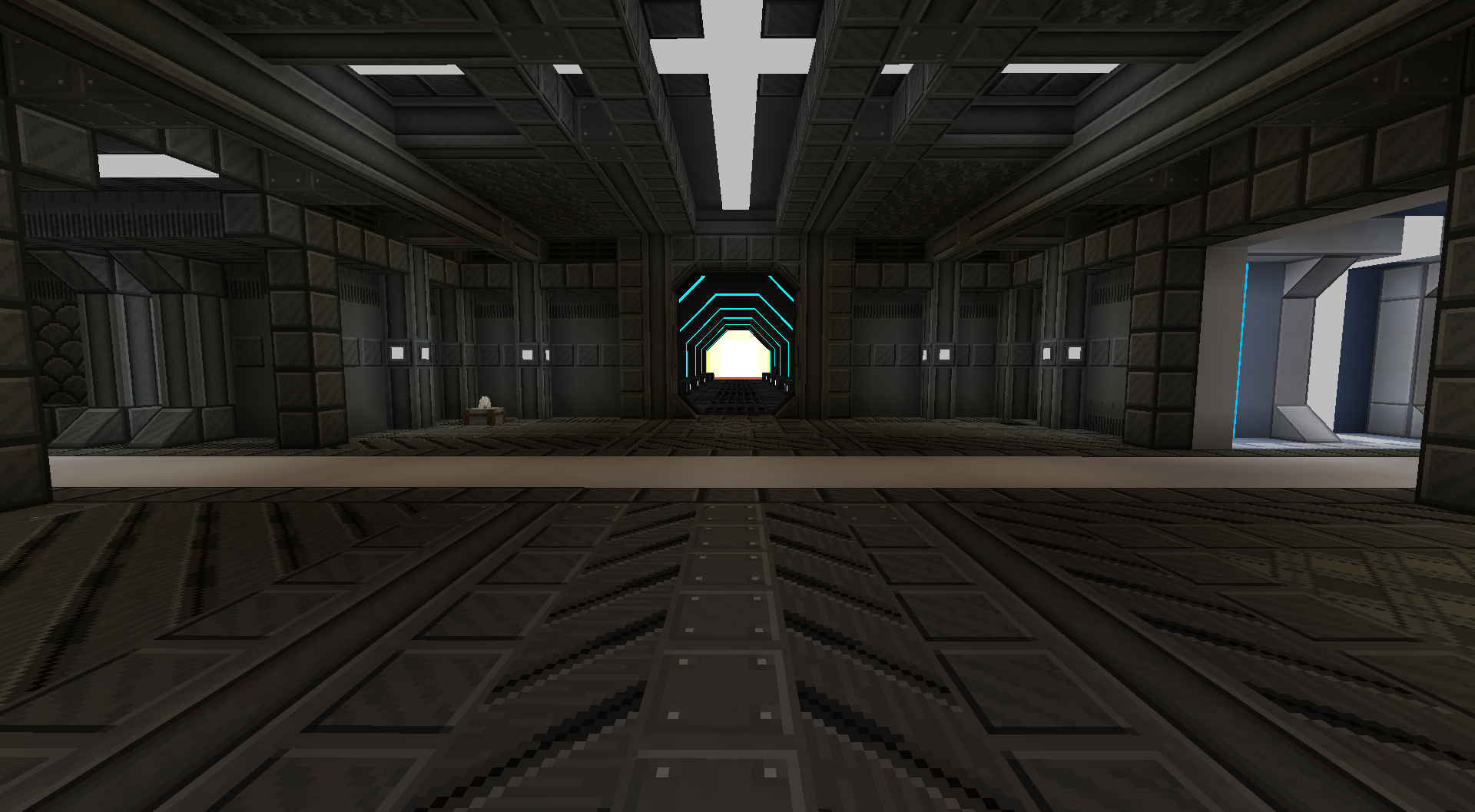
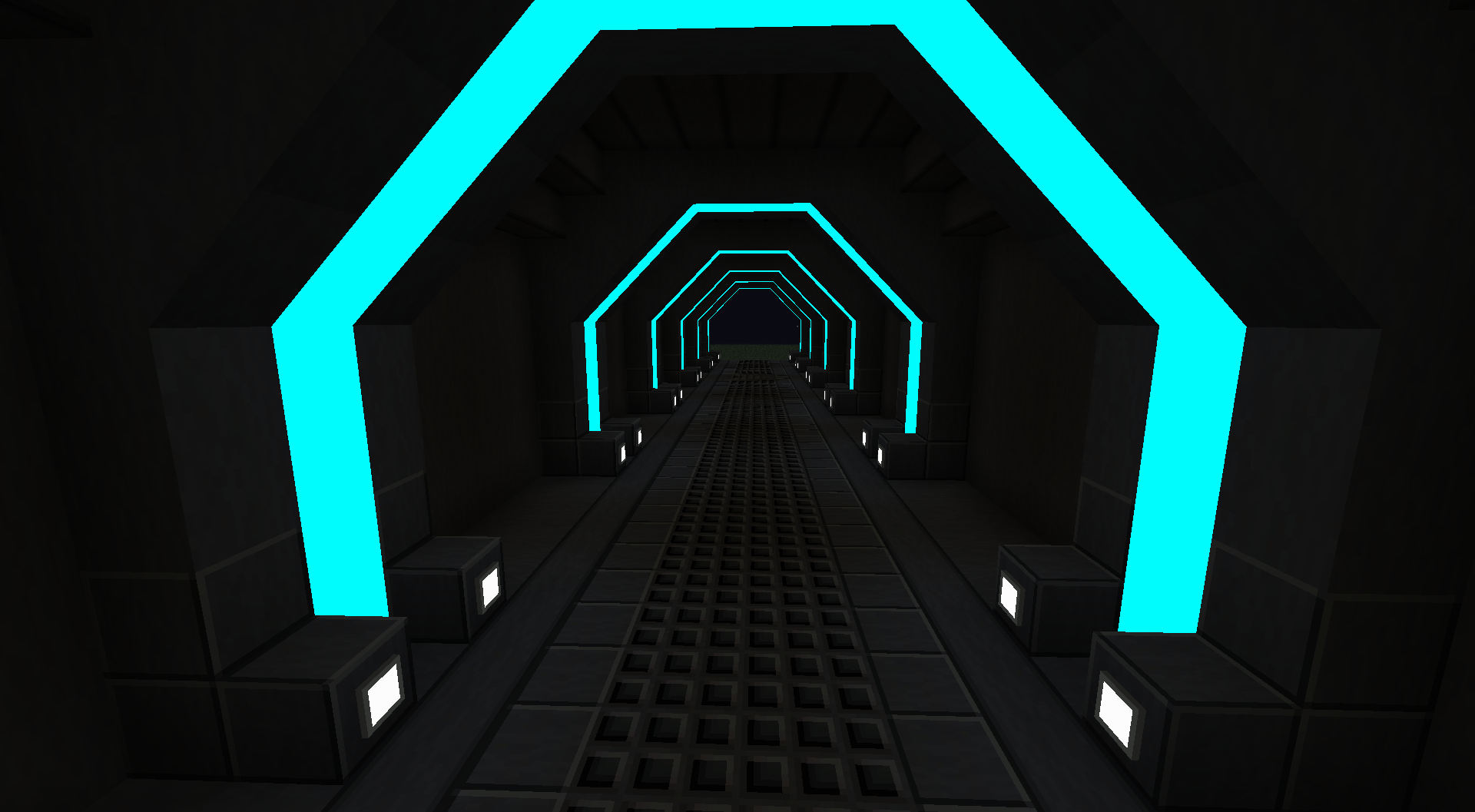
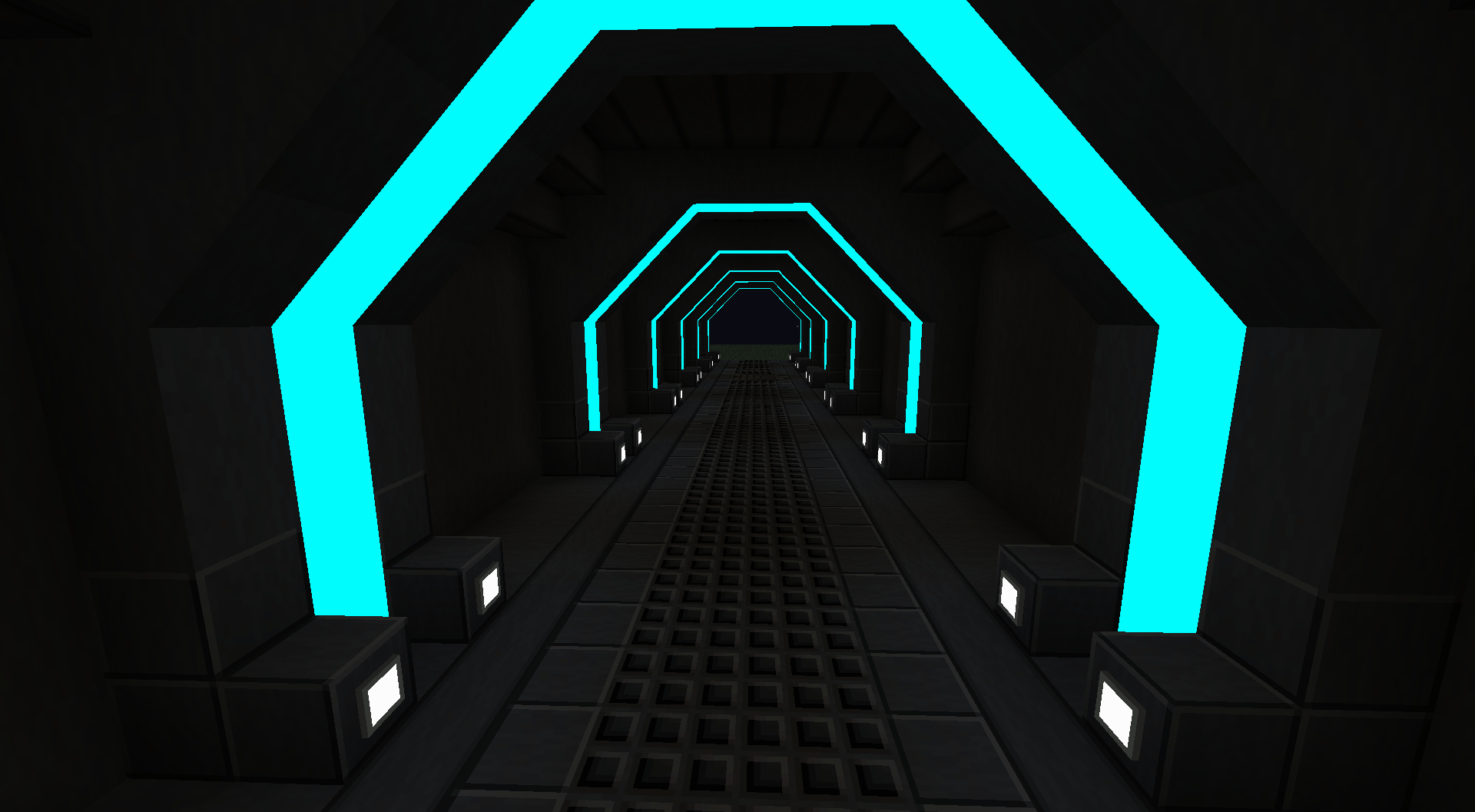 Eclipse Corridor Blocks: Eclipse, Cyber Light Cyan in Copycat Slope
 -
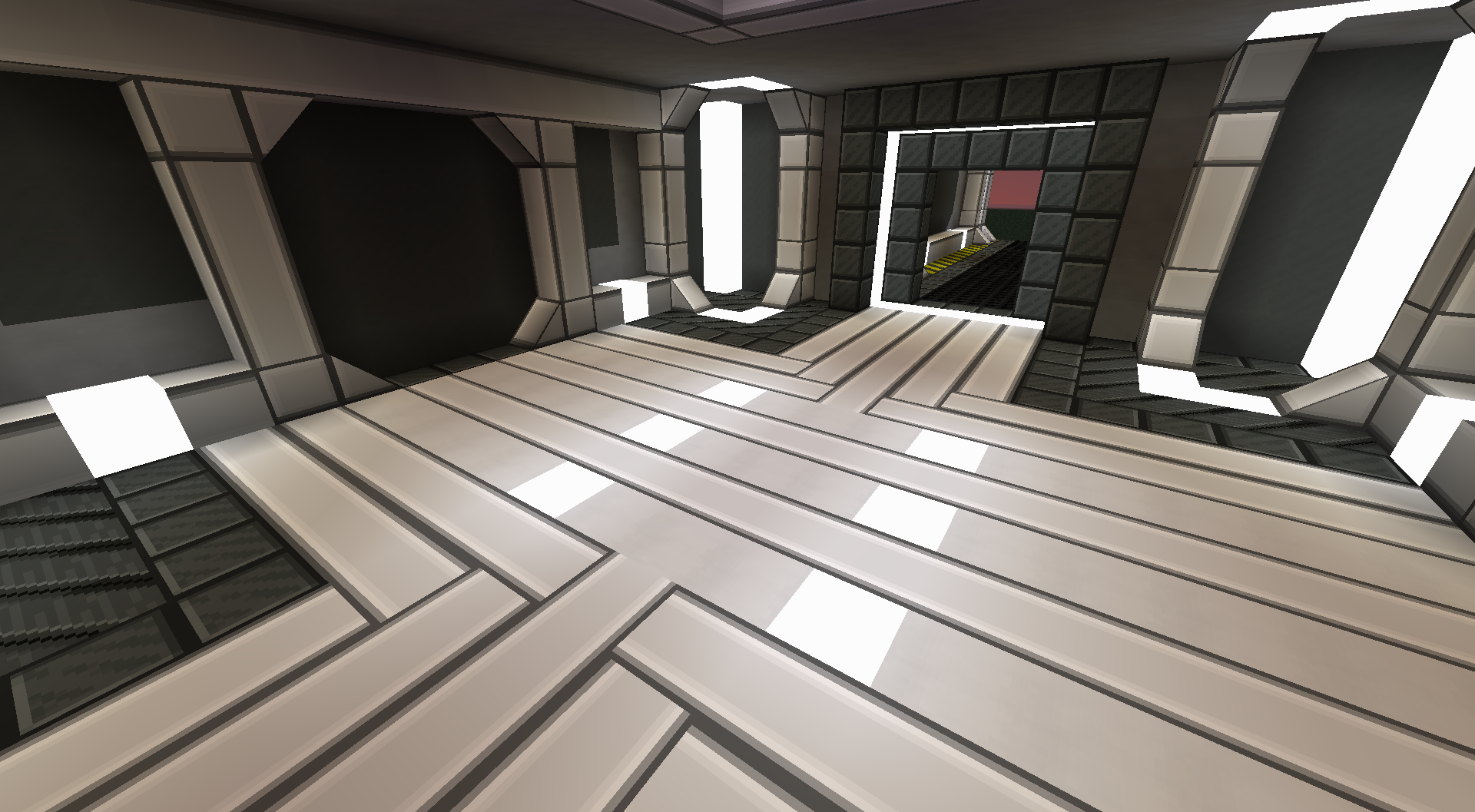
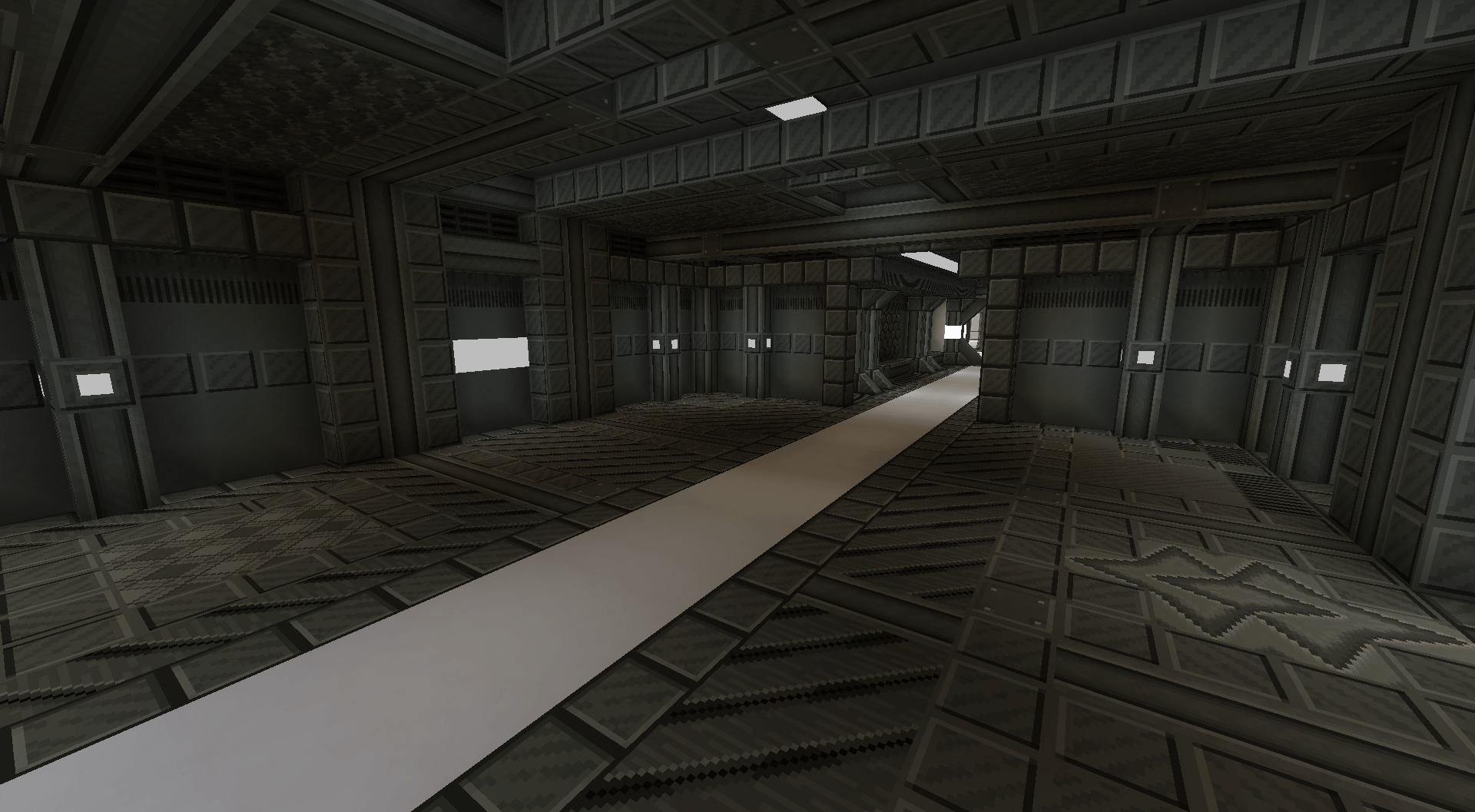 Iron Slate Room Iron Slate Set Showcase
 -
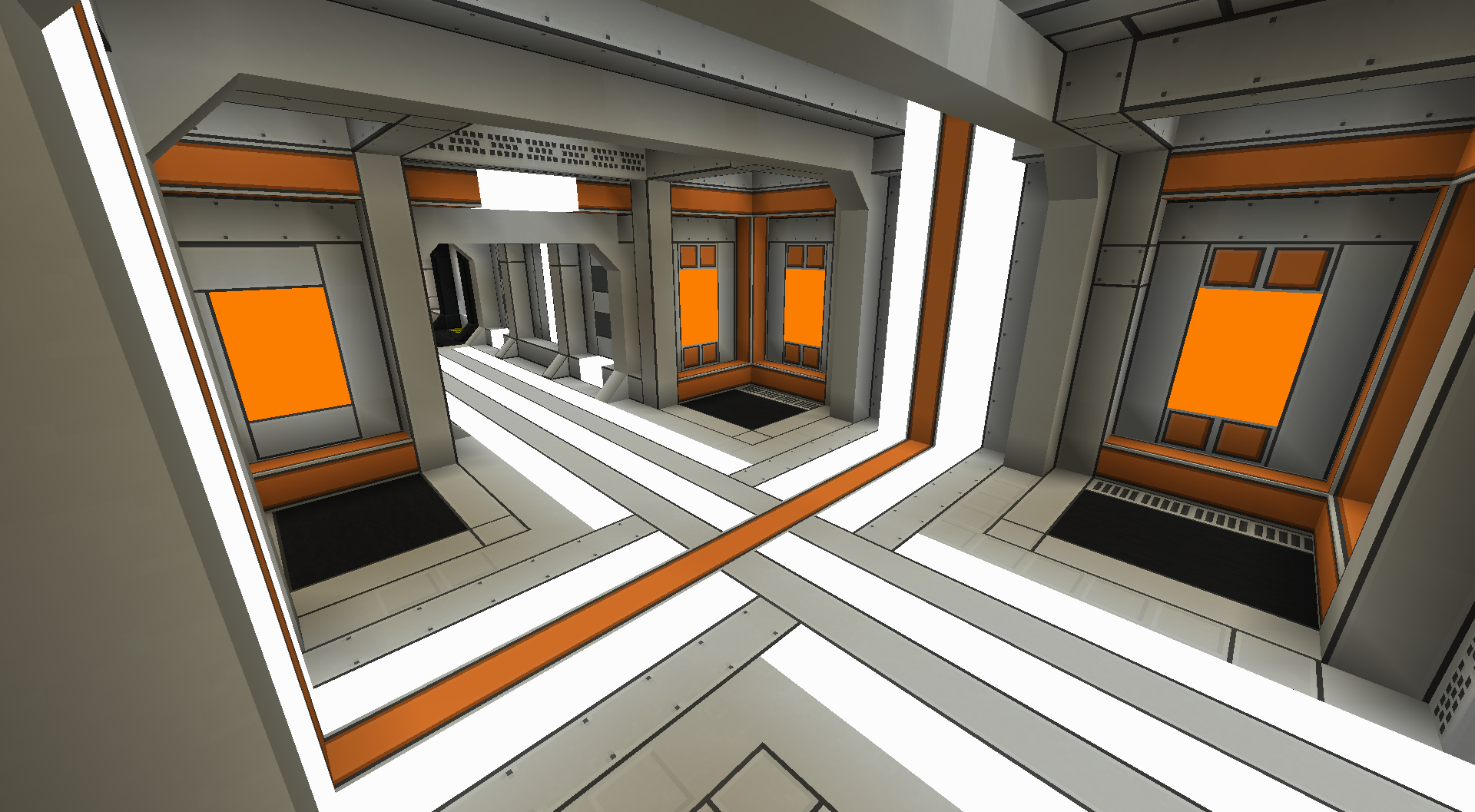
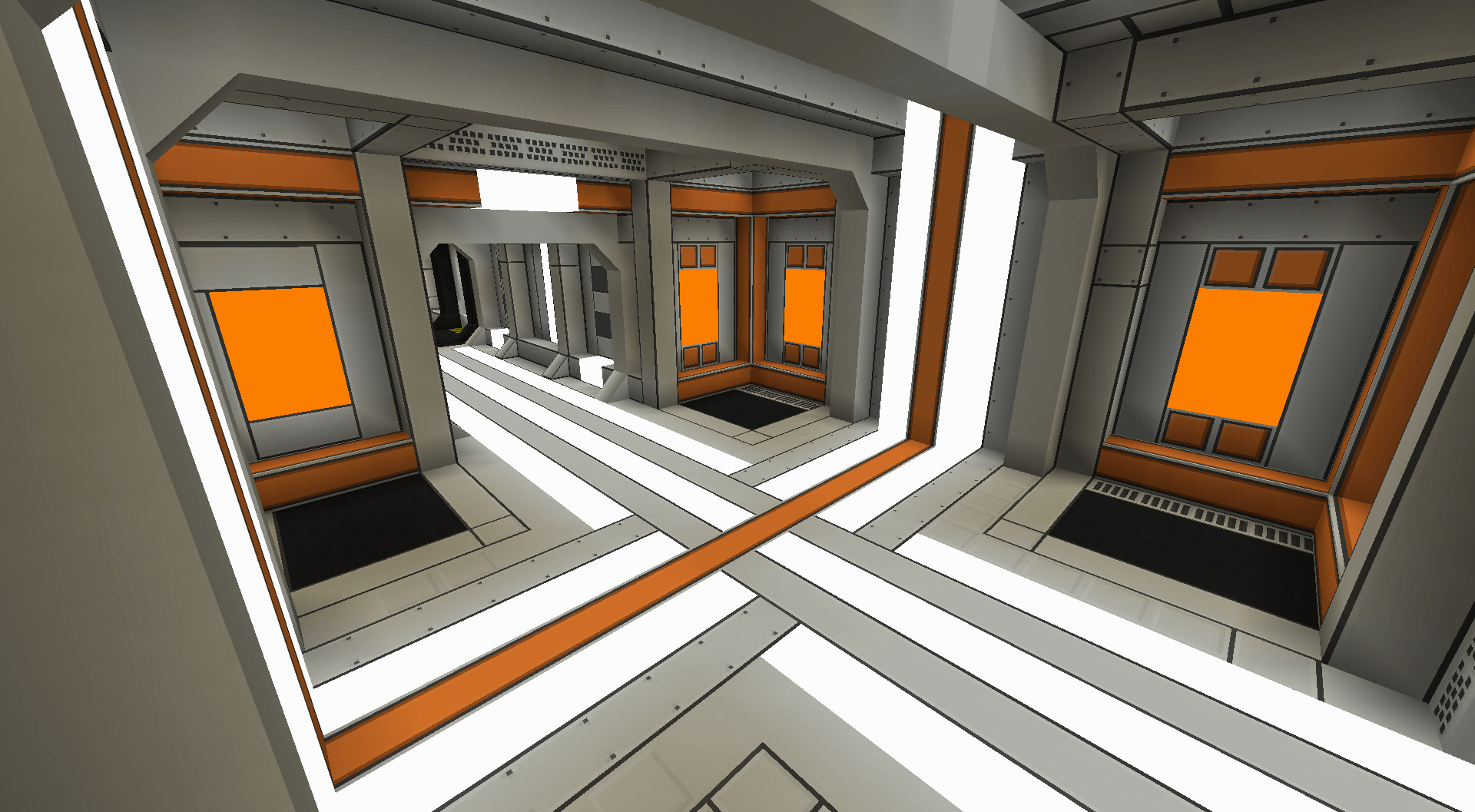 Synth Alloy Room Synth Alloy + Amber Core + Cyber Lights
 -
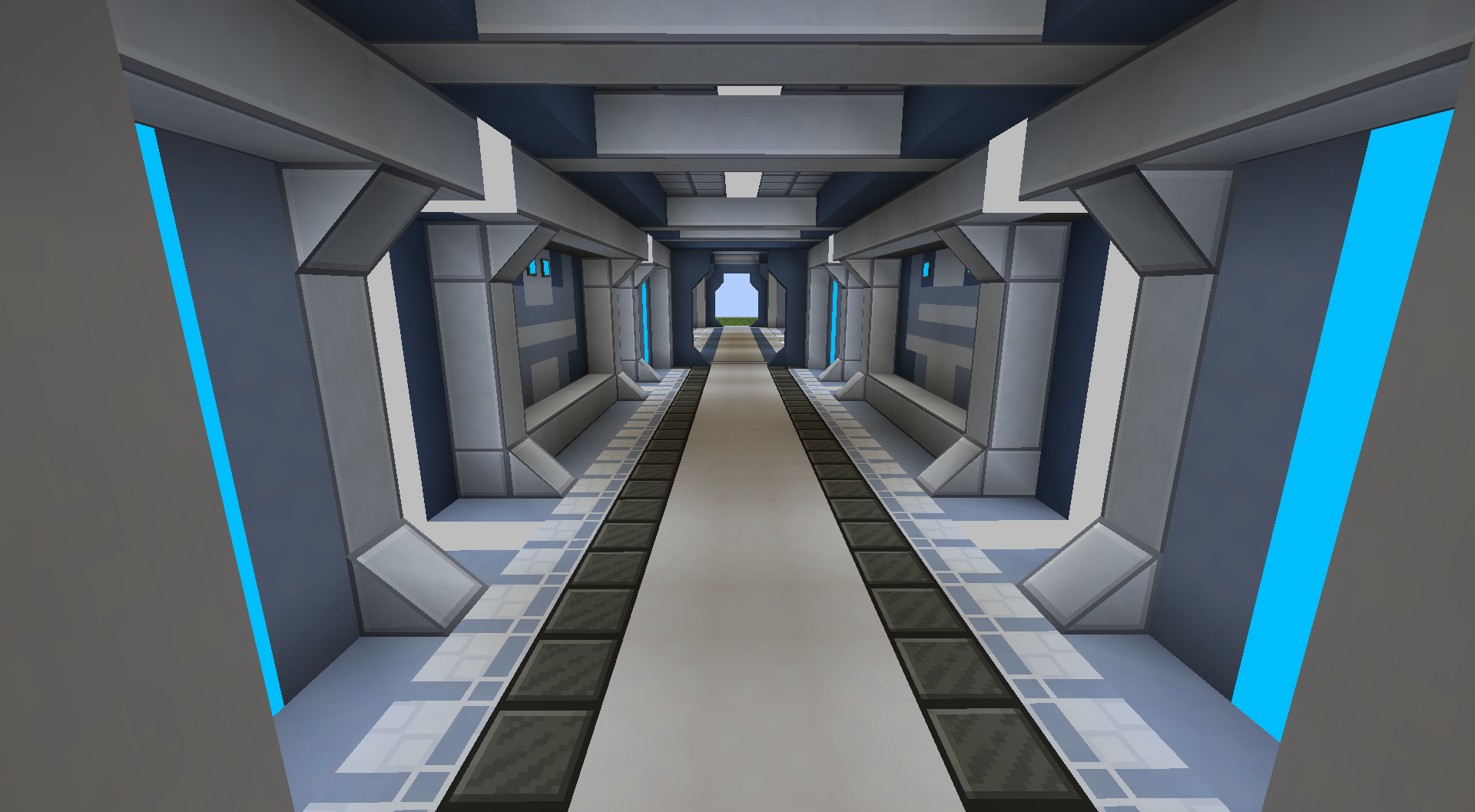
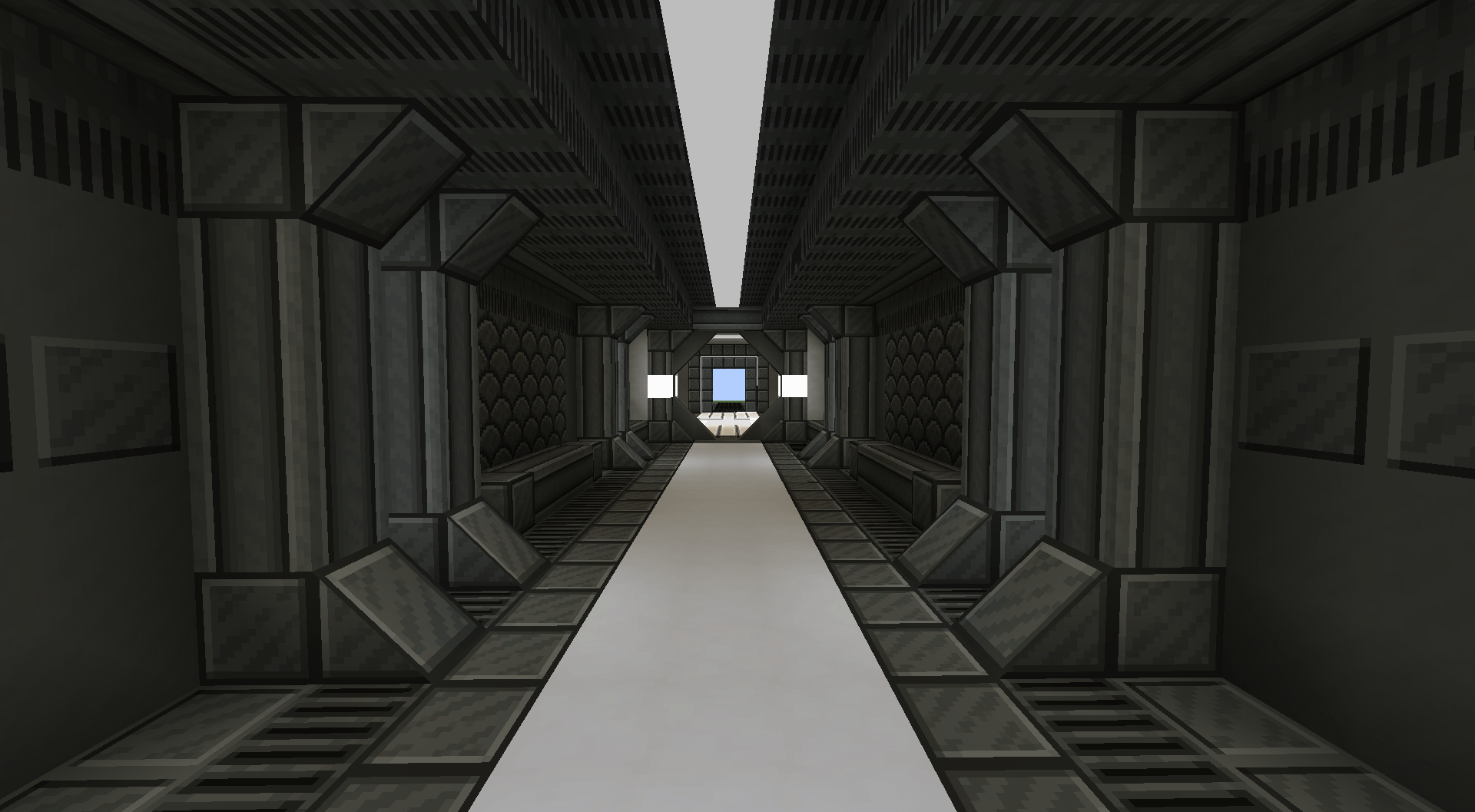 Iron Slate Hallway Blocks: Iron Slate Variants, Floor: Lave 13, Cyber Light Flat Light Gray. Framed and Double Slope from FramedBlocks Mod.
 -
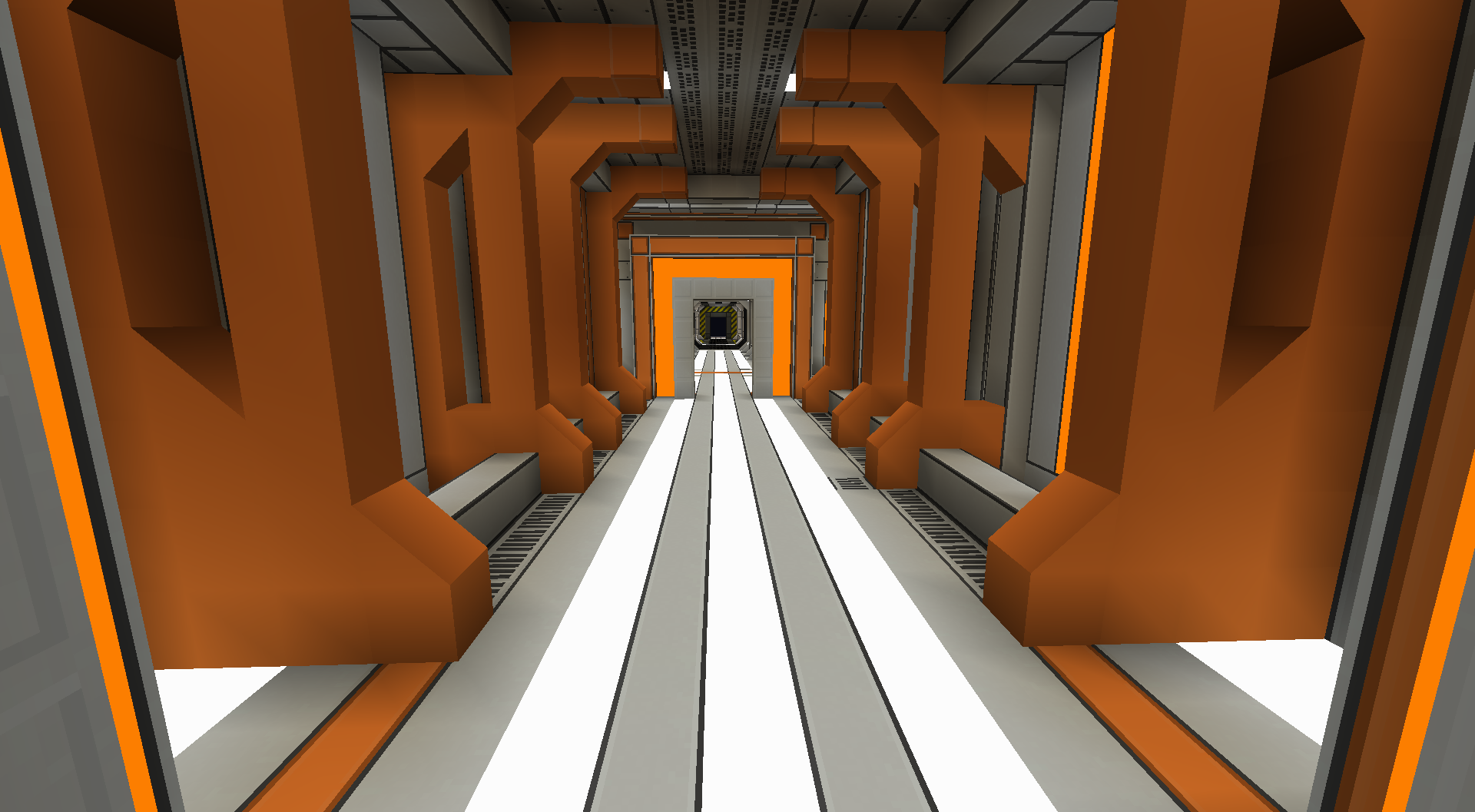
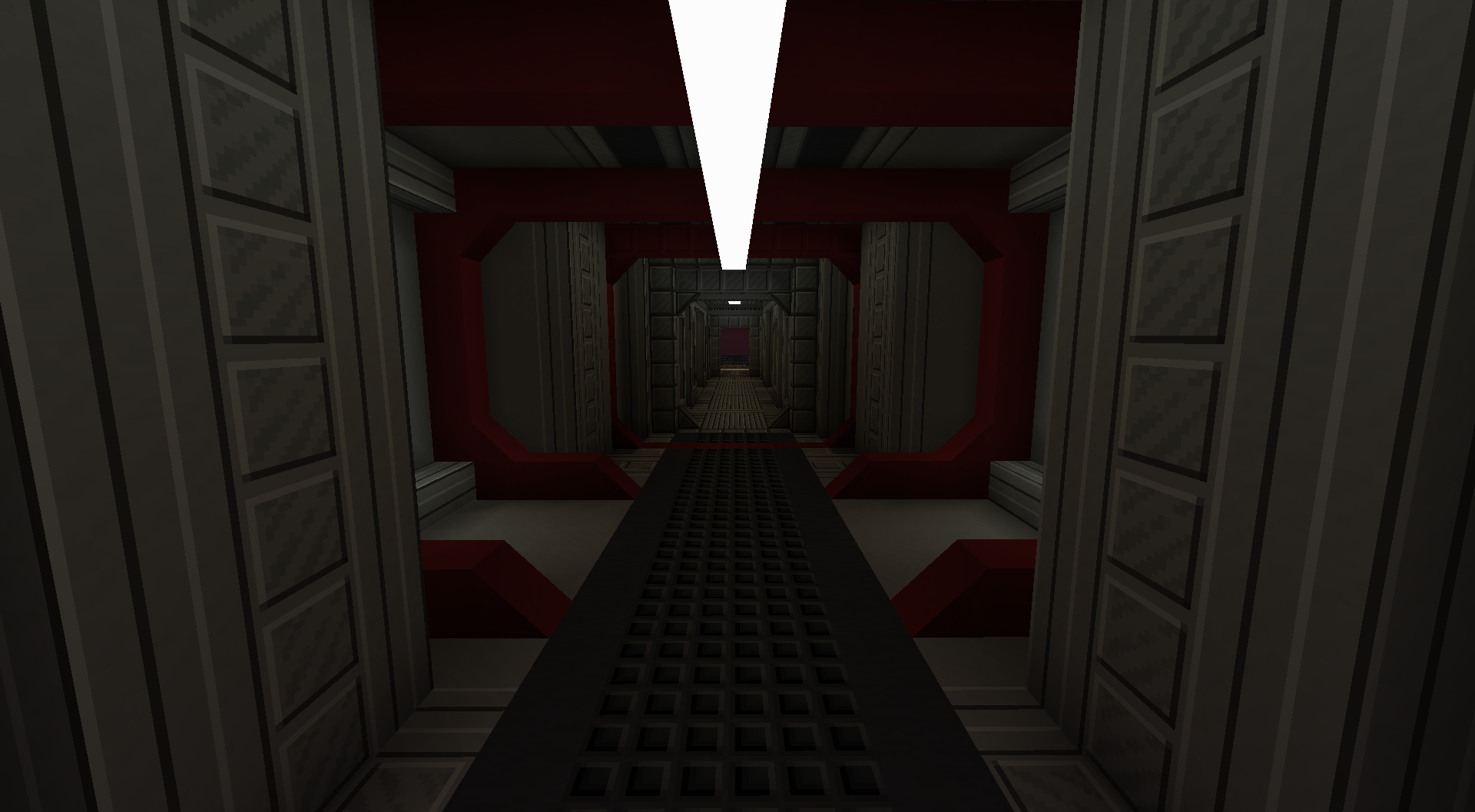
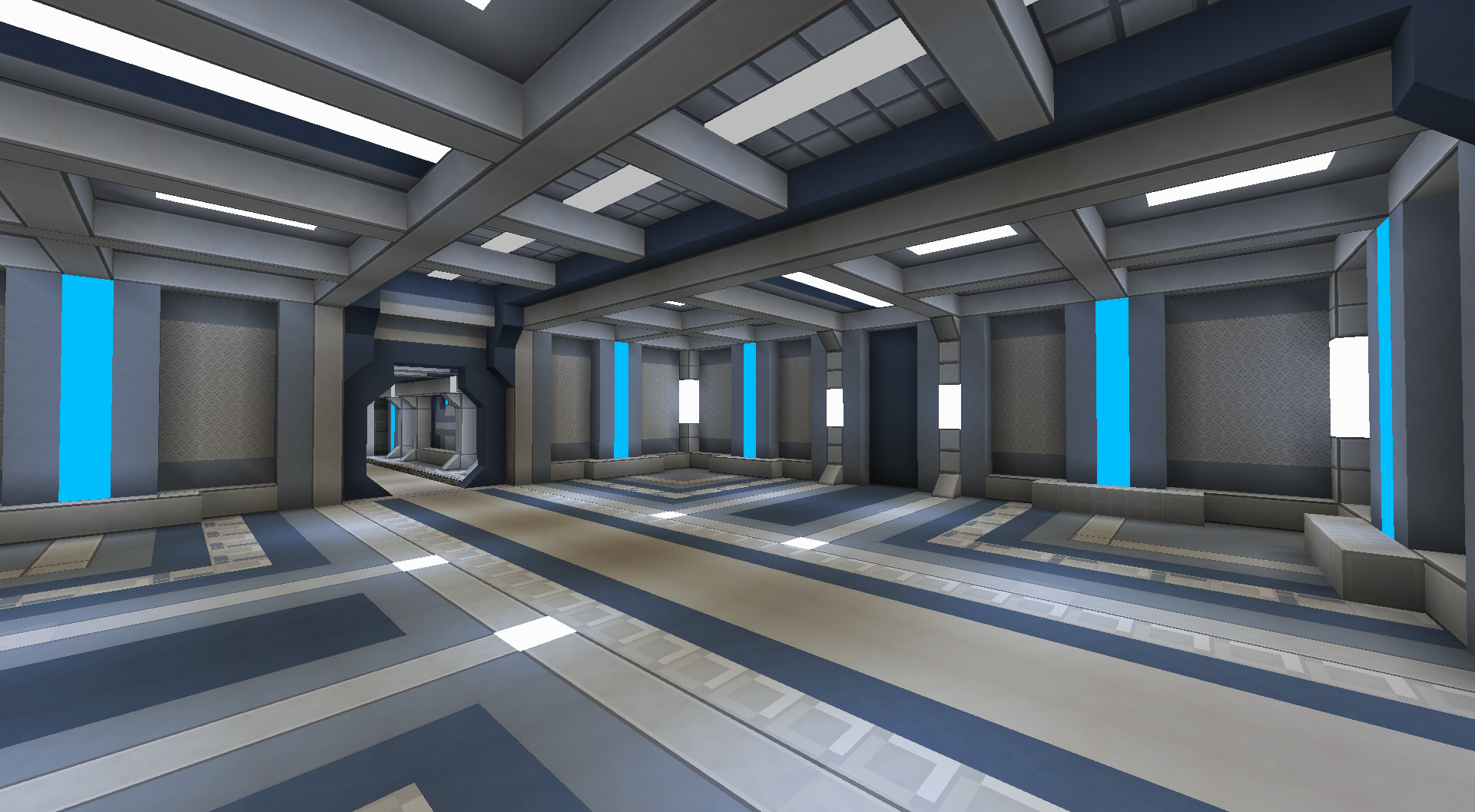
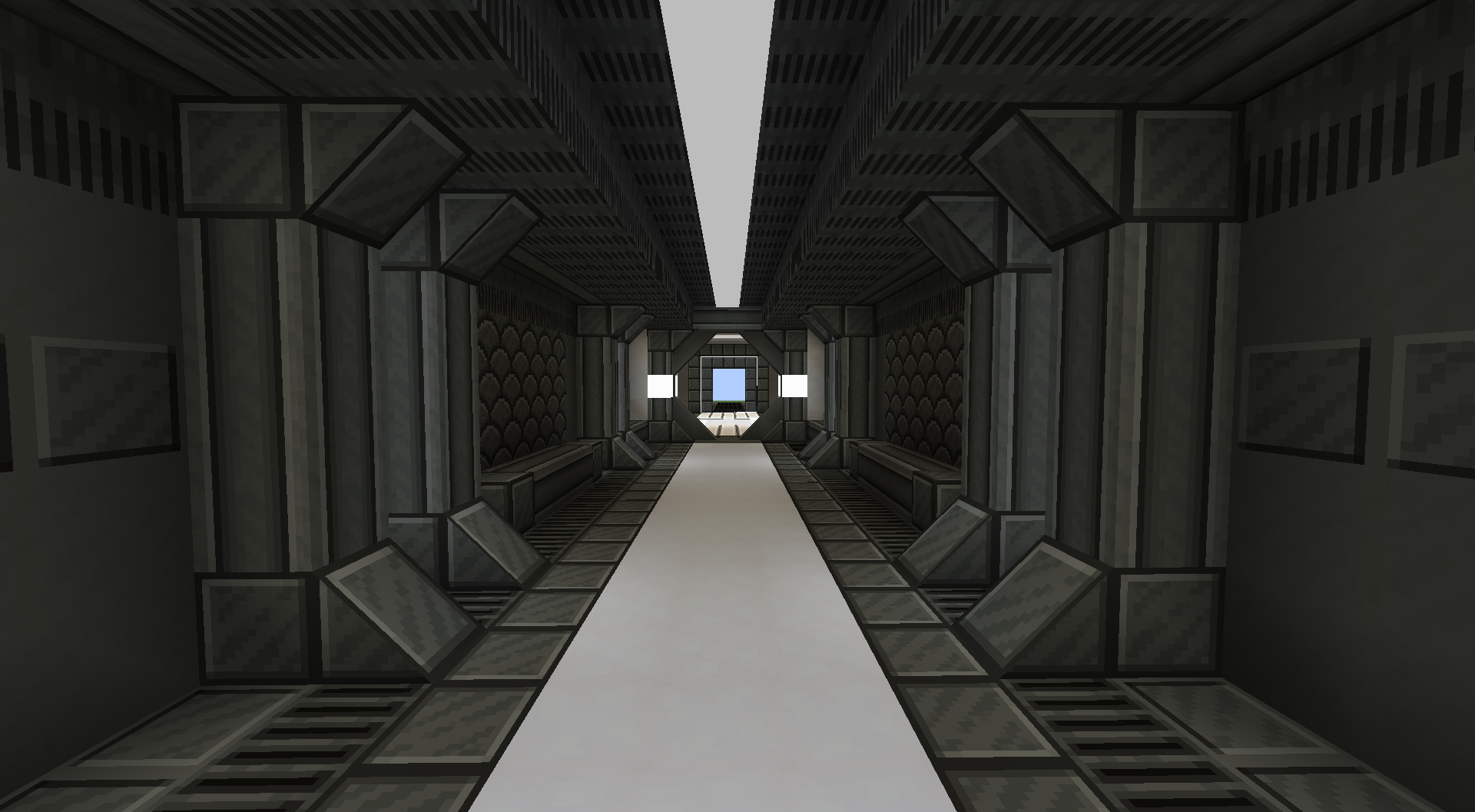
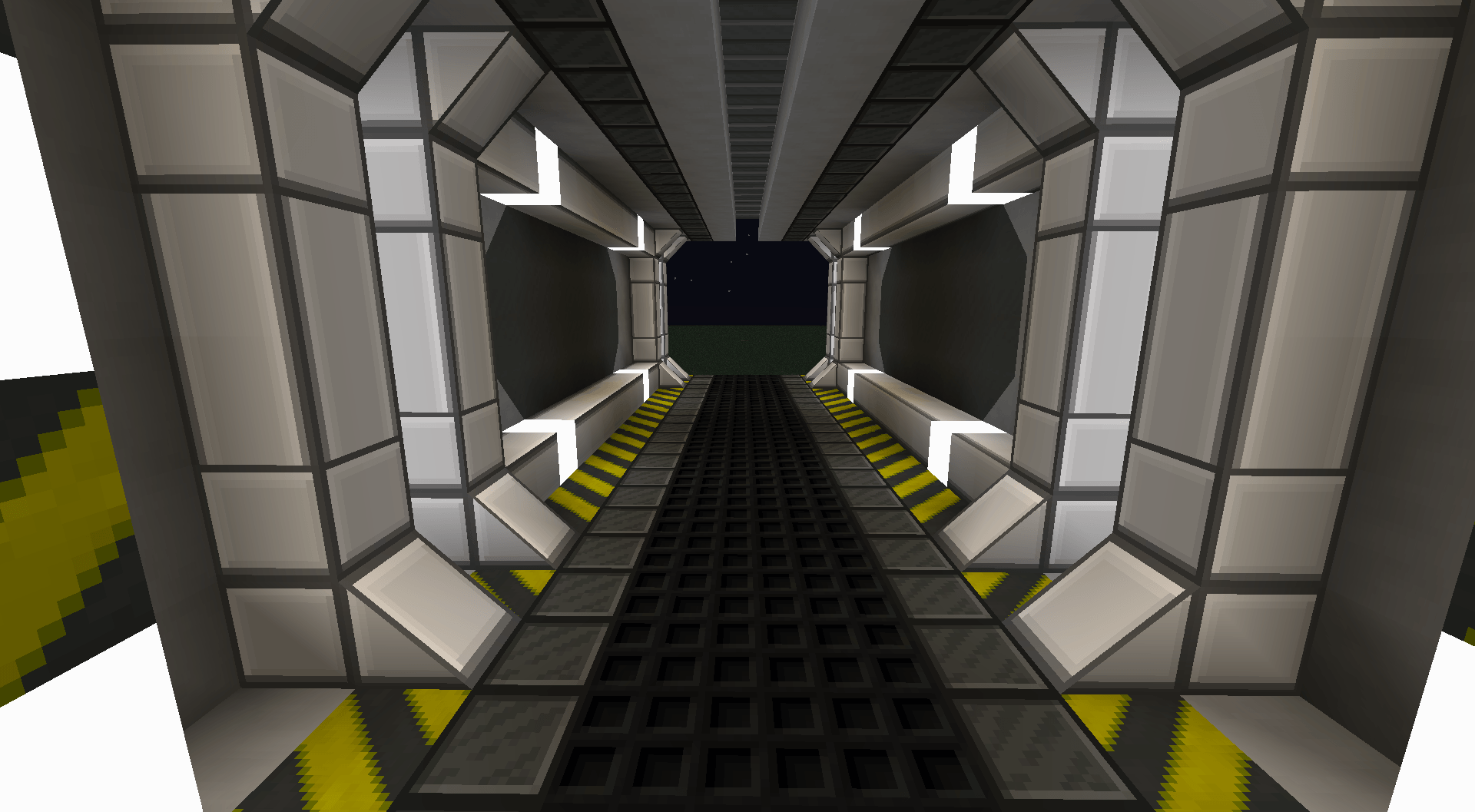 Hallway Blocks: Iron Slate, Luxe Iron, Flat Lamps, Cyber Lights, Hazard, Stone BlockZ, Eclipse(WIP). Framed and Double Slope from FramedBlocks Mod.
 -
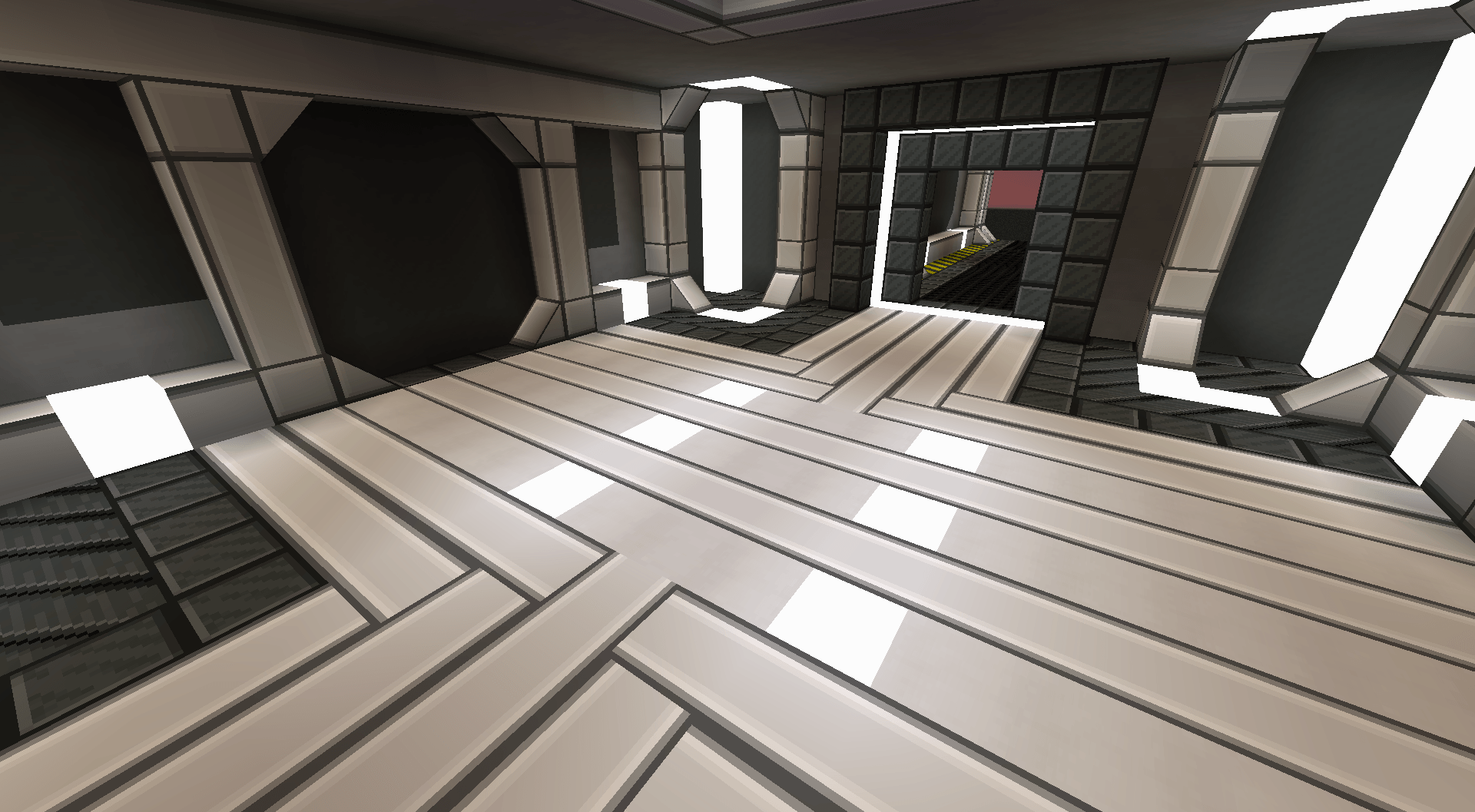 Room Floor: Luxe Iron 9 (new Pillar), Iron Slate, Cyber Lights White. Framed and Double Slope from FramedBlocks Mod.
 -
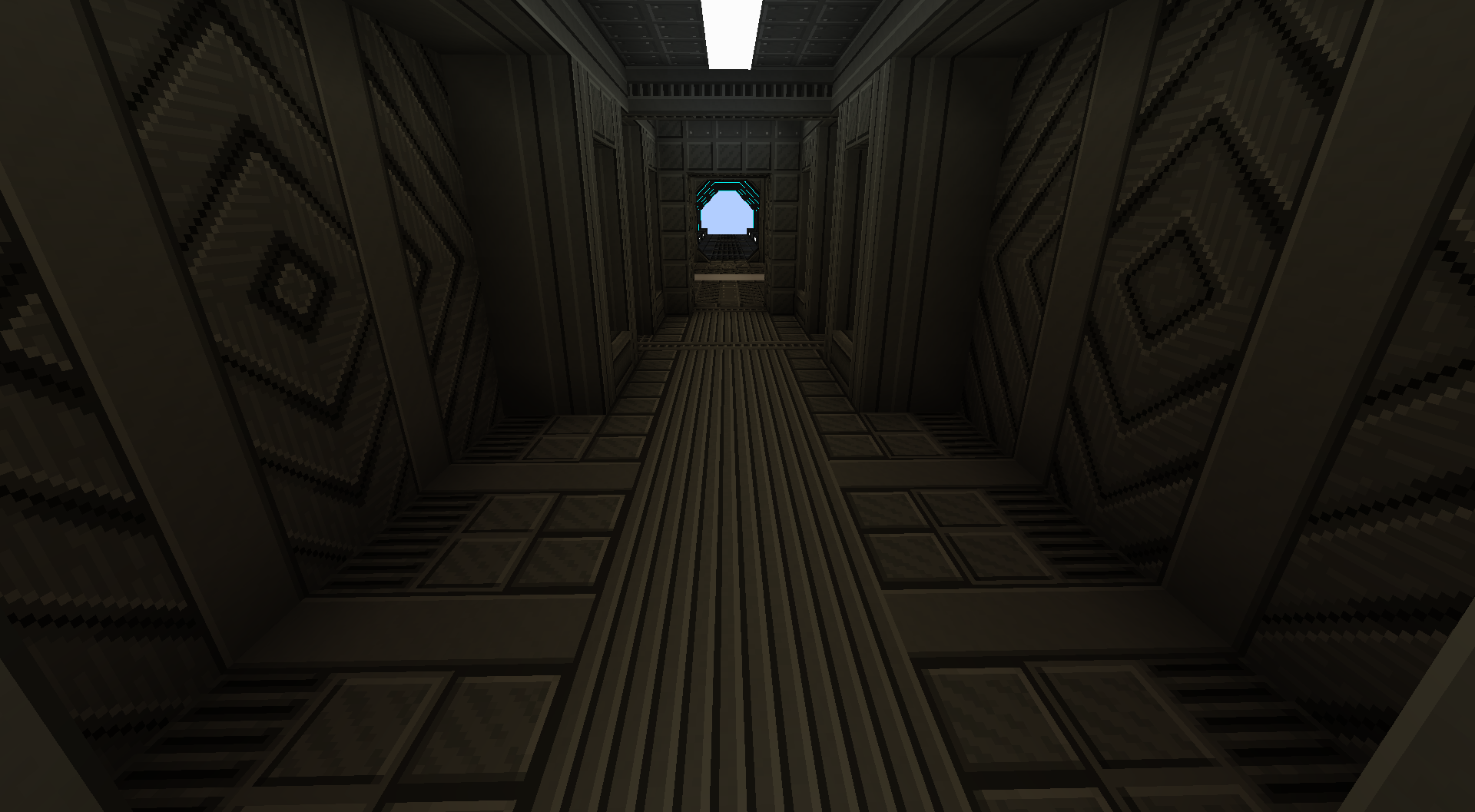
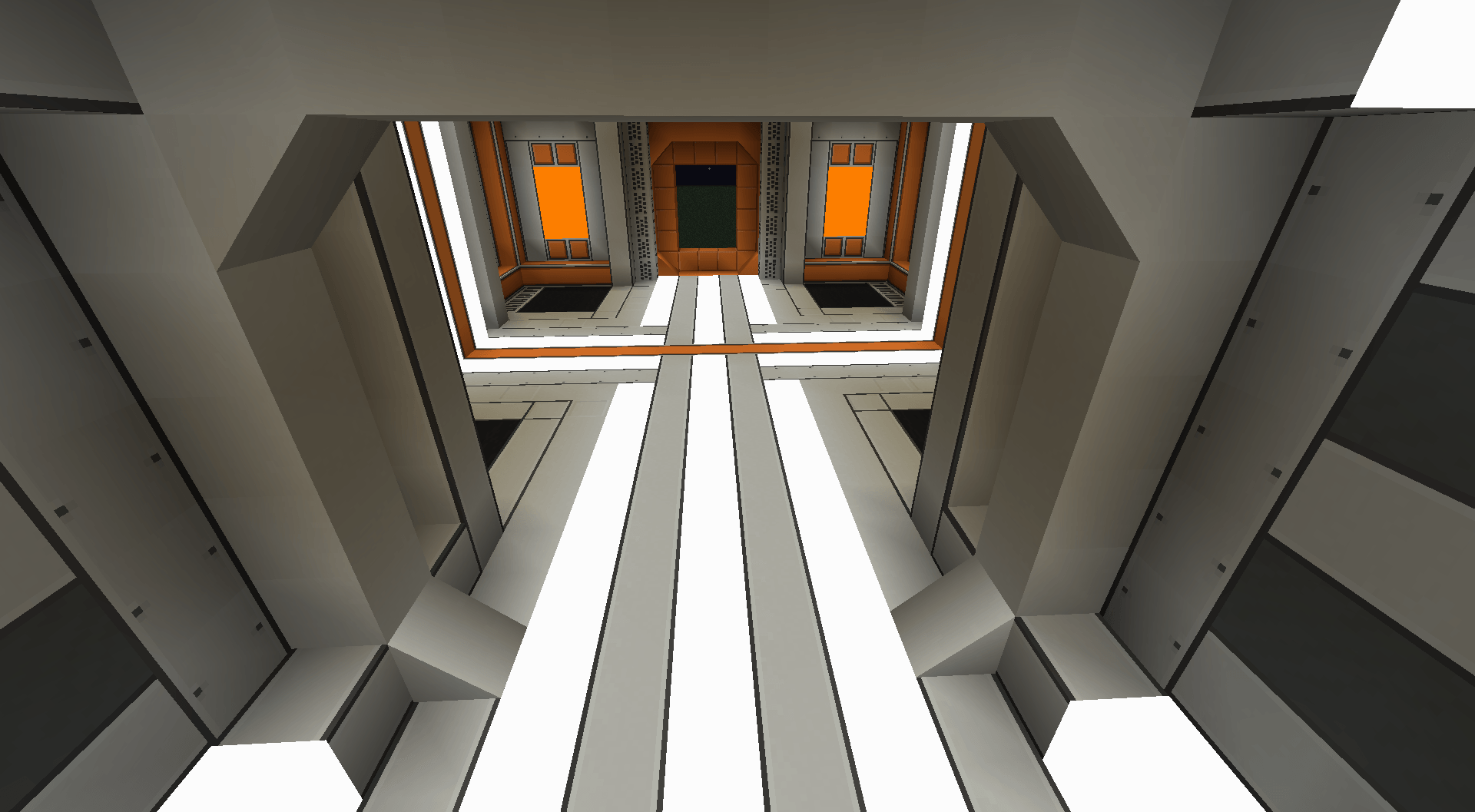 Synth Alloy Corridor Synth Alloy
 -
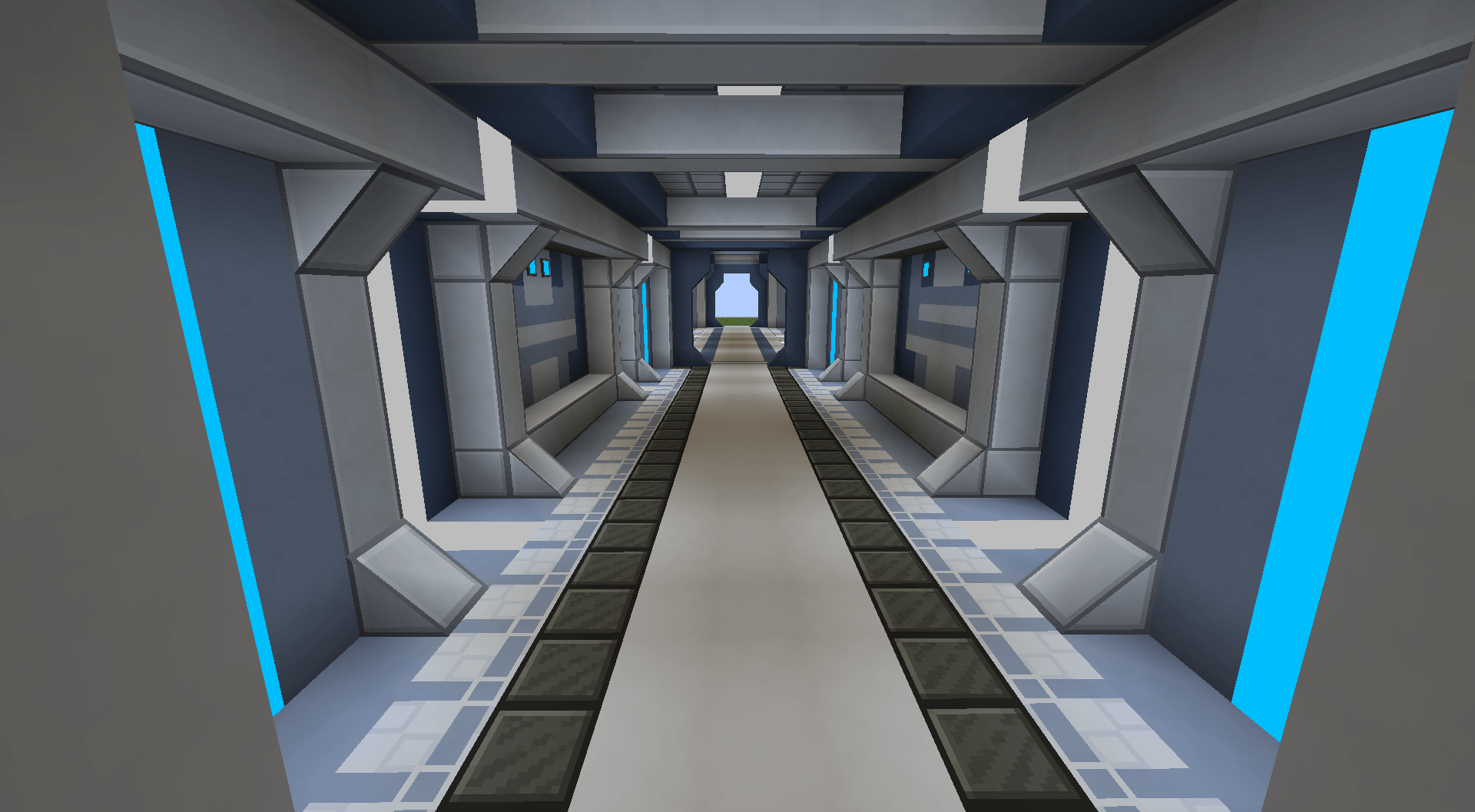 Lave Set Corridor Blocks: Lave, Iron Slate, Cyber Lights
 -
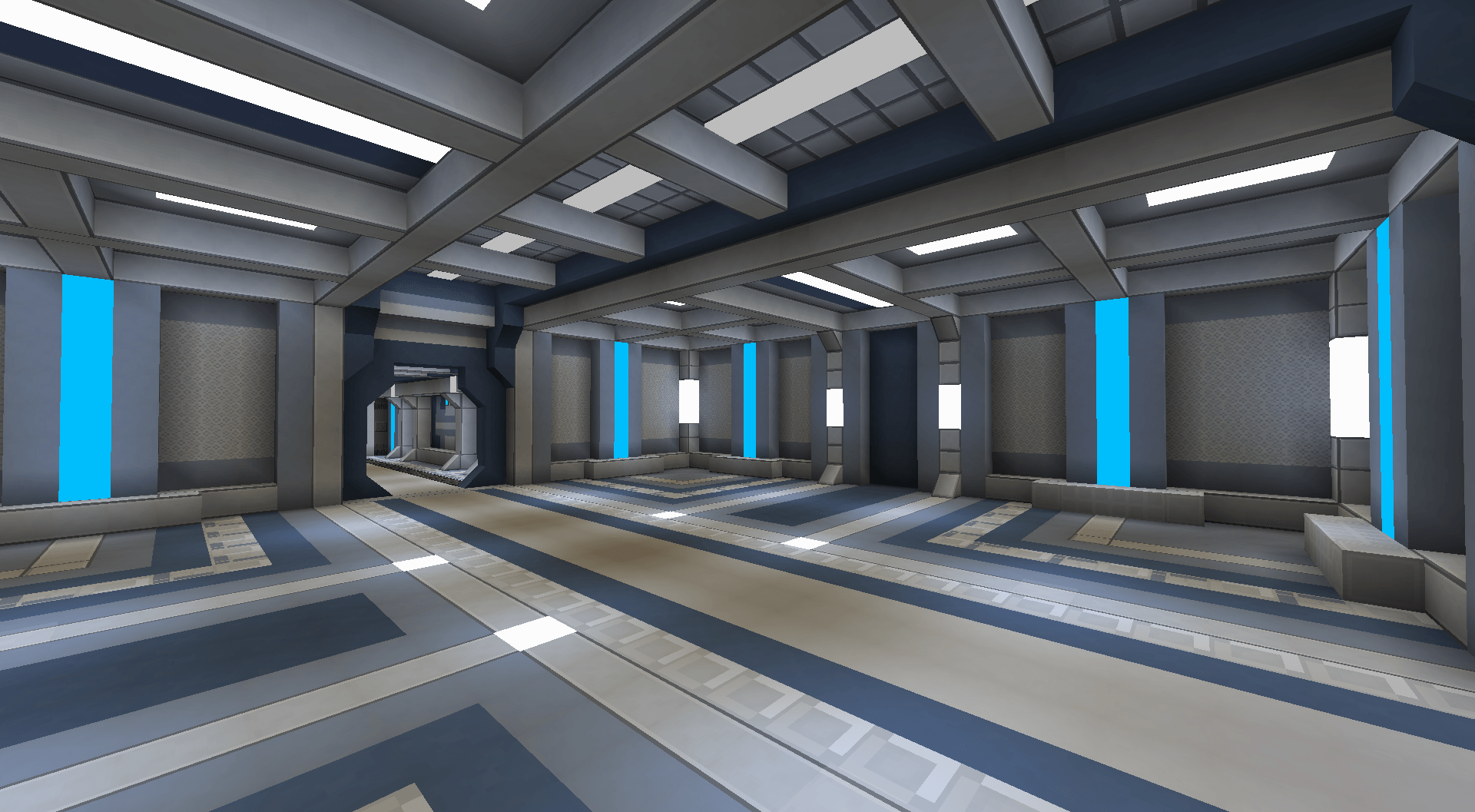 Lave Set new Variants Blocks: Lave, Cyber Lights, FramedBlocks Slope
 -
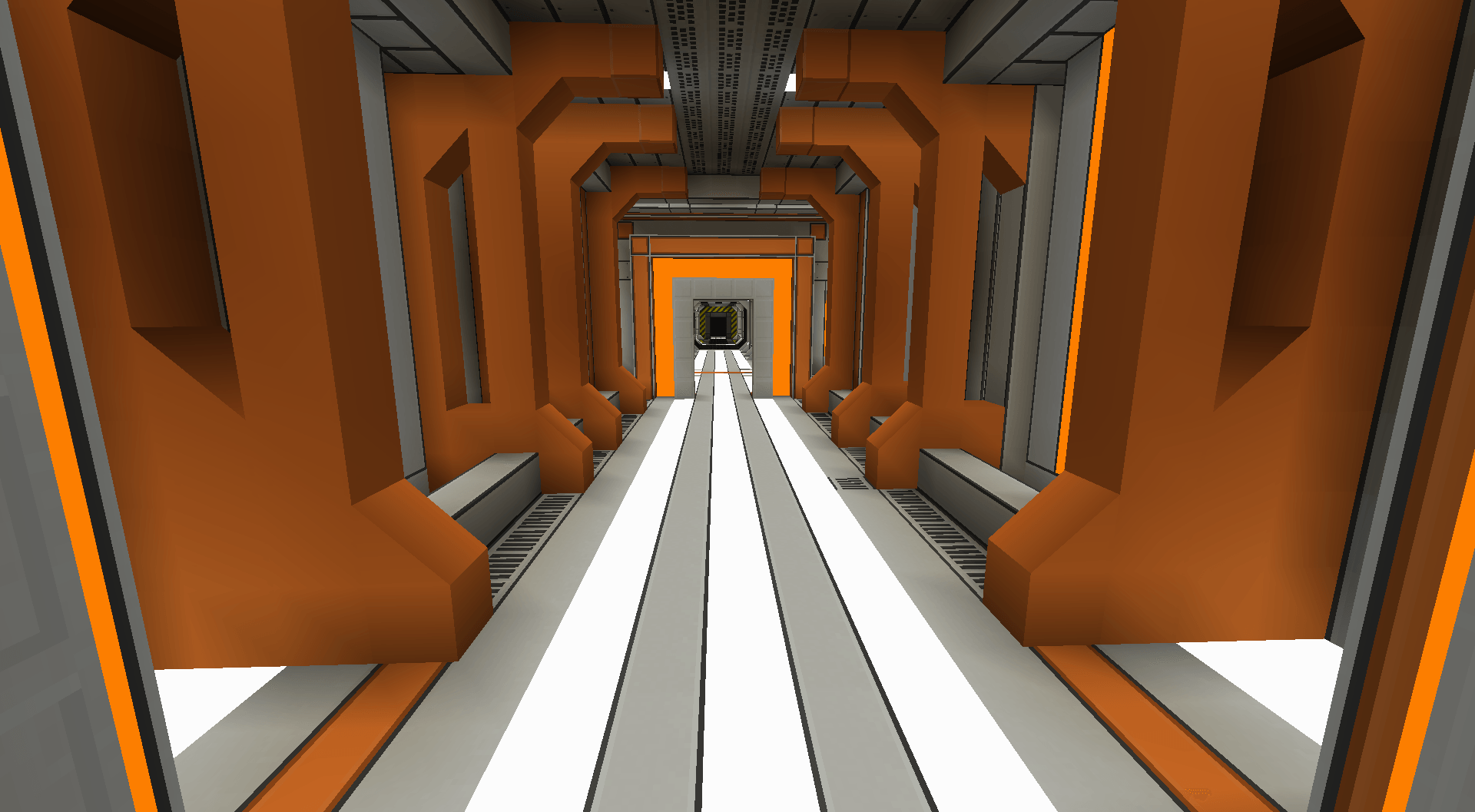 Synth + Amber Core Corridor
 -
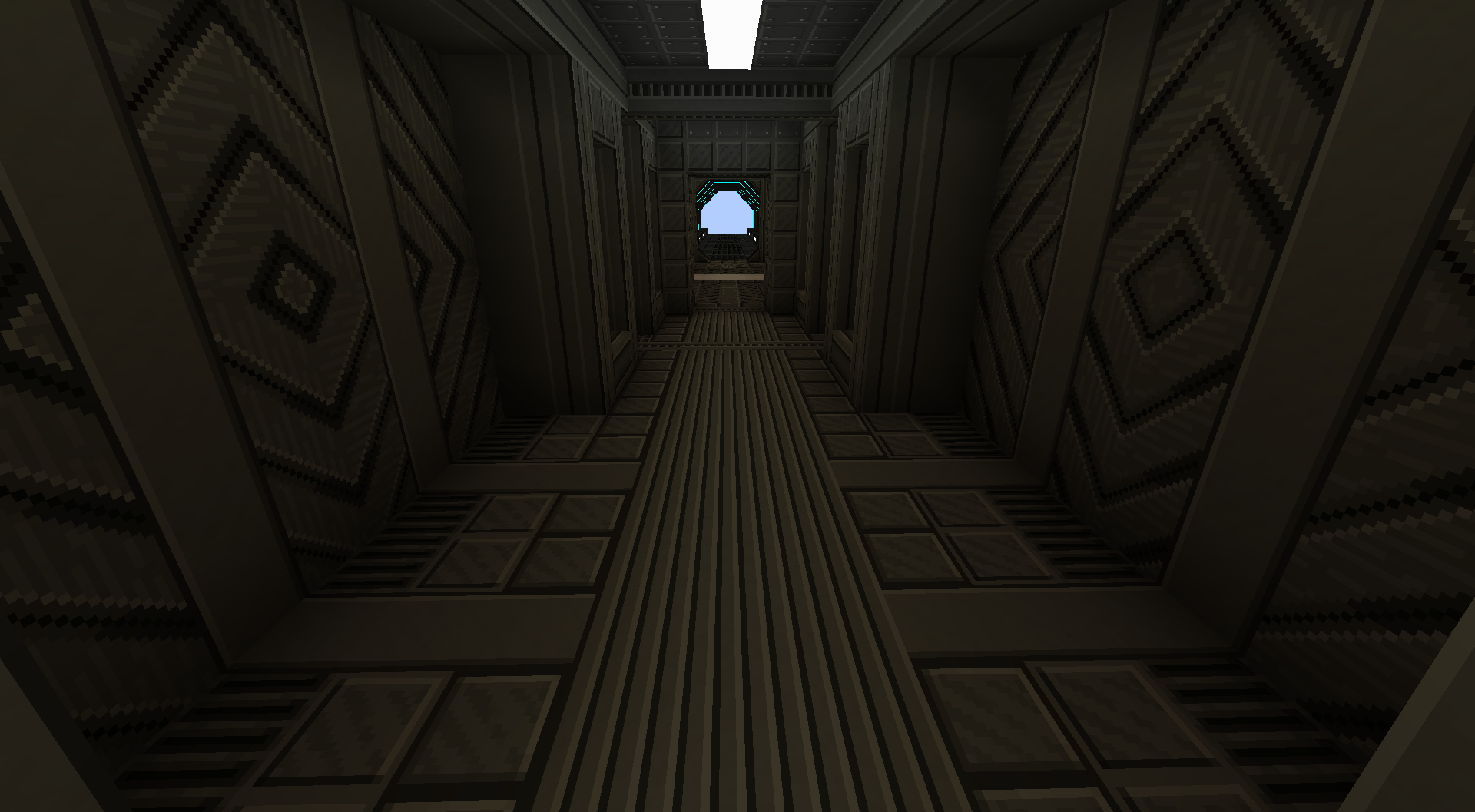 Full Rotataeble Block Variants
 -
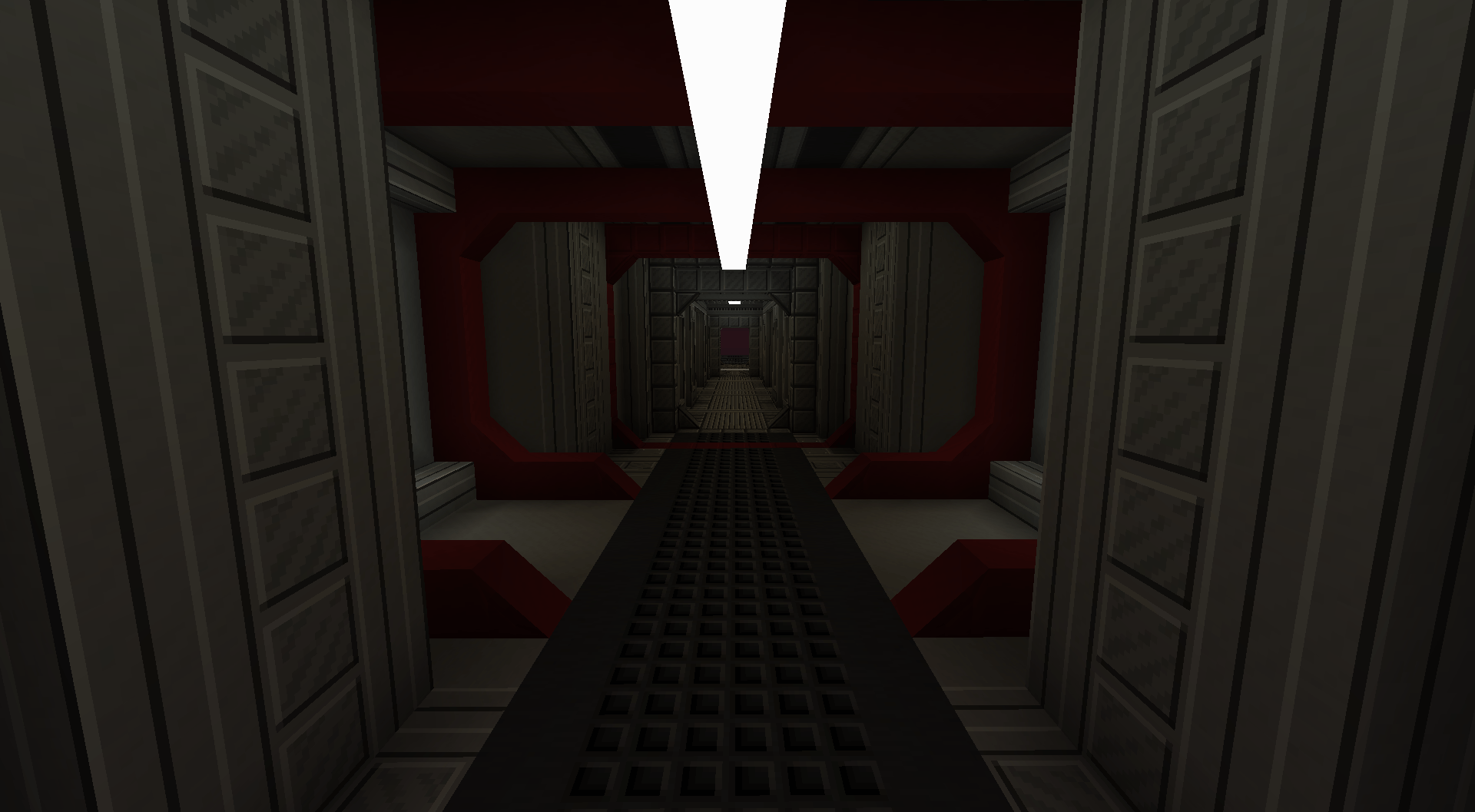 2025-10-16_14.27.44.png 2025-10-16_14.27.44.png
 -
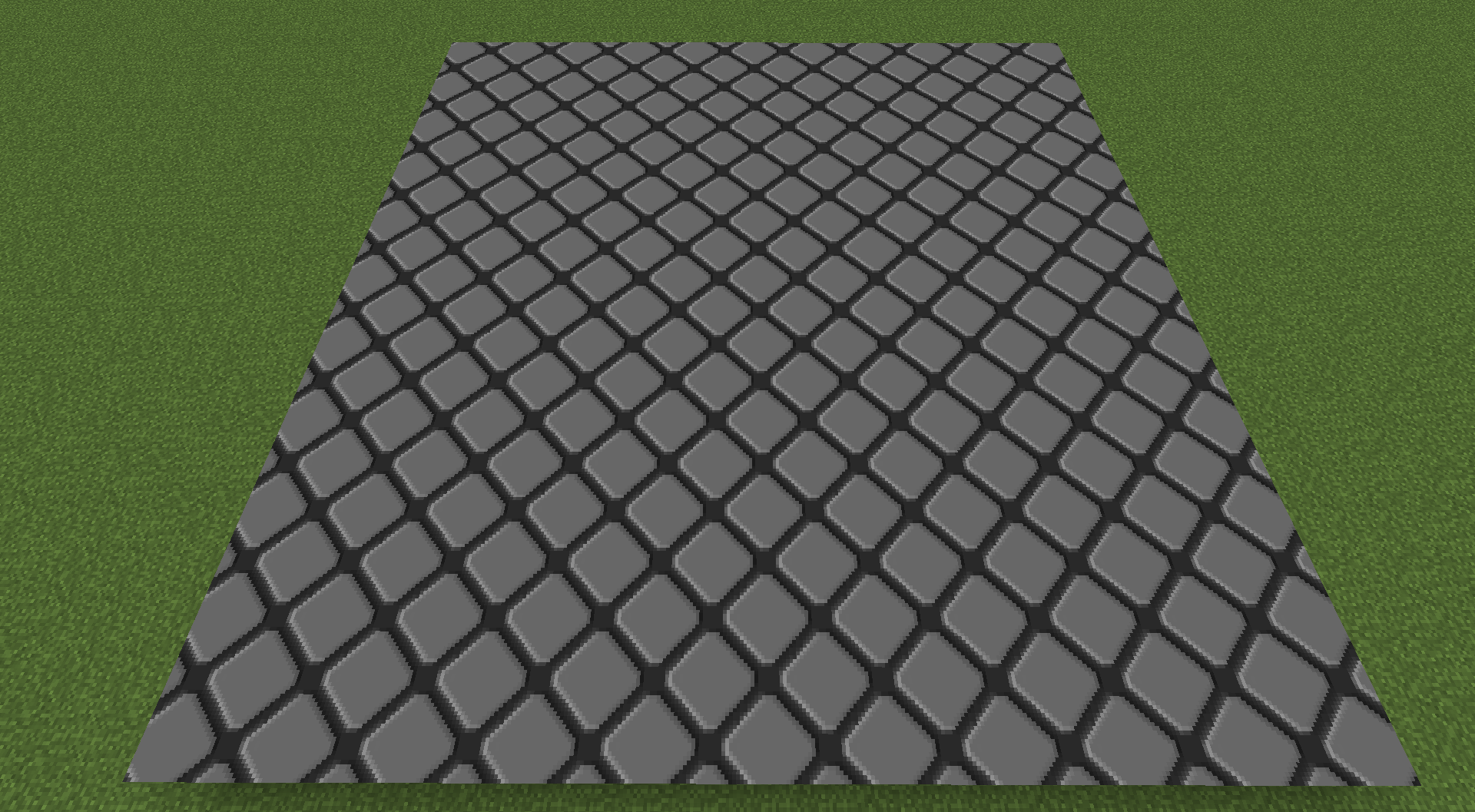 Zoea 0 + 3.png Zoea 0 + 3.png
 -
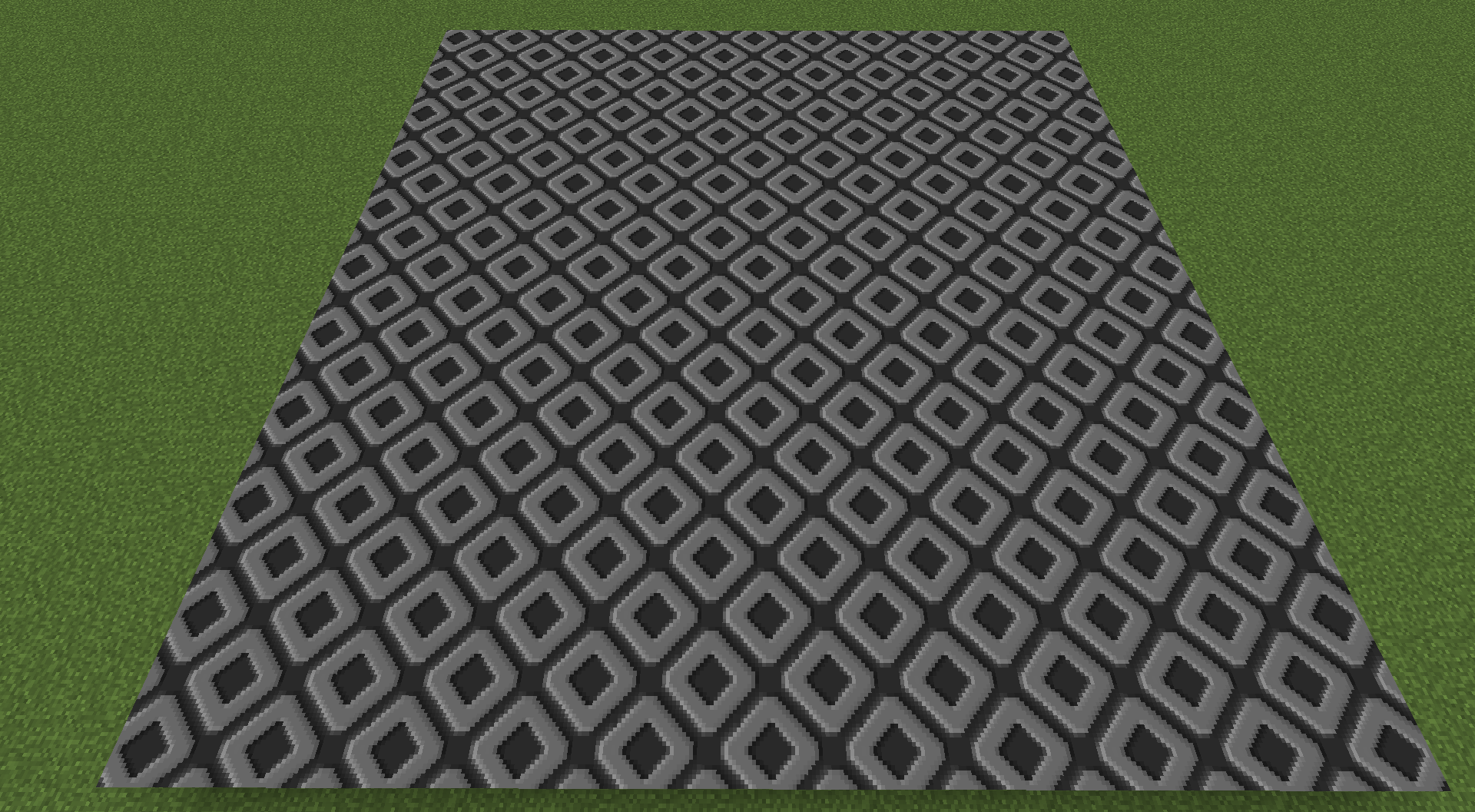 Zoea 0 + 2.png Zoea 0 + 2.png
 -
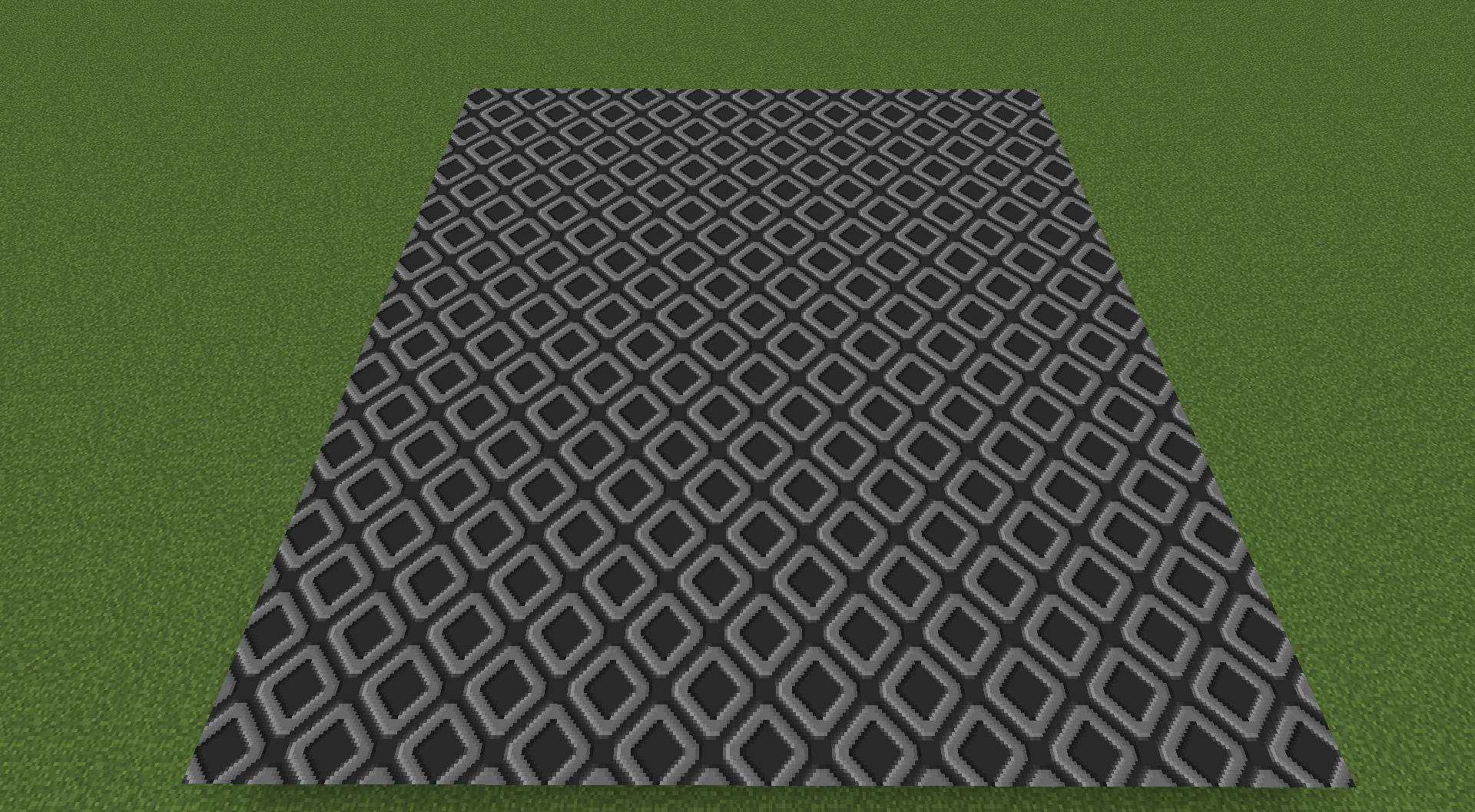 Zoea 0 + 1.png Zoea 0 + 1.png
 -
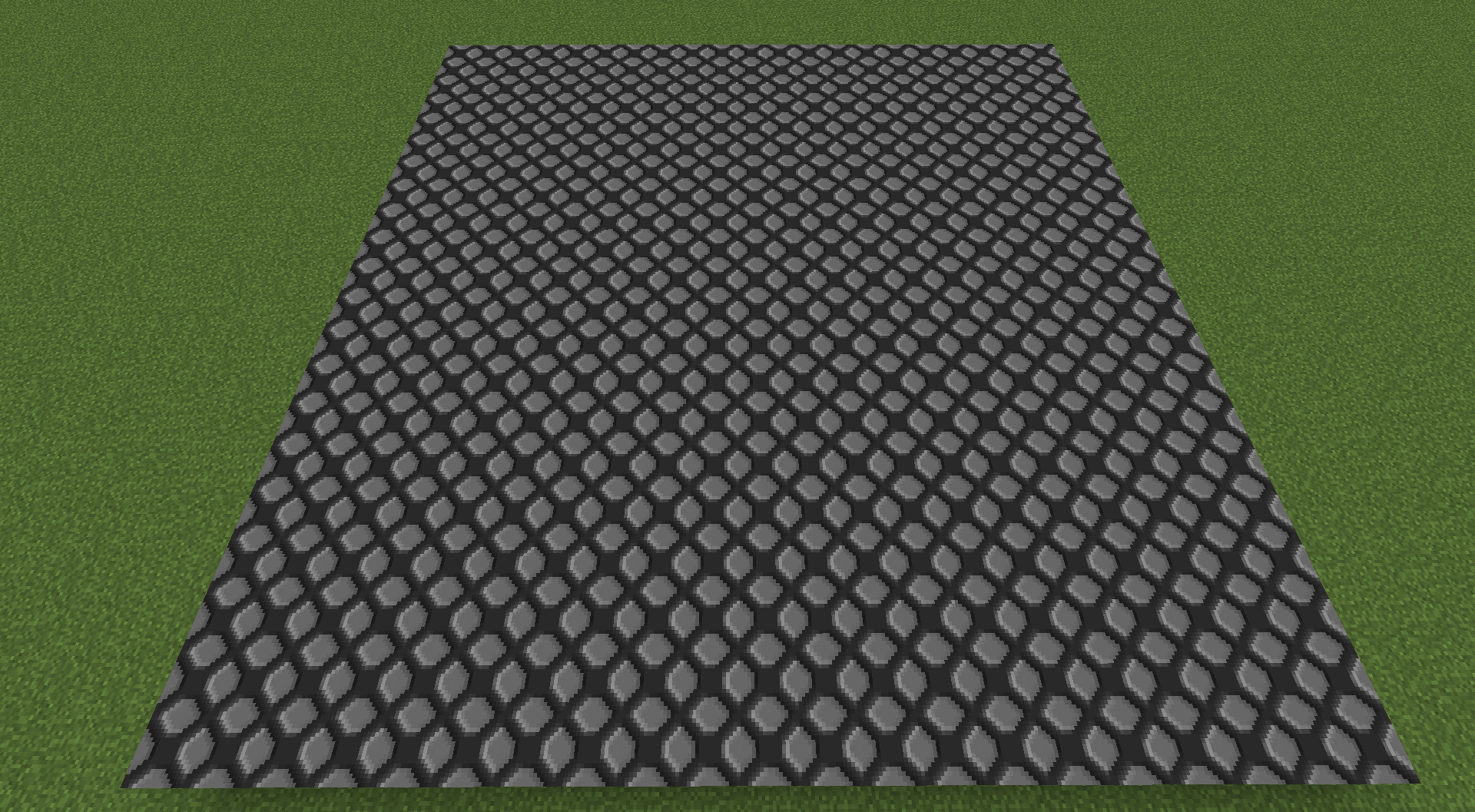 Zoea Base 0.png Zoea Base 0.png
 -
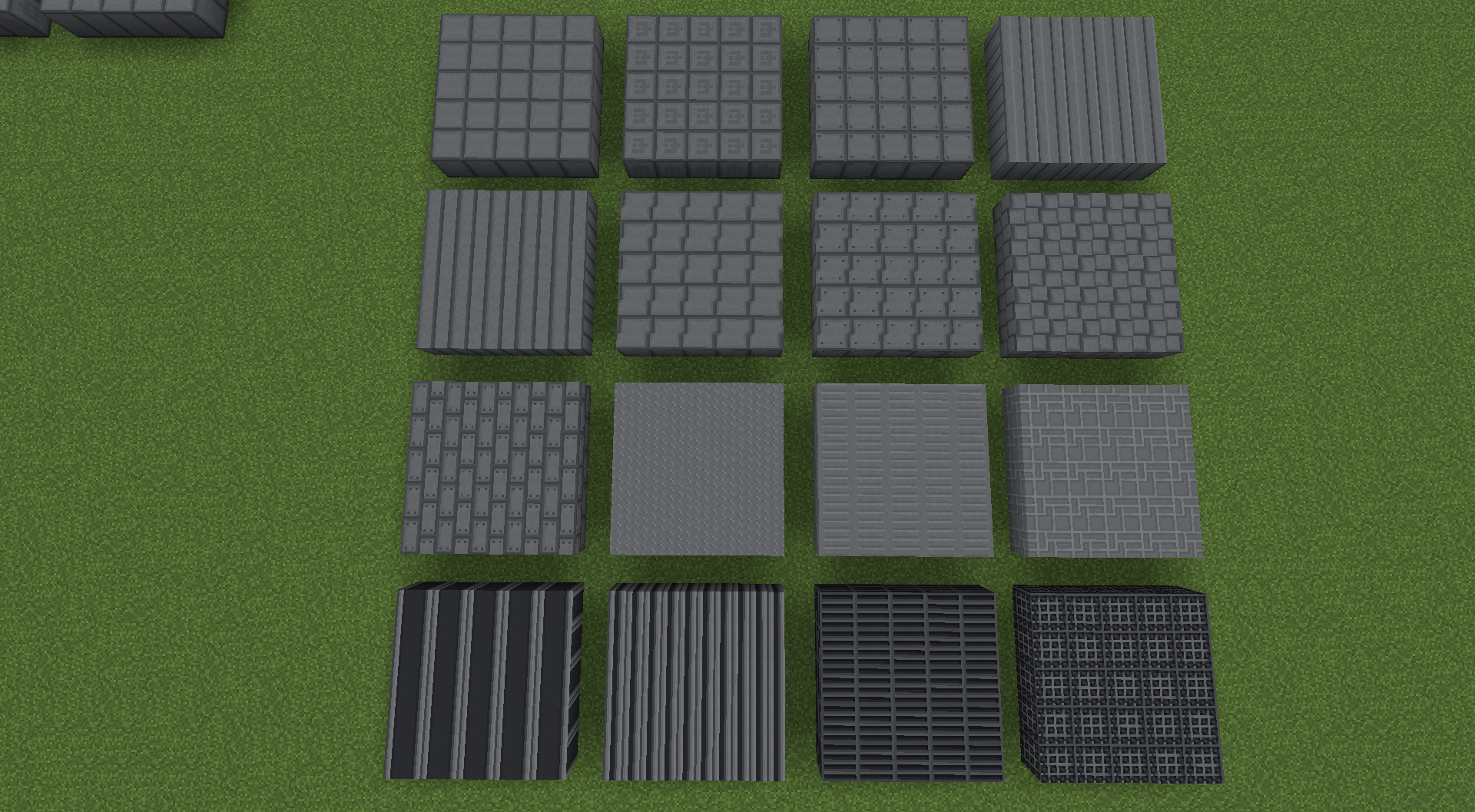 Tank Set.png Tank Set.png
-
-
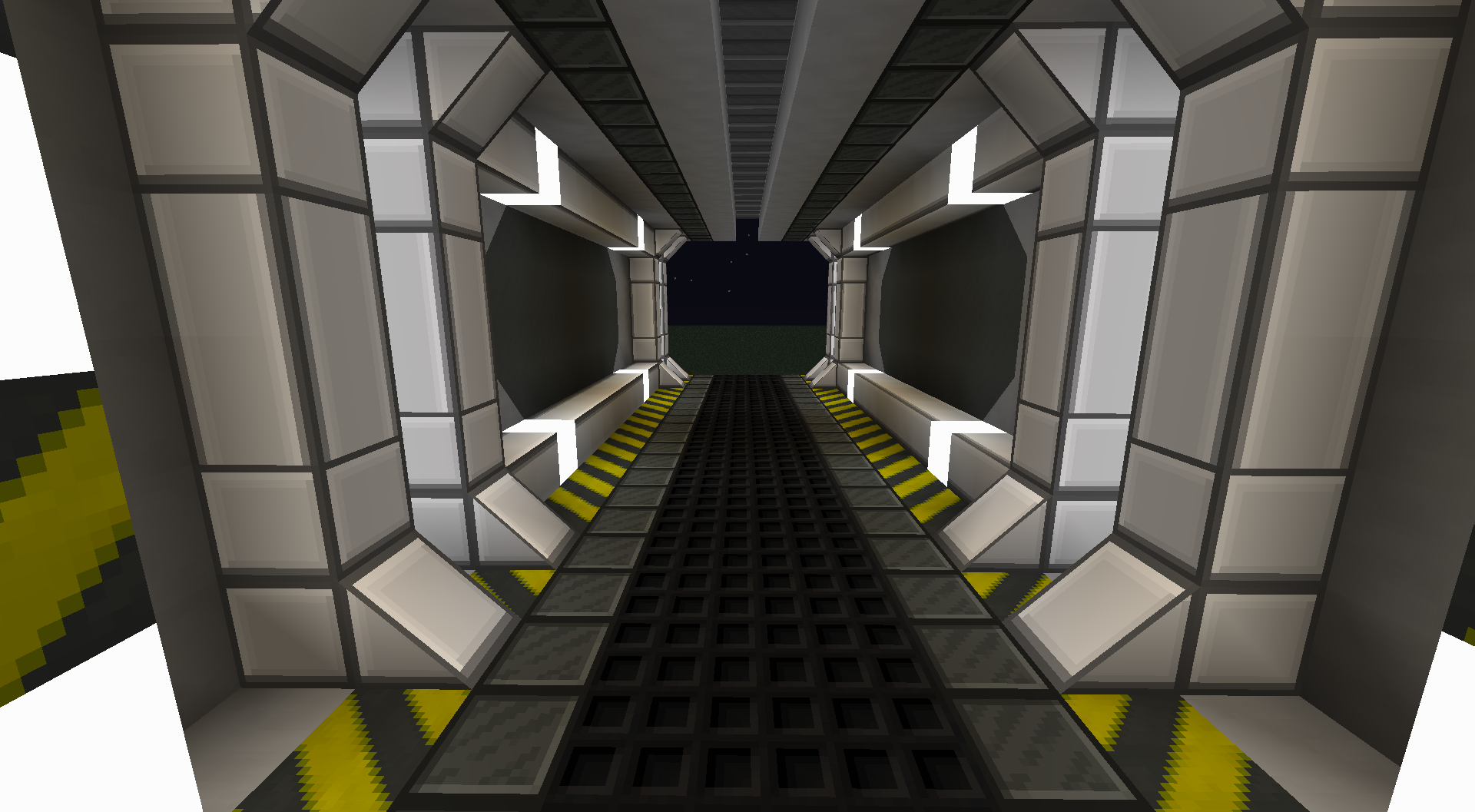 Hallway Blocks: Iron Slate, Luxe Iron, Flat Lamps, Cyber Lights, Hazard, Stone BlockZ, Eclipse(WIP). Framed and Double Slope from FramedBlocks Mod.
 -
-
-
-
-
-
-
-
-
-
Versions
Files
Relations
Project Relations
More like this
Similar Mods
Suggestions use data such as tags, dependencies, dependents, descriptions, titles, and more to rank how much they overlap with this mod.
On ModDex
Community snapshot
By the numbers
Statistics
 (opens in a new tab)
Get it on
Available Platforms
On ModDex
Community snapshot
By the numbers