
Community listing page, reviews may not be monitored by the author.
BetterFps

No reviews yet
Performance Improvements

Community voices
Reviews
No reviews yet. Be the first to review this project!
Get it on
Available Platforms
About
Project Details
For authors
Embed Badge
If you're the author of this project, you can embed a live badge anywhere that supports HTML or Markdown. It updates automatically whenever ratings change.
Use HTML for any page that supports it, or Markdown for README files and Markdown-based descriptions.
Identifiers
Platform IDs
About
Description
BetterFps is a Minecraft mod that add a few performance improvements, trying to be compatible with other mods.
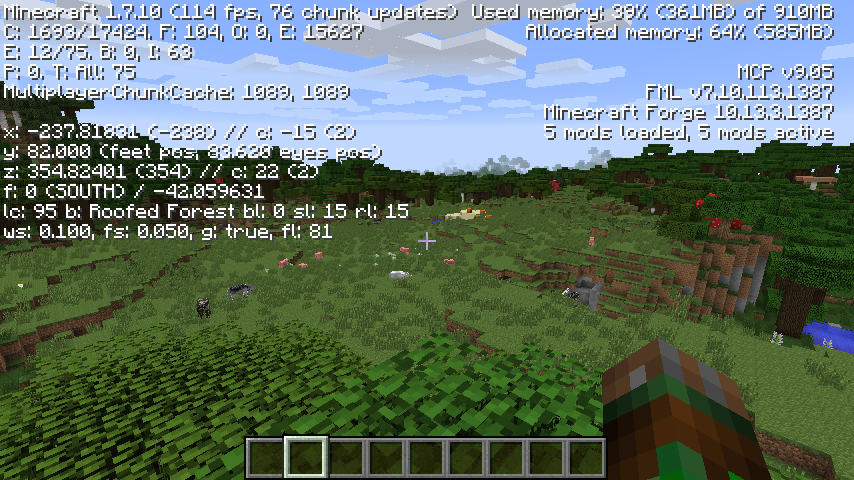
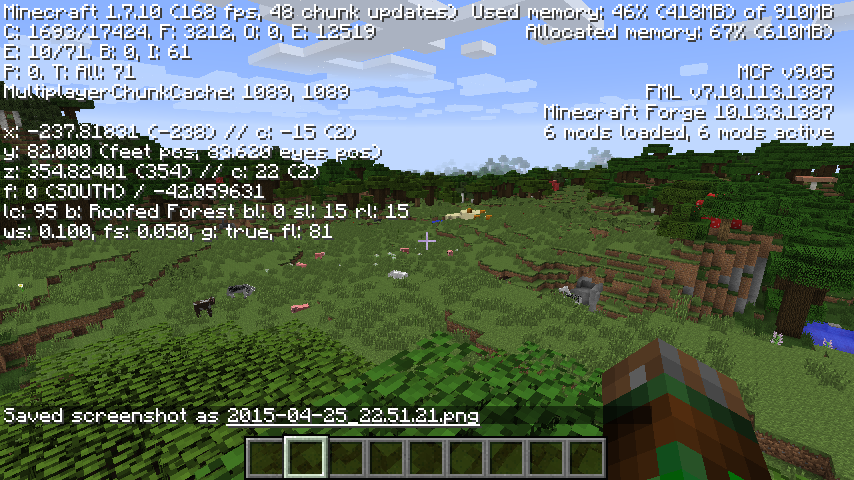
If you have two screenshots comparing with and without, PM me.
These screenshots are outdated and many improvements have been implemented since then.
Improvements
All improvements can be enable or disabled in the config file (config/betterfps.json) or in the options menu (Options -> BetterFps Options) (For older versions, press F12 while in game).
Algorithm
Changes sin() and cos() algorithm. There are 7 algorithms. Each one of them may or may not help you, it really depends on the hardware of your computer.
Currently, it's pretty similar from what FpsPlus used to do, but it doesn't edit base classes.
I have plans to expand this, not in more algorithms, but in algorithm generation based on benchmarks.
Affects both client-side and server-side.
Memory Preallocation
Removes a RAM preallocation of 10MB. This allocation was added to prevent players from starting the game with low memory, but this allocation is kept until its almost the memory reaching its limit. This was made just for players using modpacks, where memory might be a problem. If you have enough memory, this is pretty much useless for you.
Only affects client-side.
Fog
Removes the fog. The fog creates a lot of lag, why not add an option to remove it?
Only affects client-side.
Beacon Beam
Removes the transparent layer of the beam. It might help it when there's a lot of beacons.
Experimental - I'm still testing if it actually helps anyone, I might remove it.
Only affects client-side.
Fast Hopper
Hoppers are very unoptimized, they keep checking for items to pickup when there's no need for it. Simply putting a solid full block on top of it stops looking for items to pickup.
Recently, Forge has added the new capability API, which forced me to remove others improvements. I might reimplement them in the future.
Only affects server-side.
Fast Beacon
Beacons are also unoptimized, the code processes stuff that it didn't need to. Not only it was recoded thinking in performance, the code was also organized for processing stuff only when it needs to.
Affects both client-side and server-side.
Fast Search
The creative mode search is really unoptimized, in big modpacks, the pressing any key in the text input would freeze the game by a few moments. This improvement implements a smart search algorithm, reusing old results for new searches. It will also prevent any non-alphadecimal key (such as shift) from updating the search.
It also supports multithreaded/asynchronous searches: they will prevent lag spikes from happening when searching
Only affects client-side.
Installation
Installation for Minecraft Forge
- Find the game installation folder
- Drop the mod file in the mods folder
Note: The mod will not appear in the mod list due to a missing feature in Forge. I've been trying to add this feature to Forge for about as long as this mod exists, but this is up to Forge devs, not me :/
If you want to check if the mod is installed, you can open the options menu, it should have a BetterFps button in there.
Installation for Minecraft Vanilla
- Double click the mod file to open the installer
- Click "Install"
- Change the installation directory, version and profile according to your preferences.
- Open/Restart the Minecraft Launcher
- Play the game :)
Modpacks
You may add this mod to your modpack if I'm credited (Guichaguri) and you link this page.
You can only distribute the mod in modpacks. Do not repost this mod or claim ownership, all versions are only uploaded to CurseForge.
Compatibility
- Optifine: Overwrites Fast Math when the algorithm is not set to "Vanilla"
- Fastcraft: Full
- FpsPlus+: BetterFps will override FpsPlus sine & cosine improvements
If you have issues with this mod, report here.
Screenshots
Gallery
-
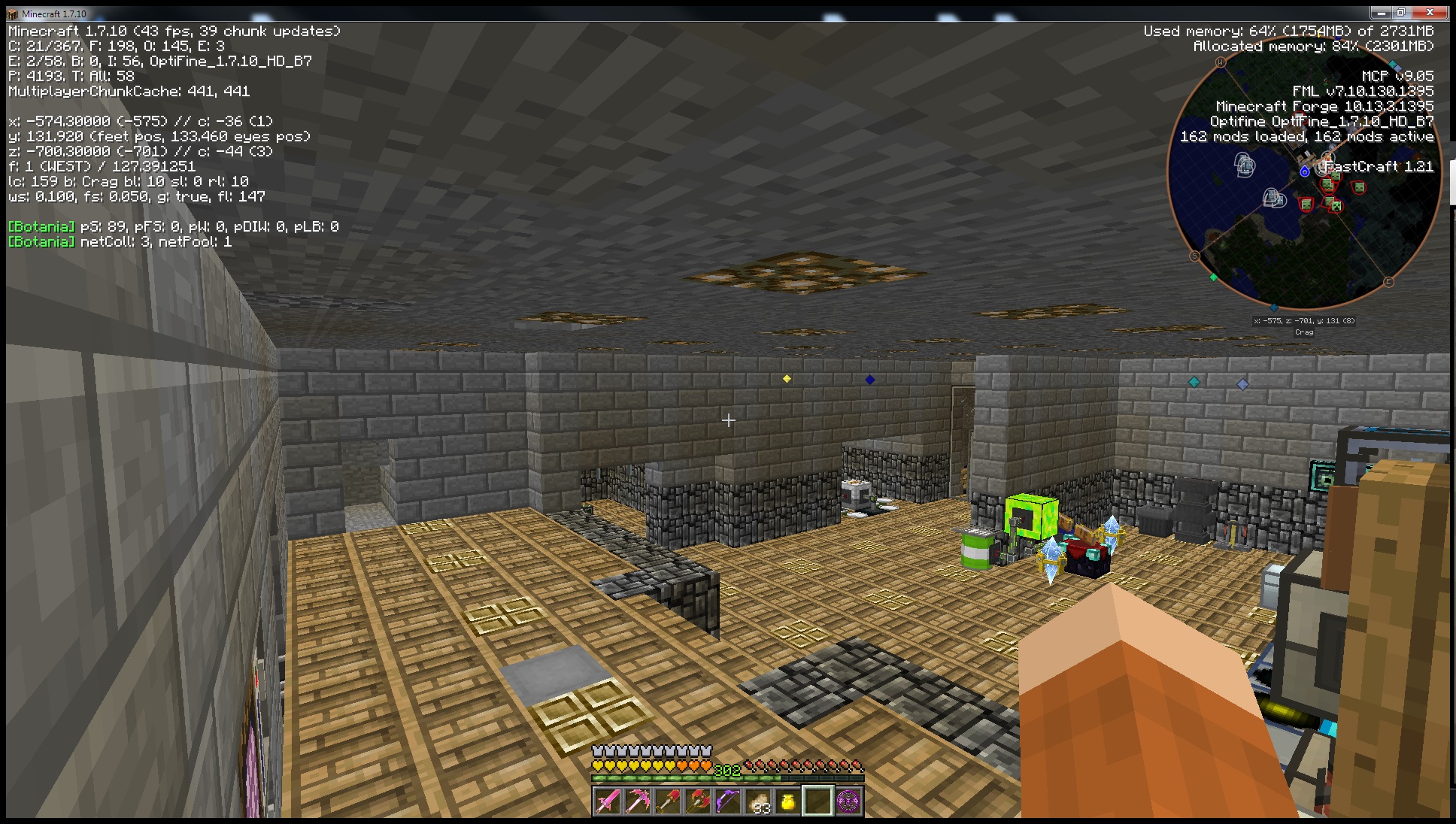 PC 3 - After (Sent by Fungamer) The screenshot was taken by Fungamer
 -
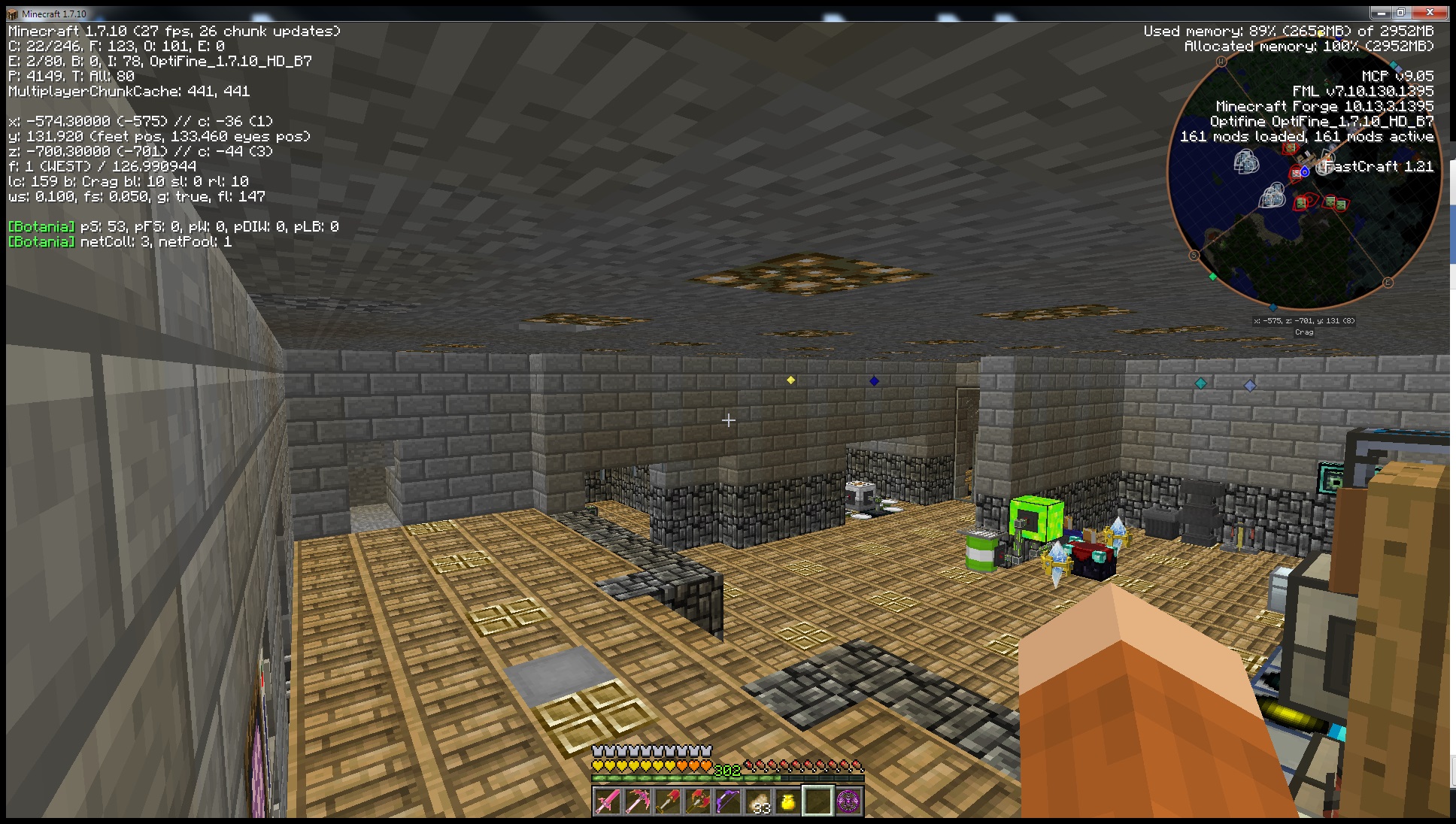 PC 3 - Before (Sent by Fungamer) The screenshot was taken by Fungamer
 -
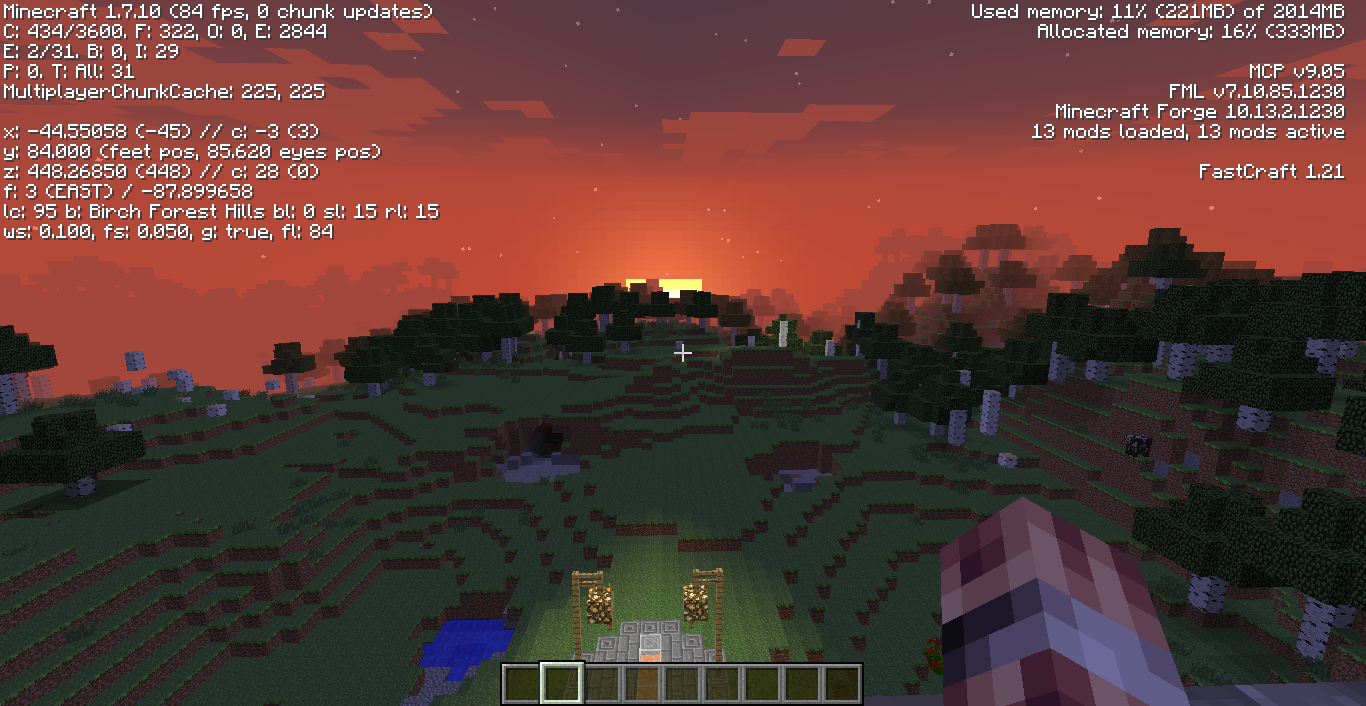 PC 2 - AFTER (Sent by SliceOfMeat) The screenshot was taken by SliceOfMeat
 -
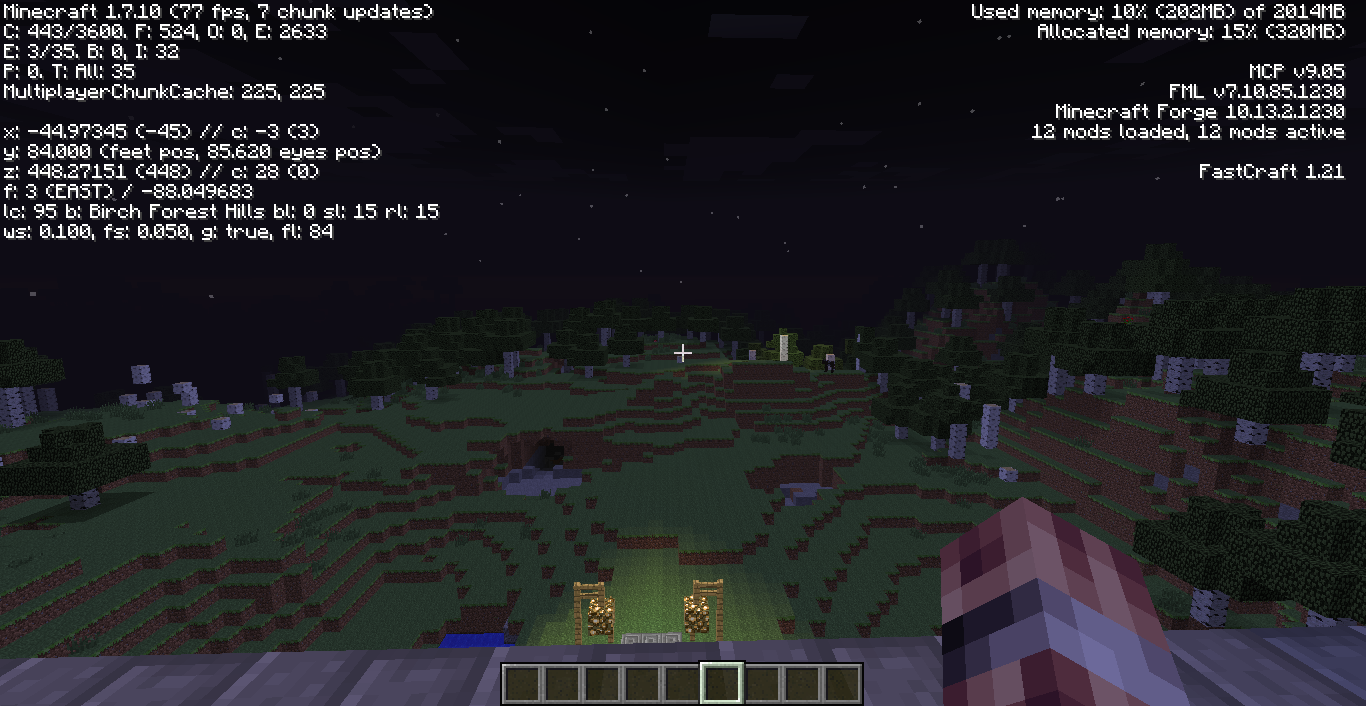 PC 2 - BEFORE (Sent by SliceOfMeat) The screenshot was taken by SliceOfMeat
 -
PC 1 - After Using Riven's "Full" Algorithm
-
PC 1 - Before Without BetterFps
Versions
Files
Relations
Project Relations
More like this
Similar Mods
Suggestions use data such as tags, dependencies, dependents, descriptions, titles, and more to rank how much they overlap with this mod.
On ModDex
Community snapshot
By the numbers
Statistics
 (opens in a new tab)
Get it on
Available Platforms
On ModDex
Community snapshot
By the numbers