Community listing page, reviews may not be monitored by the author.
BetterItem

No reviews yet
Add custom items to Minecraft without coding — just drop a PNG into the config folder and restart. Supports names, tooltips, animated textures, and custom models. Works on servers with automatic client sync.

Community voices
Reviews
No reviews yet. Be the first to review this project!
Get it on
Available Platforms
About
Project Details
For authors
Embed Badge
If you're the author of this project, you can embed a live badge anywhere that supports HTML or Markdown. It updates automatically whenever ratings change.
Use HTML for any page that supports it, or Markdown for README files and Markdown-based descriptions.
Identifiers
Platform IDs
Resources
External Links
About
Description
BetterItem
BetterItem is a Minecraft Forge mod for Minecraft 1.20.1 that lets you add custom items to the game without writing a single line of code - just drop texture files into a config folder and launch the game.
All items are registered dynamically at startup, appear in a dedicated BetterItem creative tab, and support custom display names and tooltips via standard language files.
How It Works
On every game launch BetterItem scans the folder
.minecraft/config/betteritem/textures/Every .png file found there becomes a registered item. The item's registry name is derived directly from the file name (lowercased, special characters replaced with _).
If the textures folder is empty on the first launch, a placeholder dummy item is created automatically so the mod can start without errors.
Config Folder Structure
.minecraft/
└── config/
    └── betteritem/
        ├── textures/          ← item textures (required)
        │   ├── my_item.png
        │   └── my_item.png.mcmeta   ← optional animation metadata
        ├── models/            ← optional custom item models
        │   └── my_item.json
        └── lang/              ← optional display names & tooltips
            ├── en_us.json
            └── ru_ru.json
Supported Files
textures/ - Item Textures (required)
| File | Description |
|---|---|
<item_name>.png |
The item texture. The file name (without .png) becomes the item's registry ID. |
<item_name>.png.mcmeta |
(Optional) Animation metadata for animated textures (standard Minecraft .mcmeta format). |
Rules for file names:
- Only lowercase Latin letters, digits,
.,_,/, and-are allowed.- Other characters are automatically replaced with
_.- File names must be unique - duplicate names (after sanitisation) will cause a startup error.
models/ - Item Models (optional)
| File | Description |
|---|---|
<item_name>.json |
A custom item model JSON. If absent, a standard item/generated model is generated automatically, using the texture from textures/. |
Auto-generated model (used when no .json is provided):
{
  "parent": "minecraft:item/generated",
  "textures": {
    "layer0": "betteritem:item/<item_name>"
  }
}
lang/ - Translations (optional)
| File | Description |
|---|---|
en_us.json |
English display names and tooltips. |
ru_ru.json |
Russian display names and tooltips (or any other locale). |
Format:
{
  "item.betteritem.<item_name>": "Display Name",
  "tooltip.item.betteritem.<item_name>": "Tooltip text shown on hover"
}
Minecraft color/formatting codes (§c, §6, §7, etc.) are supported inside the strings.
Example:
{
  "item.betteritem.ancient_rune": "§6Ancient Rune",
  "tooltip.item.betteritem.ancient_rune": "§7Older than time itself..."
}
If no translation is provided for an item, Minecraft displays the raw translation key as a fallback.
Adding a New Item - Step by Step
Prepare a texture - create a PNG image (recommended
16×16or32×32pixels).Name the file using only lowercase letters, digits, and underscores, e.g.
solar_crystal.png.Place the texture in:
.minecraft/config/betteritem/textures/solar_crystal.png- (Optional) Add a custom model to:
.minecraft/config/betteritem/models/solar_crystal.jsonSkip this step to use the auto-generated flat 2D model.
- (Optional) Add display names and a tooltip to the appropriate language file(s):
.minecraft/config/betteritem/lang/en_us.json {
"item.betteritem.solar_crystal": "Solar Crystal",
"tooltip.item.betteritem.solar_crystal": "§7Radiates warm light."
}- (Optional) Add animation - place an
.mcmetafile next to the texture:
.minecraft/config/betteritem/textures/solar_crystal.png.mcmeta {
"animation": {
"frametime": 4
}
}- Launch (or restart) Minecraft. The item will appear in the BetterItem creative tab.
Multiplayer / Server
BetterItem synchronises item lists between the server and the client on login. Both sides must have identical textures, otherwise the connection is rejected with a detailed mismatch message listing exactly which items are missing on the client or the server.
Notes
- Items are display-only by default - they have no special functionality beyond appearing in inventories and being obtainable via creative mode or commands (
/give @s betteritem:<item_name>). - The mod creates the
textures/folder automatically on first launch if it does not exist. - Removing a texture file and restarting the game will unregister that item.
Screenshots
Gallery
-
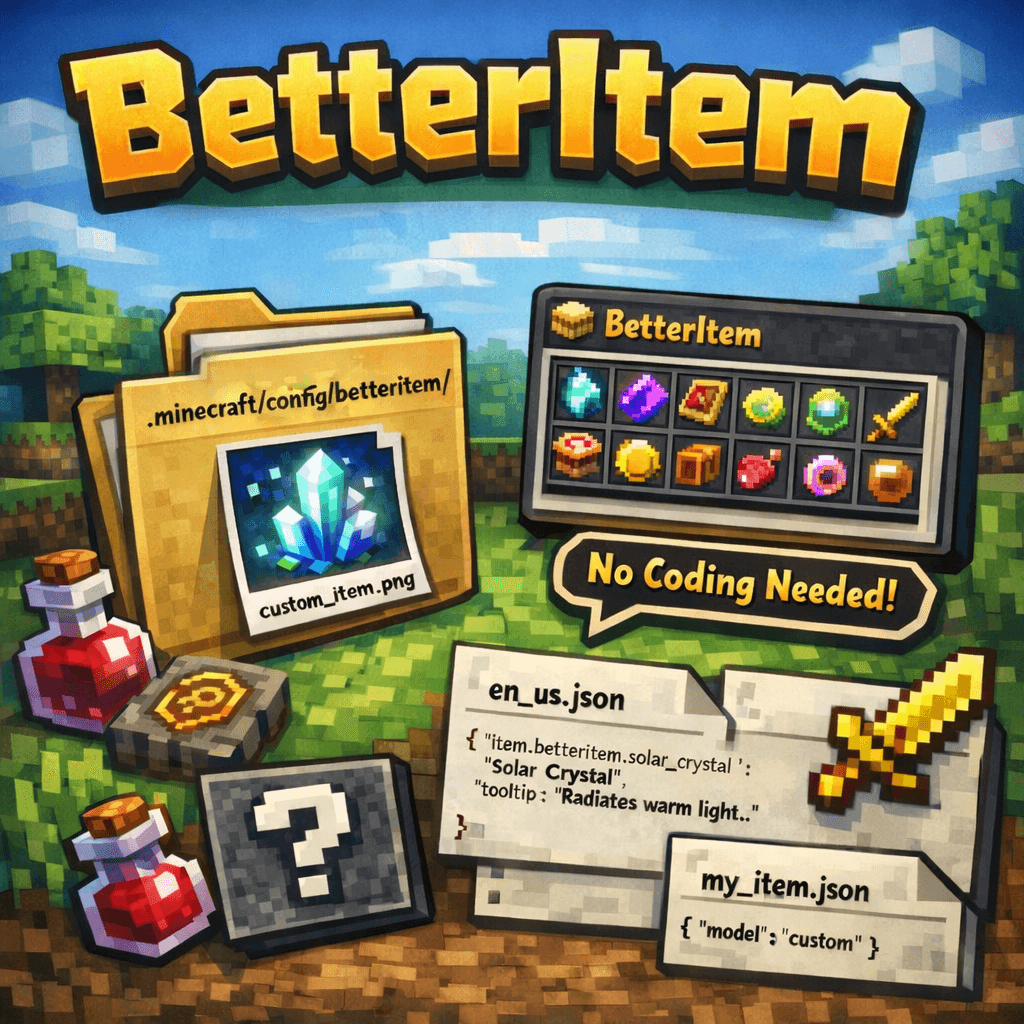 Logo.png Logo.png
Versions
Files
Relations
Project Relations
More like this
Similar Mods
Suggestions use data such as tags, dependencies, dependents, descriptions, titles, and more to rank how much they overlap with this mod.
On ModDex
Community snapshot
By the numbers
Statistics
 (opens in a new tab)
Get it on
Available Platforms
On ModDex
Community snapshot
By the numbers
Statistics
Resources