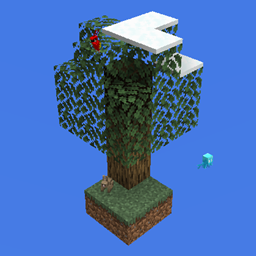
Community listing page, reviews may not be monitored by the author.
Biome: Emergent Biosphere

No reviews yet
Add a new Biome

Community voices
Reviews
No reviews yet. Be the first to review this project!
Get it on
Available Platforms
About
Project Details
For authors
Embed Badge
If you're the author of this project, you can embed a live badge anywhere that supports HTML or Markdown. It updates automatically whenever ratings change.
Use HTML for any page that supports it, or Markdown for README files and Markdown-based descriptions.
Identifiers
Platform IDs
Resources
External Links
About
Description
A new mod just spawned...
SKYBLOCK BIOME: EMERGENT BIOSPHERE
This "Mod" is fairly simple, it adds a new biome that can spawn most type of animal mobs, it also allows snow to fall under max build height (around y 180), allowing Players to build up to collect snow;
Here is a list of features:
-add a new Biome called Skyblock, can reference by "skyblockbiome:skyblock"
-snow falls at around Y 180;
-Sky is pretty;
-Skyblock Biome can spawn most type of animals;
-land creatures;
-Sheep;
-Pig;
-Chicken;
-Cow;
-Bat;
-Rabbit;
-Fox;
-Wolf;
-Horse;
-Donkey;
-Llama;
-Parrot;
-Ocelot;
-Allay;
-Polar Bear;
-Panda;
-Mooshroom, only on mycelium;
-Goat, only on some blocks;
-aquatic creatures;
-Squid;
-Cod;
-Salmon;
-Tropical Fish;
-Glow Squid;
-Dolphin
-all monster mobs spawn as usual, with the addition of husk and strays, which have a tiny chance of spawning;
Mobs that won't spawn:
-this is a list of mobs I decided to make obtainable in a DIFFERENT mod(not a biome mod);
-Axolotl;
-Turtle;
-Tadpole;
-this is a list of mobs I DIDN'T wanted to include;
-Guardian;
-Elder Guardian;
You should know that this Mod doesn't add a Map or a World Type, it simply add a Biome with the features that was previously stated, in case you are unsure how to use it, here's how (after installing the mod);
1. In the Main Menu, click on Single Player;
2. Create a New World;
3. Click on "More World Options..."
4. Turn off "Generate Structure" (just for the heck of it);
5. Select World Type: Superflat;
6. Click on "Customize" then "Presets";
7. Clear the textbox at the top and paste in this: 118*minecraft:air;skyblockbiome:skyblock
8. Click on "Use Preset" then "Done" and "Done" again;
9. Set Game Mode to "Creative";
10. Now you can put in any Gamerules you want and click "Create New World";
11. After you've entered the game, make sure you are Flying then enter the Command: /setblock 0 48 0 dirt
12. A Dirt Block should have appeared somewhere, if you can't find it, type in: /tp 0 48 0
13. After you have located your Dirt Block, you can start building your starter island;
14. Once you are done, go on top of your island and type in: /setworldspawn then /gamemode survival
15. Have the most fun you ever had;
Make sure you check out My Other Mods or My Skyblock Modpack;
Screenshots
Gallery
-
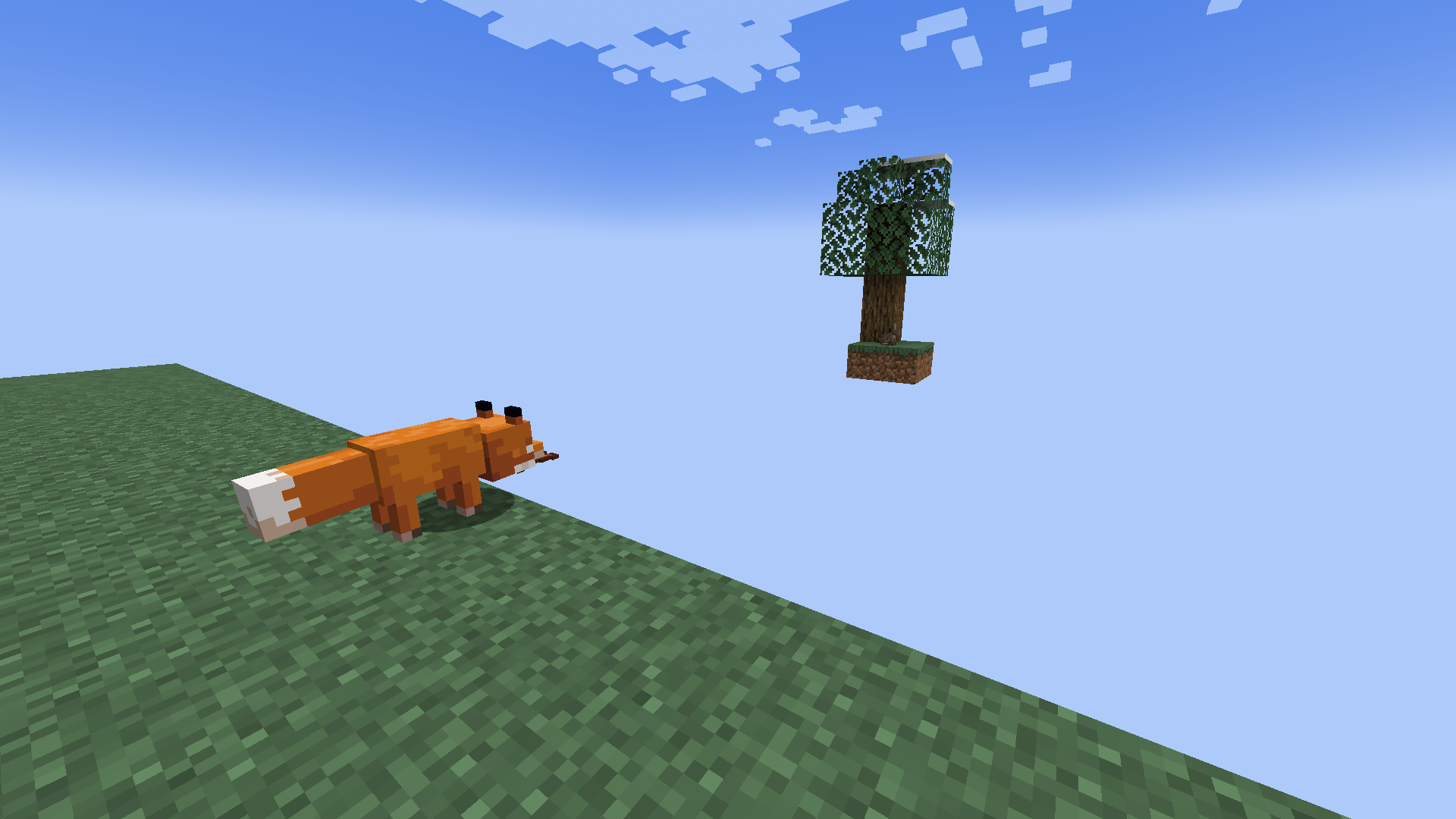
A Fox This naturally spawned Fox really wants to eat that bunny from the icon.
Versions
Files
Relations
Project Relations
More like this
Similar Mods
Suggestions use data such as tags, dependencies, dependents, descriptions, titles, and more to rank how much they overlap with this mod.
On ModDex
Community snapshot
By the numbers
Statistics

Get it on
Available Platforms
On ModDex
Community snapshot
By the numbers
Statistics
Resources