Community listing page, reviews here may not be monitored by the author.
BiomeInfo


No reviews yet
Displays the name of the current biome on screen.

Community voices
Reviews
No reviews yet. Be the first to review this project!
Get it on
Available Platforms
Compatibility
Supported Environments
Runs entirely on the client. Works on vanilla servers.
About
Project Details
For authors
Embed Badge
If you're the author of this project, you can embed a live badge anywhere that supports HTML or Markdown. It updates automatically whenever ratings change.
Use HTML for any page that supports it, or Markdown for README files and Markdown-based descriptions.
Identifiers
Platform IDs


About
Description
Functionality
This mod will show a simple text containing the name of the biome the player is currently in.
This is useful if you'd like to have constant information about which biome you're currently traveling in, but don't want your screen to be cluttered with other information.
The info will show once for 1.5 seconds after you entered a new biome. It will then fade out. You can change the time the info appears, or have it shown all the time via the mod's configuration options. To turn the display off completely, toggle the corresponding option.
Config
The text will show at the top left corner of Minecraft by default, however you can completely customize its position and color with the configuration file. There are a few position presets that make it easier for you to choose a position you like without needing to fiddle with the config settings.
To change the text's color, copy the hexadecimal value of a color into the configuration field. For instance, the hex value of white is ffffff (you can use an online tool to get the value of other colors).
Other configuration options include scaling the text, making the text render with a shadow (true by default), and changing the text alignment.
Further Info
- This mod is compatible with any other biome mod, like Biomes o' Plenty.
- Should the debug screen (F3) be open, the biome info will not be rendered (configurable).
- This mod is a client side mod. It will not do anything if installed on a server.
- Please be careful if you use this on a public server, the rules may not allow its usage.
- You are allowed to use this mod in any modpack.


Come join me on Discord! https://discord.gg/kgZUAxK

Follow me on Twitter for mod updates and other shenanigans! https://twitter.com/bl4ckscor3
Functionality
This mod will show a simple text containing the name of the biome the player is currently in.
This is useful if you'd like to have constant information about which biome you're currently traveling in, but don't want your screen to be cluttered with other information.
The info will show once for 1.5 seconds after you entered a new biome. It will then fade out. You can change the time the info appears, or have it shown all the time via the mod's configuration options. To turn the display off completely, toggle the corresponding option.
Config
The text will show at the top left corner of Minecraft by default, however you can completely customize its position and color with the configuration file. There are a few position presets that make it easier for you to choose a position you like without needing to fiddle with the config settings.
To change the text's color, copy the hexadecimal value of a color into the configuration field. For instance, the hex value of white is ffffff (you can use an online tool to get the value of other colors).
Other configuration options include scaling the text, making the text render with a shadow (true by default), and changing the text alignment
Further Info
- This mod is compatible with any other biome mod, like Biomes o' Plenty.
- Should the debug screen (F3) be open, the biome info will not be rendered (configurable).
- This mod is a client side mod. It will not do anything if installed on a server.
- Please be careful if you use this on a public server, the rules may not allow its usage.
- You are allowed to use this mod in any modpack.
Come join me on Discord! https://discord.gg/kgZUAxK
Follow me on Twitter for mod updates and other shenanigans! https://twitter.com/bl4ckscor3
Functionality
This mod will show a simple text containing the name of the biome the player is currently in.
This is useful if you'd like to have constant information about which biome you're currently traveling in, but don't want your screen to be cluttered with other information.
The info will show once for 1.5 seconds after you entered a new biome. It will then fade out. You can change the time the info appears, or have it shown all the time via the mod's configuration options. To turn the display off completely, toggle the corresponding option.
Config
The text will show at the top left corner of Minecraft by default, however you can completely customize its position and color with the configuration file. There are a few position presets that make it easier for you to choose a position you like without needing to fiddle with the config settings.
To change the text's color, copy the hexadecimal value of a color into the configuration field. For instance, the hex value of white is ffffff (you can use an online tool to get the value of other colors).
Other configuration options include scaling the text, making the text render with a shadow (true by default), and changing the text alignment.
Further Info
- This mod is compatible with any other biome mod, like Biomes o' Plenty.
- Should the debug screen (F3) be open, the biome info will not be rendered (configurable).
- This mod is a client side mod. It will not do anything if installed on a server.
- Please be careful if you use this on a public server, the rules may not allow its usage.
- You are allowed to use this mod in any modpack.
Screenshots
Gallery
-
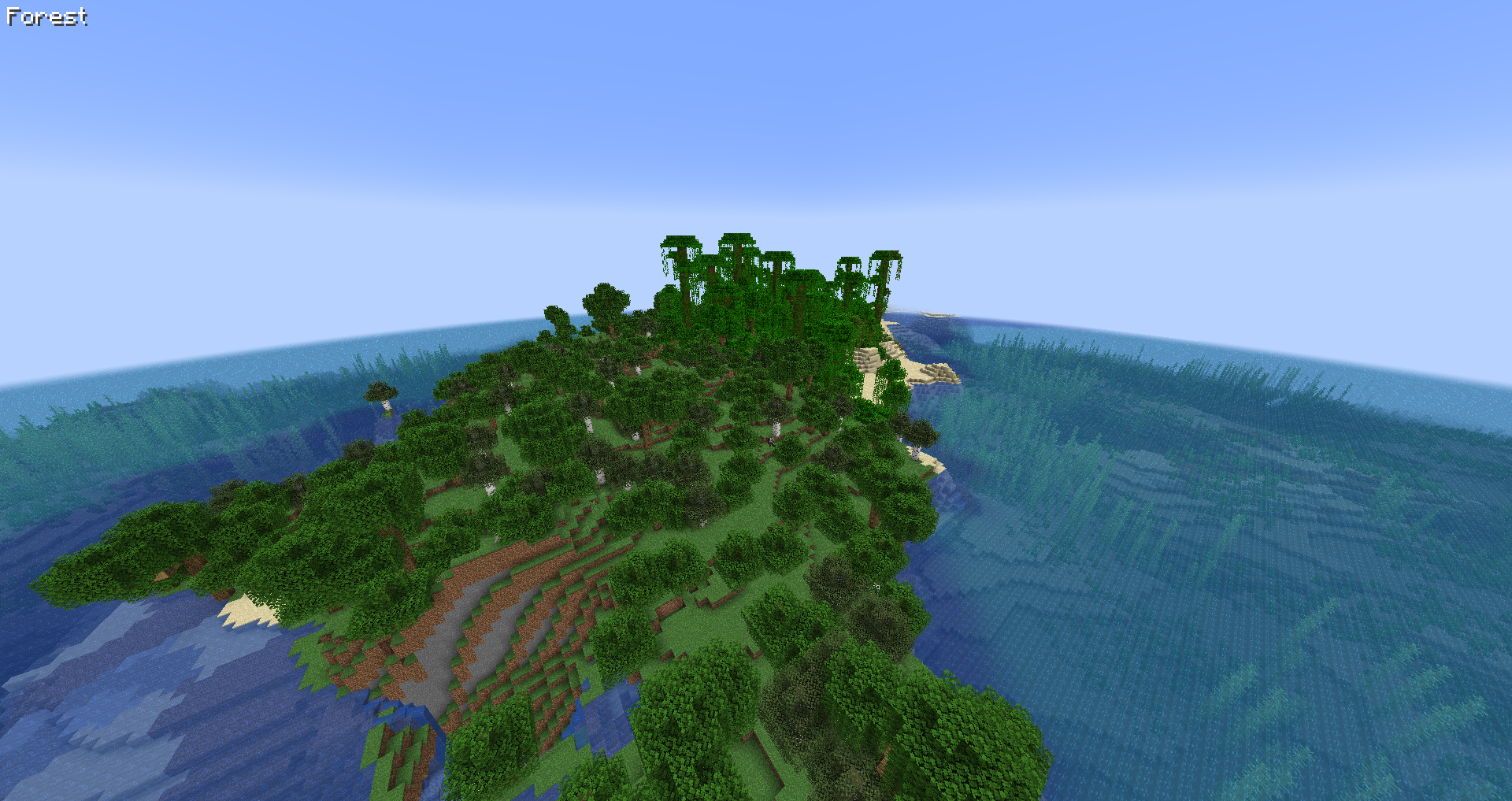 Default Text is white (ffffff) and in the top left corner.
 -
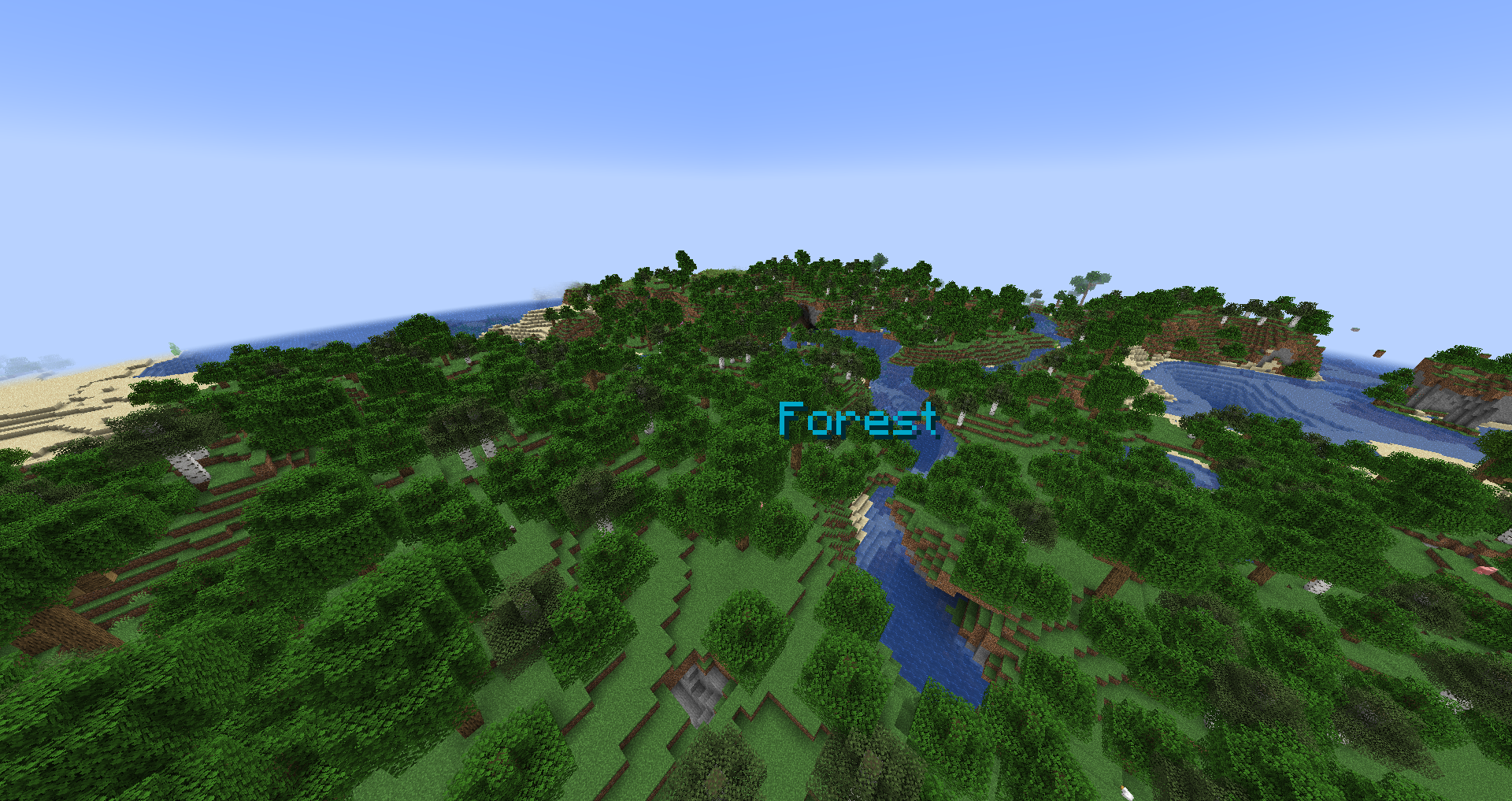 Customized Text is now cyan (00aacc) and next to the crosshair.
-
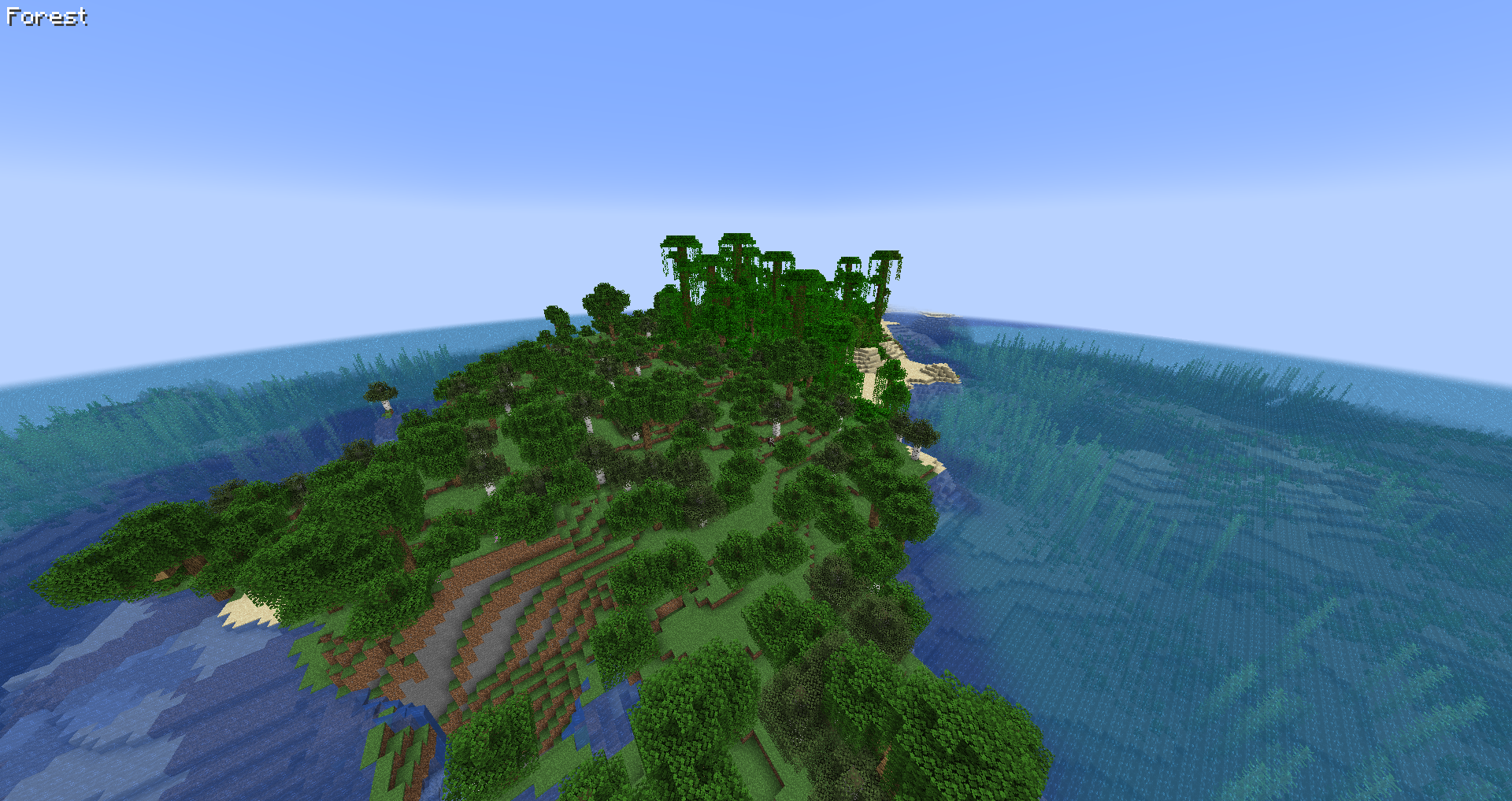 Default Text is white (ffffff) and in the top left corner.
 -
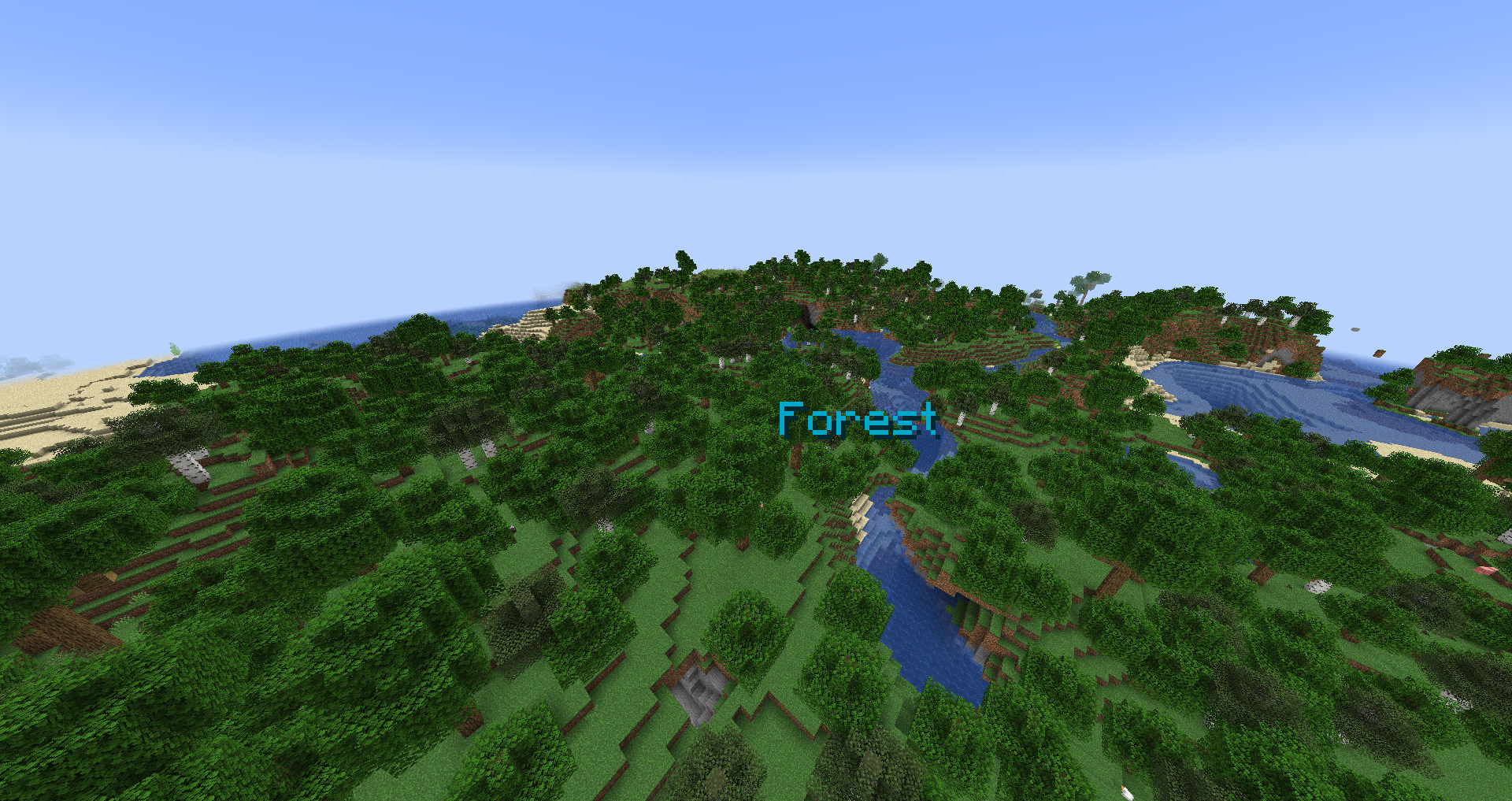 Customized Text is now cyan (00aacc) and next to the crosshair.
-
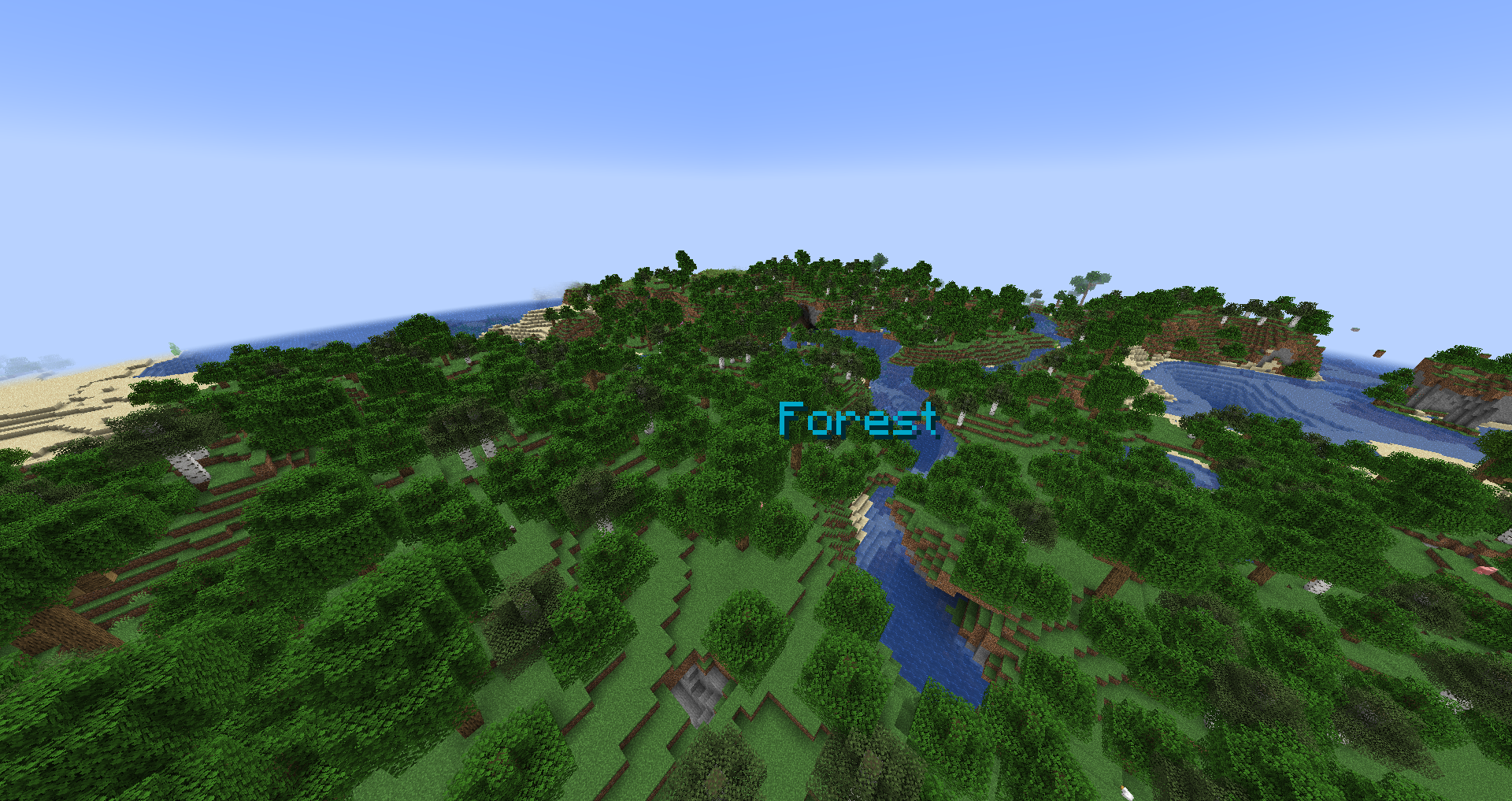 Customized Text is now cyan (00aacc) and next to the crosshair.
 -
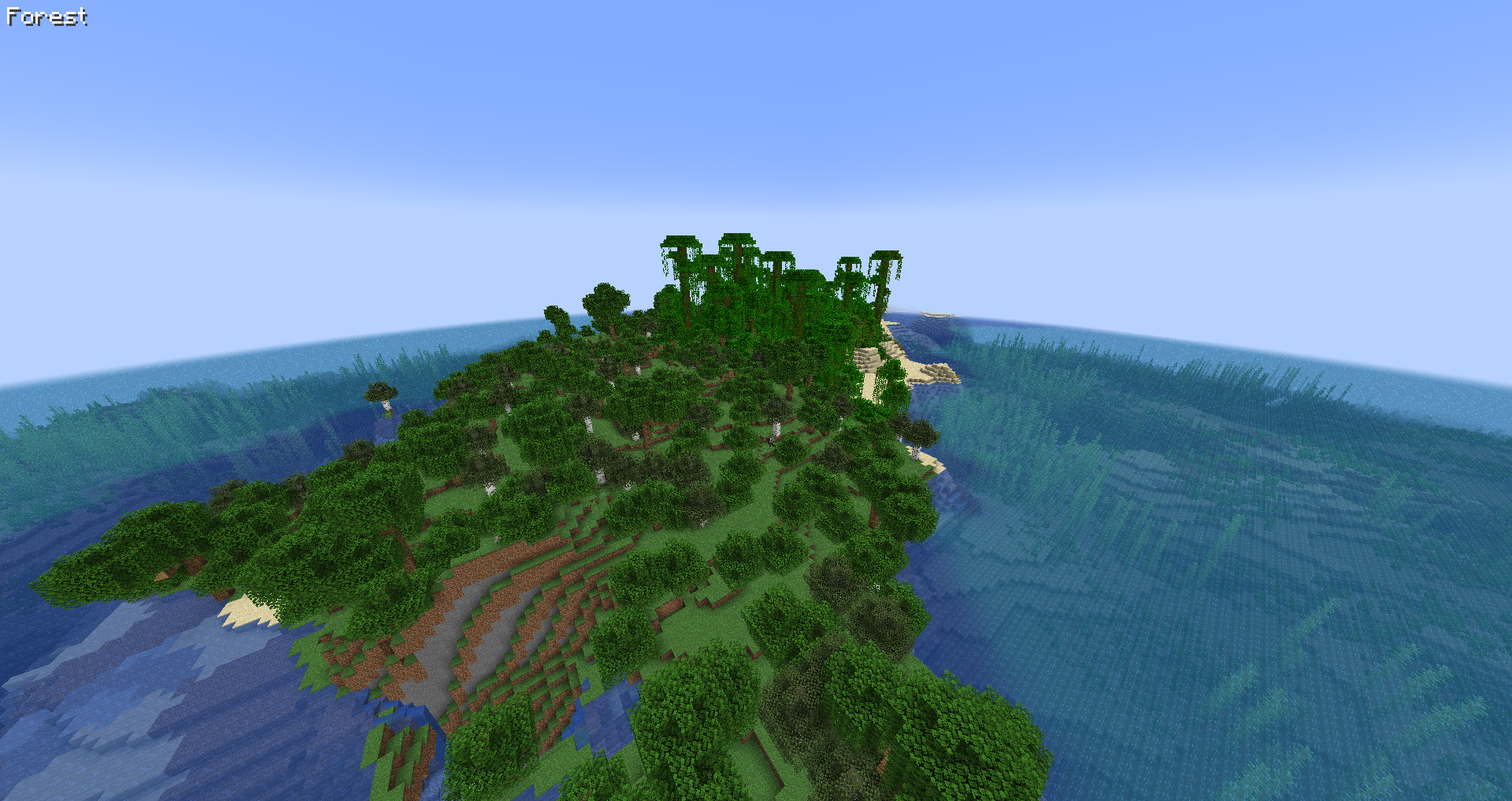 Default Text is white (ffffff) and in the top left corner.
Versions
Files
Relations
Project Relations
More like this
Similar Mods
Suggestions use data such as tags, dependencies, dependents, descriptions, titles, and more to rank how much they overlap with this mod.
On ModDex
Community snapshot
By the numbers
Statistics
 (opens in a new tab)
Get it on
Available Platforms
On ModDex
Community snapshot
By the numbers