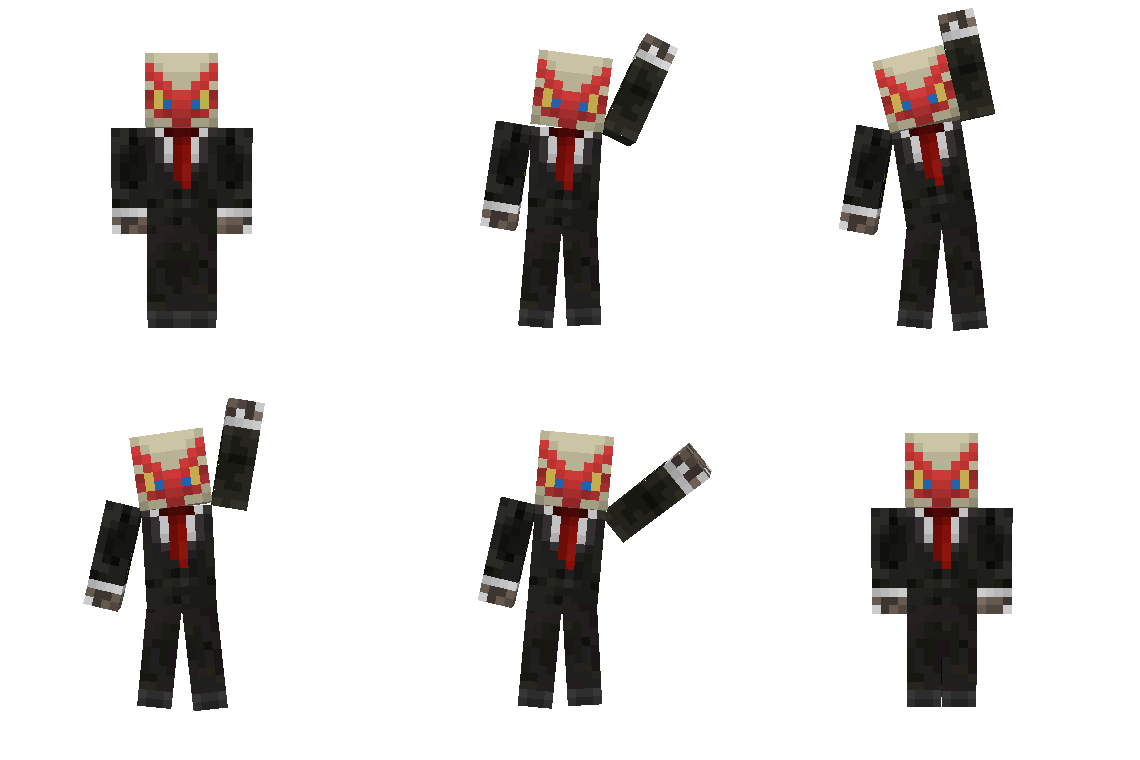
Community listing page, reviews here may not be monitored by the author.

Community voices
Reviews
No reviews yet. Be the first to review this project!
Get it on
Available Platforms
About
Project Details
For authors
Embed Badge
If you're the author of this project, you can embed a live badge anywhere that supports HTML or Markdown. It updates automatically whenever ratings change.
Use HTML for any page that supports it, or Markdown for README files and Markdown-based descriptions.
Identifiers
Platform IDs
Resources
External Links
About
Description
Emotes
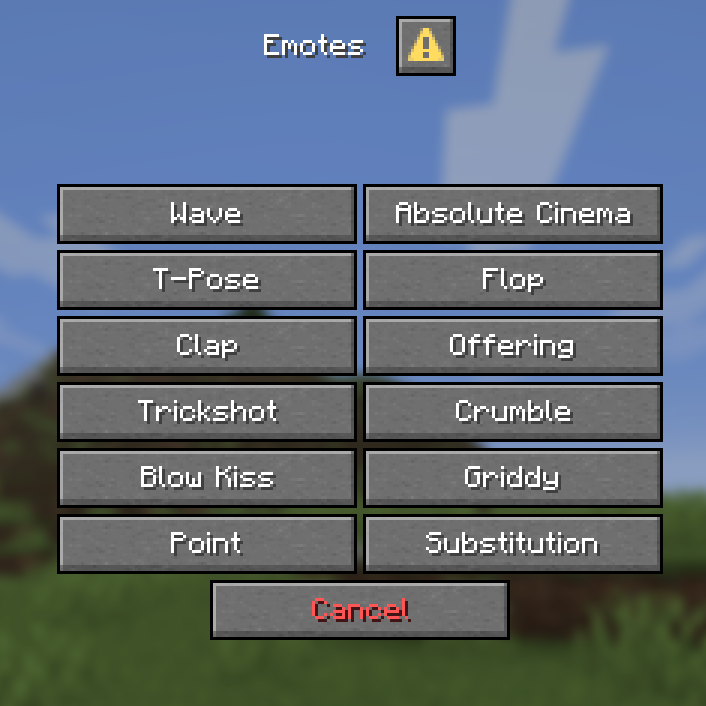
- Adds 12 new and unique ways to express yourself ingame without needing to download any mods with some of the emotes having special effects, sounds or even functionality. (View all avaliable emotes in the gallery page)
- Use the point emote ingame to ping the location you're looking at to let your friends know where to look.
- Multiplayer support and an entire menu for emote selection!
Customization & Settings
- The default keybind for the emotes menu is G, if you wish to change it look for the Quick Actions keybind in controls
- The default skin style is set to Classic if your skin uses Slim style run this command
/trigger skin_typerun the command again if you want to switch back to Classic.
Installation
Download the datapack and either
- Place it inside your datapacks folder and create a new world with it enabled or
- Place the datapack inside your existing world (make sure to leave and rejoin for it to fully work)
- Don't forget to download and enable the resourcepack, if you're using this on a server make sure all players have it enabled or set it as your server's resource pack.
Notes
- When joining a singleplayer world this screen will appear
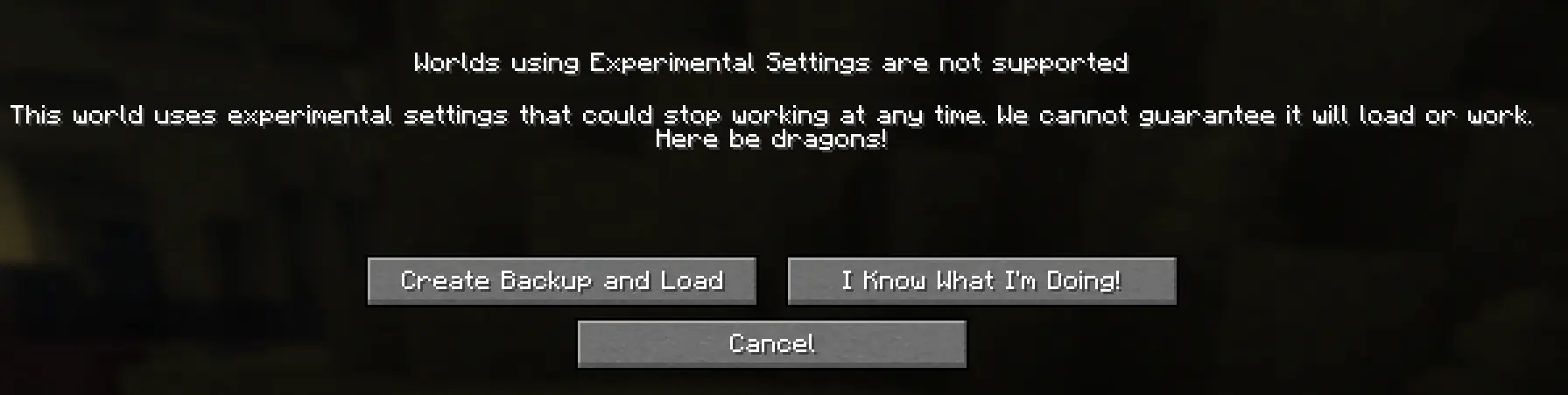 that means the datapack is working, just click on I Know What I'm Doing!
 - The emotes don't work in first person, use Third Person (default key: F5) for best experience
- This only works on Minecraft 26.2 and no older versions
- if you find any bugs send me a message on discord - @notblazon
All the animations were made using Animated Java and Player Animated Java.
Screenshots
Gallery
-
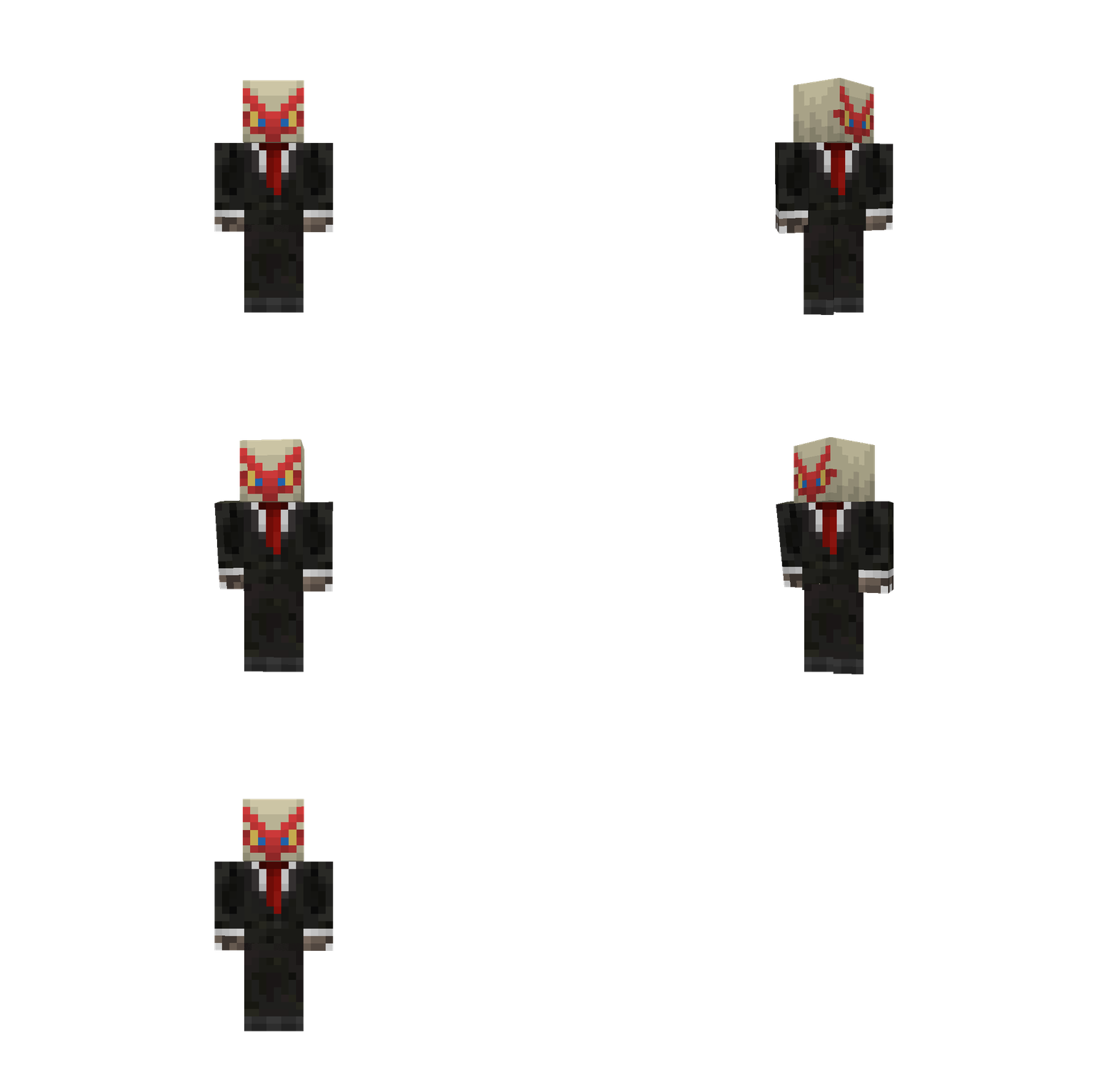 Substitution Replaces your player with an oak log ingame.
 -
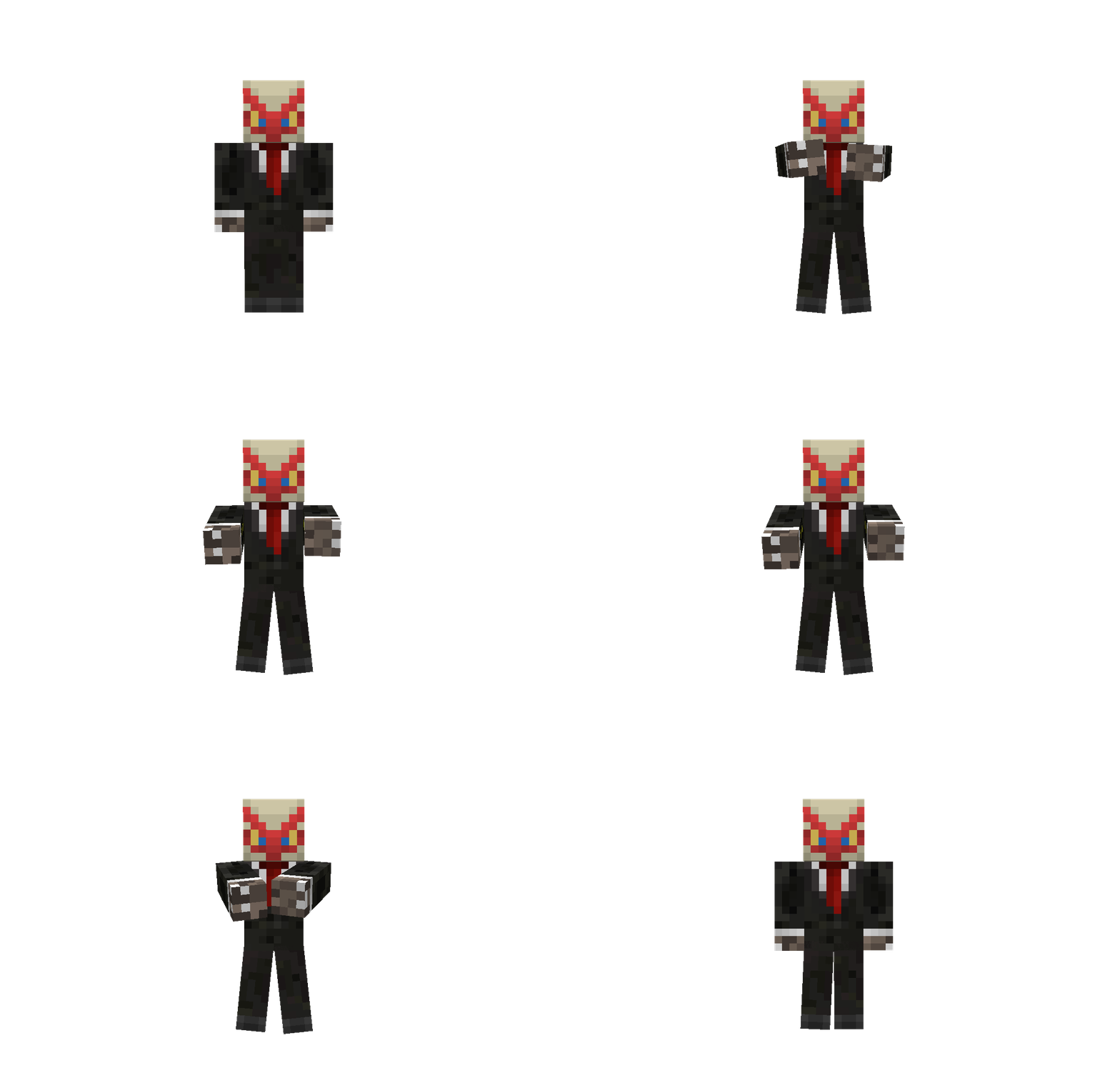 Clap
Clap -
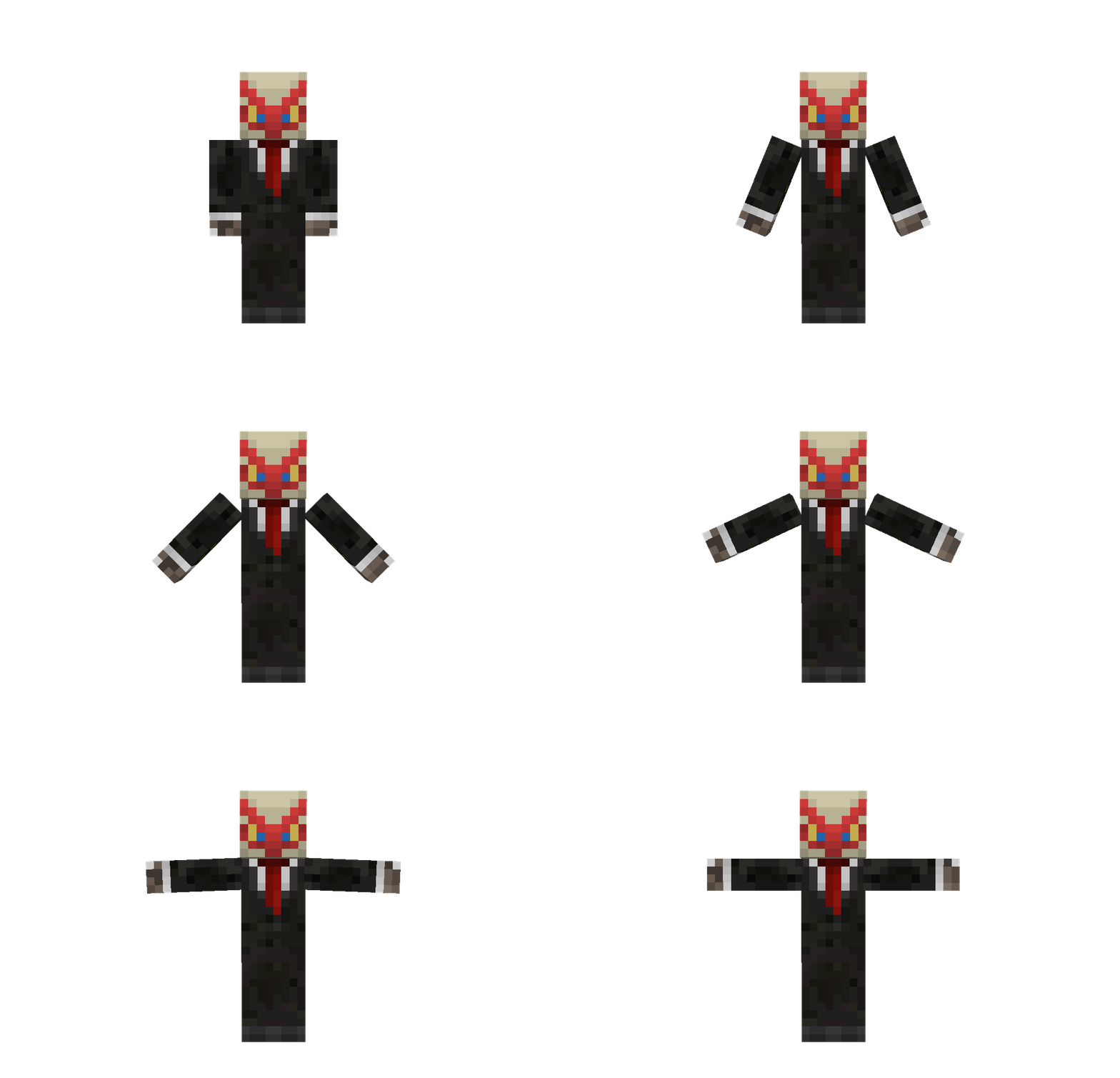 T-Pose
 -
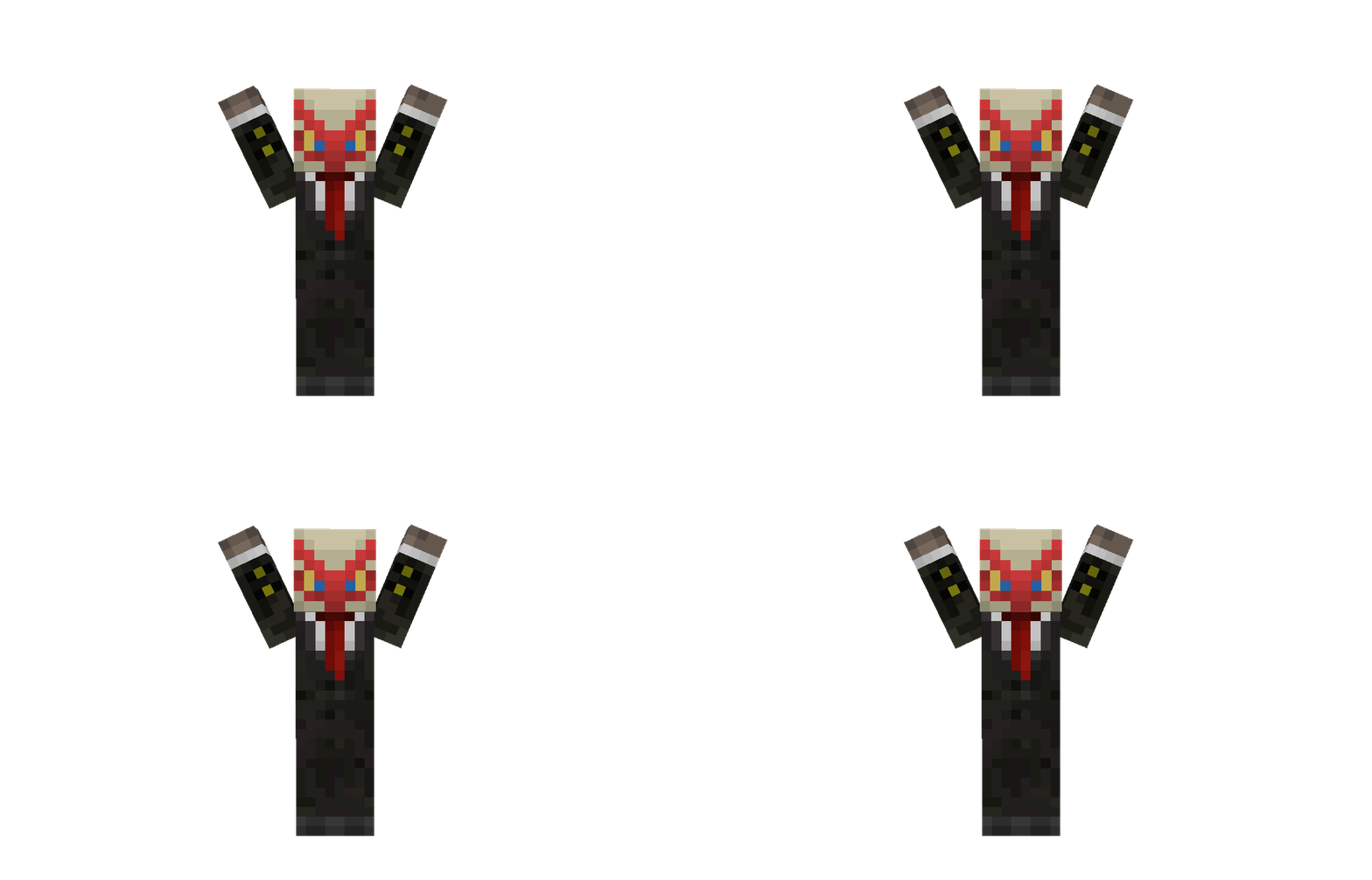 Absolute Cinema
 -
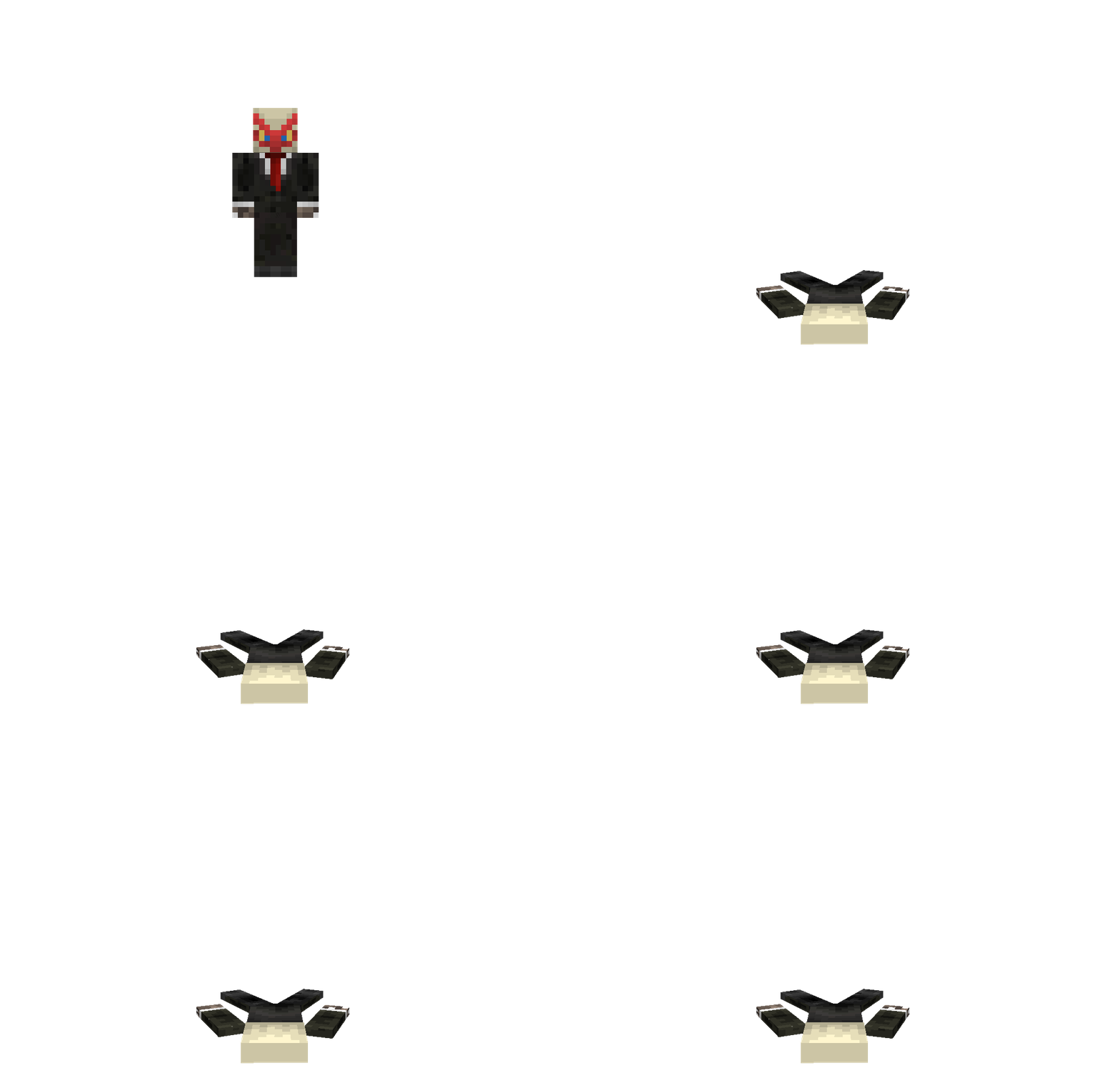 Flop
Flop -
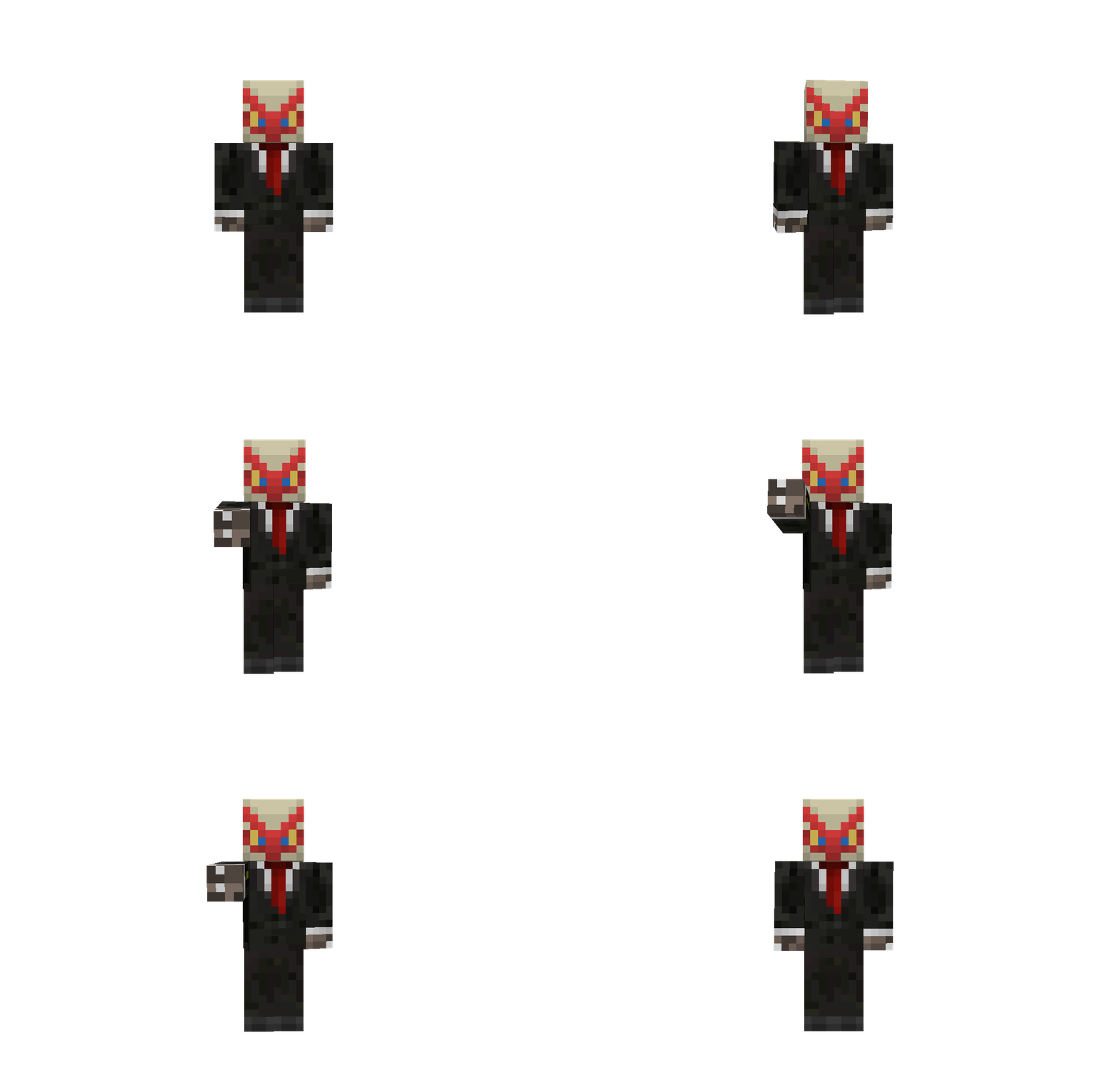 Point Sets a marker for other players to see where you're pointing.
 -
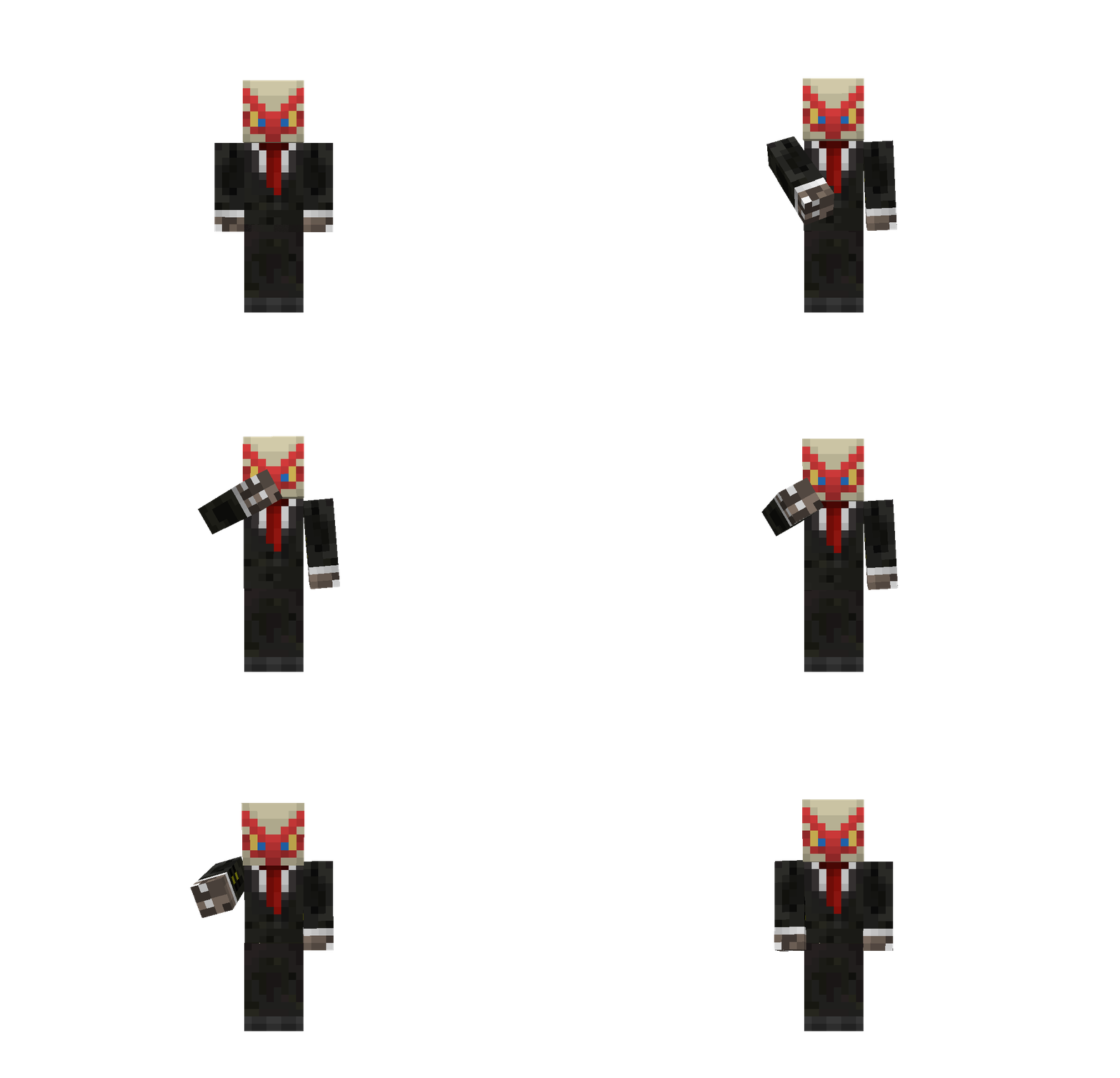 Blow a Kiss
 -
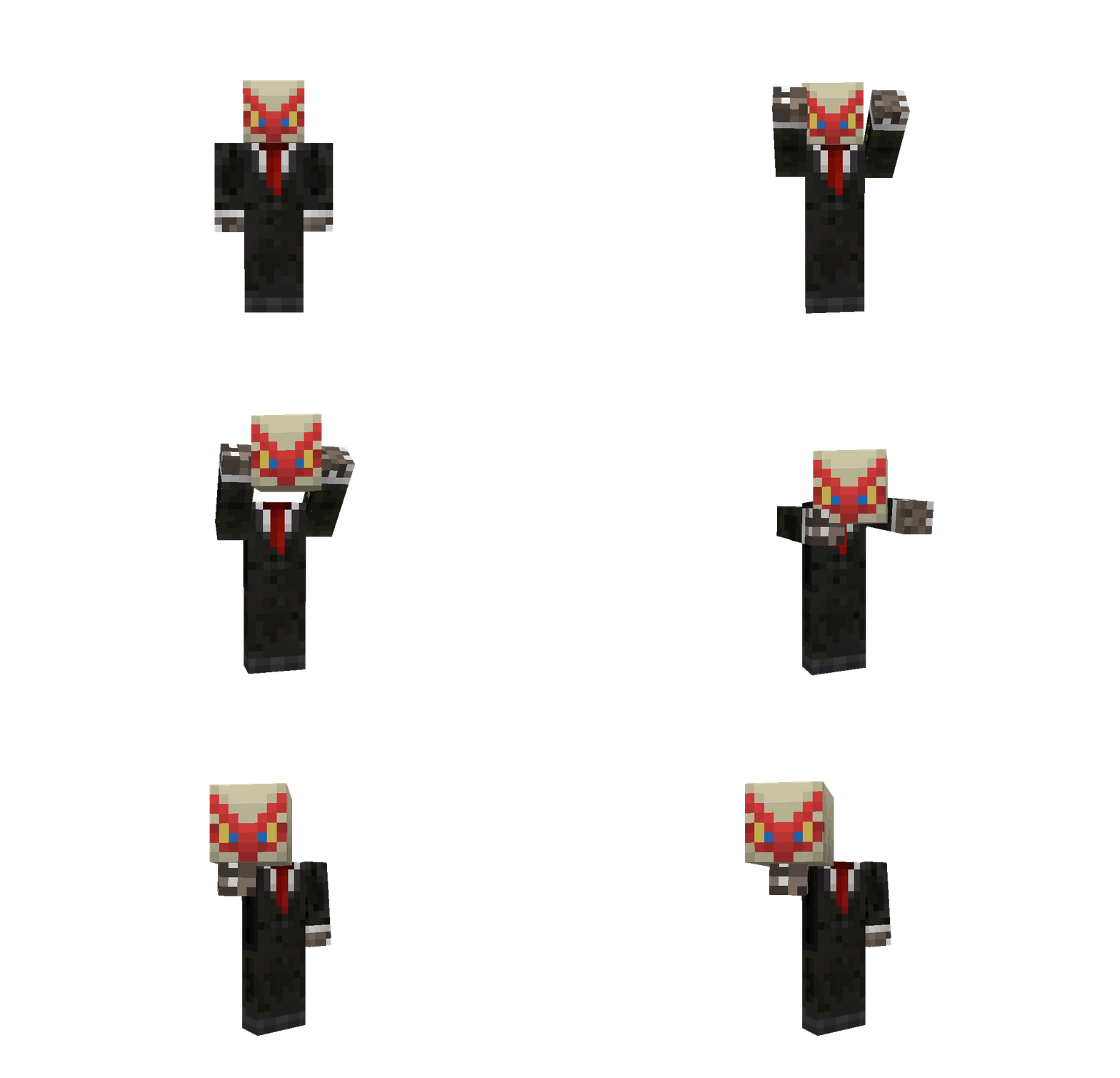 Offering
 -
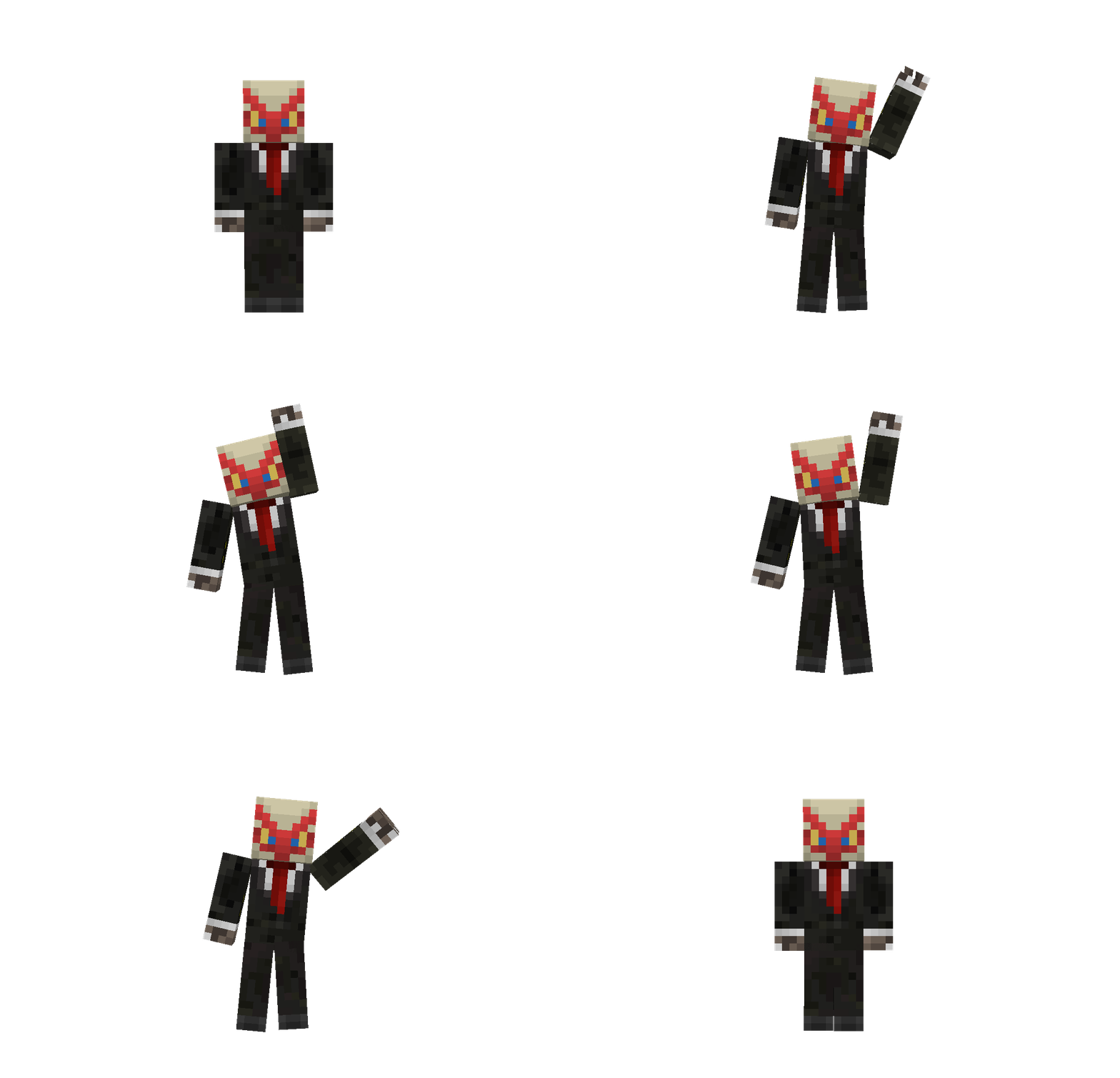 Wave
Wave -
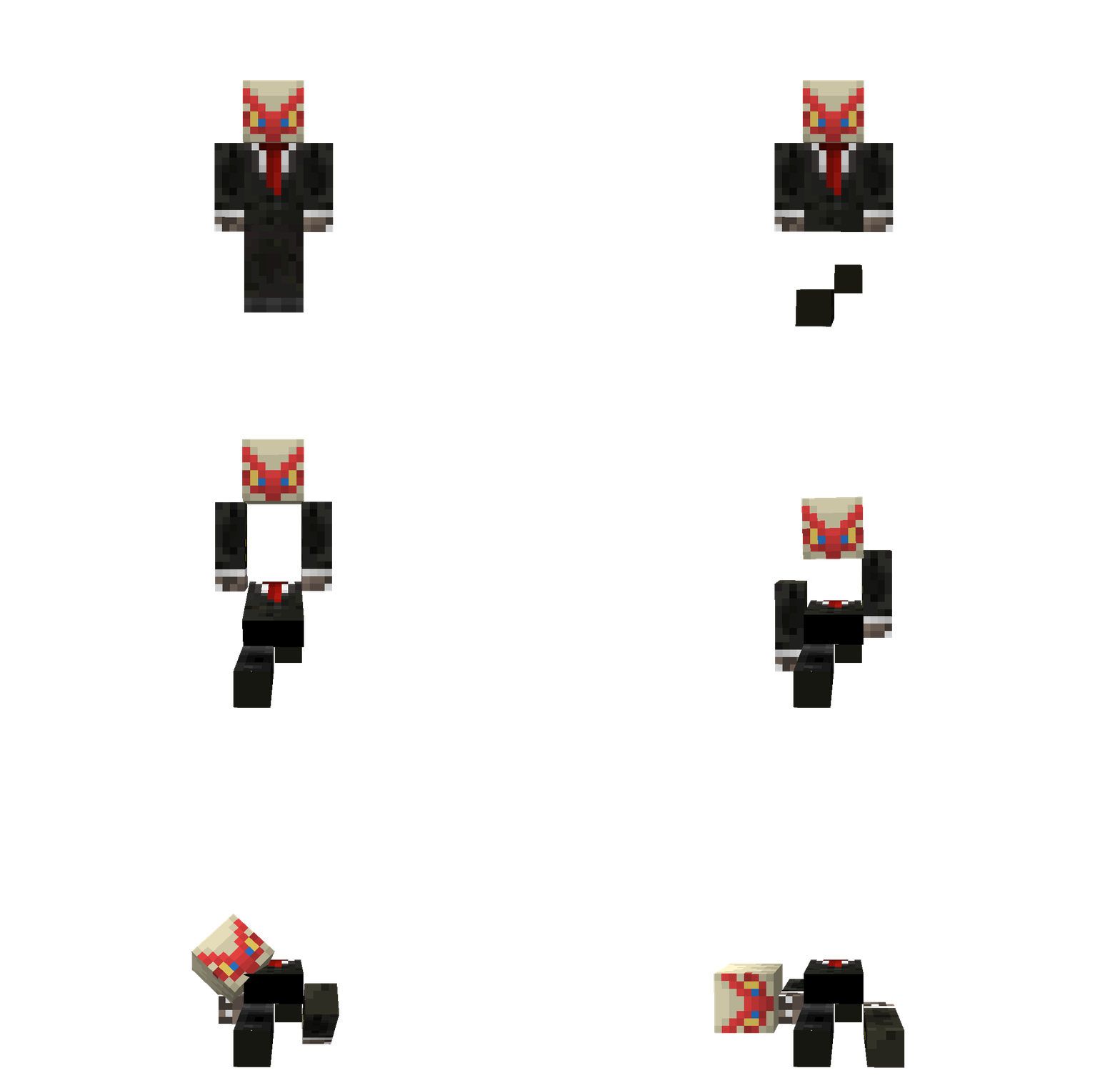 Crumble
 -
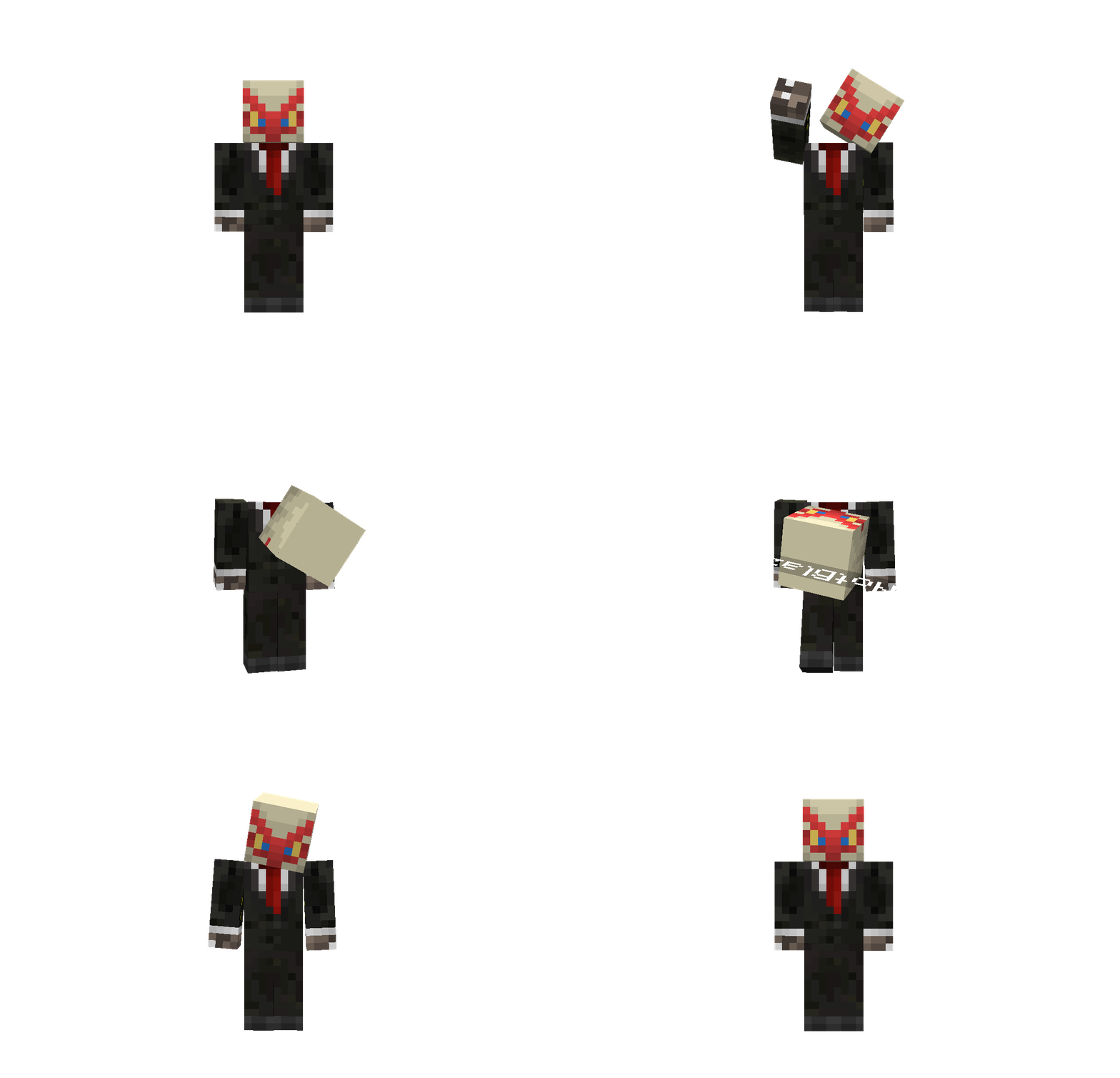 Trickshot
 -
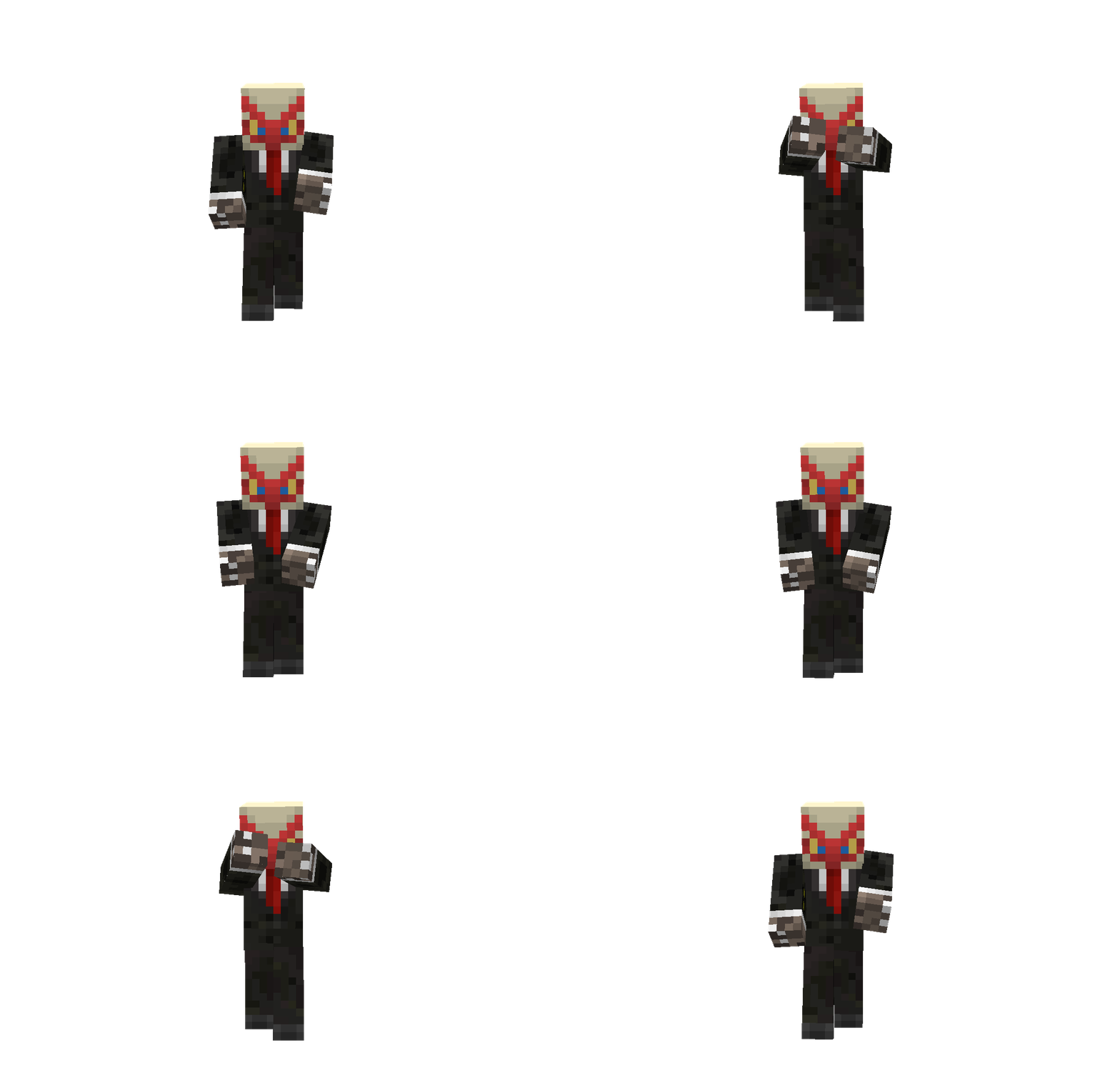 Griddy
Versions
Files
Relations
Project Relations
More like this
Similar Mods
Suggestions use data such as tags, dependencies, dependents, descriptions, titles, and more to rank how much they overlap with this mod.
On ModDex
Community snapshot
By the numbers
Statistics

Want to reach Minecraft players?
We're looking for a server hosting partner to feature here and other parts of the site. Interested? Send us a message!
Get in touchGet it on
Available Platforms
On ModDex
Community snapshot
By the numbers
Statistics
Resources